Boring CMS
A headless CMS that is one Node process and one SQLite file. AI agents can write to it.
Free, MIT licensed, no runtime dependencies. It runs this website, and now you can run it too.
Fast on the cheapest box you can rent
Measured on one pinned CPU core with a 768 MB Node heap, simulating a 5 to 10 USD VPS. A real shared core is slower, so read these as upper bounds.
- Read one entry
- 0.23 ms
- 3,800 reads/s
- Create one entry
- 0.66 ms
- 1,333 writes/s
- Batch create
- 23k
- entries per second
- Peak memory
- 127 MB
- zero errors in the run
Source: Boring CMS v0.21.0 benchmark suite, node 24.13, 1 vCPU, 2026-09-20. Full method in BENCHMARK.md.
What it looks like
All demo data, from a made-up Northwind Blog. Click a screenshot to enlarge it.
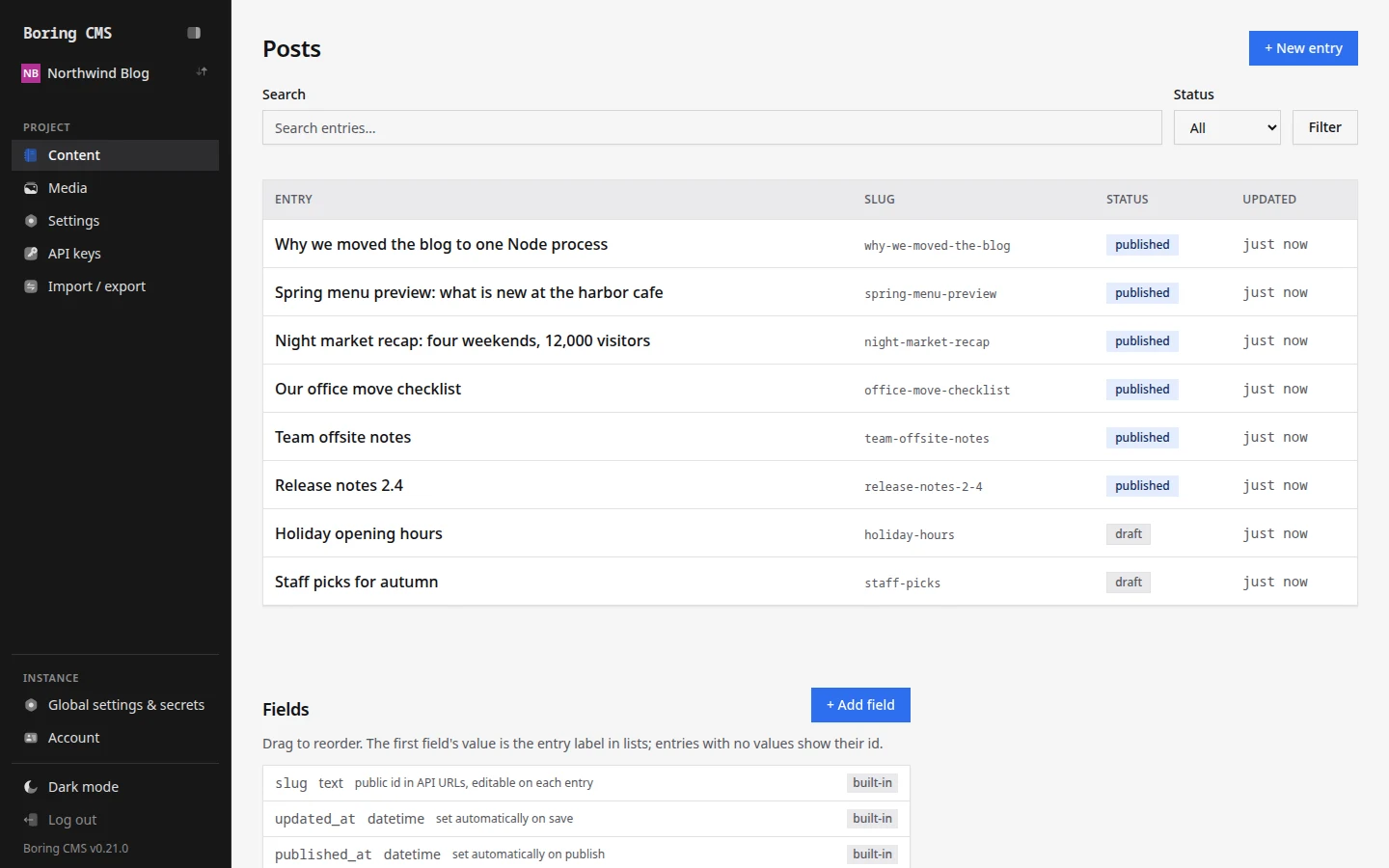
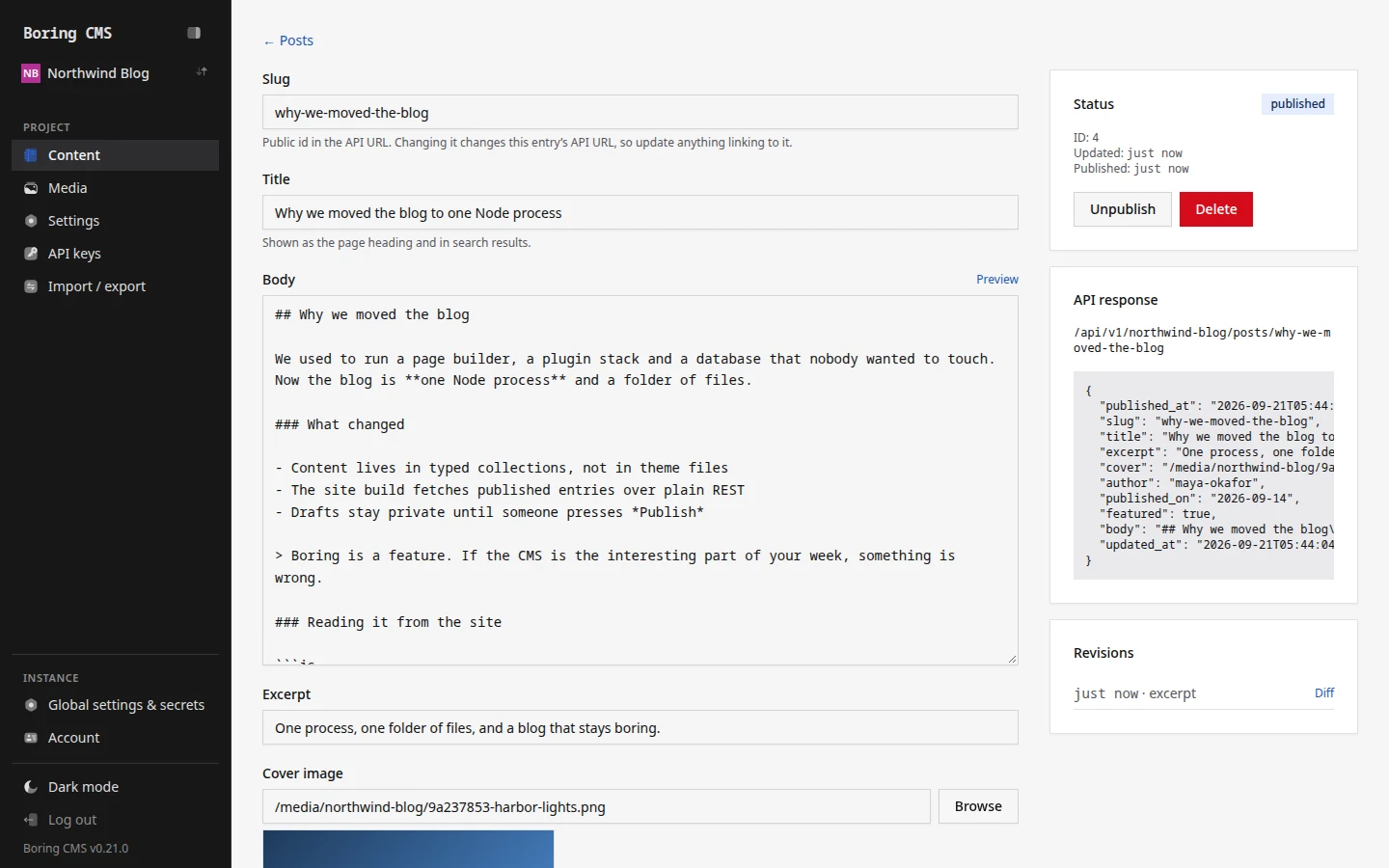
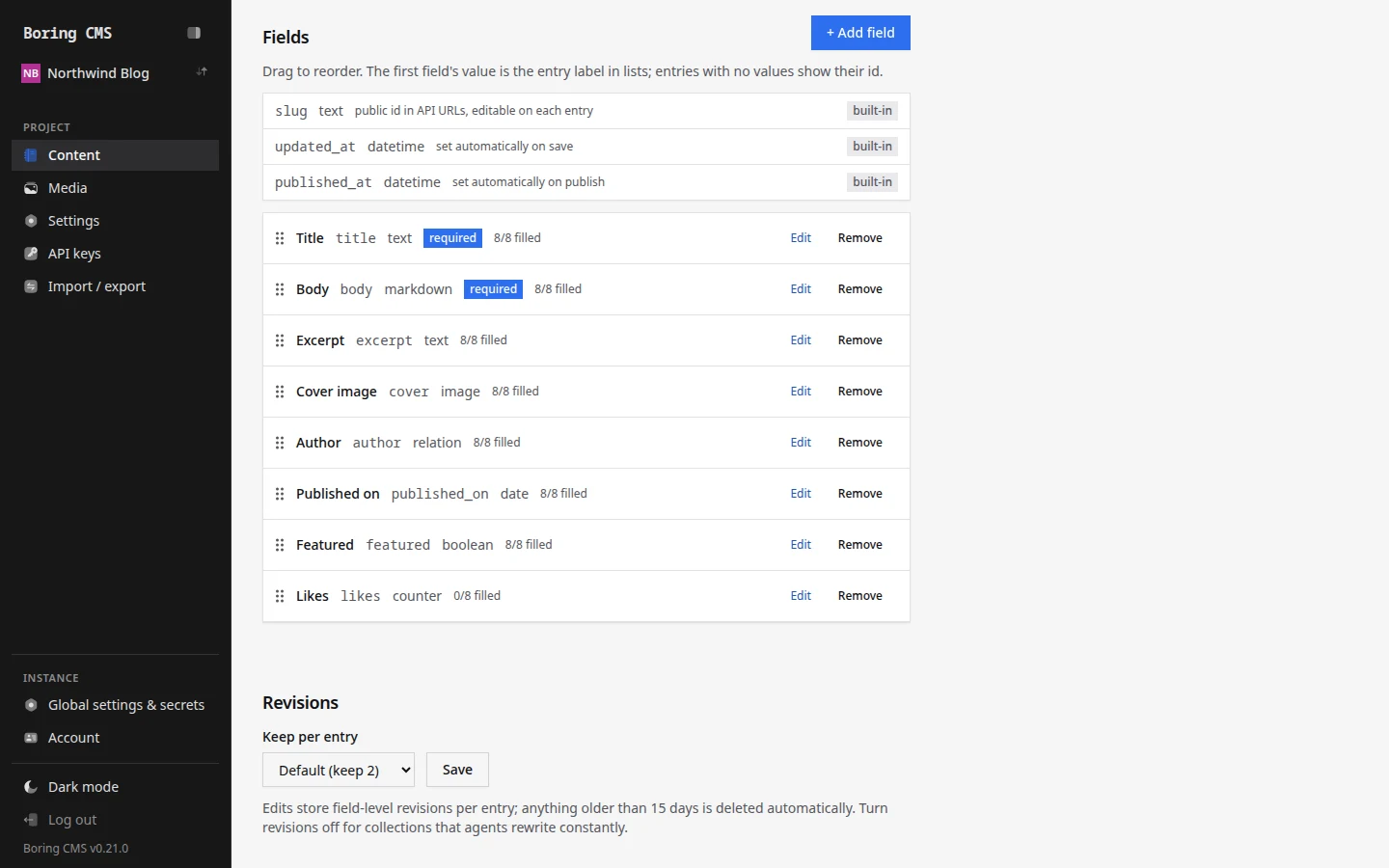
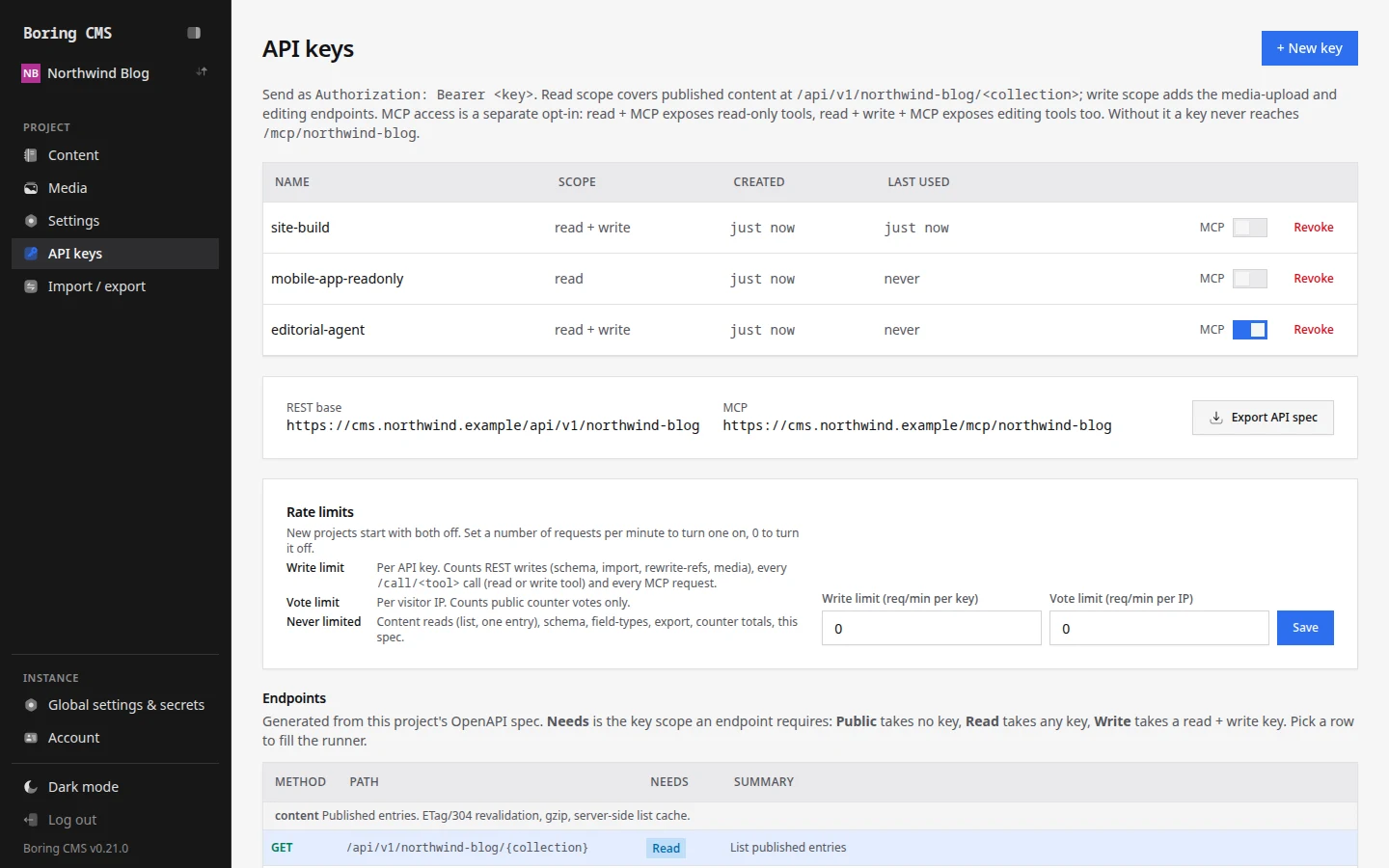
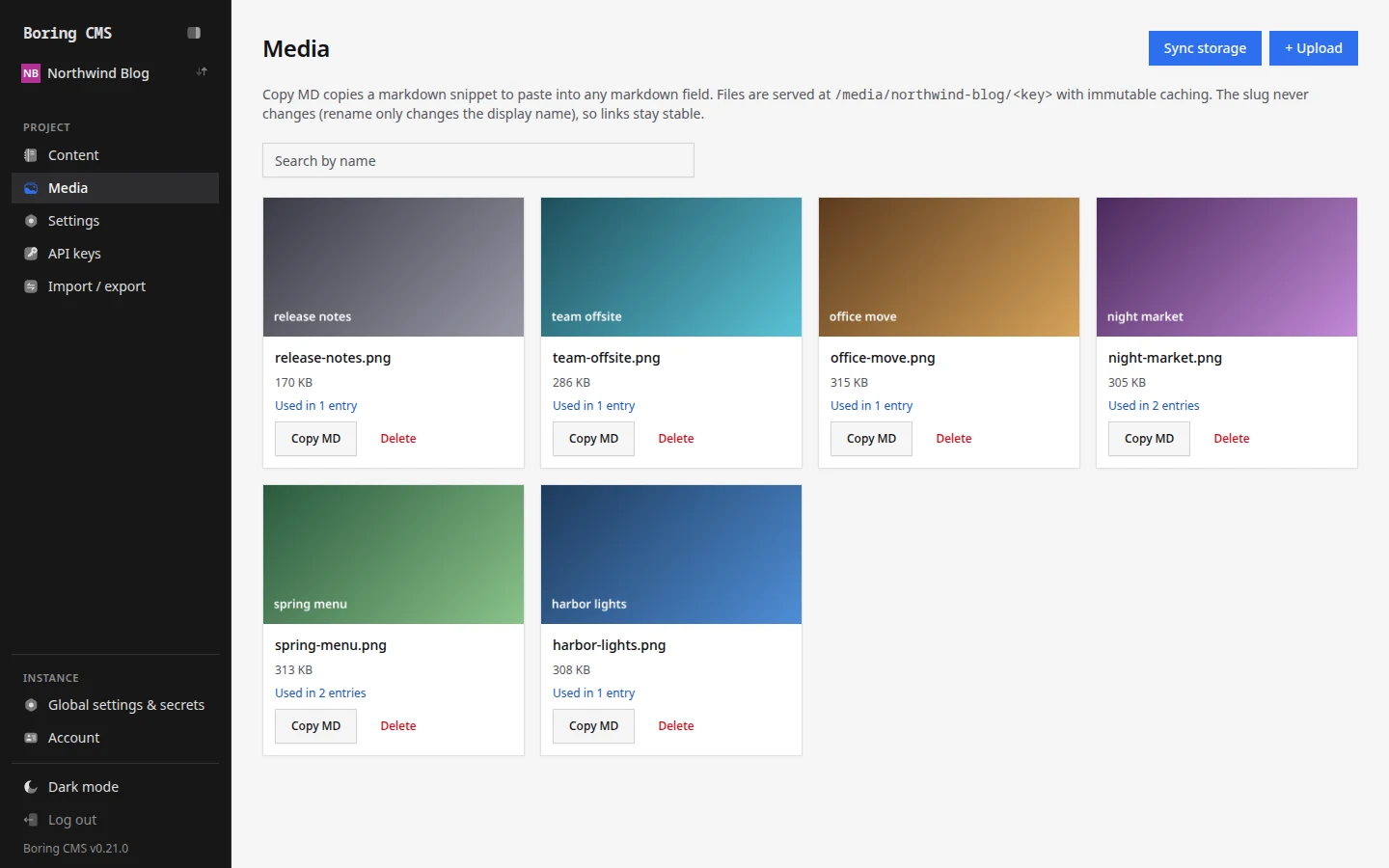
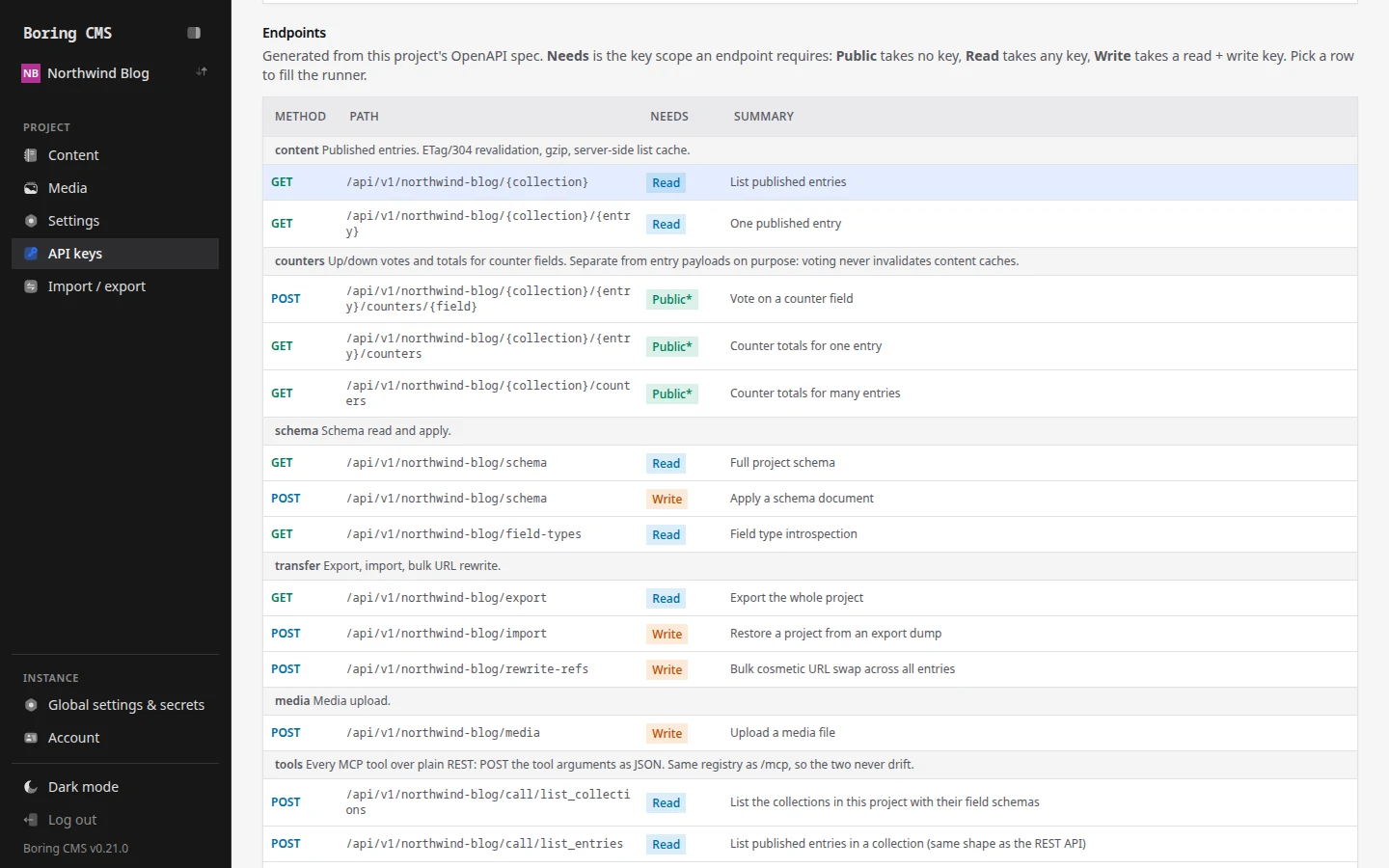
Start it with one command
Then open localhost:3000/setup to create your admin.
npx boring-cmsWhat you get
One process, one SQLite file per project
No database server, no queue, no build step. One deploy serves many projects, each with its own database, API keys, and content model. Back up by copying a file.
MCP server per project
Claude, Cursor, and any MCP client can list, create, update, and publish entries with a scoped key. Every agent edit is a normal revision you can revert.
Content API that stays cheap
REST with Bearer keys and ETag caching, so unchanged reads are a 304. Scheduled publishing, webhooks, and a per-project OpenAPI spec you can import into Postman.
Editing that respects your content
Collections with custom fields, draft and publish, and field-level revisions with atomic revert. Text, markdown, number, boolean, date, json, image, relation, and counter fields.
Auth without a plugin
Passkeys (WebAuthn), Google OAuth, and email plus password. Read and write scope API keys, per-key rate limits, and MCP access as a switch per key.
Your data is never trapped
Full JSON and CSV export and import with a dry-run preview. Media on local disk or any S3 compatible store such as R2 or MinIO. MIT licensed.
Your agent can publish for you
Every project is an MCP server. The API keys page in the admin shows a ready-to-paste config like this one. Read keys can list and fetch entries. Write keys cover the full lifecycle: create, update, publish, unpublish, delete.
Every tool is also plain REST at POST /api/v1/<project>/call/<tool>, for scripts and CI that do not speak JSON-RPC.
{
  "mcpServers": {
    "my-site": {
      "type": "http",
      "url": "https://cms.example.com/mcp/my-site",
      "headers": { "Authorization": "Bearer yn_..." }
    }
  }
}
We run our own site on it
The Tech Basket moved off WordPress to a static Astro site in September 2026. Every article, author, and category on this page's site lives in a Boring CMS project, and each build pulls it over the content API. Boring CMS exists because we needed it, not because a market report said so.
Running in one minute
- Start it. Data lives in
~/.boring-cmsand aSECRET_KEYis generated for you. - Create the admin. Finish the setup page, then add a project and your first collection.
- Read it. Create an API key and call
/api/v1/<project>/<collection>, or hand the MCP config to your agent.
Questions
What is Boring CMS?
Is Boring CMS free?
What do I need to run it?
How do AI agents use it?
Who uses it?
Try it, then tell us what breaks
Issues and stars on GitHub help other people find it.