GA4 Dashboard MCP
A live Google Analytics 4 dashboard with a visitor globe, and an MCP server so your AI assistant can read the same data.
Free and MIT licensed. It runs on your own machine with a service account that only needs Viewer access to your GA4 property.
git clone https://github.com/TheTechBasket/GA4-Dashboard-MCP.git
cd GA4-Dashboard-MCP
cp .env.example .env
docker compose up -d   # http://localhost:5483
What it looks like
What you get
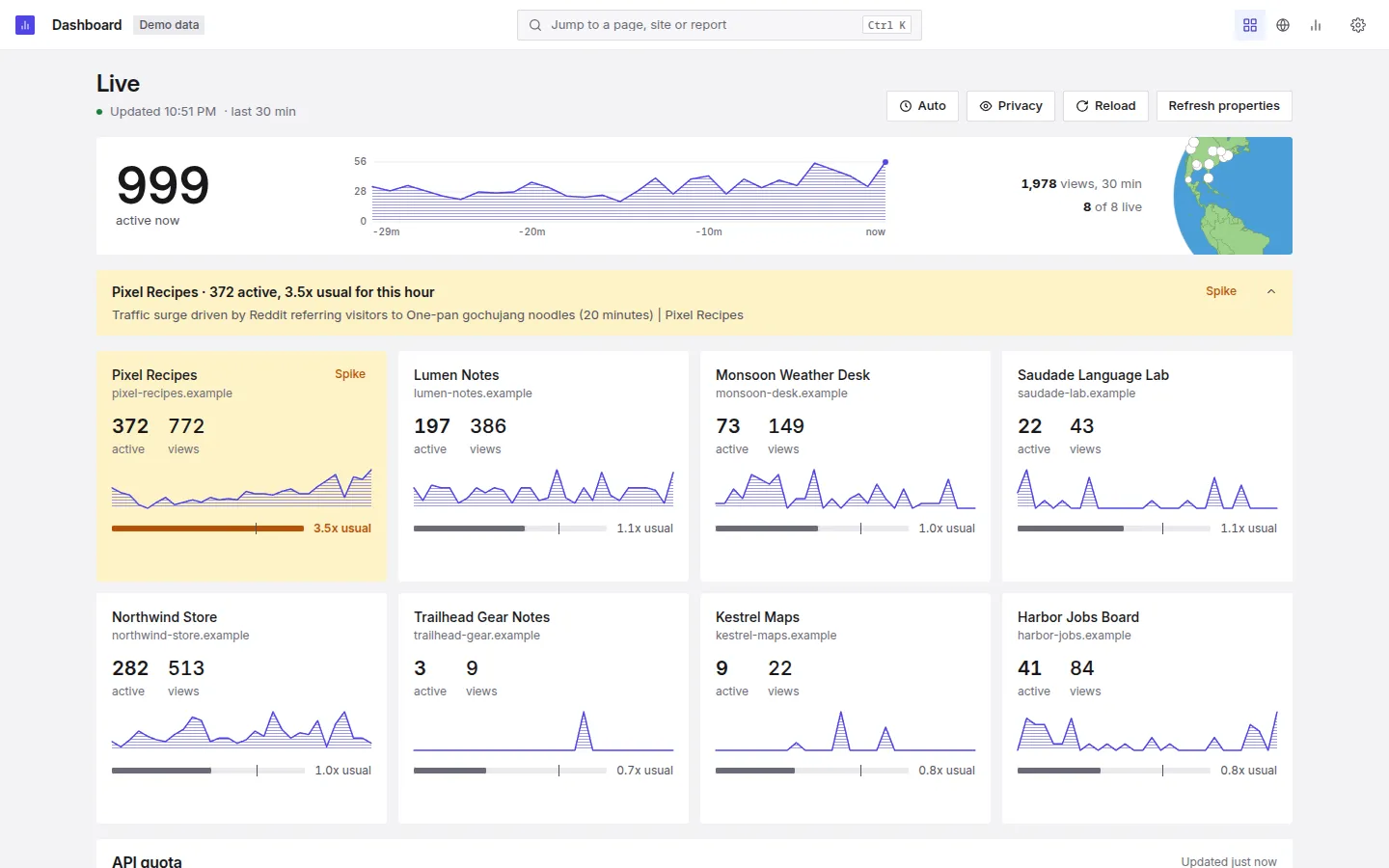
A live dashboard
Active users, a side by side comparison of your properties, ready-made analytics recipes and a quota tracker for the GA4 API.
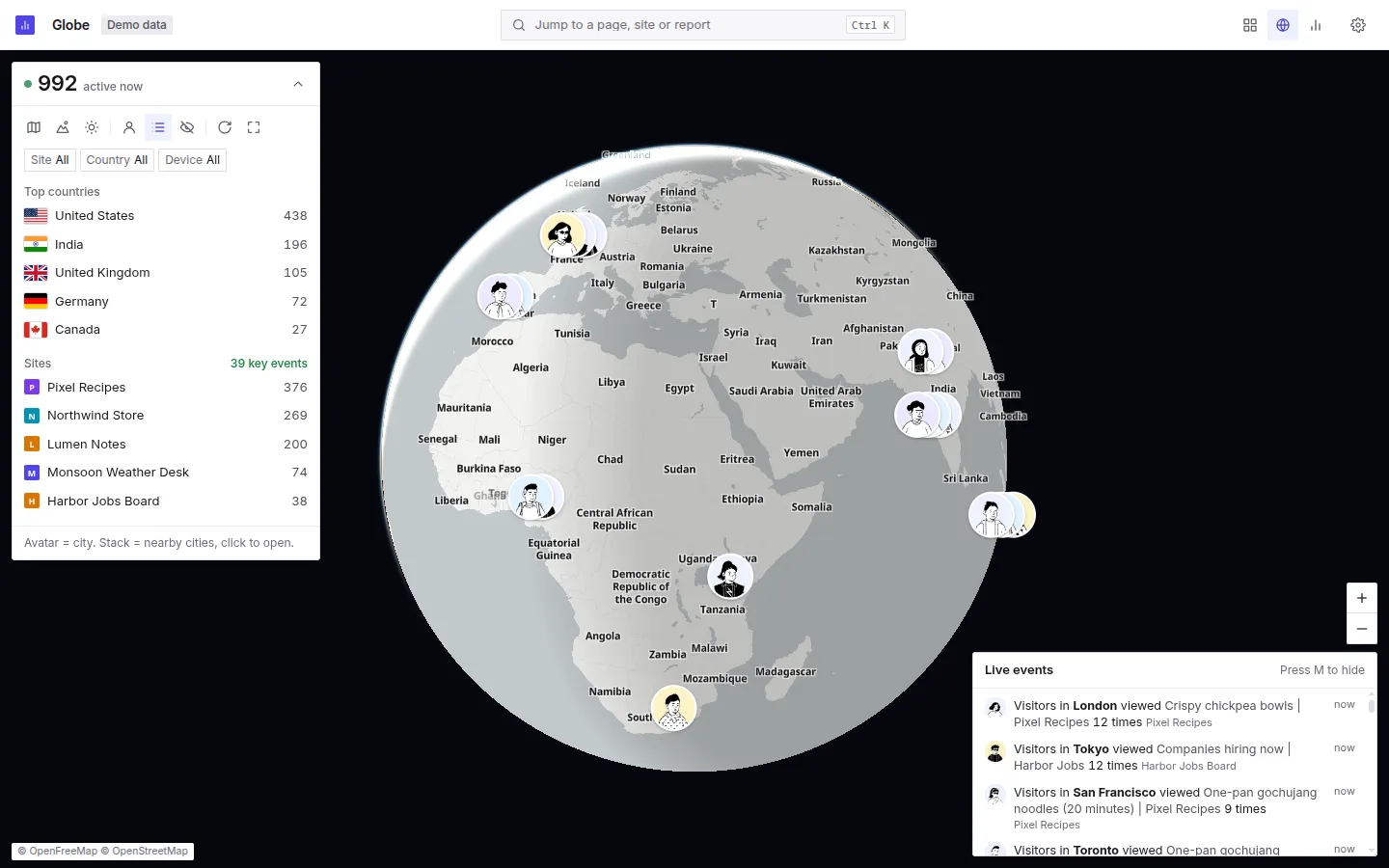
A live globe
Open
/globeto see live visitors as avatars on a globe or a flat map, with city cards, day and night shade and a live event feed.Spike detection
It flags sudden traffic surges and tells you whether they came from a referral, direct visits or a campaign, so you know where to look first.
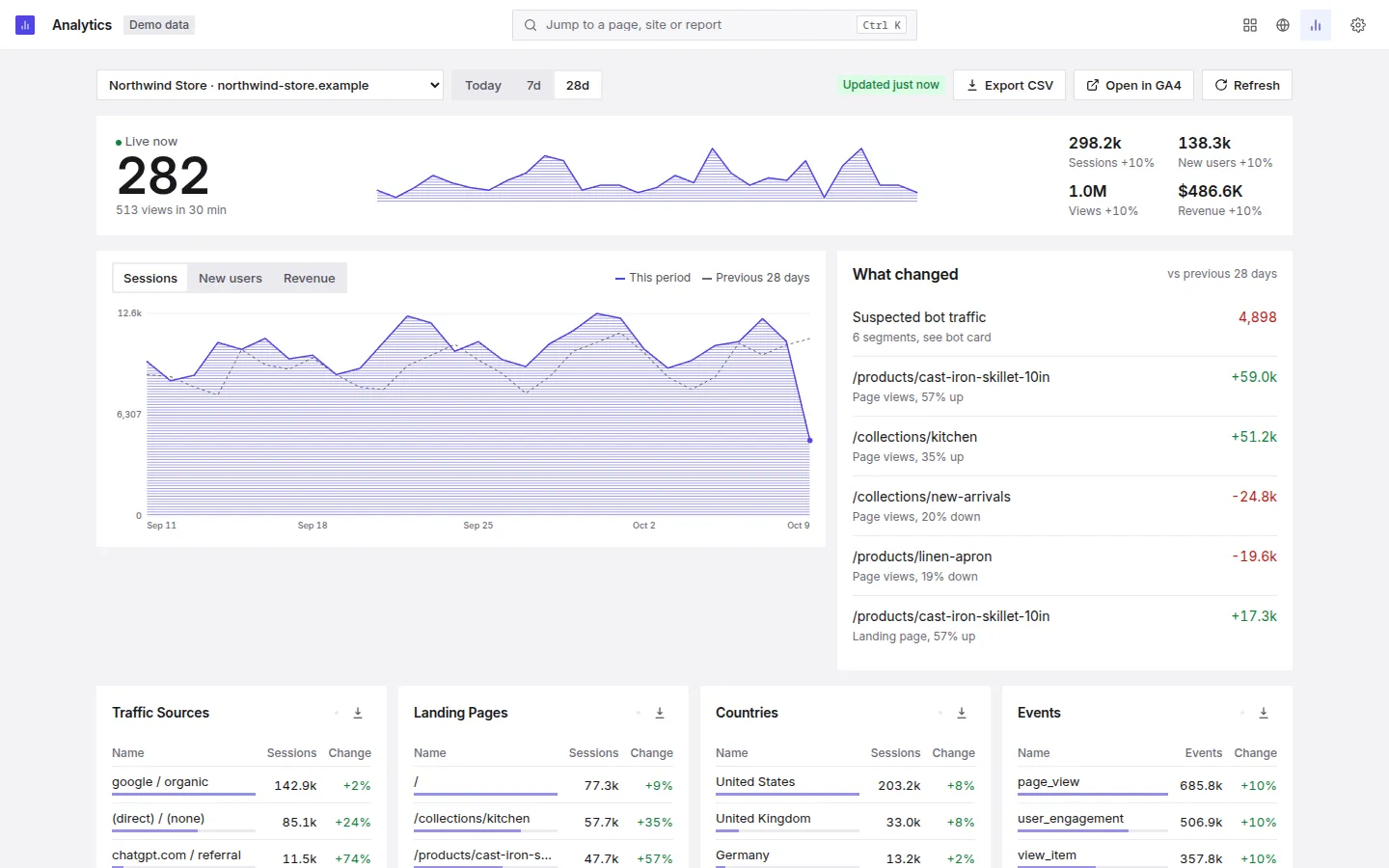
Visitor insights
New against returning visitors, plus the devices they use and the places they come from.
Privacy Shield
Strips URL parameters and query strings from what the dashboard shows, so screenshots and screen shares show clean page paths.
Gentle on your API quota
Disk and in-memory caches plus a background refresh of property metadata keep repeat views from spending your GA4 API quota.
Ask your assistant about your traffic
A standalone MCP server in mcp-server/ exposes 11 tools over the GA4 Admin and Data APIs: account summaries, property details, reports, funnel reports, realtime reports, custom dimensions and metrics, and linked Google Ads accounts.
It also runs PageSpeed Insights and can ask Google to recrawl a URL through the Indexing API. Indexing is the only write action, and it needs Owner access in Search Console.
Responses are cached and rate limited locally. Each one carries a _cache field, so you can see when a number is stale.
{
  "mcpServers": {
    "ga4": {
      "command": "docker",
      "args": ["run", "--rm", "-i", "--env-file", "/absolute/path/to/.env",
               "ghcr.io/thetechbasket/ga4-dashboard:latest", "node", "mcp-server/index.js"]
    }
  }
}
Running in a few minutes
- Start it. Run
docker compose up -d(orpnpm installthenpnpm start) and openhttp://localhost:5483. Until Google access works, every page opens/setup. - Let your AI agent connect Google. Copy the prompt from
/setupinto Claude Code, Codex or Gemini CLI. It creates a Google Cloud service account and writesGA4_CLIENT_EMAILandGA4_PRIVATE_KEYinto.env. No key file stays on disk. A step by step guide with screenshots is there too, if you prefer to do it by hand. - Give it Viewer access. Add the service account email as Viewer in GA4 Admin, Account access management. The setup checklist moves on by itself, no restart needed.
- Connect your assistant. The MCP server reads the same
.env. For Claude Code:claude mcp add ga4 --scope project -- node <folder>/mcp-server/index.js, or use the Docker config above in any MCP client.
Good to know
- The dashboard has no login screen of its own. Run it on your own machine, or put Cloudflare Access or Tailscale in front of it. The README has both setups.
- Try it without a Google account:
pnpm demoshows generated data for 8 fictional sites. - Revenue comes back in each property's own currency. It is not converted to one currency.
- The realtime report covers at most the last 30 minutes, which is a Data API limit.
- The MCP server does not include Search Console data.
Questions
What is GA4 Dashboard MCP?
Is it free?
Can it change my Analytics data or settings?
Which AI tools can use the MCP server?
What do I need to run it?
Point it at one property
Issues and stars on GitHub help other people find it.