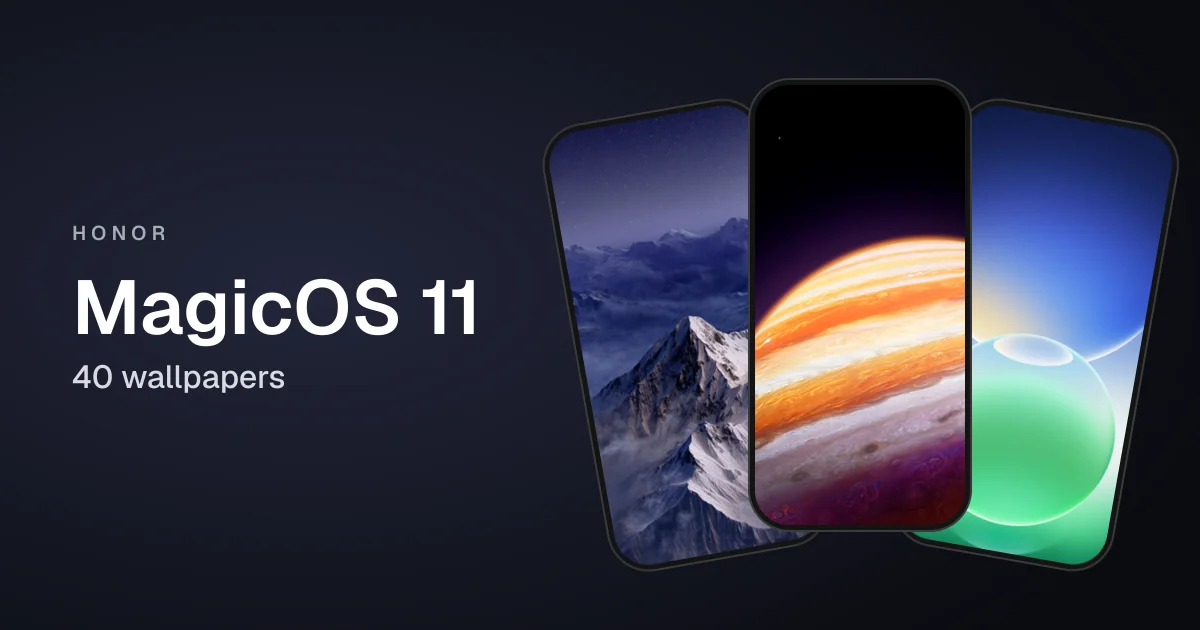
Honor's MagicOS 11 is its Android 17 based software, and it comes with one of the biggest wallpaper collections of any phone skin this year: 40 wallpapers. Apart from a handful of built-in stock designs, many are made to work with the large lock screen clock.
All 40 are 1462 x 3200 pixels. We have grouped them into five themes below.
Note: Wallpapers shown here are only a preview, for the high-quality version scroll down and use the download link.
Rings
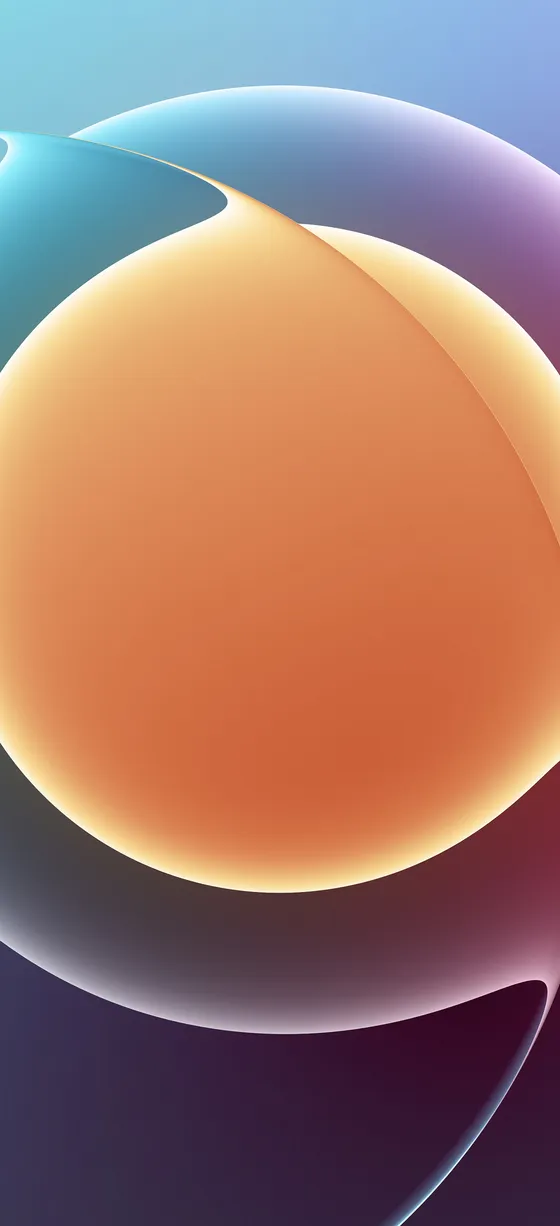
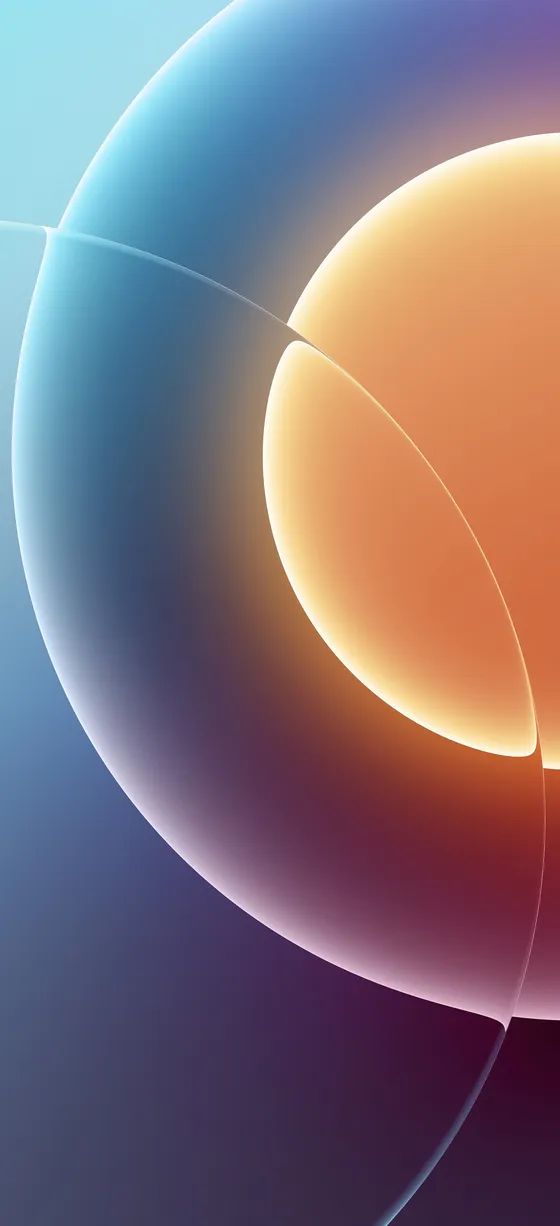
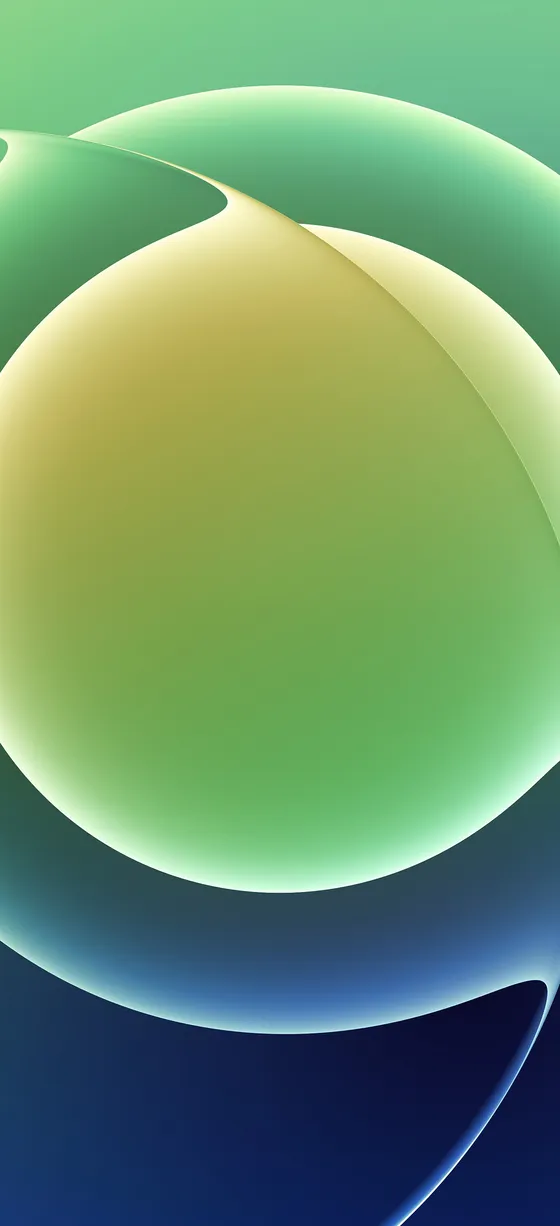
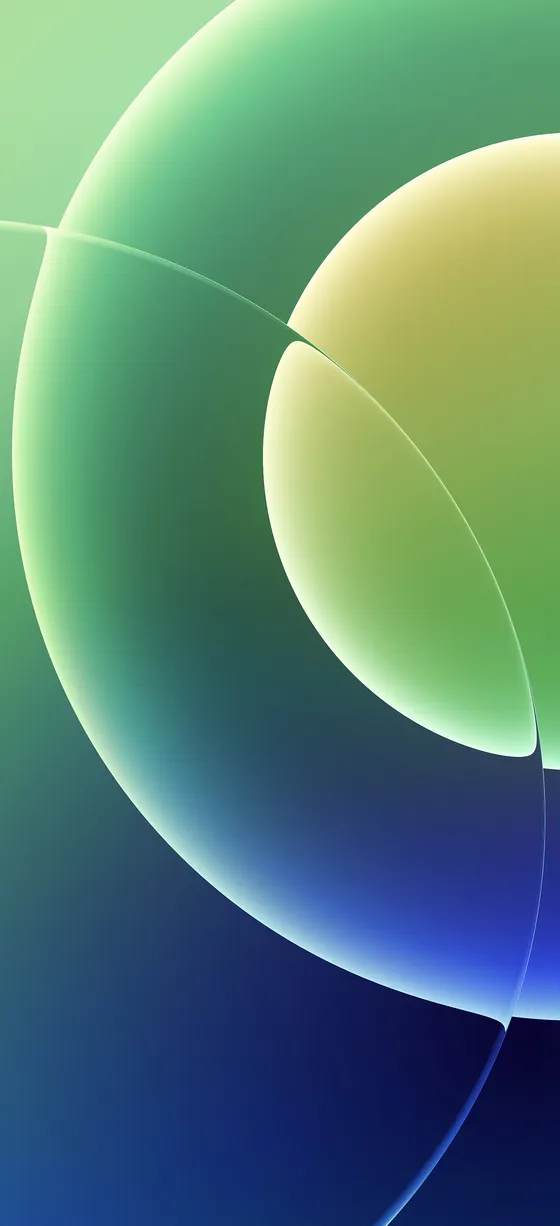
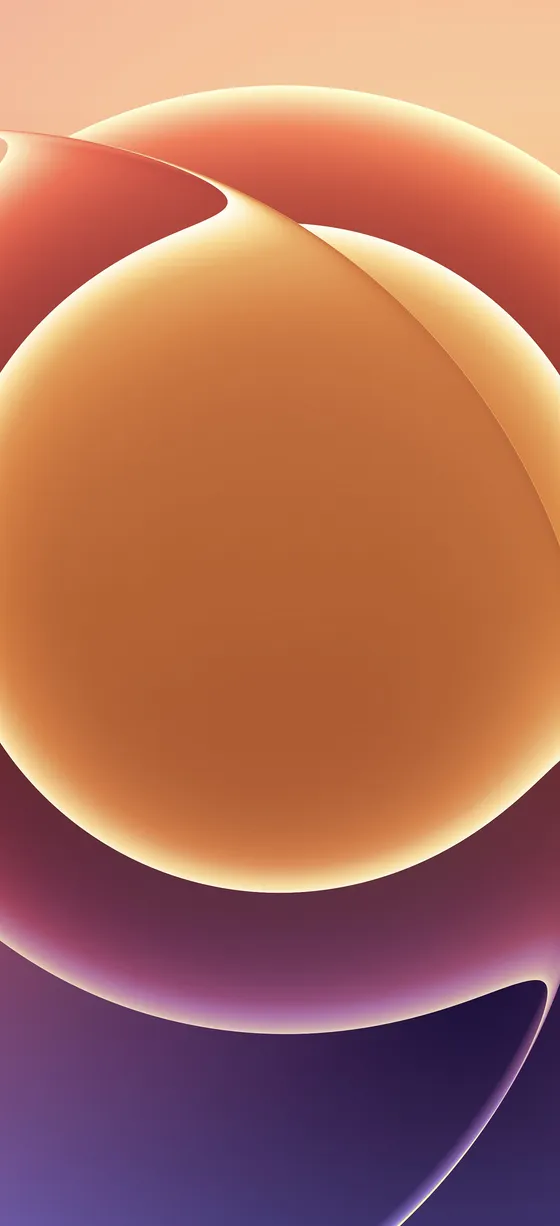
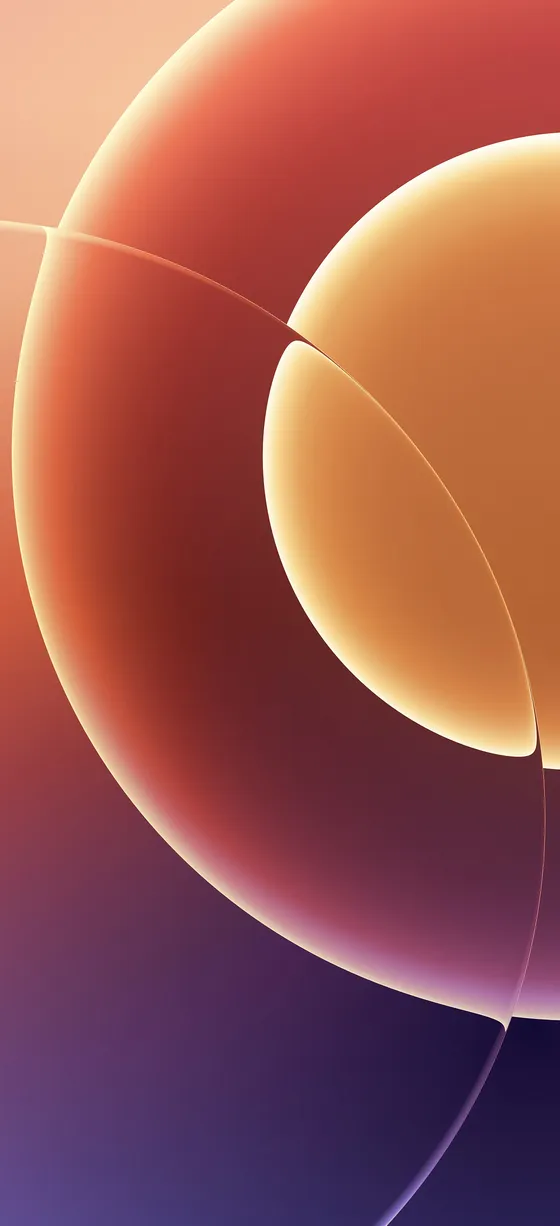
Rings (6 wallpapers): bright glowing rings and spheres in six colors.
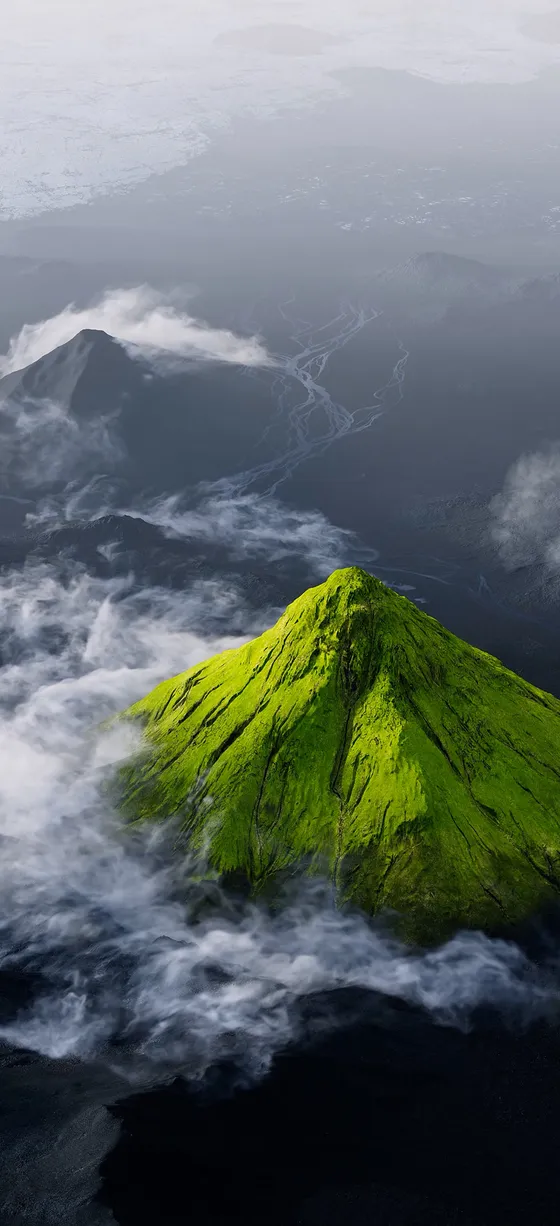
Mountains
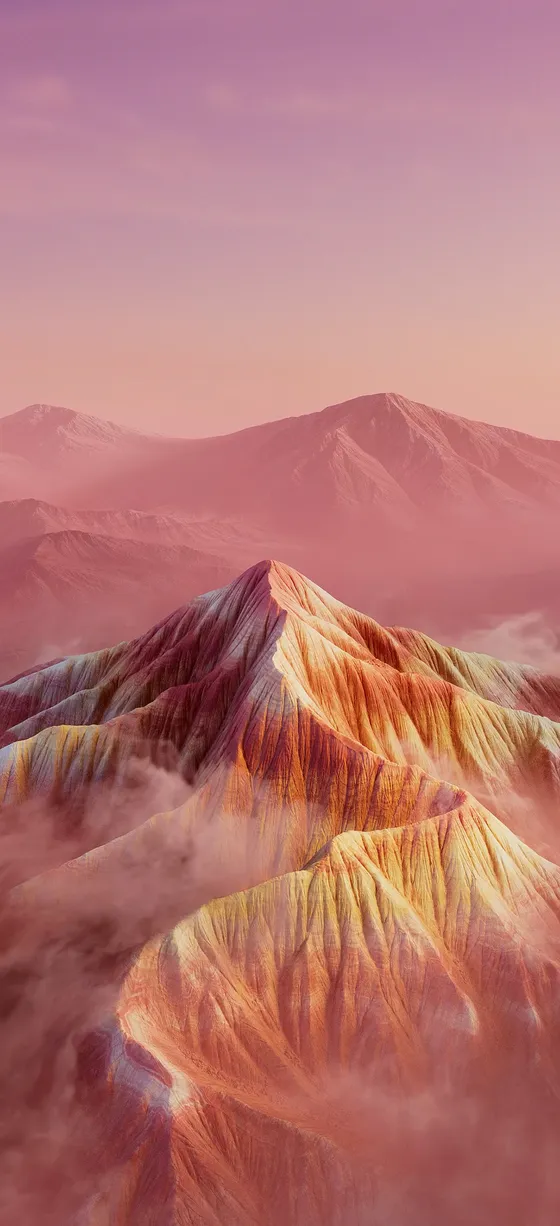
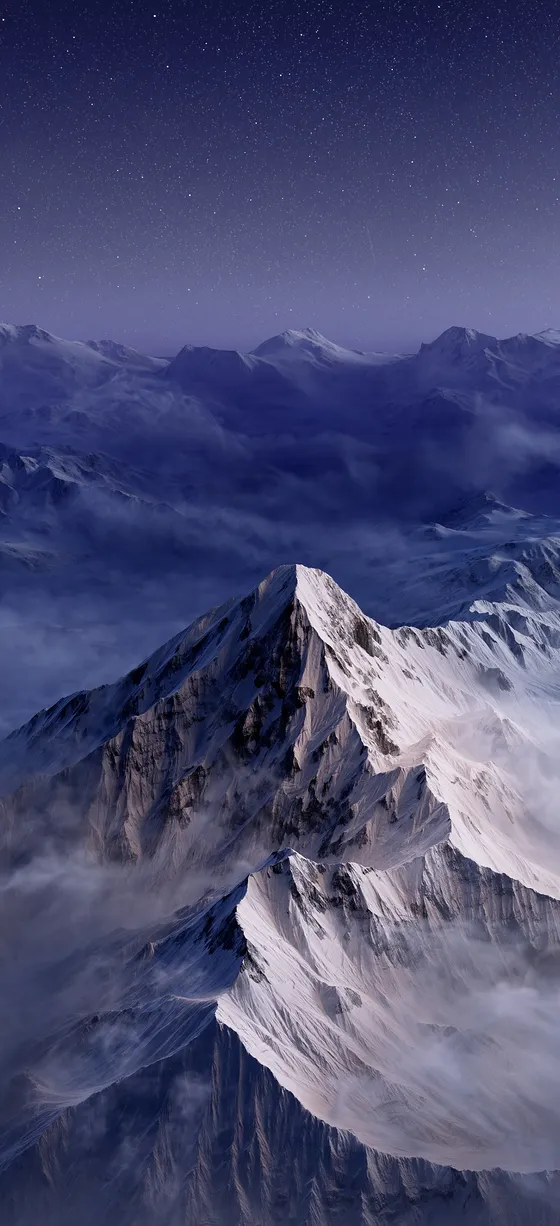
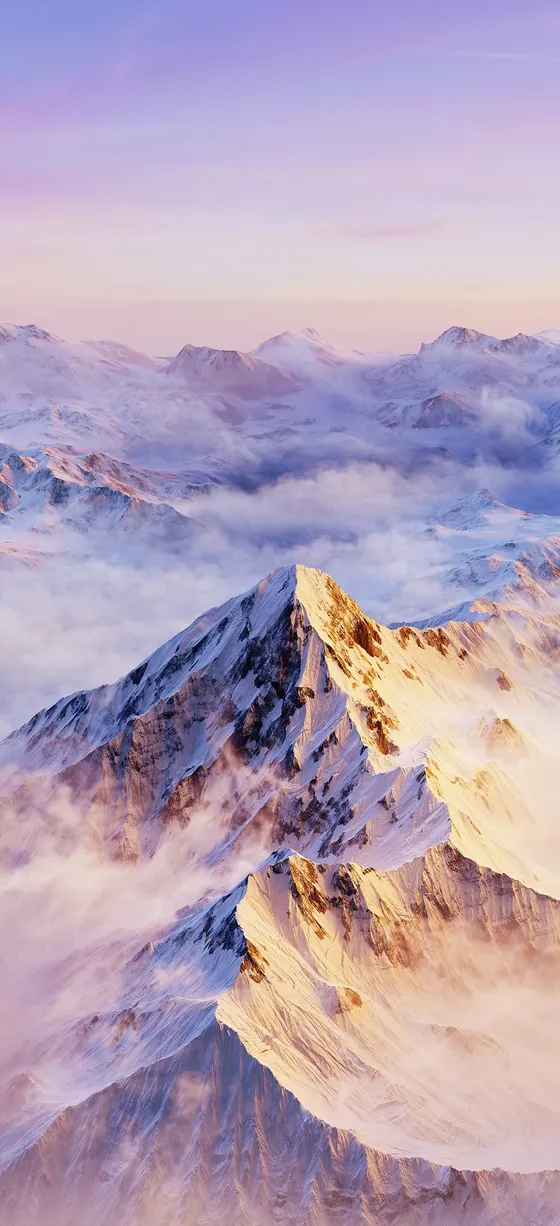
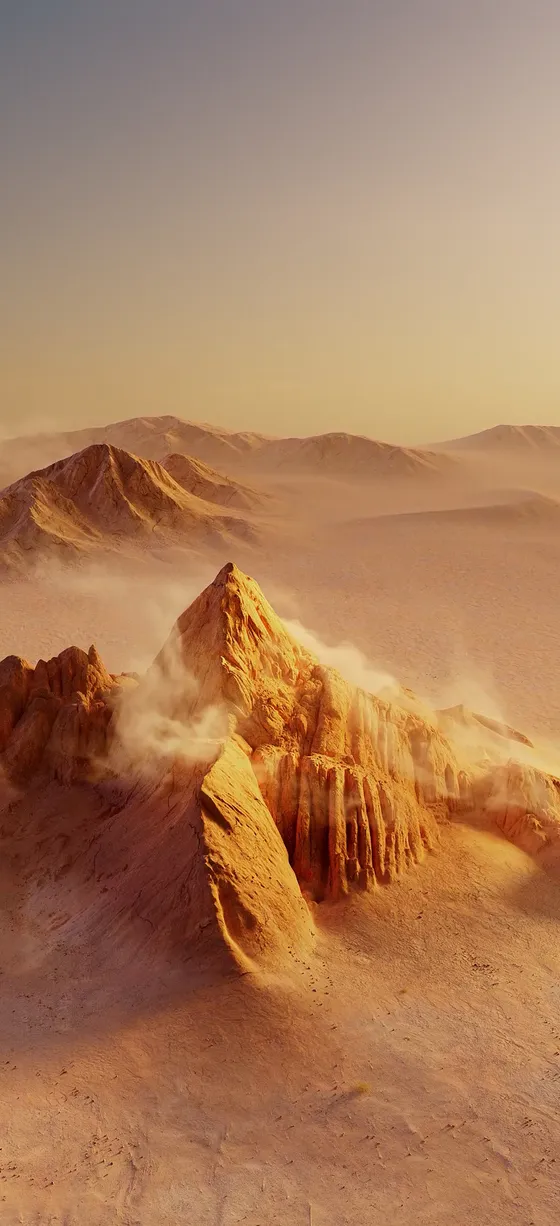
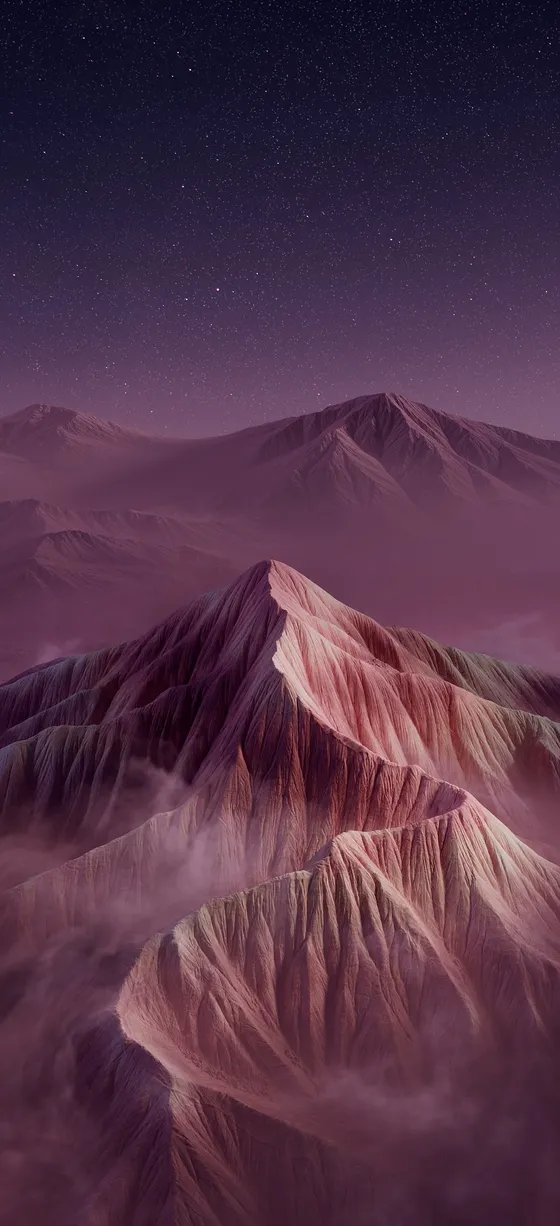
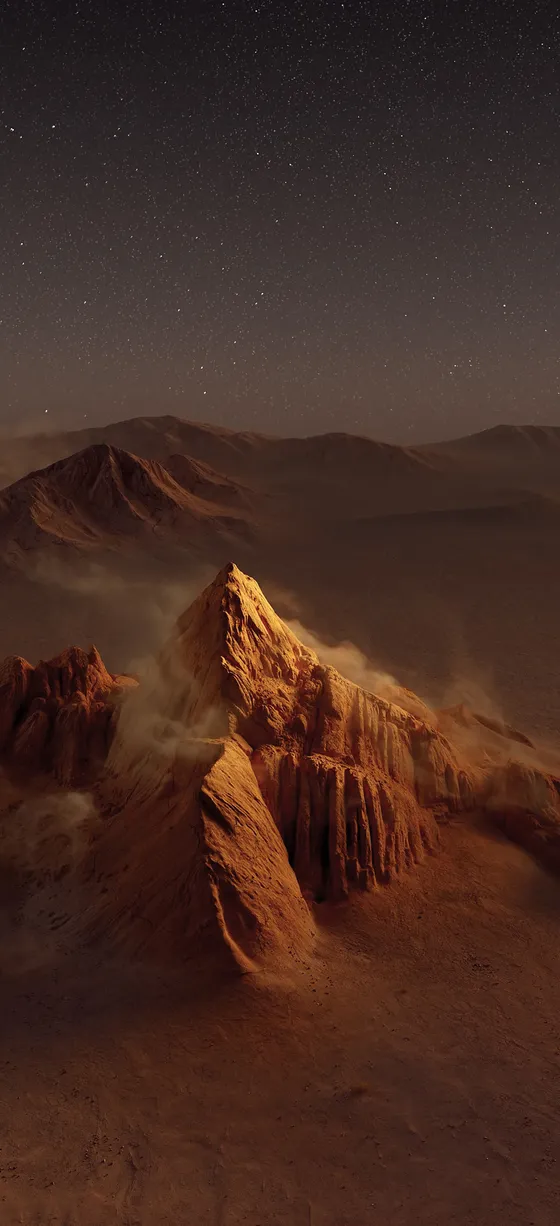
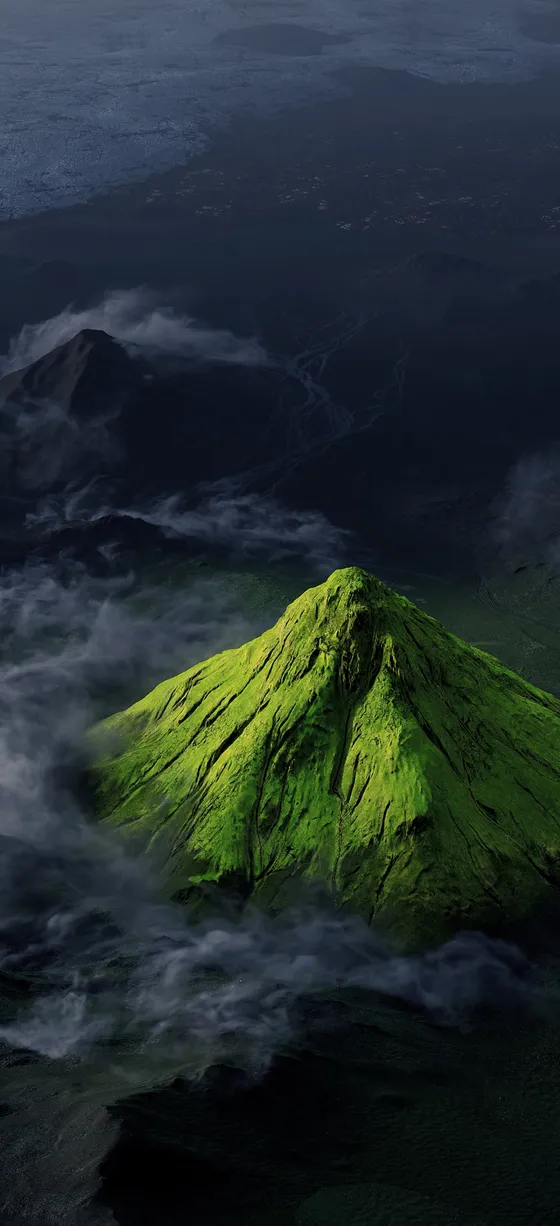
Mountains (8 wallpapers): mountain peaks above the clouds, from dawn to night.
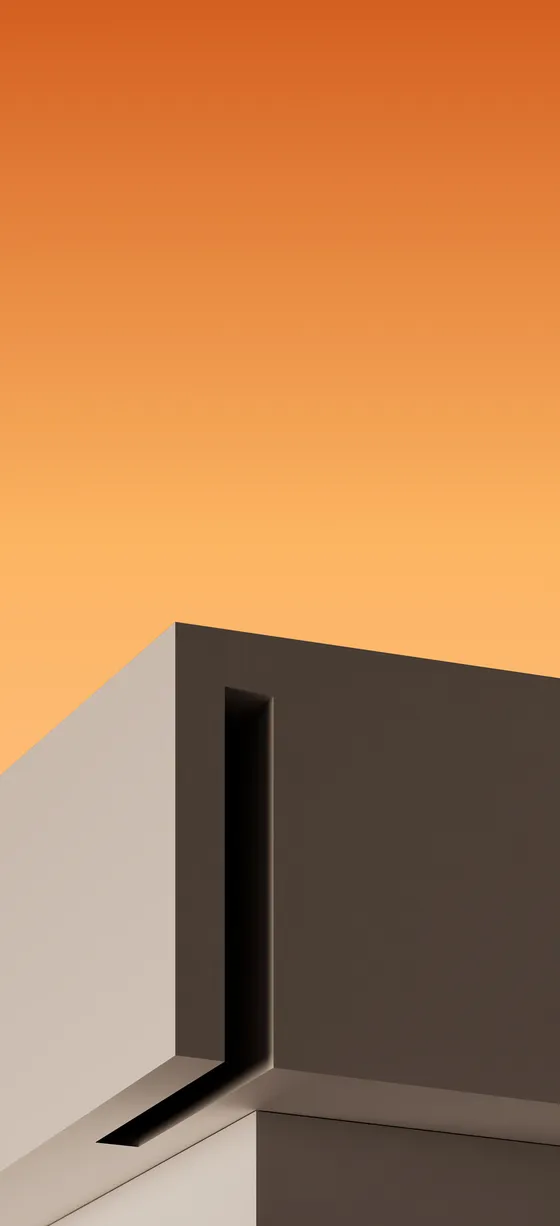
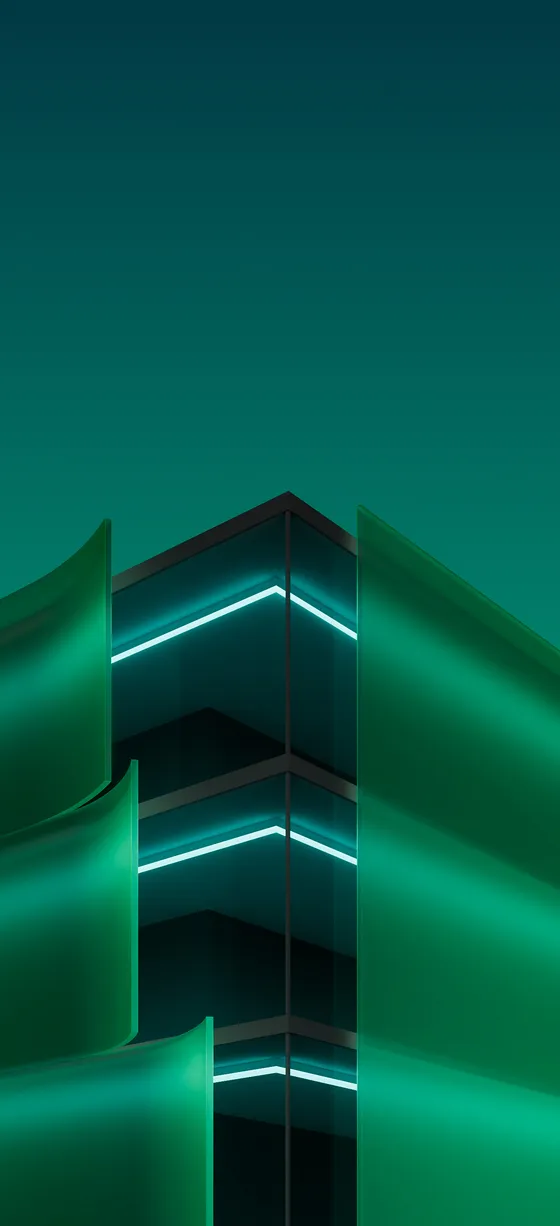
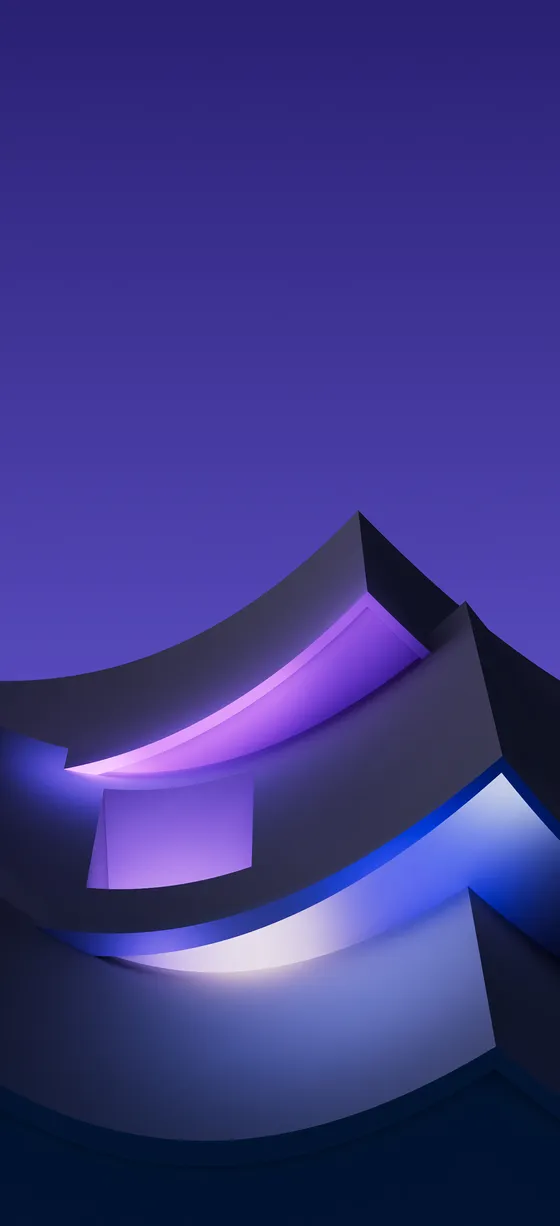
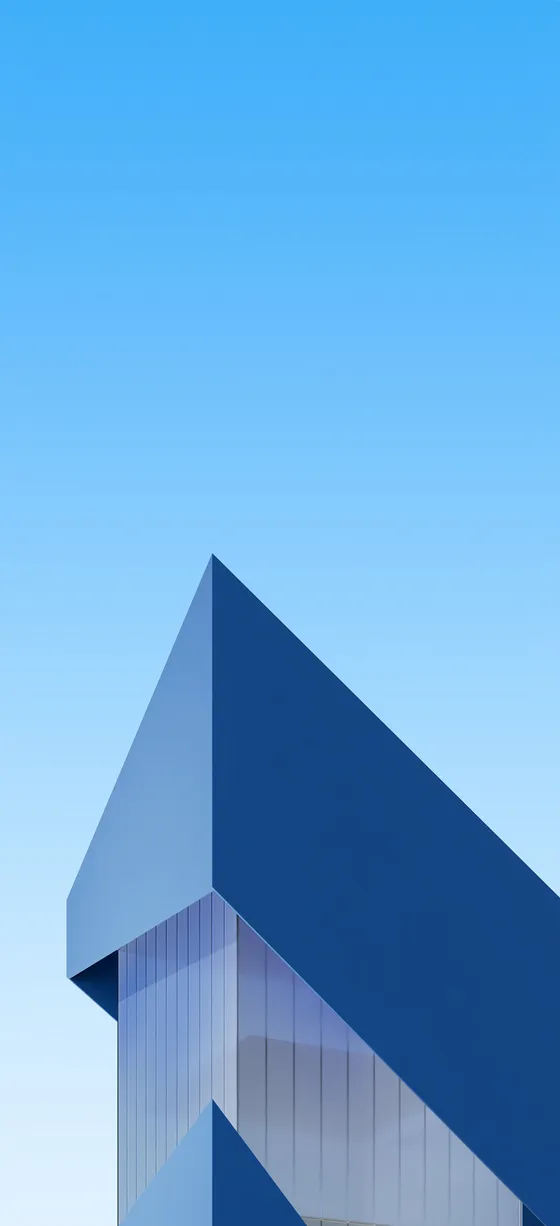
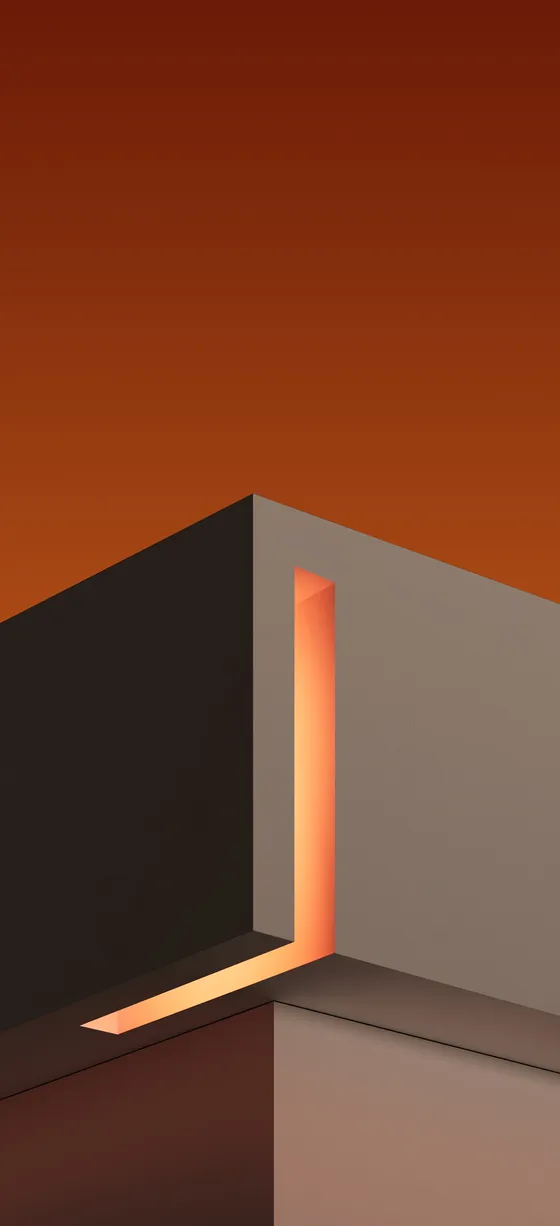
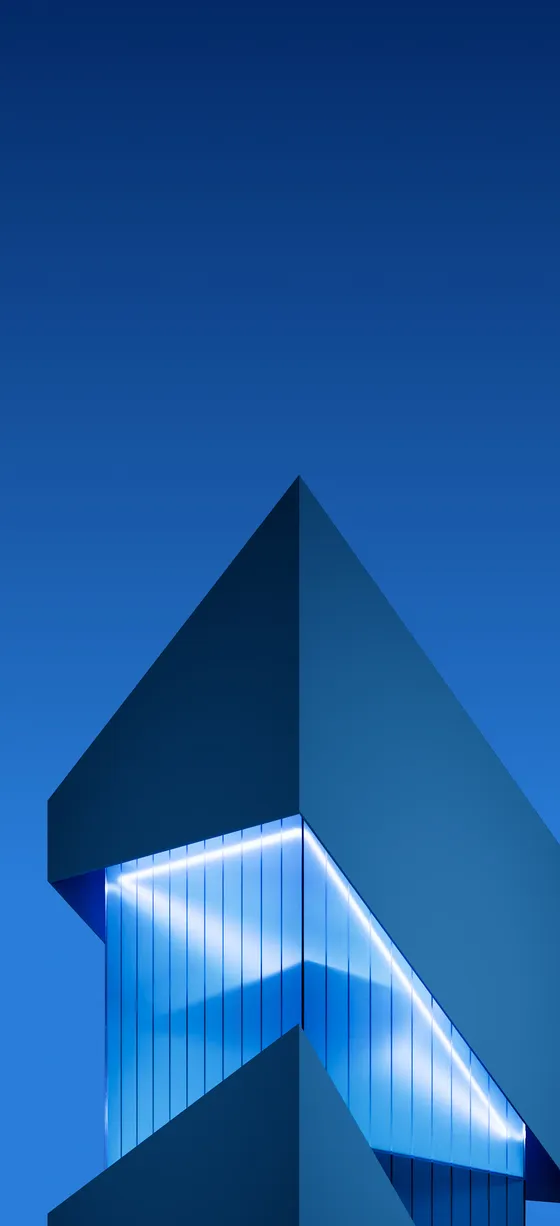
Architecture
Architecture (8 wallpapers): bold buildings against clean color skies.


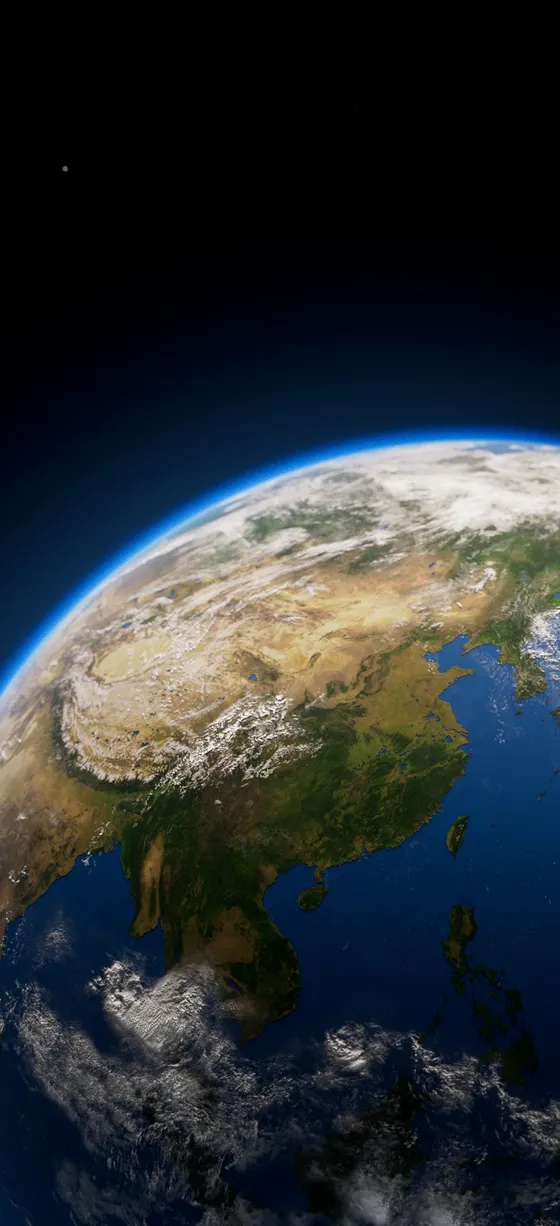
Planets
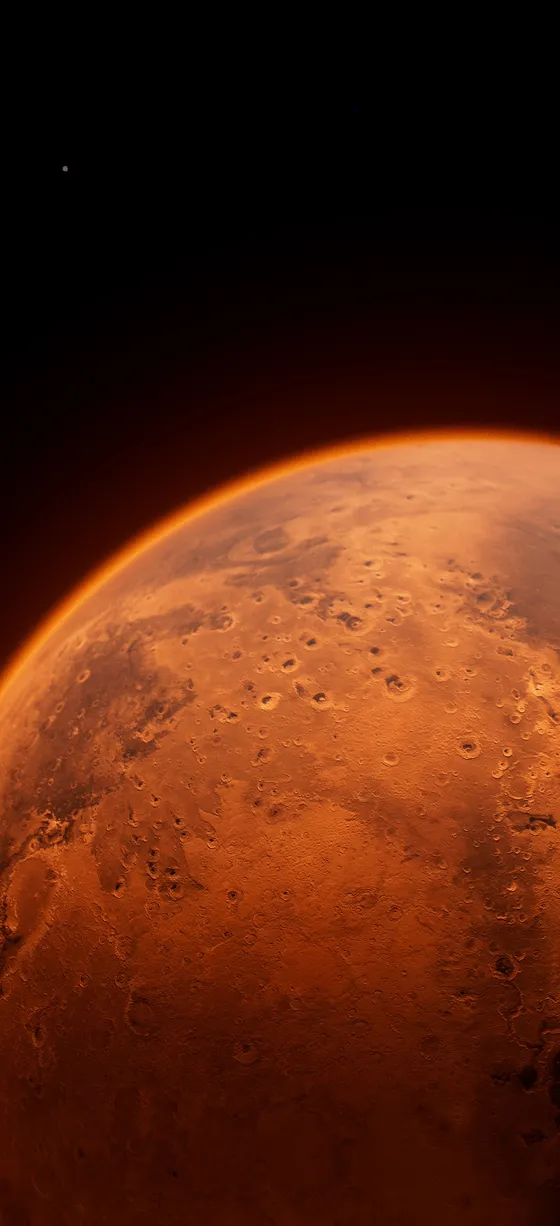
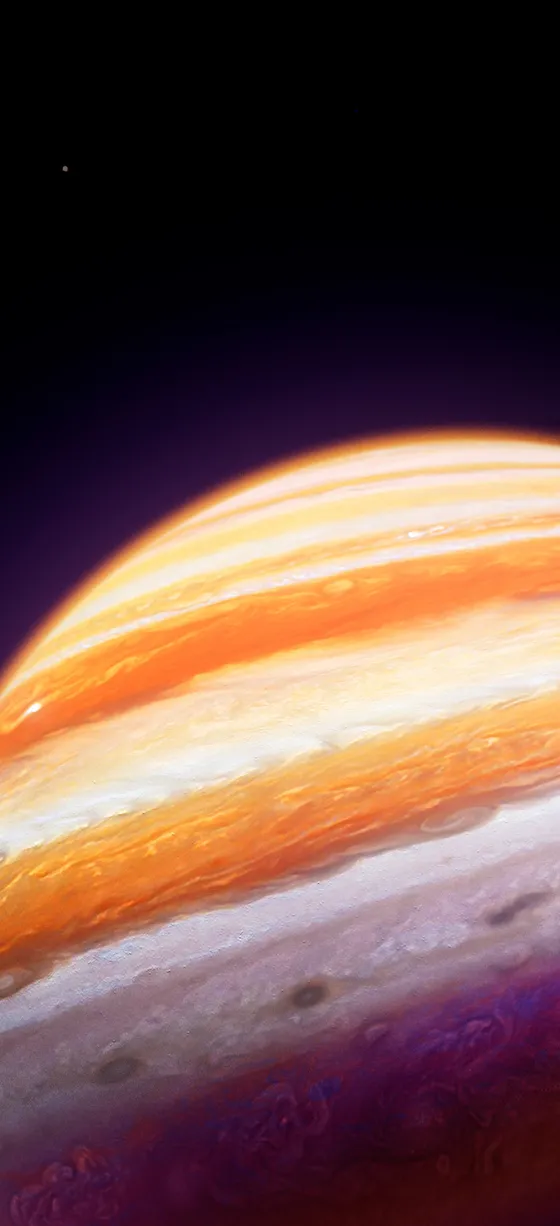
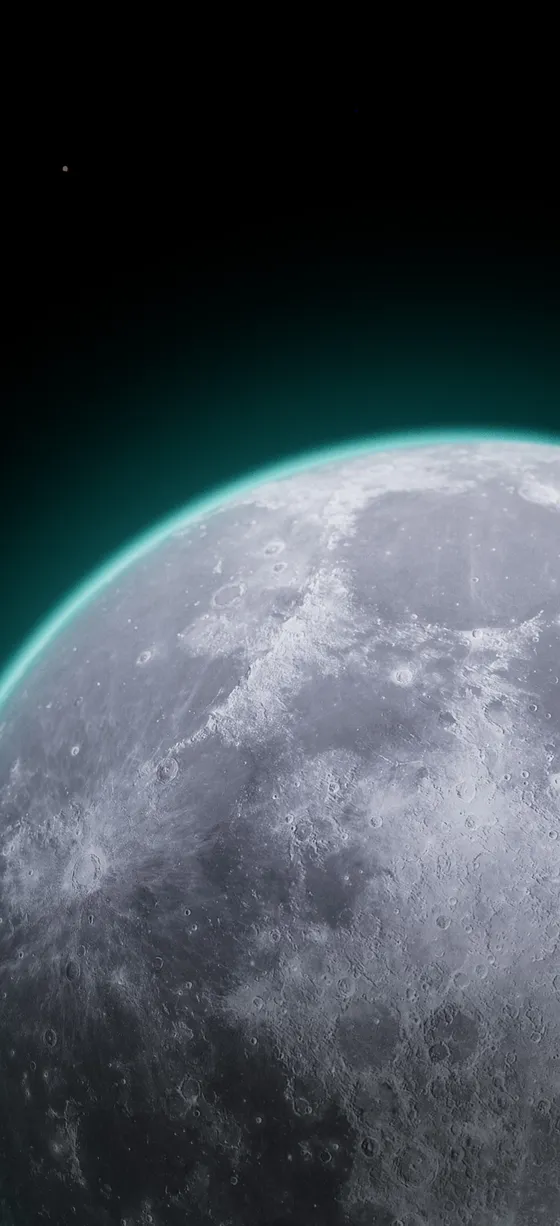
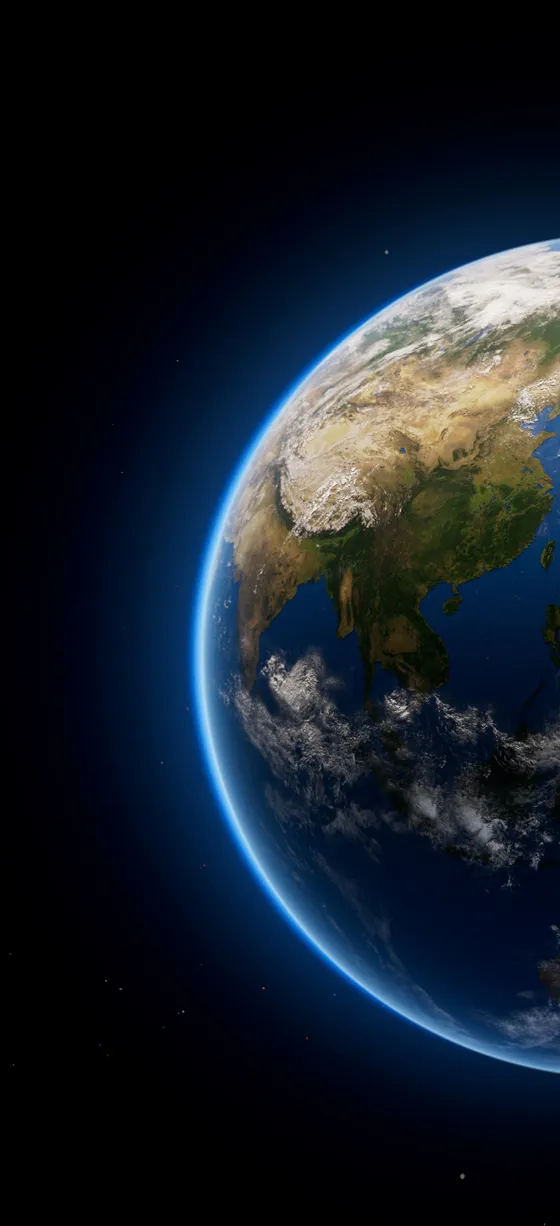
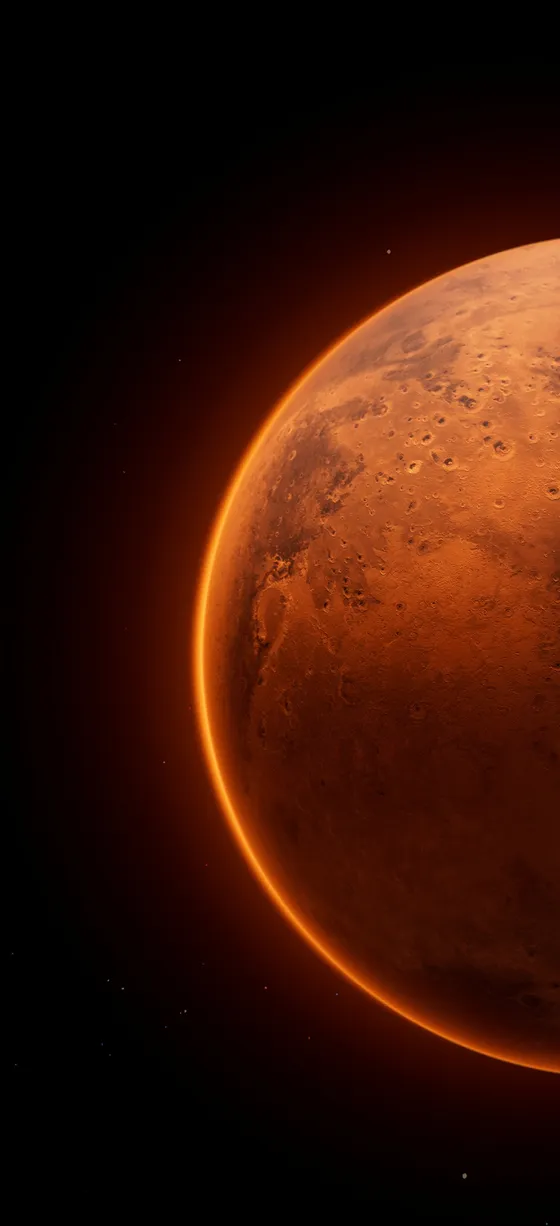
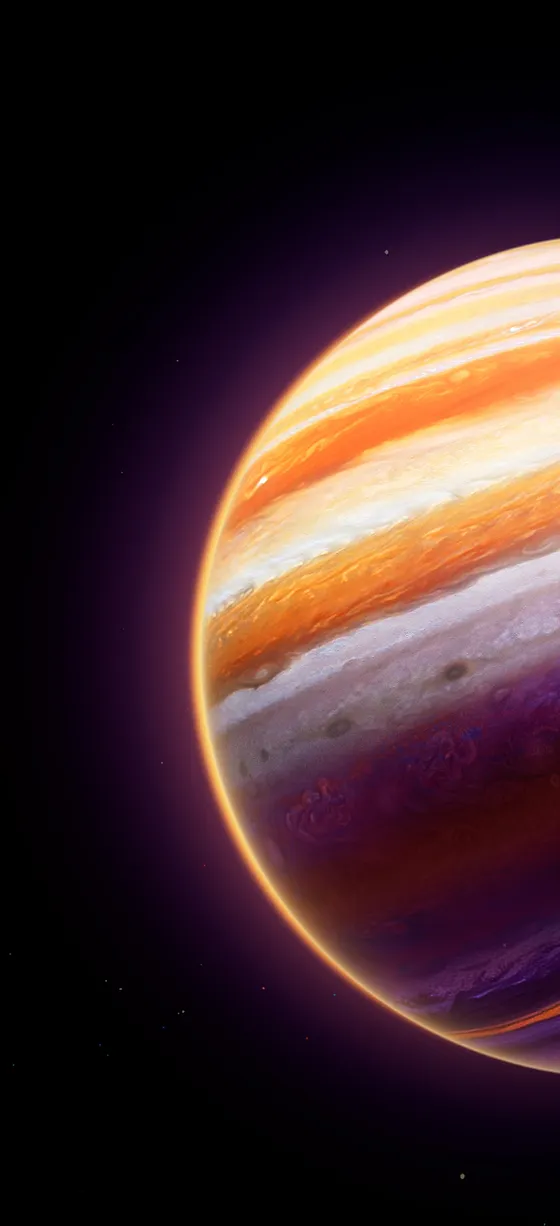
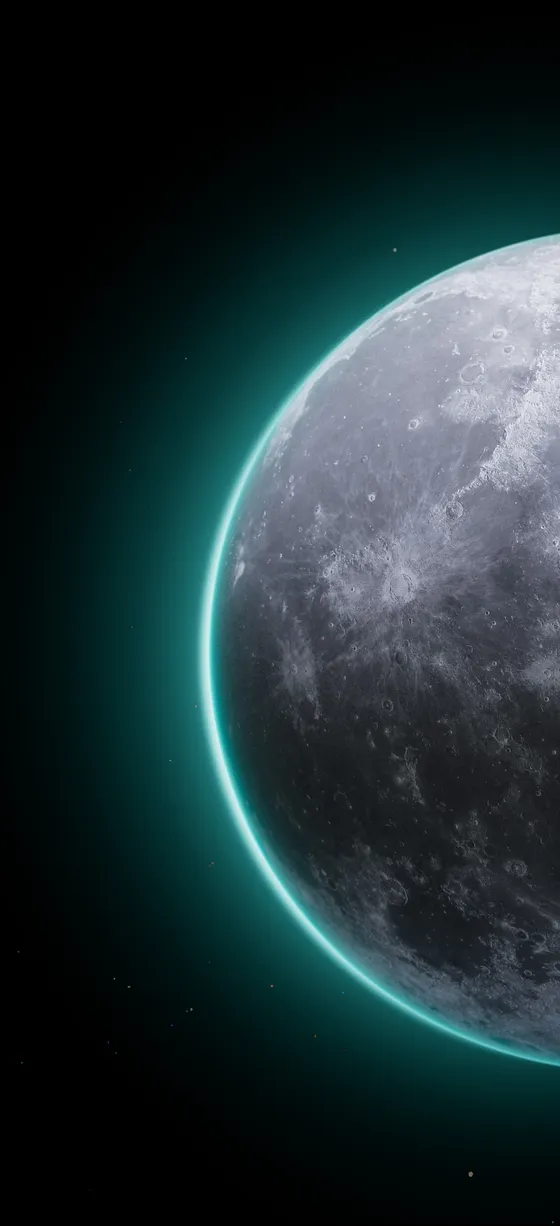
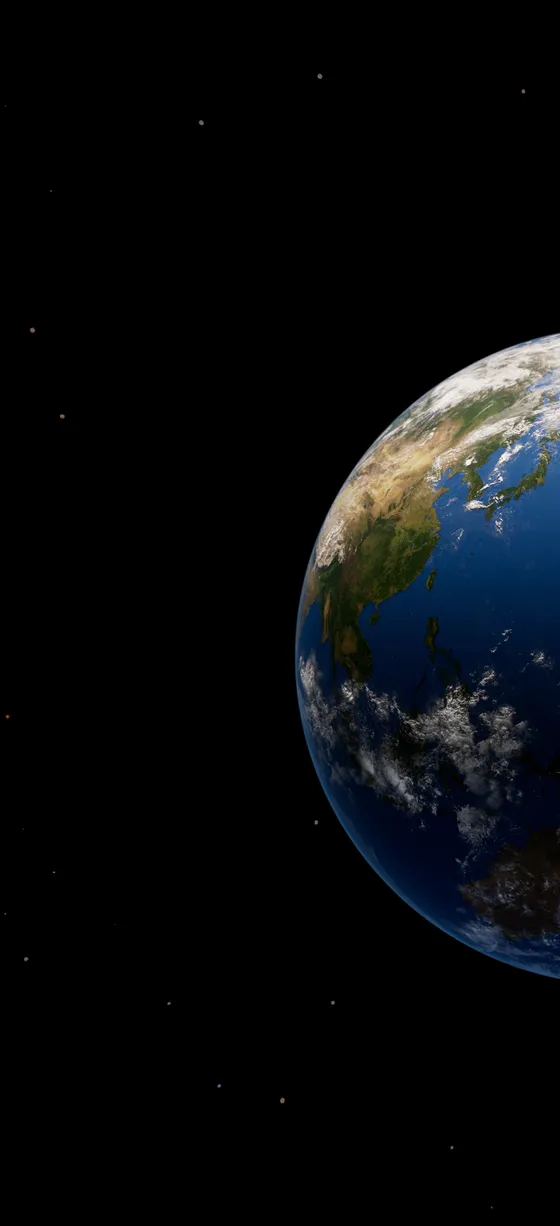
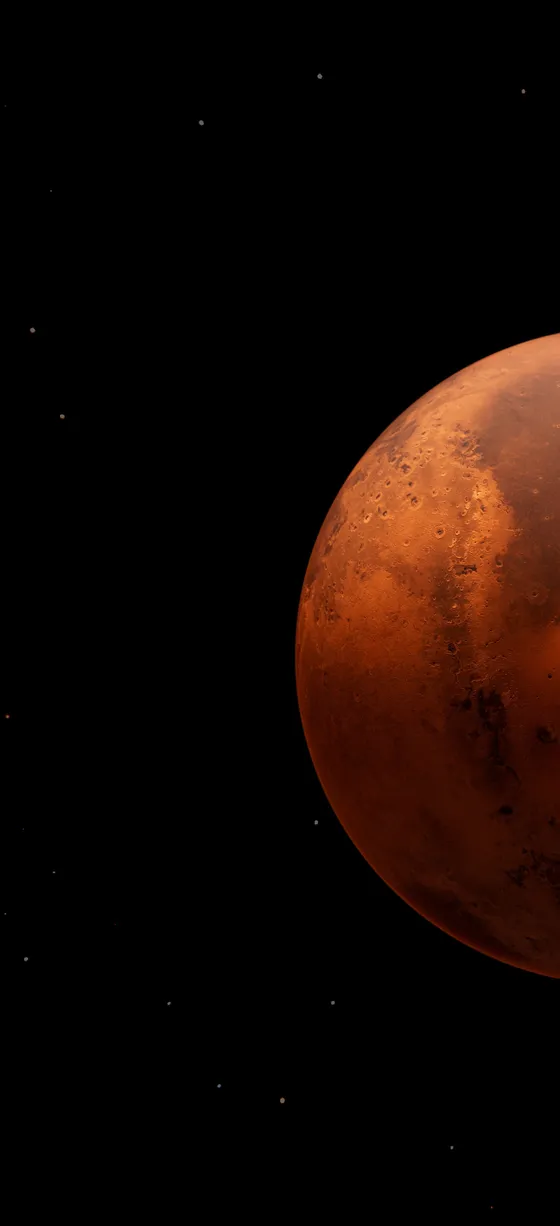
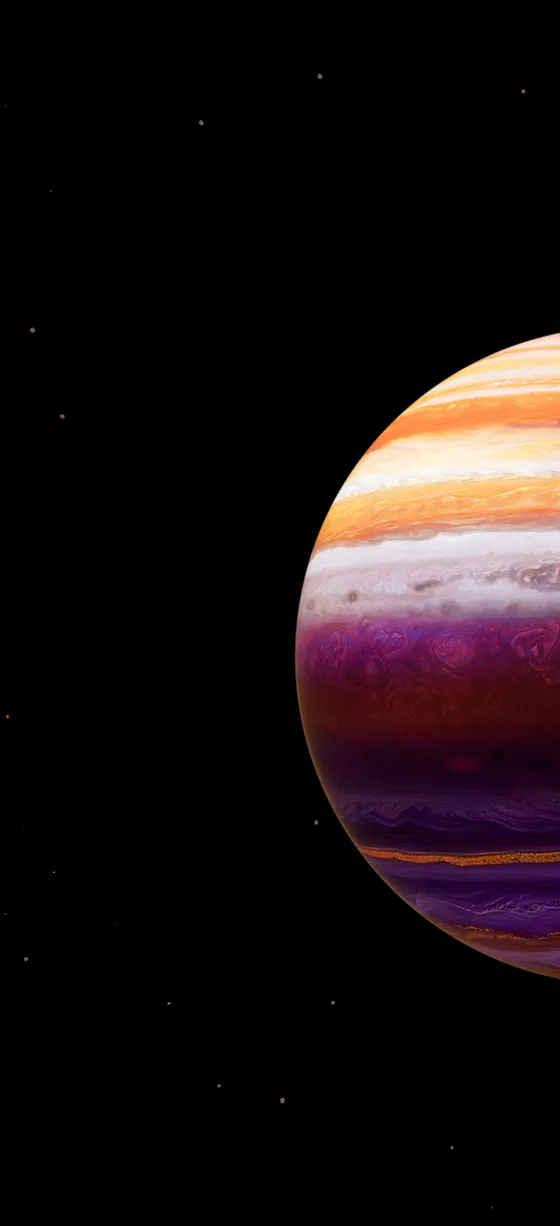
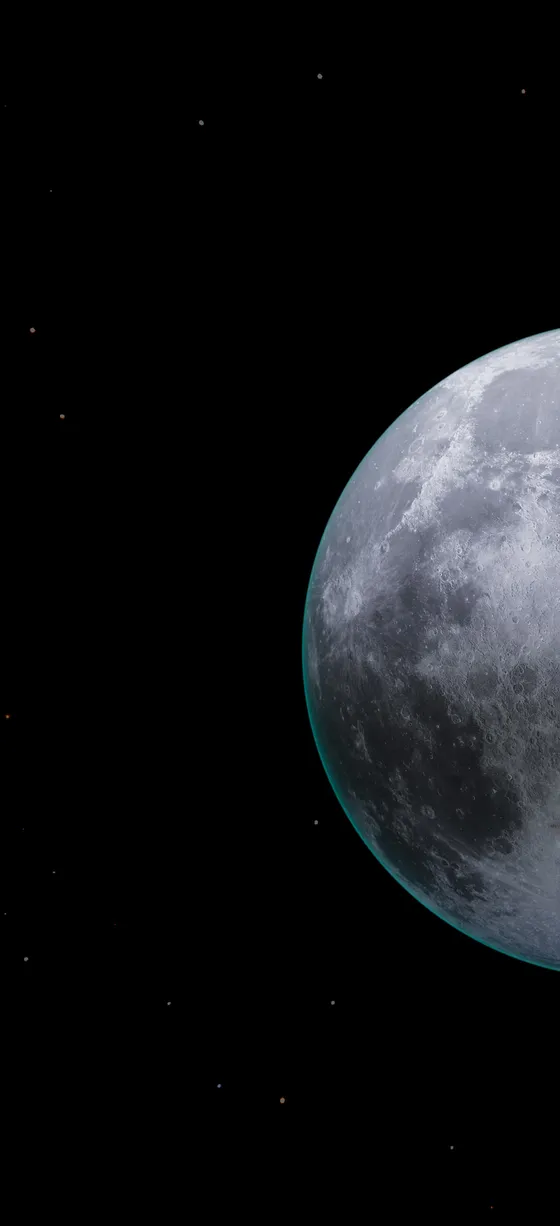
Planets (12 wallpapers): Earth, Mars, Jupiter and the Moon in full and half views on black.
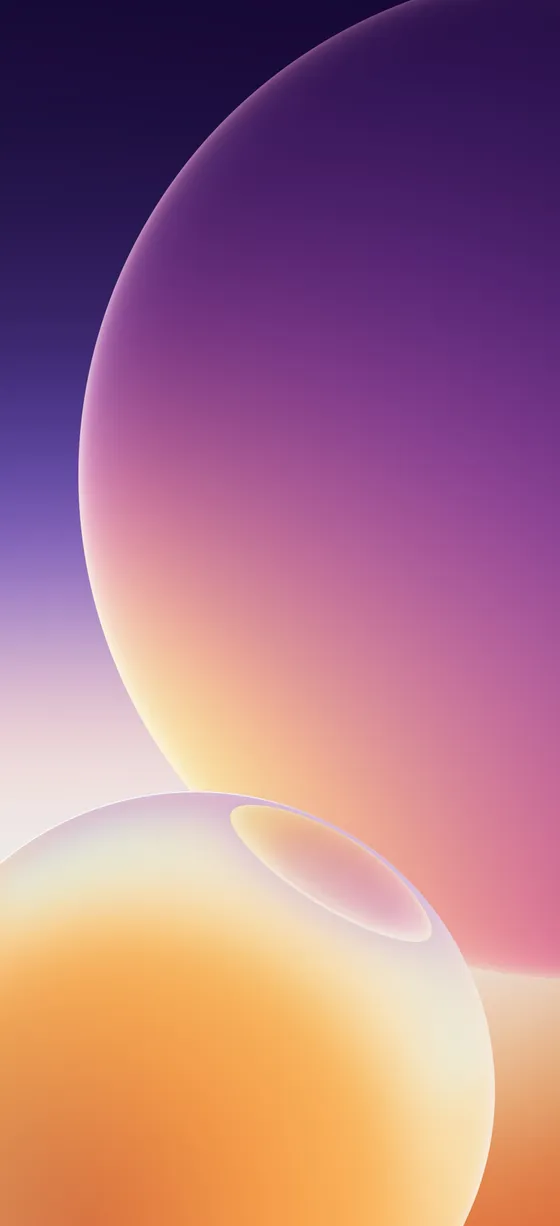
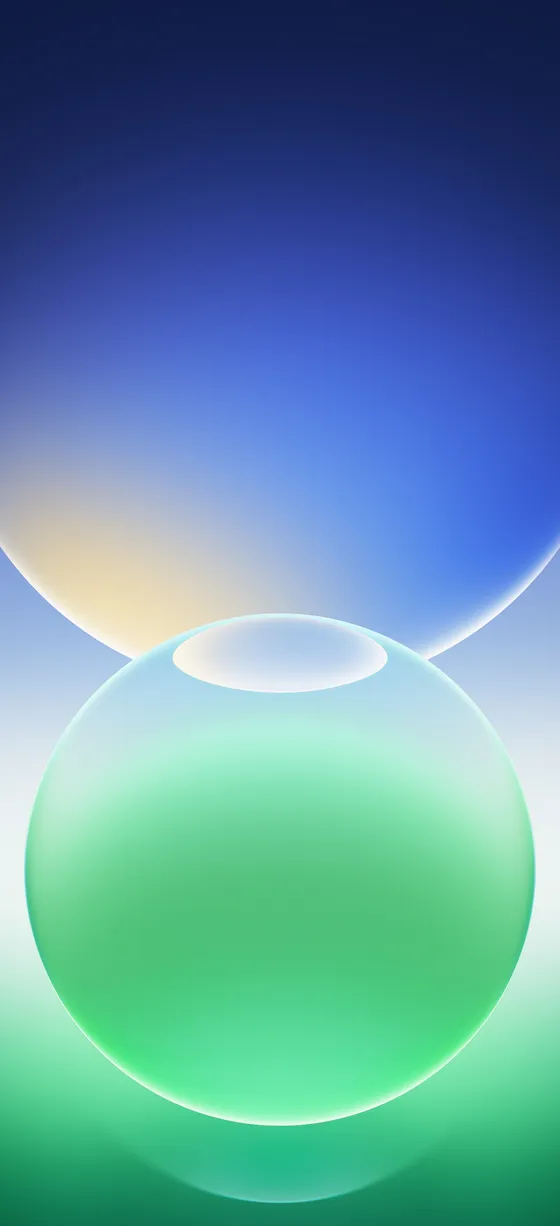
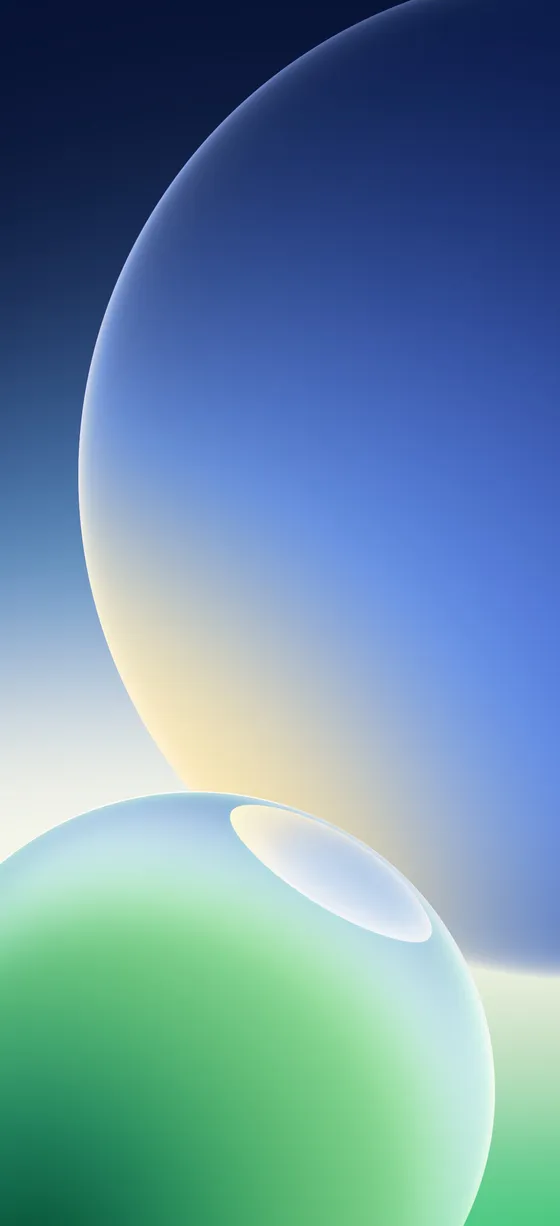
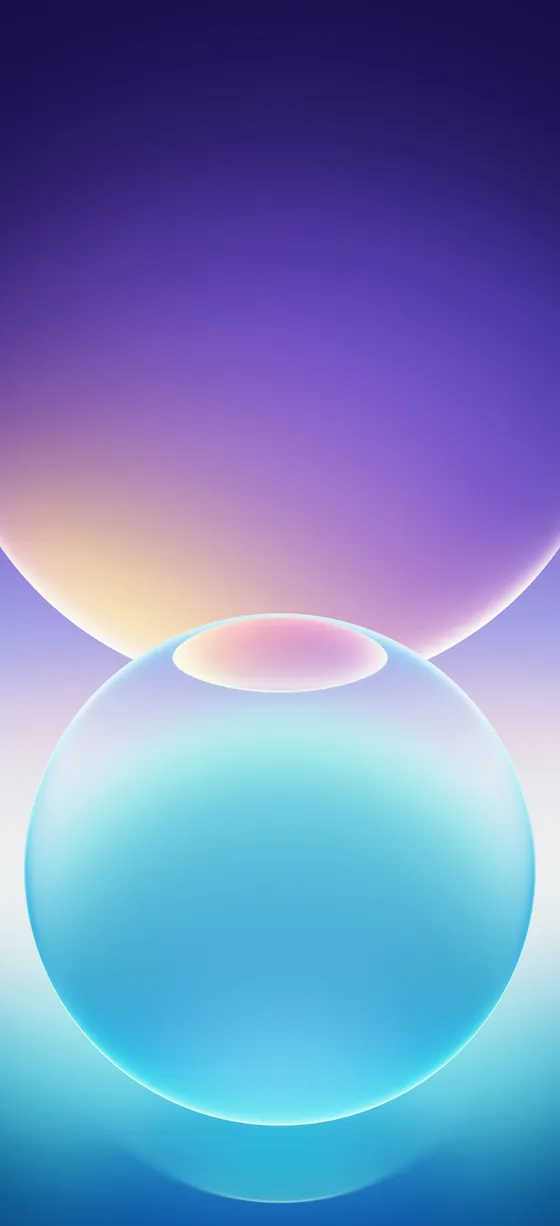
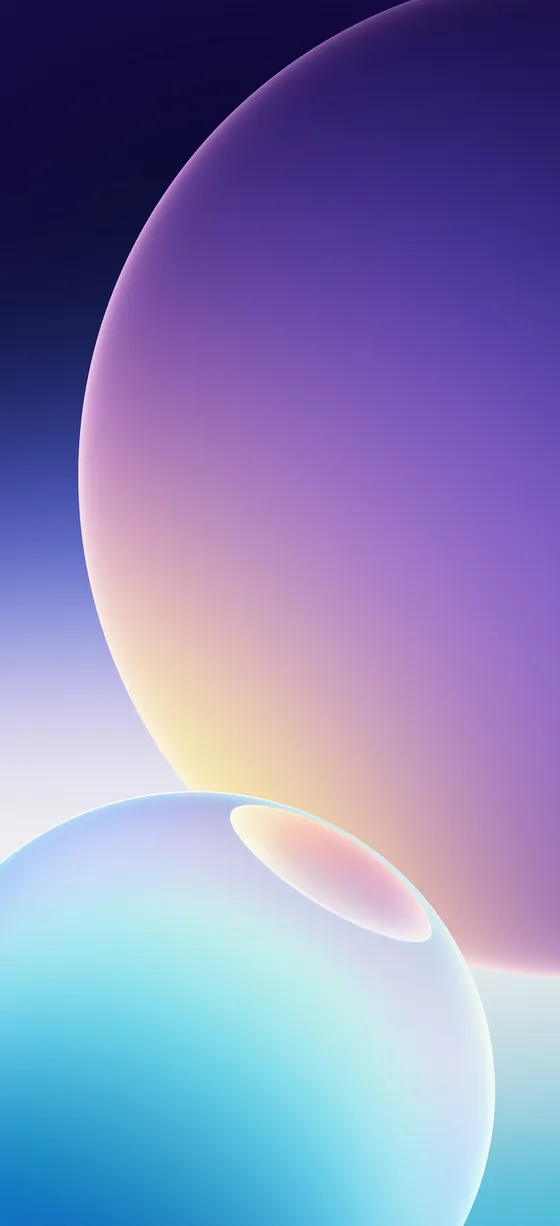
Glass bubbles
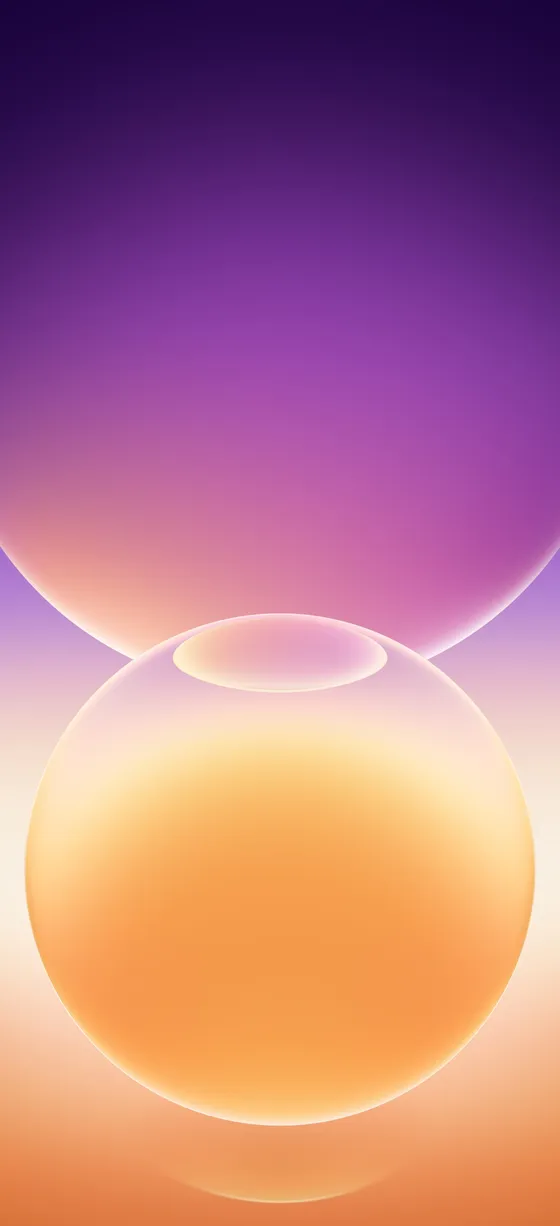
Glass bubbles (6 wallpapers): soft glass spheres on gradient backgrounds.
How to set the wallpaper
Android: open the image in your gallery app, tap the three-dot menu and choose Set as wallpaper, then pick the home screen, lock screen or both.
iPhone: save the image to Photos, then go to Settings > Wallpaper > Add New Wallpaper and choose it from Photos.
Download the full-resolution wallpapers
The zip has all 40 wallpapers in full resolution. You can also install our free Crispy wallpapers app to browse every stock wallpaper in one place.
After downloading the zip, extract the files and pick one in your wallpaper settings. If you find a broken link, let us know and we will update it.
More Android Wallpapers
FAQs
How many MagicOS 11 wallpapers are there?
What resolution are the MagicOS 11 wallpapers?
Do I need an Honor phone to use them?

Sumit
ContributorHi, I'm Sumit, Being an introvert I have always been obsessed with technology-computers and reading dozens of posts to learn, find answers out of my curiosity. I love to write as I explore more.