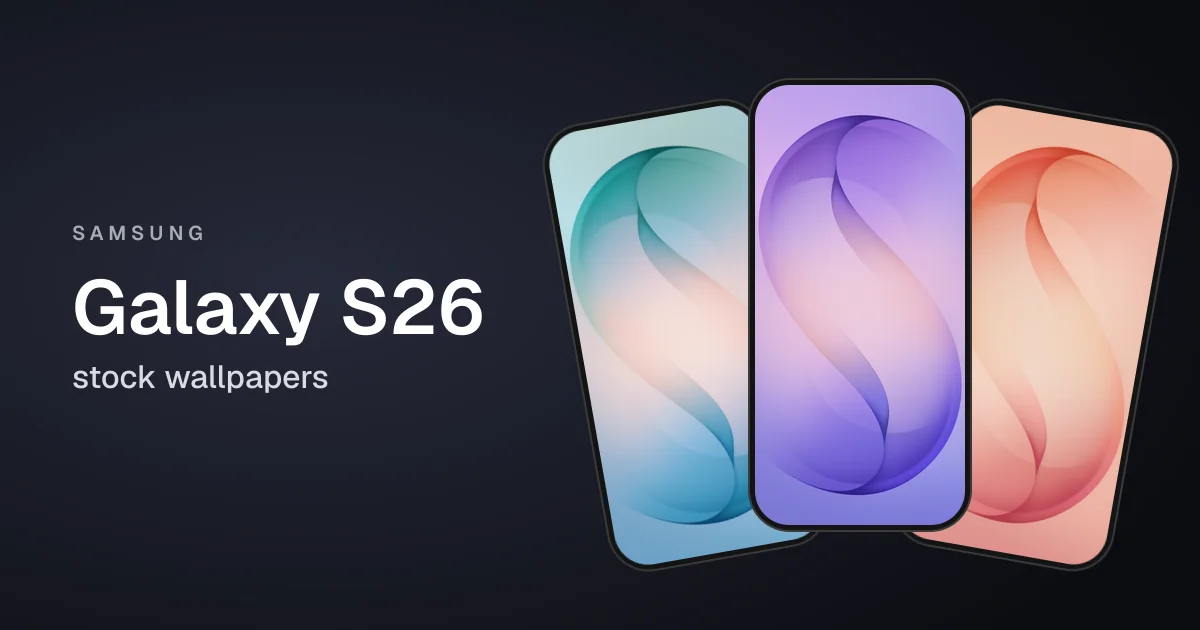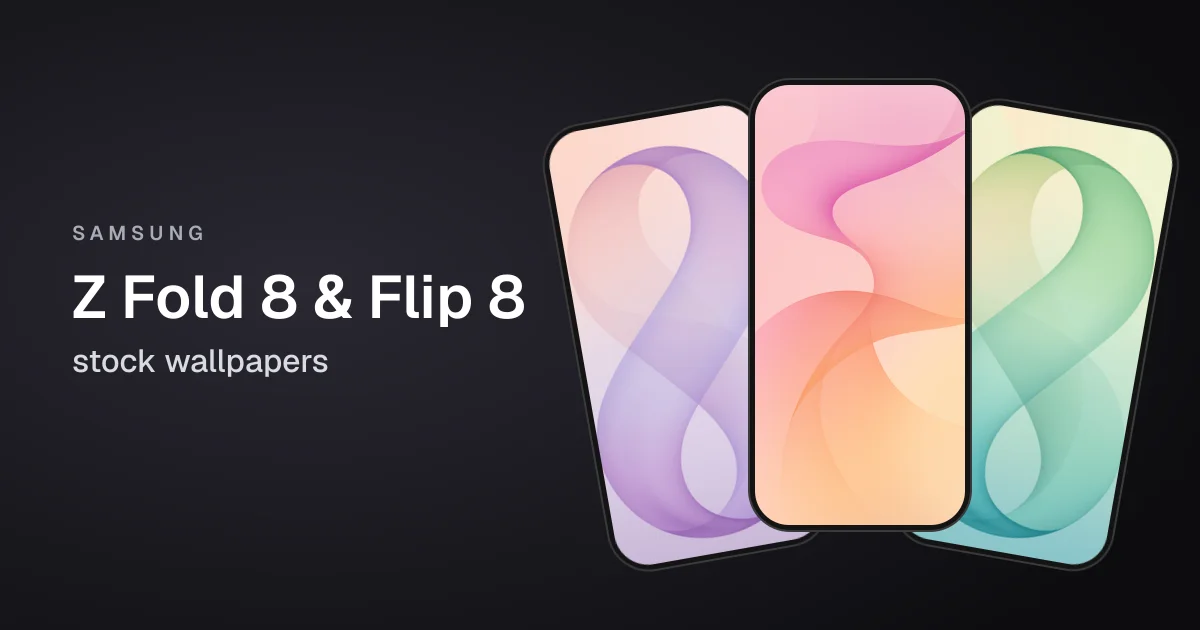
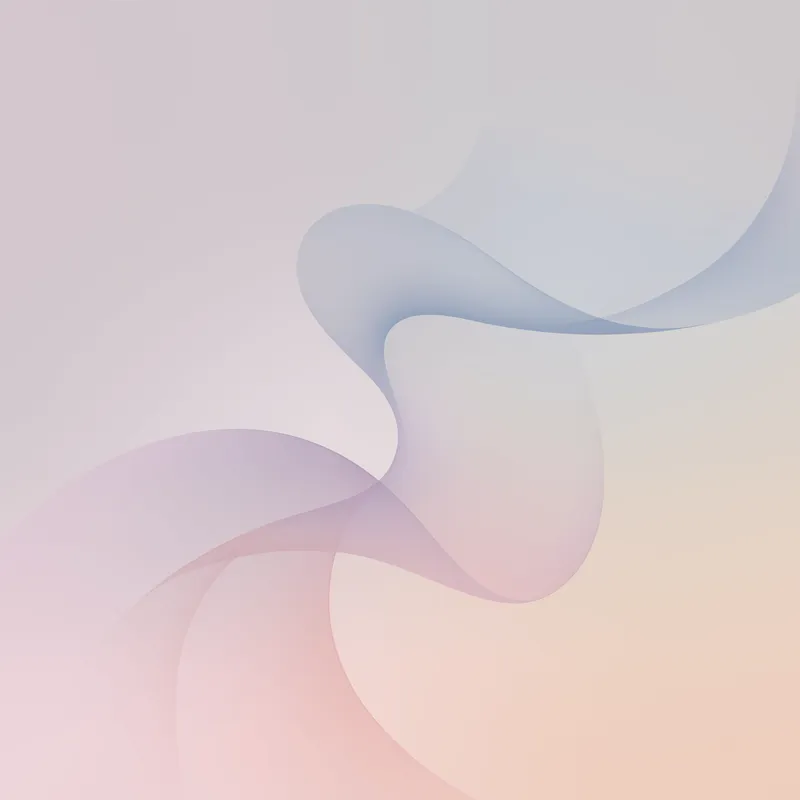
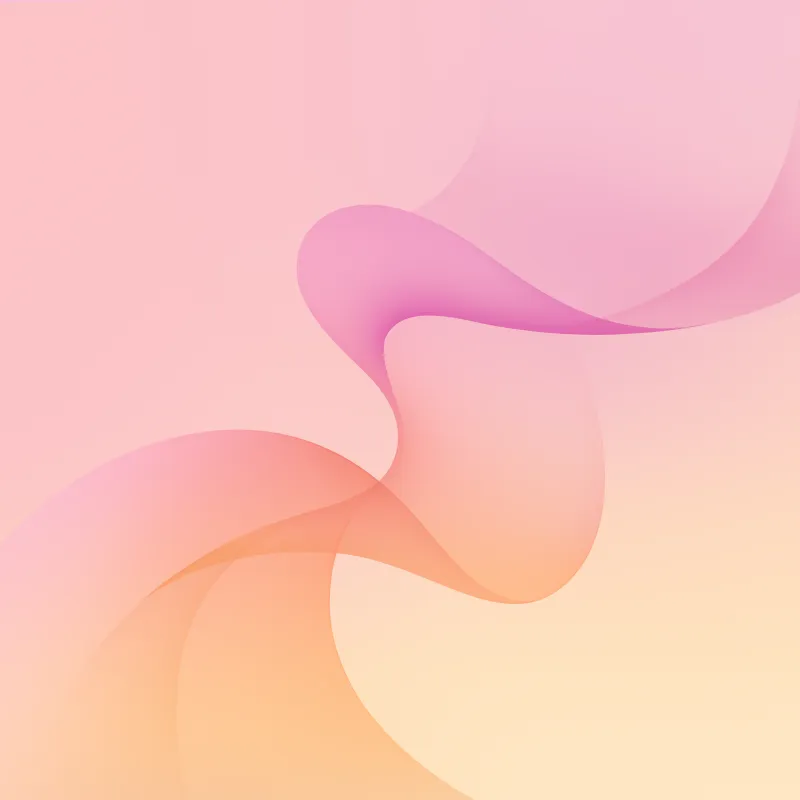
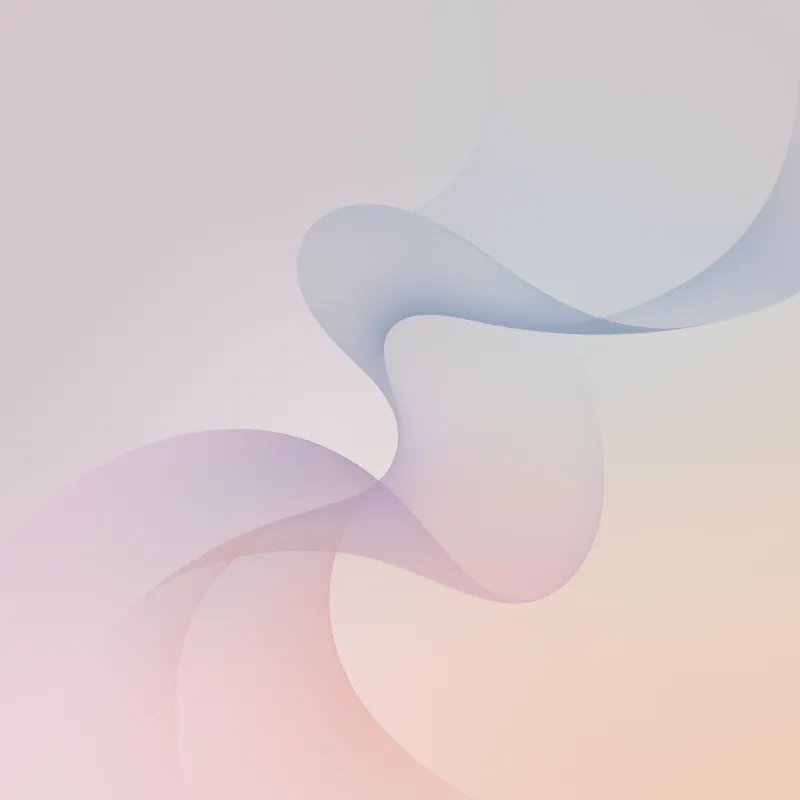
Samsung unveiled the Galaxy Z Fold 8 and Galaxy Z Flip 8 in July 2026. Both ship with new wallpapers built around a large, soft "8", in colors that match the phones.
Each phone has three kinds of wallpaper, and we have all of them:
- Galaxy Z Fold 8: four colors (Graphite, Cream, Lavender and Pistachio), each with a main screen version (2448 x 2100), a cover screen version (1248 x 1972) and a square DeX version (2560 x 2560).
- Galaxy Z Flip 8: four colors (Mint, Coral, Silver and Graphite), each with a main screen version and a cover screen version (both 1080 x 2520), plus a square DeX version (2560 x 2560).
That is 24 wallpapers in total. The Flip 8 has a 6.9-inch main screen and a 4.1-inch cover screen, so its cover wallpapers are framed to look right on the small outside display.
Note: Wallpapers shown here are only a preview, for the high-quality version scroll down and use the download link.
Galaxy Z Fold 8 Wallpaper Preview
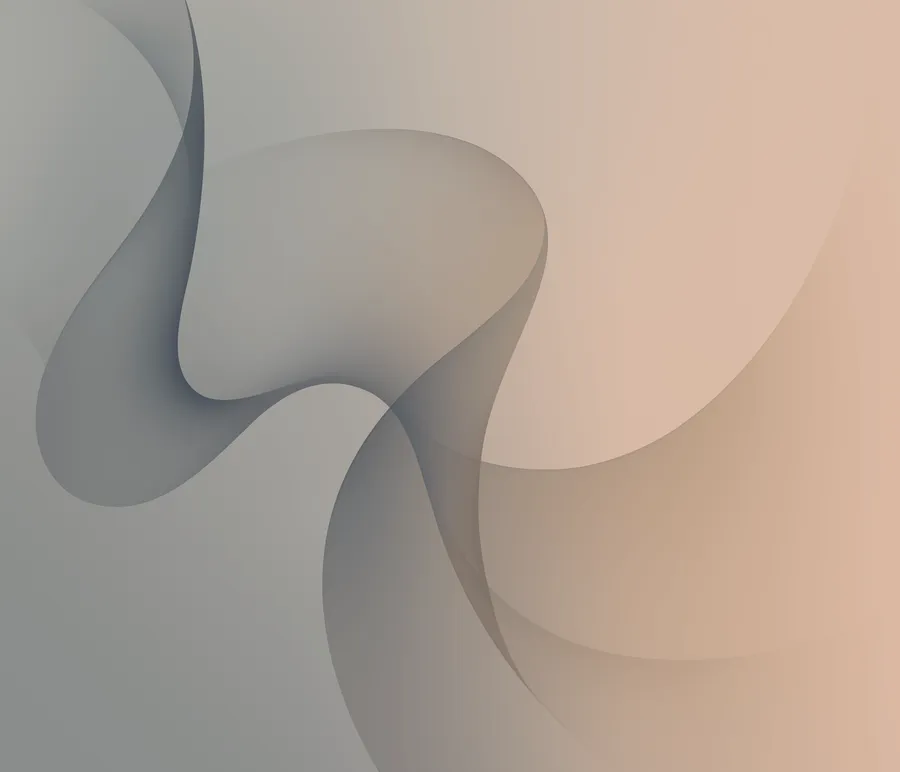
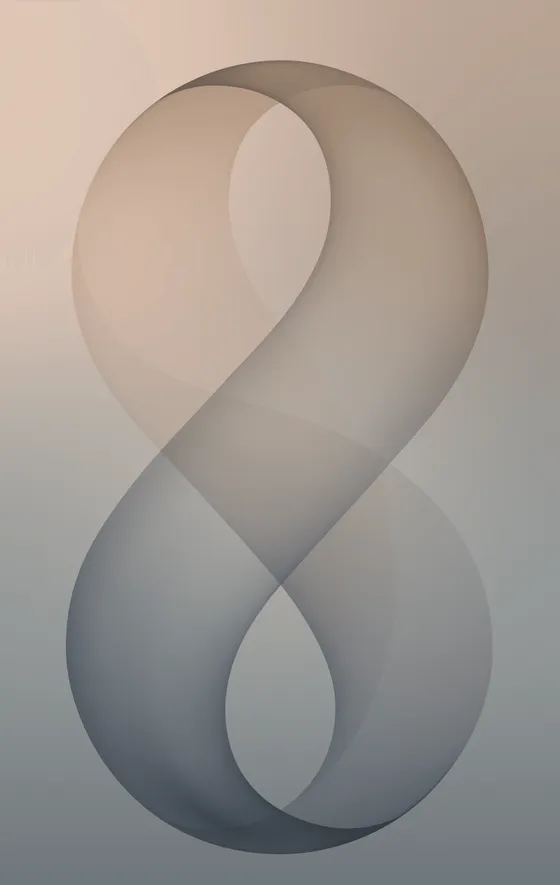
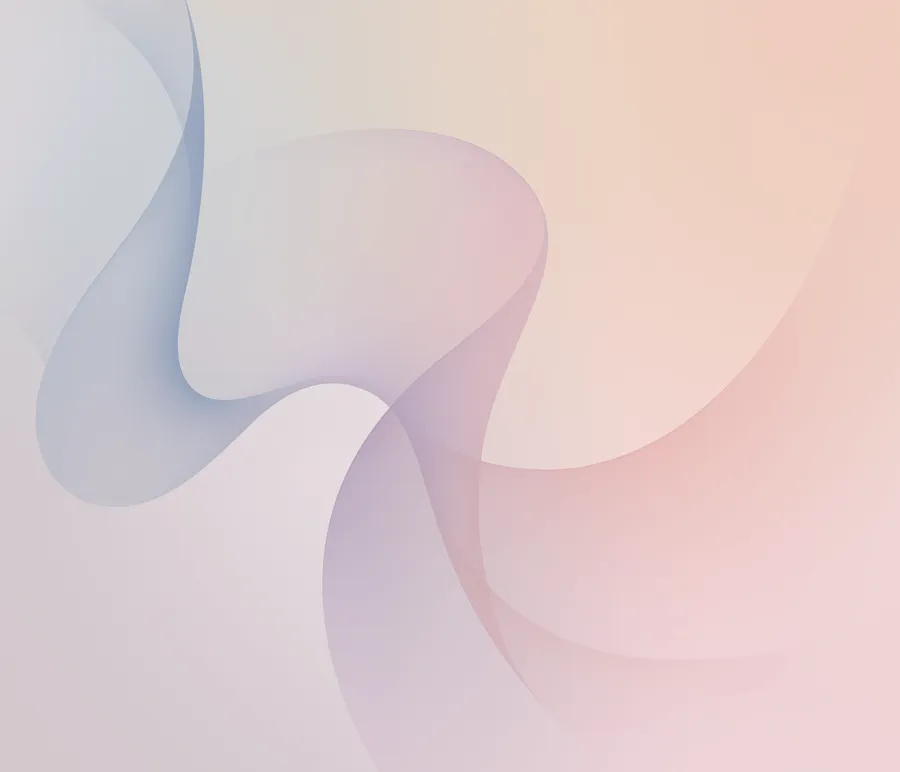
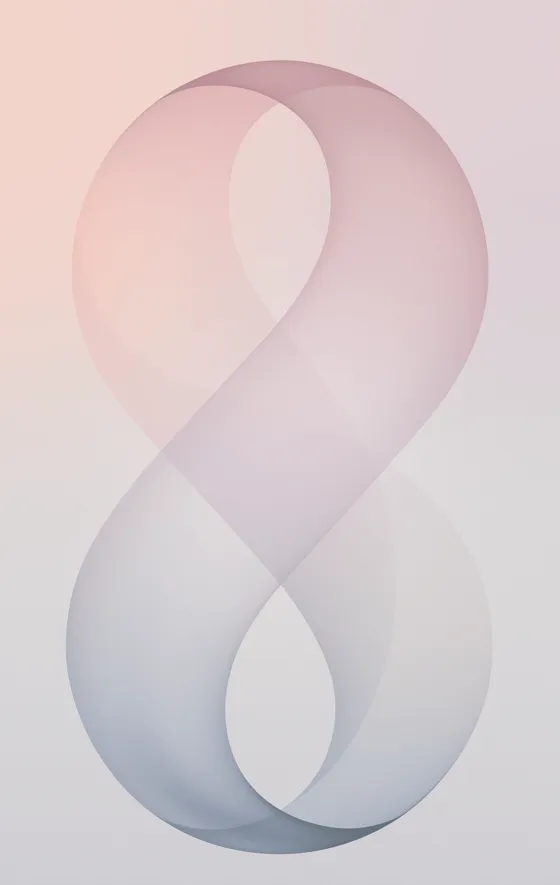
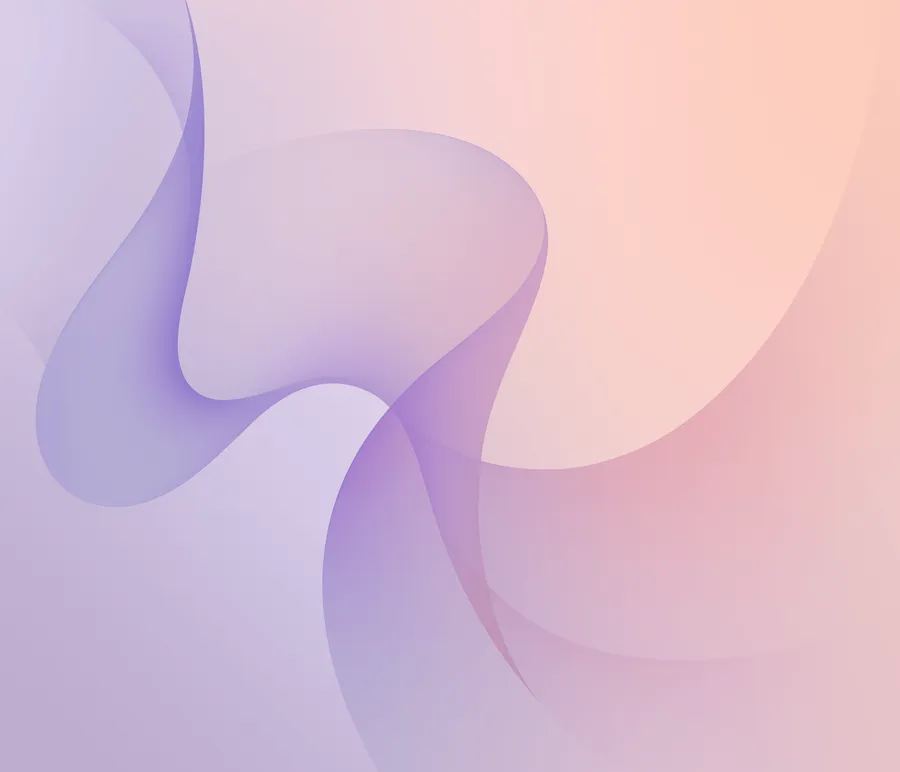



Galaxy Z Flip 8 Wallpaper Preview
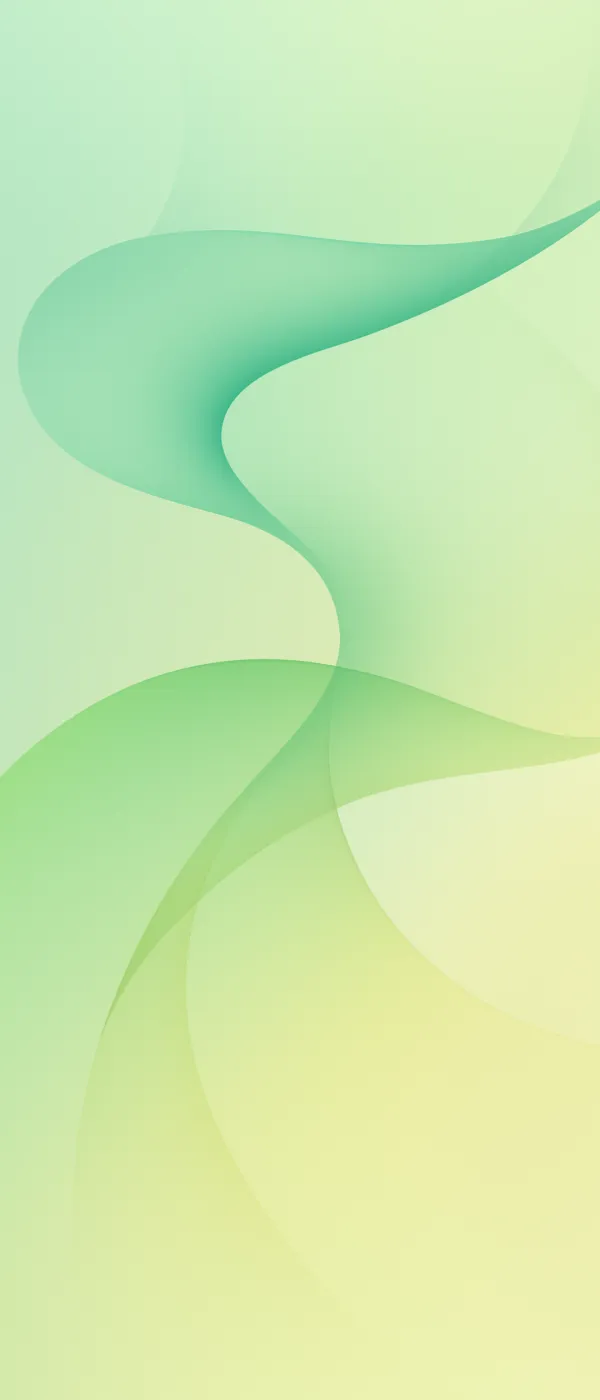
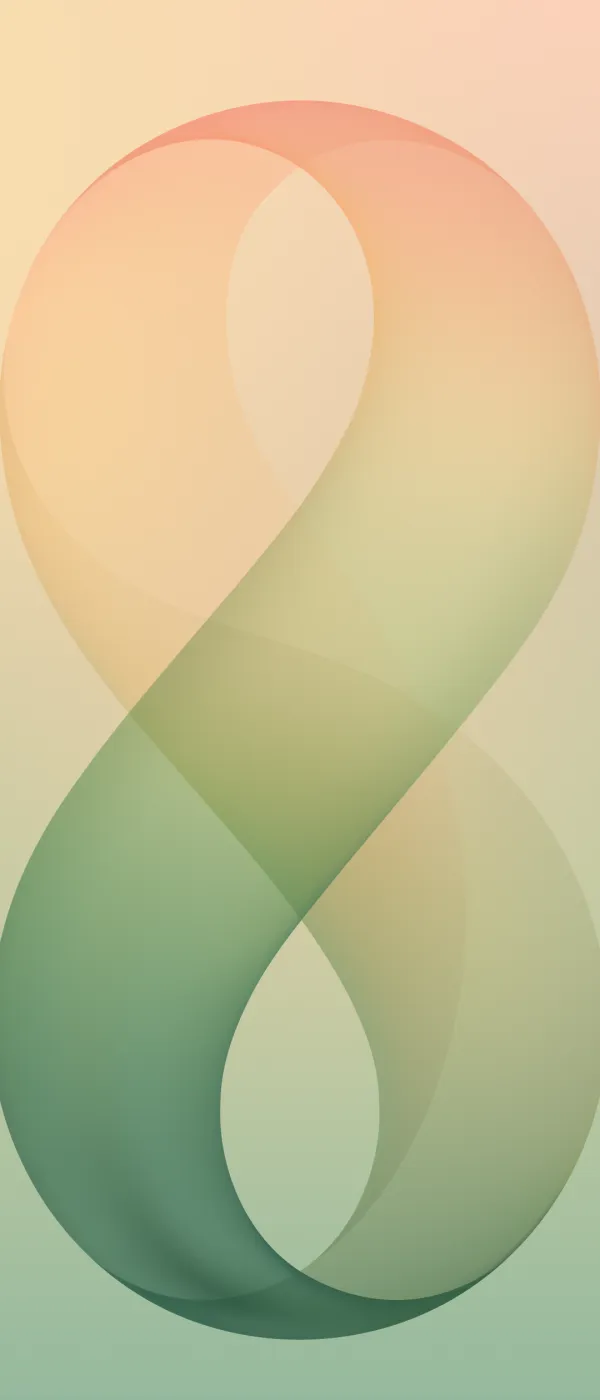
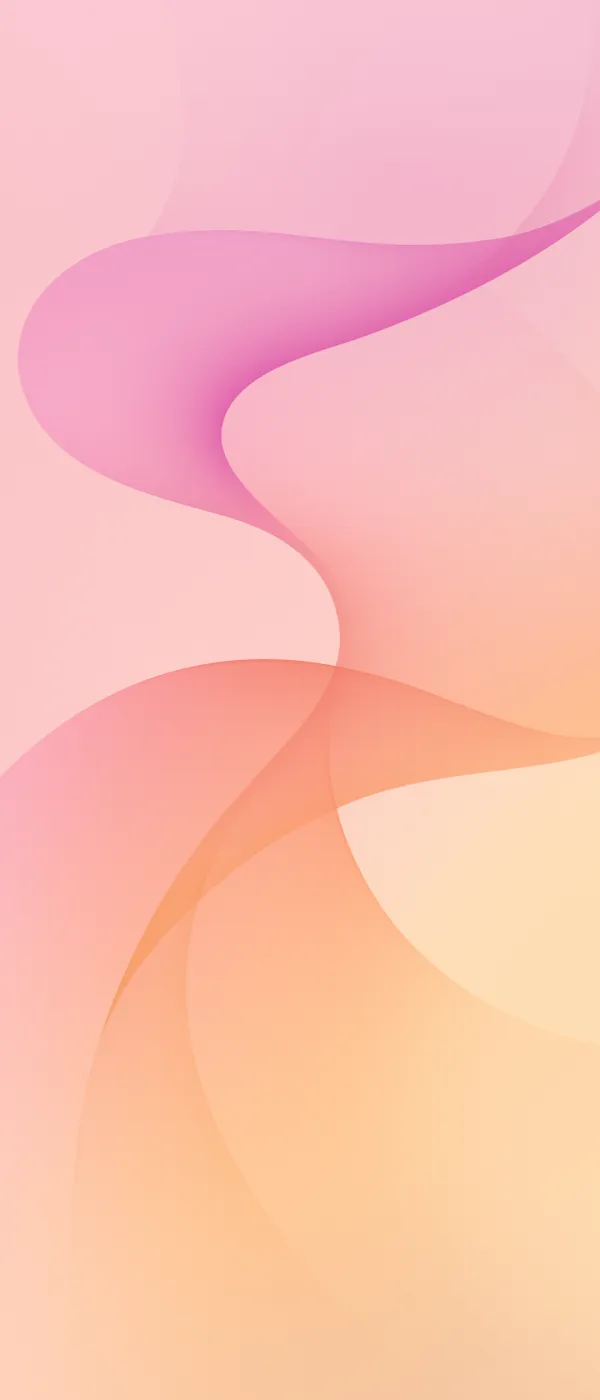
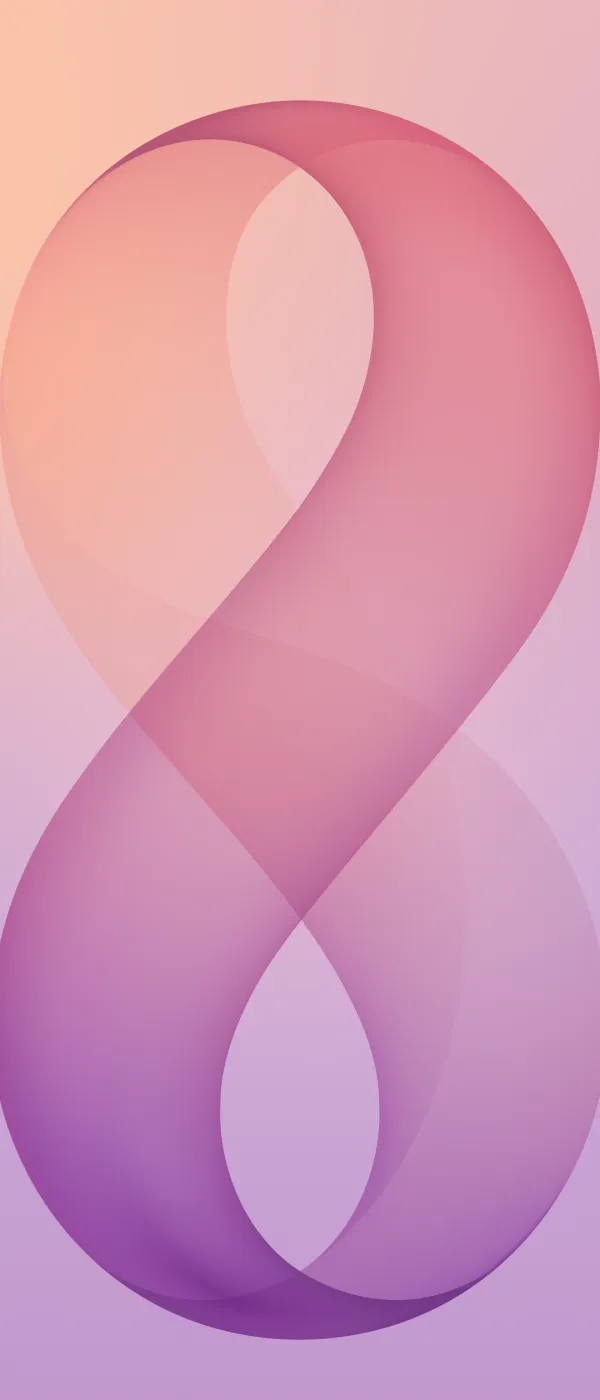
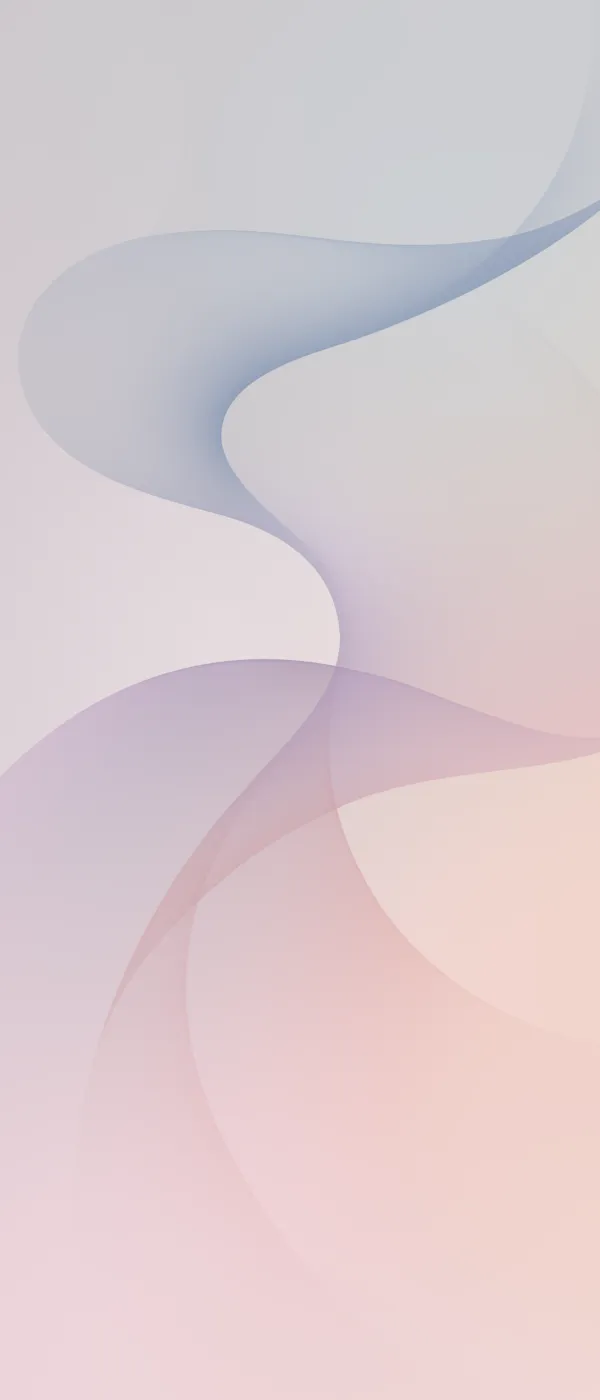
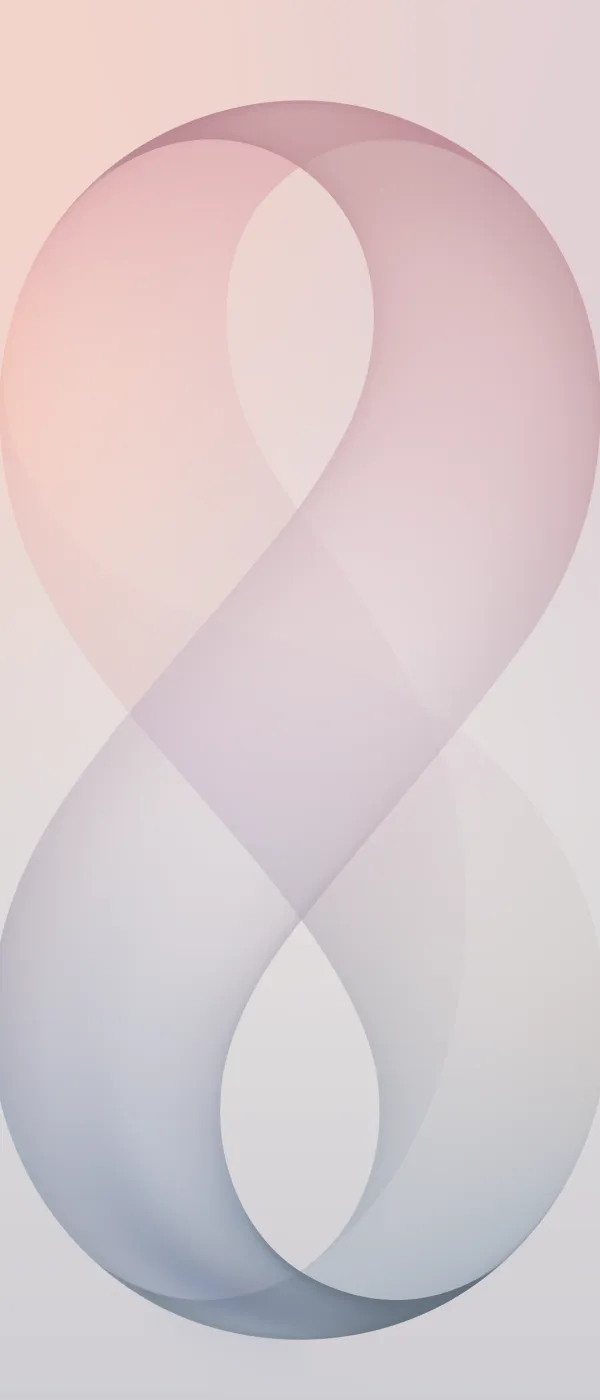
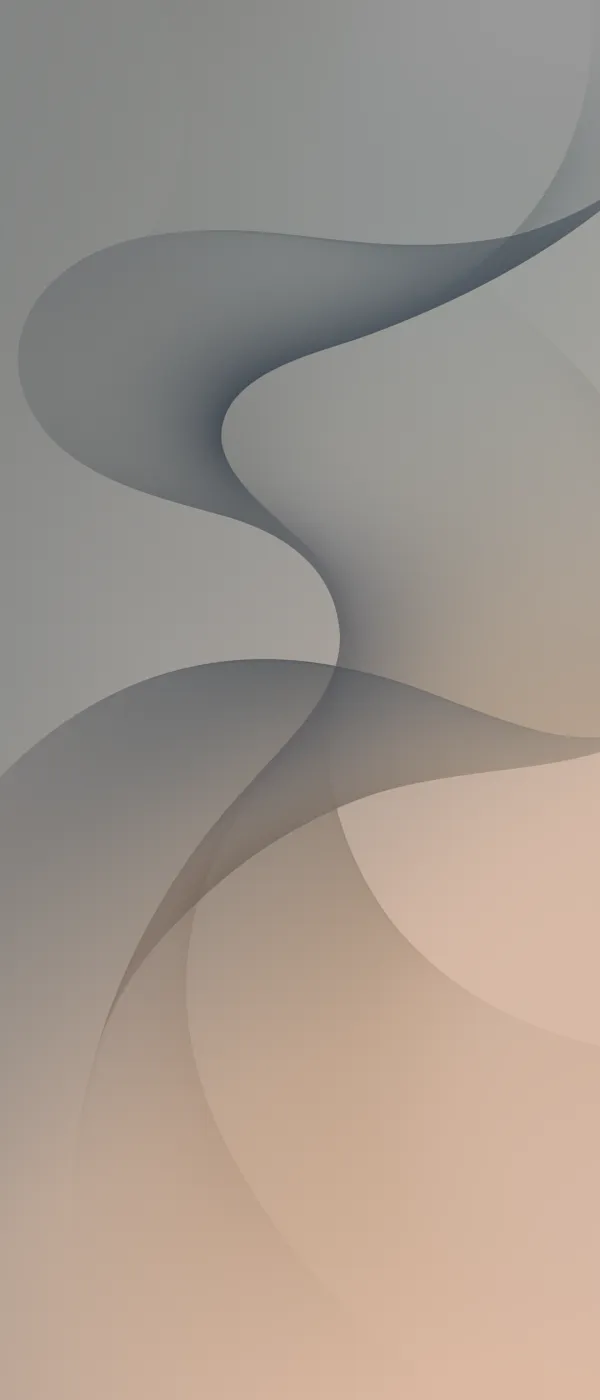
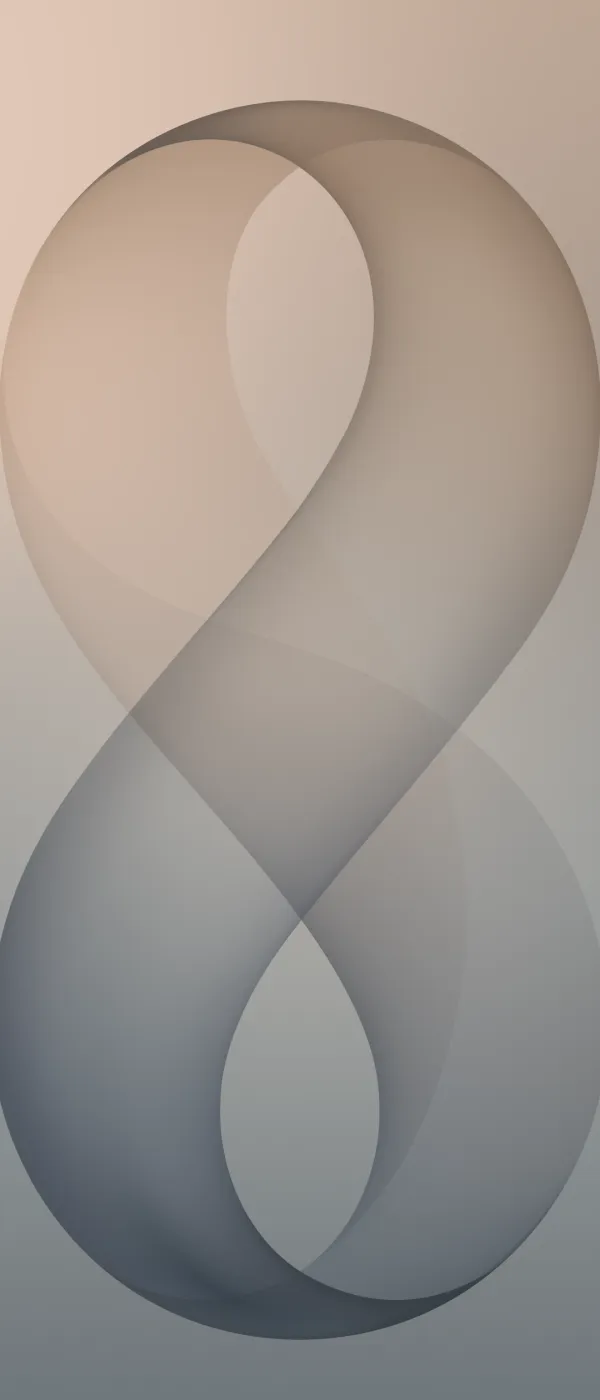
DeX Wallpaper Preview
The square DeX versions are meant for a monitor or TV in Samsung DeX, but they also work as desktop or tablet wallpapers.





Which one should you pick?
- Graphite: the darkest of each set, best for dark mode and AMOLED screens.
- Cream and Silver: the lightest; dark icons and text read best on them.
- Lavender, Pistachio, Mint and Coral: soft pastel colors that keep the "8" bright without being loud.
On a foldable, use the main screen file inside and the cover file outside, so each screen gets an image cut for its shape.
How to set the wallpaper
Galaxy foldables: open the image in Gallery, tap the three-dot menu and choose Set as wallpaper. Pick the main screen, the cover screen or both, and set each one separately.
Other Android phones: open the image in your gallery app and choose Set as wallpaper. The cover screen files are the best fit for a regular phone.
iPhone: save the image to Photos, then go to Settings > Wallpaper > Add New Wallpaper and choose it from Photos.
Download the full-resolution wallpapers
Download and extract the zip below, or install our free Crispy wallpapers app to browse every stock wallpaper in one place.
After downloading the zip, extract the files and pick one in your wallpaper settings. If you find a broken link, let us know and we will update it.
More Samsung Wallpapers
FAQs
When did the Galaxy Z Fold 8 and Z Flip 8 wallpapers come out?
How many Galaxy Z Fold 8 and Z Flip 8 wallpapers are there?
What resolution are the Galaxy Z Fold 8 wallpapers?
Can I use these wallpapers on a phone that does not fold?

Sumit
ContributorHi, I'm Sumit, Being an introvert I have always been obsessed with technology-computers and reading dozens of posts to learn, find answers out of my curiosity. I love to write as I explore more.