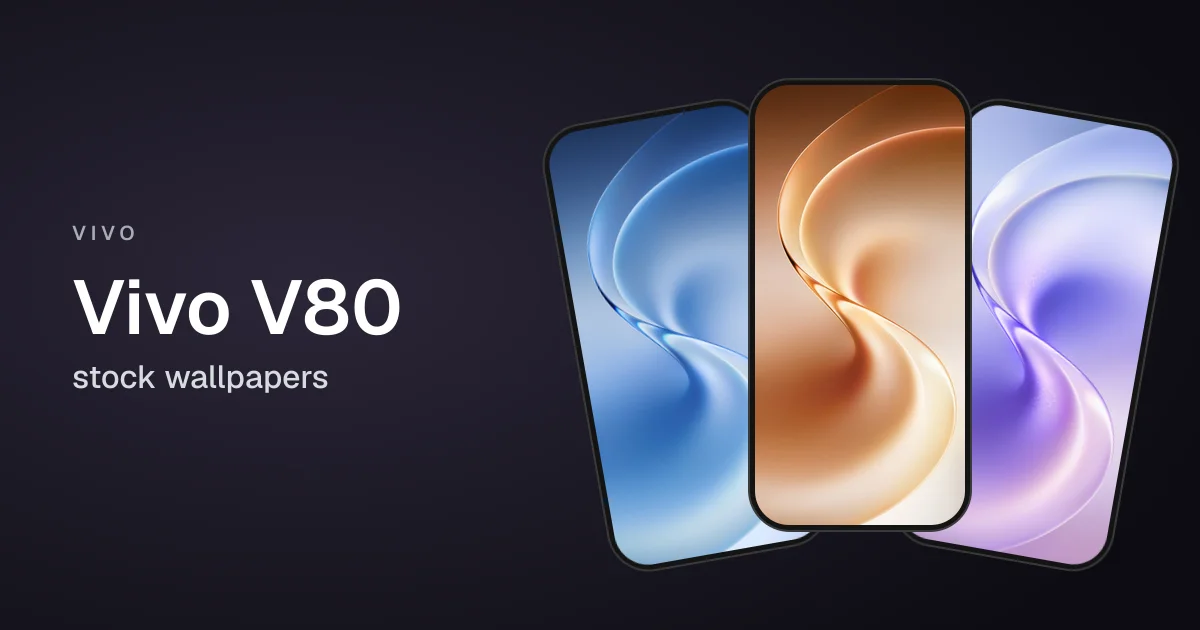
Vivo launched the V80 in October 2026 in three colors: Horizon Blue, Stellar Black and Sunrise Anthem. Like every V-series phone, it ships with a new set of bright abstract wallpapers: a flowing, glossy ribbon in four colors.
The four are Orange, Blue, Teal and Purple, each at 1260 x 2750 pixels. The phone also carries Vivo's OriginOS wallpapers.
Note: Wallpapers shown here are only a preview, for the high-quality version scroll down and use the download link.
Vivo V80 Wallpaper Preview
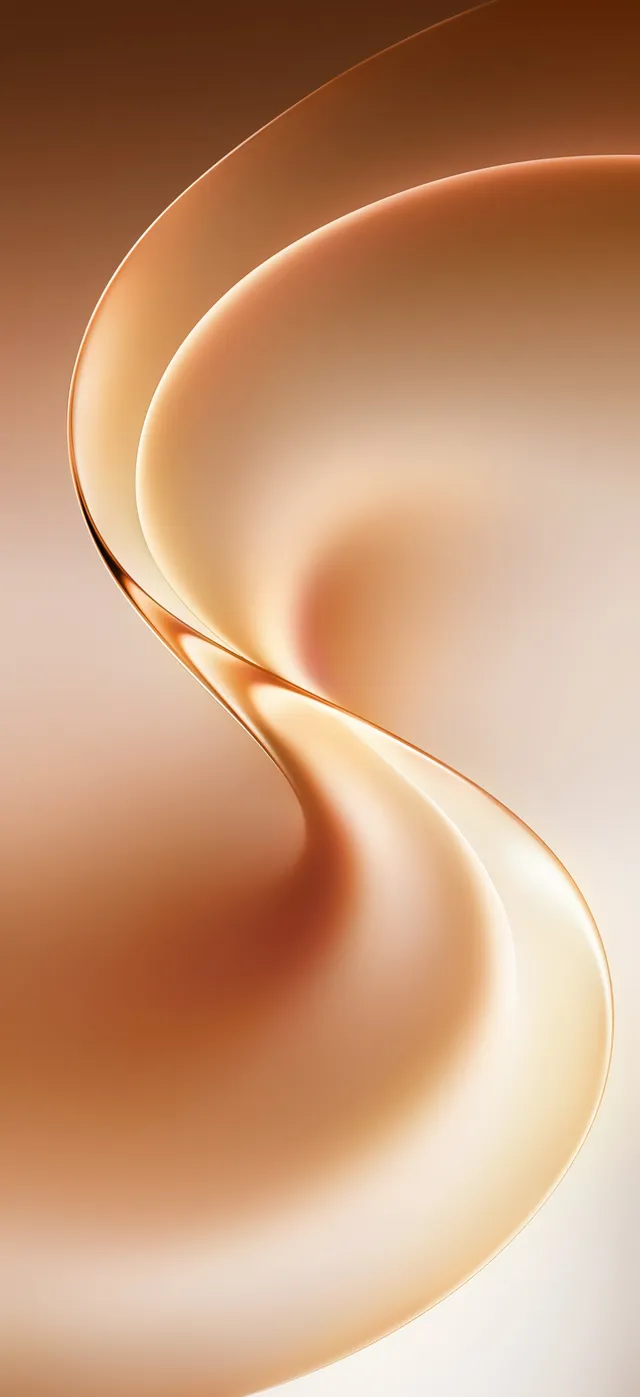

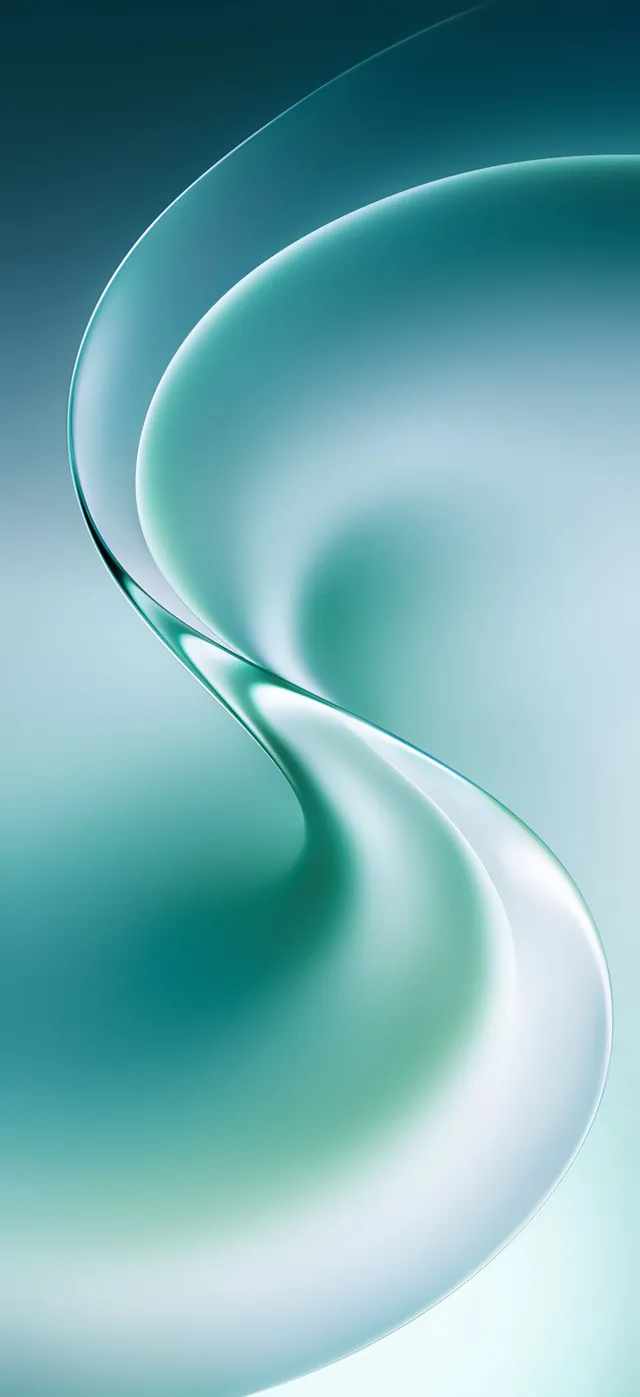
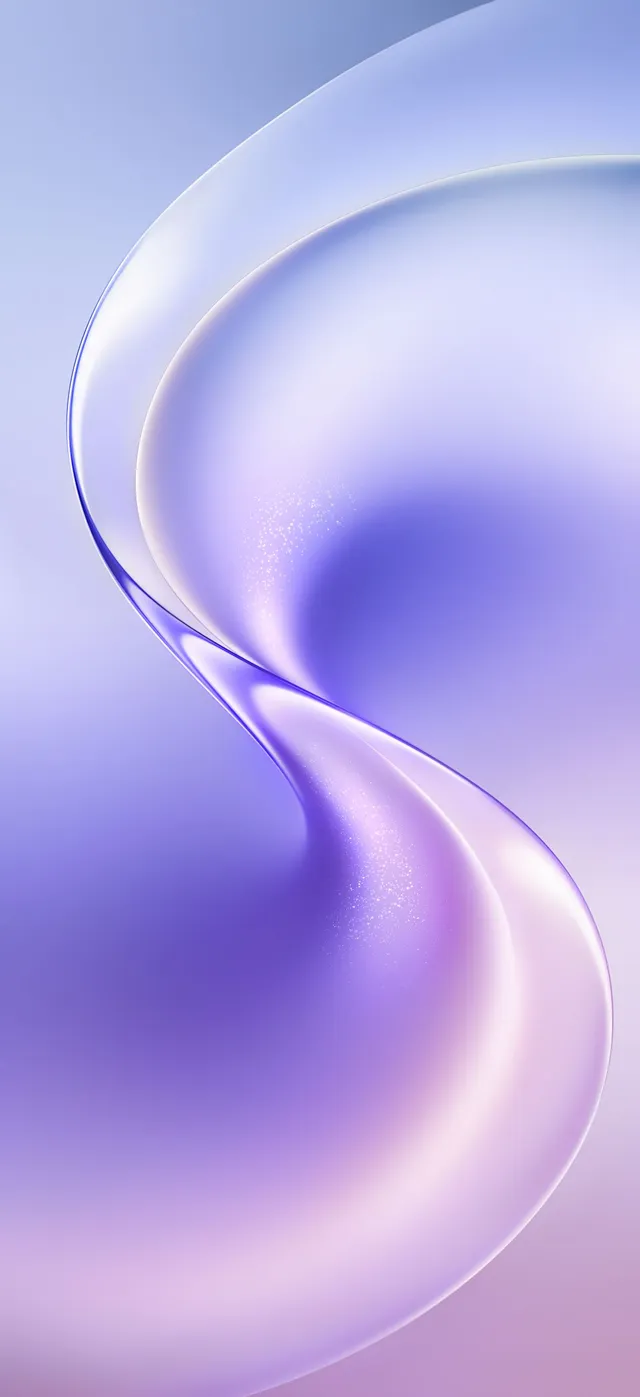
Which color should you pick?
- Orange: warm copper and cream, the most eye-catching of the four.
- Blue: a cool sky blue that works with almost any icon pack.
- Teal: deep green to mint.
- Purple: soft lavender and violet.
How to set the wallpaper
Android: open the image in your gallery app, tap the three-dot menu and choose Set as wallpaper, then pick the home screen, lock screen or both.
iPhone: save the image to Photos, then go to Settings > Wallpaper > Add New Wallpaper and choose it from Photos.
Download the full-resolution wallpapers
Download and extract the zip below, or install our free Crispy wallpapers app to browse every stock wallpaper in one place.
After downloading the zip, extract the files and pick one in your wallpaper settings. If you find a broken link, let us know and we will update it.
More Android Wallpapers
FAQs
How many Vivo V80 wallpapers are there?
What resolution are the Vivo V80 wallpapers?
Can I use Vivo V80 wallpapers on an iPhone or another Android phone?

Sumit
ContributorHi, I'm Sumit, Being an introvert I have always been obsessed with technology-computers and reading dozens of posts to learn, find answers out of my curiosity. I love to write as I explore more.