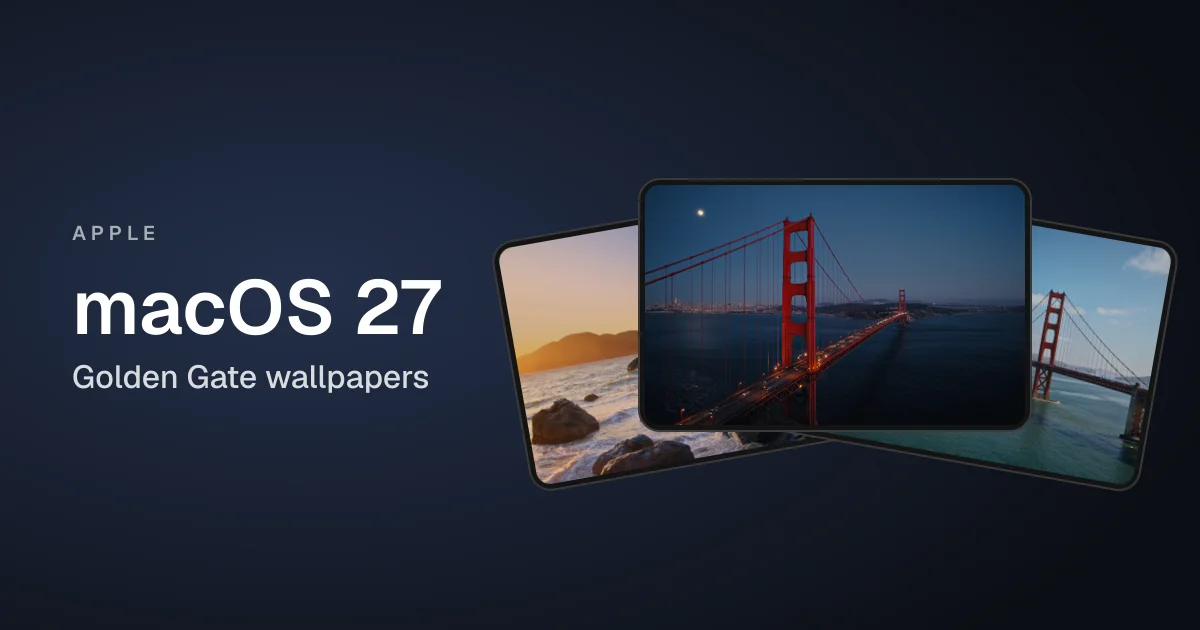
macOS 27 Golden Gate came out on September 14, 2026. It is the first macOS that runs only on Apple silicon, and as the name suggests, its wallpapers are built around San Francisco's Golden Gate Bridge.
There are six official wallpapers:
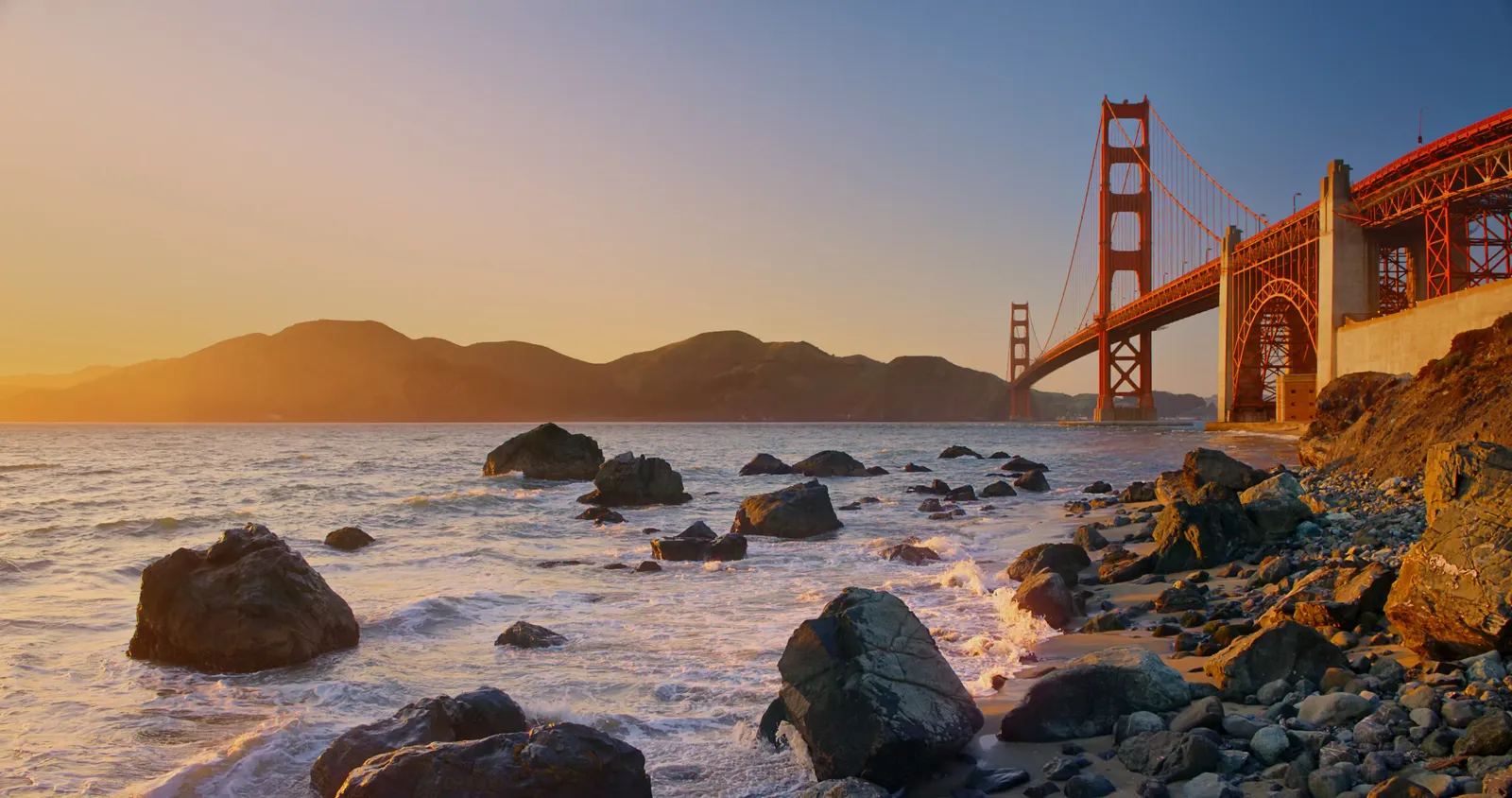
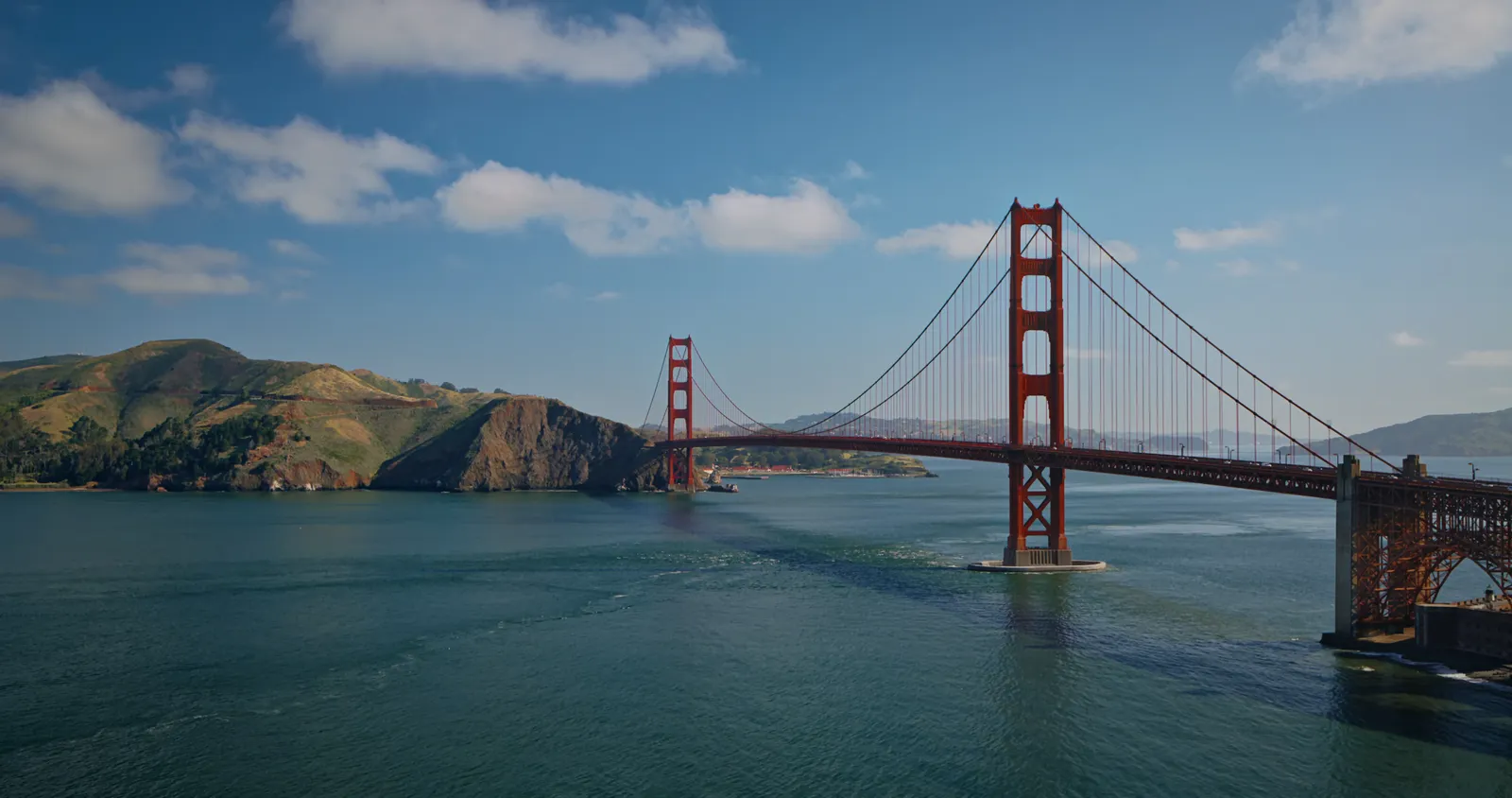
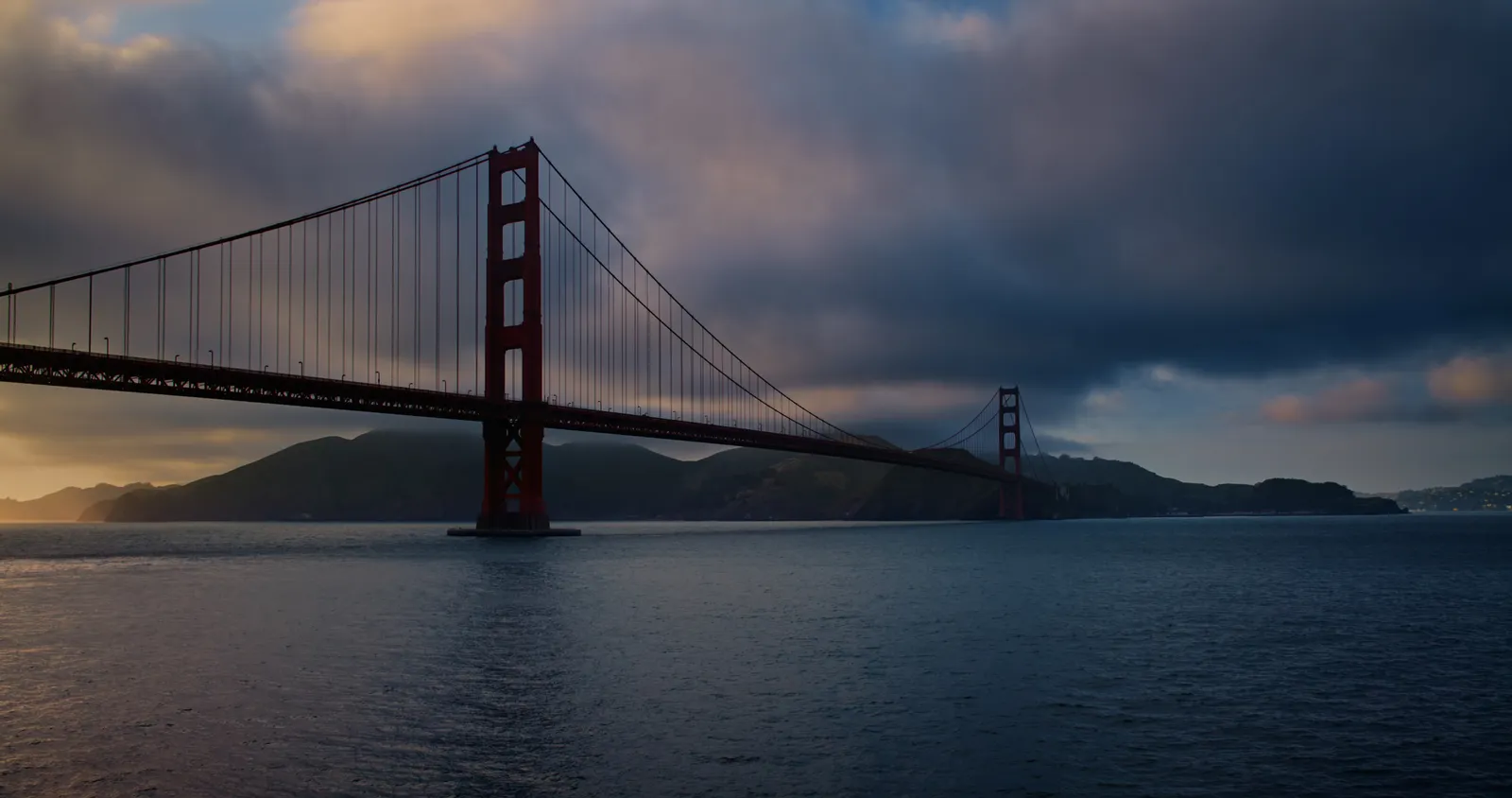
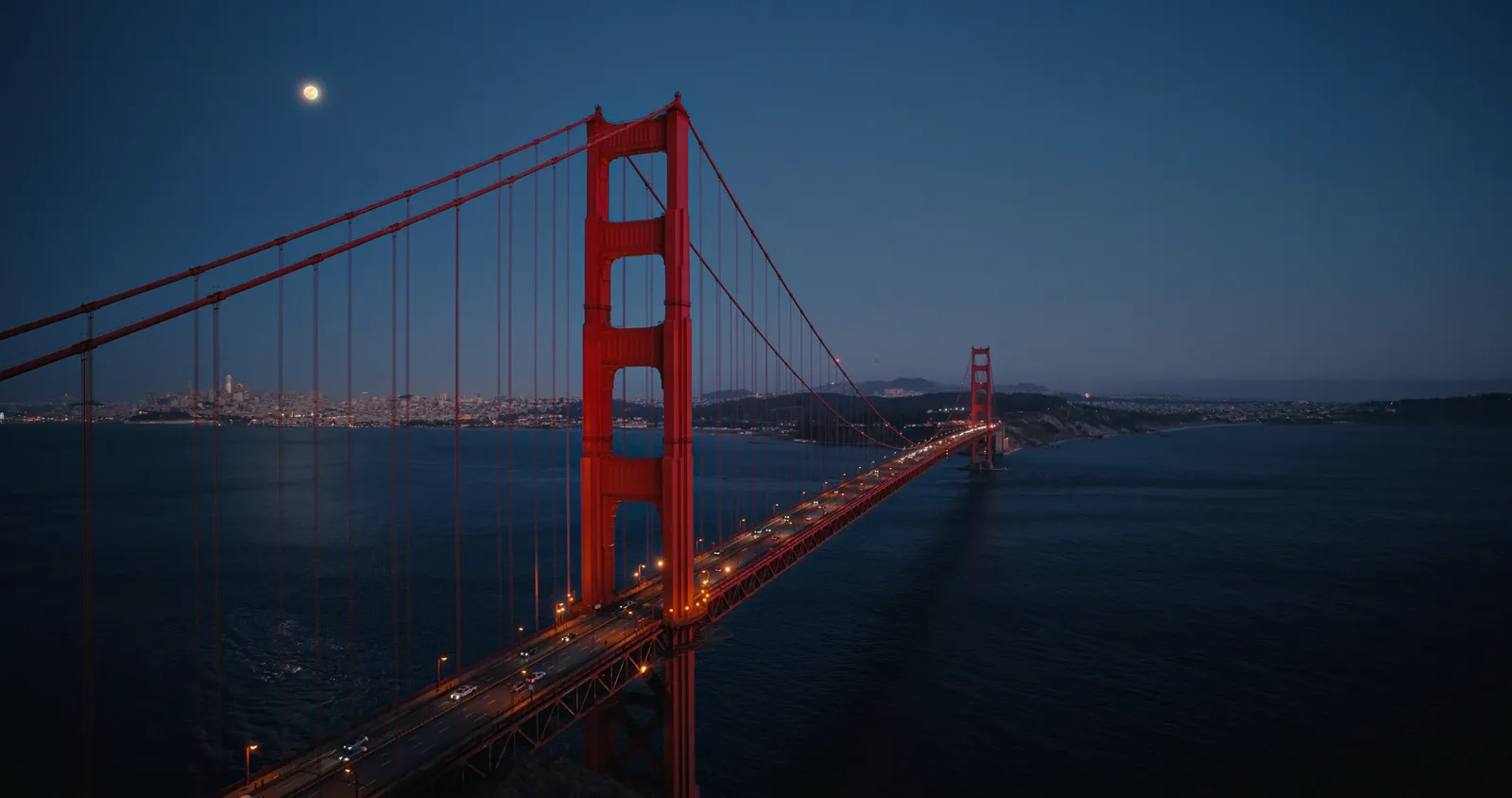
- Four Golden Gate scenes: Sunset, Day, Evening and Night, each 4096 x 2160. Sunset and Night arrived in the macOS 27 betas in July; Day and Evening followed in August.
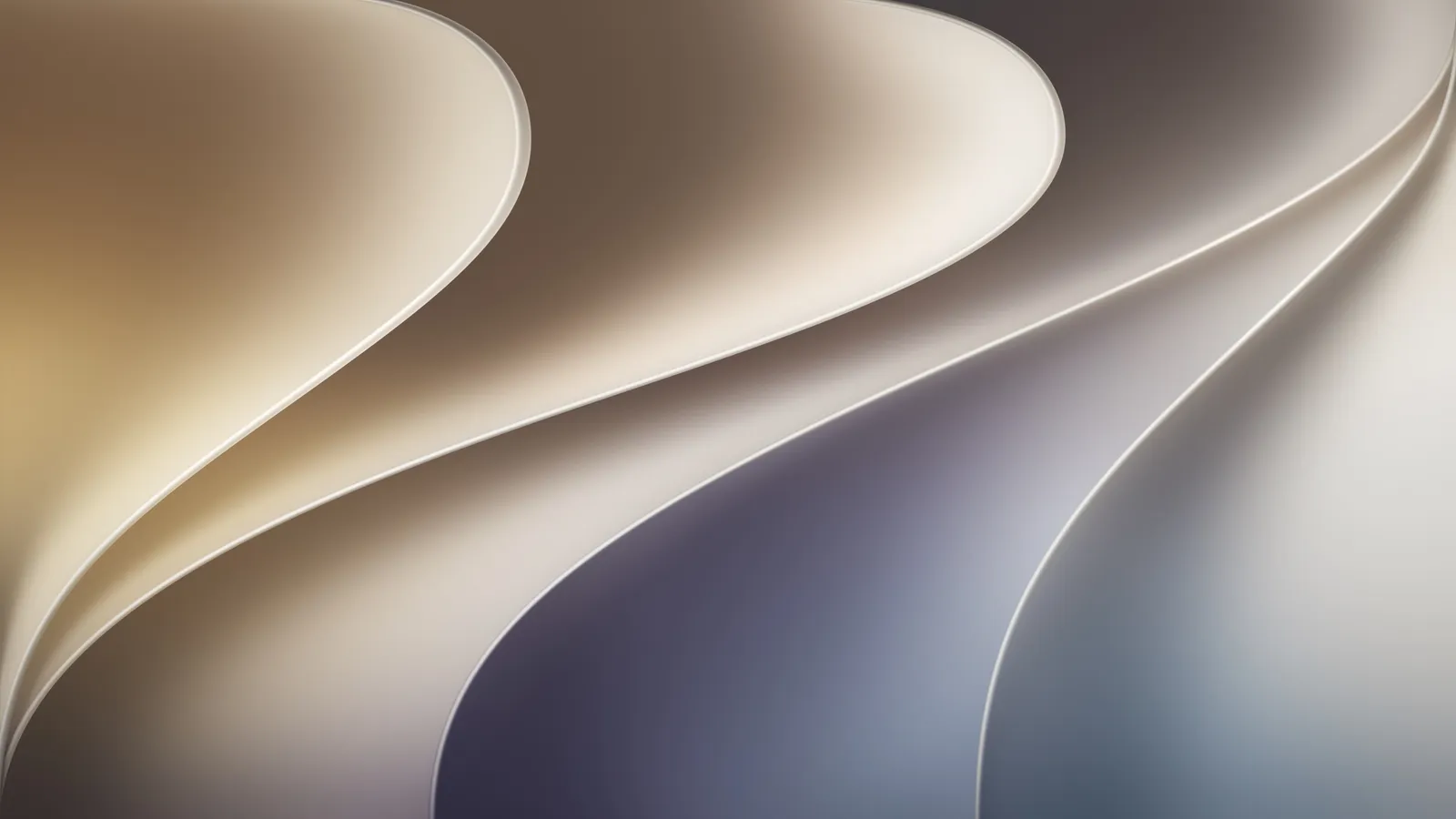
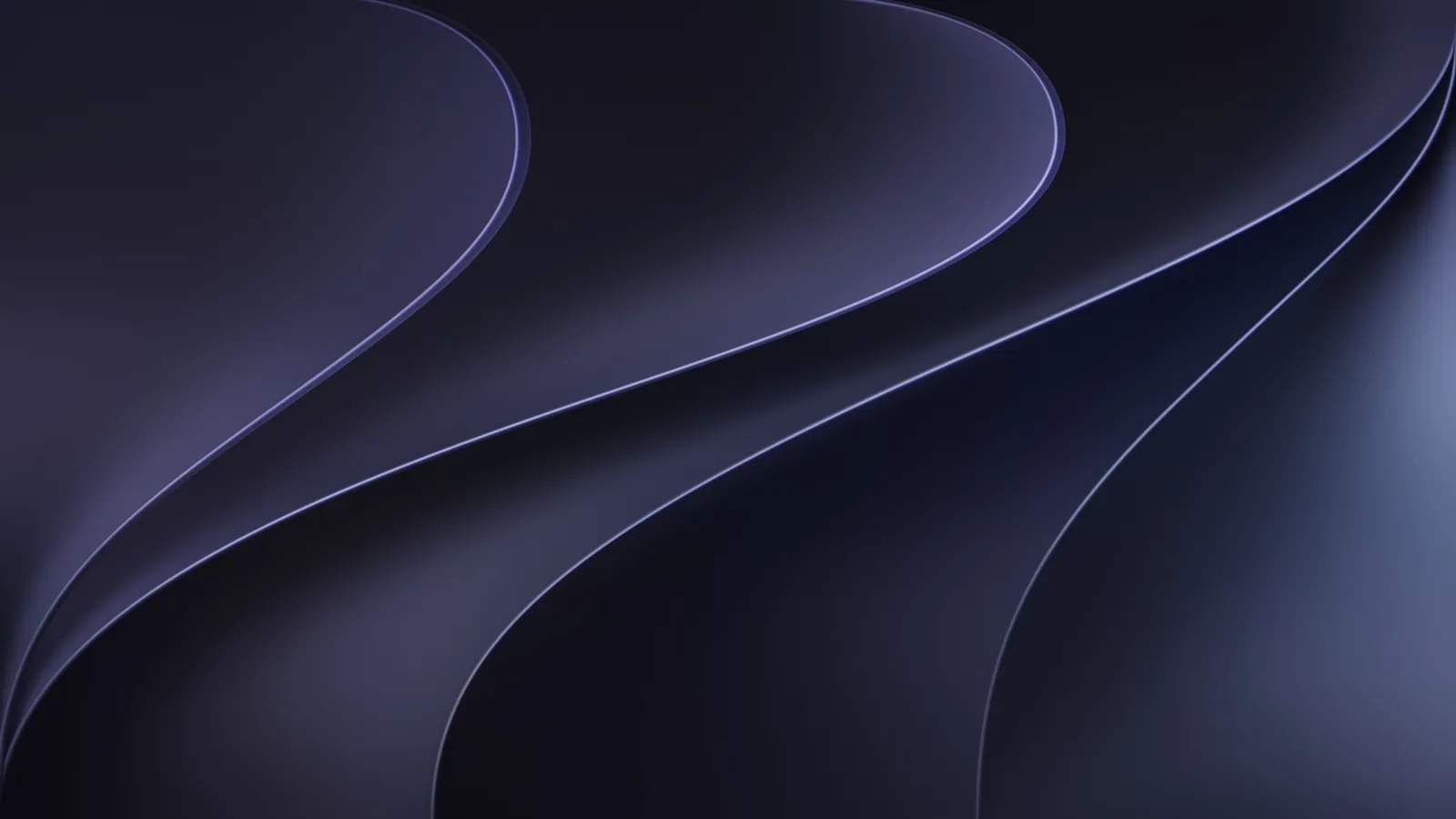
- The default macOS 27 wallpaper in a Light and a Dark version, each 5120 x 2880, enough for a 5K display.
Note: Wallpapers shown here are only a preview, for the high-quality version scroll down and use the download link.
Golden Gate Wallpaper Preview
macOS 27 Light and Dark Preview
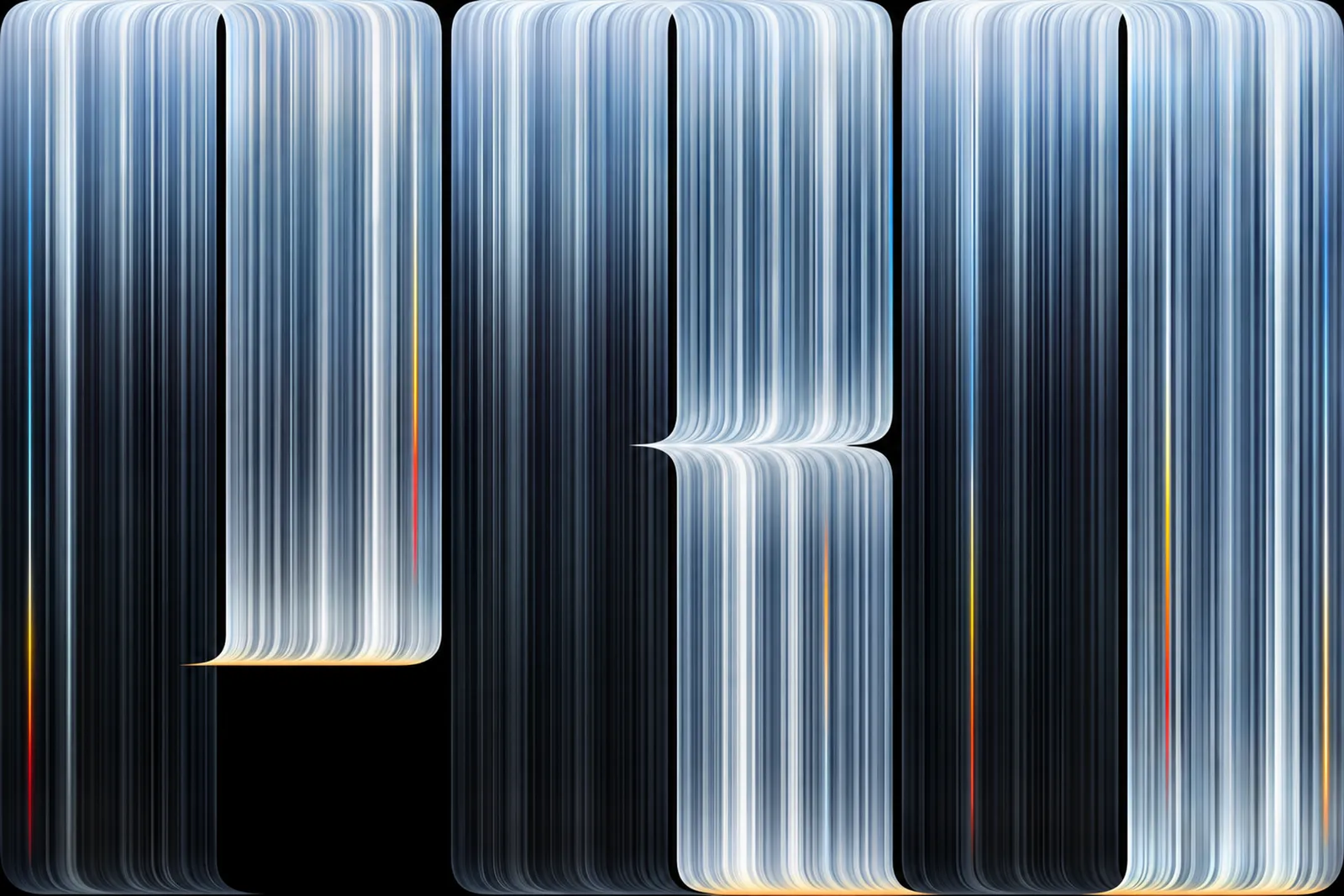
New: MacBook Pro PROLED XDR Wallpaper
Apple announced the MacBook Pro with PROLED XDR Display on October 28, 2026. It is the first Mac with an OLED screen and the first with touch, in 14-inch and 16-inch sizes with M5 Pro or M5 Max, and it goes on sale on November 6.
It brings one new wallpaper: glowing vertical light trails that come together to form the word "Pro" on black. The file is 3840 x 2560, so it fills a 4K display, and the black background looks best on the new OLED screen.
Which one should you pick?
- Sunset: the bridge from the rocky shore at golden hour. The warmest of the set.
- Day: a clear blue sky over the bay. The brightest, best for light mode.
- Evening: moody clouds and a low sun behind the bridge.
- Night: the lit-up bridge and city under the moon. The best of the four for dark mode.
- Light and Dark: the abstract default. Save both and let macOS switch between them with Auto appearance.
If your Mac runs macOS 27, these are already built in. Downloading them is useful for an Intel Mac that stays on macOS Tahoe, a Windows PC or a second monitor. Our hidden Mac features guide covers more of what changed in macOS 27.
How to set the wallpaper on a Mac
- Download and extract the zip.
- Open System Settings and click Wallpaper.
- Click Add Photo (or Add Folder) and pick the image.
- For two displays, choose a wallpaper for each one in the same screen. Our guide to separate wallpapers on dual monitors shows how on Mac and Windows.
Download the full-resolution wallpapers
After downloading the zip, extract the files and pick one in your wallpaper settings. If you find a broken link, let us know and we will update it.
More Apple Wallpapers
FAQs
When was macOS 27 Golden Gate released?
How many macOS 27 wallpapers are there?
What resolution are the macOS 27 wallpapers?
Where is the MacBook Pro PROLED wallpaper?
Can I use the macOS 27 wallpapers on an Intel Mac or Windows PC?

Sumit
ContributorHi, I'm Sumit, Being an introvert I have always been obsessed with technology-computers and reading dozens of posts to learn, find answers out of my curiosity. I love to write as I explore more.