On this page
- Build 42 status at a glance
- The mods
- Authentic Z
- Ammo Maker
- Ammocraft
- Neat Building
- “Has Been Read”
- Mods not working after a patch? What to check
- How we check B42 status
- FAQs
- Which Project Zomboid mods work on Build 42?
- Can I use Build 41 mods on Build 42?
- Is it safe to add mods to an existing Build 42 save?
- Why did my mods stop working after a Build 42 update?
- Credit
Four of the five mods we track work on Build 42 today: Authentic Z, Ammo Maker, Neat Building and “Has Been Read”. Ammocraft only partly works: its Build 42 version targets 42.16, it has not been updated since April 1, 2026, and players report problems on 42.20 and later.
Build 42 status at a glance
| Mod | What it adds | Works on B42? | Last updated | Workshop |
|---|---|---|---|---|
| Authentic Z | 150+ zombie outfits by location, backpack upgrades, 1,272 items | Yes | October 31, 2026 | 2335368829 |
| Ammo Maker | Gunpowder, casings, bullets and ammo for 80 calibres | Yes | November 11, 2026 | 2788256295 |
| Ammocraft | Ammo crafting with a press, gunpowder and cast bullet tips | Partial (42.16+, problems reported on 42.20+) | April 1, 2026 | 2245813444 |
| Neat Building | A searchable Build menu and 158 extra buildable objects | Yes (B42.12+ only) | November 17, 2026 | 3536052310 |
| “Has Been Read” | Marks unread and half-read books, maps and media | Yes | October 10, 2026 | 2544353492 |
- Authentic Z: works, updated October 31, 2026
- Ammo Maker: works, patched for 42.22.2
- Neat Building: works on 42.12 and later
- “Has Been Read”: works, single and multiplayer
- Ammocraft: has a 42.16 version, problems reported on 42.20+
- Buildables Expansion: removed from the Workshop
Buildables Expansion [B42] is no longer on the Steam Workshop, so it is not tracked here. Neat Building covers the same ground, and its own files list Buildables Expansion as incompatible.
The mods
Authentic Z
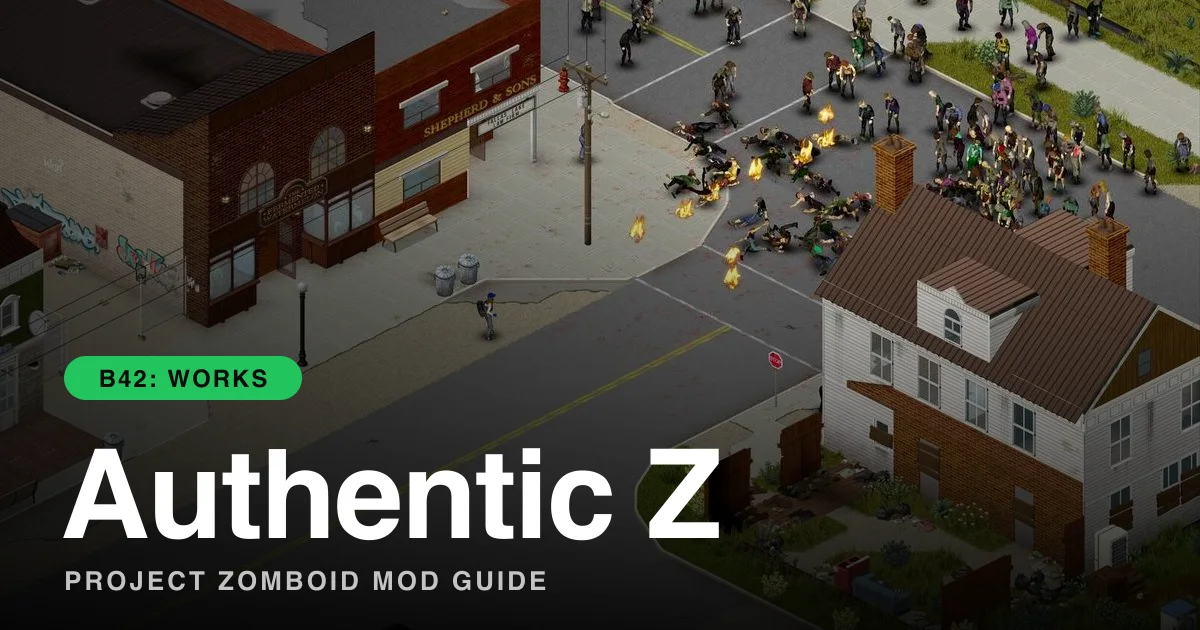
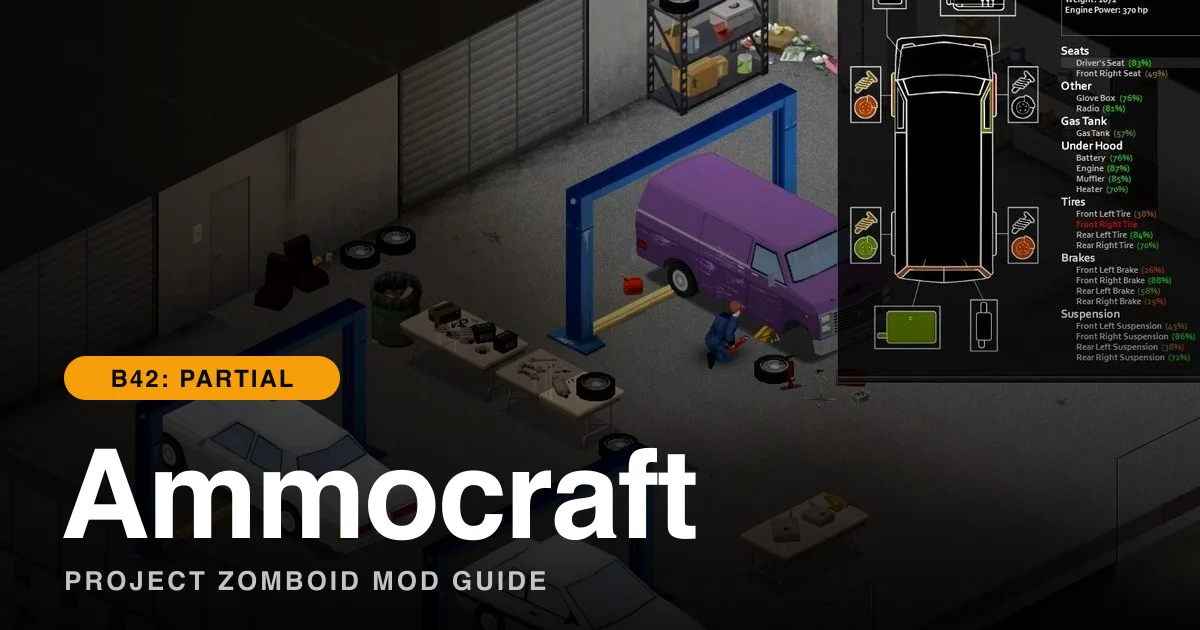
Authentic Z dresses zombies to match where they spawn and adds over 150 outfits, a costume shop and a zombie hit-list. The full branch also lets you sew backpacks up through 3 tiers. Use only one of its three branches. Authentic Z items, recipes and B42 status.
Ammo Maker
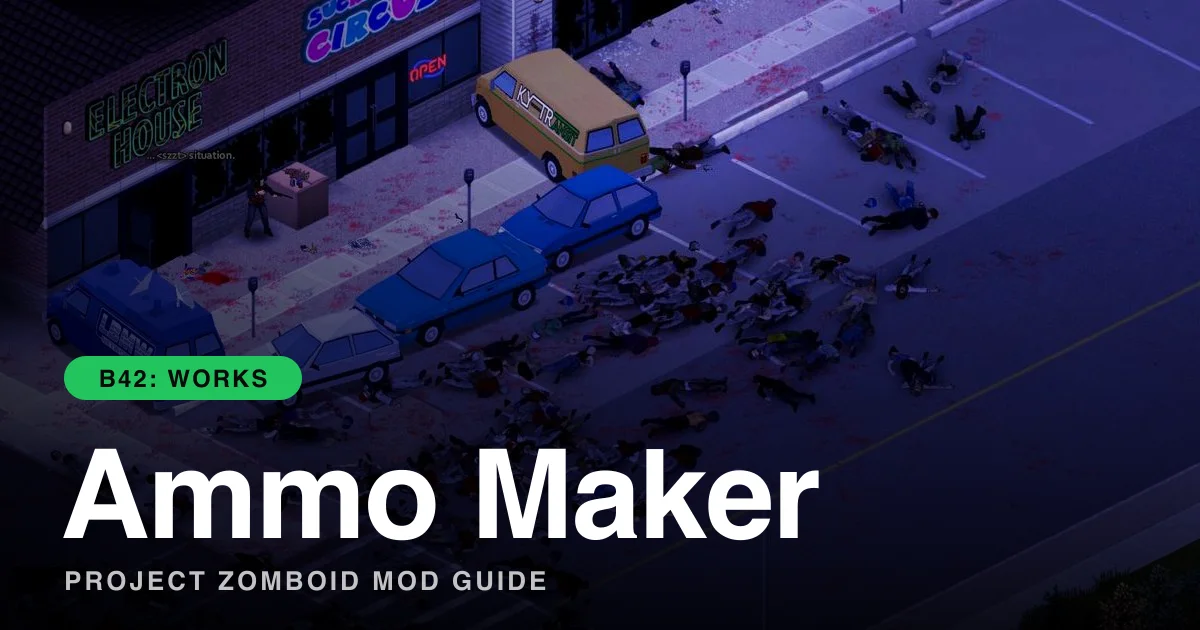
Ammo Maker builds a full ammo chain: nitre, gunpowder, casings, bullets and finished rounds, plus spent casings you can collect. It works on existing saves, but do not remove it from a multiplayer world. Ammo Maker features and B42 status.
Ammocraft
Ammocraft lets you craft ammo with a loot-only ammo press, gunpowder, casings and cast bullet tips, with a patch for the Firearms mod. Its Build 42 version is from April 2026, so test it on a new save first. Ammocraft items, recipes and B42 status.
Neat Building
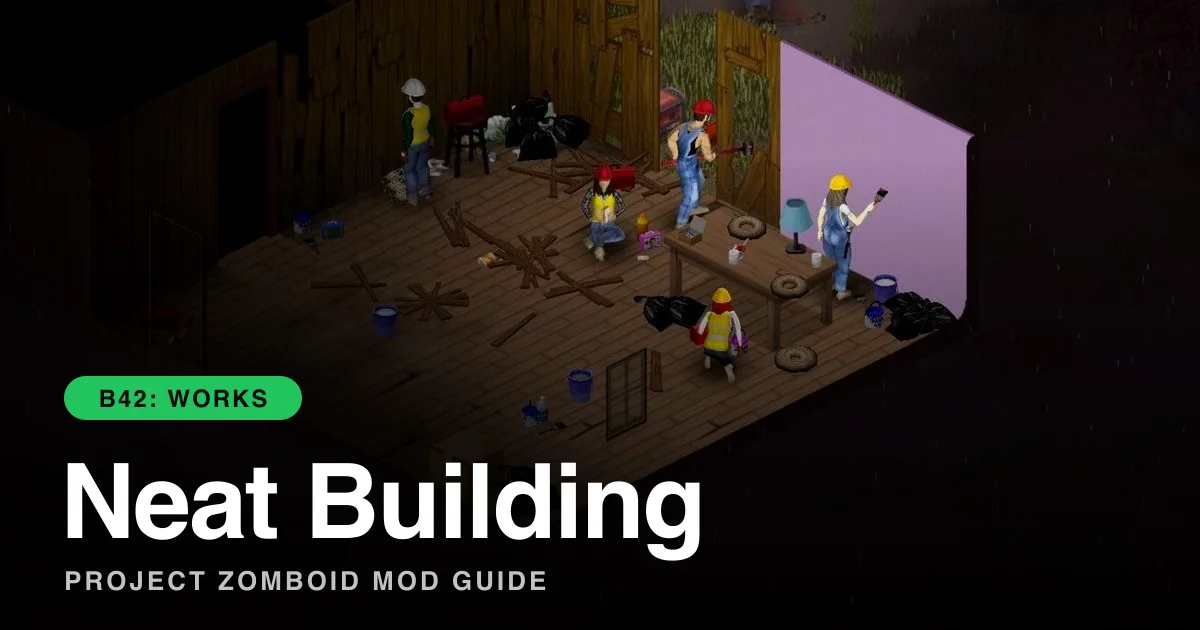
Neat Building replaces the vanilla Build menu with a searchable list or grid and adds 158 extra walls, doors, floors, stairs, fences, furniture and barricades. It needs NeatUI Framework and runs on Build 42 only. Neat Building builds and B42 status.
“Has Been Read”
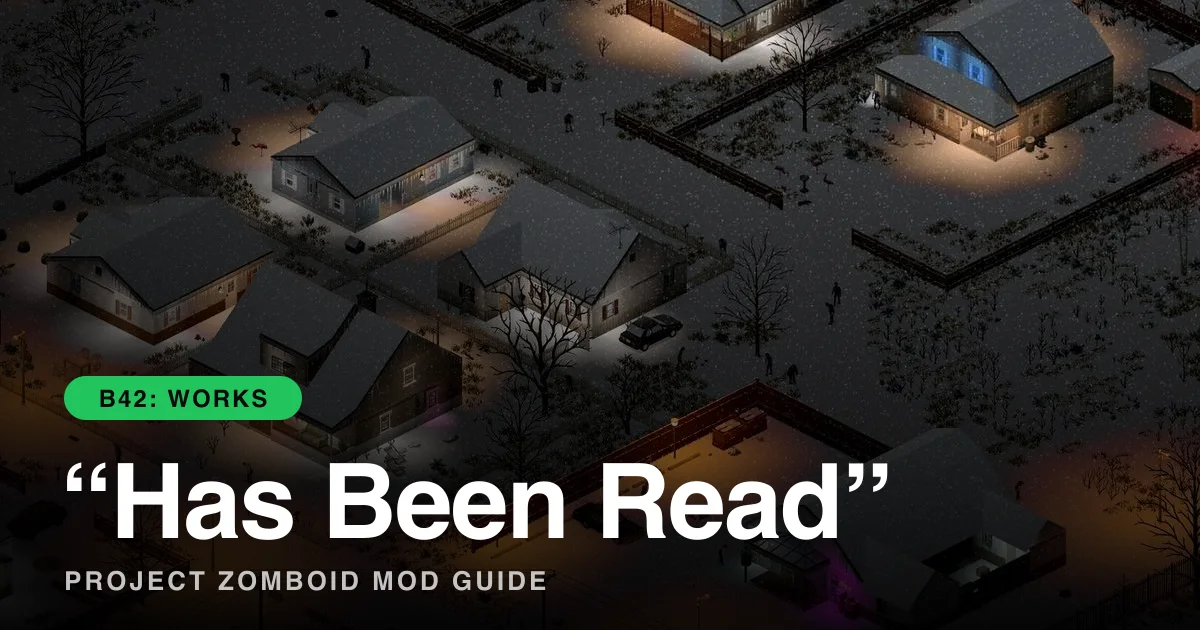
“Has Been Read” puts a mark on books, magazines, maps and tapes you have not read or finished. It adds no items or recipes, only marks on item icons. “Has Been Read” setup and B42 status.
Mods not working after a patch? What to check
- Check the mod's version folders. A Build 42 mod keeps its files in folders such as
42,42.13or42.16. The game loads the newest folder at or below your game version, so a mod with only a42.16folder will not load on 42.15. - Check the last update date against the patch. A mod last updated before a big patch (such as 42.20) may still load but break in places. Compare the Workshop "Updated" date with the patch date.
- Make Steam download the update. Unsubscribe and resubscribe, or verify the game files, if a mod still behaves like an old version. Steam does not always pull updates right away.
- Turn on only one version or branch. Mods like Authentic Z ship several branches, and running two at once breaks features.
- Check required mods. Neat Building needs NeatUI Framework, and patches like Ammocraft's Firearms patch need the mod they patch.
- Read the console log.
console.txtin yourZomboiduser folder lists the mod and file that failed. Authors ask for it in bug reports. - Test on a new save. Some mods add items or world objects that a save keeps. Removing those mods mid-save, especially in multiplayer, can stop the save from loading.
How we check B42 status
For each mod we:
- Download the current Workshop version and read its
mod.infofiles and version folders to see which Build 42 versions it targets. - Parse its item and recipe script files into tables, so every item, recipe and stat on our pages comes from the mod itself. Where a mod's license does not allow that, we use only the author's Workshop page.
- Read the author's Workshop description and change notes for their own compatibility statement and the last update date.
- Read recent player reports on the Workshop for breakage on the newest patch.
A mod gets Yes when the author confirms Build 42 support and the files target the current builds, Partial when it has a Build 42 version but known problems or no update for a recent patch, and No when it has no Build 42 version. Anything we cannot confirm is marked Unverified on the mod's page. We recheck the list after each major Build 42 patch.
FAQs
Which Project Zomboid mods work on Build 42?
Of the mods we track, Authentic Z, Ammo Maker, Neat Building and “Has Been Read” work on Build 42 as of November 28, 2026. Ammocraft only partly works on the newest patches.
Can I use Build 41 mods on Build 42?
Only if the mod has a Build 42 version. Build 42 uses a new mod folder layout and new crafting and building files, so each mod needs its own Build 42 version. Check the mod's folders or its Workshop tags for Build 42.
Is it safe to add mods to an existing Build 42 save?
It depends on the mod. Ammo Maker's author says it can be added to existing worlds. Removing a mod that adds items or placed objects is riskier than adding one, so back up your save first.
Why did my mods stop working after a Build 42 update?
Usually the mod has not been updated for the new patch, Steam has not downloaded the latest version, or a required mod is missing. Work through the checklist above, starting with the mod's last update date.
Credit
Every mod on this page belongs to its author. Subscribe to them on the Steam Workshop using the links in the table above.

Amit loves new tech and apps that make life easier, he writes about apps, games and useful websites on TheTechBasket.