First, the good news: Anki is mostly free. The desktop app for Windows, Mac and Linux is free. AnkiDroid on Android is free. AnkiWeb, the browser version and sync service, is free too. The only paid part is AnkiMobile for iPhone and iPad, which is a one-time $24.99 on the US App Store.
So why do people look elsewhere? The $24.99 price feels steep to iPhone users who only want to review a few decks. Anki's interface is also dated, and setting up decks, note types and add-ons takes time. Some people want flashcards built into their notes. Others want ready-made study sets for school, or a simpler app that just works.
This list covers 9 options. Two are the free official ways to use Anki without AnkiMobile. The rest are other flashcard and spaced repetition apps. For each one we note the price, the scheduling algorithm (including FSRS, the modern scheduler Anki added in version 23.10), whether it imports Anki .apkg decks, ads and account needs. Every detail comes from the official website, help pages or app store listing. We have not run our own tests.
Last checked: September 26, 2026. Prices are US App Store or official US prices. In-app prices can differ by country and by account.
- Anki is free except on iPhone and iPad. AnkiDroid and AnkiWeb give you the real Anki, with sync and FSRS, at no cost.
- Best for notes plus flashcards: RemNote turns notes into cards, imports Anki decks and supports FSRS.
- Best simple Anki-style app: Mochi is free offline with unlimited cards, uses FSRS and imports `.apkg` files with review history.
- Best for students: Knowt has free Learn mode and free spaced repetition. Quizlet caps Learn on the free plan.
- Best for Obsidian users: the free Spaced Repetition plugin runs FSRS or SM-2 on your own Markdown notes.
- Watch out: Noji (formerly AnkiPro) is not made by the Anki team and does not sync with AnkiWeb.
All 9 Anki alternatives at a glance
Search by app, platform or algorithm.
Tap any name in the table to jump to its full entry below.
| App | Price | One-time vs subscription | Platforms | Spaced repetition algorithm | Imports Anki decks | Ads | Account needed |
|---|---|---|---|---|---|---|---|
| AnkiMobile (for comparison) | $24.99 | One-time | iPhone, iPad | SM-2 or FSRS | Yes | No | Only for AnkiWeb sync |
| AnkiDroid | Free | Free and open source | Android | SM-2 or FSRS (2.17+) | Yes | No | Only for AnkiWeb sync |
| AnkiWeb | Free | Free | Web browser | SM-2 or FSRS | Via sync from Anki desktop | No | Yes, AnkiWeb account |
| RemNote | Free, Pro $8 a month | Subscription ($96 a year) | Web, desktop, iPhone, Android | FSRS (beta) and RemNote's own scheduler | Yes, .apkg | None mentioned | Yes |
| Mochi | Free, Pro $5 a month | Subscription (yearly saves $12) | Mac, Windows, Linux, web, iPhone, Android | FSRS | Yes, .apkg with review history | Not stated | Only for Pro sync and AI |
| Noji (formerly AnkiPro) | Free, Premium $4.99 a month | Subscription or $74.99 lifetime | iPhone, iPad, Android, Mac, Windows | Own presets (algorithm not named) | Yes, .apkg and .colpkg | Not stated | Not stated |
| Knowt | Free, Ultra $149.99 a year | Subscription ($24.99 monthly) | Web, iPhone, Android | Own spaced repetition mode | Not stated (imports Quizlet) | Yes, on free plan | Yes |
| Quizlet | Free, Plus from $9.99 in-app | Subscription | Web, iPhone, iPad, Android | Own adaptive Learn mode | No | Yes | Yes, to create sets |
| Brainscape | Free, Pro from $19.99 a month in-app | Subscription or $199.99 lifetime | Web, iPhone, iPad, Android | Confidence-Based Repetition | No, only text import | Not stated | Yes |
| Obsidian Spaced Repetition plugin | Free | Free and open source (MIT) | Windows, Mac, Linux, iPhone, Android | FSRS or SM-2 | No | No | No |
Free ways to use Anki without AnkiMobile
AnkiDroid
- Android
AnkiDroid is the free Android app for Anki. It is open source and built by volunteers. It opens the same decks, syncs with AnkiWeb and supports FSRS from version 2.17. You can use it offline with local decks and no account. You only need a free AnkiWeb account if you want to sync with desktop or other devices.
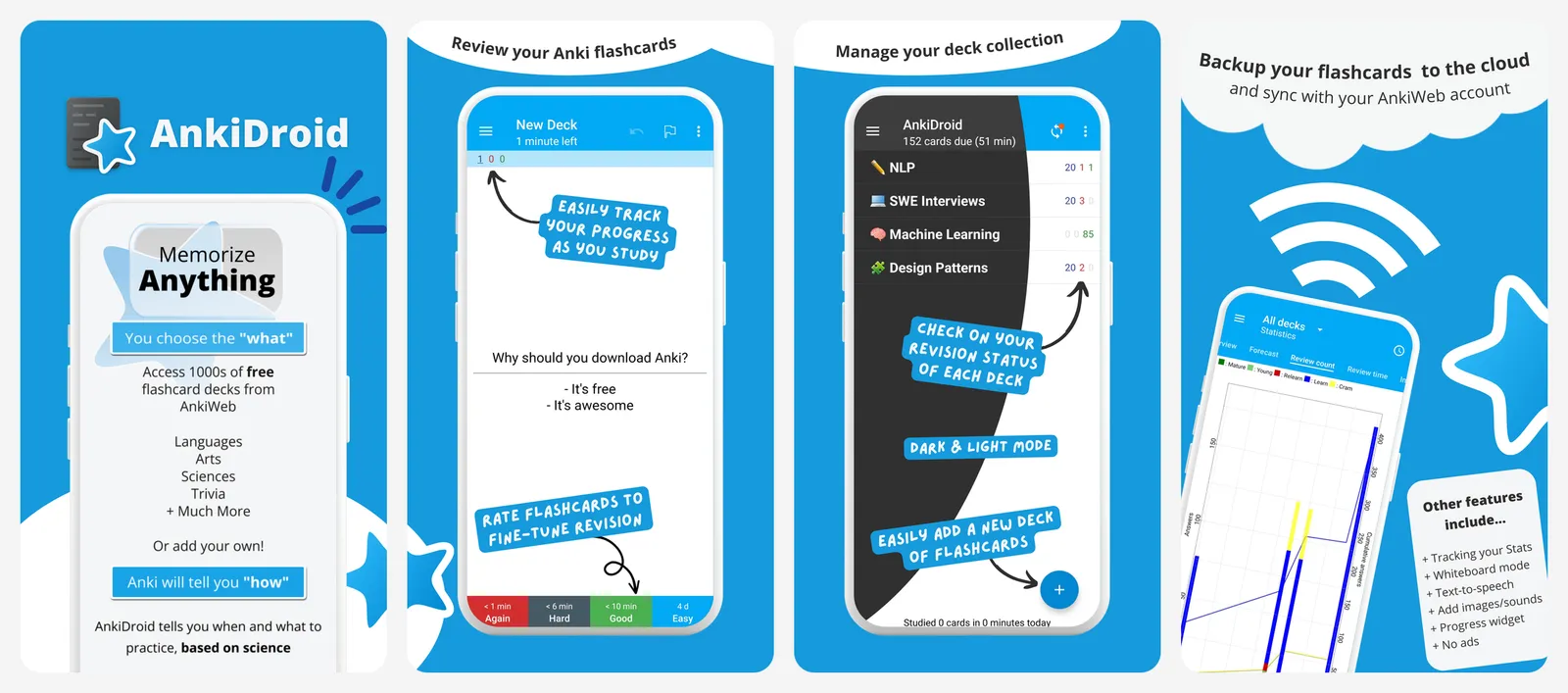
AnkiDroid is not made by the core Anki team, but it works with Anki desktop and AnkiWeb.
What you lose vs AnkiMobile: nothing on price, but it only runs on Android.
- Replaces
- AnkiMobile on Android
- Runs on
- Android
- Licence
- Free and open source
- Skip if
- You only own an iPhone or iPad
- Price
- Free
AnkiWeb
AnkiWeb is Anki's free sync service, and it also lets you review cards in a browser. That makes it the free way to study your Anki decks on an iPhone or iPad without paying for AnkiMobile. It supports FSRS, like the desktop app.
You need an AnkiWeb account. Heavy editing, such as changing note types, is best done in the free desktop app, which then syncs to AnkiWeb.
What you lose vs AnkiMobile: offline study, a native iPhone app and features like Apple Pencil drawing.
- Replaces
- AnkiMobile for light review on iPhone
- Runs on
- Any modern web browser, including Safari on iPhone
- Licence
- Free sync and web study
- Skip if
- You need offline study on your phone
- Price
- Free
Other flashcard and spaced repetition apps
RemNote
- Android
- iPhone and iPad
RemNote mixes note-taking with flashcards. You write notes and turn lines into cards as you go, then review them with spaced repetition. The free plan includes unlimited notes and flashcards, 3 annotated PDFs, 5 image occlusion cards and 250 AI credits a month.
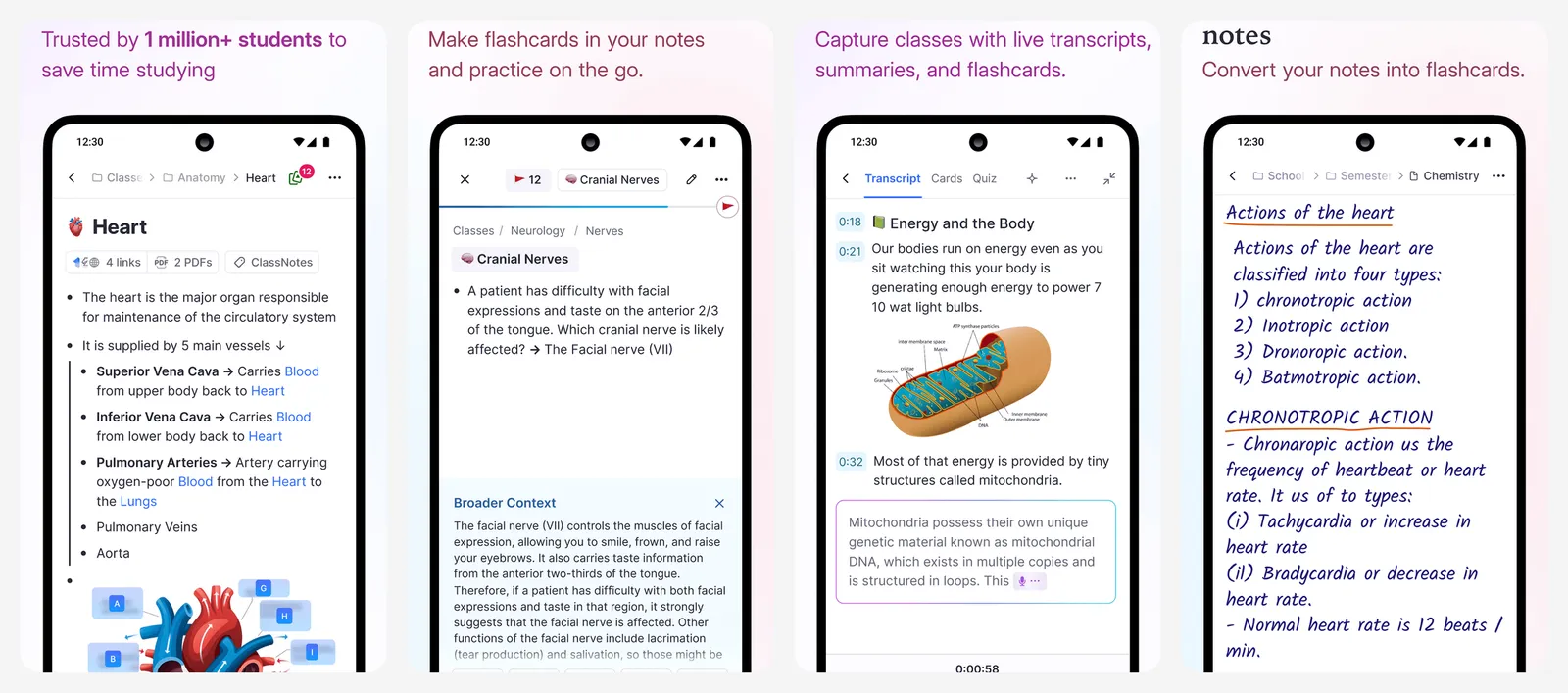
It imports Anki .apkg decks, including basic, cloze and image occlusion cards. Custom card styling (CSS) does not come across. FSRS is available as a beta option you turn on, and it can use the review history from your imported Anki cards.
What you lose vs AnkiMobile: Anki's add-on ecosystem, and unlimited PDFs and image occlusion without paying.
- Replaces
- Anki plus a separate notes app
- Runs on
- Web, desktop, iPhone, Android
- Licence
- Free plan with unlimited notes and flashcards
- Skip if
- You want a simple card-only app
- Price
- Free (Pro $8 a month or $96 a year, Pro with AI $18 a month)
Mochi
- Android
- iPhone and iPad
Mochi is a clean flashcard app where cards are written in Markdown. The free plan has unlimited cards and decks and works offline on every platform. No account is needed to start. Scheduling uses FSRS.
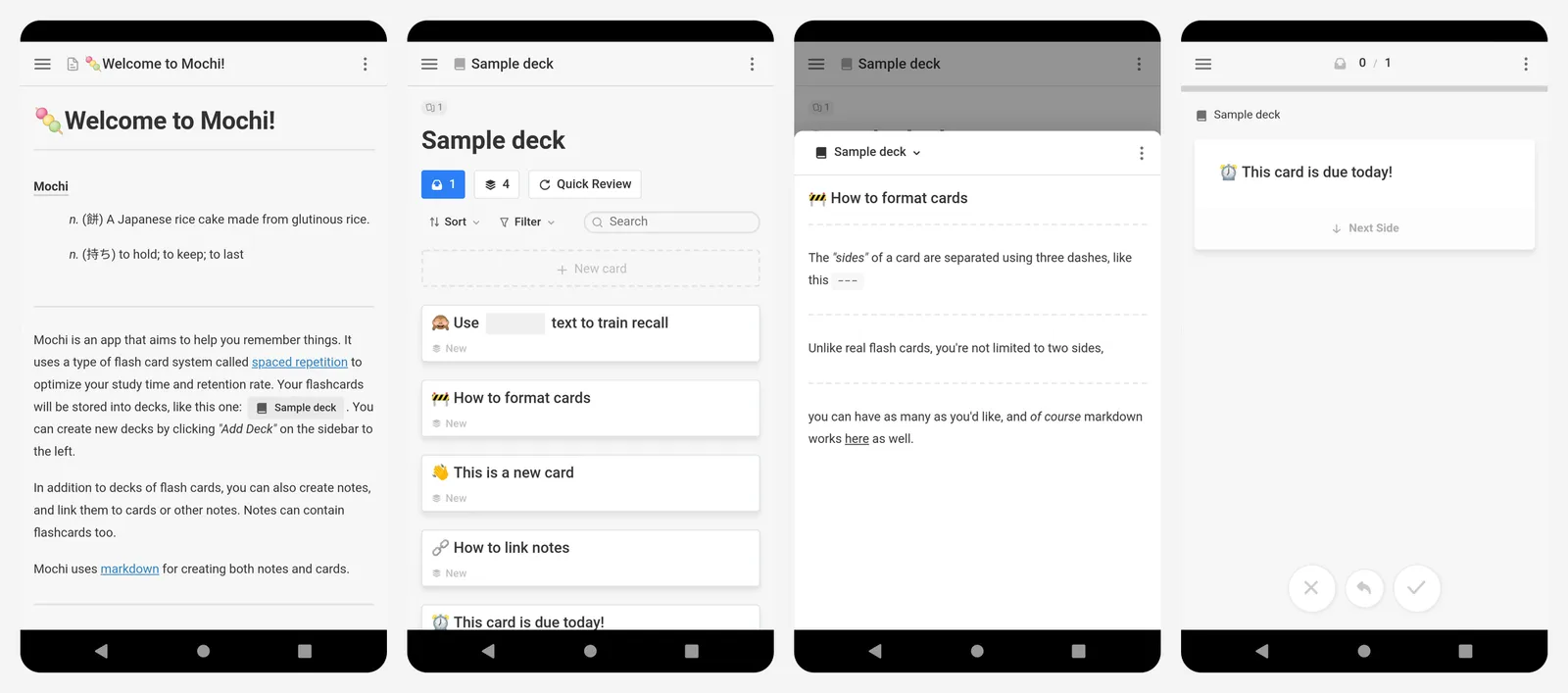
It imports Anki .apkg files, including review history. Mochi strips CSS and JavaScript and converts HTML to Markdown, so complex Anki cards may look different after import.
The catch: sync between devices is a Pro feature. On the free plan, each device keeps its own cards.
What you lose vs AnkiMobile: free sync, which AnkiWeb gives you at no cost.
- Replaces
- Anki for people who want a cleaner app
- Runs on
- Mac, Windows, Linux, web, iPhone, Android
- Licence
- Free forever offline, optional Pro subscription
- Skip if
- You need free sync between devices
- Price
- Free (Pro $5 a month, yearly billing saves $12)
Noji (formerly AnkiPro)
- Android
- iPhone and iPad
Noji used to be called AnkiPro. It was renamed in 2025 after trademark pressure. It is a separate commercial app and is not made by the Anki team. It does not sync with AnkiWeb.
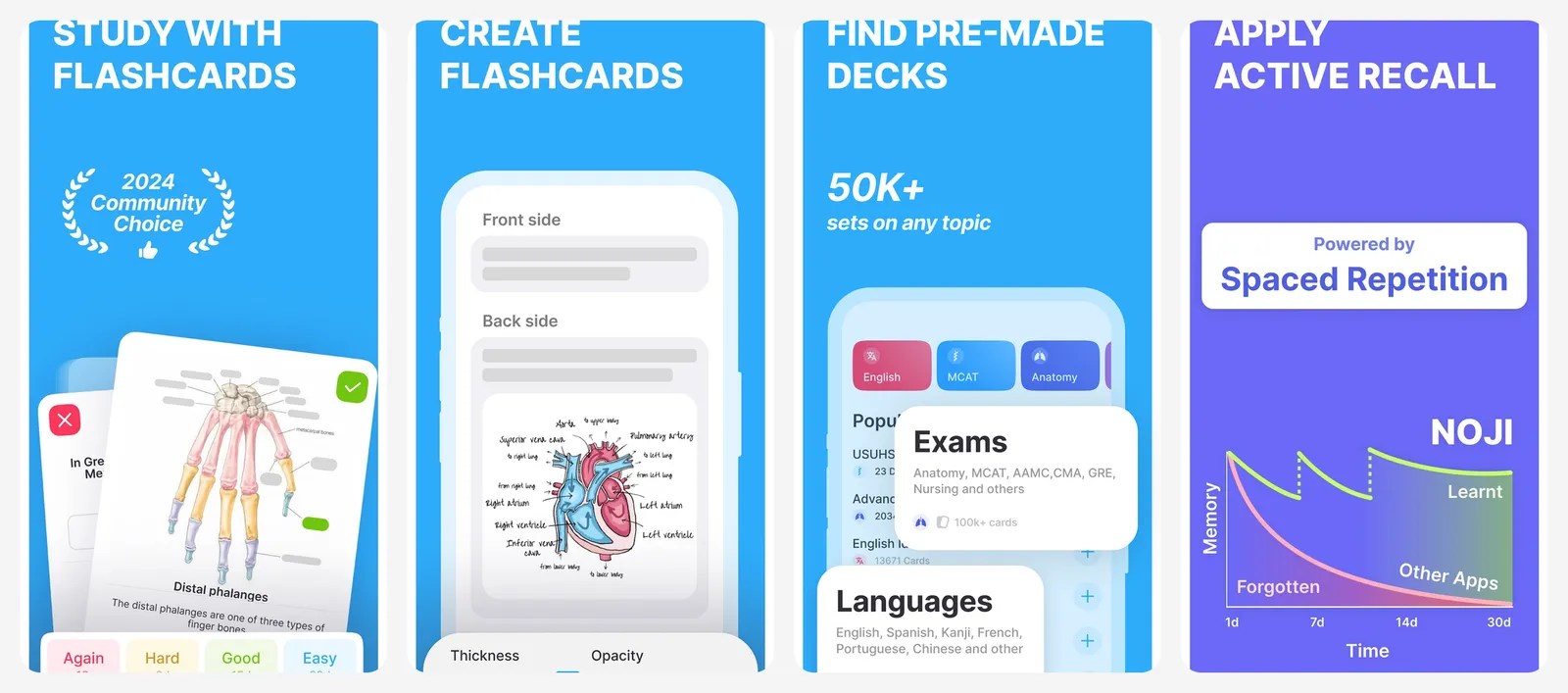
It imports Anki .apkg and .colpkg files, and can bring your card progress with it if you include it when exporting. Instead of one algorithm, it offers presets for general study, languages and medical material. Noji does not name the algorithm behind them. It also has a library of 50,000 ready-made decks. If you are learning a language, compare it with our Duolingo alternatives.
On the US App Store, the lifetime option ($74.99) is listed cheaper than the yearly plan ($89.99).
What you lose vs AnkiMobile: AnkiWeb sync, add-ons and a clear, named scheduler like FSRS.
- Replaces
- AnkiMobile for casual study
- Runs on
- iPhone, iPad, Android, Mac, Windows
- Licence
- Freemium, optional subscription or lifetime
- Skip if
- You want your decks synced with Anki desktop
- Price
- Free (Premium $4.99 a month, $89.99 a year or $74.99 lifetime in-app)
Knowt
- Android
- iPhone and iPad
Knowt is aimed at students. You can make flashcards, import Quizlet sets and study with free Learn mode, free practice tests and free spaced repetition. Knowt says Learn mode is free for every set with no limit.
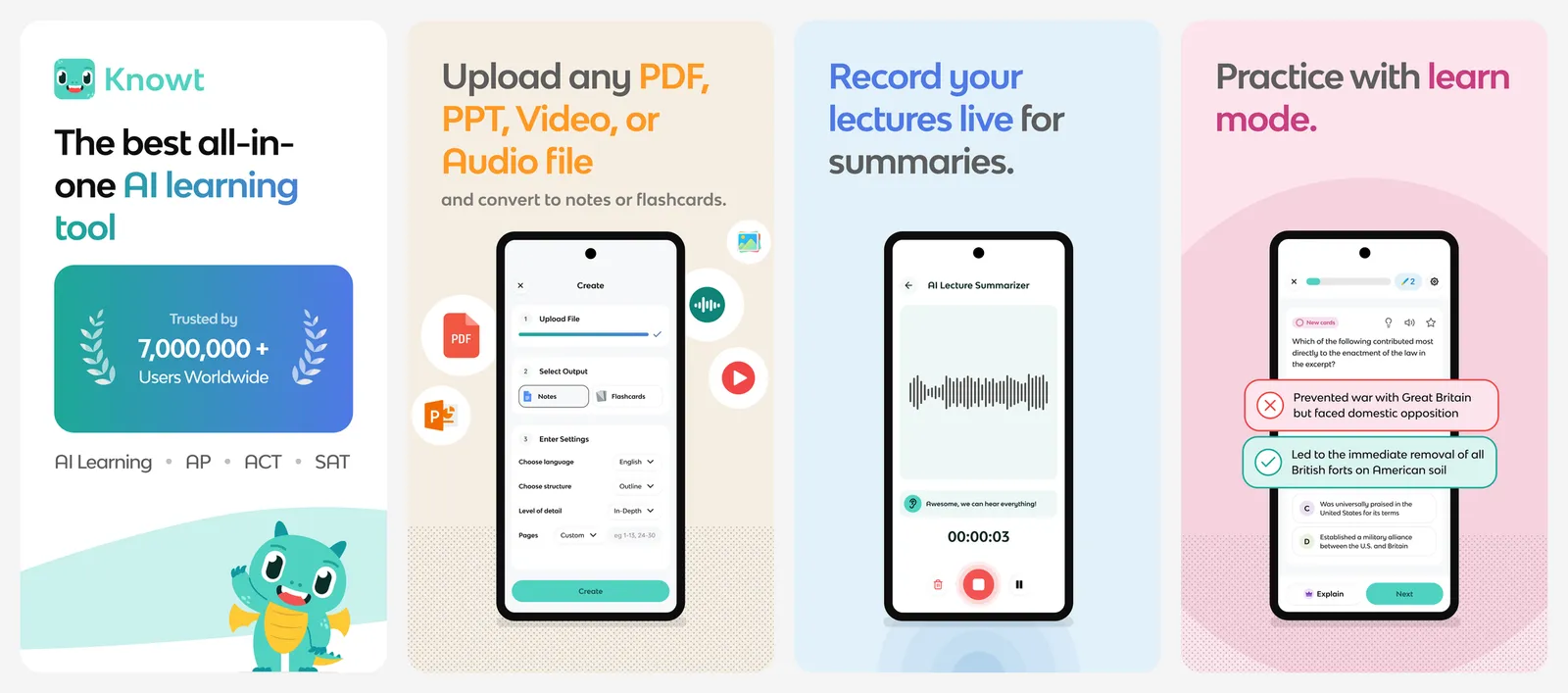
The free plan shows ads. Ultra removes them and adds AI tools for PDFs, videos and lecture recordings. Knowt does not mention Anki deck import, so plan to move Anki cards as text. More free tools for school are in our free for students list.
What you lose vs AnkiMobile: Anki deck import, offline study and an ad-free free plan.
- Replaces
- Anki for class study sets
- Runs on
- Web, iPhone, Android
- Licence
- Free plan with ads, optional subscription
- Skip if
- You want no ads or offline-first study
- Price
- Free (Ultra $149.99 a year or $24.99 a month)
Quizlet
- Android
- iPhone and iPad
Quizlet has one of the largest libraries of ready-made study sets. The free plan lets you create sets and study with flashcards and Match. Learn and Test are limited to a number of rounds per set unless you pay. Quizlet does not say how many.
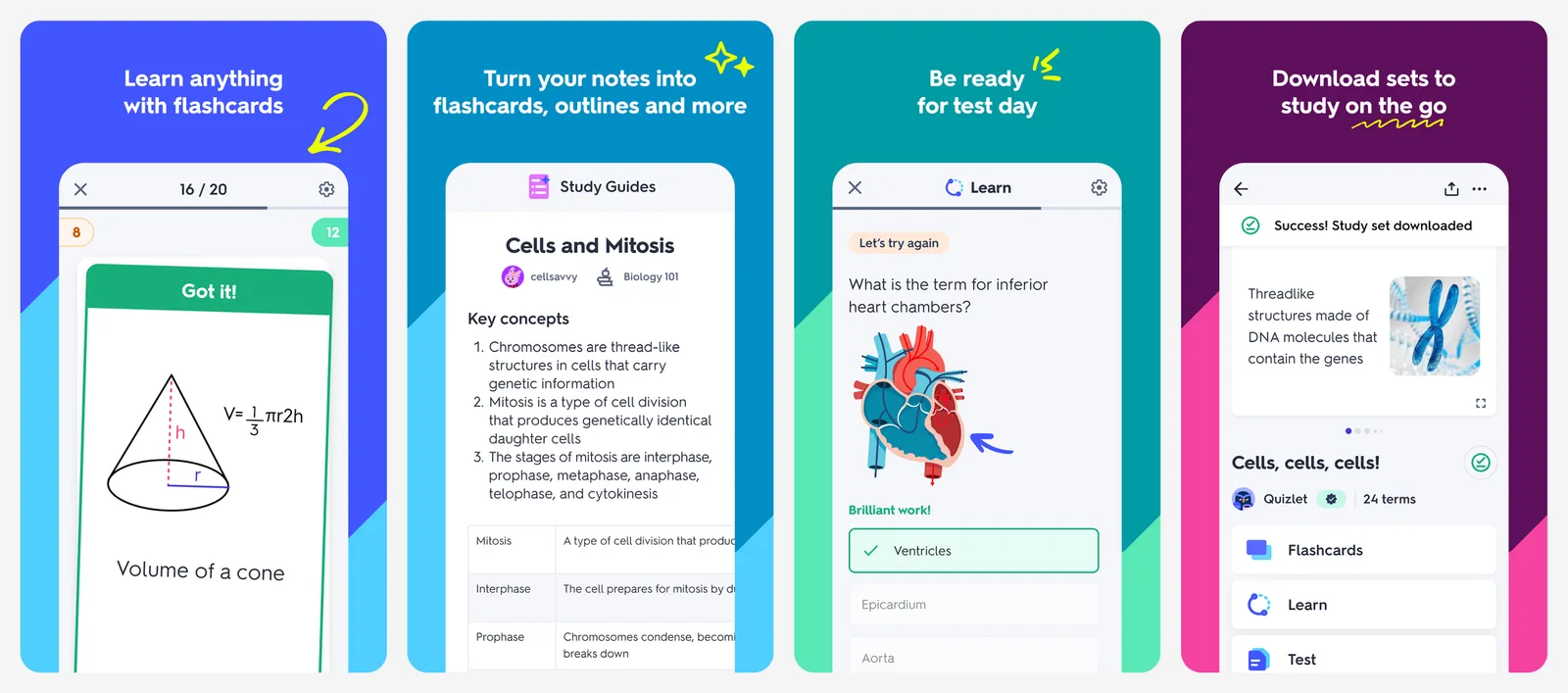
On the US App Store, Quizlet Plus in-app prices range from $9.99 to $44.99. The app contains ads. It does not import Anki decks, and it uses its own adaptive Learn mode rather than FSRS or SM-2.
What you lose vs AnkiMobile: unlimited free study, a real spaced repetition scheduler and a one-time price.
- Replaces
- Anki for shared class sets
- Runs on
- Web, iPhone, iPad, Android
- Licence
- Free with limits, optional subscription
- Skip if
- You want true long-term spaced repetition for free
- Price
- Free (Plus from $9.99 in-app, up to $44.99 a year)
Brainscape
- Android
- iPhone and iPad
Brainscape asks you to rate how confident you are on each card from 1 to 5. It then shows weak cards more often. The free plan lets you create unlimited flashcards and study 2,500 of its pre-made cards. Pro unlocks its full certified library, images and sound, and private content.
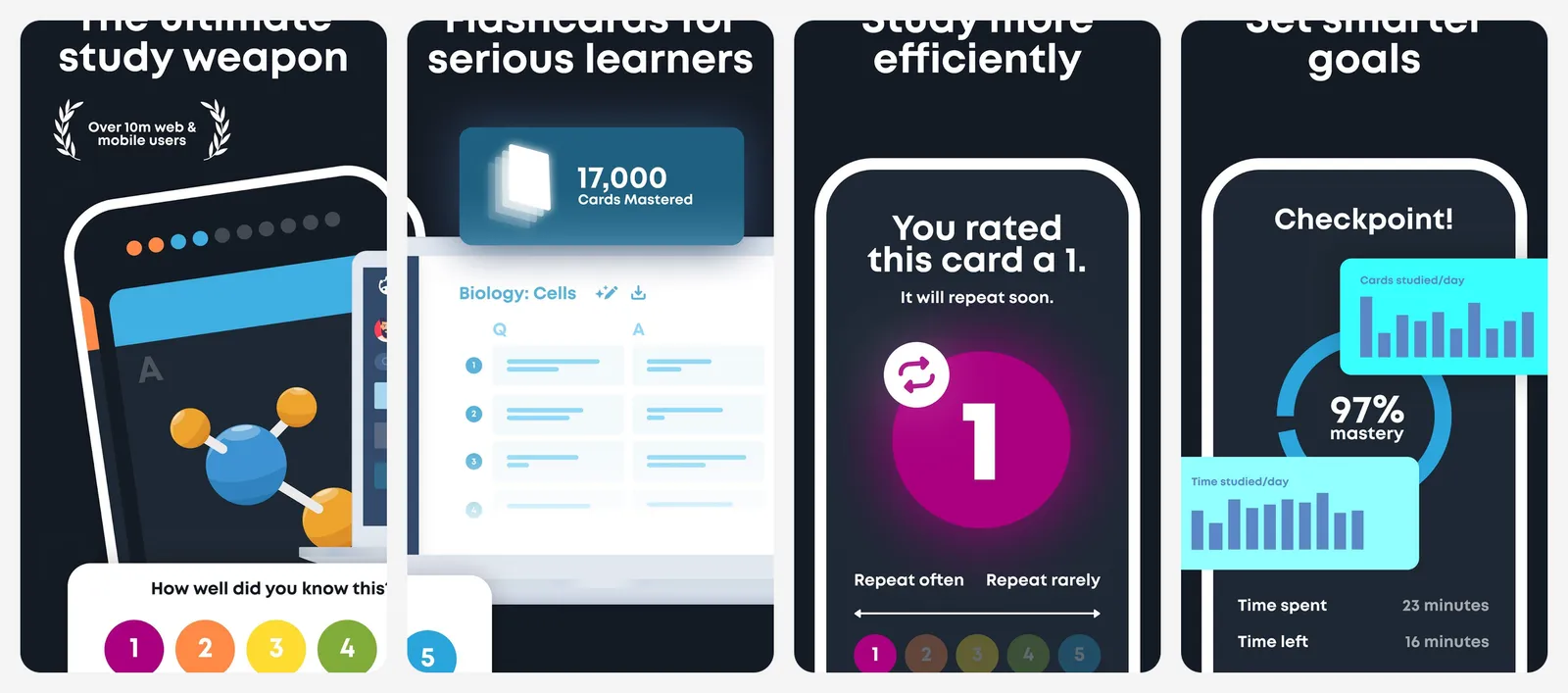
There is no direct .apkg import. Brainscape's help center says to export Anki cards as text and bring them in with its bulk import tool. You need an account.
What you lose vs AnkiMobile: a cheap one-time price ($199.99 lifetime vs $24.99) and easy Anki deck import.
- Replaces
- Anki for exam prep decks
- Runs on
- Web, iPhone, iPad, Android
- Licence
- Free plan, optional subscription or lifetime
- Skip if
- You want to import your Anki decks directly
- Price
- Free (Pro $19.99 a month, $95.99 a year or $199.99 lifetime in-app)
Obsidian Spaced Repetition plugin
Obsidian is a free Markdown notes app with no sign-up needed. The community Spaced Repetition plugin turns lines in your notes into flashcards, with single-line, multi-line and cloze cards. You can pick FSRS or SM-2, and even review whole notes, not just cards.
Everything stays in plain files on your device. Syncing between devices needs Obsidian Sync ($4 a month billed yearly, or $5 monthly) or your own sync method. There is no Anki deck import.
What you lose vs AnkiMobile: Anki deck import and Anki's shared deck library.
- Replaces
- Anki for Obsidian note-takers
- Runs on
- Windows, Mac, Linux, iPhone, Android (via Obsidian)
- Licence
- Free and open source (MIT)
- Skip if
- You do not use Obsidian
- Price
- Free
Who should still pay for AnkiMobile
AnkiMobile is a one-time $24.99, and it funds Anki's development. It still makes sense for:
- Medical and language students who study big Anki decks daily on an iPhone or iPad, often offline.
- Anyone already using Anki desktop who wants the same decks, FSRS settings and review history synced through AnkiWeb.
- Apple Pencil users who want to draw answers on iPad.
For everyone else, AnkiDroid, AnkiWeb, Mochi or RemNote cover the same job for free.
Is Anki free?
How can I use Anki on iPhone for free?
Is Noji the same as Anki?
Which Anki alternatives support FSRS?
Which apps can import Anki decks?

Sumit
ContributorHi, I'm Sumit, Being an introvert I have always been obsessed with technology-computers and reading dozens of posts to learn, find answers out of my curiosity. I love to write as I explore more.