On this page
- All 8 Google Drive alternatives at a glance
- Big platform clouds
- OneDrive: Best Google Drive Alternative for Windows and Office Users
- iCloud Drive: Best for iPhone, iPad and Mac
- Dropbox: Best for Desktop Sync That Just Works
- Privacy-first and lifetime storage
- pCloud: Best Lifetime Cloud Storage Plan
- Proton Drive: Most Private Google Drive Alternative
- MEGA: Best Cheap Encrypted Storage per Terabyte
- Sync.com: Best Encrypted Storage for Sharing Files
- Run your own cloud
- Nextcloud: Best Self-Hosted Google Drive Alternative
- How to move out of Google Drive
The best Google Drive alternative depends on what you want more of. For the most free space, pCloud gives up to 10 GB and MEGA offers generous free storage with end-to-end encryption. For privacy, Proton Drive and Sync.com encrypt everything end to end. For the cheapest terabyte, pCloud and MEGA beat Google, and pCloud is one of the few services that still sells a lifetime plan.
Google Drive gives every Google account 15 GB for free, but that space is shared with Gmail and Google Photos. Once it fills up, Google One starts at $1.99 a month for 100 GB in the US, 2 TB is $9.99 a month with Google AI Plus, and 5 TB is $19.99 a month with Google AI Pro. Google Drive is also not end-to-end encrypted for personal accounts. Google's client-side encryption is limited to certain business and education Workspace editions.
This list covers 8 alternatives: the big platform clouds, privacy-first services and one you can run yourself. For each one we note free storage, the paid price, the price per terabyte, encryption, lifetime plans and platforms. Every number comes from the official pricing page, help center or app store listing. We have not run our own speed tests.
All 8 Google Drive alternatives at a glance
Search by service, price or feature. The first row is Google Drive, for comparison. The price per TB column is our own math from the yearly or monthly price shown, rounded.
Tap any name in the table to jump to its full entry below.
| Service | Free storage | Popular paid plan | About per TB a month | End-to-end encryption | Lifetime plan | Platforms |
|---|---|---|---|---|---|---|
| Google Drive (for comparison) | 15 GB, shared with Gmail and Photos | 2 TB, $9.99 a month | $5 | No (business editions only) | No | Android, iPhone, web, Windows, Mac |
| OneDrive | 5 GB | 1 TB with Microsoft 365 Personal, $99.99 a year | $8.33 | No, encrypted at rest and in transit | No | Android, iPhone, web, Windows, Mac |
| iCloud Drive | 5 GB | 2 TB, $9.99 a month | $5 | Yes, with Advanced Data Protection | No | iPhone, iPad, Mac, web |
| Dropbox | 2 GB, up to 3 devices | Plus 2 TB, $9.99 a month | $5 | Not on Plus | No | Android, iPhone, web, Windows, Mac, Linux |
| pCloud | Up to 10 GB | 2 TB, $99.99 a year or $499 lifetime | $4.17 | Optional Crypto folder | Yes | Android, iPhone, web, Windows, Mac, Linux |
| Proton Drive | 5 GB | Drive Plus 200 GB, $4.99 a month | Not applicable | Yes, always, including filenames | No | Android, iPhone, web, Windows, Mac |
| MEGA | Free plan, limited transfer | Pro I 3 TB, €99.99 a year | €2.78 | Yes, always | No | Android, iPhone, web, desktop apps |
| Sync.com | 5 GB | Personal 1 TB, $9 a month first year ($12 after) | $9 to $12 | Yes, always | No | Android, iPhone, web, Windows, Mac |
| Nextcloud | Free software, limited by your disks | Self-hosted, or a provider account | Your hardware | Supported in the clients | Not applicable | Android, iPhone, web, Windows, Mac, Linux |
Big platform clouds
1. OneDrive: Best Google Drive Alternative for Windows and Office Users
- Android
- iPhone and iPad
Comes with Microsoft 365
OneDrive is built into Windows, so for many PC owners it is already there. A free Microsoft account gets 5 GB.
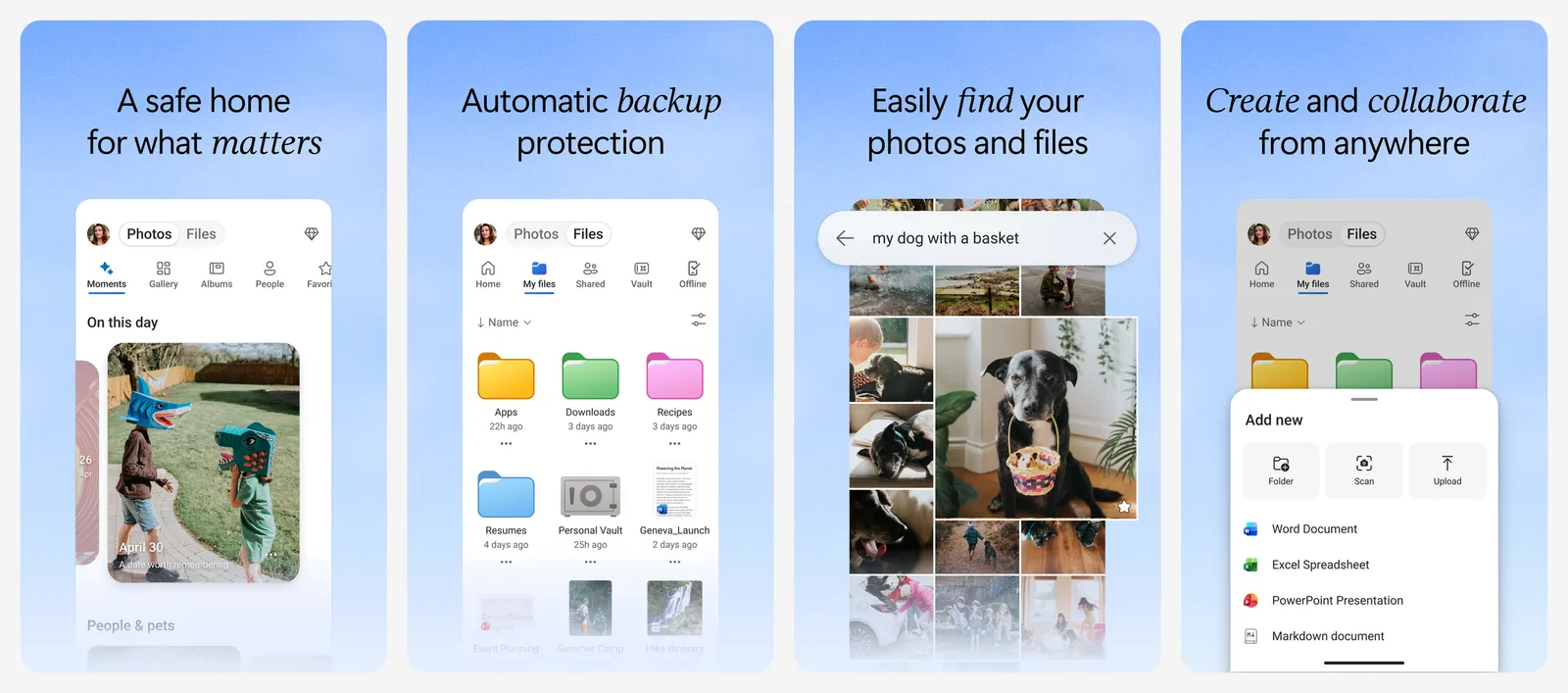
The paid plans are the interesting part, because they bundle Office. Microsoft 365 Basic is $1.99 a month or $19.99 a year for 100 GB. Microsoft 365 Personal is $9.99 a month or $99.99 a year for 1 TB plus the desktop Word, Excel and PowerPoint apps. Microsoft 365 Family is $12.99 a month or $129.99 a year for up to six people with 2 TB of shared storage.
Microsoft's Play listing says files are encrypted at rest and in transit. That is standard protection, not end-to-end encryption, so Microsoft can technically access your files.
What you lose vs Google Drive: 10 GB of free space, and Google Docs built into the same storage. If you also want to drop paid Office, see our Microsoft Office alternatives.
- Replaces
- Google Drive and Google One
- Runs on
- Windows, Mac, Android, iPhone, web
- Licence
- Free tier, paid Microsoft 365 plans
- Skip if
- You want end-to-end encryption
- Price
- Free 5 GB; Basic 100 GB $1.99 a month; Personal 1 TB $99.99 a year
2. iCloud Drive: Best for iPhone, iPad and Mac
Built into Apple devices
iCloud Drive is already on every iPhone, iPad and Mac, and it shows up in the Files app and Finder. Apple gives every account 5 GB free.
iCloud+ plans in the US are 50 GB for $0.99 a month, 200 GB for $2.99, 2 TB for $9.99, 6 TB for $29.99 and 12 TB for $59.99. The 2 TB price matches Google's.
The privacy edge is real but optional. By default Apple holds the keys for iCloud Drive. Turn on Advanced Data Protection and iCloud Drive, Photos, Notes and backups become end-to-end encrypted, with keys held only on your trusted devices. Mail, Contacts and Calendars are never end-to-end encrypted.
What you lose vs Google Drive: good Android support, and 10 GB of free space.
- Replaces
- Google Drive and Google One
- Runs on
- iPhone, iPad, Mac; web at iCloud.com
- Licence
- Free tier, paid iCloud+
- Skip if
- You use Android or Linux day to day
- Price
- Free 5 GB; 50 GB $0.99, 200 GB $2.99, 2 TB $9.99 a month
3. Dropbox: Best for Desktop Sync That Just Works
- Android
- iPhone and iPad
Folder sync on every desktop
Dropbox is still the reference for folder sync across Windows, Mac and Linux. The free Basic plan, though, is small.
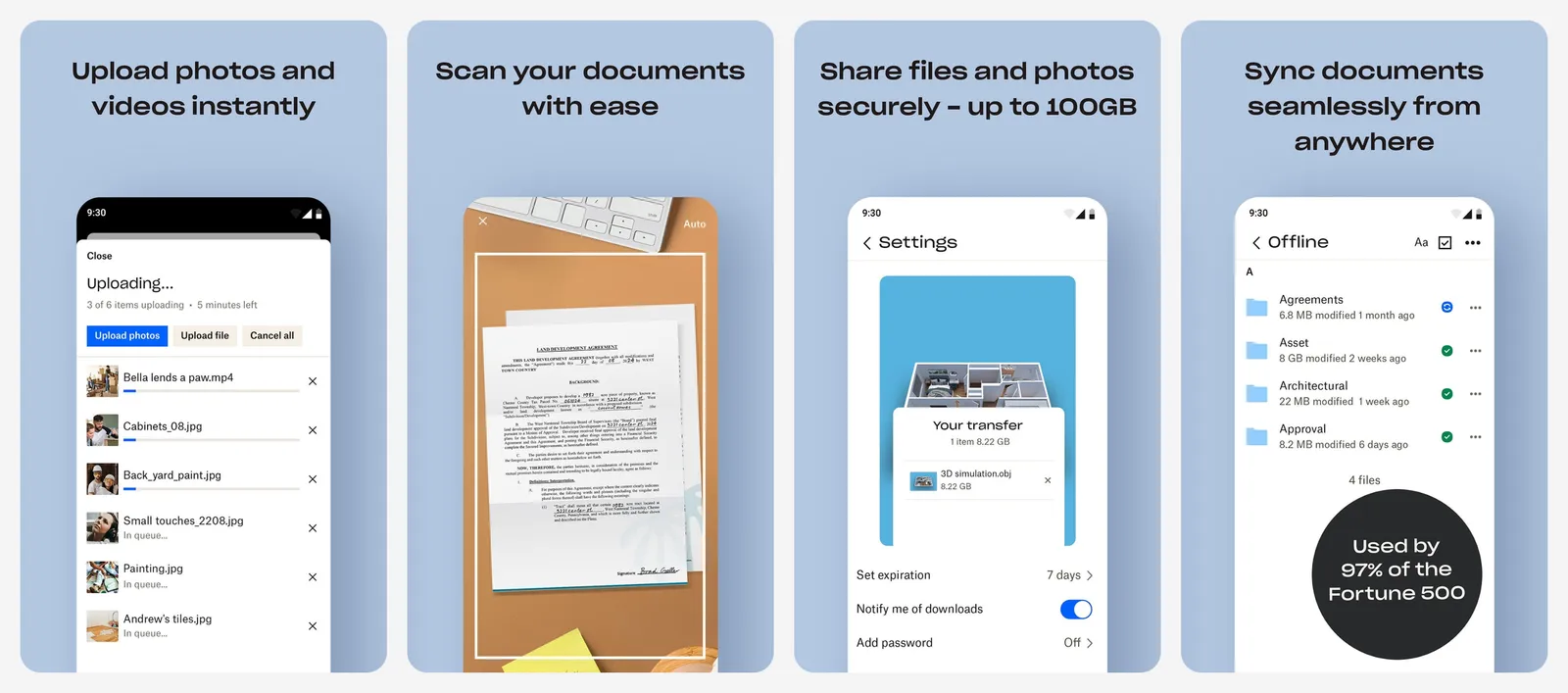
Basic gives you 2 GB, and Dropbox's help center says Basic users can be signed in on up to three devices at a time (desktop and mobile apps count, dropbox.com in a browser does not). Plus is $9.99 a month on the plans page for 2 TB, 30 days to restore deleted files and transfers up to 50 GB. Paid plans have no device limit.
What you lose vs Google Drive: 13 GB of free space, and free document editing built in.
- Replaces
- Google Drive sync on desktop
- Runs on
- Windows, Mac, Linux, Android, iPhone, web
- Licence
- Free Basic, paid Plus and team plans
- Skip if
- You need more than 2 GB for free
- Price
- Free 2 GB; Plus 2 TB $9.99 a month
Privacy-first and lifetime storage
4. pCloud: Best Lifetime Cloud Storage Plan
- Android
- iPhone and iPad
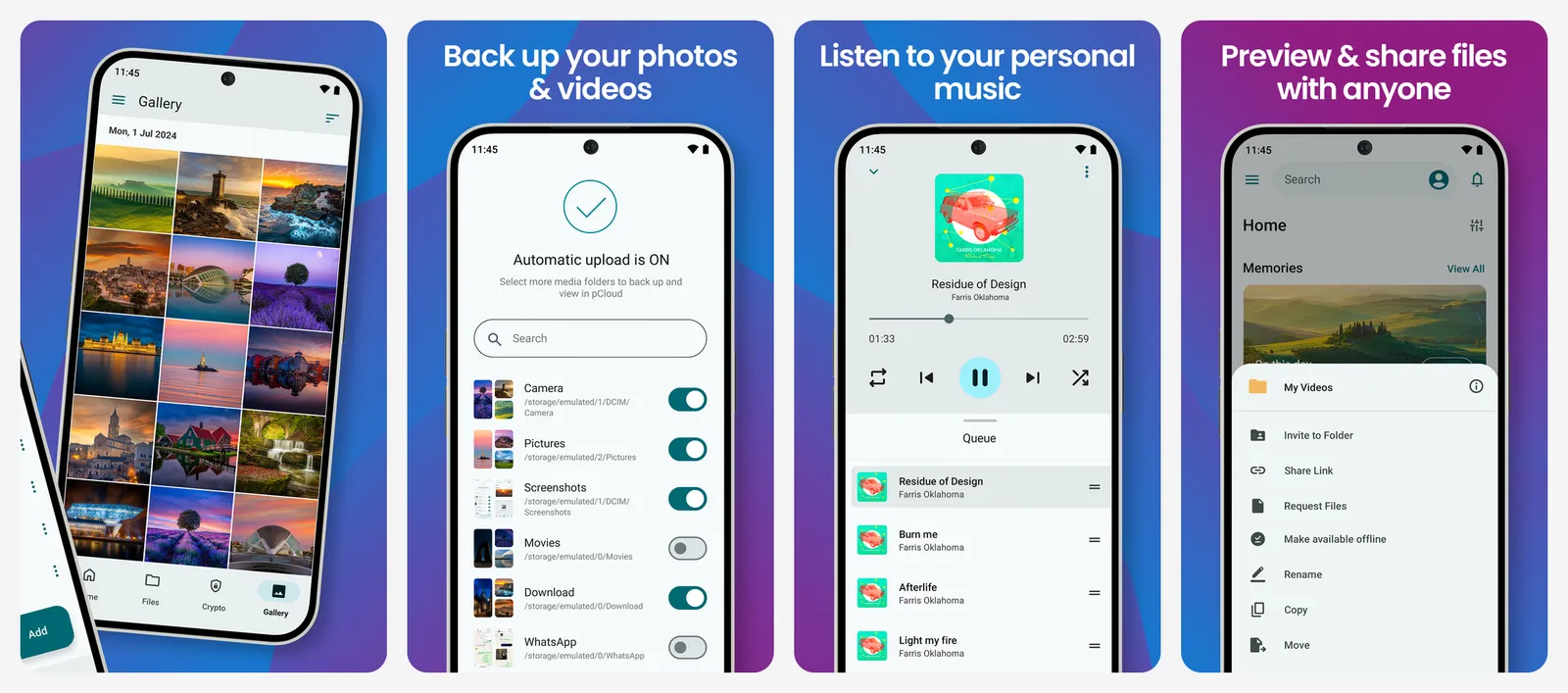
Pay once, up to 10 GB free
pCloud is the best-known name in lifetime cloud storage. You pay once and keep the space.
Plans on the official pricing page:
| Plan | Monthly | Yearly | Lifetime |
|---|---|---|---|
| Premium 500 GB | $4.99 | $49.99 | $219 |
| Premium Plus 2 TB | $9.99 | $99.99 | $499 |
| Ultra 10 TB | $29.99 | $299.99 | $1,499 |
The free plan starts small and grows to 10 GB. pCloud's help center says each step of its beginner tutorial unlocks 1 GB (verify your email, upload a file, install the desktop and mobile apps, turn on automatic upload), and each friend who signs up through your link adds 1 GB.
Files are not end-to-end encrypted by default. For that you use pCloud Encryption, a Crypto folder where files are encrypted on your device before upload. Is a lifetime plan worth it? Our guide to lifetime deals worth buying does the math: the 2 TB plan pays for itself in about 5 years.
What you lose vs Google Drive: built-in document editing, and end-to-end encryption on every file by default.
- Replaces
- Google One subscription
- Runs on
- Windows, Mac, Linux, Android, iPhone, web
- Licence
- Free tier, yearly, monthly or lifetime plans
- Skip if
- You want every file end-to-end encrypted without extra steps
- Price
- Up to 10 GB free; 500 GB $49.99 a year; 2 TB $99.99 a year; lifetime from $219
5. Proton Drive: Most Private Google Drive Alternative
- Android
- iPhone and iPad
End-to-end encrypted by default
Proton Drive comes from Proton, the company behind Proton Mail. Everything is end-to-end encrypted, so Proton cannot view or edit your files. Its Play listing says metadata is encrypted too: filenames, folder structure, sizes and modification dates.
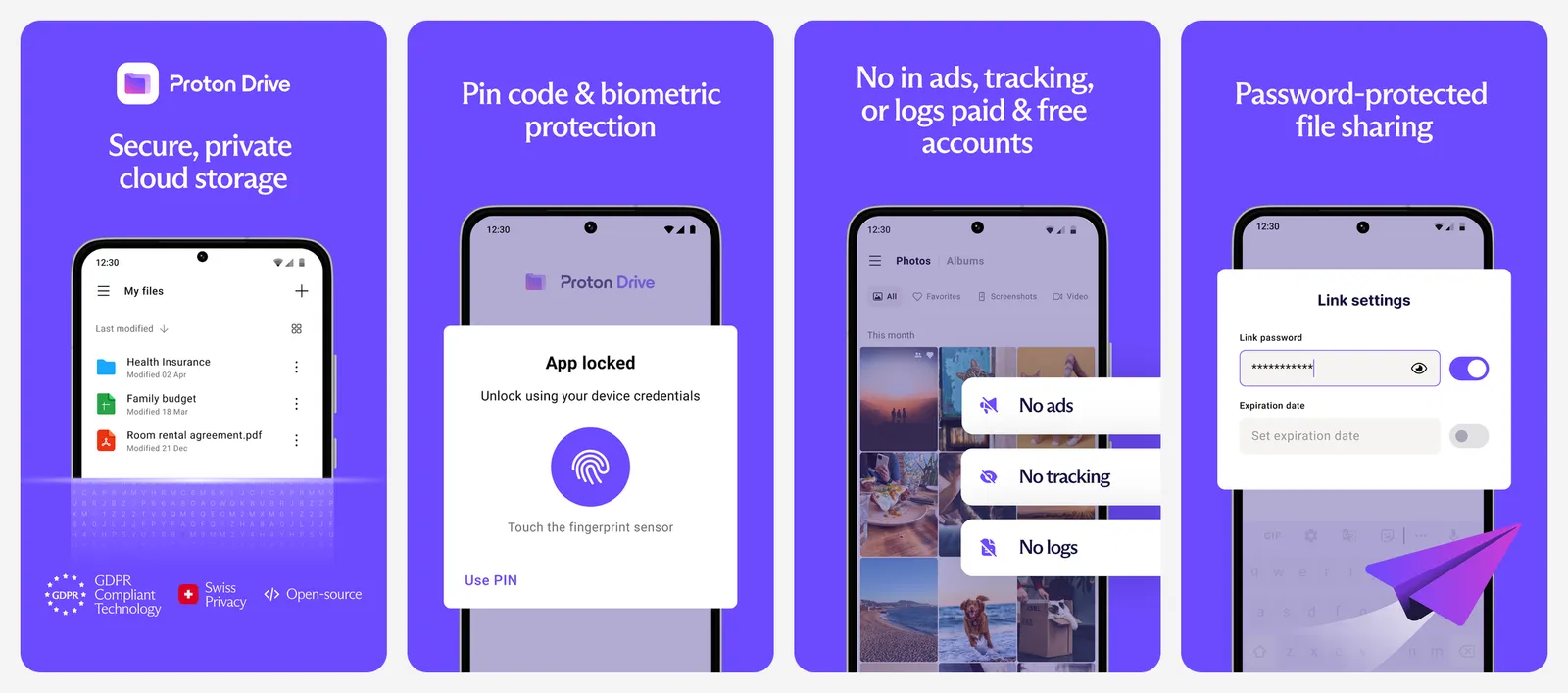
The free plan gives 5 GB. Drive Plus is $4.99 a month (billed monthly) for 200 GB and keeps previous file versions for 10 years. Proton Unlimited is $12.99 a month for 500 GB plus Proton Mail, Calendar, Pass and VPN. A Proton Family plan scales to 3 TB shared by up to six people. Paid plans come with a 30-day money-back guarantee.
Proton also works as a photo backup. We compare it with other private options in our Google Photos alternatives list.
What you lose vs Google Drive: 10 GB of free space, and cheap large plans.
- Replaces
- Google Drive for private files
- Runs on
- Windows, Mac, Android, iPhone, web
- Licence
- Free tier, paid plans
- Skip if
- You need lots of space cheaply
- Price
- Free 5 GB; Drive Plus 200 GB $4.99 a month; Unlimited 500 GB $12.99 a month
6. MEGA: Best Cheap Encrypted Storage per Terabyte
- Android
- iPhone and iPad
End-to-end encrypted, big plans
MEGA encrypts and decrypts your files on your own devices, never on its servers. Its Play listing warns that this means MEGA cannot reset your password: lose both the password and the recovery key, and your files are gone.
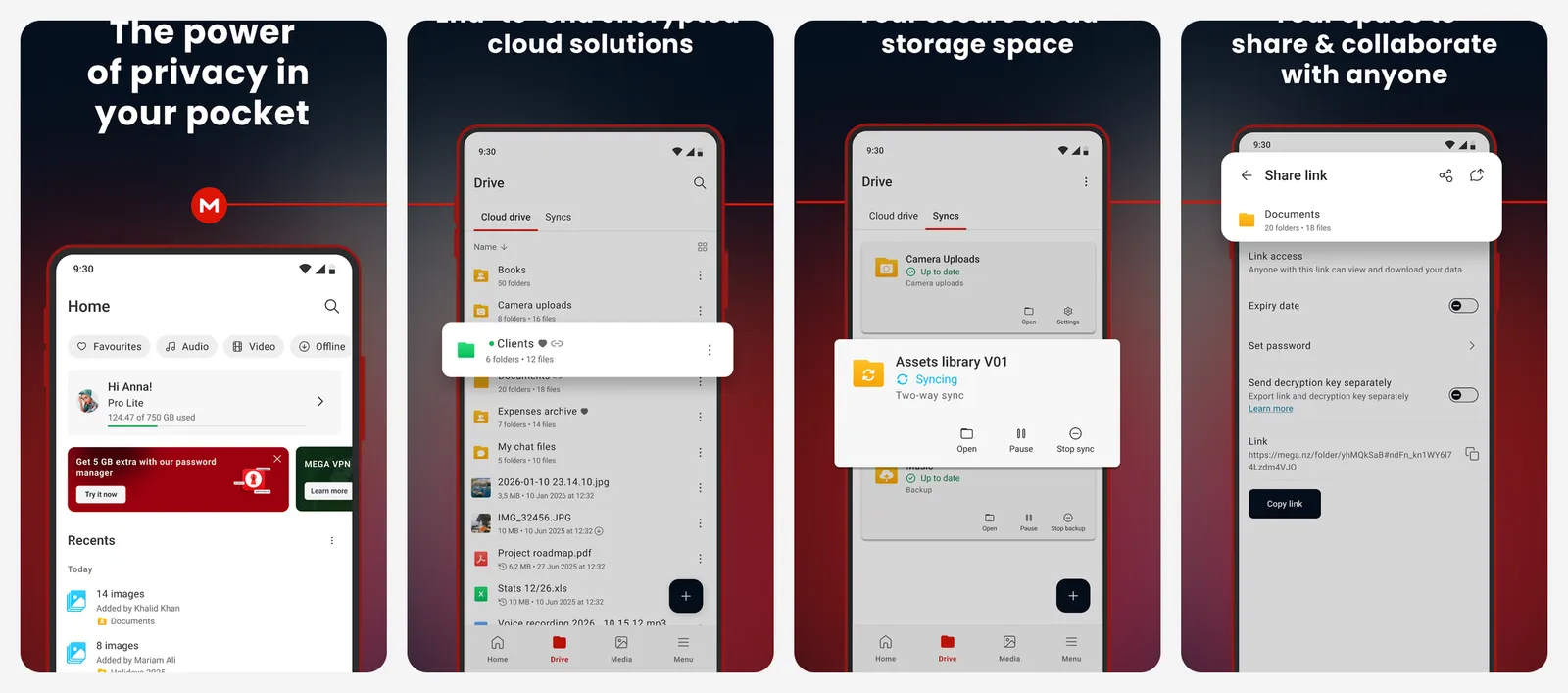
MEGA calls its free storage "generous", and you can earn more in 5 GB steps through its Achievements program. The free plan has a limited transfer quota, so downloading large amounts can pause. The Android app contains ads.
Paid plans are billed in euros. From MEGA's own plan list:
- Lite: 750 GB, €4.99 a month or €59.99 a year
- Pro I: 3 TB, €9.99 a month or €99.99 a year
- Pro II: 10 TB, €19.99 a month or €199.99 a year
- Pro III: 20 TB, €29.99 a month or €299.99 a year
At about €2.78 per TB a month on Pro I yearly, MEGA is the cheapest large plan on this list.
What you lose vs Google Drive: unlimited transfers on the free plan, and an ad-free Android app.
- Replaces
- Google One for large libraries
- Runs on
- Android, iPhone, web, desktop apps
- Licence
- Free tier with ads in the Android app, paid Pro plans
- Skip if
- You move a lot of data on the free plan
- Price
- Free plan; Pro I 3 TB €9.99 a month or €99.99 a year
7. Sync.com: Best Encrypted Storage for Sharing Files
- Android
- iPhone and iPad
Zero-knowledge sync and sharing
Sync.com is built around end-to-end encryption. Its Play listing says only you can access your data, and Sync cannot read your files.
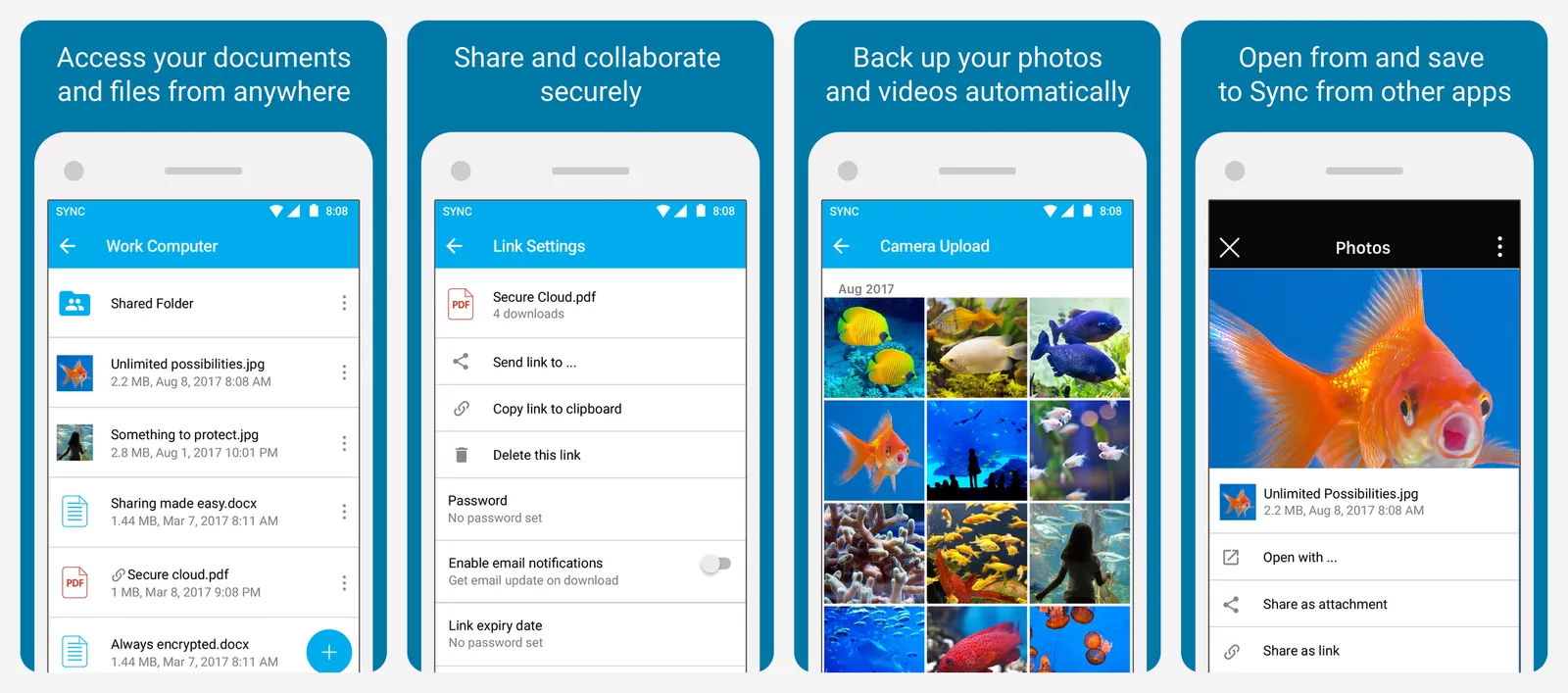
The free plan gives 5 GB with two-factor authentication. Sync says free users can create up to 3 password-protected links and 3 team shared folders. Paid individual plans are billed yearly, with a lower first year:
- Personal 1 TB: $9 a month for the first year ($108), then $12 a month
- Solo 5 TB: $21 a month for the first year ($252), then $28 a month
- Personal Unlimited: $33.75 a month for the first year ($405), then $45 a month
What you lose vs Google Drive: 10 GB of free space, and low prices after the first year.
- Replaces
- Google Drive for client files
- Runs on
- Windows, Mac, Android, iPhone, web
- Licence
- Free tier, paid annual plans
- Skip if
- You want a big free plan
- Price
- Free 5 GB; Personal 1 TB $9 a month first year (billed $108), then $12
Run your own cloud
8. Nextcloud: Best Self-Hosted Google Drive Alternative
- Android
- iPhone and iPad
Open source, on your own server
Nextcloud is open source file sync and share software that you run yourself, on a home server, a NAS or a rented server. Your storage is only limited by your disks, and no company sits between you and your files.
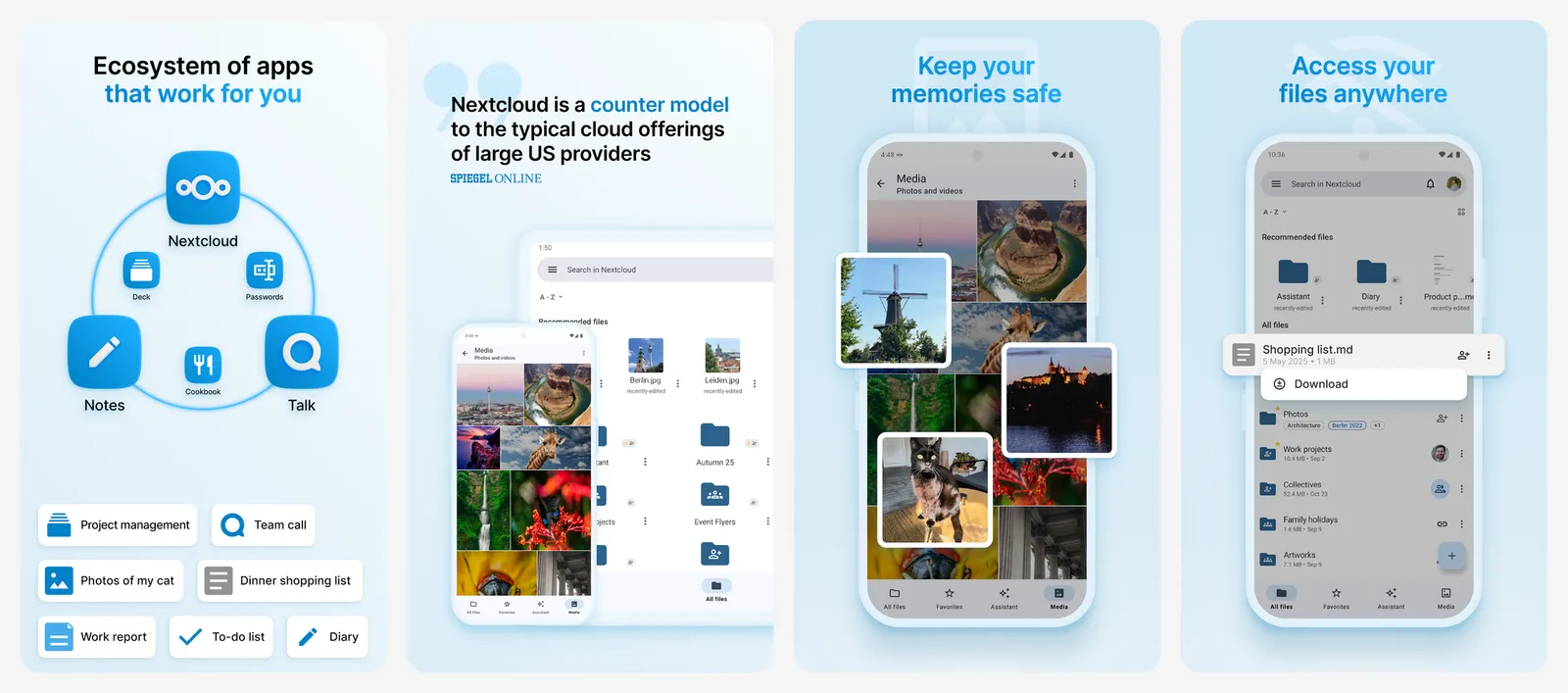
There are clients for Windows, Mac, Linux, Android and iPhone, and Nextcloud says its clients support end-to-end encryption. If you do not want to run a server, Nextcloud's site also points to free accounts at hosting providers.
New to self-hosting? Our home lab projects guide walks through Nextcloud and other starter apps, and our list of self-hosted alternatives to popular SaaS apps covers what else you can replace.
What you lose vs Google Drive: zero maintenance. Backups, updates and security are now your job.
- Replaces
- Google Drive
- Runs on
- A home server, NAS or rented server
- Difficulty
- Medium
- Licence
- Open source
- Skip if
- You do not want to maintain a server
- Price
- Free (your hardware or a hosting provider)
How to move out of Google Drive
- Go to takeout.google.com and click Deselect all.
- Tick Drive only, then click Next step.
- Choose ZIP and the largest archive size so your export comes in fewer files.
- Click Create export and wait for the email with the download links.
- Upload the files to your new service with its desktop app, which handles large folders better than a browser.
Takeout lets you choose the export format for Google Docs, Sheets and Slides files. Pick the Microsoft Office formats and they open in Word, Excel and PowerPoint, or in the free suites in our Office list. Sending a few big files once rather than moving everything? See how to send large videos for free.
What is the best free alternative to Google Drive?
How much free storage does Google Drive give?
Which cloud storage is end-to-end encrypted?
Which cloud storage has a lifetime plan?
What is the cheapest cloud storage per terabyte?
Can I host my own Google Drive alternative?

Sumit
ContributorHi, I'm Sumit, Being an introvert I have always been obsessed with technology-computers and reading dozens of posts to learn, find answers out of my curiosity. I love to write as I explore more.