On this page
- All 8 AI headshot generators at a glance
- Free AI headshot generators
- Gemini: Best Free AI Headshot From One Selfie
- Canva: Best Free Headshot Inside a Design App
- Fotor: Best Free Web Headshot Generator
- Paid AI headshot generators (one-time packs)
- HeadshotPro: Best Paid AI Headshots for Privacy
- Aragon AI: Best for Fast Turnaround
- BetterPic: Best for 4K Headshots
- Phone apps that do AI headshots
- Facetune: Best for Turning a Real Selfie Into a Headshot
- Remini: Best for AI Photo Sets on Your Phone
- How to get a headshot that looks like you
- Which one should you use?
The best free way to get an AI headshot is to upload one good selfie to Gemini or Canva and ask for a professional version. If you need a headshot that really looks like you for LinkedIn, a company page or a resume, a paid one-time pack from HeadshotPro, Aragon or BetterPic ($29 to $79) gives you dozens of realistic shots to choose from.
An AI headshot generator takes ordinary selfies and turns them into studio-style portraits: clean background, good lighting, a blazer or shirt you never wore. Free tools work from a single photo and give you a handful of tries. Paid services ask for a few selfies and return 20 to 120 photos. This list covers 8 tools, with the free limits, the price per pack and what each company says it does with your face photos.
All 8 AI headshot generators at a glance
Search by tool, price or platform. Tap a name to jump to its full entry.
| Tool | Free option | Paid price | Headshots per pack | Photos you upload | What happens to your photos | Platforms |
|---|---|---|---|---|---|---|
| Gemini | Yes, usage limits | Google AI Plus from $4.99 a month | One at a time, by prompt | 1 | Used to improve Google AI while Keep Activity is on | Android, iPhone, web |
| Canva | 2 free credits, refill after 24 hours (per Canva) | Canva Pro from $14.99 a month | Varies per credit | 1 | AI training controlled by a privacy setting | Android, iPhone, web, desktop |
| Fotor | Limited free credits | One-time packs, price at checkout | Varies by pack | 1 | Uploads wiped within 24 hours, per Fotor | Web, Android, iPhone |
| HeadshotPro | No | $29, $39 or $59 one-time | 30, 50 or 70 | A few selfies | Deleted 30 days after generation, never used for training | Web |
| Aragon AI | No | $35, $45 or $75 one-time (discounted) | 40, 60 or 100 | Selfies | Face data deleted within 30 days of delivery | Web, iPhone |
| BetterPic | Up to 10 headshots | $35, $39 or $79 one-time | 20, 60 or 120 | A few selfies | Processed for headshot generation only, per BetterPic | Web |
| Facetune | Limited | From about $5.99 | Edits your own photo | 1 | Training only with consent | Android, iPhone |
| Remini | Limited | Lite from $4.99 a week | Varies | Selfies | Kept up to 7 days (free) or 20 days (paid) | Android, iPhone, web |
Free AI headshot generators
1. Gemini: Best Free AI Headshot From One Selfie
- Android
- iPhone and iPad
Free with usage limits
Gemini is Google's AI assistant, and its image model can edit a photo you upload from a plain text request. That makes it the easiest free headshot tool for most people: nothing to buy and no credits to track.
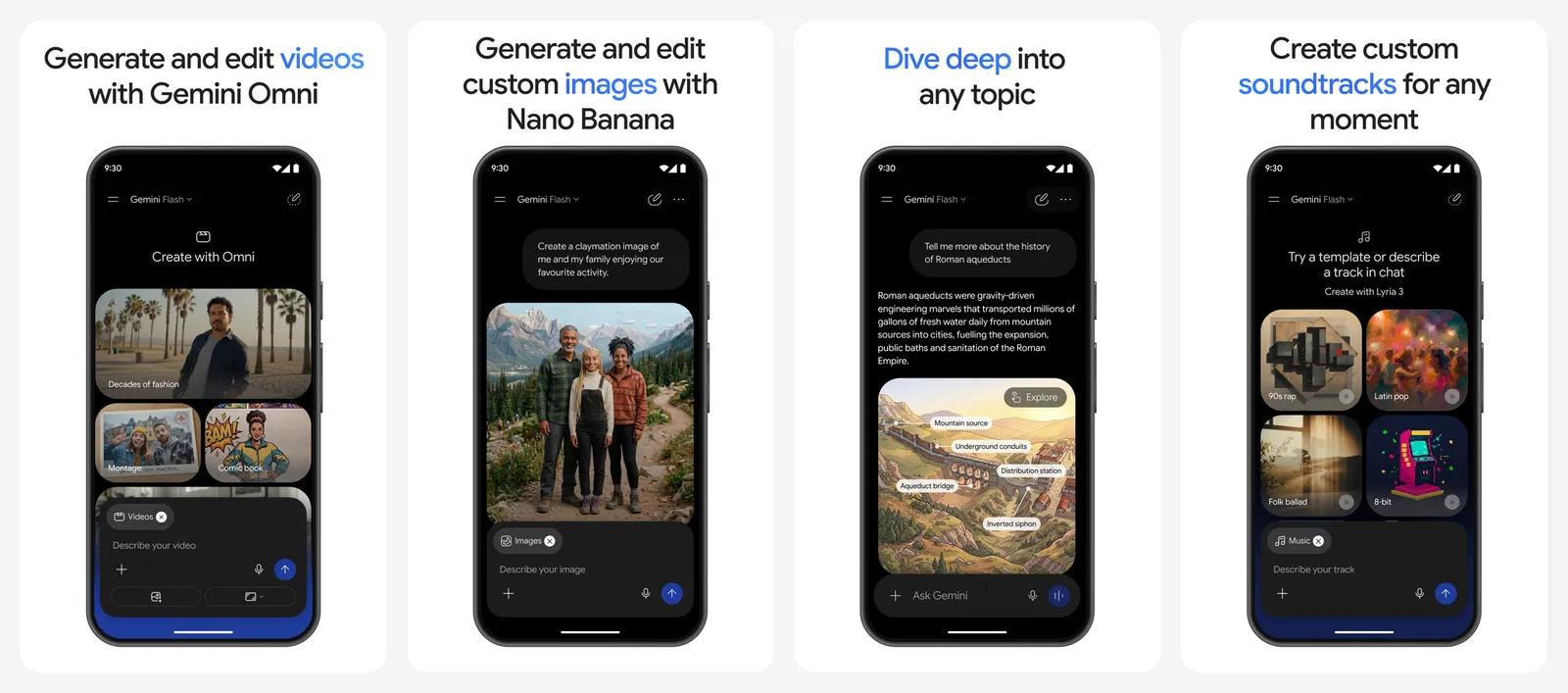
Upload a well-lit selfie and type something like "turn this into a professional LinkedIn headshot, navy blazer, plain light grey background, soft studio lighting, keep my face exactly the same". If the result drifts from your real face, ask it to fix that one thing rather than starting over.
- Free: image editing with Google's Nano Banana 2 model is part of the free plan, with usage limits Google does not publish as a fixed number.
- Paid: Google AI Plus raises those limits and starts at $4.99 a month on the US App Store.
- Privacy: with the Keep Activity setting on, Google uses your chats, including uploaded images, to improve its AI, and some are read by human reviewers. Turn Keep Activity off, or use a temporary chat, before you upload your face.
The catch is consistency. Each request makes one image, so getting a set of matching shots takes several prompts.
- Replaces
- A quick studio portrait
- Runs on
- Android, iPhone (iOS 18.2 or later), web
- Licence
- Free plan with usage limits
- Skip if
- You want 50 consistent shots in one go
- Price
- Free, Google AI Plus from $4.99 a month
2. Canva: Best Free Headshot Inside a Design App
- Android
- iPhone and iPad
Free daily credits
Canva's AI headshot generator turns one selfie into a studio-style portrait, and the result lands in the same editor you use for resumes, LinkedIn banners and email signatures.
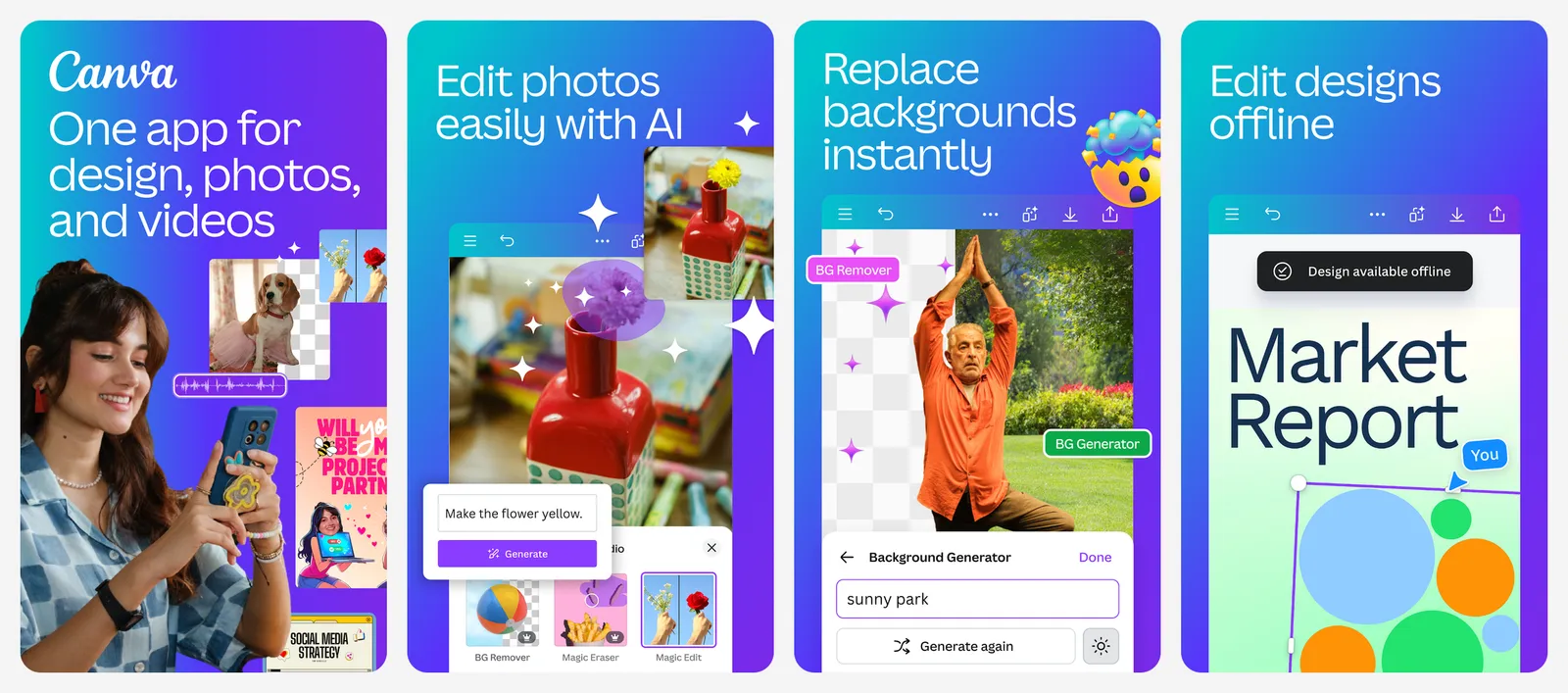
Canva's feature page says you choose your photo, pick a gender identity option and can toggle whether to keep your facial expression before you generate. It also says you get two free credits, then need to wait 24 hours for more. Canva recommends a well-lit photo with your face centered and no hats, scarves or sunglasses.
- Free: two free credits, refilled after 24 hours, per Canva's feature page.
- Paid: Canva Pro starts at $14.99 a month on the US App Store.
- Privacy: personal accounts have a privacy setting that controls whether your content is used to improve Canva's AI. Check it before you upload.
Pick Canva when the headshot is going straight into a design. For a large set of realistic photos, a paid pack below is better.
- Replaces
- Separate headshot and design apps
- Runs on
- Android, iPhone, web, Windows, Mac
- Licence
- Free tier, paid Pro plan
- Skip if
- You need dozens of realistic shots
- Price
- Free credits, Canva Pro from $14.99 a month
3. Fotor: Best Free Web Headshot Generator
- Android
- iPhone and iPad
Uploads deleted within 24 hours
Fotor is an online photo editor with a dedicated AI headshot generator. You pick 3 to 10 headshot styles, upload one selfie, then preview and download the results.
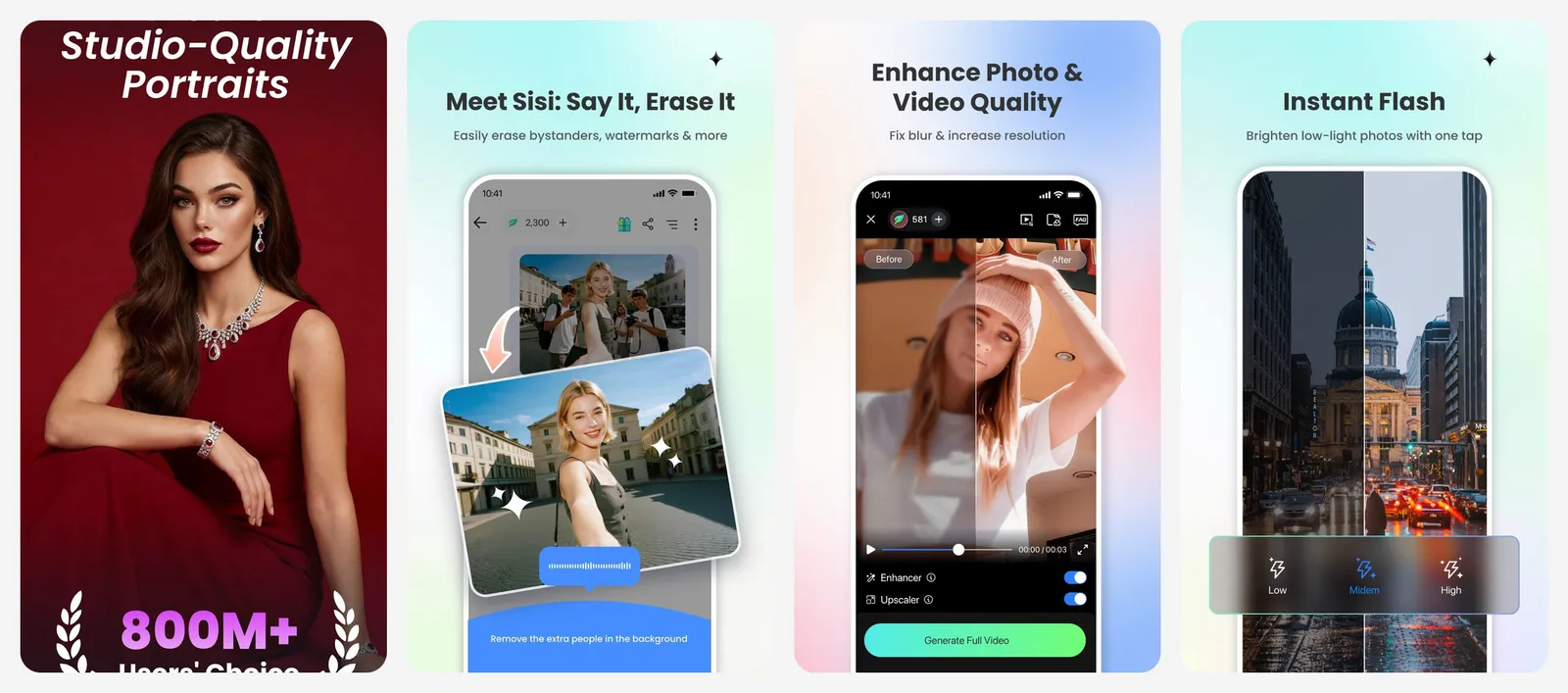
Fotor's Basic plan is free with limited credits. Its pricing page also sells AI headshot "Image Packages" as a one-time purchase with no subscription, and each package includes one free redo. Fotor did not show the pack prices on its public pricing page when we checked, so you see them at checkout.
On privacy, Fotor makes one of the strongest promises on this list: it says uploaded photos are automatically wiped from its encrypted servers within 24 hours, and the temporary model built from your photo is deleted too.
- Replaces
- A basic studio headshot
- Runs on
- Web, Android, iPhone
- Licence
- Free credits, paid packs or plans
- Skip if
- You want a published per-pack price before you sign up
- Price
- Limited free credits, one-time packs
Paid AI headshot generators (one-time packs)
These services take your selfies and return a whole set of headshots in different outfits and backgrounds. All three charge once, with no subscription.
4. HeadshotPro: Best Paid AI Headshots for Privacy
From $29 for 30 headshots
HeadshotPro is the most transparent paid service we looked at. Prices, turnaround and data rules are all on its pricing page.
| Plan | Price | Headshots | Turnaround |
|---|---|---|---|
| Basic | $29 | 30 | About 2 hours |
| Professional | $39 | 50 | About 30 minutes |
| Executive | $59 | 70 | About 15 minutes |
Professional and Executive include a free redo within 14 days. Every individual plan has a money-back "Realism Guarantee" if the results do not look like you, and HeadshotPro says that refund has no deadline. Team shoots for 5 or more people start at $25.35 per shoot.
Privacy: HeadshotPro says it never trains AI on your photos, that input selfies are deleted automatically 30 days after generation, and that download links for kept photos last 7 days.
- Replaces
- A studio headshot session
- Runs on
- Any browser
- Licence
- One-time purchase, no subscription
- Skip if
- You only need one quick profile photo
- Price
- $29, $39 or $59 one-time
5. Aragon AI: Best for Fast Turnaround
- iPhone and iPad
100 headshots in about 15 minutes
Aragon AI is one of the best-known headshot services, and it has an iPhone app as well as the website.
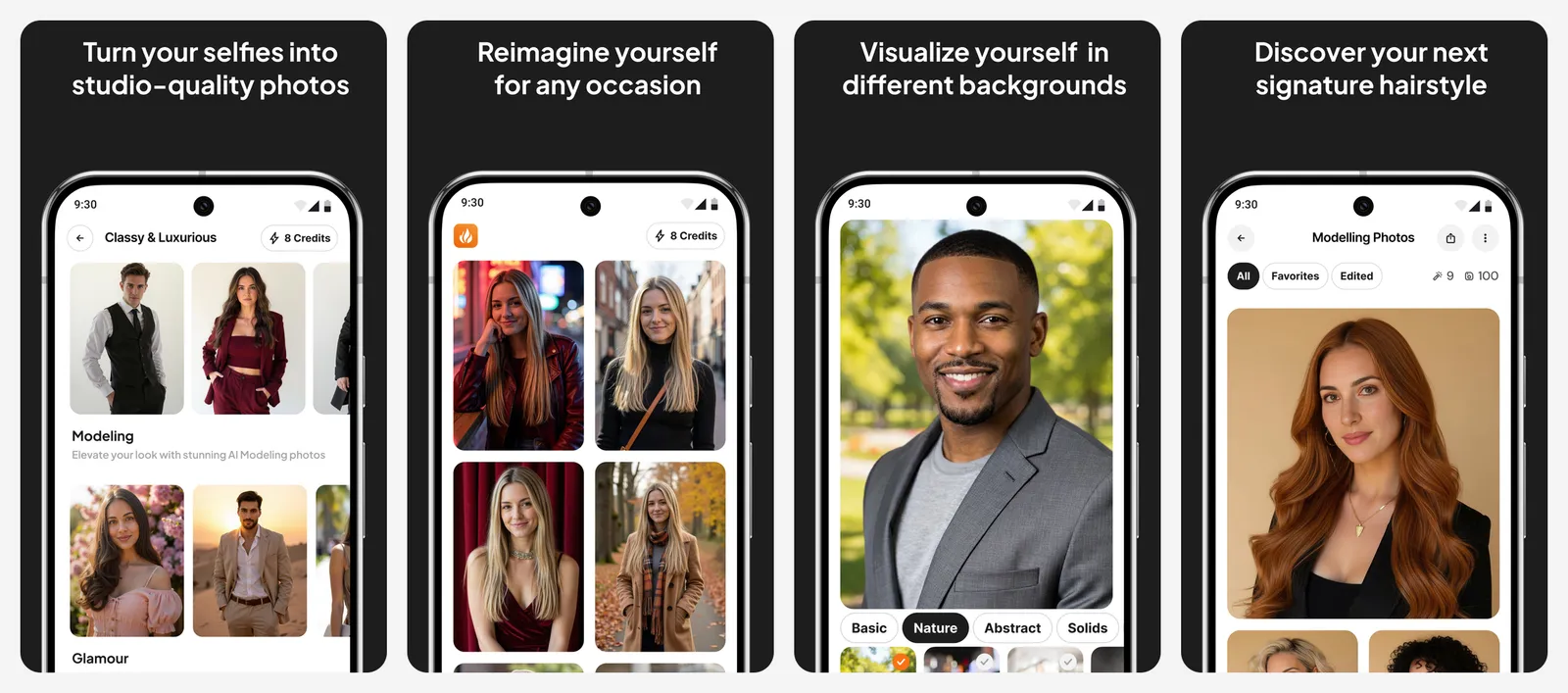
| Plan | Price | Headshots | Styles | Ready in |
|---|---|---|---|---|
| Basic | $35 | 40 | 1 outfit, 1 background | 45 minutes |
| Standard | $45 | 60 | 2 outfits, 2 backgrounds | 30 minutes |
| Executive | $75 | 100 | All outfits and backgrounds | 15 minutes |
These prices include a 20% discount that Aragon labels "limited time only"; the full prices shown are $44, $56 and $94. Basic and Standard return 896 x 1088 pixel images, and Executive returns 1792 x 2176.
Aragon offers a full refund if you are unhappy and have not downloaded your photos. After you download, refunds are case by case, or you can ask for a free redo.
Privacy: Aragon's privacy policy says it deletes or anonymizes your face data within 30 days of delivering your headshots (or when you ask, close your account, or after a year at most), and that it contractually bars its AI providers from using face data to train general models.
- Replaces
- A studio headshot session
- Runs on
- Web and iPhone app
- Licence
- One-time purchase
- Skip if
- You want a refund after downloading
- Price
- $35, $45 or $75 one-time (discounted)
6. BetterPic: Best for 4K Headshots
Up to 120 headshots in 4K
BetterPic stands out for two reasons: a free tier, and high-resolution 4K output on its bigger pack.
| Plan | Price | Headshots | Ready in |
|---|---|---|---|
| Free | $0 | Up to 10 | Queue-based |
| Basic | $35 | 20 | 2 hours |
| Pro | $39 | 60 | 1.5 hours |
| Expert | $79 | 120 (4K), 6 styles | 1 hour |
The Expert pack also includes AI edits, human edits on one photo, a free redo and a commercial license. BetterPic says you choose from 150+ styles and upload a few photos of yourself, and it advertises a money-back guarantee.
The Pro pack is the value pick here: 60 headshots for $4 more than Basic. Start with the free tier to see whether the likeness works for your face before you pay.
Privacy: BetterPic's pricing page says images are processed for headshot generation only. It does not state a deletion period there; it offers data-handling details on request.
- Replaces
- A studio headshot session
- Runs on
- Any browser
- Licence
- Free tier, one-time paid packs
- Skip if
- You want deletion rules spelled out on the pricing page
- Price
- Free tier, packs from $35
Phone apps that do AI headshots
7. Facetune: Best for Turning a Real Selfie Into a Headshot
- Android
- iPhone and iPad
Retouch plus AI headshot
Facetune is a portrait retouching app, and its App Store listing says it can "turn any photo into a polished, professional headshot in seconds". Because it starts from your real photo, the result usually looks more like you than a fully generated portrait.
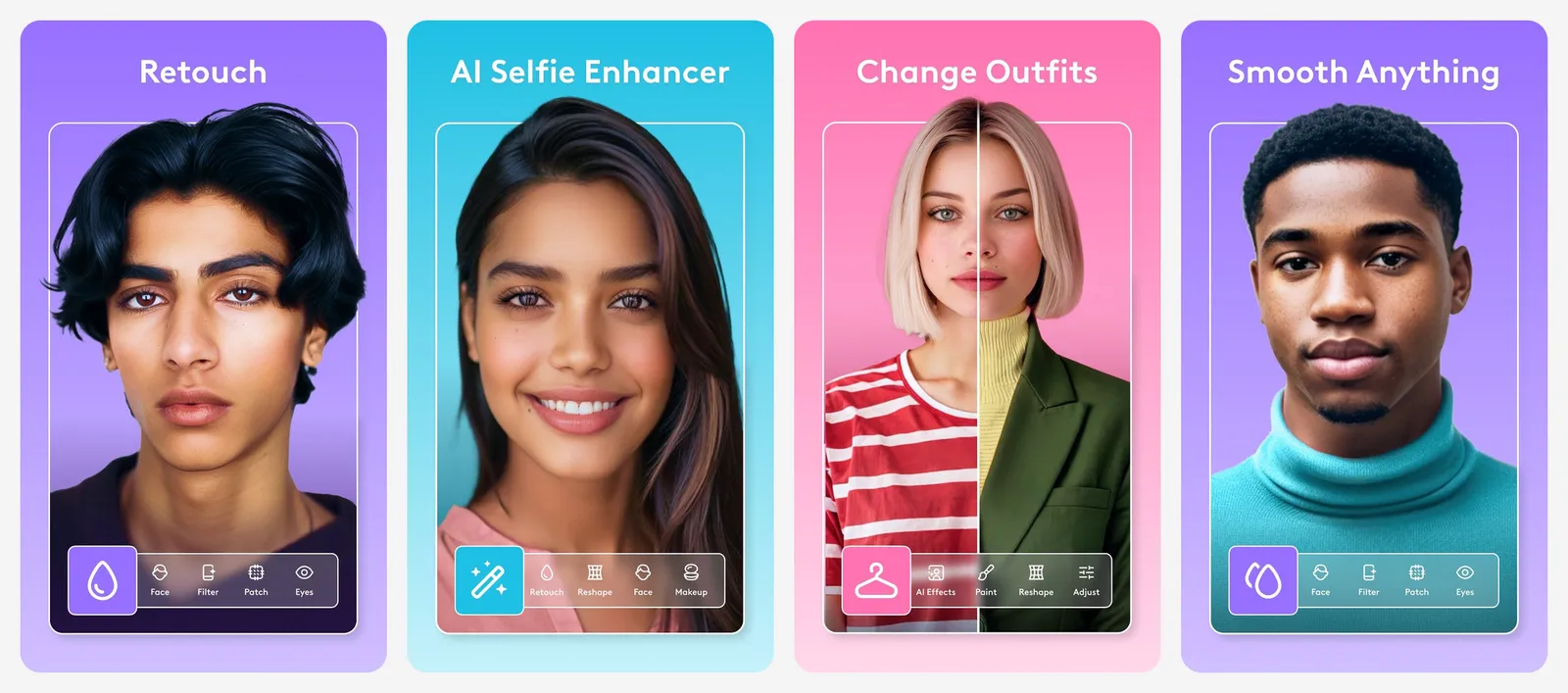
Use it to swap or blur the background, even out lighting, and do light skin and teeth retouching. Go easy: heavy retouching is the fastest way to make a headshot look fake.
The free version is limited. On the US App Store, the cheapest unlimited access option is listed at $5.99.
Privacy: Lightricks says face data is processed on your phone and not stored on its servers. Content used for cloud effects is kept for up to 30 days, and your photos are used to train AI only if you agree.
- Replaces
- Retouching in a photo studio
- Runs on
- Android, iPhone
- Licence
- Free download, subscription for full access
- Skip if
- You want a whole set of new outfits and backgrounds
- Price
- Limited free, paid from about $5.99
8. Remini: Best for AI Photo Sets on Your Phone
- Android
- iPhone and iPad
AI Photos from selfies
Remini is best known as a photo enhancer, but its Play listing says it can also "generate mind-blowing and professional looking AI Photos of yourself". It is a phone-first option if you already use the app to clean up photos.
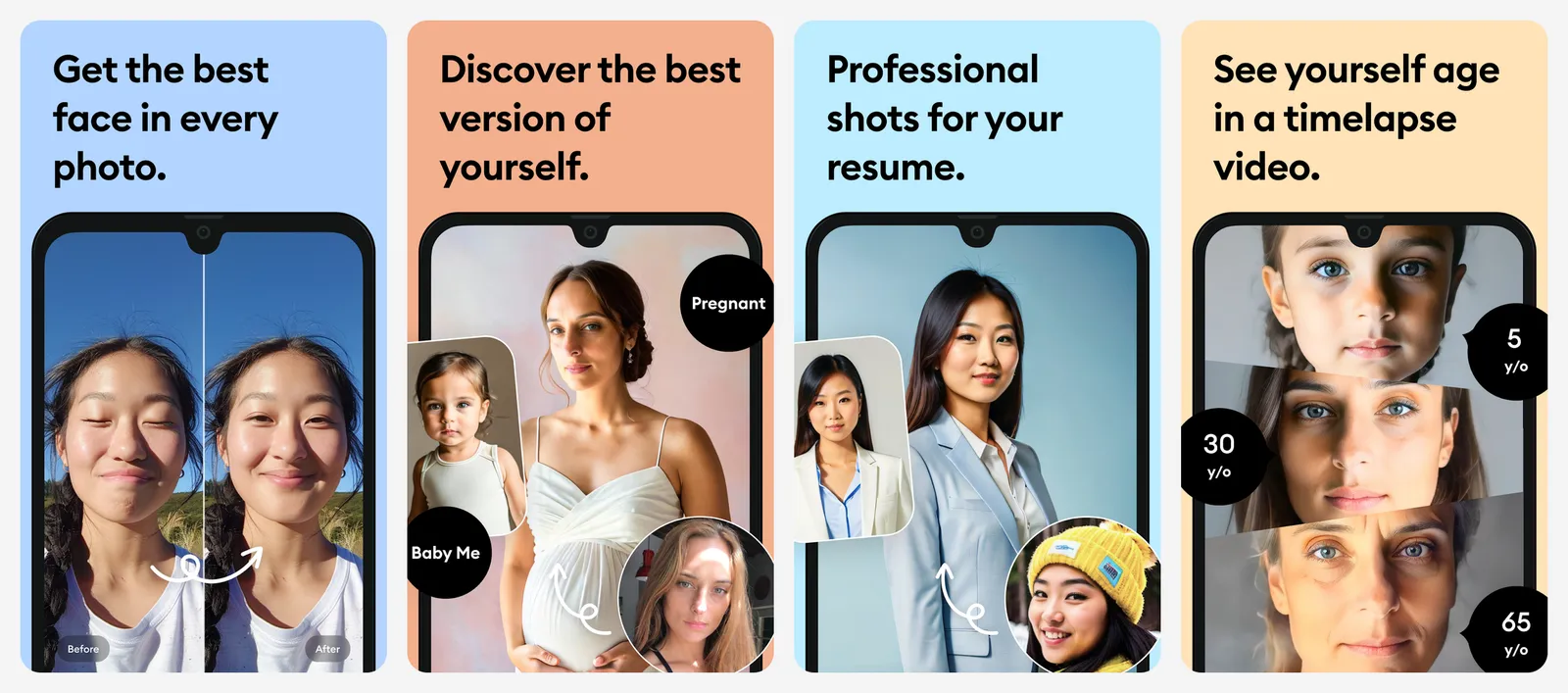
The pricing is the problem. On the US App Store, Remini Lite starts at $4.99 a week and Pro is $9.99 a week, which adds up quickly. If you need a proper set, HeadshotPro's $29 Basic pack (30 headshots, one-time) costs about the same as six weeks of Remini Lite.
Privacy: photos are processed on Remini's servers. Its support page says uploads are kept for up to 7 days for free users and up to 20 days for subscribers.
Remini is also great for sharpening an old or blurry photo of you before you use it as a source selfie. See our list of AI photo enhancers and upscalers for more tools like that.
- Replaces
- A themed photo shoot
- Runs on
- Android, iPhone
- Licence
- Weekly, monthly or yearly subscription
- Skip if
- You hate weekly subscriptions
- Price
- Limited free, Lite from $4.99 a week
How to get a headshot that looks like you
The selfies you upload matter more than the tool you pick. Follow these steps for any generator on this list:
- Use recent photos. A haircut or new glasses since the photo will show.
- Face a window in daylight. Avoid overhead lights and harsh shadows.
- Hold the phone at eye level, or use the rear camera with a timer.
- Remove hats and sunglasses, and keep hair off your face.
- For paid packs, mix angles and backgrounds so the model learns your face, not your bedroom wall.
- Pick a background that suits where the photo will go: plain grey for a resume, an office blur for LinkedIn.
When the results arrive, choose the one a colleague would recognize at a glance, not the most flattering one. If you need the subject cut out for a custom background, our list of free AI background removers has tools that do it in one click.
Which one should you use?
- Free, one profile photo: Gemini, then Canva if you want to design around it.
- Free, quickest deletion: Fotor (uploads wiped within 24 hours, per Fotor).
- A full set for LinkedIn and a company site: HeadshotPro Professional ($39 for 50).
- Need it within the hour: Aragon Executive ($75 for 100 in about 15 minutes) or HeadshotPro Executive ($59 for 70).
- High-resolution print use: BetterPic Expert (4K).
- You already have a decent photo: Facetune or your phone's own editor.
Putting together a job application? Our guide to making a resume online pairs well with a fresh headshot.
What is the best free AI headshot generator?
How much does an AI headshot cost?
Are AI headshots OK for LinkedIn?
Do AI headshot generators delete my photos?
How many selfies do I need for an AI headshot?
Can I get a refund if my AI headshots look wrong?

Sumit
ContributorHi, I'm Sumit, Being an introvert I have always been obsessed with technology-computers and reading dozens of posts to learn, find answers out of my curiosity. I love to write as I explore more.