On this page
- What does the Joker card do in Coin Master?
- How to use a Joker card
- Why the Joker shows no cards
- How to get a Joker card
- Events
- Chests that can contain a Joker
- The Loyalty Club
- What do you do with Joker cards?
- Time it with a set event
- Which cards are rare in Coin Master?
- Joker card mistakes to avoid
- FAQs
- What do you do with Joker cards in Coin Master?
- How long does a Coin Master Joker card last?
- Can a Joker card become a Gold card?
- Where do you get Joker cards in Coin Master?
- Do Wooden, Golden or Magical chests give Joker cards?
- Why can't I pick any card with my Joker?
- Can I trade or send a Joker card to a friend?
- Which cards are the rarest in Coin Master?
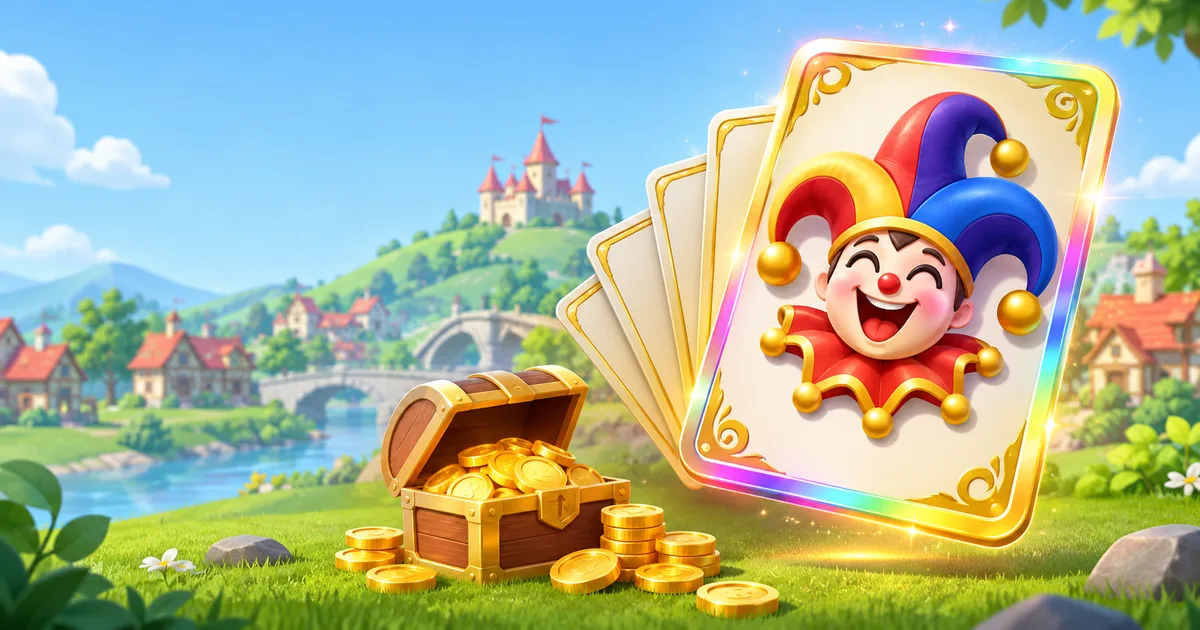
A Joker card in Coin Master is a wild card: you turn it into any card you choose, including Gold cards. You get Joker cards from events and from certain chests (Mystery Chests drop one in every 10), and each one expires 24 hours after you receive it.
The Joker is the only way to pick an exact card on demand. That makes it the best tool for a set that has been stuck on one missing card for weeks. It is also easy to waste, because the 24-hour timer forces a choice fast. This guide covers how the Joker works, where it comes from, which chests give it most often, and which cards are worth it.
What does the Joker card do in Coin Master?
The Joker card lets you pick one card from your collection and add it straight away. The Joker is used up when you confirm. According to the official Coin Master help center (checked November 13, 2026), it can become "almost any card you choose, including Gold cards."
A few rules matter:
- It is a consumable, not a collection card. It does not sit in a set and it does not count toward set completion by itself. It only counts once you turn it into a real card.
- It has a 24-hour countdown. The timer shows on the card. When it hits zero, the Joker disappears.
- The card list depends on your village. The Joker shows the cards available to you at your current village level. Cards from later villages do not appear yet.
- Seasonal cards work only during their season. Seasonal cards can be collected through Seasonal Chests and Joker cards, but only while that season is live.
How to use a Joker card
The steps come from the official help center and match the current game screen:
- Tap the Joker Card icon at the bottom left of your main screen. It appears there while you hold an unused Joker.
- Pick the card you want. By default the list shows only cards you do not have yet.
- Tap the green "I'll take it!" button at the bottom of the screen.
- Tap Confirm to collect the card, or Cancel to go back and choose again.
The new card lands in its set right away. If that card completes the set, you get the set reward on the spot, so it is worth checking which set gives the biggest reward before you confirm.
Why the Joker shows no cards
If the Joker opens with an empty list, you already own every card available at your village level. Turn off the "Only show cards I don't have" option. You can then use the Joker on a card you already own. That gives you a duplicate you can send to a friend or exchange for a chest.
How to get a Joker card
Moon Active names two sources: events and chests. There is no fixed daily or weekly Joker.
Events
Joker cards show up as rewards in limited-time events. They appear among event rewards. Which events carry a Joker changes from week to week, so check the reward list in the event pop-up before you commit spins. Our Coin Master events guide explains how each event type works and which ones are worth your spins.
Chests that can contain a Joker
When a chest can hold a Joker, the Joker replaces one of the normal cards in the pack. Moon Active publishes the odds for every chest on its help center. These are the chests with the best Joker chance, from the published tables on November 13, 2026:
| Chest | Chance of a Joker per chest | Notes |
|---|---|---|
| Loyalty Diamond Chest | 33.3% | Loyalty Club reward (Village 210 and up) |
| Loyalty Platinum Chest | 20% | Loyalty Club reward |
| Black Friday Royal Chest | 20% | Seasonal, Black Friday only |
| Joker Chest | 12.5% | Event chest |
| Black Friday Mystery Chest | 11.1% | Seasonal, Black Friday only |
| Mystery Chest | 10% | One Joker in every 10 chests |
| Royal Chest | 10% | |
| Majestic VIP Chest | 10% | |
| Ocean Oasis Chest | 10% | Themed event chest |
| Loyalty Gold Chest | 10% | Loyalty Club reward |
| Crown Chest | 7.5% | |
| Cyber Crown Chest | 7.1% | |
| Big Circus Chest | 6.7% | Themed event chest |
| Foxy, Dragon, Carnival, VIP Castle, VIP Spins chests | 5% |
Most other themed event chests (holiday, travel and party chests) have a Joker chance between 0.5% and 4%.
The three basic chests you buy with coins in the shop (Wooden, Golden and Magical) have no Joker in their published odds. Spending coins on those chests gets you cards, but not Jokers.
The Loyalty Club
The three Loyalty chests at the top of the table belong to the Coin Master Loyalty Club. It is a free rewards program that opens automatically at Village 210. Members earn points by playing and unlock exclusive chests as they climb reward tiers. If you are close to Village 210, the Loyalty Club is the most reliable long-term Joker source.
What do you do with Joker cards?
Use it on the card that is hardest to get any other way. Moon Active's own strategy guide says to use Joker cards on the most difficult sets, "especially non-seasonal sets," and that "it's best to use a Joker for Cards with 3-5 Stars."
In practice, that gives this order:
- A Gold card that is the last card in a set. Gold cards can only be traded during Golden Trade events, and each event covers only specific Gold cards. A Joker skips that wait.
- A 4 or 5 star card that completes a high-reward set. These drop rarely from chests, and friends seldom have spares.
- A 3 star card that completes a set. Worth it if nothing better is open and the timer is running low.
- A seasonal card before the season ends. Seasonal cards cannot be collected after their season, so a Joker can save a set that would otherwise expire.
Avoid using a Joker on 1 or 2 star cards. Those come out of almost every chest, and friends can send them through normal daily trades. Our card trading guide covers how trading works and where to find trade partners.
Time it with a set event
Card events such as Set Blast are built around completing sets. If a Joker arrives during one and it completes a set, use it before the event ends so the completion counts for the event too. Do not hold a Joker past its 24 hours to wait for an event, though. An expired Joker gives you nothing.
Which cards are rare in Coin Master?
Card rarity is shown by stars, from 1 star (common) to 5 stars (rarest regular cards). On top of the star system, there are special card types that are harder to get than any regular card.
| Card type | How rare | How to get it | Can you trade it? |
|---|---|---|---|
| 1 and 2 star cards | Common | Almost every chest | Yes, within the daily trade limit |
| 3 star cards | Uncommon | Most chests, more often Golden and Magical | Yes |
| 4 and 5 star cards | Rare | Mostly Magical and event chests | Yes |
| Gold cards | Very rare | Event chests, Viking Quest, tournament milestones | Only during Golden Trade events |
| Diamond cards | Rarest card sets | Events and Mystery Chests (from Village 90) | No official trade rule published |
| Seasonal cards | Time-limited | Seasonal Chests and Jokers, only while the season is live | Only in a Golden Trade during the season |
The published chest odds show how rare high-star cards are. A Wooden Chest has a 2% chance of a 5 star card in its second slot. A Golden Chest gives a 5 star card in its second slot only 5% of the time. Even the 8-card Magical Chest has between 1% and 10% per slot for a 5 star card.
Higher-star cards also give more Stars, the score that ranks you on the leaderboard. A new card adds the number of Stars shown at the top of it. Duplicates add nothing.
Joker card mistakes to avoid
- Letting it expire. The 24-hour limit is strict. Open the Joker the same day you get it.
- Using it on a common card. A 1 or 2 star card is replaceable within days through chests or trades.
- Skipping the reward check. Two missing cards can complete two very different sets. Pick the set with the bigger reward.
- Buying basic chests to hunt for Jokers. Wooden, Golden and Magical chests do not list Jokers in their odds. Save the coins for events like Cards Boom, where chests give extra cards.
- Ignoring the "only show cards I don't have" toggle. If your list looks empty, you can still get value by taking a duplicate to trade.
For more spins to open chests and play events, check our daily Coin Master free spins links. Stuck on a set from a later village? The Coin Master village guide shows what to expect as you build.
FAQs
What do you do with Joker cards in Coin Master?
You turn the Joker into one card of your choice. Tap the Joker icon at the bottom left of the main screen, pick a card, tap "I'll take it!", then Confirm. The best use is a Gold card or a 3 to 5 star card that completes a hard set.
How long does a Coin Master Joker card last?
24 hours. The countdown shows on the card. When it ends, the Joker disappears and cannot be used.
Can a Joker card become a Gold card?
Yes. Moon Active confirms the Joker can become almost any card, including Gold cards. This is its most valuable use, because Gold cards can only be traded during Golden Trade events.
Where do you get Joker cards in Coin Master?
From events and from some chests. The Mystery Chest gives a Joker in one of every 10 chests. Loyalty Club chests have the highest odds, up to 33.3% for the Loyalty Diamond Chest.
Do Wooden, Golden or Magical chests give Joker cards?
No Joker appears in the published odds for these three basic shop chests. Jokers come from Mystery, Royal, VIP, Loyalty and many themed event chests instead.
Why can't I pick any card with my Joker?
You probably own every card available at your village level. Turn off "Only show cards I don't have" to take a card you already own as a duplicate.
Can I trade or send a Joker card to a friend?
The help center lists no option to send a Joker to another player. Once you turn it into a card, that card follows the normal trade rules: you can send it if you have more than one copy, and Gold cards only during Golden Trade events.
Which cards are the rarest in Coin Master?
Diamond cards are the rarest card sets, and they appear from Village 90. Among regular cards, Gold cards and 5 star cards are the hardest to get. Seasonal cards are time-limited and cannot be collected after their season ends.

Team Tech Basket is made up of many writers, videographers, photographers, and more. We're passionate about all things Tech! This team also publish the submitted content.