
On this page
- All 8 AI presentation makers at a glance
- Free AI presentation makers
- Gamma: Best Free AI Presentation Maker Overall
- Canva: Best Free AI Presentation Maker for Design Control
- Gemini: Best Free AI Presentation Maker for Google Slides
- Presentations.AI: Best Free Plan for Unbranded Share Links
- Pitch: Best Free AI Presentation Maker for Teams
- Paid AI presentation makers (no free plan)
- Copilot in PowerPoint: Best AI for People Who Already Pay for Microsoft 365
- Beautiful.ai: Best for Auto-Formatting Slides (Trial Only)
- Plus AI: Best AI Add-on for Google Slides and PowerPoint (Trial Only)
- Which AI presentation maker fits your job
The best free AI presentation maker for most people is Gamma: it turns a prompt into a deck of up to 10 slides and exports to PowerPoint, PDF or PNG on the free plan, with a small "Made with Gamma" badge. Canva is the better pick if you want to keep designing by hand after the AI draft, and the free Gemini app can now draft slides and send them to Google Slides.
"Free" means very different things in this category. Some tools give you a one-time pot of credits that never refills. Others reset monthly. Some only let you export to PowerPoint if you pay, and two popular names have no free plan at all, only a trial that needs a card.
This list covers 8 AI presentation makers. For each one we note the free credits, slide limits, export formats, watermark and what the paid plan costs. Every detail comes from the official pricing page or help centre.
All 8 AI presentation makers at a glance
Search by tool, export format or price. Tap any name in the table to jump to its full entry below.
| Tool | Free plan | Free AI allowance | PowerPoint export on free | Watermark on free | Paid from |
|---|---|---|---|---|---|
| Gamma | Yes | 400 credits, one time | Yes | "Made with Gamma" badge | Plus, Pro, Ultra plans |
| Canva | Yes | Up to 20 AI uses a month | Yes | Only on premium elements | $14.99 a month (US App Store) |
| Gemini | Yes (Gemini app) | Gemini app limits | Google Slides or PDF | Not stated | Google AI Pro for Slides generation |
| Presentations.AI | Yes | 200 credits | Yes | Unbranded public links | $20 a month, billed yearly |
| Pitch | Yes | 100 credits, one time | No, PDF only | Branded PDF | €10 a month, billed yearly |
| Copilot in PowerPoint | No | Needs Microsoft 365 | Native PowerPoint | No | $9.99 a month or $99.99 a year |
| Beautiful.ai | No (14-day trial) | Trial only | Paid plans | Not stated | $14.50 a month, billed yearly |
| Plus AI | No (7-day trial) | 1,000 trial credits | Works inside PowerPoint and Slides | Not stated | $10 a month, billed yearly |
Free AI presentation makers
1. Gamma: Best Free AI Presentation Maker Overall
Prompt to deck in a browser
Gamma turns a prompt, an outline or a pasted document into a full deck with layouts and images. Its help centre says the free plan includes AI creation, the AI agent for edits, basic image models and up to 10 slides per prompt. You can add more slides by hand.
The catch is credits. Every AI action uses them, and on the free plan they do not refresh. A new free account starts with 400. You can earn 200 more for each friend who signs up through your referral link, up to 2,000 at once.
Exports work on the free plan: PDF, PNG and PowerPoint (PPTX), and you can upload the PPTX to Google Slides. Free exports carry a "Made with Gamma" badge. Gamma's help centre notes that printing to PDF from your browser while signed in does not add the badge. Paid plans (Plus, Pro and Ultra) remove the badge and add monthly credits, starting at 1,500 a month on Plus.
Who it suits: students and anyone who needs one good-looking deck fast.
- Replaces
- Building a first draft deck by hand
- Runs on
- Web browser
- Licence
- Free plan with badge on PDF and PPTX exports
- Skip if
- You need dozens of decks a month without paying
- Price
- Free (400 one-time credits); Plus, Pro and Ultra paid
2. Canva: Best Free AI Presentation Maker for Design Control
- Android
- iPhone and iPad
Templates plus AI
Canva's strength is what happens after the AI draft. You get thousands of presentation templates, a drag-and-drop editor, and AI tools that draft a deck from a prompt (Canva AI for presentations) or suggest designs (Magic Design).
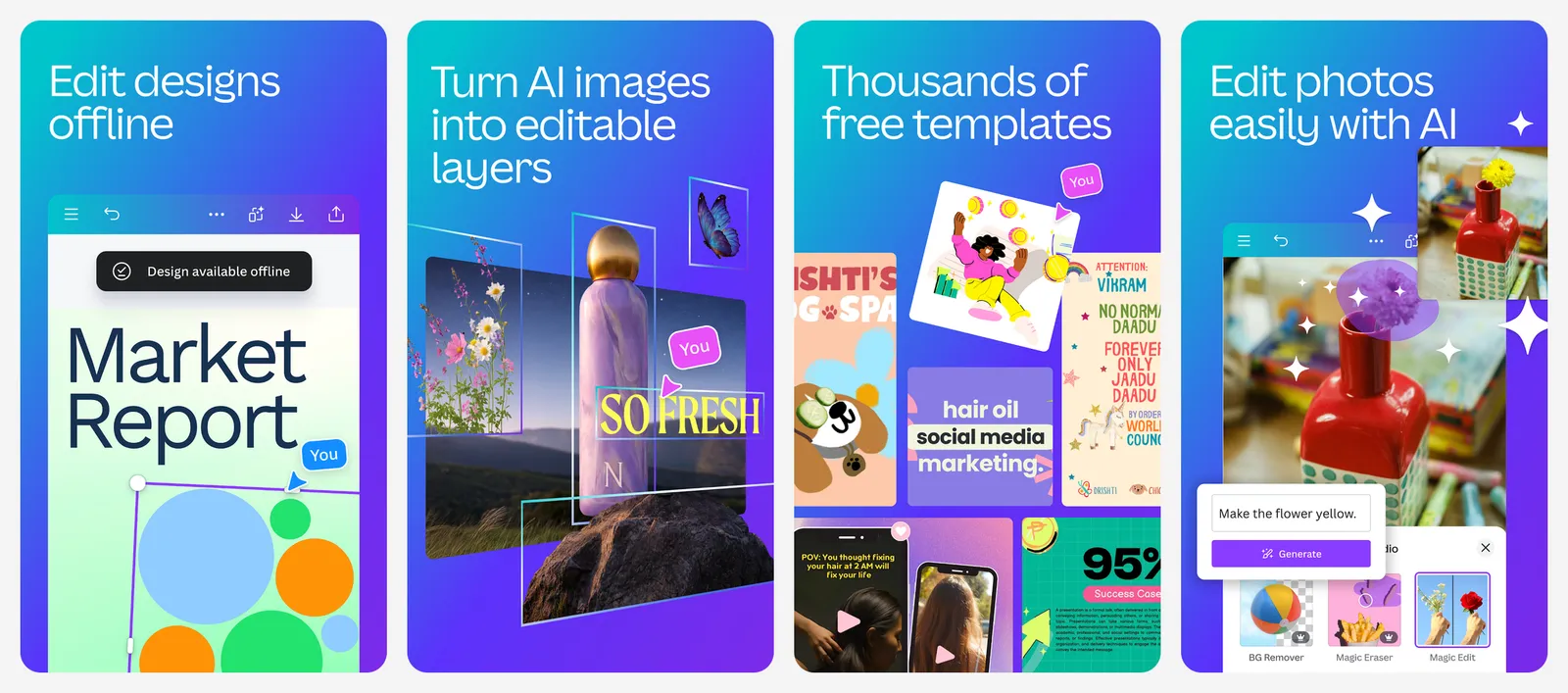
Canva's help centre says free accounts get up to 20 AI uses a month, shared across its AI tools, and the count resets on the first of each month. Canva AI for presentations counts as a premium AI tool, so it draws from that same pool.
You can download any presentation as a PPTX file for free from Share, then Download. Canva warns that fonts and animations may not match exactly in PowerPoint. Free designs have no watermark unless you use premium photos, videos or templates. If you want to leave Canva altogether, see our list of Canva alternatives.
Who it suits: people who care how the slides look and are happy to tweak them.
- Replaces
- PowerPoint templates and manual design
- Runs on
- Web, Windows, Mac, Android, iPhone, iPad
- Licence
- Free plan with a shared monthly AI allowance
- Skip if
- You want the AI to write the whole deck with no design work
- Price
- Free (Pro from $14.99 a month or $119.99 a year on the US App Store)
3. Gemini: Best Free AI Presentation Maker for Google Slides
- Android
- iPhone and iPad
Canvas to Google Slides
Gemini has two ways to make slides, and only one of them is free.
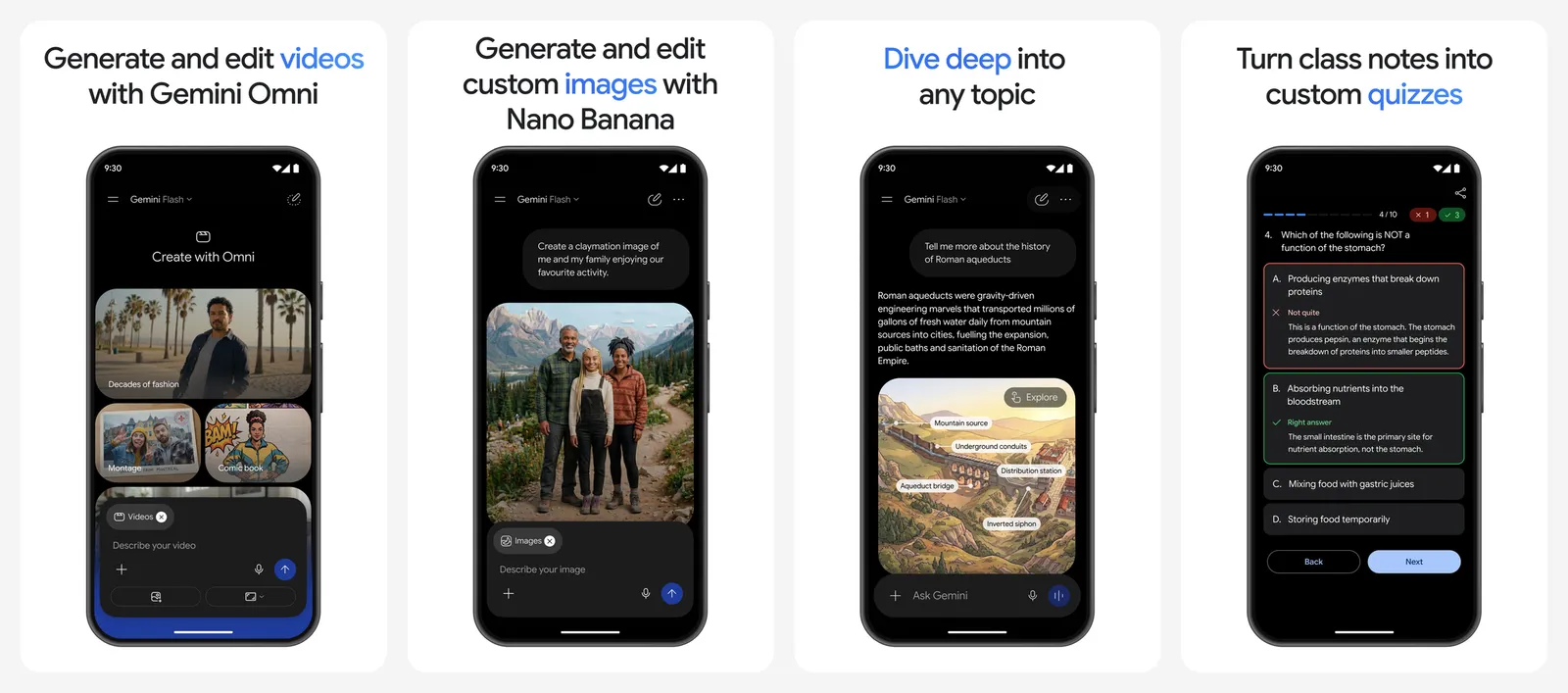
In the free Gemini app, open Canvas and ask for a slide presentation, or click Create on a Canvas document and describe the deck. Gemini's help page says you can then use Share and export to send it to Google Slides, or export it as a PDF. You only need to be signed in to Gemini. Google first rolled this out to paying subscribers in October 2025 and said free users would follow.
Inside Google Slides itself, Gemini can write slide text, generate images and, since June 2026, build a full editable deck from one prompt. That version needs Google AI Pro or Ultra on a personal account, or an eligible Google Workspace plan. Google listed it as English (US) only at launch. For better results from either route, try our prompts for Gemini.
Who it suits: anyone who already lives in Google Docs and Slides.
- Replaces
- Starting a Google Slides deck from scratch
- Runs on
- Web, Android, iPhone
- Licence
- Free with a Google account; deck generation in Slides is paid
- Skip if
- You want designer-grade themes and layouts
- Price
- Free Gemini app; Gemini in Slides needs Google AI Pro or Ultra
4. Presentations.AI: Best Free Plan for Unbranded Share Links
Credit-based AI decks
Presentations.AI turns a prompt into a designed deck and has one of the more generous free plans. Its Starter plan is $0 and includes 200 AI credits, decks of up to 20 slides, up to 5 guests, and PowerPoint and PDF export.
The Starter plan also gets unbranded public links, so a deck you share as a link does not carry Presentations.AI branding. The pricing page does not say whether exported files carry a watermark. Pro costs $20 a month billed yearly ($240) and includes 5,000 credits.
Who it suits: people who share decks as links and want a clean look for free.
- Replaces
- Gamma for short decks
- Runs on
- Web browser
- Licence
- Free Starter plan with 200 AI credits
- Skip if
- Your decks run past 20 slides
- Price
- Free Starter plan (Pro $20 a month billed yearly)
5. Pitch: Best Free AI Presentation Maker for Teams
- iPhone and iPad
Collaborative decks
Pitch is built for teams that write decks together, with live collaboration and comments. Its free plan allows unlimited presentations and includes 100 AI credits. They do not renew once used.

Free PDF exports and embeds are branded, and PowerPoint export is not included. The Plus plan (€10 a month per seat, billed yearly) adds 500 AI credits a month and unbranded PowerPoint exports. You can also buy extra AI credits on any plan.
Who it suits: small teams presenting from the browser rather than sending files.
- Replaces
- Team decks built in Google Slides
- Runs on
- Web, iPhone and iPad app
- Licence
- Free plan with 100 one-time AI credits
- Skip if
- You need to hand over a PPTX file
- Price
- Free (Plus €10 a month billed yearly)
Paid AI presentation makers (no free plan)
6. Copilot in PowerPoint: Best AI for People Who Already Pay for Microsoft 365
- microsoft
- iPhone and iPad
- Android
AI inside PowerPoint
Copilot in PowerPoint drafts a presentation outline from a prompt and helps with formatting, right inside PowerPoint. Microsoft's support page lists it for PowerPoint for Microsoft 365 on Windows, Mac and iPad.
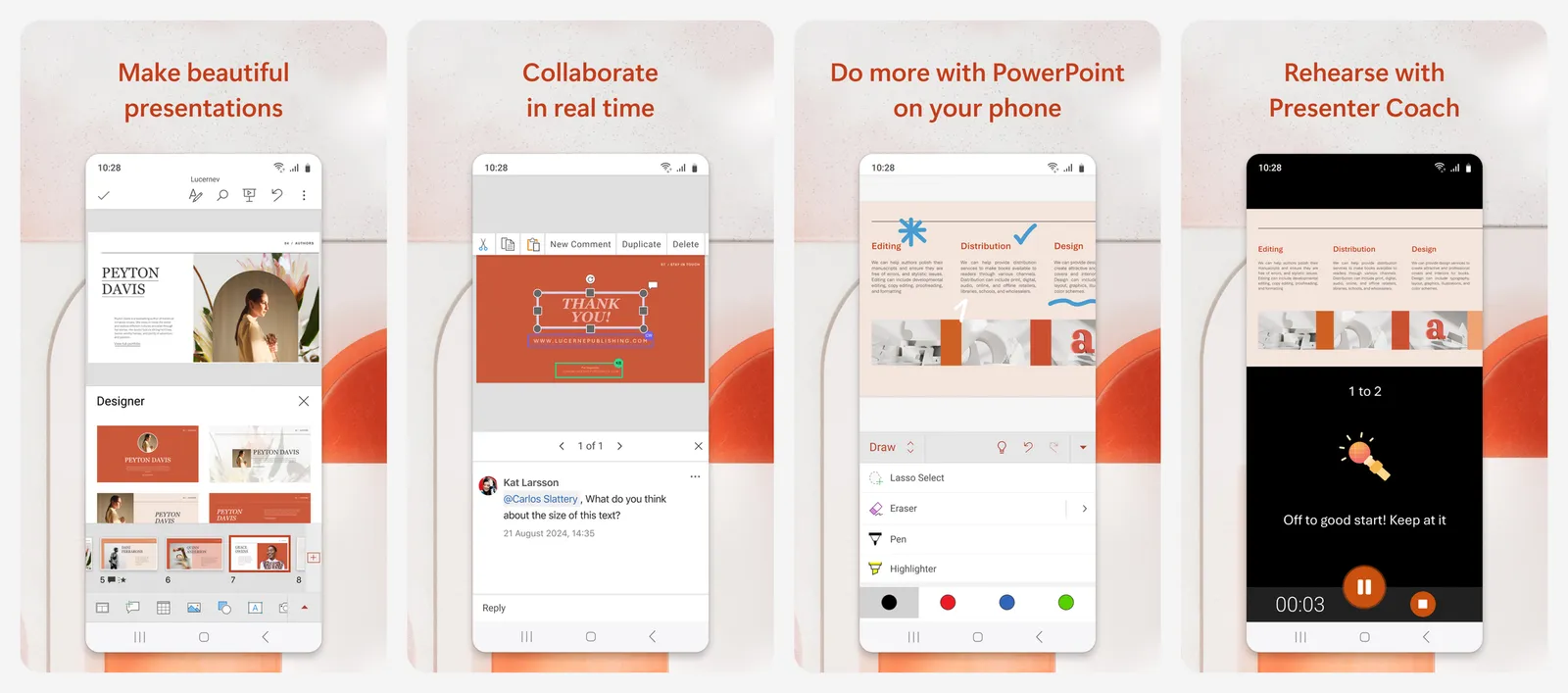
It is not free. Microsoft's plan comparison lists Copilot in PowerPoint with Microsoft 365 Personal ($9.99 a month or $99.99 a year), Family ($12.99 a month or $129.99 a year) and Premium ($19.99 a month or $199.99 a year). Microsoft 365 Basic has no AI features. Usage limits apply on every plan, and Premium gets the most.
Who it suits: anyone who already pays for Microsoft 365. Not paying? See our list of Microsoft Office alternatives.
- Replaces
- Writing outlines and formatting slides by hand
- Runs on
- PowerPoint for Windows, Mac and iPad
- Licence
- Included in Microsoft 365 Personal, Family and Premium, with usage limits
- Skip if
- You use Microsoft 365 Basic or the free web apps
- Price
- Microsoft 365 Personal $9.99 a month or $99.99 a year
7. Beautiful.ai: Best for Auto-Formatting Slides (Trial Only)
Smart templates
Beautiful.ai is known for templates that rearrange themselves as you add content, so slides stay aligned. Its pricing page lists no free plan. Instead, Pro and Team plans start with a 14-day free trial, and you need a credit card. You are charged in full unless you cancel before the trial ends.
Pro costs $14.50 a month billed yearly. There is also a $45 option for a single presentation. Every seat includes PowerPoint import and export.
Who it suits: people who make decks every week and will pay for polish.
- Replaces
- Fixing slide alignment by hand
- Runs on
- Web browser
- Licence
- No free plan; trial needs a credit card
- Skip if
- You want something free to keep
- Price
- $14.50 a month billed yearly; 14-day trial
8. Plus AI: Best AI Add-on for Google Slides and PowerPoint (Trial Only)
Add-on for Slides and PowerPoint
Plus AI works inside Google Slides and PowerPoint as an add-on, so the deck stays a normal Slides or PPTX file. Every plan starts with a 7-day free trial that includes 1,000 AI credits. A credit card is required, and only new customers qualify.
After the trial, Basic costs $10 a month billed yearly ($15 month to month), and Pro costs $20 a month billed yearly ($25 month to month).
Who it suits: people who must deliver native Slides or PowerPoint files.
- Replaces
- Copilot or Gemini inside your slide app
- Runs on
- Google Slides, PowerPoint
- Licence
- No free plan; trial needs a credit card
- Skip if
- You want something free to keep
- Price
- $10 a month billed yearly ($15 monthly); 7-day trial
Which AI presentation maker fits your job
- School or college presentation: Gamma, then export to PDF or PowerPoint.
- Social or marketing deck that must look good: Canva.
- You already use Google Slides: Gemini Canvas, then export to Slides.
- Team deck you present from a browser: Pitch.
- Company that already pays for Microsoft 365: Copilot in PowerPoint.
Need images for your slides? Our list of free AI image generators covers tools that make them without a watermark. For writing the outline itself, see our ChatGPT alternatives.
What is the best free AI presentation maker?
Is Gamma really free?
Can I make a presentation with AI and export it to PowerPoint for free?
Is Copilot in PowerPoint free?
Can Gemini make a Google Slides presentation for free?
Does Beautiful.ai have a free plan?

Sumit
ContributorHi, I'm Sumit, Being an introvert I have always been obsessed with technology-computers and reading dozens of posts to learn, find answers out of my curiosity. I love to write as I explore more.