Canva Free is generous. But the best templates, the background remover, brand kits and most AI tools sit behind Canva Pro. In the US, Canva Pro now costs US$18 a month or US$144 a year for one person. In India it is ₹4,000 a year, with a cheaper Pro Lite plan at ₹1,590 a year.
That is a lot to pay if you only make a few Instagram posts, one slide deck a month or the odd YouTube thumbnail. This guide lists 10 free design tools that cover those jobs on the web, on your phone, or both. For each one we note the free-tier limits, whether it adds a watermark and whether you need an account. We have not tested these apps ourselves. Every price and limit comes from the official pricing page, help centre or app store listing.
Last checked: September 26, 2026. Prices are in US dollars unless noted. Plans and prices can differ by country and change without notice.
- Closest to Canva: Adobe Express has 100,000+ free templates, 5GB storage and apps for Android, iPhone and iPad.
- Best for AI images: Microsoft Designer is free with a Microsoft account, but AI actions use a small monthly credit allowance.
- Best free pro tool: Affinity is now completely free on Windows and Mac, made by Canva itself. It needs a free Canva account.
- Best for UI and slides: Figma Starter is free, but team projects are capped at 3 files. Penpot is open source with no file limits.
- Best no-install photo editors: Photopea and Pixlr run in the browser. Both show ads on the free plan.
- Watch the catch: Visme adds its logo on the free plan, Kittl free exports are capped at 800px, and Snappa allows only 3 downloads a month.
Canva alternatives at a glance
Search by app, platform or feature. "Not listed" means the official plan page does not mention a watermark either way.
Tap any name in the table to jump to its full entry below.
| App | Price | One-time vs subscription | Platforms | Watermark on free | Templates | Works offline | Account needed |
|---|---|---|---|---|---|---|---|
| Canva (for reference) | Free, Pro US$18/mo or US$144/yr | Subscription | Web, Android, iPhone, iPad, Windows, Mac | No | 1.6M+ free, 3.6M+ on Pro | Paid feature | Yes |
| Adobe Express | Free, Premium US$9.99/mo | Subscription | Web, Android, iPhone, iPad | Not listed | 100,000+ free | No | Yes |
| Microsoft Designer | Free, more credits with Microsoft 365 | Subscription | Web, Android, iPhone | Not listed | AI layouts from prompts | No | Yes (Microsoft) |
| Affinity | Free | Free (Canva AI tools need a paid Canva plan) | Windows, Mac | No | Few, it is a pro editor | Yes | Yes (Canva) |
| Figma | Free Starter, Professional US$16/mo per full seat | Subscription | Web, Windows, Mac, mobile viewer app | No | UI kits and community files | No | Yes |
| Penpot | Free, Unlimited US$7/editor/mo | Subscription or free self-hosting | Web, self-hosted | No | Community libraries | No (self-host on your own network) | Yes |
| Kittl | Free, Pro from about US$12/mo yearly | Subscription | Web | Not listed, but 800px exports | Curated free set, 10,000+ premium | No | Yes |
| Visme | Free, Starter US$147/yr | Subscription | Web, Android, iPhone | Visme logo | Limited on free | No | Yes |
| Pixlr | Free with ads, Plus US$1.99/mo yearly | Subscription | Web, Android, iPhone | Not listed | Yes | No | Not required to edit |
| Photopea | Free with ads, Premium removes ads | Subscription | Web (any browser) | No | Some | Runs locally in the browser | No |
| VistaCreate | Free Starter, Pro US$10/mo | Subscription | Web, Android, iPhone | Not listed | 100,000+ free | No | Yes |
Snappa is a Canva-style web editor with 6,000+ templates, but its free plan allows only 3 downloads a month (Pro is US$10 a month billed yearly), so it did not make the numbered list.
The 10 best free Canva alternatives
Adobe Express
- Android
- iPhone and iPad
Adobe Express is the closest match to Canva's layout and workflow. You pick a template, swap text and photos, then resize for other platforms. The free plan gives you 100,000+ static and video templates, 4,000+ Adobe Fonts, over 1 million free Adobe Stock photos, videos and music tracks, and 5GB of storage. You can also schedule posts to one account per social network.
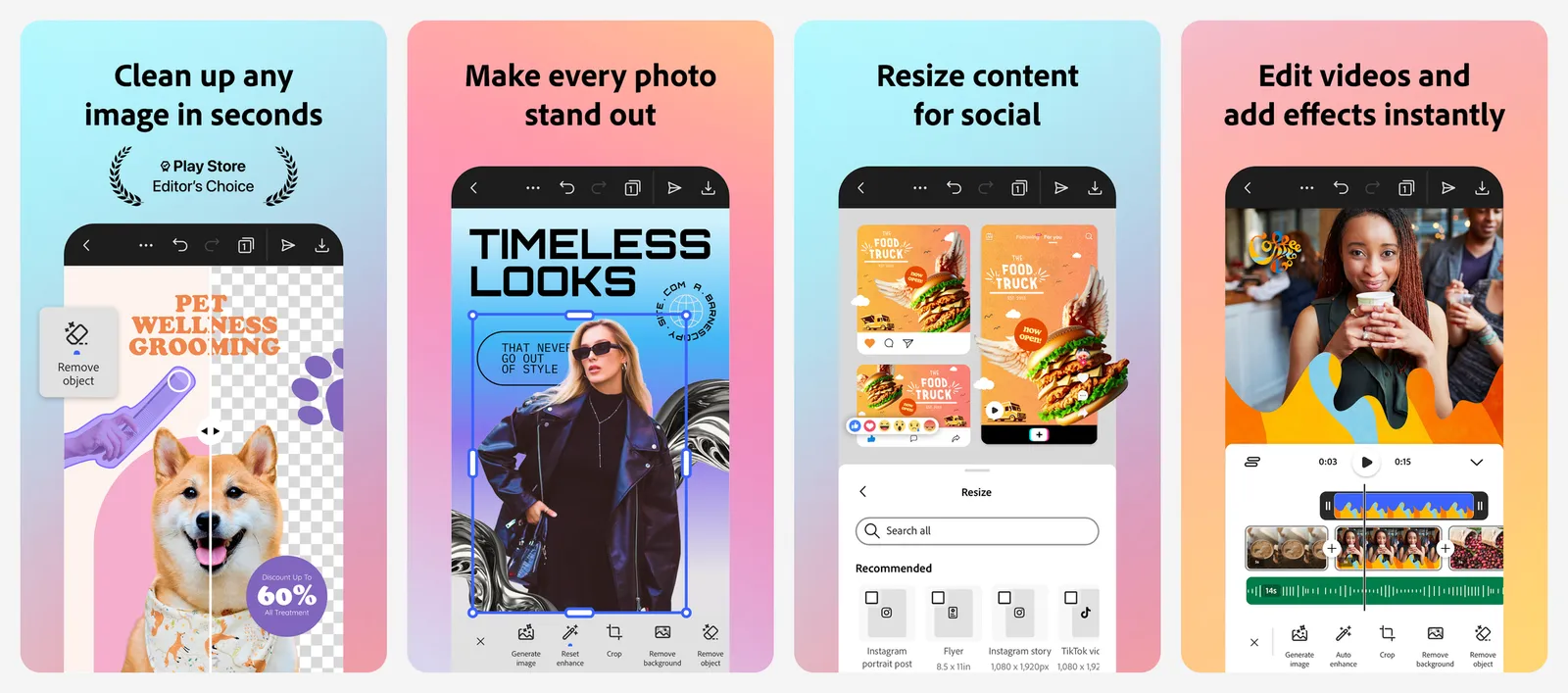
You need a free Adobe account. Adobe notes that some stock assets can move from free to paid without warning, so use the Free filter when you search.
What you lose vs Canva: a smaller free template library (100,000+ vs Canva's 1.6 million), and no desktop app.
- Replaces
- Canva Free and Canva Pro templates
- Runs on
- Web, Android, iPhone, iPad
- Licence
- Free plan, no card needed; Premium unlocks all assets and 250 generative credits a month
- Skip if
- You hate signing in to an Adobe account
- Price
- Free, Premium US$9.99/month
Microsoft Designer
- Android
- iPhone and iPad
Microsoft Designer starts from a prompt instead of a template. Describe a social post, invitation, sticker or greeting card and it builds a few options. It also handles quick photo edits: background blur or removal, erasing objects, cropping, adding text and resizing.
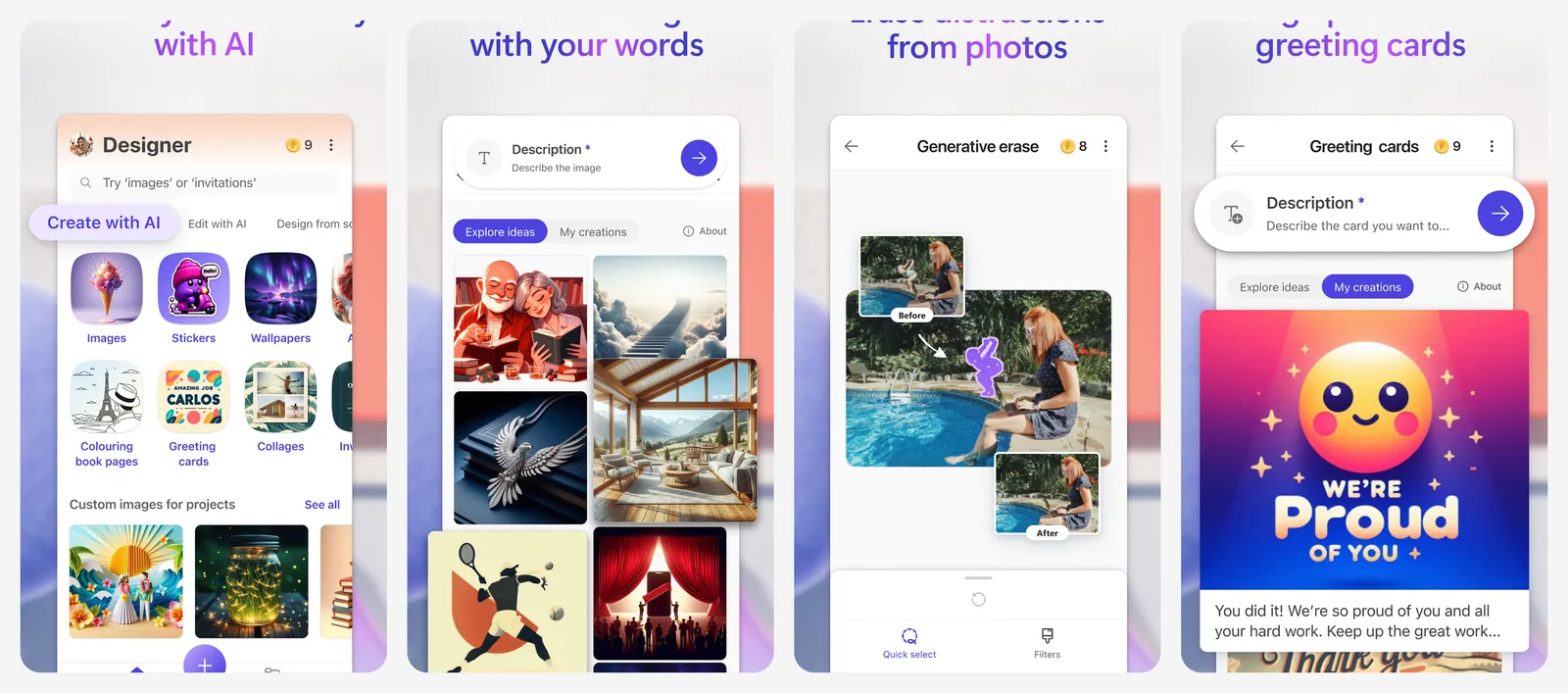
The catch is credits. Every AI action uses one, and free accounts get a fresh set at the start of each month. Microsoft does not print the free number on its page. Microsoft 365 subscribers get up to 4 times more. Non-AI edits like crop and text work without credits.
What you lose vs Canva: a browsable template library, brand kits and fine layout control. Once your free credits run out, the AI part stops until next month.
- Replaces
- Canva Magic Design and Canva AI image tools
- Runs on
- Web, Android, iPhone
- Licence
- Free with a Microsoft account; Microsoft 365 Personal, Family or Premium gives up to 4x more credits
- Skip if
- You want to start from a big template library
- Price
- Free with monthly AI credits
Affinity
Affinity is the surprise on this list, because Canva makes it. After Canva bought Serif, it merged Affinity Photo, Designer and Publisher into one free app for Windows and Mac. You get pixel editing, vector drawing and page layout with no watermark and no feature cap. You sign in with a free Canva account. Only the Canva AI tools inside it (like generative fill) need a paid Canva plan.
It is a professional tool, so there is a learning curve. The iPad version is still being built, with no date yet. We also cover Affinity in our buy once software guide.
What you lose vs Canva: ready-made social templates, one-click resize and mobile apps. You are designing from scratch.
- Replaces
- Canva Pro for print and detailed design work
- Runs on
- Windows, Mac
- Licence
- Free, no watermark or time limit; Canva AI features need a Canva paid plan
- Skip if
- You design on your phone or iPad
- Price
- Free
Figma
- Android
- iPhone and iPad
Figma is best known for app and website design, but the free Starter plan now includes Figma Slides for presentations and Figma Buzz for social and marketing assets, plus FigJam whiteboards. Personal drafts are unlimited. Team projects are capped: 3 Figma Design files and 3 files per other product (Slides, FigJam) in one project.
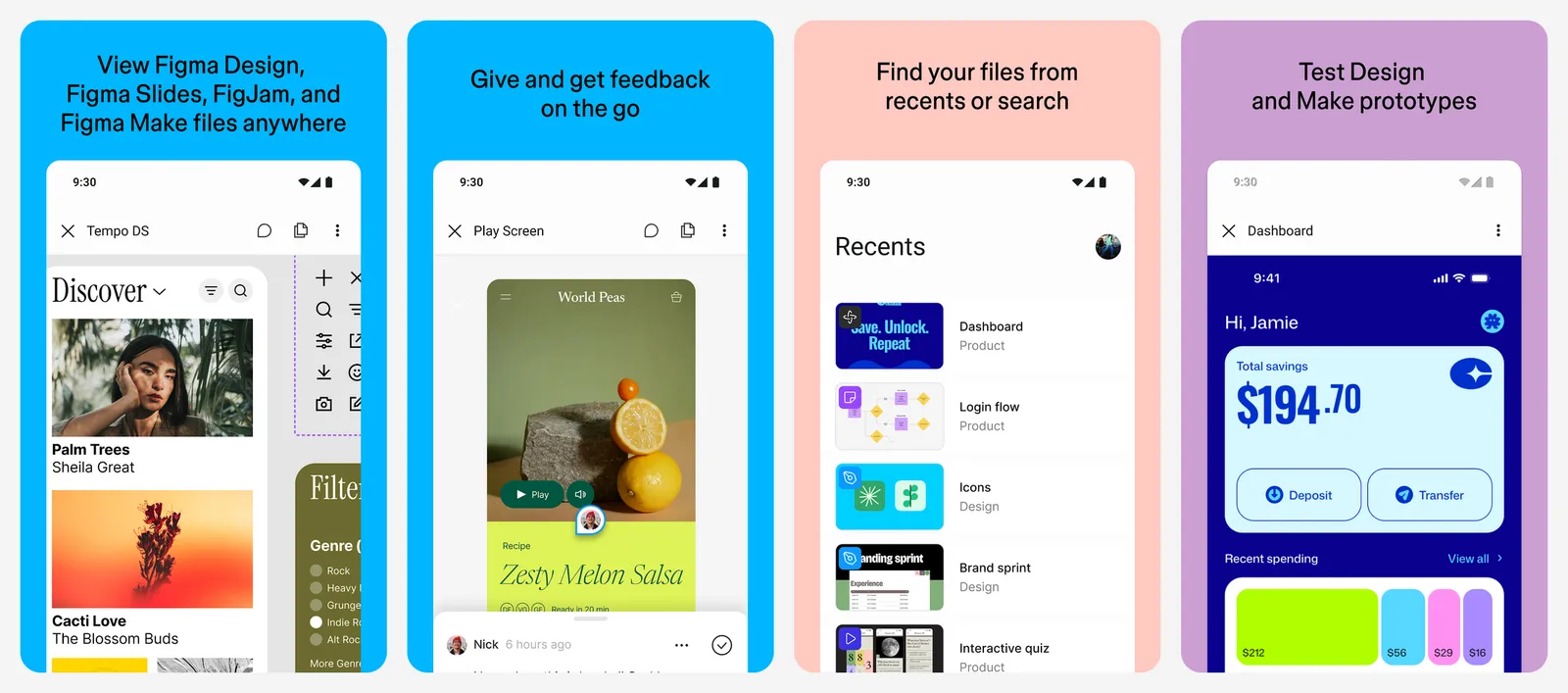
The mobile app is for viewing, commenting and mirroring designs, not full editing.
What you lose vs Canva: Canva's huge stock library and beginner-friendly templates. Figma assumes you know some design basics.
- Replaces
- Canva presentations and Canva for design teams
- Runs on
- Web, Windows, Mac; mobile app for viewing and mirroring
- Licence
- Starter: unlimited drafts, 3 Figma Design files per team project, 150 AI credits a day up to 500 a month
- Skip if
- You want drag-and-drop templates on your phone
- Price
- Free Starter, Professional US$16/month per full seat
Penpot
Penpot is an open-source design tool that runs in the browser. Its free cloud plan is fully featured, with no file limits, up to 8 team members, unlimited viewers and 10GB of storage. If you want full control, you can host it yourself with Docker or Kubernetes.
It is closer to Figma than Canva. It works well for social graphics, banners and simple slides if you are happy to build layouts yourself.
What you lose vs Canva: a template and stock library, AI tools and mobile apps.
- Replaces
- Canva Teams for shared design work
- Runs on
- Any modern browser
- Licence
- MPL-2.0 open source; free cloud plan with 10GB storage and up to 8 team members, or self-host
- Skip if
- You need stock photos and templates built in
- Price
- Free, Unlimited US$7/editor/month
Kittl
Kittl shines at typography, text effects, logos and merch designs. Templates are made by independent designers, and the editor has vector tools plus AI image and vector generation.
The free plan is really a trial. You get 5 projects, 500MB of storage and a one-time pack of 100 AI tokens. Exports are PNG or JPG at up to 800px and 72dpi, which is fine for a phone screen but too small for print. Free designs are for personal use only, and AI images you make on the free plan are shared publicly with the Kittl community.
What you lose vs Canva: commercial use, high-resolution export, mobile apps and a big free template set.
- Replaces
- Canva for logos, t-shirts and text effects
- Runs on
- Web
- Licence
- Free: 5 projects, 500MB, one-time 100 AI tokens, PNG and JPG up to 800px, personal use only
- Skip if
- You sell what you design and will not pay
- Price
- Free, Pro about US$12/month billed yearly
Visme
- Android
- iPhone and iPad
Visme focuses on presentations, reports, infographics and charts. It has more data widgets than Canva, which helps with business decks and school projects.
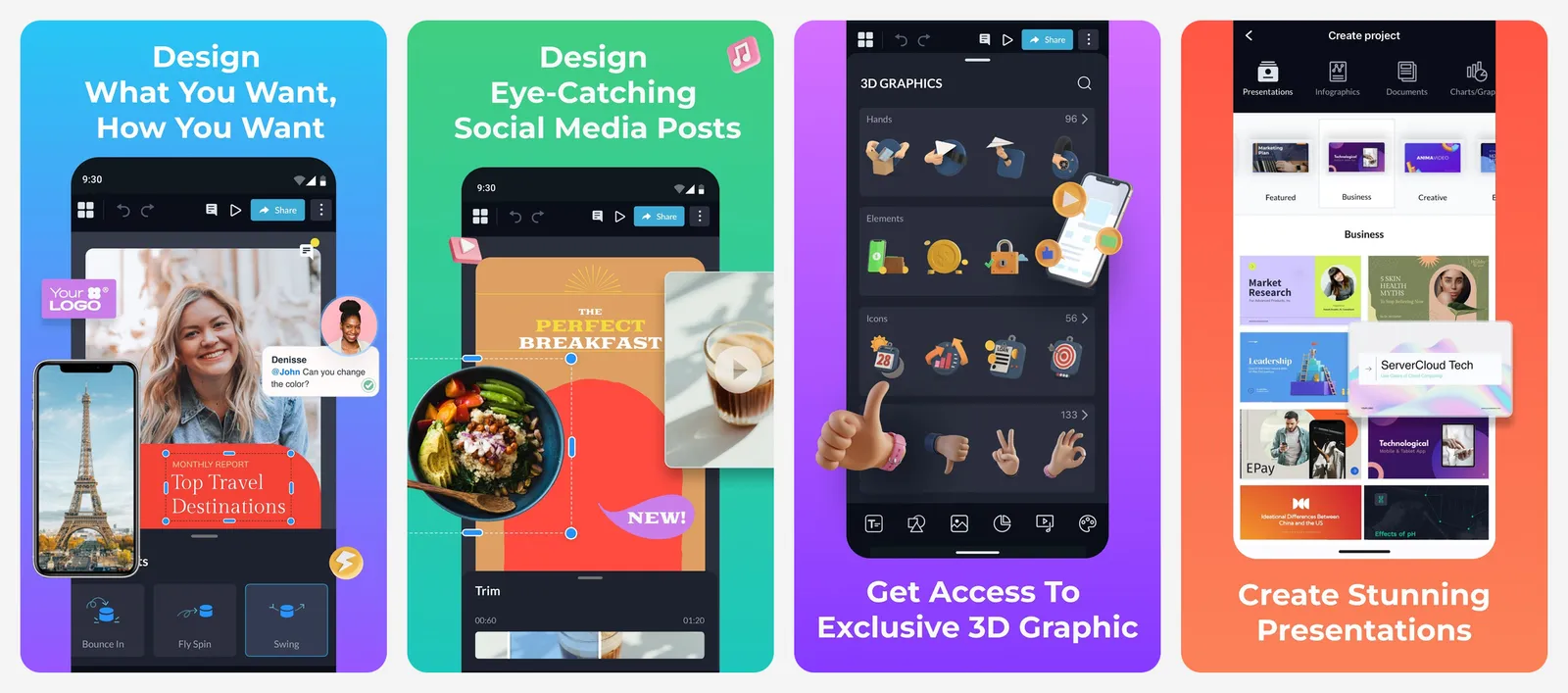
The free Basic plan gives unlimited projects but limited templates and assets. Removing the Visme logo from projects is a paid feature, and JPG, PNG and PDF downloads are listed as part of the Starter plan.
What you lose vs Canva: clean, logo-free free exports, and most of the template library.
- Replaces
- Canva presentations, charts and infographics
- Runs on
- Web, Android, iPhone
- Licence
- Free Basic: unlimited projects, limited templates, Visme logo on projects
- Skip if
- You need clean exports for free
- Price
- Free, Starter US$147/year, Pro US$297/year
Pixlr
- Android
- iPhone and iPad
Pixlr is a browser photo editor with layers, filters, templates and AI tools, plus phone apps. It is quick for thumbnails, cutouts and one-off social images.
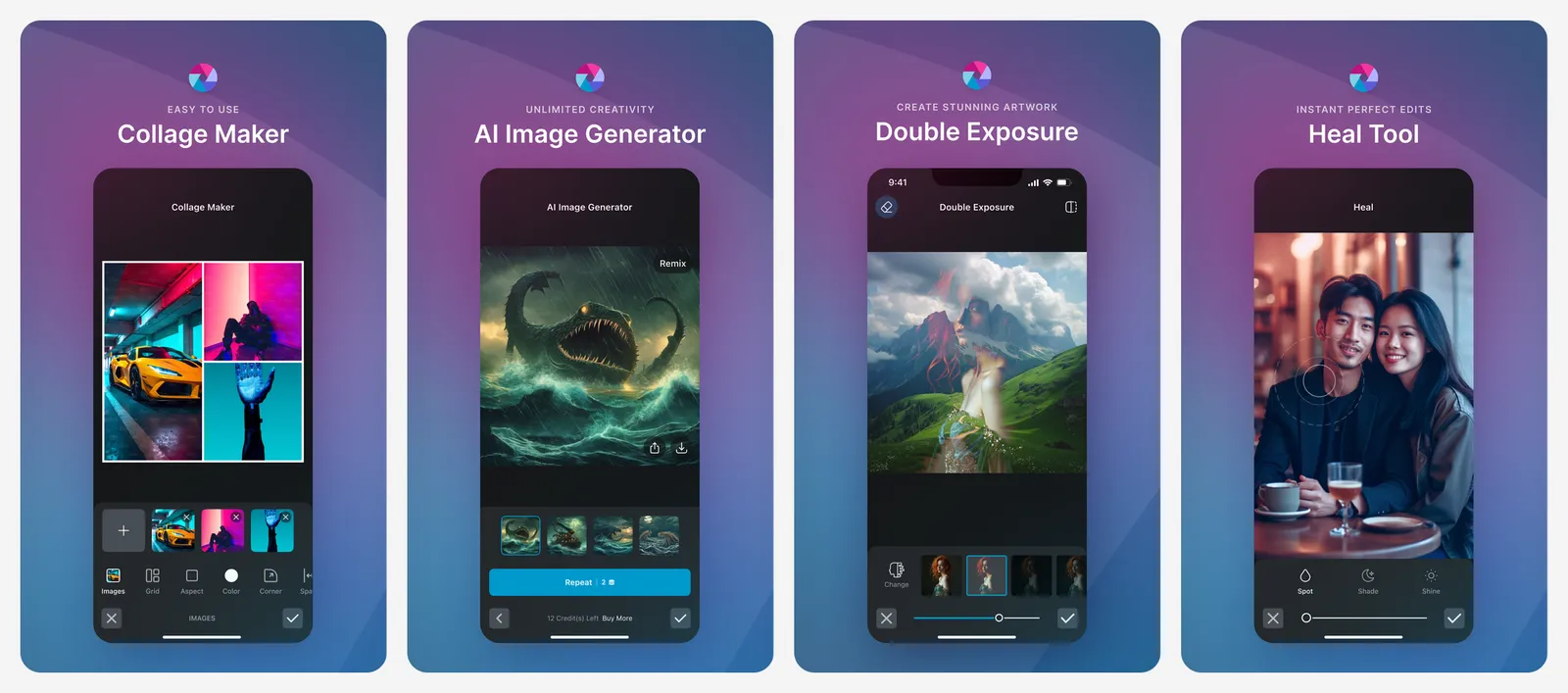
The free plan shows ads and caps how many images you can save each day. Pixlr Plus is one of the cheapest paid plans here at US$1.99 a month billed yearly, and it removes ads and the save cap.
What you lose vs Canva: unlimited saves on the free plan, team features and a large template library.
- Replaces
- Canva photo editing and simple thumbnails
- Runs on
- Web, Android, iPhone
- Licence
- Free plan has ads and a daily save limit; Plus removes both and adds 80 AI credits a month
- Skip if
- You save lots of images every day
- Price
- Free with ads, Plus US$1.99/month yearly, Premium US$7.99/month yearly
Photopea
Photopea looks and works like Photoshop, right in your browser. It opens Photoshop PSD files, and there is nothing to install. You can start editing without an account. Photopea says it runs on your own device, so your files are not uploaded.
Everything is free, paid for by ads. A Premium subscription removes the ads.
What you lose vs Canva: templates, stock assets, one-click resize and an easy start for beginners.
- Replaces
- Canva photo editing and Photoshop for PSD files
- Runs on
- Any modern browser
- Licence
- All editing features free; Premium removes ads
- Skip if
- You want templates to click and edit
- Price
- Free with ads, optional Premium
VistaCreate
- Android
- iPhone and iPad
VistaCreate (formerly Crello) is a template-based editor from Vista. The free Starter plan has 100,000+ templates, over 1 million royalty-free photos, videos and vectors, basic design tools and social media scheduling.
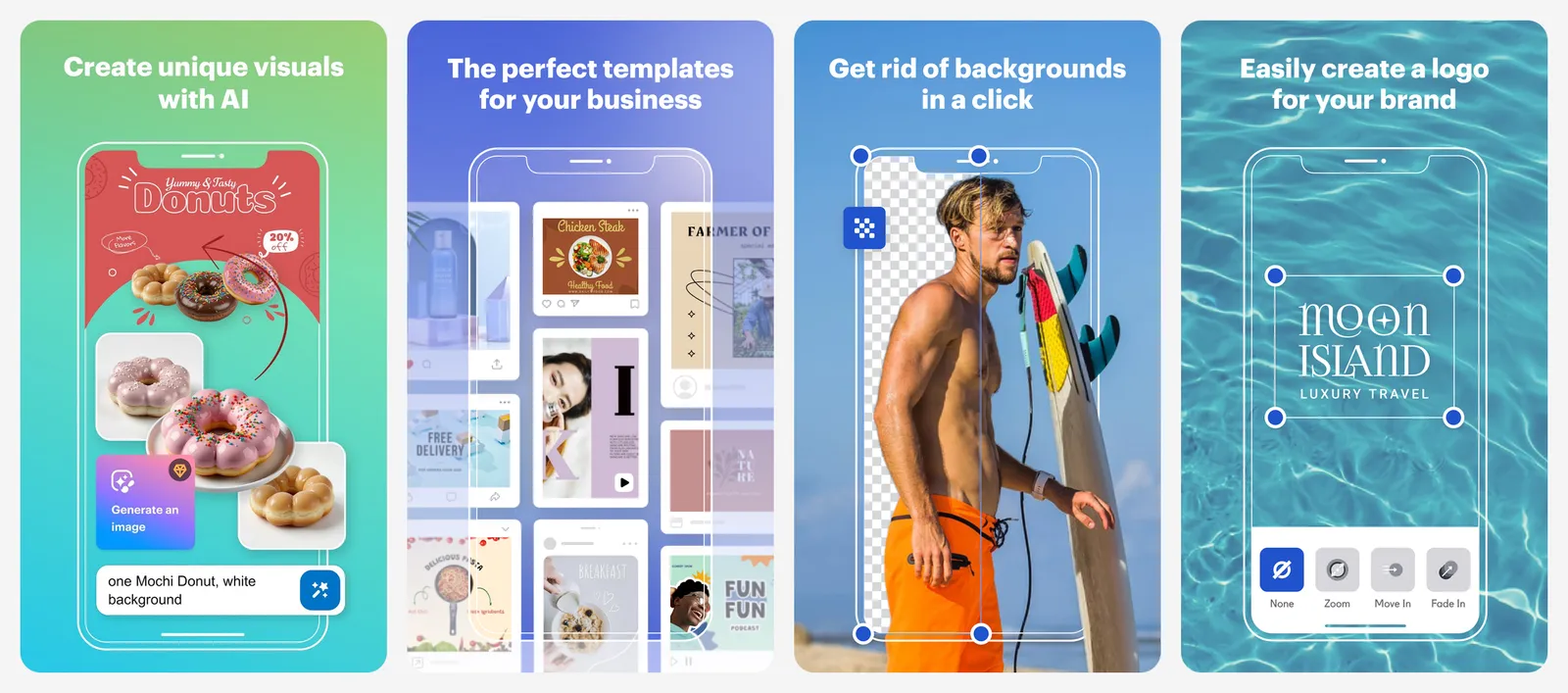
Pro costs US$10 a month and adds 200,000+ premium templates, a background remover, AI tools, one-click resize and up to 10 team seats.
What you lose vs Canva: the background remover, resize and AI tools on the free plan, and a smaller asset library.
- Replaces
- Canva Free for social posts
- Runs on
- Web, Android, iPhone
- Licence
- Free: 100,000+ templates, 1M+ royalty-free assets, basic tools, social scheduling
- Skip if
- You need a background remover for free
- Price
- Free Starter, Pro US$10/month
Which free Canva alternative fits your job
- Instagram and Facebook posts: Adobe Express or VistaCreate. Both have large free template libraries and phone apps.
- YouTube thumbnails: Photopea or Pixlr for photo cutouts, or Adobe Express for templates. Skip Kittl free here: its 800px exports are smaller than the 1280x720 size YouTube recommends.
- Presentations: Figma Slides for clean team decks, Visme for data-heavy slides (if you can live with the logo).
- Logos and merch: Kittl for ideas, Affinity for the final vector file.
- Print work: Affinity. It is the only free tool here built for print layouts.
- Privacy or self-hosting: Penpot, which you can run on your own server, or Photopea, which edits locally.
If you also edit short videos or draw on a tablet, see our guides to CapCut alternatives and Procreate alternatives.
Who should still pay for Canva Pro
- You post every day and use premium templates, stock photos and one-click resize all the time.
- You manage a brand and need a brand kit so every post uses the same logo, fonts and colours.
- You rely on the background remover and Canva's AI tools more than a few times a month.
- You want one tool on web, phone and desktop with the same designs everywhere.
- You are in India and Pro Lite (₹1,590 a year) covers what you need.
If you only design now and then, start with a free option from this list. You can always try Canva Pro later with its free trial.
How much does Canva Pro cost in 2026?
What is the best free alternative to Canva?
Which Canva alternatives do not need an account?
Which free design tools add a watermark?
Is Affinity really free, and is it made by Canva?
Can I use these apps on my phone?

Sumit
ContributorHi, I'm Sumit, Being an introvert I have always been obsessed with technology-computers and reading dozens of posts to learn, find answers out of my curiosity. I love to write as I explore more.