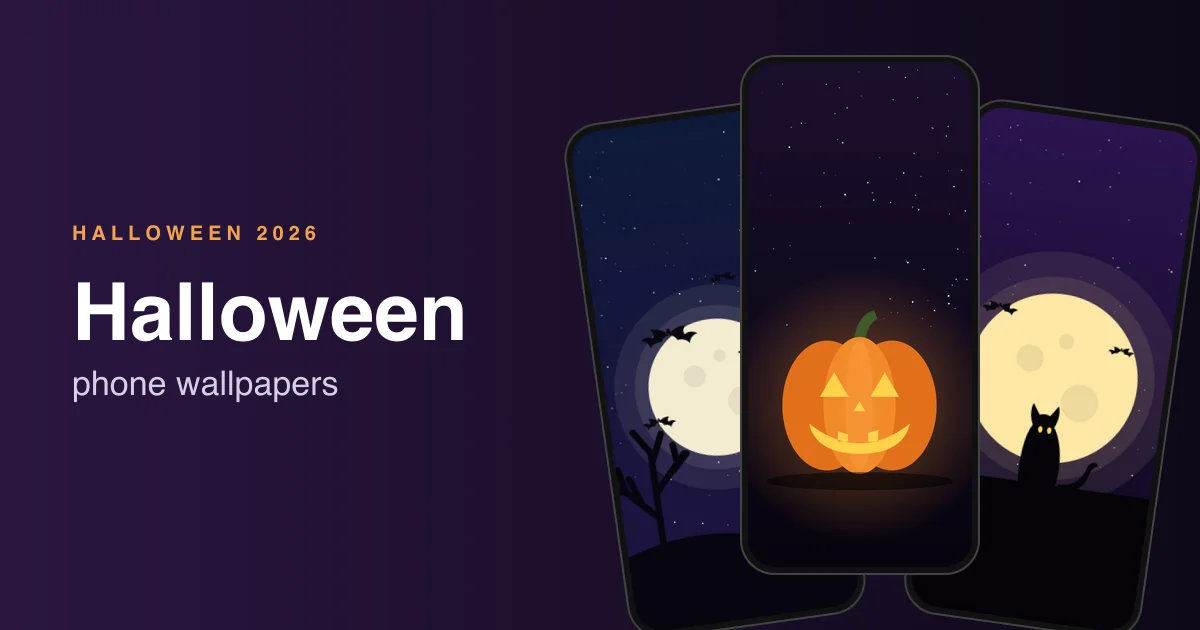
Halloween falls on Friday, October 31, 2026. If you want your phone to match the season, here are 24 free Halloween wallpapers in two sets: 8 original designs we made for this page, and 16 photos by Unsplash photographers.
Everything here is free to use as a phone wallpaper. The original set comes as one zip, and each photo links to its Unsplash page, where you can grab the full-size file.
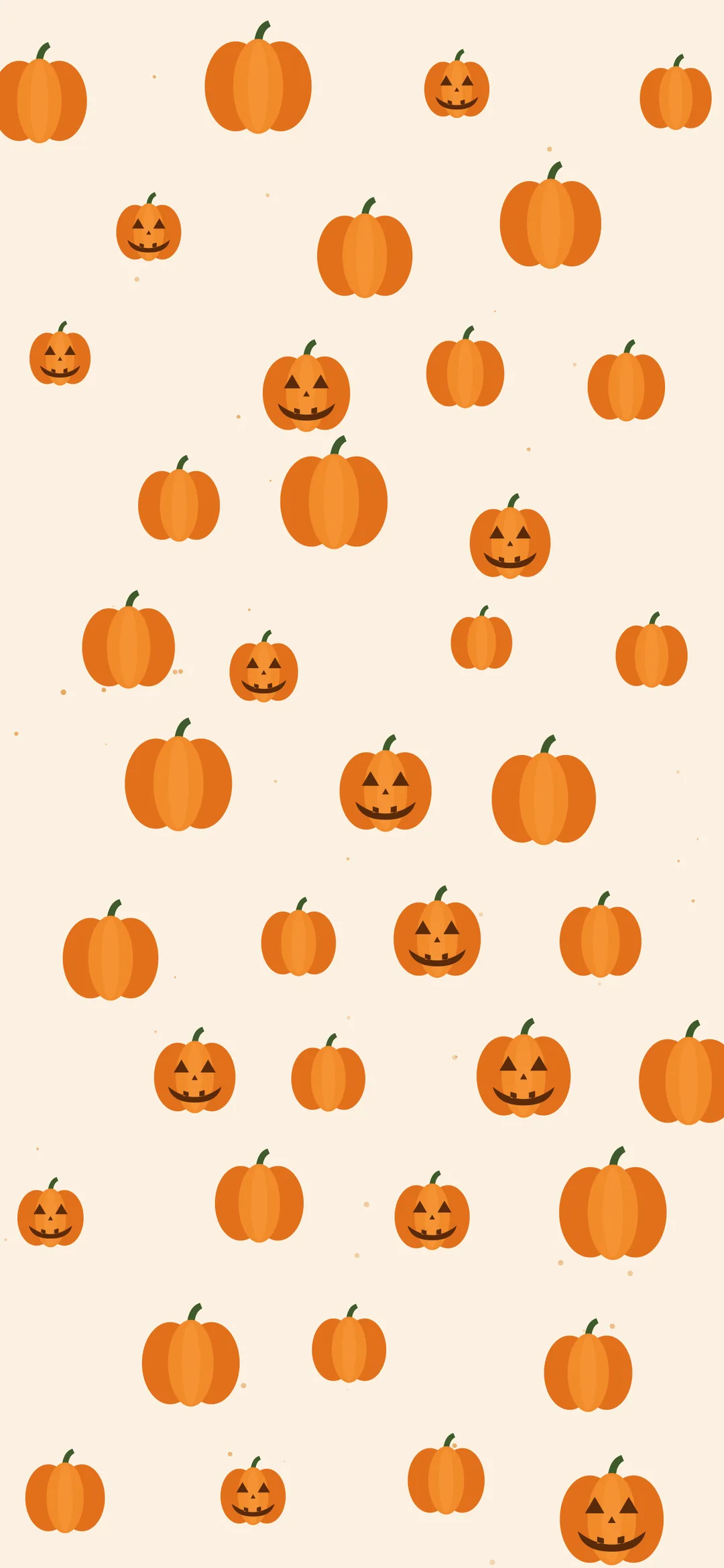
- Want something cute? Try the friendly ghost or the pumpkin pattern.
- Want something dark? Try the skull, the foggy forest or the moon behind clouds.
- OLED phone? The spider web and jack-o-lantern designs are mostly black, so they look sharp and use a little less battery.
- Our 8 originals are 1290 x 2796 PNGs and come as one zip, about 1 MB.
Note: the images on this page are previews. Use the zip or the Unsplash links below for full quality.
Original Halloween wallpapers (TheTechBasket)
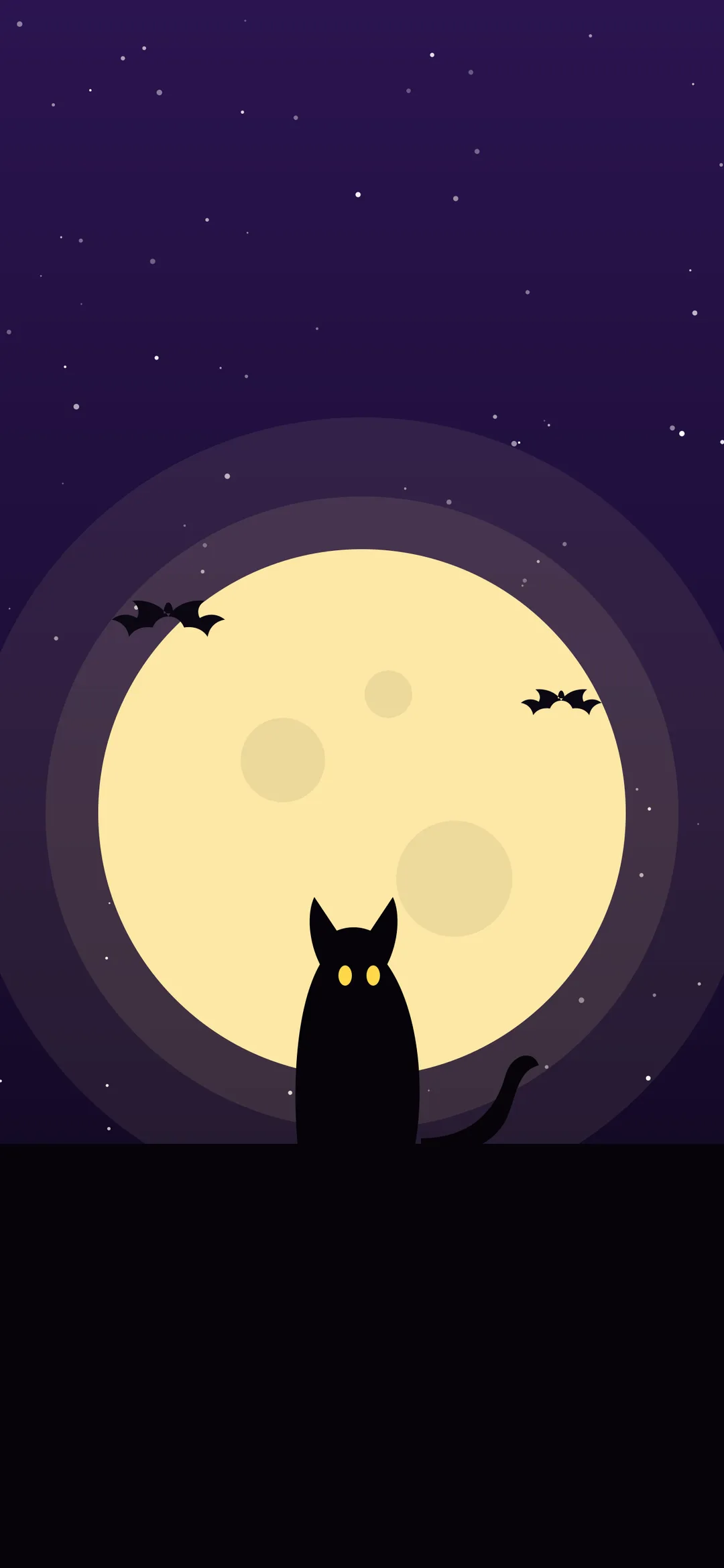
We drew these 8 designs for this post. They are flat, simple and leave room at the top for the clock and widgets. Each one is 1290 x 2796 pixels, the native size of the larger iPhones, and crops cleanly on Android phones. Tap any preview to see it larger.
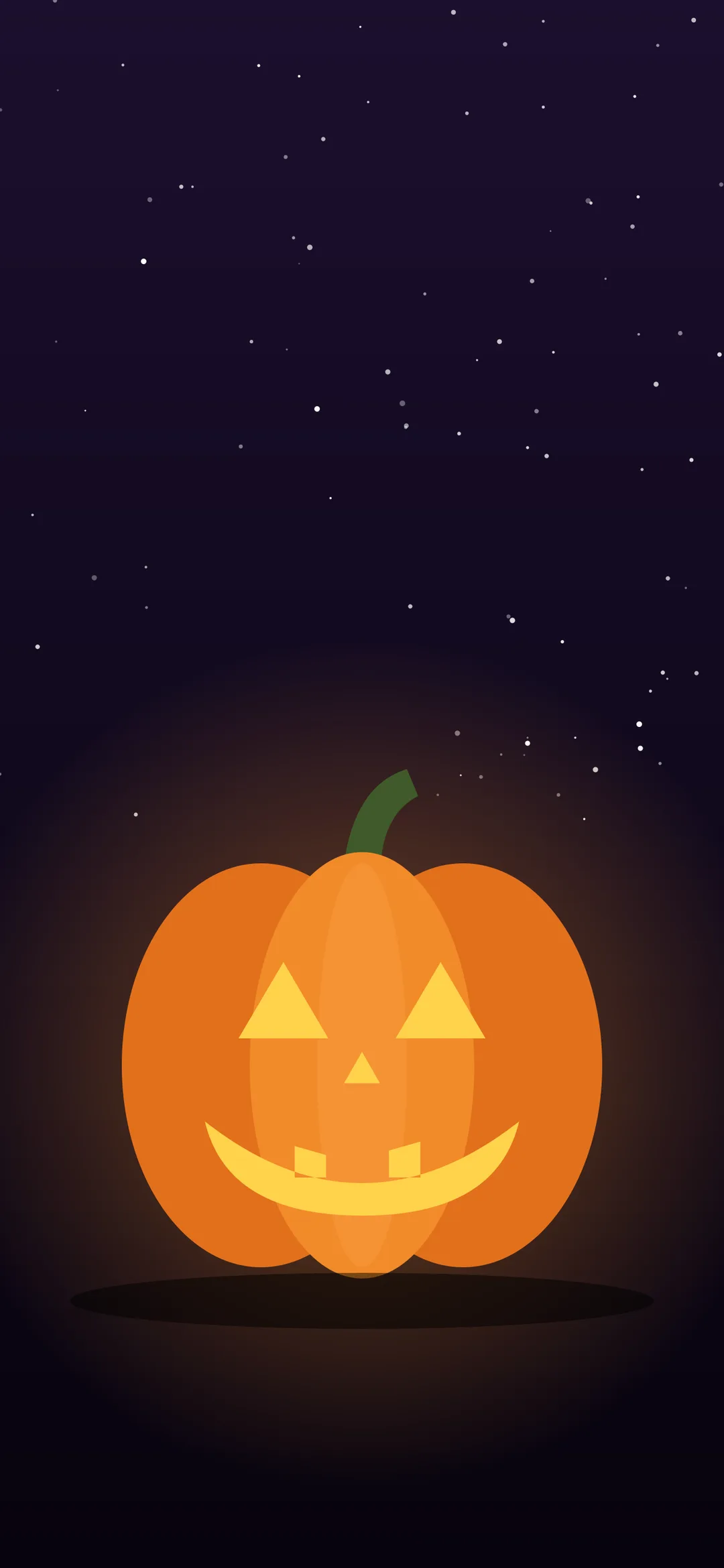
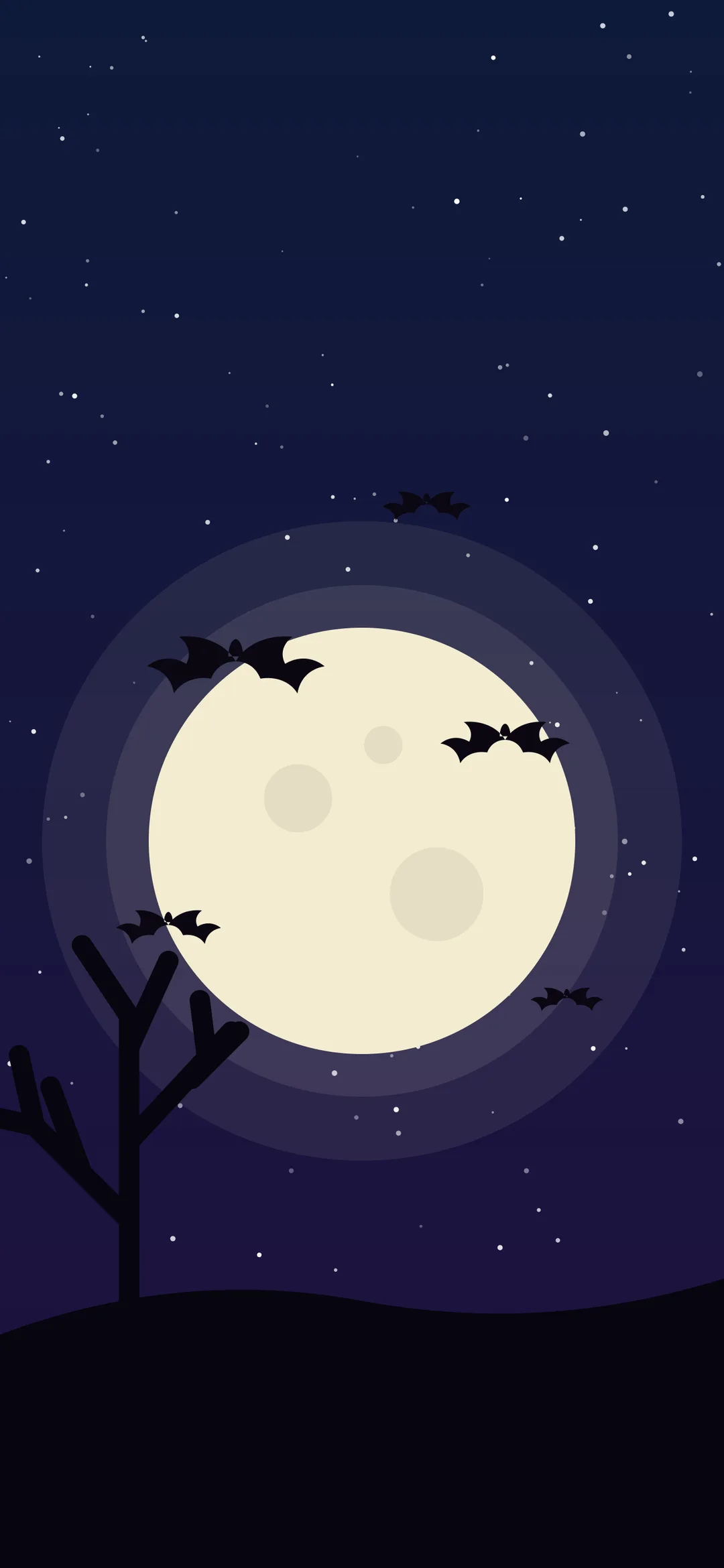

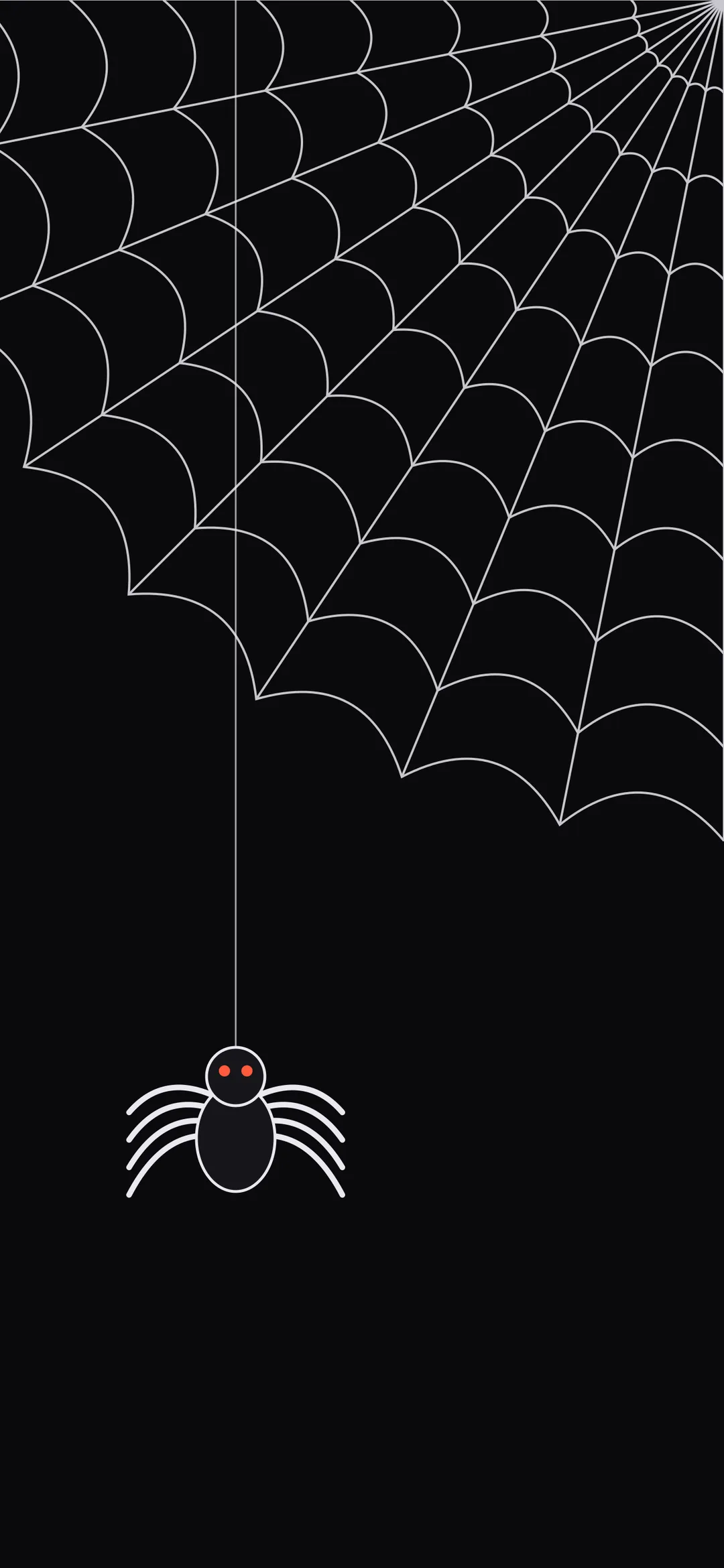
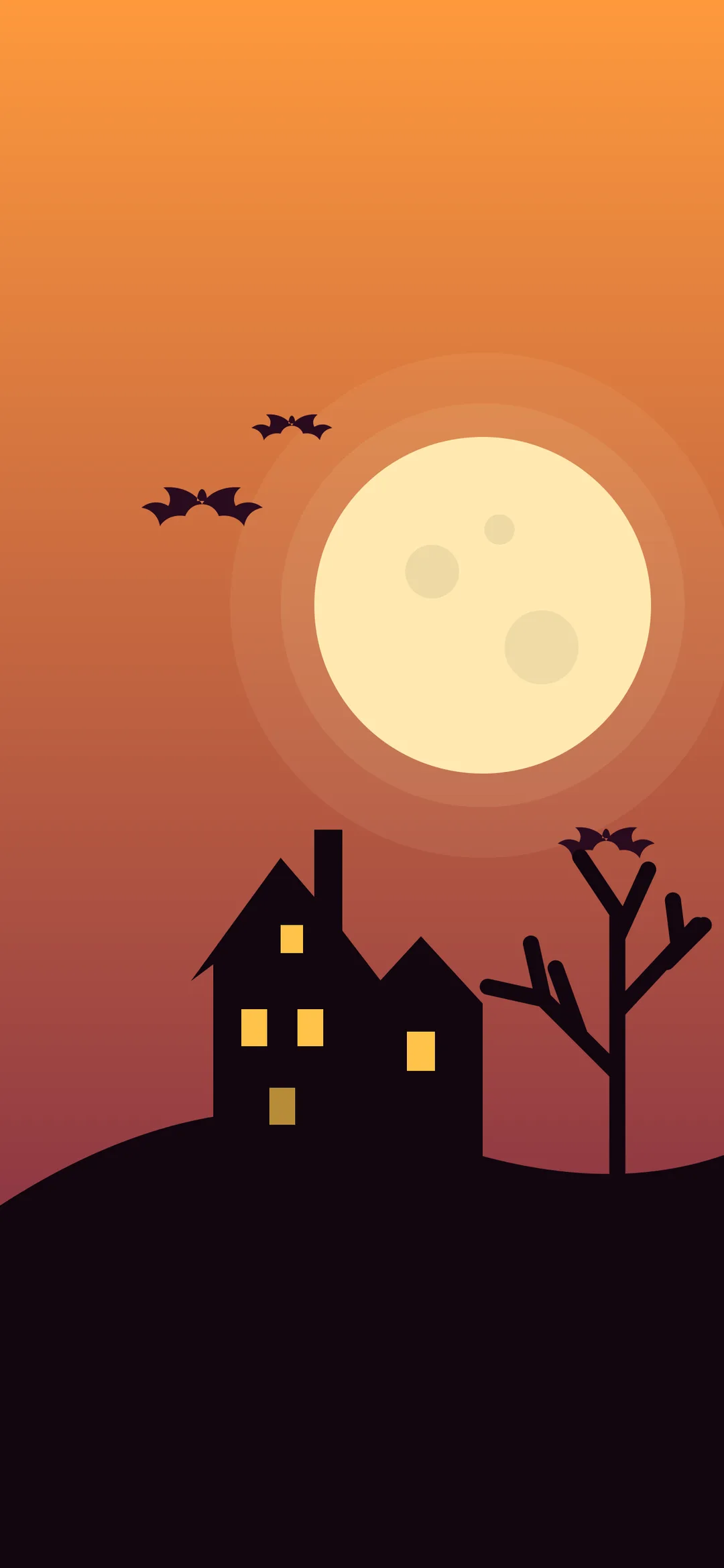
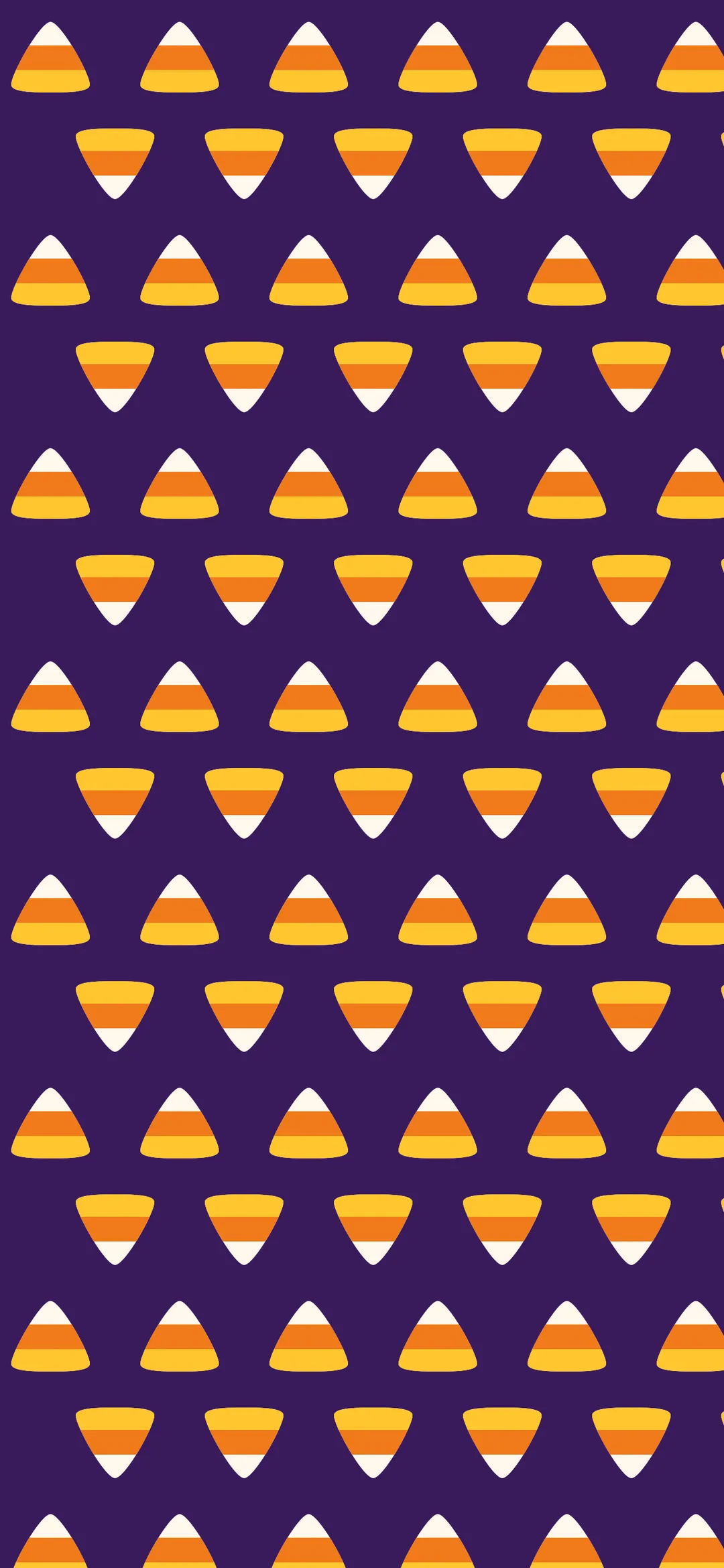
You can use these for free on your own phone, tablet or computer. Please do not re-upload them as a wallpaper pack of your own.
Spooky Halloween photo wallpapers
These are real photos: carved pumpkins, full moons, foggy forests and a ghost or two. They come from Unsplash photographers and are free to use under the Unsplash License. The previews are cropped to a phone shape. Open a photo from the credits list for the full-size original.
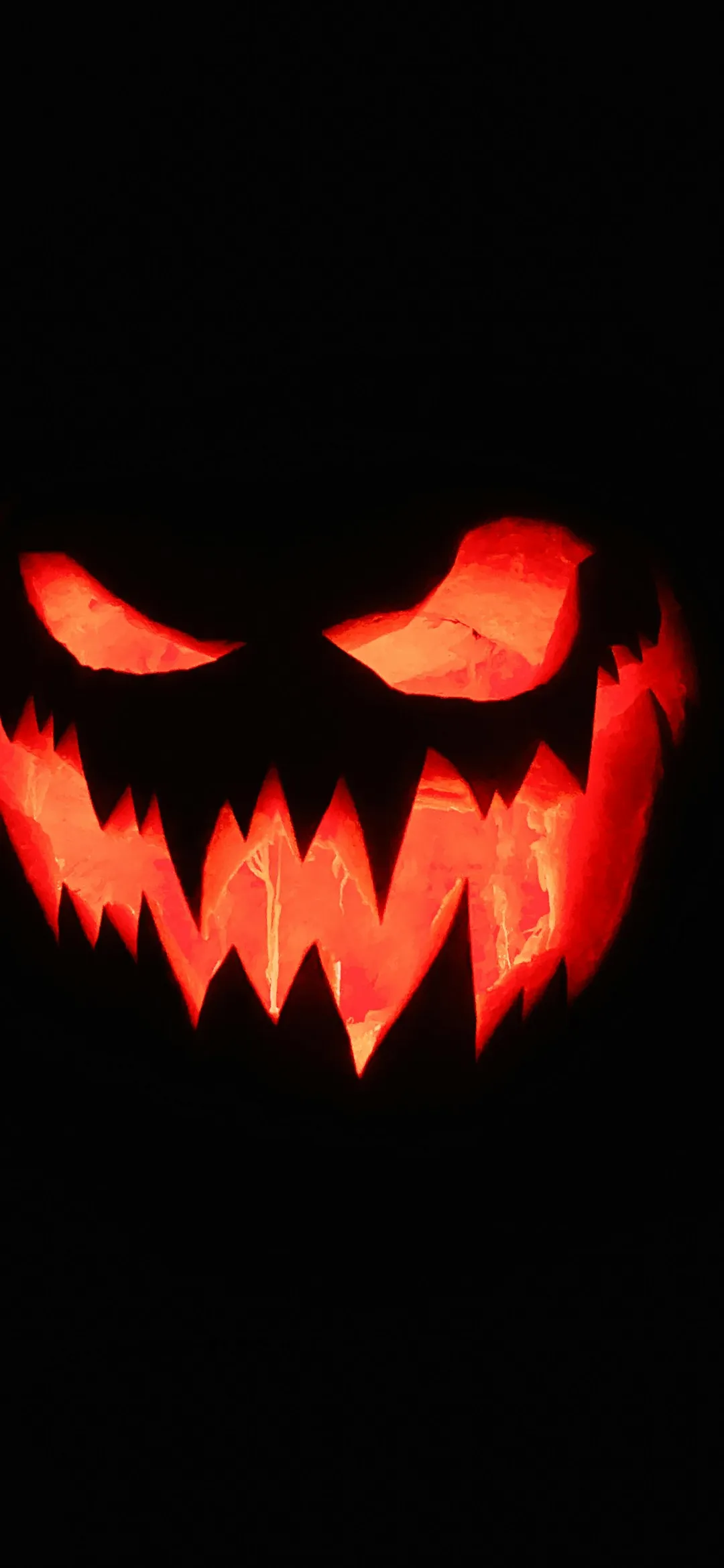
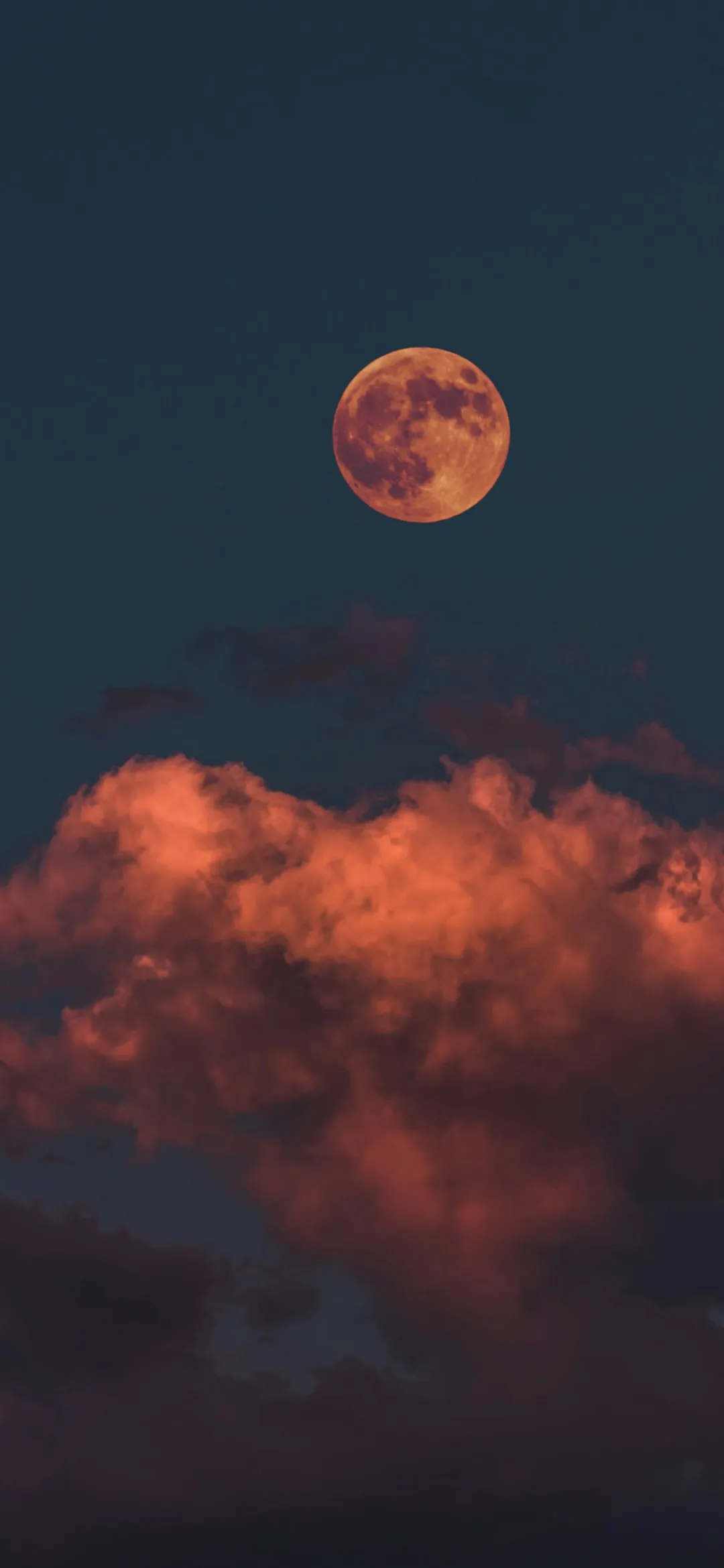
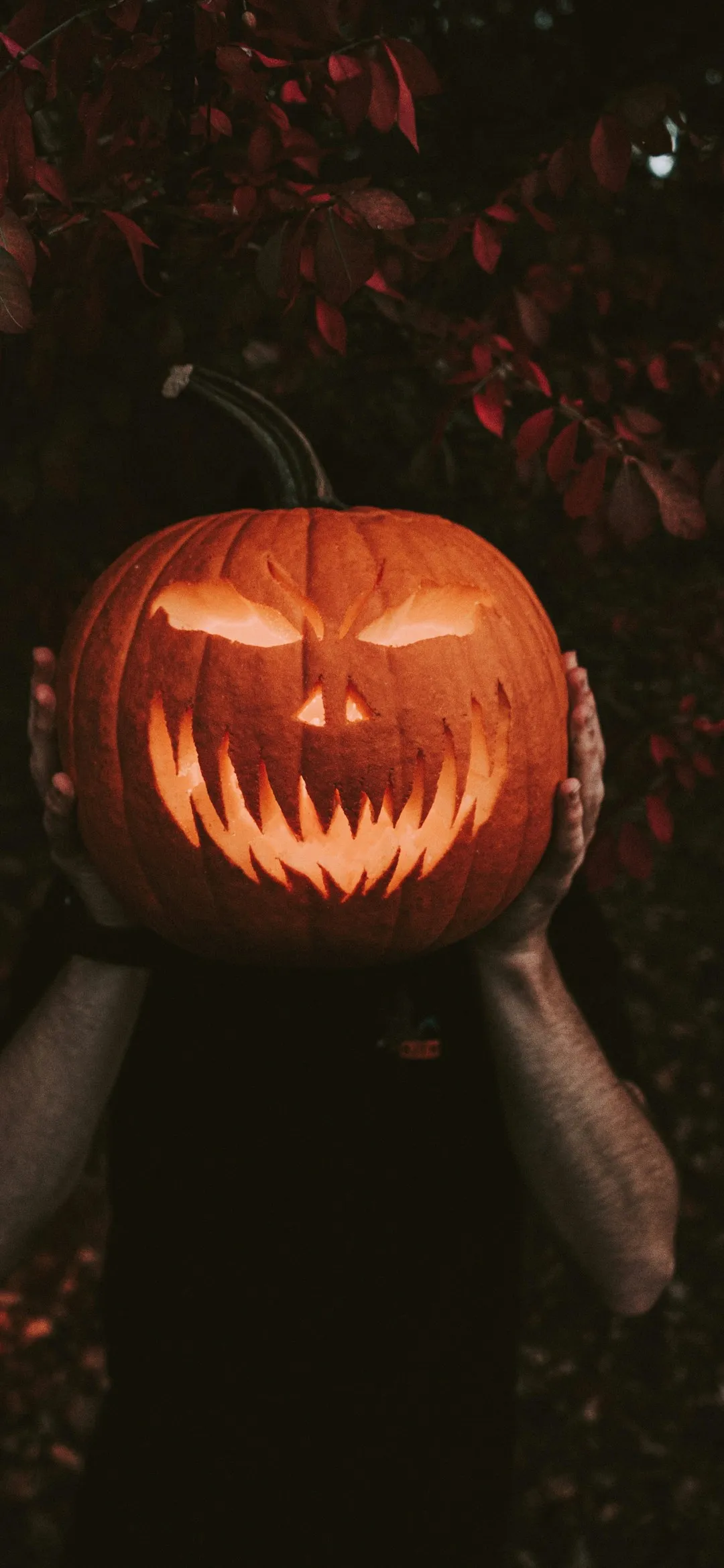
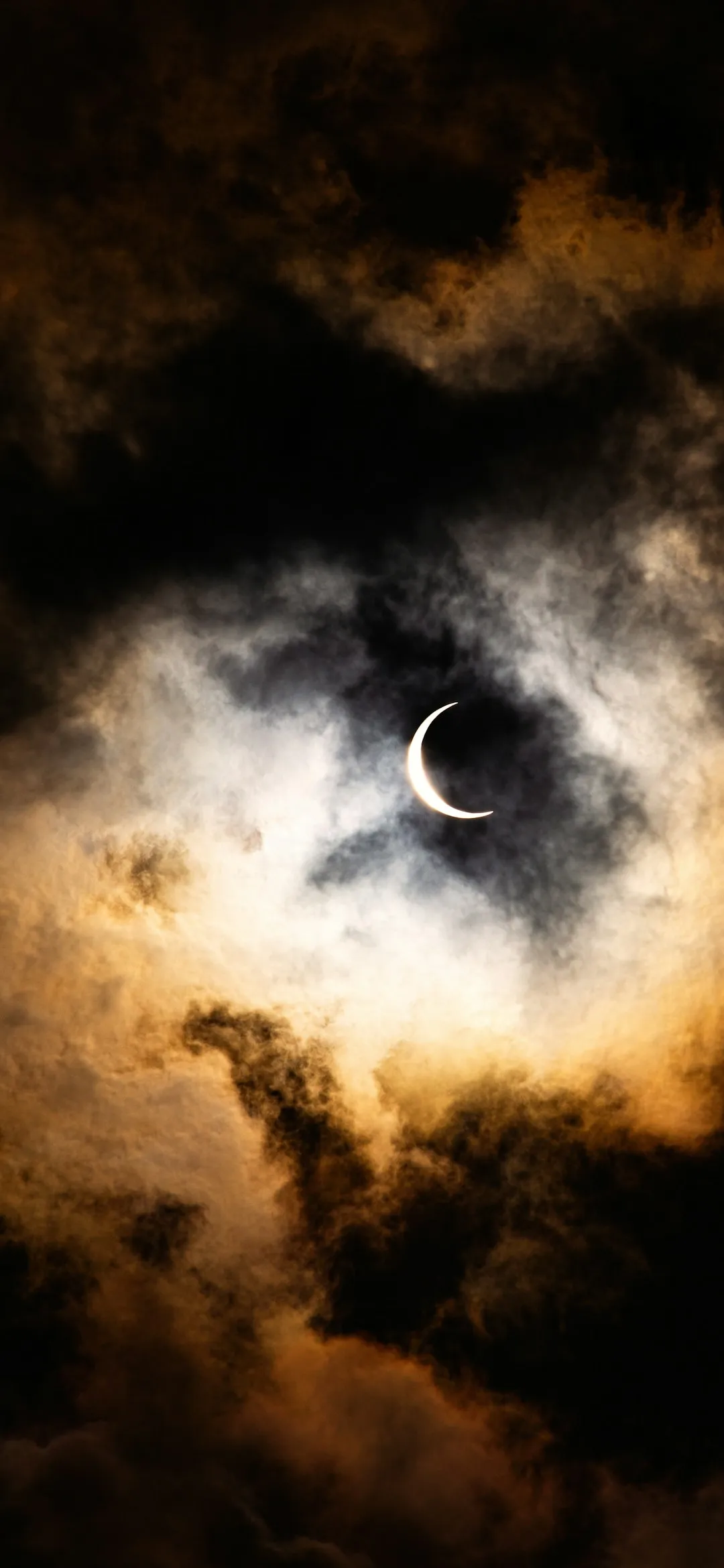
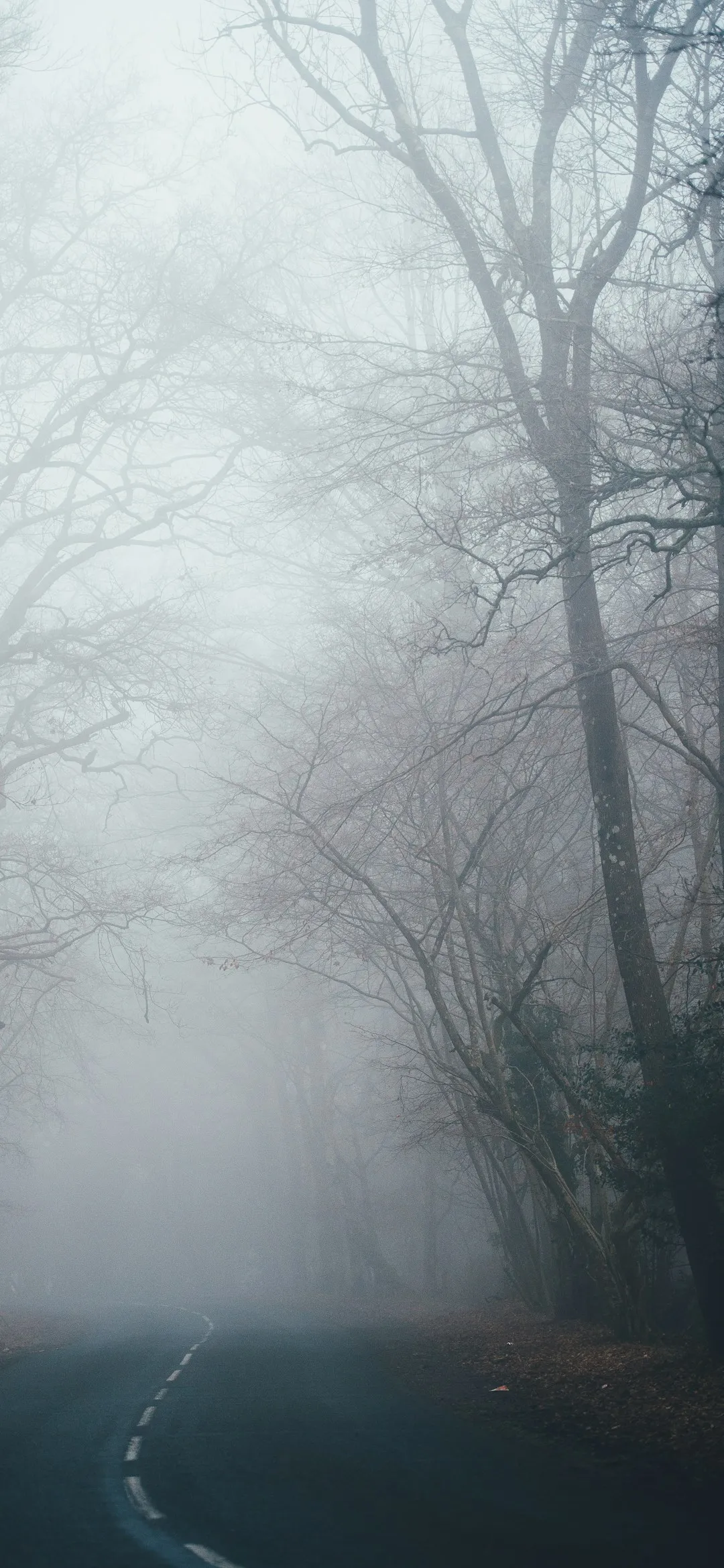
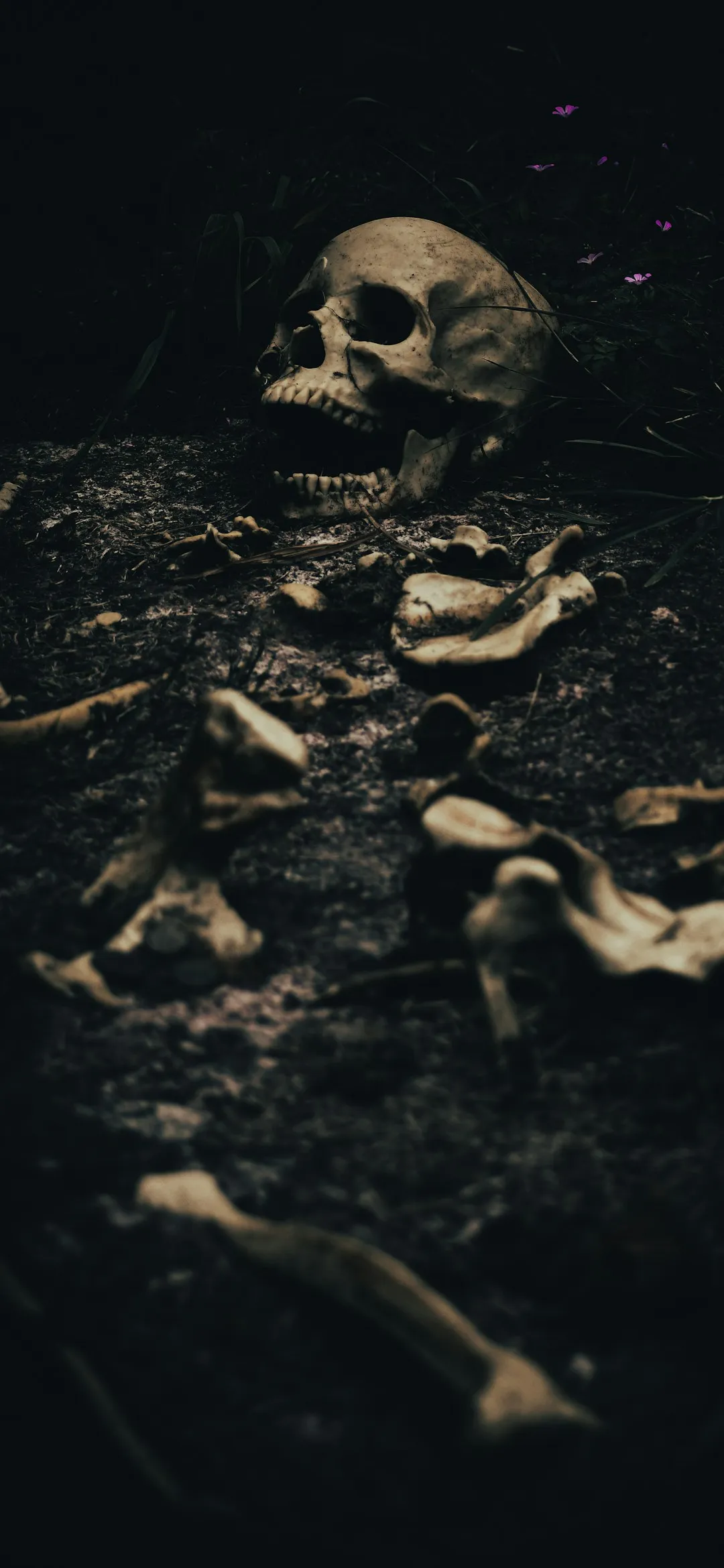
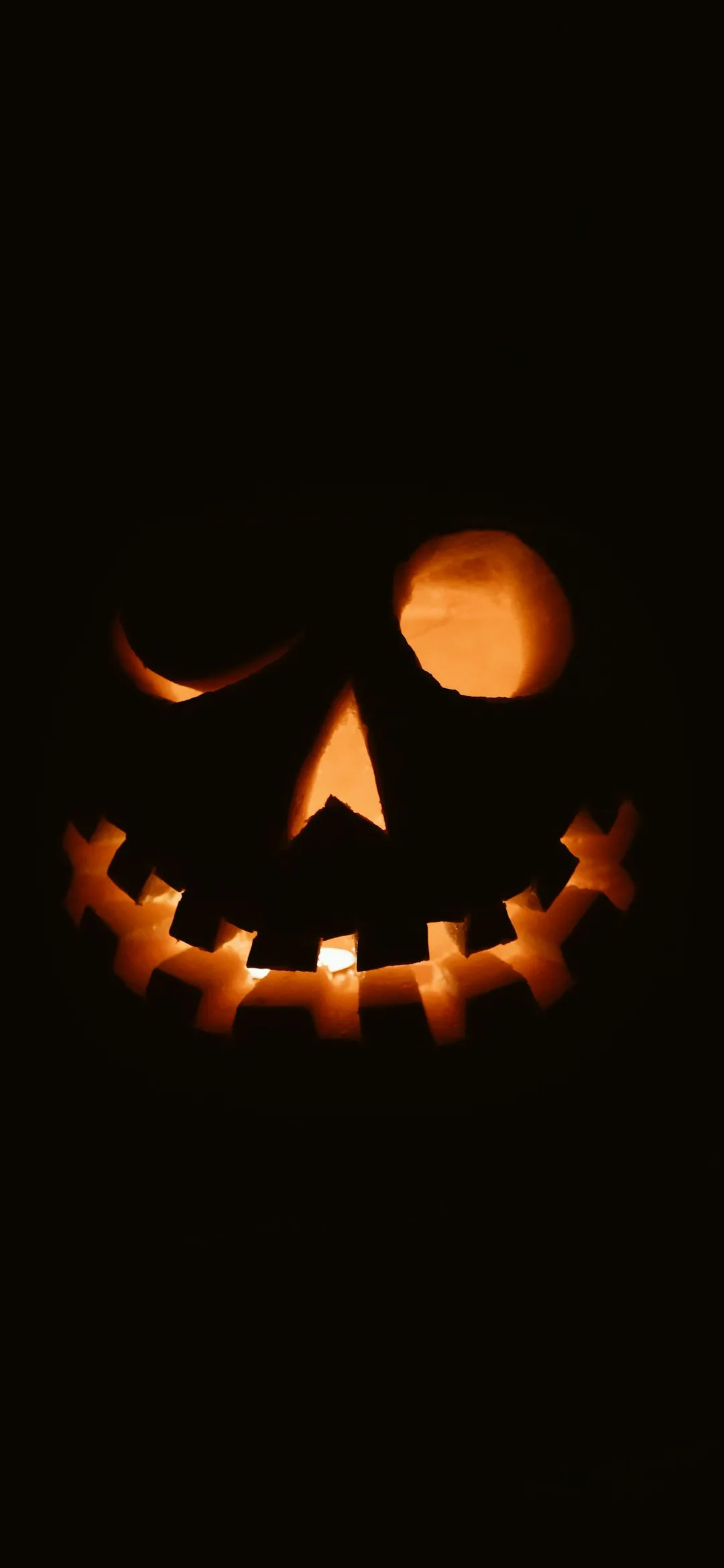
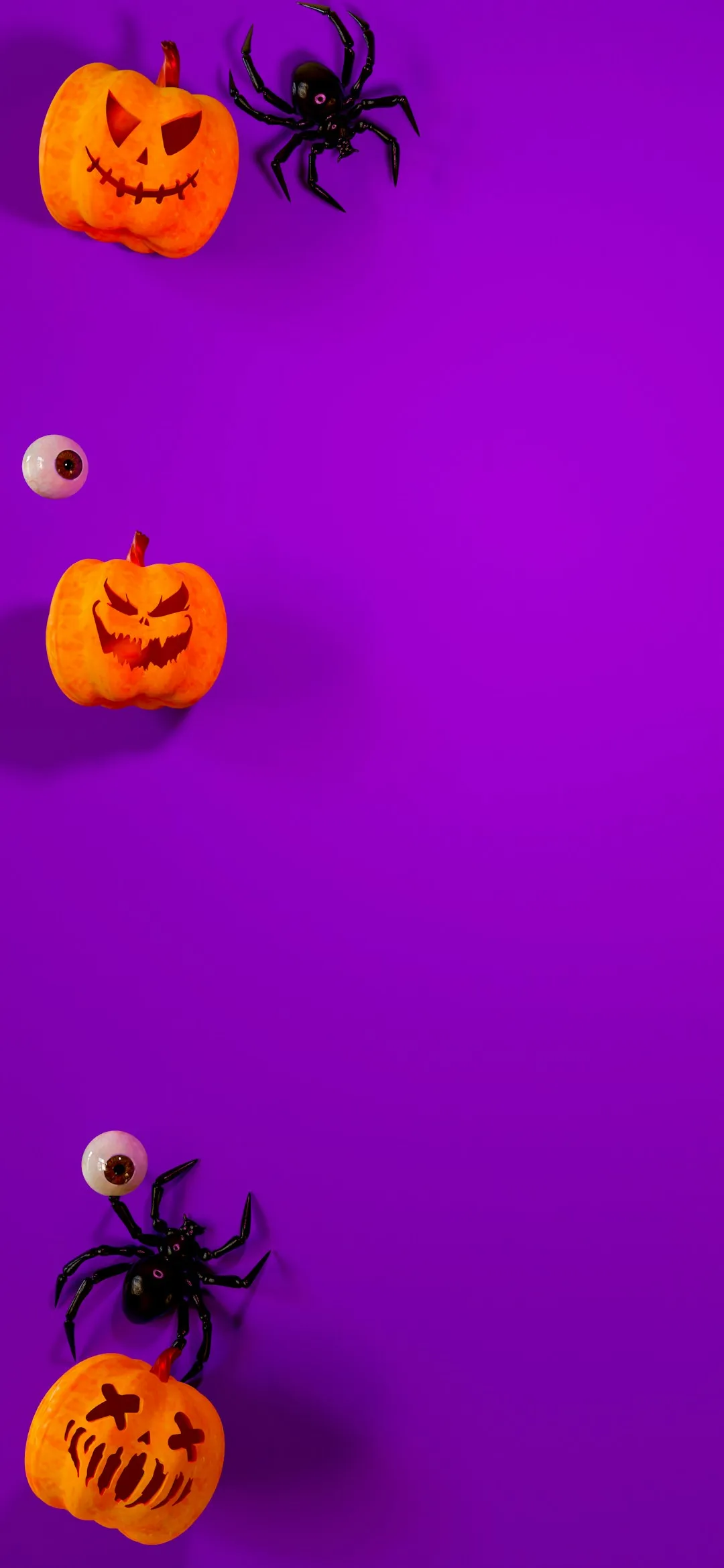
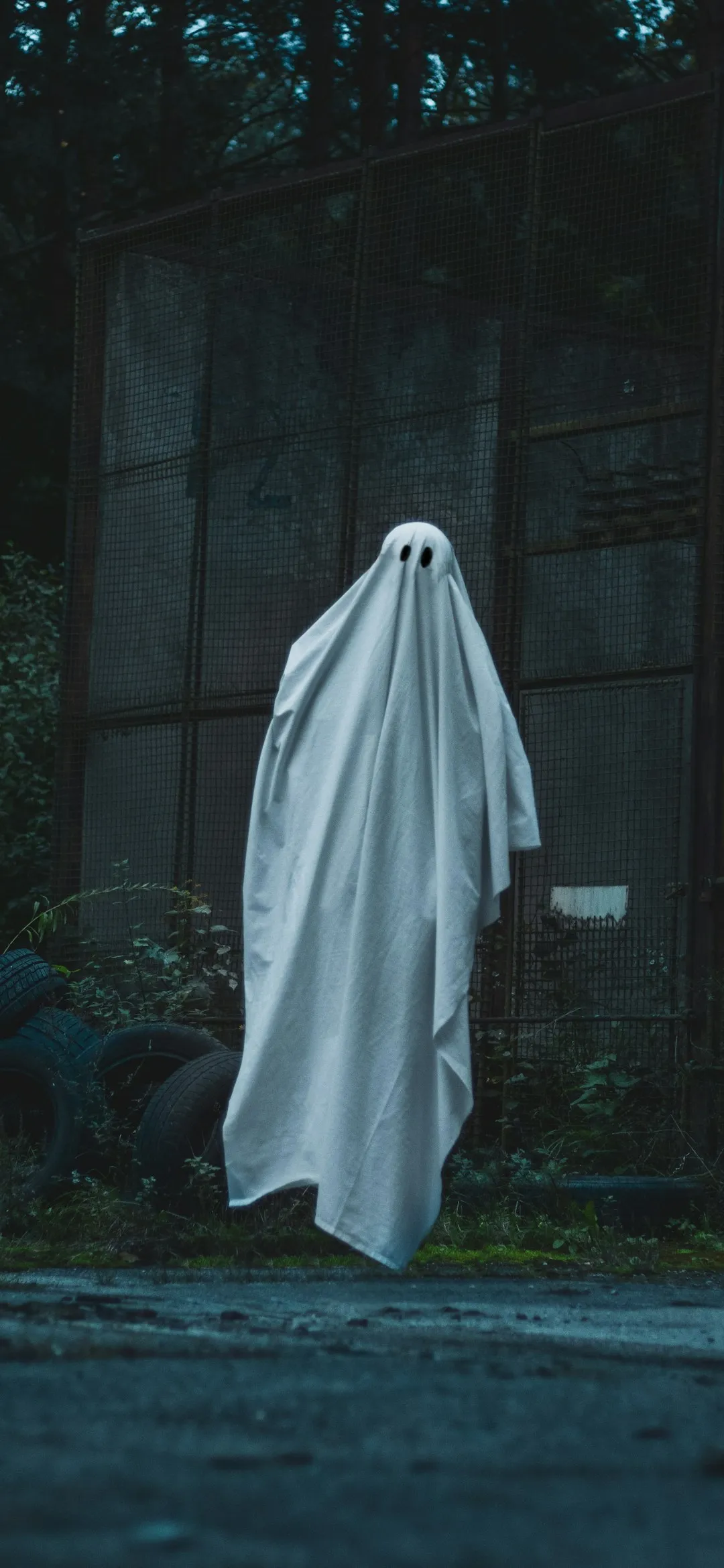
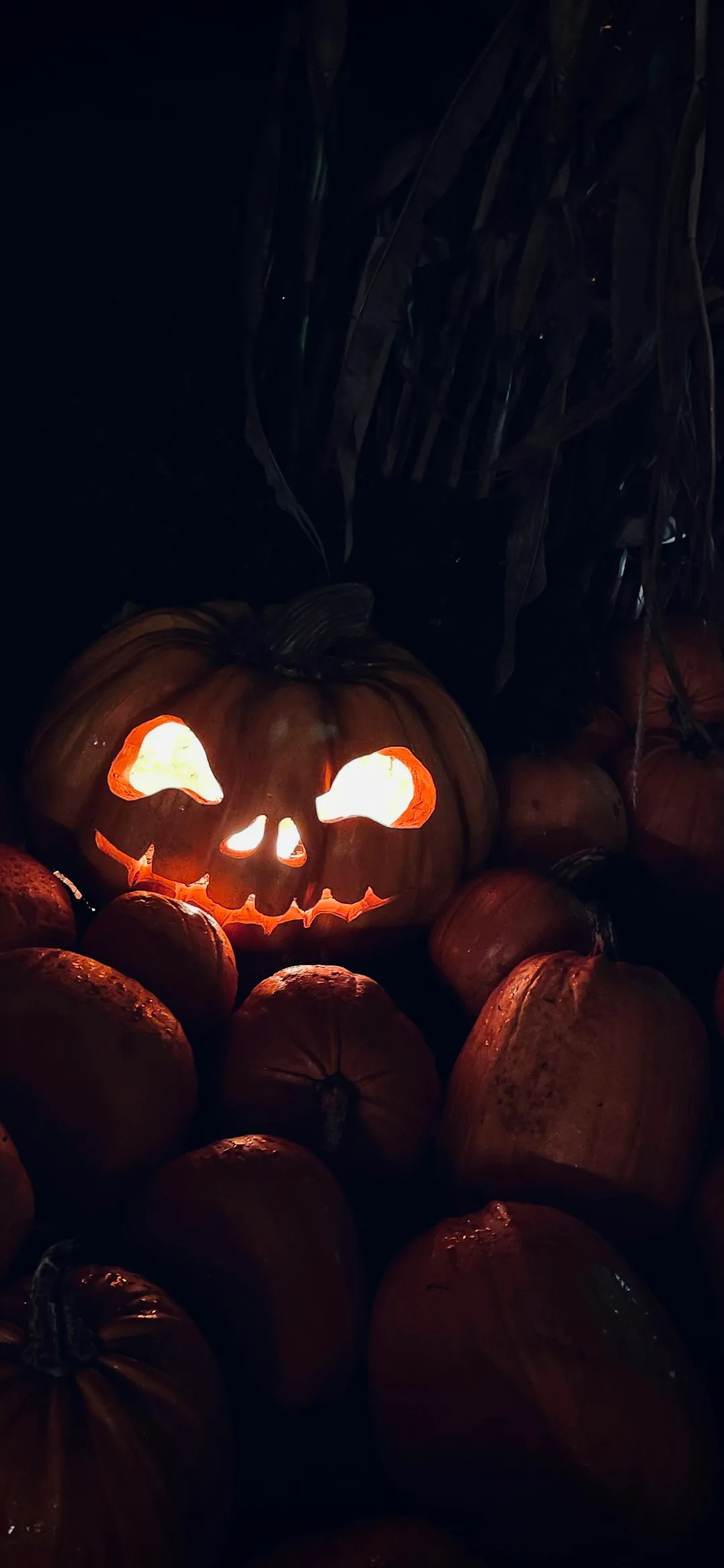
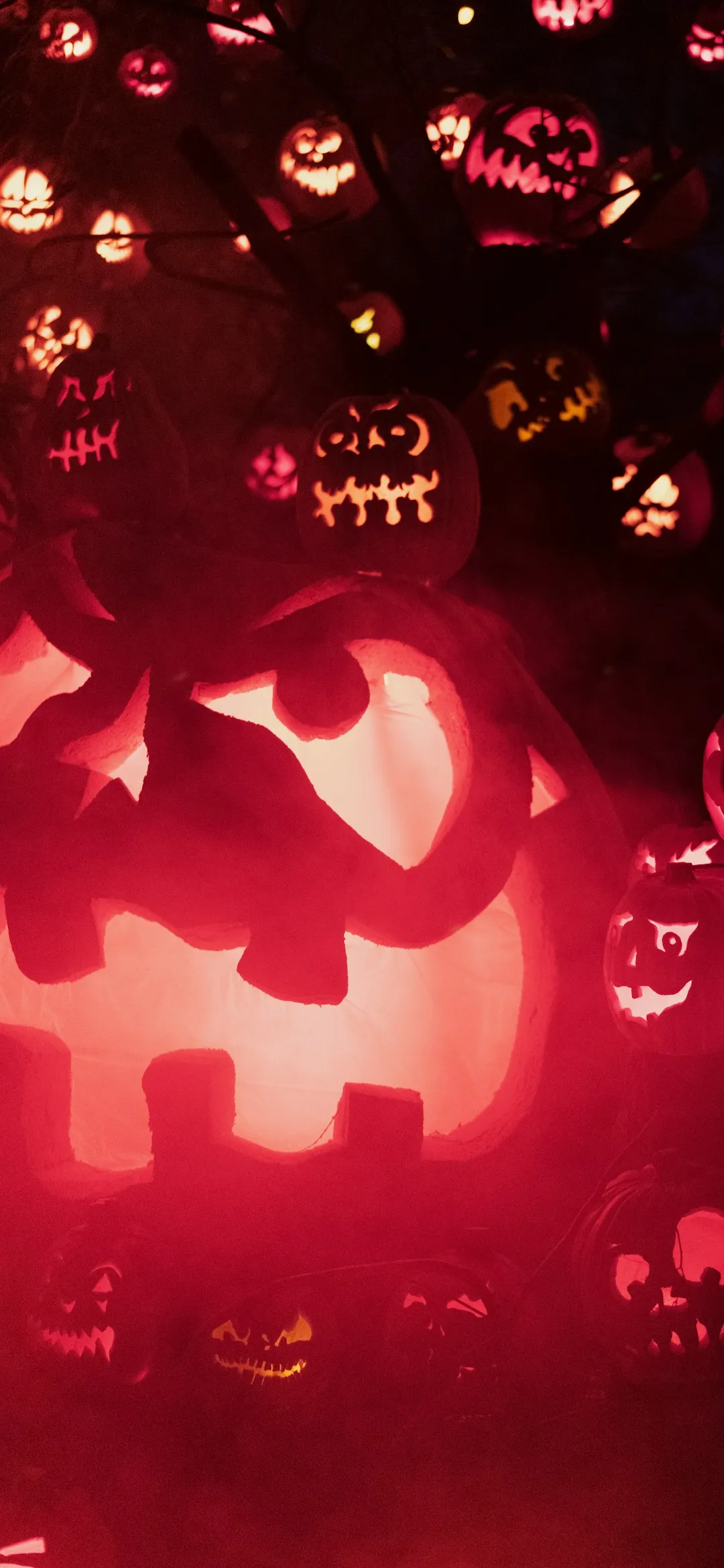
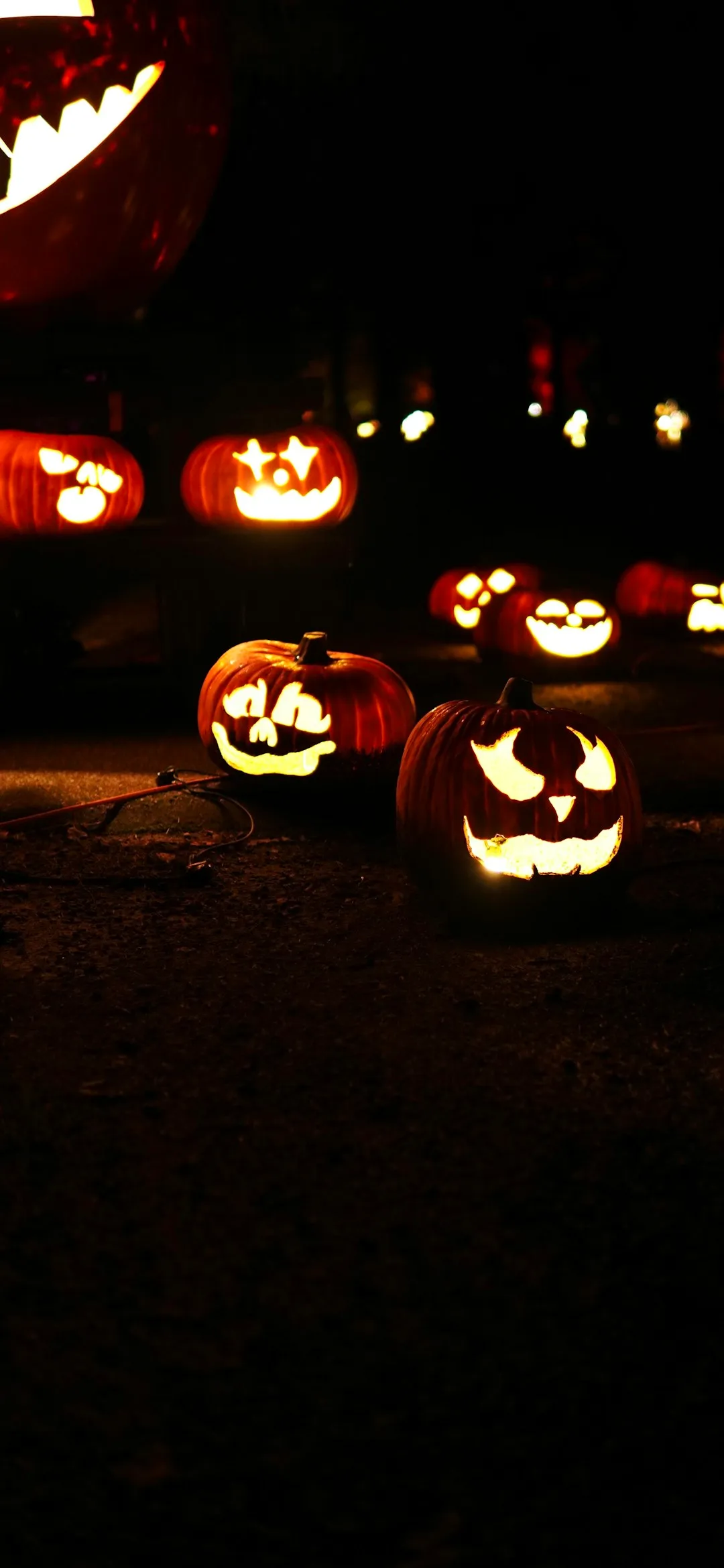
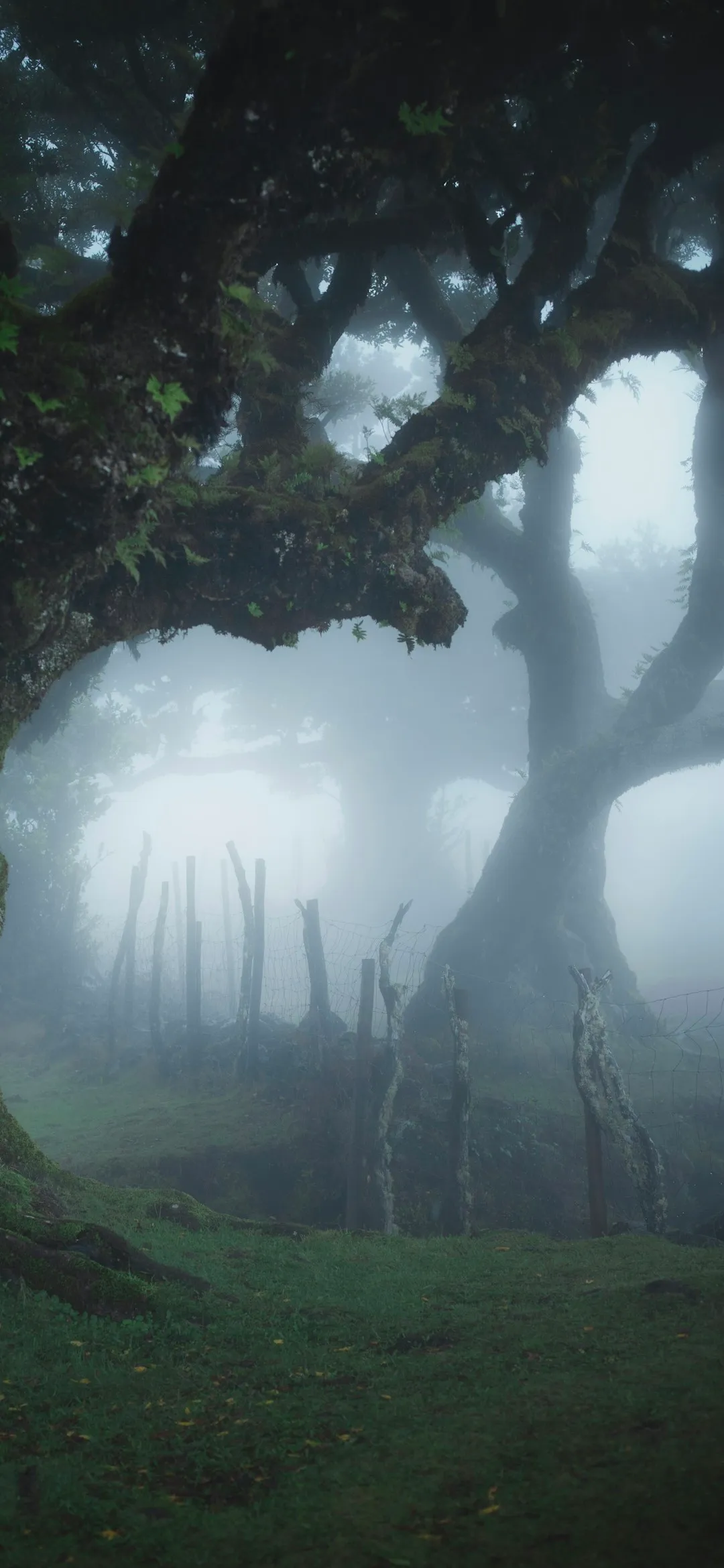
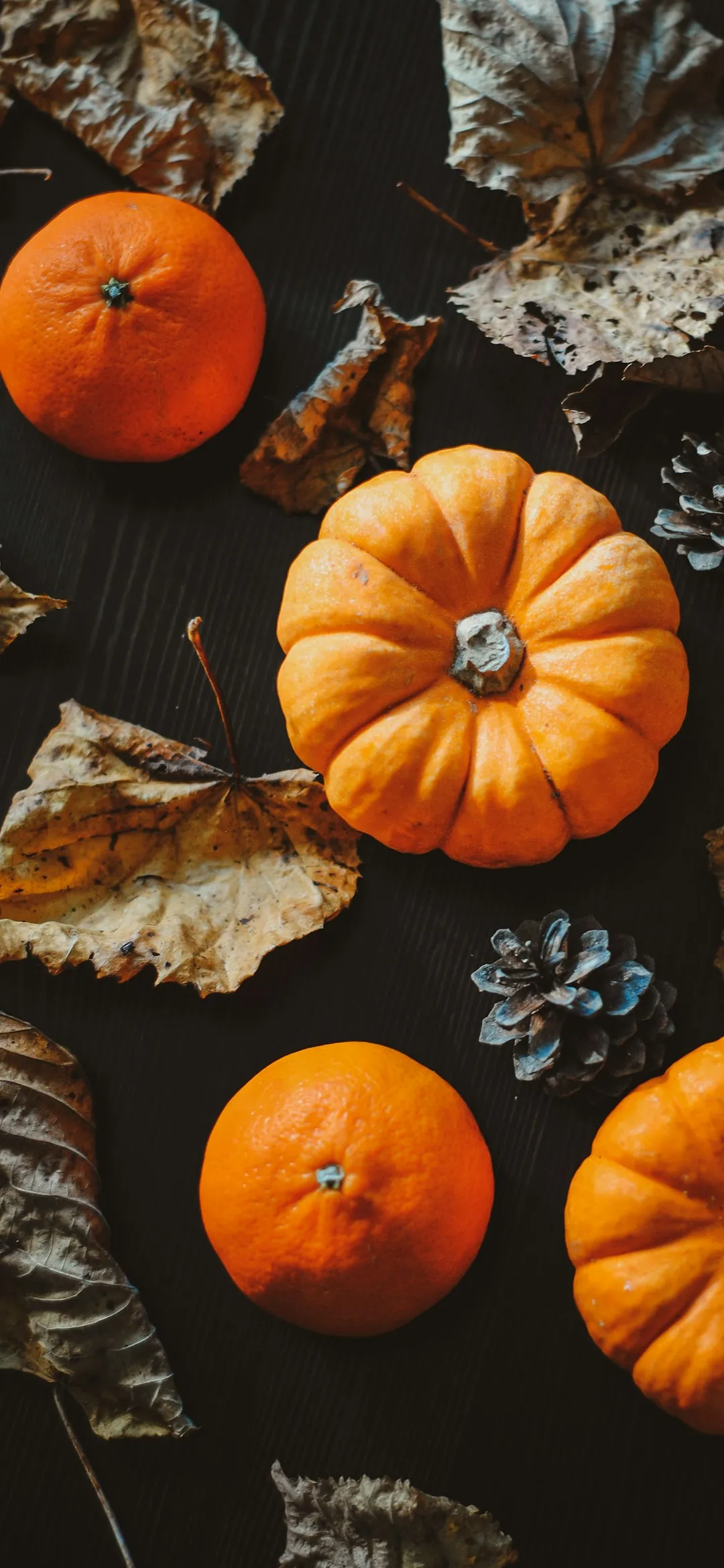

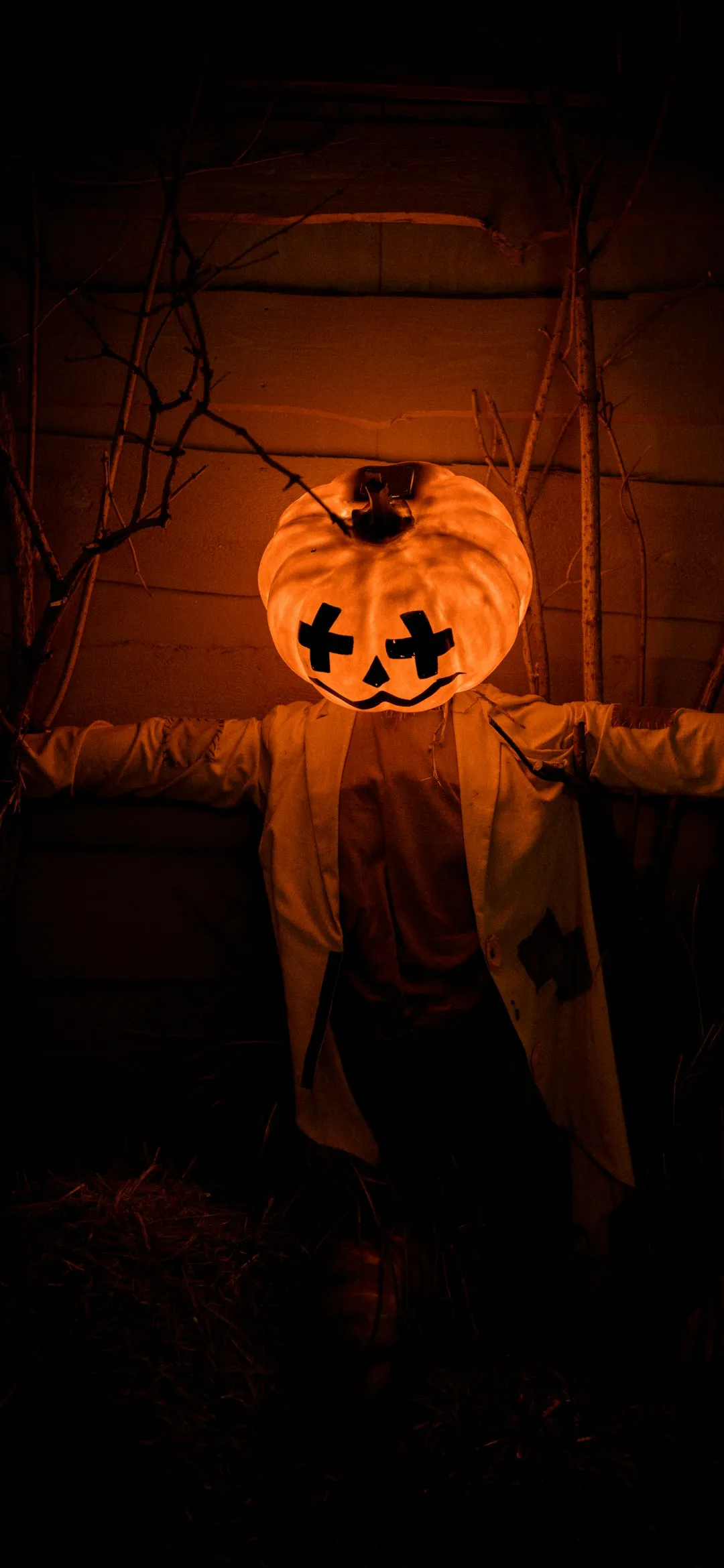
Photo credits and full-size downloads
Each link opens the photo on Unsplash. Tap Download there to get the full-size file.
How to set a Halloween wallpaper
On iPhone
- Save the image to Photos. For the zip, open it in the Files app first, then share the image and choose Save Image.
- Open Settings, then Wallpaper, then Add New Wallpaper.
- Tap Photos and pick the image. Pinch to adjust the crop.
- Tap Add, then choose to use it for both screens or customize the home screen.
On Android
- Download the image or unzip the file. Most phones unzip from the Files app.
- Long-press an empty spot on the home screen and tap Wallpaper and style (the name varies by brand).
- Choose My photos or Gallery, then pick the image.
- Set it for the home screen, the lock screen or both.
Want a different wallpaper each day until Halloween? A wallpaper changer app can rotate through a folder. To match your icons, see our Android icon packs and homescreen setups.
More Halloween on TheTechBasket
FAQs
Are these Halloween wallpapers free?
What resolution are the wallpapers?
Will they work on Android and iPhone?
Which wallpaper is best for an OLED screen?
When is Halloween 2026?

Sumit
ContributorHi, I'm Sumit, Being an introvert I have always been obsessed with technology-computers and reading dozens of posts to learn, find answers out of my curiosity. I love to write as I explore more.