On this page
- JustNewDesigns
- RedLine Icon Pack
- LimeLine Icon Pack
- Crayon Icon Pack
- Lotus Icon Pack
- Verticons
- Patryk Gorowowski
- Gladient Icons
- Moxy Icons
- Aivy Icons
- Drum Destroyer Themes
- Black Stallion Icons
- Glitch Icons
- Ombre Icons
- Baked Dark Icons
- Black Magic Icons
- edzonDm
- Linebit
- Linebit Light
- Simplit Icons
- myAP Devs
- PixBit
- CandyCons Unwrapped
- Fraom Design
- Frozy Icons
- Duotone Icons
- Pix it Icons
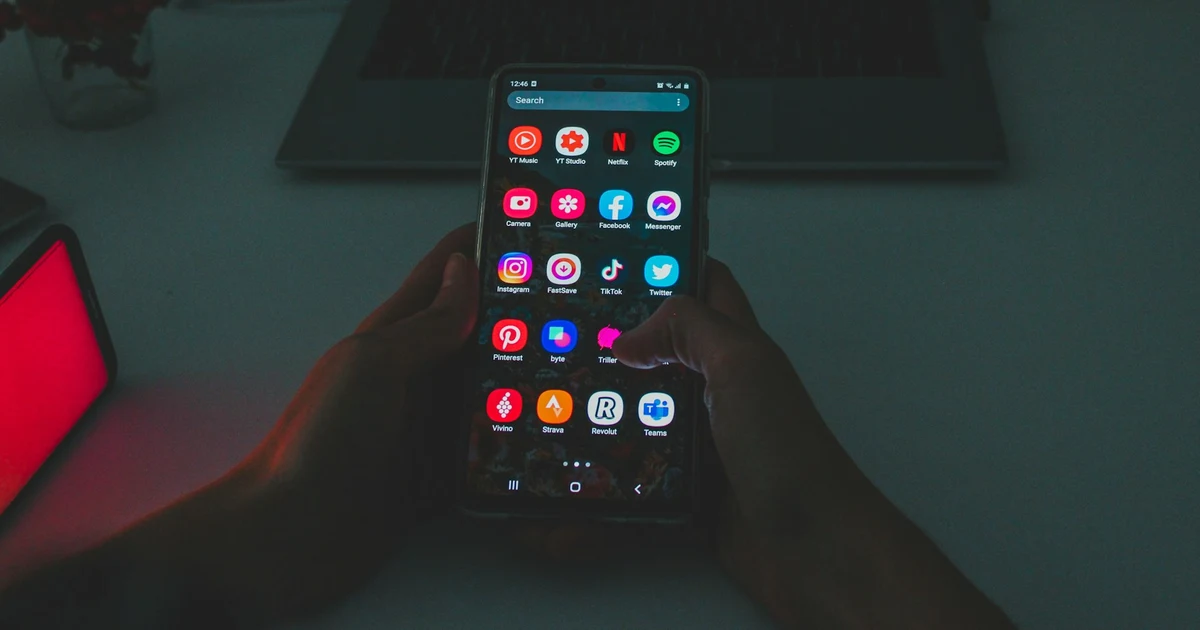
A wallpaper sets the mood; icon packs finish the look. These picks come from long-running Play Store developers and setups shared on r/androidthemes. Every pack below needs a launcher that supports icon themes (Nova, Lawnchair, Smart Launcher, and others).
Start with how to customize your Android phone, browse homescreen setups for inspiration, and grab backgrounds from our best wallpaper apps for Android list.
JustNewDesigns
1. RedLine Icon Pack
LineX
MKBHD-inspired red and white line icons on a clean base. Siblings include Skyline, Greenline, and YellowLine if you want the same shape with a different accent.
2. LimeLine Icon Pack
LineX
Same LineX geometry as RedLine with a lime accent. Works on light and dark wallpapers without overpowering the home screen.
3. Crayon Icon Pack
Pastel
Filled icons with soft pastel fills. Includes matching wallpapers in the app. A playful break from flat minimal sets.
4. Lotus Icon Pack
Colorful
Vivid colors with a petal-shaped backdrop layer. Strong on AMOLED and dark wallpapers where you want icons to pop.
5. Verticons
Wide
Horizontally stretched icons for a distinct grid silhouette. Icon count is smaller than JND's flagship packs; try the free base version first.
Patryk Gorowowski
6. Gladient Icons
Gradient
Gradient-filled icons with an iOS-adjacent shape. Good when you want color without hand-picking every icon background.
7. Moxy Icons
Shapeless
Organic, non-uniform shapes with bold color blocks. Stands apart from circular Material-style packs.
8. Aivy Icons
Minimal
Flat icons with restrained color. Easier to pair with busy KLWP setups than high-saturation gradient packs.
Drum Destroyer Themes
9. Black Stallion Icons
Dark
Dark base with neon accent lines. Many Drum Destroyer titles ship lite free versions; upgrade if coverage fits your app drawer.
10. Glitch Icons
Cyber
Distorted, techy glyphs for hacker or synthwave themes. Pair with RGB wallpapers and monospace widgets.
11. Ombre Icons
Dark
Multi-layer dark icons with vivid inner gradients. More color than flat black packs while staying night-mode friendly.
12. Baked Dark Icons
Pie style
Android Pie-inspired shapes with a dark bake. Familiar silhouette, moodier palette than stock adaptive icons.
13. Black Magic Icons
Outrun
Outrun neon on dark backgrounds. For setups that already use purple-pink gradients and grid wallpapers.
edzonDm
14. Linebit
Outline
Colorful outlined icons with consistent stroke weight. The light variant below swaps to white glyphs for dark wallpapers.
15. Linebit Light
Outline
Single-color white outlines. Clean on AMOLED photos and dark KLWP presets.
16. Simplit Icons
Soft gradient
Muted gradients and simple shapes. Calmer than Gladient if you want color without neon edges.
myAP Devs
17. PixBit
Pixel
Crisp pixel-art icons with bundled pixel wallpapers. Ideal for retro grid layouts and square widget stacks.
18. CandyCons Unwrapped
Material
Material-inspired shapes with multiple alternate icons per app. Good default if you want Google-ish icons with extra polish.
Fraom Design
19. Frozy Icons
Material
Bright Material You-friendly colors on rounded squares. Close to stock Android but more saturated.
20. Duotone Icons
Gradient
Each icon gets its own two-tone gradient plate. Pixel-influenced shadows and shapes.
21. Pix it Icons
Pixel circle
Circular Pixel-style icons with a large catalog (5,000+ at publish time). Strong coverage if you carry dozens of apps.
Also browse A1 Design and Melon Productions Appstract for more Material and abstract sets.
How do I apply an icon pack on Android?
Do icon packs work on Samsung One UI?
Are these icon packs free?
Which icon pack is best for AMOLED wallpapers?
How often are icon packs updated?
Can I mix icon packs?

Amit loves new tech and apps that make life easier, he writes about apps, games and useful websites on TheTechBasket.