Procreate is one of the best drawing apps you can buy. It costs $12.99 once on the App Store, with no subscription. Procreate Pocket, the iPhone version, is $5.99.
The catch is the hardware. Procreate runs only on iPad, and Pocket only on iPhone. There is no Android, Windows, Mac or Chromebook version. If you draw on a Galaxy Tab, a Surface or a Chromebook, you need something else. Some iPad owners also just want to try digital art before paying anything.
This list covers 8 free or free-tier apps. For each one we note the price, what the free version limits, where it runs and what you give up compared to Procreate. Every price and platform was checked on the developer's site or the official app store listing.
Last checked: September 26, 2026. Prices are in US dollars and can differ by country. Free tiers change often, so check the store listing before you rely on a feature.
- Best free overall: Krita is free and open source on Windows, Mac and Linux, with a beta for Android tablets and Chromebooks.
- Best on Android tablets: ibisPaint X and MediBang Paint are free with ads. ibisPaint removes ads for a one-time $15.99.
- Closest feel to Procreate: Infinite Painter gives you a 7-day full trial, then a one-time unlock.
- No ads, no fuss: Sketchbook is free on iPhone, iPad and Android, with a $2.99 one-time Premium Bundle.
- Free on iPad and Windows: Adobe Fresco made every premium feature free in October 2024. There is no Android version.
- Pro comics and manga: Clip Studio Paint has a one-time PRO licence ($63) on Windows and Mac, and 30 free hours a month on phones.
Every Procreate alternative at a glance
Search by app, platform or price model.
Tap any name in the table to jump to its full entry below.
| App | Price | One-time vs subscription | Platforms | Ads | Works offline | Export | Account needed |
|---|---|---|---|---|---|---|---|
| Krita | Free | Free (open source); paid store copies are optional | Windows, Mac, Linux, Android tablets and Chromebooks (beta) | No | Yes | PSD, PNG, JPG and more | No |
| ibisPaint X | Free | $15.99 one-time ad removal, or Premium at $4.49 a month or $27.99 a year | Android, iPhone, iPad, Windows, Mac | Yes (free version) | Yes | PSD, PNG, JPG | Only for cloud sync |
| MediBang Paint | Free | Optional yearly Premium; paid desktop edition $49.99 one-time | Windows, Mac, Android, iPhone, iPad | Yes (free version) | Yes | PSD, PNG, JPG | Only for cloud features |
| Infinite Painter | Free with 7-day full trial | One-time unlock ($3.99 to $9.99 on the App Store) | Android, Chromebook, iPad, iPhone, Apple silicon Mac | No | Yes | PSD, PNG, JPG | Google account for licence check on Android |
| Sketchbook | Free on mobile | $2.99 one-time Premium Bundle; Sketchbook Pro desktop is paid ($24.99 on Mac) | Android, iPhone, iPad; Pro on Windows and Mac | No | Yes | PSD, TIFF (Pro); PDF with Premium on mobile | No |
| Adobe Fresco | Free | Free, no paid tier | iPad, iPhone, Windows | No | Yes, syncs when back online | PSD, PNG, JPG | Yes, Adobe account |
| Clip Studio Paint | 30 free hours a month on phones | PRO $63 one-time on Windows and Mac; subscriptions from $0.99 a month on tablets | Windows, Mac, iPad, iPhone, Android, Galaxy, Chromebook | No | Yes | PSD, PNG, JPG | Yes, Clip Studio account |
| Concepts | Free | Pro at $4.99 a month or $29.99 a year, or one-time add-ons | iPad, iPhone, Android, Windows, Chromebook | No | Yes | JPG free; PSD, PNG, SVG with Pro or add-on | Not for the free tier |
The picks
Krita
- Android
Krita is a full painting program made by the Krita Foundation. It is free and open source. It has strong brush engines, stabilizers for inking, perspective assistants, animation with onion skinning and PSD support. You can also buy it on Steam, the Microsoft Store, Epic or the Mac App Store. That copy is the same app with automatic updates, and the money funds development.
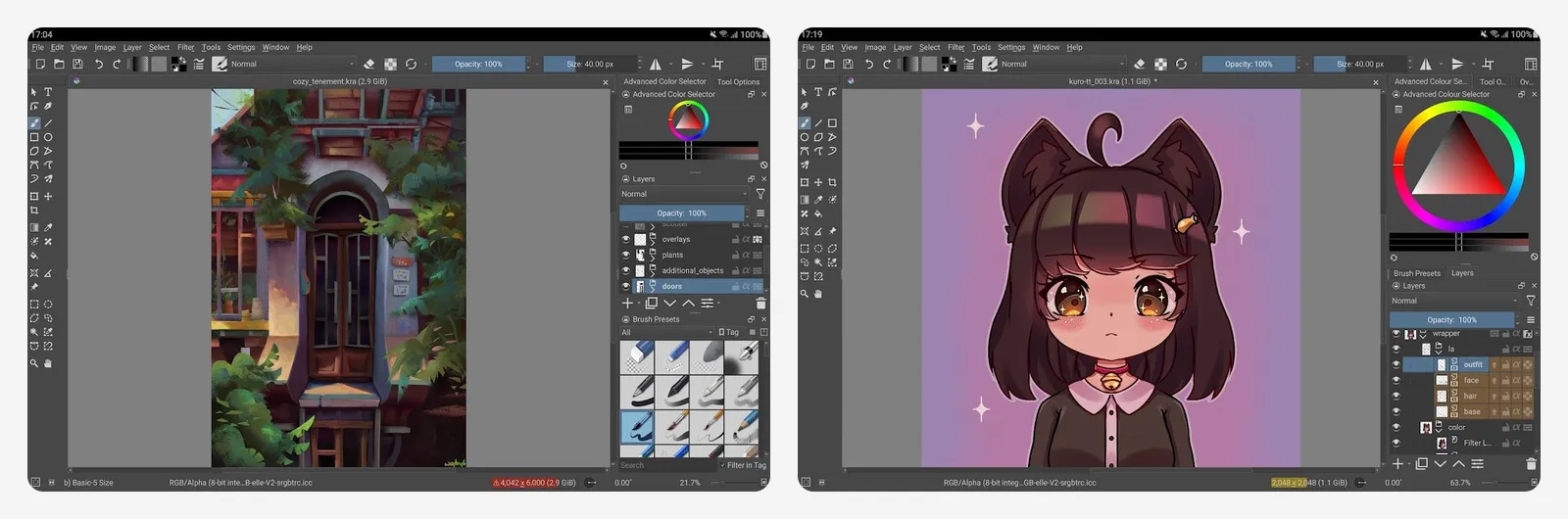
The Android build is labelled beta on Google Play. The developers say it is made for tablets and Chromebooks and is not offered for phones yet. There is no iPad or iPhone version.
What you lose vs Procreate: the polished touch-first interface. Krita is built for a desktop with a pen tablet, and the Android beta is not meant for serious work yet.
- Replaces
- Procreate on a PC or Chromebook
- Runs on
- Windows, Mac, Linux, Android tablets and Chromebooks (beta)
- Licence
- GNU GPL v3, free for any use
- Skip if
- You draw on an iPad or a phone
- Price
- Free
ibisPaint X
- Android
- iPhone and iPad
ibisPaint X is free on Android, iPhone and iPad. The App Store listing mentions more than 130,000 brushes, 30,000 materials and frame-by-frame animation. PSD import and export is part of the free app. The free version shows ads. You can remove them once for $15.99, or subscribe to Premium, which adds 20 GB of cloud storage, extra filters, CMYK export and more.
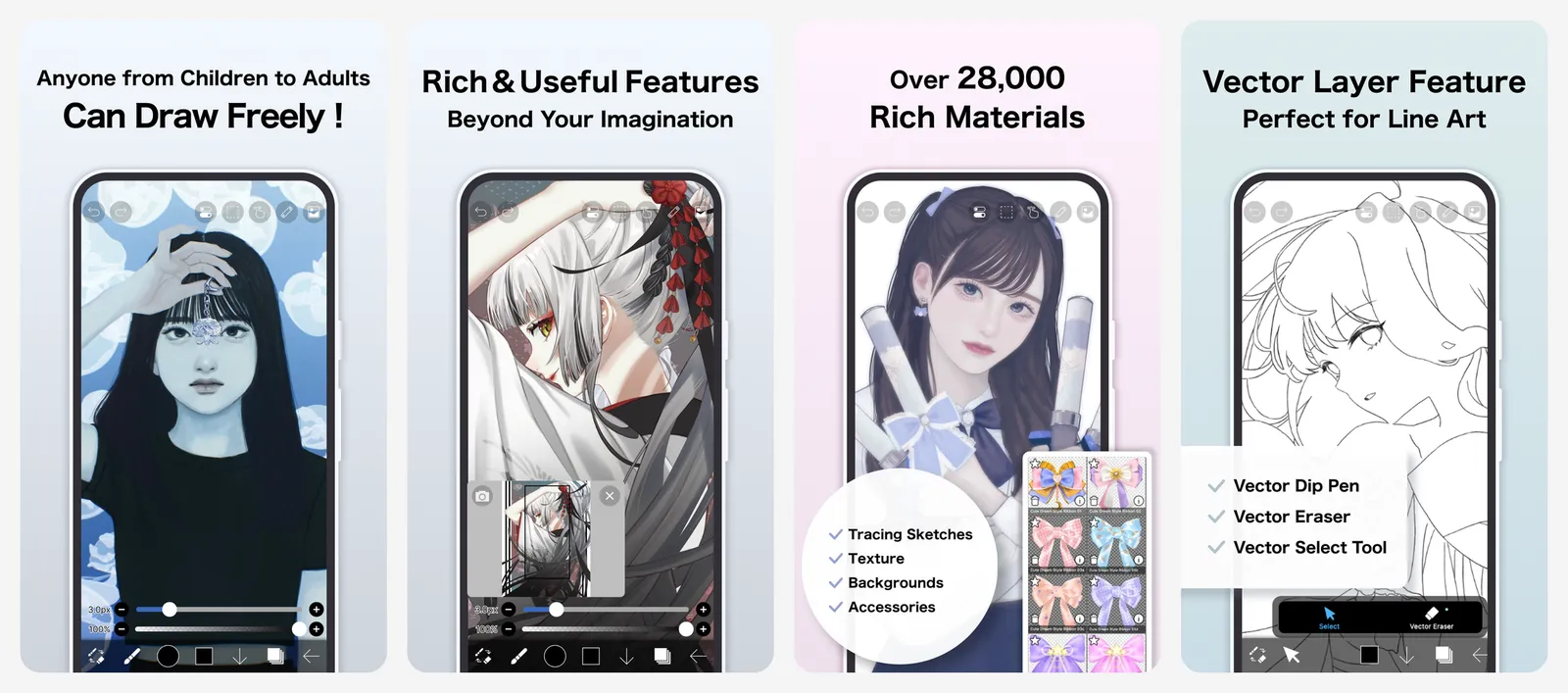
The Windows version is different. It runs in a free demo mode for one hour a day, with ads. A Pro upgrade is $62.99 one-time.
What you lose vs Procreate: a clean, ad-free workspace in the free version. Several filters and CMYK export sit behind Premium.
- Replaces
- Procreate, Procreate Pocket
- Runs on
- Android, iPhone, iPad, Windows, Mac
- Licence
- Free tier plus optional Premium ($4.49 a month or $27.99 a year)
- Skip if
- Ads bother you and you will not pay to remove them
- Price
- Free with ads; $15.99 one-time ad removal
MediBang Paint
- Android
- iPhone and iPad
MediBang Paint is free on every major platform. The Android listing says it includes more than 180 brushes, comic panel and screen tone tools, over 60 fonts and PSD and CMYK support. Cloud sync lets you move a file between your tablet and PC. The free app shows ads.
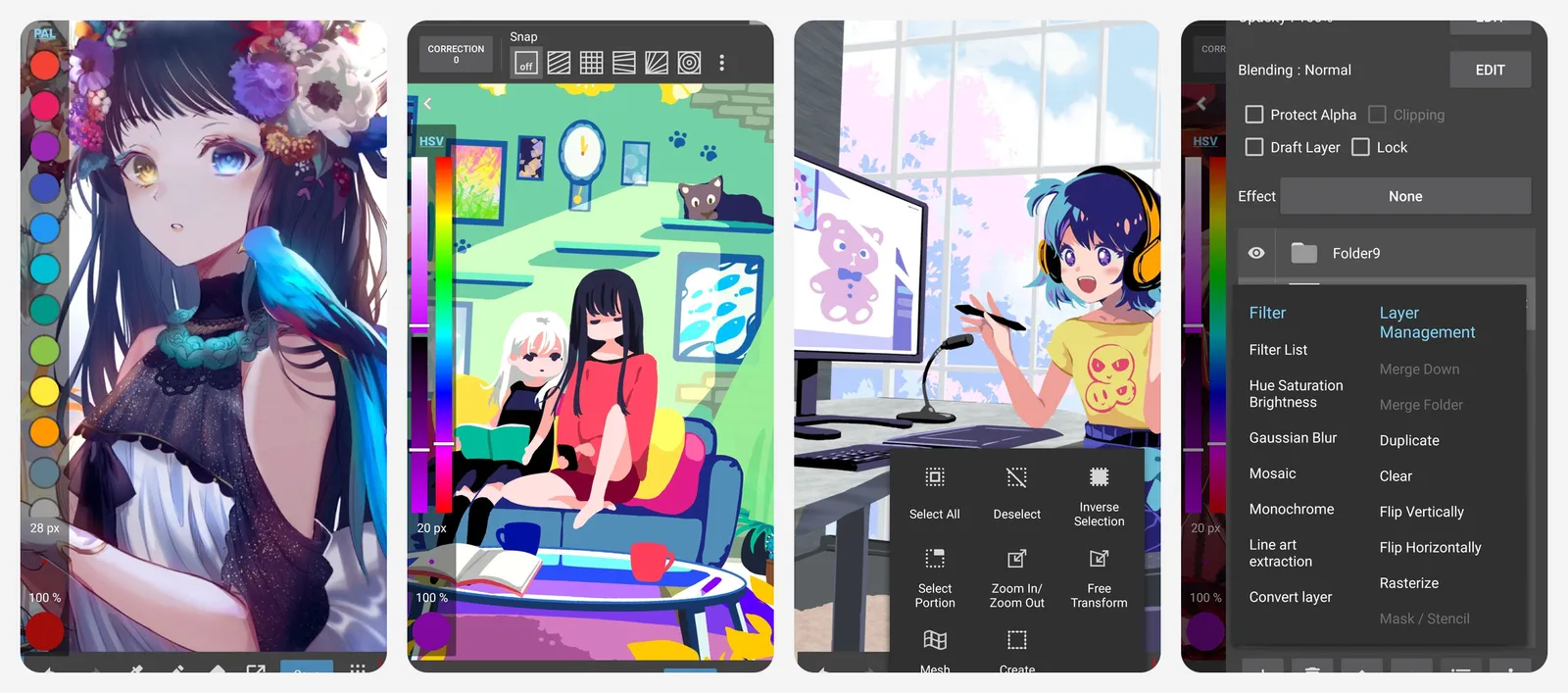
MediBang Premium is a yearly plan. It removes ads and adds 700 or more extra brushes and more cloud storage. On desktop there is also a paid MediBang Paint for Desktop edition ($49.99 on Steam) with extras like onion skin and gradient maps.
What you lose vs Procreate: the free version has ads, and many of the best brushes need Premium.
- Replaces
- Procreate for comics and manga
- Runs on
- Windows, Mac, Android, iPhone, iPad
- Licence
- Optional yearly Premium (from 2,480 yen a year); desktop edition $49.99 one-time
- Skip if
- You want no ads and no account prompts
- Price
- Free with ads
Infinite Painter
- Android
- iPhone and iPad
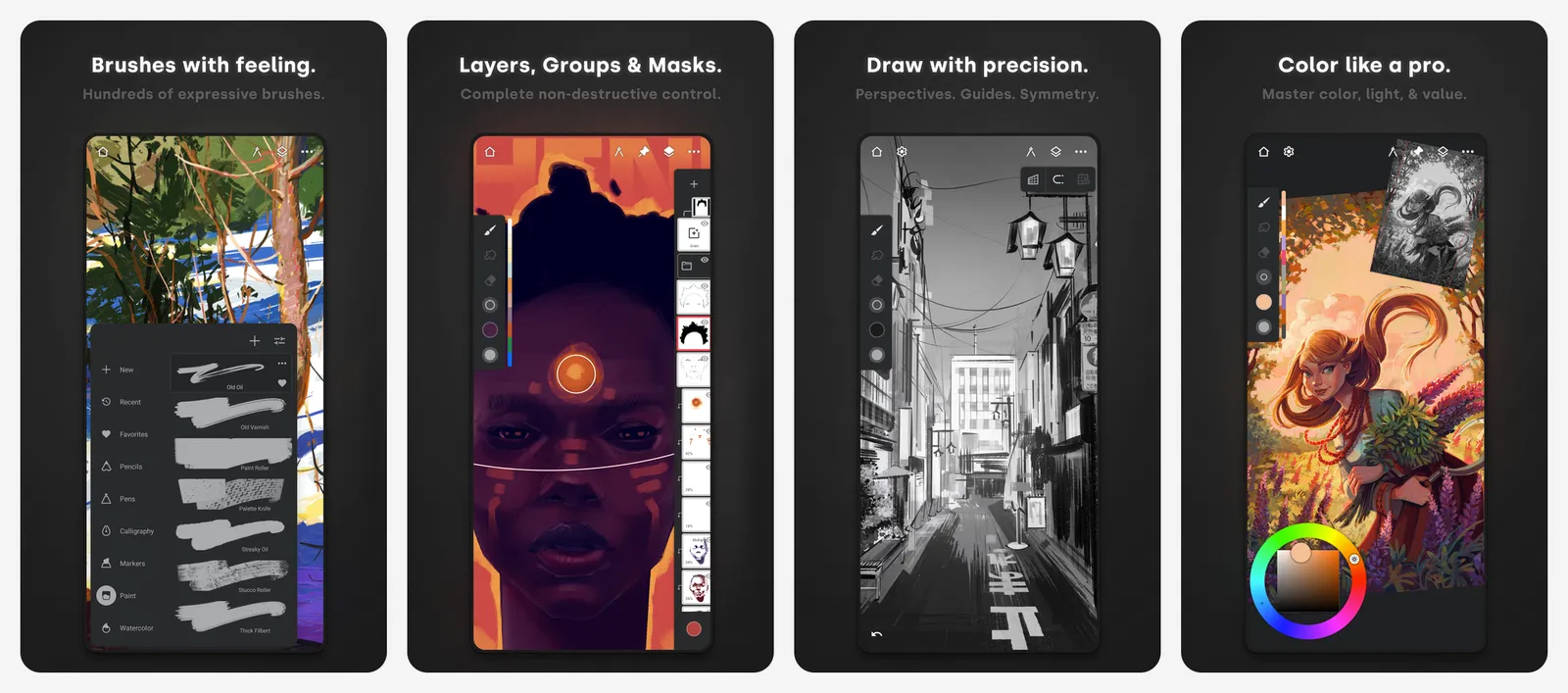
Infinite Painter is built for tablets and styluses, so it feels closer to Procreate than most apps here. It has hundreds of brushes, 30 blend modes, clipping masks, perspective guides and PSD import. You get a 7-day trial of everything. After that, some tools lock unless you make a one-time purchase. There are no ads on the Play listing.
The developer says there is no dedicated Windows version.
What you lose vs Procreate: it is not fully free. After the trial, only basic tools stay unlocked until you pay once.
- Replaces
- Procreate
- Runs on
- Android, Chromebook, iPad, iPhone, Apple silicon Mac
- Licence
- One-time purchase, no subscription
- Skip if
- You need a native Windows app
- Price
- Free trial, then one-time unlock ($3.99 to $9.99 on the App Store)
Sketchbook
- Android
- iPhone and iPad
Autodesk dropped Sketchbook in 2021, but the app did not die. It spun out into Sketchbook, Inc., which still updates it. The Android app was last updated in May 2026.
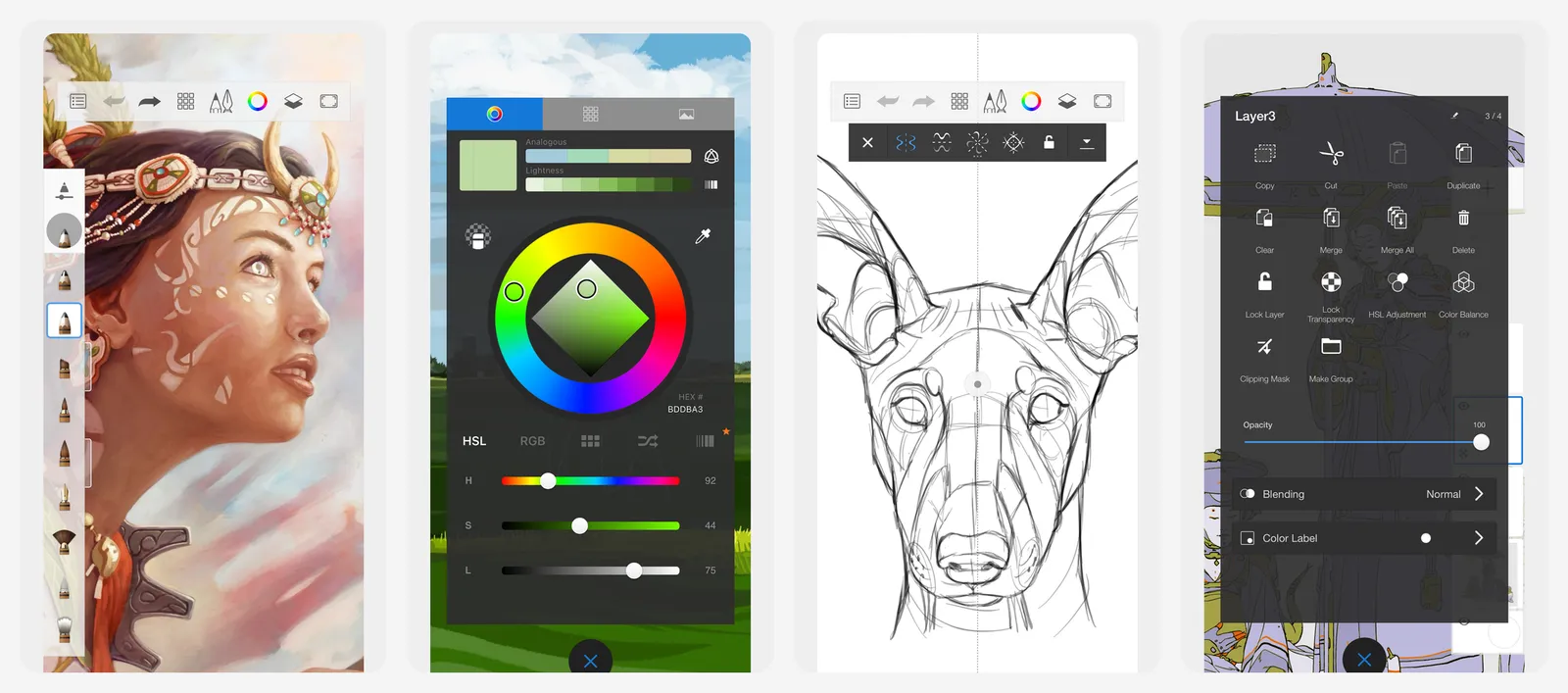
The mobile app is free with no ads on its Play listing. The free version has customizable brushes, layers with blend modes, guides and rulers. A $2.99 one-time Premium Bundle adds brush creation, clipping masks, layer groups and PDF export. On desktop, Sketchbook Pro is a paid app. It costs $24.99 on the Mac App Store and is sold on the Microsoft Store with a free trial.
What you lose vs Procreate: fewer advanced effects and a smaller brush engine. The desktop version is no longer free.
- Replaces
- Procreate, Procreate Pocket
- Runs on
- Android, iPhone, iPad; Pro on Windows and Mac
- Licence
- Free app plus one-time unlock; Sketchbook Pro desktop is a paid one-time app
- Skip if
- You need heavy painting effects or animation
- Price
- Free; $2.99 one-time Premium Bundle
Adobe Fresco
- iPhone and iPad
Adobe made Fresco completely free in October 2024. Brushes, fonts and custom brush import that once needed a paid plan are now open to everyone. It has vector and pixel brushes, live oil and watercolor brushes, unlimited layers and animation. It links well with Photoshop and Illustrator, and you can export to PSD.
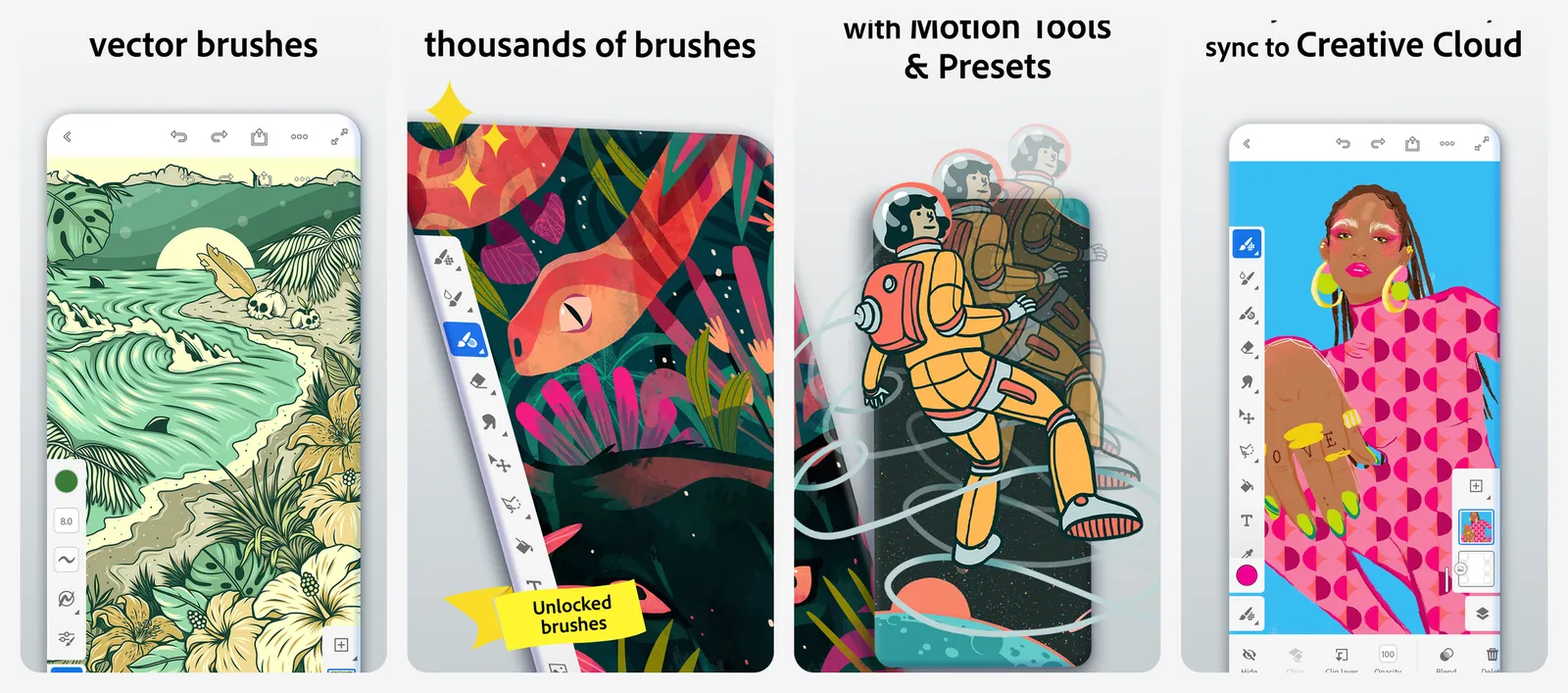
You sign in with an Adobe account, and files are cloud documents by default. You can work offline and it syncs later. There is no Android version.
What you lose vs Procreate: a local-first, no-account workflow. Fresco leans on Adobe's cloud and does not run on Android.
- Replaces
- Procreate on iPad or a Windows touch PC
- Runs on
- iPad, iPhone, Windows
- Licence
- Free, all former premium features included
- Skip if
- You use an Android tablet or a Chromebook
- Price
- Free
Clip Studio Paint
- Android
- iPhone and iPad
Clip Studio Paint is the tool many comic and manga artists use. Version 5.0 launched in March 2026. On Windows and Mac you can buy PRO for $63 once, or EX for $277 once. On iPad, Android, Galaxy and Chromebook it runs on a subscription, with a free trial first.
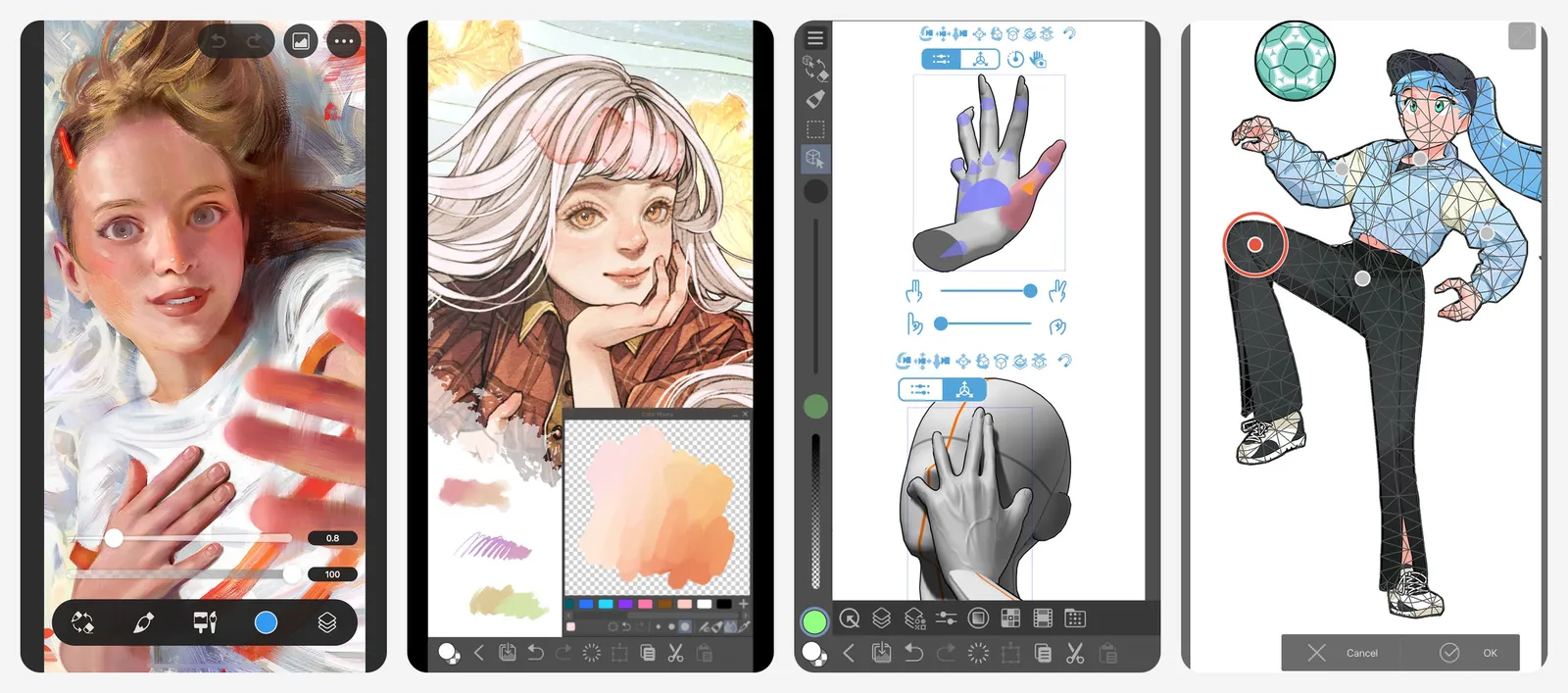
The free part is on phones. The iPhone, Galaxy and Android phone versions give you 30 hours a month of full EX features for free. The timer resets on the first of each month.
What you lose vs Procreate: a simple one-time price on tablets. On an iPad or Android tablet, Clip Studio is a subscription after the trial.
- Replaces
- Procreate for comics and pro illustration
- Runs on
- Windows, Mac, iPad, iPhone, Android, Galaxy, Chromebook
- Licence
- Perpetual licence on desktop; subscriptions from $0.99 a month on tablets and phones
- Skip if
- You want a free app on a tablet with no subscription
- Price
- 30 free hours a month on phones; PRO $63 one-time on Windows and Mac
Concepts
- Android
- iPhone and iPad
Concepts is a vector-based sketching app with an infinite canvas. It suits designers, architects and note-takers more than painters. The free tier gives you a set of brushes, COPIC, HSL and RGB color wheels, five layers, unlimited drawings and JPG export.
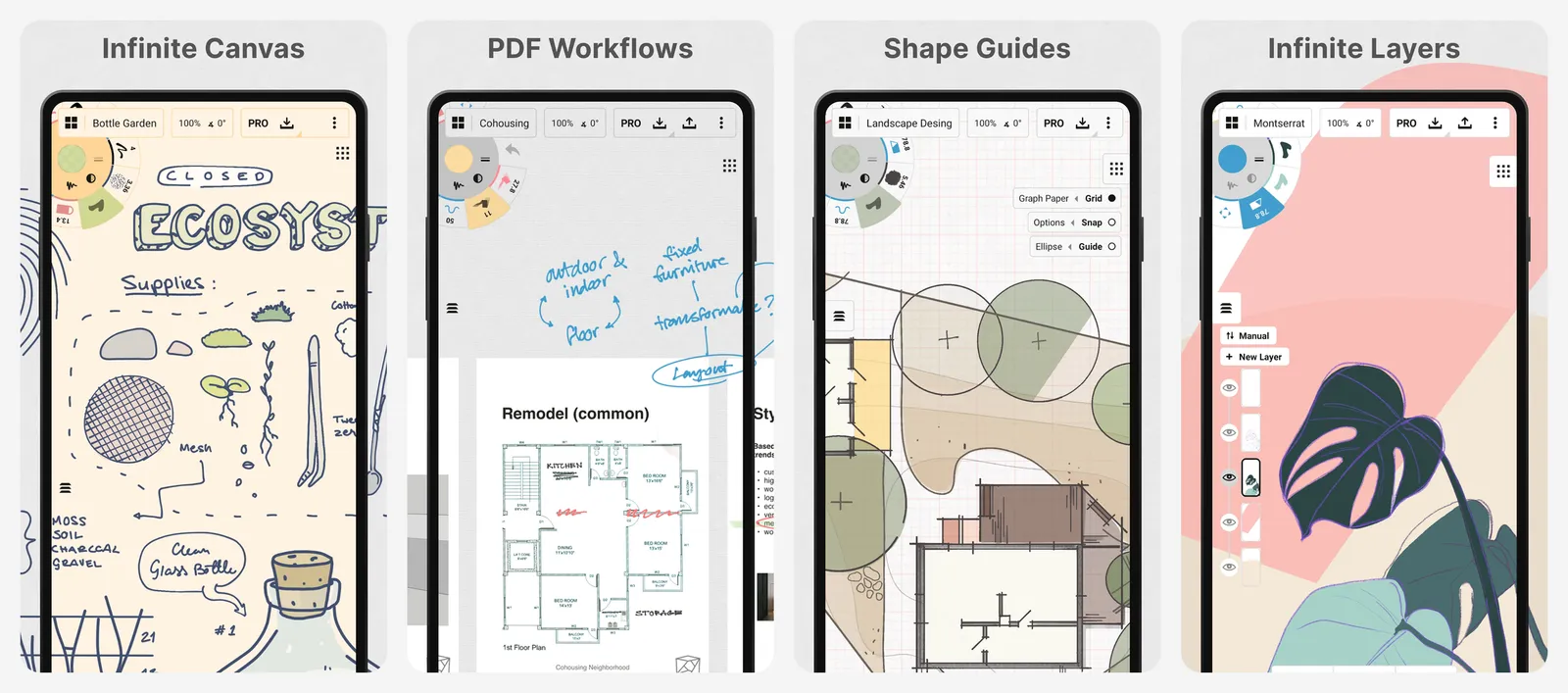
Pro costs $4.99 a month or $29.99 a year and covers every platform. You can instead buy one-time add-ons for things like selection tools, unlimited layers and PNG, PSD, SVG and DXF export. Those one-time purchases only work on the platform where you bought them.
What you lose vs Procreate: painterly brushes and texture. The free tier caps you at five layers and JPG export.
- Replaces
- Procreate for sketching, product design and notes
- Runs on
- iPad, iPhone, Android, Windows, Chromebook
- Licence
- Free tier, subscription, or one-time add-ons tied to one platform
- Skip if
- You mainly paint rather than sketch or design
- Price
- Free; Pro $4.99 a month or $29.99 a year
Not on the list: Artstudio Pro and Tayasui Sketches. Artstudio Pro is a good iPad painting app, but it is paid, not free. Tayasui Sketches is free to download, but its Pro features are sold as a subscription on the App Store. If you want more apps you pay for once, see our list of buy-once software.
If you already own an iPad and plan to draw a lot, Procreate is hard to beat for $12.99 once. There are no ads, no account and no subscription. Its brush engine, gestures and Apple Pencil support are tuned for one device, and a huge community shares brushes and tutorials for it.
Pay for Procreate if you draw on iPad every week, want a one-time price and do not need Android or Windows. Pick a free app from this list if you draw on an Android tablet, a Windows PC or a Chromebook, or if you only sketch now and then.
Making videos or graphics as well as art? See our guides to CapCut alternatives and Canva alternatives.
Is there a free version of Procreate?
Is Procreate available on Android or Windows?
What is the best free Procreate alternative for Android tablets?
Is Adobe Fresco free now?
Is Autodesk Sketchbook still available?
Can I open Procreate files in these apps?

Sumit
ContributorHi, I'm Sumit, Being an introvert I have always been obsessed with technology-computers and reading dozens of posts to learn, find answers out of my curiosity. I love to write as I explore more.