On this page
- Why Convert YouTube Videos to Shorts?
- Maximise Your Content Value
- Save Time and Resources
- Increase Engagement
- Improve Discoverability
- Top 5 Websites to Convert YouTube Videos to Shorts
- 1. OpusClip – Best for Content Creators
- 2. Vmaker AI – Best for Customisation
- 3. Restream – Best for Multi-Platform Publishing
- 4. Klap – Best for Engagement Optimisation
- 5. Vizard – Best for Bulk Creation
- Your YouTube to Shorts Workflow: Step-by-Step
- Step 1: Choose Your Source Content
- Step 2: Select the Right Tool
- Step 3: Upload and Process
- Step 4: Customise Your Shorts
- Step 5: Optimise for Discovery
- Step 6: Publish and Analyse
- Best Practices for Converting Videos to Shorts
- Common Mistakes to Avoid
- Conclusion
YouTube Shorts have become essential for content creators looking to maximise reach and engagement. With over 70 billion daily views, Shorts offer an incredible opportunity to repurpose your existing long-form content into bite-sized, viral-ready clips.
Long videos are great. Shorts help them reach more people.
If you already publish on YouTube, you don’t need new content. You just need a simple workflow to turn existing videos into Shorts.
The good news? You don’t need to be a video editing expert or spend hours manually cutting clips. AI-powered tools can now transform your YouTube videos into multiple Shorts in minutes.
This guide shows a practical process. And tools that creators already use.
Why Convert YouTube Videos to Shorts?
Short-form video remains the highest-ROI content format in 2025. Here’s why you should be converting your existing content:
Maximise Your Content Value
Every long-form video contains multiple shareable moments. By converting one 20-minute video, you can create 10+ Shorts that extend your content’s lifespan and reach.
Save Time and Resources
Manual editing can take hours. AI tools identify the most engaging segments automatically, cutting your editing time by up to 90%.
Increase Engagement
Shorts capture attention quickly. Viewers are more likely to watch a 30-second clip than commit to a 20-minute video, especially when discovering new creators.
Improve Discoverability
YouTube’s algorithm favours Shorts in recommendations. Converting your content gives you multiple opportunities to appear in viewers’ feeds.
Top 5 Websites to Convert YouTube Videos to Shorts
| Tool | Best For | Key Feature | Price |
|---|---|---|---|
| OpusClip | Podcasters & Educators | 95%+ accuracy AI clipping | Free trial, then paid |
| Vmaker AI | Bulk Content Creation | Custom duration settings | Free plan available |
| Restream | Multi-platform Publishing | Direct publishing to YouTube | Free with limitations |
| Klap | Viral Content Optimization | Engagement detection AI | Free trial available |
| Vizard | Teams & Collaboration | 10 Shorts in 1 click | Viral Content Optimisation |
1. OpusClip – Best for Content Creators
OpusClip revolutionises how creators produce YouTube Shorts by using advanced AI to identify key moments in your videos.
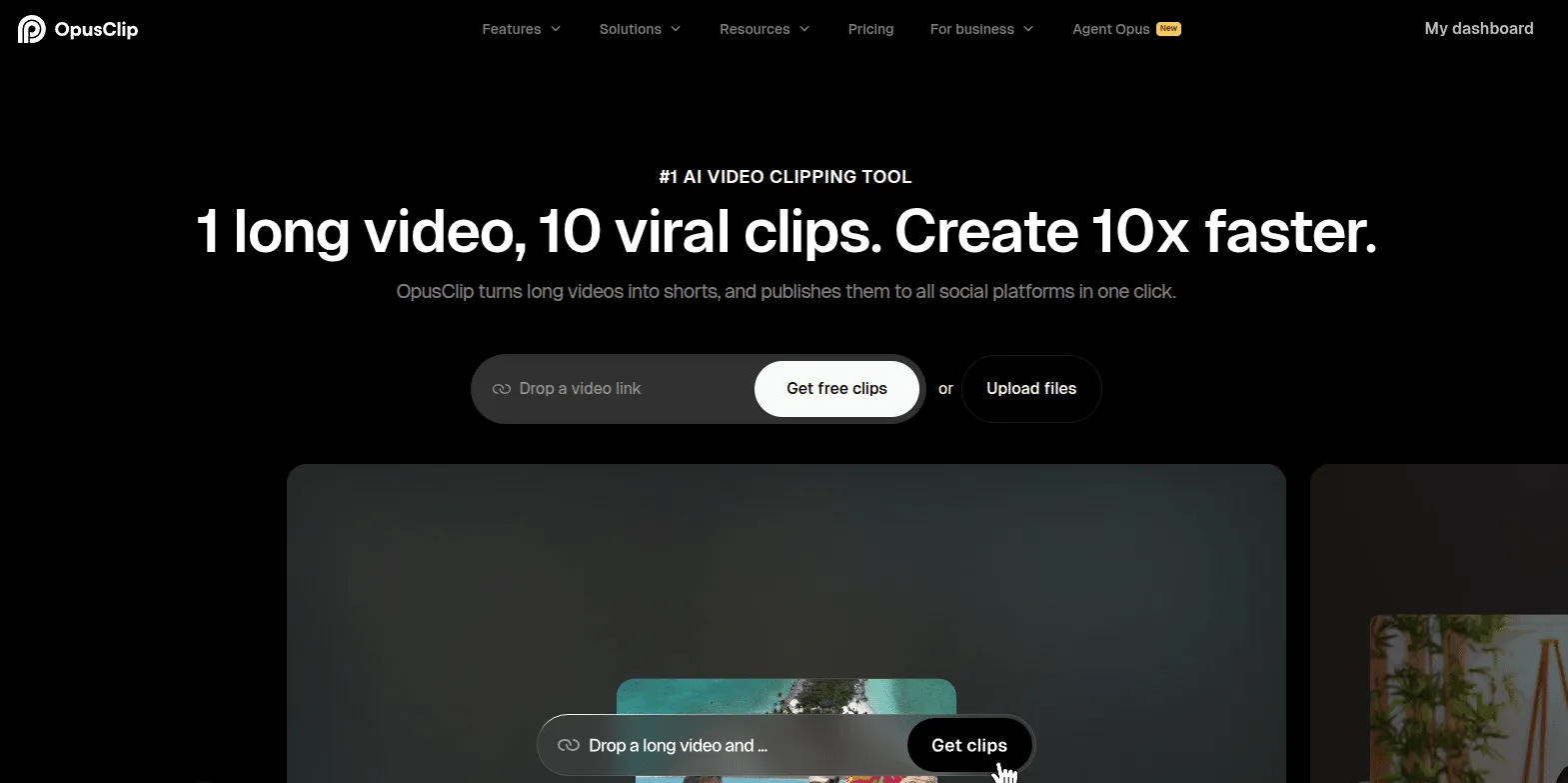
How It Works:
- Upload your video file or paste a YouTube link
- AI analyses content and identifies engaging segments
- Automatically generates multiple Shorts with captions
- Download or publish directly
Key Features:
- Over 95% transcription accuracy for captions
- Automatic virality scoring for each clip
- Custom branding options
- Multi-language support
Best For: Content creators who want high-quality, viral-ready clips with minimal effort. Particularly effective for interview content, podcasts, and educational videos.
2. Vmaker AI – Best for Customisation
Vmaker AI stands out with its keyword-based clipping system that lets you control exactly what moments get converted.
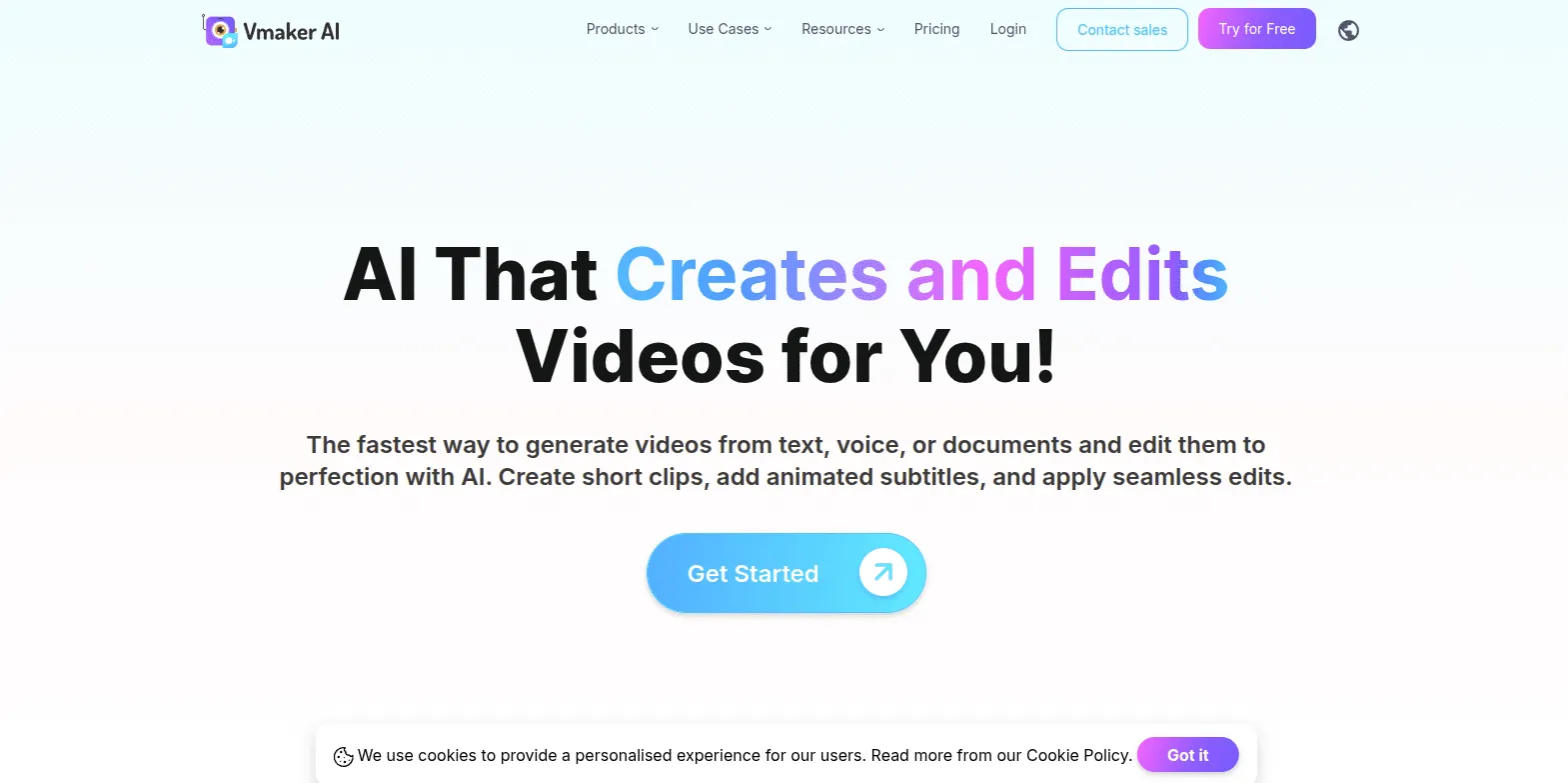
How It Works:
- Upload your long-form video to the platform
- Add relevant keywords that describe key moments
- Set custom duration preferences (20-40s, 40-60s, etc.)
- AI generates Shorts based on your specifications
- Edit further with built-in tools
Key Features:
- Keyword-driven clip selection
- Automatic animated subtitles
- Virality score for each platform
- Custom duration controls
- Manual editing capabilities
Best For: Creators who want more control over the clipping process. Perfect for webinars, training videos, and product demonstrations.
3. Restream – Best for Multi-Platform Publishing
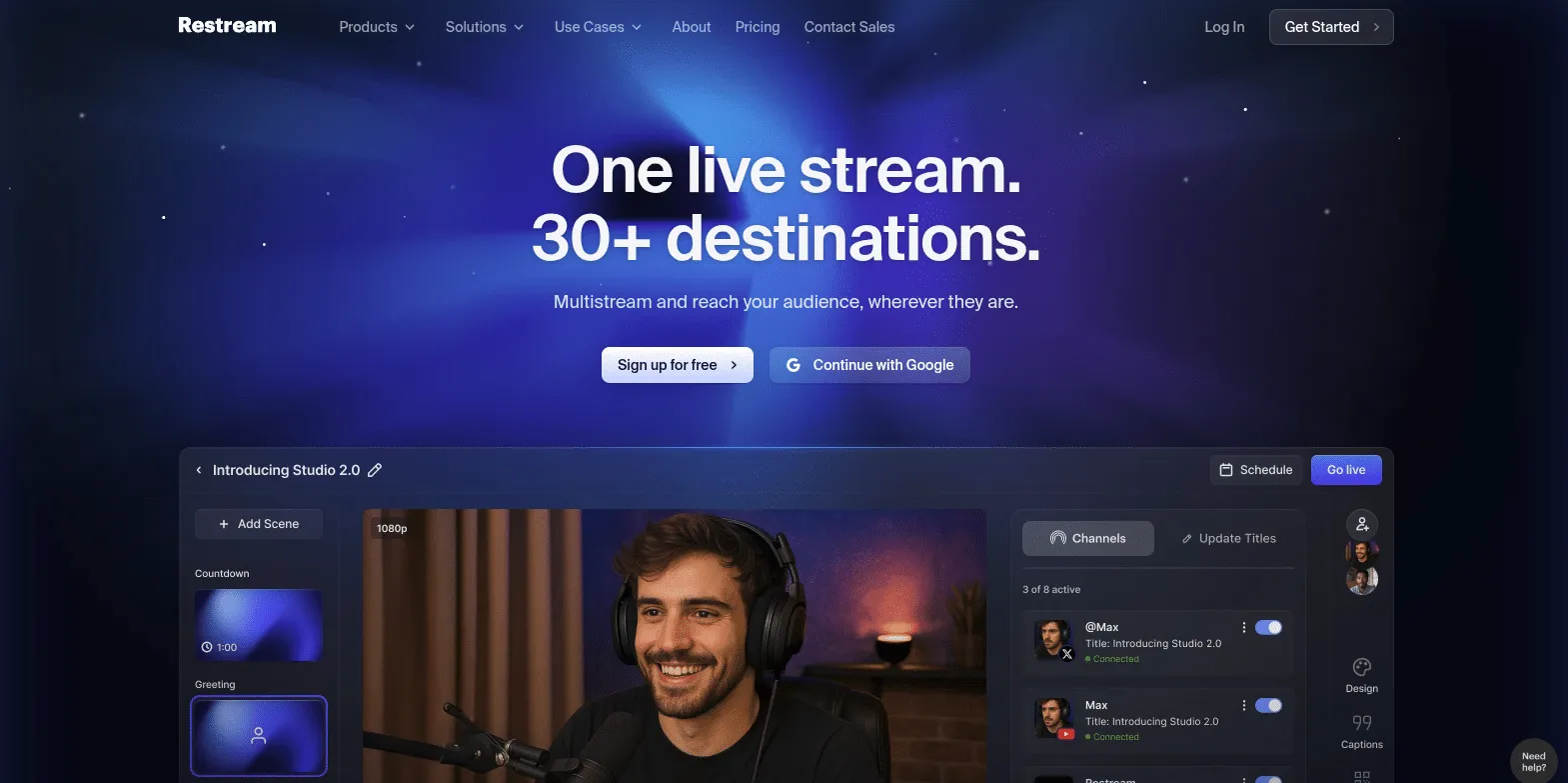
Restream isn’t just a converter. It’s a complete video distribution platform that makes publishing effortless.
How It Works:
- Upload or drag and drop your video
- AI automatically resizes for vertical viewing
- Customise with built-in editor (logos, captions, B-roll)
- Publish directly to YouTube Shorts, TikTok, Facebook Reels, and more
Key Features:
- Direct publishing to multiple platforms
- Built-in professional video editor
- Custom graphics and branding
- Automatic vertical formatting
- Cloud-based processing
Best For: Creators managing content across multiple social platforms. Ideal if you want to distribute the same Shorts to YouTube, TikTok, and Instagram simultaneously.
4. Klap – Best for Engagement Optimisation
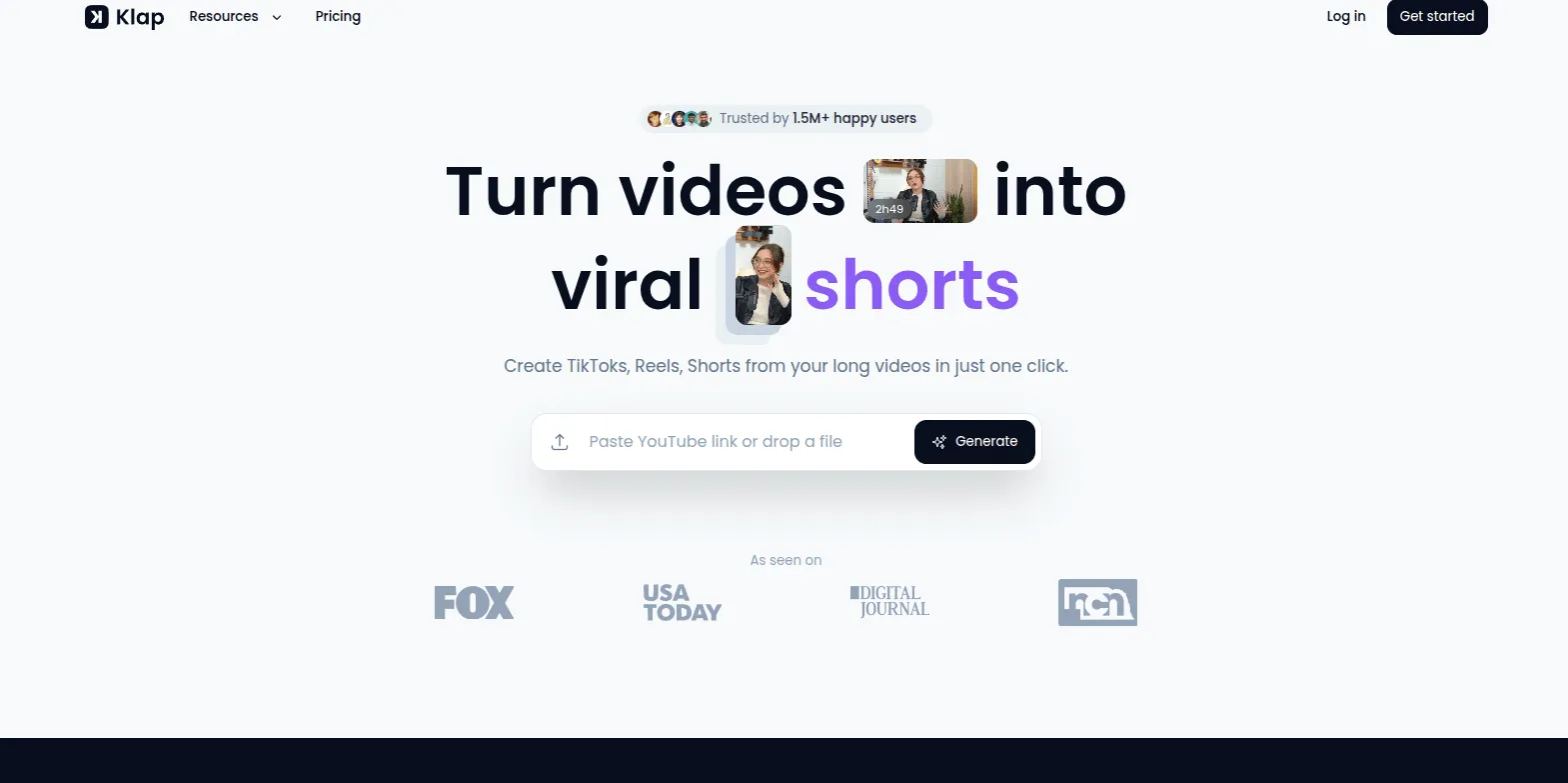
Klap specialises in finding the most engaging moments in your videos using sophisticated AI algorithms.
How It Works:
- Import your YouTube video to Klap
- AI scans and identifies high-engagement segments
- Automatic trimming and caption generation
- Customize colors, aspect ratios, and captions
- Export with seamless YouTube integration
Key Features:
- Advanced engagement detection
- Automatic captioning with customization
- Handles videos of any length
- User-friendly interface for beginners
- Platform-specific optimisation
Best For: Creators focused on maximising viewer engagement and retention. Excellent for commentary videos, reactions, and entertainment content.
5. Vizard – Best for Bulk Creation
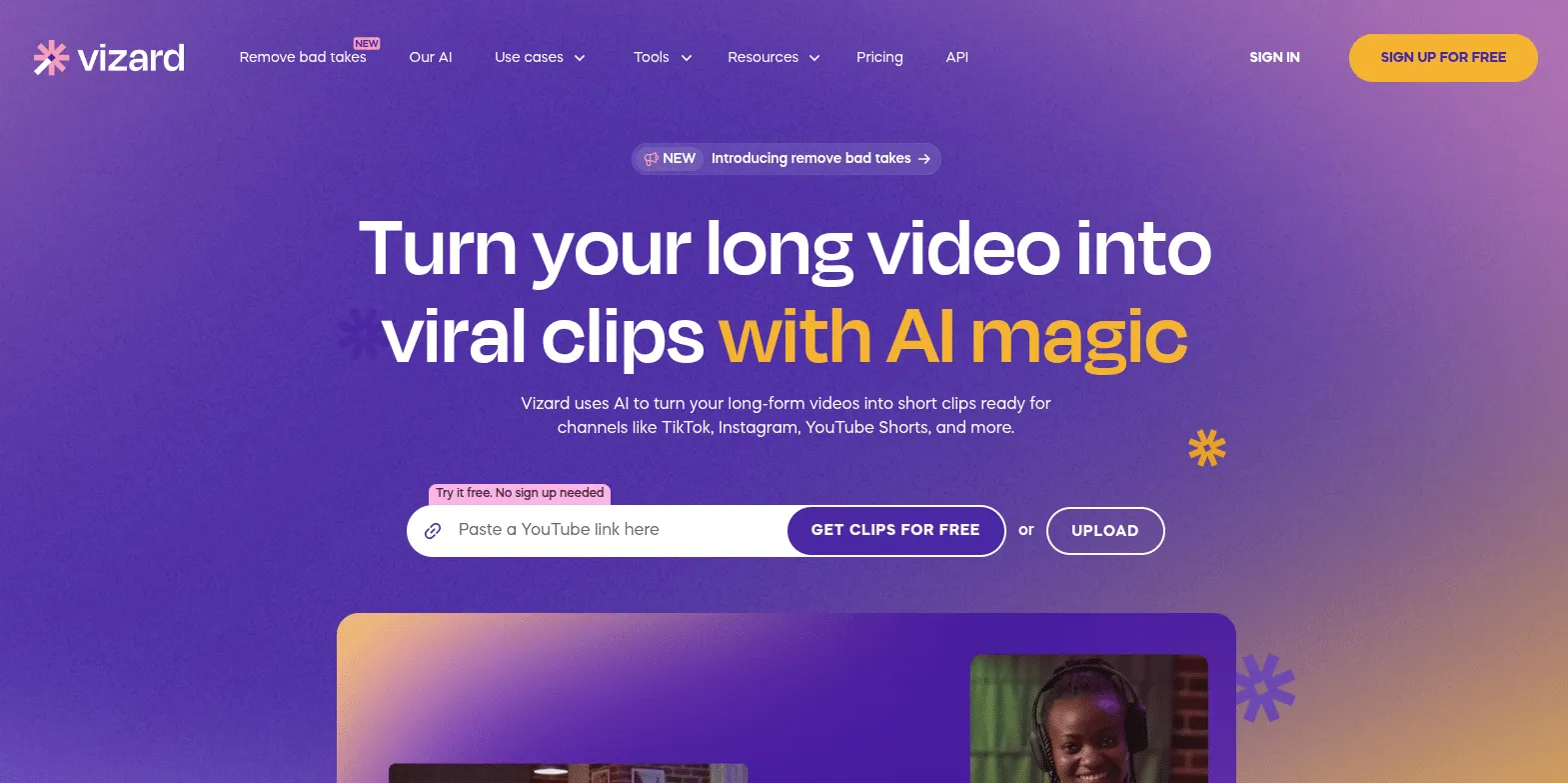
Vizard excels at generating multiple Shorts from a single video with incredible speed and efficiency.
How It Works:
- Paste the YouTube link or upload a video
- AI automatically generates up to 10 Shorts
- Edit with AI-powered tools (emojis, B-roll, templates)
- Connect your YouTube account for instant publishing
Key Features:
- Creates 10+ Shorts in one click
- AI-generated emojis and B-roll
- Multi-speaker detection
- Direct YouTube publishing
- Template library
Best For: High-volume content creators and agencies. Perfect when you need to quickly generate multiple pieces of content from long-form videos.
Your YouTube to Shorts Workflow: Step-by-Step
Now that you know the tools, here’s the optimal workflow:
Step 1: Choose Your Source Content
Not all videos make good Shorts. Look for:
- Videos with multiple distinct topics or segments
- Content featuring exciting or valuable moments
- Clear audio with minimal background noise
- Videos between 5-60 minutes (optimal length)
Step 2: Select the Right Tool
Choose based on your needs:
- Need speed? Use Vizard
- Want customisation? Choose Vmaker AI
- Publishing to multiple platforms? Pick Restream
- Focusing on engagement? Select Klap or OpusClip
Step 3: Upload and Process
Most tools follow this pattern:
- Upload video or paste YouTube URL
- Set preferences (duration, keywords, style)
- Let AI analyse and generate clips
- Review generated Shorts
Step 4: Customise Your Shorts
Make each Short stand out:
- Add captions for accessibility and engagement
- Include your branding (logo, colours)
- Adjust timing for maximum impact
- Add music or sound effects if appropriate
Step 5: Optimise for Discovery
Before publishing:
- Write compelling titles with keywords
- Create eye-catching thumbnails
- Add relevant hashtags (#Shorts is required)
- Include a clear call-to-action
Step 6: Publish and Analyse
Track your results:
- Monitor views, likes, and comments
- Note which topics perform best
- Adjust future content based on data
- Maintain a consistent posting schedule
Best Practices for Converting Videos to Shorts
- Quality Over Quantity -While tools can generate 10+ Shorts from one video, only publish the best ones. Three exceptional Shorts beat ten mediocre ones.
- Maintain Context – Each Short should make sense independently. Viewers shouldn’t need to watch the original video to understand your message.
- Front-Load Value – Capture attention in the first 2-3 seconds. If the opening doesn’t hook viewers, they’ll scroll past.
- Use Captions Always – Most viewers watch Shorts without sound. Captions ensure your message lands regardless of audio.
- Test Different Styles – Experiment with different caption styles, pacing, and formats to discover what resonates with your audience.
Common Mistakes to Avoid
- Don’t Just Cut Random Clips – Strategic selection matters. Each Short should deliver complete value or entertainment on its own.
- Avoid Copyright Issues – Ensure you have the rights to all music and content. Most AI tools provide royalty-free music libraries. Use them.
- Don’t Ignore Analytics – Pay attention to which Shorts perform well. Double down on what works.
- Don’t Forget Calls-to-Action – Always tell viewers what to do next: subscribe, watch the full video, or check your other content.
Conclusion
Converting YouTube videos to Shorts isn’t just about repurposing content. It’s about maximising the value of every video you create. With AI-powered tools like OpusClip, Vmaker AI, Restream, Klap, and Vizard, the process has never been easier.
The key is finding the right tool for your workflow and committing to consistent creation. Start with one long-form video, generate multiple Shorts, analyse the results, and refine your approach.
Your next viral Short might be hiding in a video you published months ago. These tools help you find it.

Amit loves new tech and apps that make life easier, he writes about apps, games and useful websites on TheTechBasket.