Wireshark is the standard desktop packet analyzer for Windows, macOS, and Linux. There is no official Wireshark app for Android, so you need a mobile tool that can capture traffic, inspect HTTP or TLS metadata, or export PCAP files for analysis on a PC.
- PCAPdroid is the closest no-root Wireshark-style option with PCAP export and TLS decryption.
- Packet Capture and Debug Proxy work without root for app-level HTTPS inspection.
- Netcut manages LAN devices but can be abused; use only on networks you own.
- zANTI and cSploit are discontinued; avoid sideloading old APKs.
If you need deeper phone control, pair any of these with our ADB commands guide or mirror your Android screen to a PC while you test.
What Wireshark does (and why Android is different)
Wireshark puts your network card in promiscuous mode and records raw packets from wired, Wi-Fi, or Bluetooth interfaces. On Android, apps cannot access the full network stack the same way. Most alternatives route traffic through a local VPN service or require root. None replace every Wireshark feature on a phone, but they cover traffic logging, HTTP debugging, and PCAP export for offline analysis.
Best Wireshark alternatives for Android
PCAPdroid

PCAPdroid is the tool to install first. It runs a local VPN (no remote server) to log connections per app, shows DNS queries, HTTP URLs, and SNI data, and exports PCAP or Pcapng files you can open in Wireshark on a desktop. Version 1.8+ added TLS decryption with an SSLKEYLOGFILE export. Root is optional; rooted devices get a more accurate capture mode. Free and open source, with paid firewall and malware-blocklist features.
Packet Capture
Packet Capture by Grey Shirts captures packets through a local VPN and can decrypt HTTPS using a man-in-the-middle certificate you install once. View traffic in hex or text, filter by app, and save captures for later. No root required. The interface is simpler than PCAPdroid but enough for basic debugging on your own apps or home network.
Debug Proxy

Debug Proxy (package com.dans.apps.webd) focuses on HTTP and HTTPS traffic through a local MITM proxy. Record requests and responses, inspect headers and bodies, and run basic vulnerability checks. No root needed. Google removed it from Play Store years ago; the last release dates to 2018. Only install from sources you trust if you still need it. PCAPdroid covers most of the same debugging on current Android versions.
Netcut

Netcut scans your local network with ARP and lists every connected device. You can pause or limit access for a specific MAC address, which helps when you want to see who is on your Wi-Fi or test bandwidth priority. Use it only on networks you own or have written permission to manage. Misuse on public or employer networks can violate law and policy.
zANTI
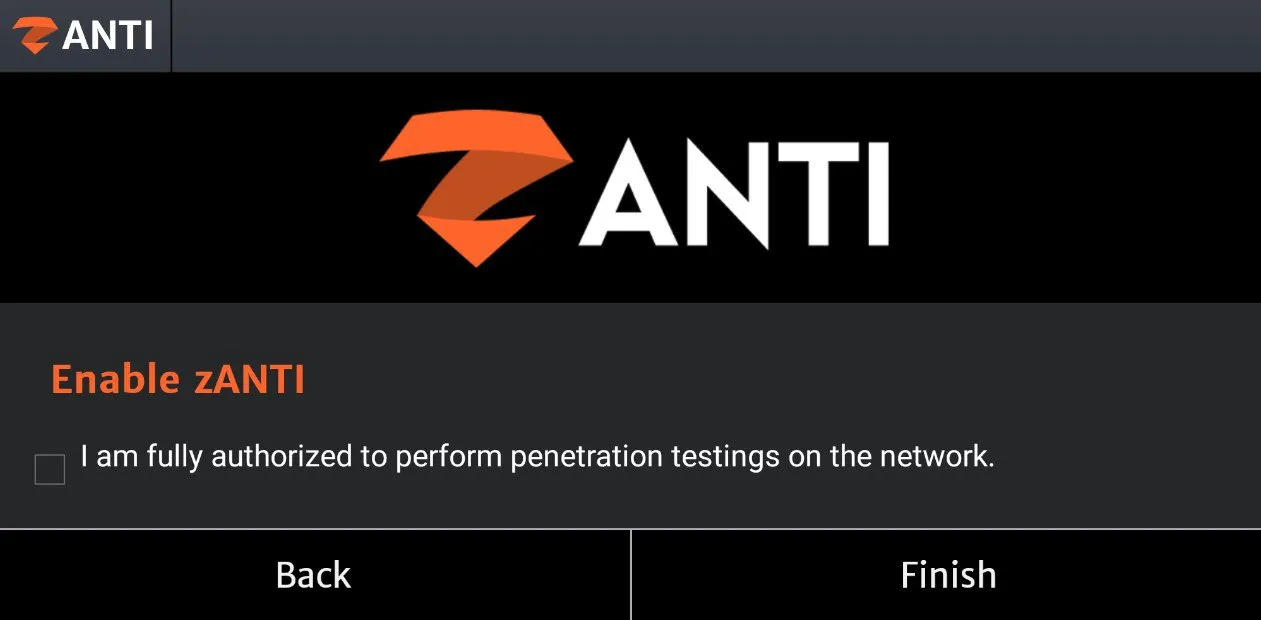
zANTI was Zimperium's mobile penetration-testing toolkit with network scans, MITM tests, and password auditing. Zimperium no longer distributes it; the last release (3.19) targets very old Android versions and is only found on third-party APK mirrors. Requires root. Treat it as historical reference only. For active testing, use PCAPdroid plus desktop tools like Burp Suite or OWASP ZAP instead.
cSploit

cSploit was an open source Android pentest suite built around Metasploit modules. The project is officially EOL since 2021 and often fails on modern Android. Requires root. The GitHub repo remains for reference, but do not expect it to run on current devices. PCAPdroid covers routine capture needs without the security risk of old sideloaded builds.
Can I run Wireshark on Android?
Which Android packet capture app works without root?
Is Wireshark a vulnerability scanner?
Can these apps fix network problems?
Are packet capture apps safe to use?
Is zANTI still available?

I write as a writer, as someone very familiar with the Internet, as someone who is completely at ease with current technology and the way it is transforming the social fabric of the globe, the business world in particular.