On this page
- Listen or export? Know which one you need
- Free AI text to speech at a glance
- The 10 best free AI text to speech tools
- ElevenLabs Free
- Microsoft Edge Read Aloud
- Kokoro
- Gemini TTS (Google AI Studio)
- TTSMaker
- Google Cloud Text-to-Speech
- Microsoft Azure Speech
- Amazon Polly
- NaturalReader Free
- Piper
- Also worth knowing
- Which free text to speech tool should you use?
- FAQs
- What is the best free AI text to speech?
- Can I use free text to speech audio on YouTube?
- Which free text to speech tools let you download MP3?
- Is there unlimited free text to speech?
- Do I need a credit card for free text to speech?
- What happened to Play.ht?
Free AI text to speech has become surprisingly good. Some free voices now sound close to a real narrator, with breathing, pauses and emotion. But "free" means very different things from one tool to the next. One gives you unlimited listening but no MP3 file. Another lets you download audio but forbids using it on a monetized YouTube channel. A third needs a credit card on file before you get a single character.
This guide compares 10 free AI text to speech tools on the questions that decide whether a tool works for you: how much you get for free, whether you can download the audio, whether commercial use is allowed, whether you must credit the tool, and whether you need a card. Prices and limits come from each tool's official pricing page, help center or license, and we flag the ones we could only confirm from third-party sources.
Listen or export? Know which one you need
Text to speech tools fall into two groups:
- Readers read text aloud to you, live. They are great for studying, proofreading and accessibility. Microsoft Edge Read Aloud and NaturalReader Free are readers. You cannot save the audio.
- Generators turn text into an audio file (MP3 or WAV) you can put in a video, podcast, course or app. ElevenLabs, Gemini TTS, Kokoro and the cloud APIs are generators.
If you want a voiceover for YouTube or a client, you need a generator, and you need a license that allows commercial use.
Free AI text to speech at a glance
Search by tool or feature. Tap a name to jump to its entry.
| Tool | Free amount | Download audio | Commercial use on free | Credit required | Card needed | Platforms |
|---|---|---|---|---|---|---|
| ElevenLabs | 10,000 credits a month | Yes | No | Yes | No | Web, API, iPhone |
| Edge Read Aloud | Unlimited | No | Not applicable | No | No | Windows, Mac, Linux, Android, iPhone |
| Kokoro | Unlimited (runs locally) | Yes, WAV | Yes (Apache-2.0) | No | No | Windows, Mac, Linux, browser demo |
| Gemini TTS | Rate-limited free tier | Yes | Check API terms | No | No | Web, API |
| TTSMaker | About 20,000 characters a week | Yes, MP3 or WAV | Reported yes | Not reported | No, no account | Web |
| Google Cloud TTS | 1M to 4M characters a month | Yes | Yes | No | Yes | API |
| Azure Speech | 500,000 neural characters a month | Yes | Yes | No | Yes | API, web studio |
| Amazon Polly | 12 months or AWS credits | Yes | Yes | No | Yes | API |
| NaturalReader | Free voices unlimited, premium 20 min a day | No | No | Not applicable | No | Web, Chrome, Android, iPhone |
| Piper | Unlimited (runs locally) | Yes, WAV | Depends on the voice | Depends on the voice | No | Windows, Mac, Linux, Raspberry Pi |
The 10 best free AI text to speech tools
1. ElevenLabs Free
- iPhone and iPad
Most realistic free voices · BEST VOICES
Screenshot: elevenlabs.io
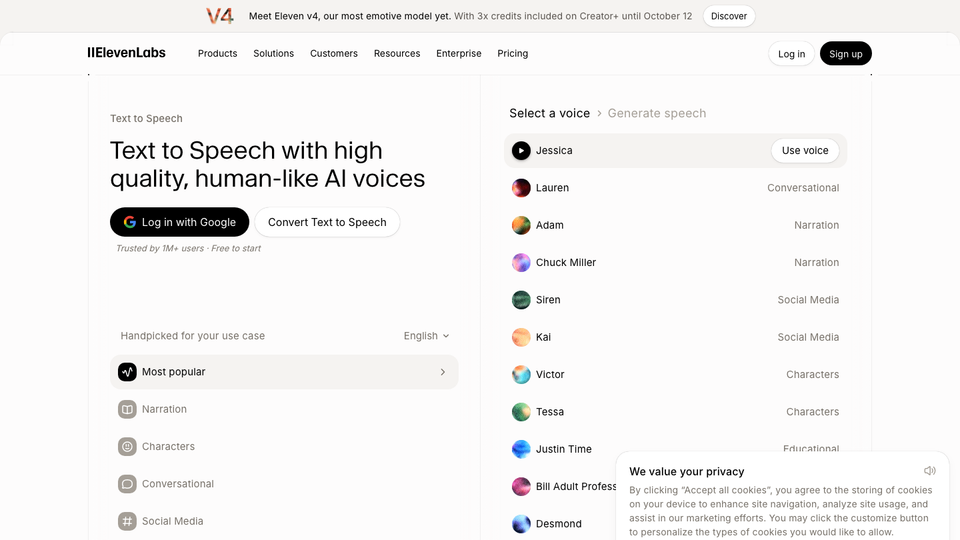
ElevenLabs has the most natural, emotive voices of any free plan here. The free tier gives 10,000 credits a month, which is roughly 10,000 characters or about 10 minutes of speech. Unused free credits do not roll over; rollover is a paid-plan perk.
The rules are strict. ElevenLabs' help center says free users may not use the audio commercially, and anything you publish must credit ElevenLabs by putting "elevenlabs.io" or "11.ai" in the title. Voice cloning is not included on free; instant cloning starts on the $6 Starter plan, which also unlocks commercial use.
Who it suits: hobbyists, students and anyone testing a voiceover before paying.
- Replaces
- Hiring a narrator for a short personal project
- Runs on
- Web, API; ElevenReader app on iPhone
- Licence
- Free: 10,000 credits a month, non-commercial, must credit elevenlabs.io in the title
- Skip if
- You want to monetize the audio for free
- Price
- Free; Starter $6/month, Creator $22/month
2. Microsoft Edge Read Aloud
- Android
- iPhone and iPad
Free listening for web pages and PDFs · BEST READER
Screenshot: microsoft.com
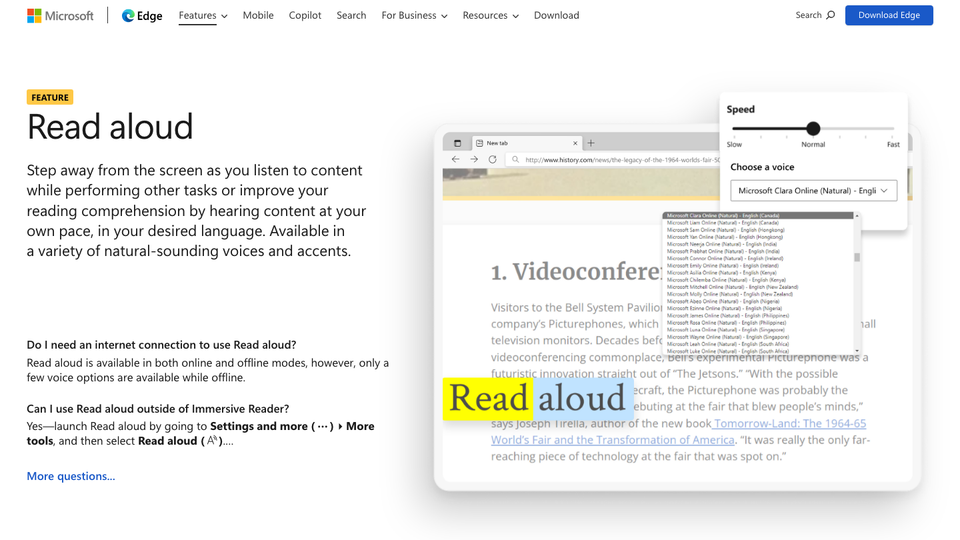
If you just want to listen, Microsoft Edge's built-in Read Aloud is the best free option. Open any article or PDF, press Read Aloud, and pick from dozens of natural-sounding online voices. It highlights words as it reads, works on desktop and mobile, and has no limit or account.
The catch is that you cannot save the audio. A few voices work offline, but the best ones need an internet connection. Developers who want these same Microsoft neural voices as files can use Azure Speech (below).
Who it suits: students, people with dyslexia or tired eyes, and anyone who wants long articles read aloud.
- Replaces
- Paid reader apps like Speechify
- Runs on
- Windows, Mac, Linux, Android, iPhone
- Licence
- Free with the browser, no account; no audio export
- Skip if
- You need an MP3 file
- Price
- Free
3. Kokoro
Free, offline, commercial-OK · BEST OPEN SOURCE
Screenshot: huggingface.co
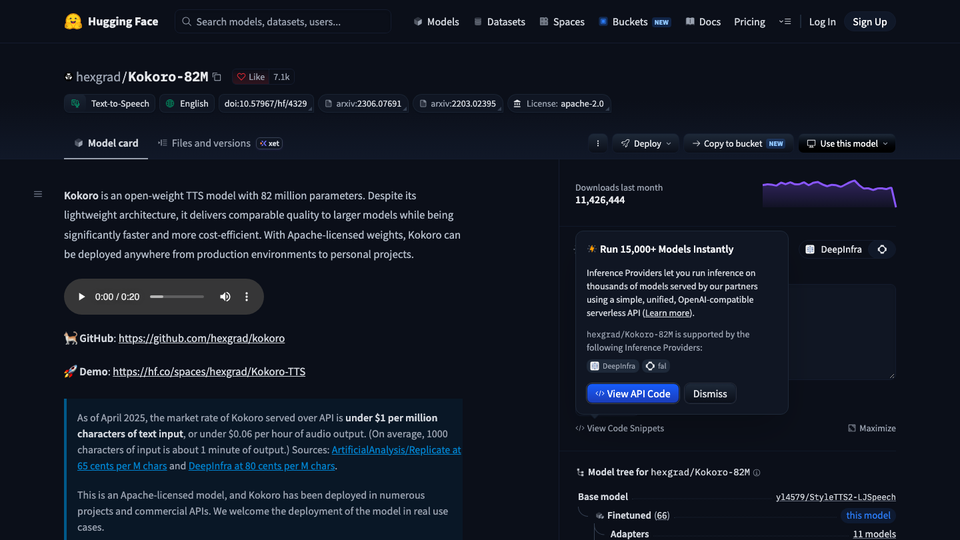
Kokoro is a small open-source voice model (82 million parameters) that sounds far better than its size suggests. It has 54 voices across languages including American and British English, Spanish, French, Hindi, Italian, Japanese, Brazilian Portuguese and Mandarin. It runs on an ordinary CPU, with no graphics card needed.
Because it is licensed under Apache-2.0, you can use the audio commercially, with no credit line and no limit. Install it with pip install kokoro, or try it in the browser demo on Hugging Face first. There is no official desktop app and no voice cloning.
Who it suits: YouTubers, course makers and developers who are comfortable with a little Python and want unlimited free audio they own.
- Replaces
- Paid TTS for unlimited voiceovers
- Runs on
- Python on Windows, Mac or Linux; browser demo on Hugging Face
- Licence
- Apache-2.0: free commercial use, no attribution, no account
- Skip if
- You do not want to touch the command line
- Price
- Free
4. Gemini TTS (Google AI Studio)
Prompt-controlled speech and dialogue · EXPRESSIVE
Screenshot: ai.google.dev
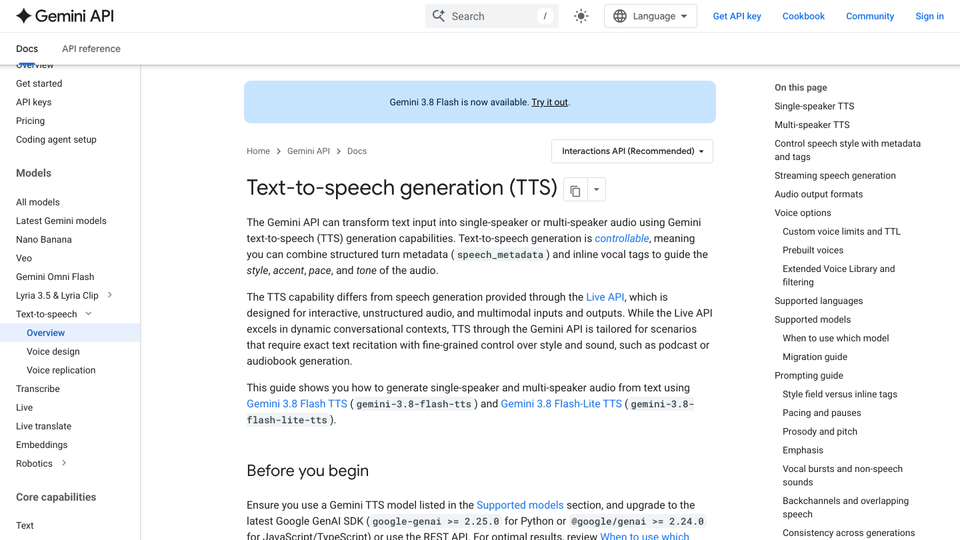
Gemini's text to speech models are free to use in Google AI Studio and on the Gemini API free tier. What makes them different is control. You can tell the model how to speak ("whisper this", "sound excited") and generate a conversation between two speakers, which is handy for podcast-style explainers.
Google's pricing page lists Flash TTS and Flash-Lite TTS as free of charge on the free tier, with rate limits per project. The trade-off is privacy: on the free tier, Google says your content may be used to improve its products. The paid tier does not. The TTS models are previews or recent releases and change often.
Who it suits: creators who want expressive narration or two-voice dialogue at no cost.
- Replaces
- Recording two-person dialogue yourself
- Runs on
- Web (AI Studio), API
- Licence
- Free tier is rate-limited; free-tier prompts may be used to improve Google products
- Skip if
- Your script is private or confidential
- Price
- Free tier; paid from $6 per 1M audio tokens (Flash-Lite TTS, launch price through 2026)
5. TTSMaker
Quick MP3s in the browser · NO ACCOUNT
TTSMaker is a simple free website: paste text, pick a voice, download MP3 or WAV. It covers 100+ languages with no account.
We could not load its official limits page, so these numbers come from recent independent reviews: about 20,000 characters a week, 500 characters per conversion, and commercial use allowed. Some voices are marked unlimited. Expect a captcha and short chunks. Check the current rules on the site before using audio for a client.
Who it suits: anyone who needs a quick, short MP3 without signing up.
- Replaces
- Paid TTS for short commercial clips
- Runs on
- Any modern browser
- Licence
- Reported: about 20,000 characters a week, 500 per conversion, commercial use allowed
- Skip if
- You need long files in one go
- Price
- Free; paid VIP tier
6. Google Cloud Text-to-Speech
Developer API with a monthly free tier · BIGGEST FREE TIER
Screenshot: cloud.google.com
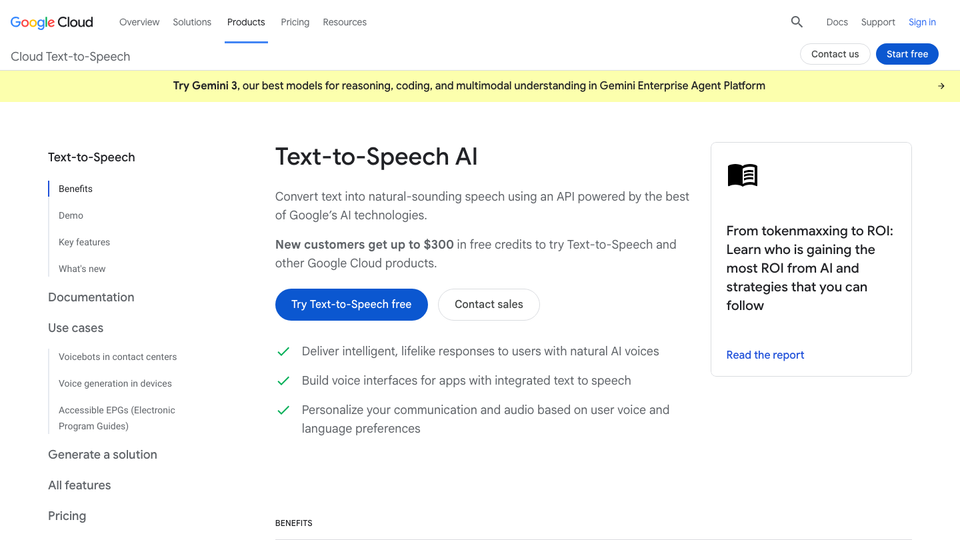
Google Cloud's free tier is the largest recurring allowance in this list. Every month you get 4 million characters of Standard or WaveNet voices and 1 million characters of Neural2, Polyglot, Chirp 3 HD or Studio voices. After that, prices run from $4 per million characters (Standard) to $160 per million (Studio).
You need a Google Cloud account with billing set up, which means a card. It is an API, so you will use code, the command line or the console demo. Output is MP3, WAV or OGG, and you can use it commercially.
Who it suits: developers generating lots of audio, like app prompts or article narration.
- Replaces
- Paying per character for bulk audio
- Runs on
- API and Cloud console
- Licence
- Free monthly: 4M Standard or WaveNet characters, 1M Neural2, Chirp 3 HD or Studio characters; commercial use allowed
- Skip if
- You do not want to add a card or write code
- Price
- Free each month, then $4 to $160 per 1M characters
7. Microsoft Azure Speech
Neural voices with a free monthly tier · EDGE VOICES AS FILES
Screenshot: azure.microsoft.com
Azure Speech uses the same family of neural voices you hear in Edge, but lets you export them. The free F0 tier gives 500,000 neural characters a month, and unlike some cloud offers it does not expire after a year. Speech Studio's Audio Content Creation tool lets you tune pronunciation and pauses without code.
You need an Azure account, which asks for a card. Paid neural voices cost about $16 per million characters. Custom and personal voice cloning are gated and paid.
Who it suits: developers and course makers who like Microsoft's voices and want an ongoing free allowance.
- Replaces
- Edge Read Aloud when you need files
- Runs on
- API, Speech Studio (web)
- Licence
- Free: 500,000 neural characters a month, ongoing; commercial use allowed
- Skip if
- The Azure portal puts you off
- Price
- Free F0 tier; Neural about $16 per 1M characters
8. Amazon Polly
AWS text to speech API · AWS
Screenshot: aws.amazon.com
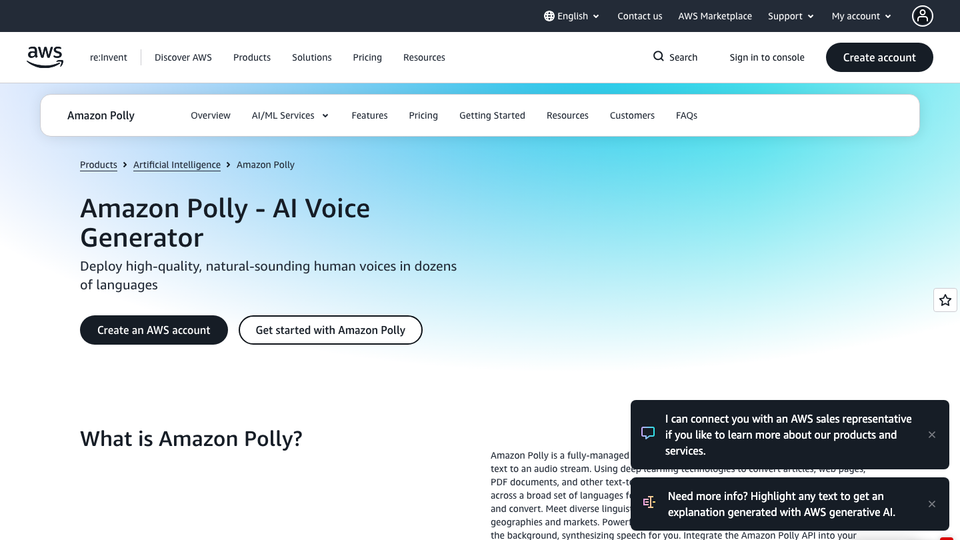
Amazon Polly's pricing page lists a 12-month free tier: 5 million Standard characters a month, 1 million Neural, 500,000 Long-Form and 100,000 Generative. AWS accounts opened since July 2025 instead get up to $200 in Free Tier credits to spend within 6 to 12 months.
After that, Standard voices cost $4 per million characters and Neural $16. You can store and replay generated audio at no extra cost and use it commercially. An AWS account with a card is required, and setup is heavier than the other tools here.
Who it suits: developers already on AWS.
- Replaces
- Recording app and phone prompts
- Runs on
- API, AWS console
- Licence
- Free tier is time-limited; commercial use allowed and cached audio can be replayed
- Skip if
- You want a free tier that never expires
- Price
- Free tier, then $4 to $100 per 1M characters
9. NaturalReader Free
- iPhone and iPad
Reader for documents and PDFs · STUDY
Screenshot: naturalreaders.com
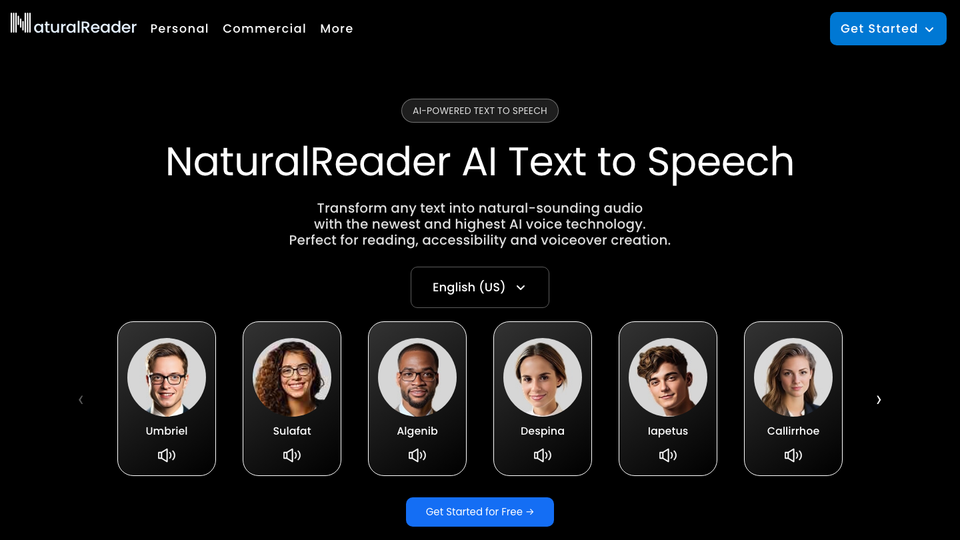
NaturalReader reads documents, PDFs, ebooks and even scanned pages aloud. According to its help center, the free Personal plan gives unlimited use of its free voices, 20 minutes a day of premium voices, and 5 minutes a day of its top Plus voices as a sample. No card is needed.
Free users cannot download MP3s, and commercial use is a separate Commercial product. Compared with Speechify's free plan, which offers 10 basic voices, NaturalReader's free premium minutes are the better deal.
Who it suits: students and readers who want a better voice than Edge on long documents.
- Replaces
- Speechify Free
- Runs on
- Web, Chrome extension, Android, iPhone
- Licence
- Free: unlimited free voices, premium voices 20 minutes a day; no MP3 download; non-commercial
- Skip if
- You need audio files
- Price
- Free; paid Personal plans
10. Piper
Fast offline TTS for low-end hardware · OFFLINE
Screenshot: github.com
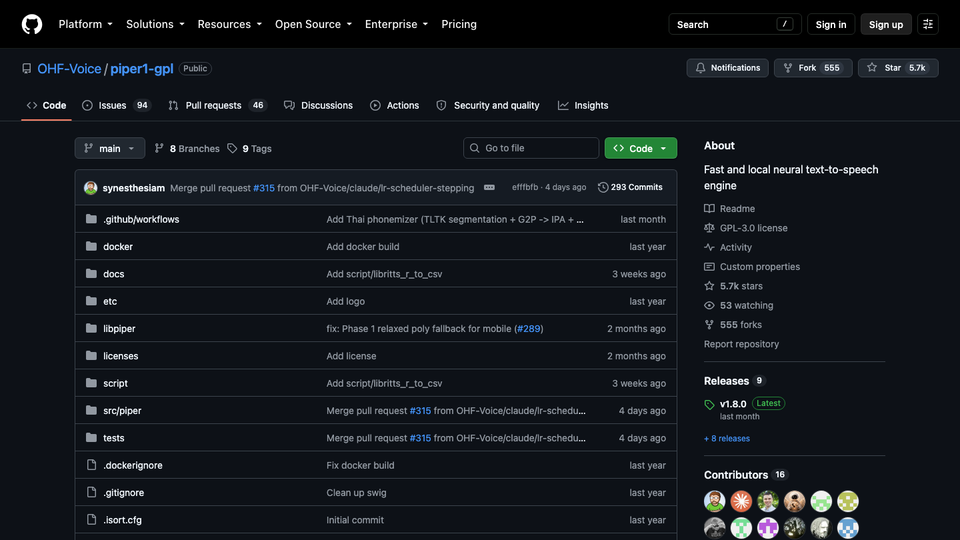
Piper is a fast, lightweight offline voice engine used by Home Assistant and the NVDA screen reader. It runs happily on a Raspberry Pi and supports dozens of languages through downloadable voice models. Install it with pip install piper-tts.
The original project was archived in October 2025 and development moved to the Open Home Foundation under the GPL-3.0 license. Voices sound more robotic than Kokoro. Check each voice's license before commercial use, because some are released for non-commercial use only.
Who it suits: privacy-minded users, smart home tinkerers and anyone on old hardware.
- Replaces
- Cloud TTS for private, offline use
- Runs on
- Windows, Mac, Linux, Raspberry Pi
- Licence
- GPL-3.0 software; each voice model has its own license, some non-commercial
- Skip if
- You want the most natural voices
- Price
- Free
Also worth knowing
- Luvvoice is a free web tool with 200+ voices and MP3 download. Its own pages disagree on the free allowance (10,000 vs 20,000 characters a month) and on whether free audio may be used commercially, so treat it as personal use until that is cleared up.
- Balabolka is free Windows software that saves text as MP3 or WAV using voices installed on your PC. It has no AI of its own, but pairs well with offline voices.
- Murf and Speechify have free plans, but Murf's free plan does not allow downloads, and Speechify Free offers 10 basic voices.
- OpenAI's text to speech is paid-only through the API.
- Play.ht shut down after Meta bought its parent company in 2025. The site no longer loads.
Which free text to speech tool should you use?
- Listen to articles and PDFs: Edge Read Aloud, or NaturalReader for documents.
- Realistic voice for a personal video: ElevenLabs Free, with the required credit line.
- Monetized YouTube or client work, free: Kokoro. TTSMaker if you cannot install anything.
- Expressive or two-voice audio: Gemini TTS, if privacy is not a concern.
- Bulk audio in an app: Google Cloud TTS or Azure Speech.
- Completely offline on weak hardware: Piper.
For more free AI, see our AI video generators roundup, best AI photo enhancers and free AI coding agents. Love listening more than reading? Our Audible alternatives guide covers audiobook apps. For one-time-payment tools, see lifetime deals worth buying.
FAQs
What is the best free AI text to speech?
ElevenLabs Free has the most natural voices, with 10,000 credits a month, but it is for non-commercial use with a credit line. Kokoro is the best free option you can use commercially, because it is open source and runs on your own computer.
Can I use free text to speech audio on YouTube?
Only if the license allows commercial use. ElevenLabs Free, NaturalReader Free and Murf Free do not. Kokoro (Apache-2.0) and the paid or free cloud APIs from Google, Microsoft and Amazon do. Check the license of each Piper voice before using it.
Which free text to speech tools let you download MP3?
ElevenLabs, TTSMaker and Luvvoice let you download MP3s for free. Google Cloud, Azure and Amazon Polly return MP3 or WAV files through their APIs. Kokoro and Piper save WAV files locally. Edge Read Aloud and NaturalReader Free do not allow downloads.
Is there unlimited free text to speech?
Yes, if you run it yourself. Kokoro and Piper run on your own computer with no limits. Edge Read Aloud is unlimited for listening, but cannot save audio.
Do I need a credit card for free text to speech?
Not for ElevenLabs, Edge, Gemini in AI Studio, TTSMaker, NaturalReader, Kokoro or Piper. Google Cloud, Azure and AWS ask for a card when you create the account, even for the free tier.
What happened to Play.ht?
Play.ht shut down. Meta bought its parent company, PlayAI, in 2025, the API was switched off that summer, and the platform closed at the end of 2025.

Amit loves new tech and apps that make life easier, he writes about apps, games and useful websites on TheTechBasket.