On this page
- Enhance vs upscale: the one thing to know first
- AI photo enhancers at a glance
- The 10 best AI photo enhancers and upscalers
- Upscayl
- Topaz Gigapixel
- Let's Enhance
- Adobe Photoshop Generative Upscale
- Krea Enhancer
- Magnific
- Remini
- Picsart AI Enhance
- Canva Upscale
- VanceAI
- Also worth a look
- Which AI photo enhancer should you use?
- FAQs
- What is the best free AI photo enhancer?
- Do free AI image upscalers add a watermark?
- Can I use upscaled images commercially?
- What is the difference between enhancing and upscaling a photo?
- Can AI really restore old or blurry photos?
- Is Topaz Gigapixel still a one-time purchase?
An AI photo enhancer takes a small, soft or noisy picture and makes it bigger and sharper. Some tools only rebuild detail that was already there. Others invent new texture, skin pores or fabric weave to make the result look crisp. That difference matters a lot. It decides whether a tool is right for restoring a family photo, printing a product shot, or turning a 1024px AI image into a poster.
This guide compares 10 image upscalers and enhancers, from a free open-source desktop app to a $499-a-year pro tool. For each one we note what the free tier really gives you: how many images, the maximum output size, whether exports are watermarked, and whether you may use the result commercially. We have not run paid tests on these tools. Every price and limit comes from the official pricing page, help center or app store listing, and we flag the few that are unclear.
Last checked: October 2, 2026. Prices are in US dollars and exclude tax. Several of these companies change plans often and show different prices by country.
- Best free: Upscayl is open source, runs on your own computer and has no watermark, no account and no limit. It needs a graphics card that supports Vulkan.
- Best quality for real photos: Topaz Gigapixel keeps detail faithful instead of inventing it. No free export, plans start at $149 a year.
- Best for huge prints: Let's Enhance goes up to 512MP. The free 10 credits are watermarked and capped at 8MP.
- Best free in the browser: Krea gives 100 free units a day with a commercial license, but free upscales stop at 2K.
- Best for old faces: Remini restores blurry portraits on your phone, but the paid plans are billed weekly.
- Already pay for Canva or Adobe? Use the upscaler you already have before buying another tool.
Looking for full photo editing apps with AI erase and background tools instead? See our best AI photo editors for Android and iPhone. This page is only about making images bigger and clearer.
Enhance vs upscale: the one thing to know first
"Enhance" usually means fixing light, color, noise or blur at the same size. "Upscale" means making the image bigger, for example 2x or 4x more pixels per side. Most tools here do both. Two styles of upscaler matter:
- Faithful upscalers (Upscayl, Topaz Gigapixel, Let's Enhance, the Firefly upscaler in Photoshop) try to keep what the photo shows. Use them for real photos, products and print.
- Creative or generative upscalers (Magnific, Krea's creative modes) add new detail that was never in the file. Great for AI art and concept work, risky for evidence, IDs or real faces.
Adobe Express has a free "AI image enhancer" too, but it fixes clarity and lighting rather than adding resolution, so it is not ranked below.
AI photo enhancers at a glance
Search by tool, platform or price. Tap any name to jump to its full entry.
| Tool | Free tier | Watermark on free | Max output | Commercial use | Price | Platforms |
|---|---|---|---|---|---|---|
| Upscayl | Unlimited on your own computer | No | Up to 16x | Yes | Free; Cloud $24.99/mo | Windows, Mac, Linux |
| Topaz Gigapixel | Trial with no export | Can't export | No cap stated for desktop | Under $1M revenue, Pro for more | $149/yr or $29/mo | Windows, Mac, web, phone |
| Let's Enhance | 10 one-time credits | Yes | 8MP free, 512MP paid | Not stated for free | $9/mo yearly, $12 monthly | Web |
| Adobe Photoshop | 7-day trial | No | 6144px (Firefly), 56MP (Topaz model) | Yes | $22.99/mo with 25 credits | Windows, Mac, web |
| Krea | 100 units a day, upscales to 2K | Not stated | 22K paid | Yes, even free | $21/mo yearly, $35 monthly | Web |
| Magnific | None confirmed | Paid only | Generative | Yes, paid plans | Paid plans, varies by region | Web |
| Remini | Ad-supported, daily cap | Limited exports | 4096px on web enlarger | Not stated | $9.99/week Pro | Web, Android, iPhone |
| Picsart | Low-resolution saves | Not stated | HD needs Pro | Not stated | About $15/mo | Web, Android, iPhone, Windows, Mac |
| Canva | Included, uses the Free AI allowance | Not stated | 50MP | Canva license | Free; Pro for more | Web, desktop, Android, iPhone |
| VanceAI | 10 trial credits | Paid exports have none | Varies by model | Paid plans | $15/mo web, $129.90 lifetime PC app | Web, Windows |
"Not stated" means the official page does not say either way. Test a free export before you rely on it.
The 10 best AI photo enhancers and upscalers
Upscayl
Screenshot: upscayl.org
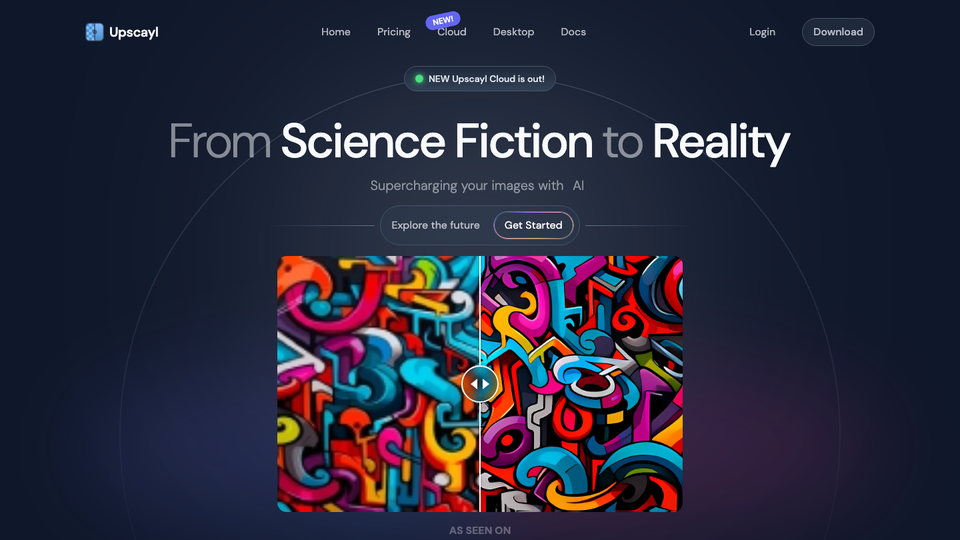
Upscayl is the best free pick because it has no catch. You install it, drop in an image and pick a model, and it upscales up to 16x on your own computer. There is no account, no watermark, no credit limit and nothing is uploaded. Batch mode handles whole folders.
It uses Real-ESRGAN style models, which are faithful rather than creative. Results are clean on landscapes, screenshots and illustrations. Faces can look a little smooth or plastic. The desktop app's last big release was in December 2024, so it is stable rather than fast-moving.
If your computer is too slow, Upscayl Cloud gives 10 trial credits after signup, then Pro costs $24.99 a month for 300 credits with outputs up to 256MP. Download only from upscayl.org or GitHub. A look-alike site at a different domain is not the official project.
Who it suits: hobbyists, privacy-minded users, and anyone with a gaming PC or Apple Silicon Mac who wants unlimited free upscaling.
- Replaces
- Paid desktop upscalers for everyday jobs
- Runs on
- Windows 10+, macOS 12+, Linux; needs a Vulkan-capable GPU
- Licence
- AGPL-3.0 open source; your images are yours to use commercially
- Skip if
- Your laptop has weak integrated graphics
- Price
- Free; Upscayl Cloud Pro $24.99/month
Topaz Gigapixel
- Android
- iPhone and iPad
Screenshot: topazlabs.com
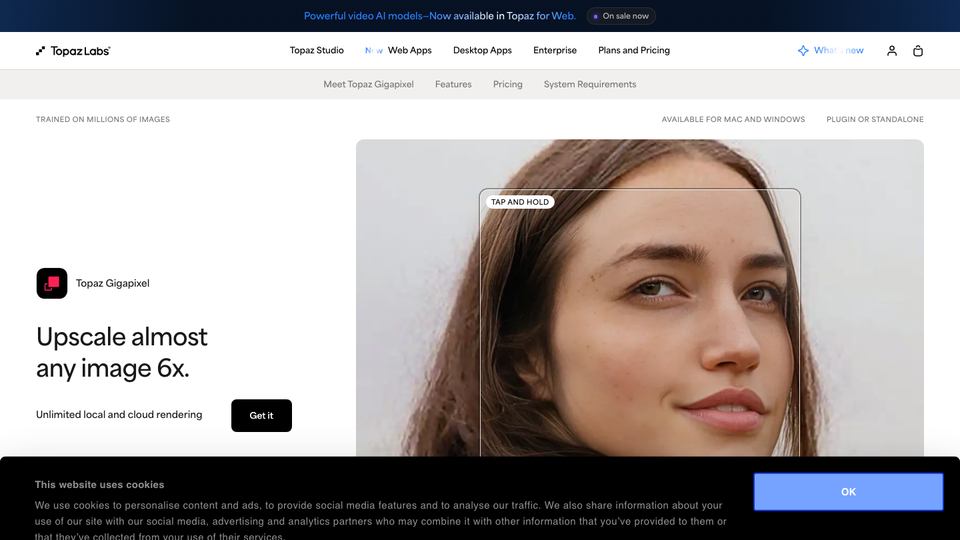
Topaz Gigapixel is the tool photographers reach for when the upscale has to look like the original photo, just bigger. It renders on your own machine, handles faces and fine textures well, and does not hallucinate new objects. Adobe even licenses a Topaz model inside Photoshop and Lightroom.
There is no free tier you can use. The trial unlocks every feature but blocks export. Topaz now sells subscriptions only. Gigapixel costs $149 a year paid upfront, $19 a month on a yearly plan, or $29 month-to-month, with unlimited local rendering. Gigapixel Pro adds extra pro models and drops the revenue cap on commercial use, for $499 a year. If you also want denoise and sharpen, the Topaz Photo plan is $199 a year.
Who it suits: photographers, print shops and anyone upscaling real photos who can justify a yearly fee.
- Replaces
- Photoshop upscaling and older Gigapixel perpetual licenses
- Runs on
- Windows, Mac, web; Topaz for Mobile on Android and iPhone
- Licence
- Standard plans allow limited commercial use for organizations under $1M a year in revenue; Pro ($499/year) allows full commercial use
- Skip if
- You need a free export
- Price
- $149/year upfront, $19/month on a yearly plan, or $29 month-to-month
Let's Enhance
Let's Enhance (now part of Claid.ai) is built for very large outputs. Paid plans go up to 256MP on Starter, 350MP on Pro and 512MP on Max, which is enough for a billboard-sized print. It also has presets for product photos and batch processing for online stores.
The free tier is a teaser. You get 10 credits once, not every month. Free results are watermarked and capped at 8MP, though you can upload images up to 24MP. Paid credits roll over up to six times your monthly amount, which helps if your workload is uneven.
Who it suits: print shops, Etsy and Shopify sellers, and anyone who needs poster-sized files without installing software.
- Replaces
- Desktop upscalers for batch print jobs
- Runs on
- Any modern browser
- Licence
- Free: 10 one-time credits, watermarked output capped at 8MP; commercial use on free not stated
- Skip if
- You only need a few free, clean exports
- Price
- Starter $9/month yearly ($12 monthly); Pro $24/month yearly; Max $34/month yearly
Adobe Photoshop Generative Upscale
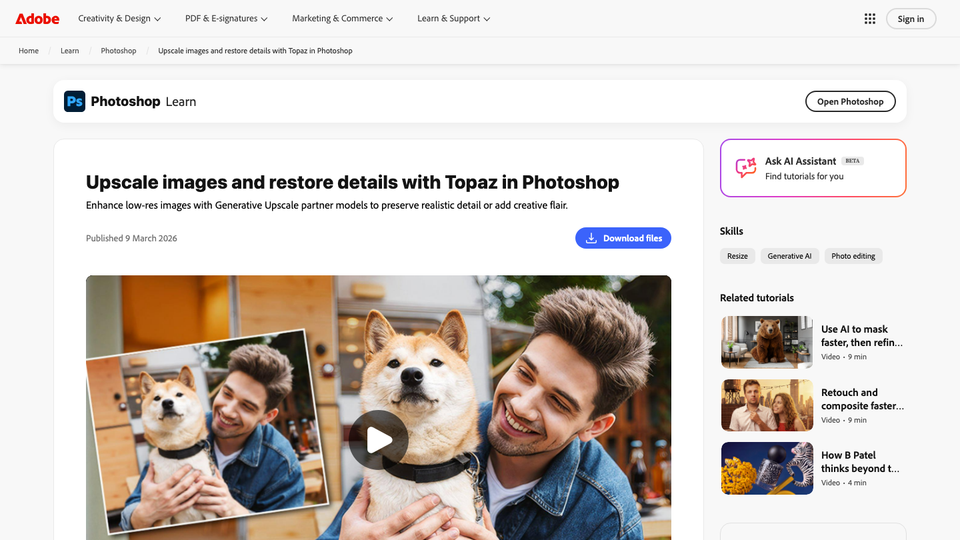
Screenshot: adobe.com
If you already pay for Photoshop or Lightroom, try Generative Upscale before buying anything else. It upscales 2x or 4x and lets you choose between two models. The Firefly upscaler goes up to 6144 x 6144 pixels. The Topaz Gigapixel model goes up to 56MP but needs a premium plan.
Each upscale costs generative credits. Adobe's help pages list 10 credits for a Topaz model upscale up to 25MP and 20 credits for 25 to 56MP. That is the catch on the standalone Photoshop plan: 25 credits a month is only a few upscales. The Photography plan (Photoshop plus Lightroom, $19.99 a month) includes 1,000 credits, which is far better value. Lightroom also keeps its older Super Resolution feature, which doubles the size without credits.
Who it suits: photographers and designers already inside Creative Cloud.
- Replaces
- A separate upscaler subscription
- Runs on
- Windows, Mac, Photoshop on the web
- Licence
- Paid plans only, 7-day free trial; commercial use allowed
- Skip if
- You do not already edit in Photoshop or Lightroom
- Price
- Photoshop $22.99/month (25 credits); Photography plan $19.99/month (1,000 credits)
Krea Enhancer
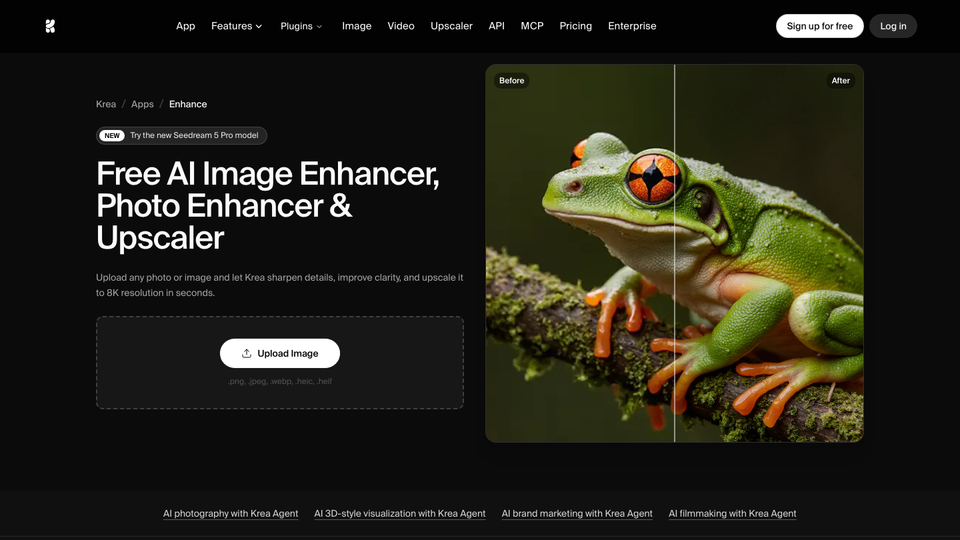
Screenshot: krea.ai
Krea is an all-in-one AI image and video studio, and its Enhancer is one of the better free browser upscalers. The enhancer page says you can start with no sign-up and no card. Free accounts get 100 compute units a day, and Krea's pricing page says a commercial license is included even on the free plan.
Free upscaling is limited to basic models and 2K output. Pro ($21 a month billed yearly) raises that to 22K, adds a Topaz model, and includes video upscaling. Compute-unit pricing makes it hard to predict how many images a month you will get, so start on free and watch the meter.
Who it suits: AI artists and creators who want both faithful and creative upscaling in one place.
- Replaces
- Magnific and other creative upscalers
- Runs on
- Any modern browser
- Licence
- Free: 100 compute units a day, basic upscaling to 2K, commercial license included
- Skip if
- You need large free outputs
- Price
- Free; Pro $21/month yearly or $35 monthly
Magnific
Screenshot: magnific.com
Magnific made "creative upscaling" popular. Instead of only sharpening, it imagines fine texture, so a soft 1024px AI image comes back with skin, fabric and foliage detail that looks hand-painted. Sliders control how much it invents.
That is also its weakness. It changes faces and small text, so it is the wrong tool for old family photos or anything that has to stay true. Magnific is now part of Freepik, the site moved from magnific.ai to magnific.com, and plans are being reshuffled. The official page shows Premium, Premium+ and Pro Starter tiers, all with a commercial AI license and a 30-day refund guarantee, with prices that change by country, so check the price shown to you at checkout.
Who it suits: AI artists, concept artists and designers polishing generated images.
- Replaces
- Manual detail painting on AI art
- Runs on
- Any modern browser
- Licence
- No free plan confirmed; every paid plan includes a commercial AI license
- Skip if
- You need a faithful restoration of a real photo
- Price
- Paid plans (Premium, Premium+, Pro Starter); prices vary by region
Remini
- Android
- iPhone and iPad
Screenshot: remini.ai
Remini is the most popular phone app for fixing blurry or old portraits, with over 500 million installs on Google Play. It is very good at faces: it sharpens eyes, hair and skin from tiny or damaged photos. The web image enlarger goes up to 2x, with a maximum of 4096 x 4096 pixels.
The free version runs on ads and has daily limits. Remini does not publish a pricing page. On the US App Store, Pro is listed at $9.99 a week, which adds up fast, so check the billing period before you tap subscribe. Restored faces can also look smoothed or subtly different from the real person.
Who it suits: casual phone users restoring family photos.
- Replaces
- Manual retouching of old portraits
- Runs on
- Web, Android, iPhone
- Licence
- Free use with ads and daily limits; commercial use not stated
- Skip if
- You hate weekly billing or want faces left untouched
- Price
- Pro $9.99/week or $9.99/month on iPhone; Lite from $4.99/week
Picsart AI Enhance
- Android
- iPhone and iPad
Screenshot: picsart.com
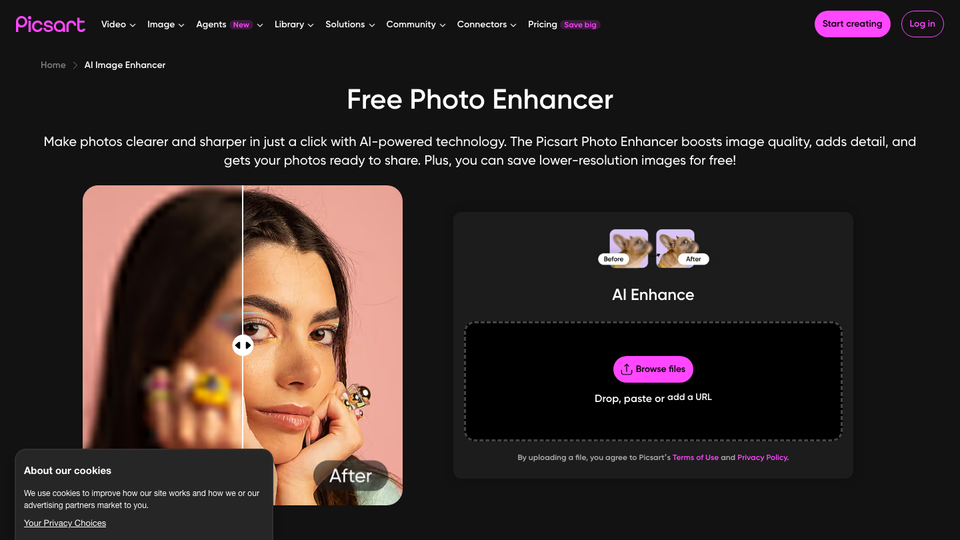
Picsart's AI Enhance is a one-tap fix inside a full editor, so you can enhance a photo and then crop, add text or remove the background without switching apps. It runs in the browser and on phones.
You can enhance for free with an account, but Picsart says free users save lower-resolution images. HD export needs Pro, about $15 a month or $10.50 a month billed yearly in the US. Expect frequent upgrade prompts in the app.
Who it suits: social media creators who edit on their phone.
- Replaces
- Separate enhancer apps for social posts
- Runs on
- Web, Android, iPhone, Windows, Mac
- Licence
- Free enhancing with an account; free saves are lower resolution
- Skip if
- You need full-resolution free saves
- Price
- Free; Pro about $15/month or $10.50/month yearly
Canva Upscale
Screenshot: canva.com
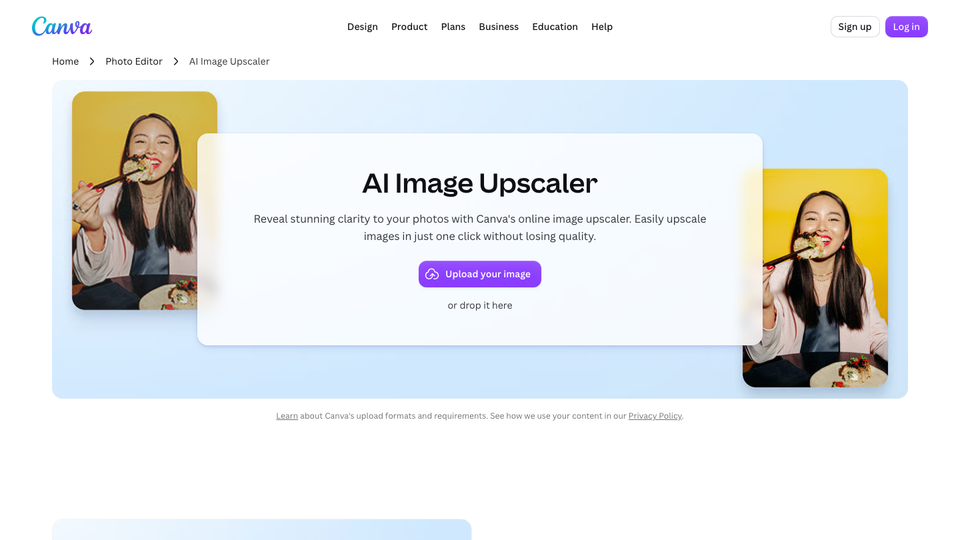
Canva's Upscale tool is available on Canva Free as well as paid plans, according to its help center. On Canva Free each upscale uses your AI allowance; paid plans do not draw from it. Select an image in your design and Canva picks 4x or 16x on its own, with output up to 50MP. Input images can be from 10 x 10 pixels up to 25MP.
The limits: you cannot choose the scale factor or the model, and each image can only be upscaled once. For a social graphic or a slide that is fine. For a print job or a portrait restoration, use a dedicated tool. If you are weighing Canva itself, see our free Canva alternatives.
Who it suits: marketers and anyone who already designs in Canva.
- Replaces
- A separate upscaler for design work
- Runs on
- Web, Windows, Mac, Android, iPhone
- Licence
- Free with a Canva account; Canva's content license applies
- Skip if
- You want to choose the scale or model
- Price
- Included in Canva Free and Pro
VanceAI
Screenshot: vanceai.com
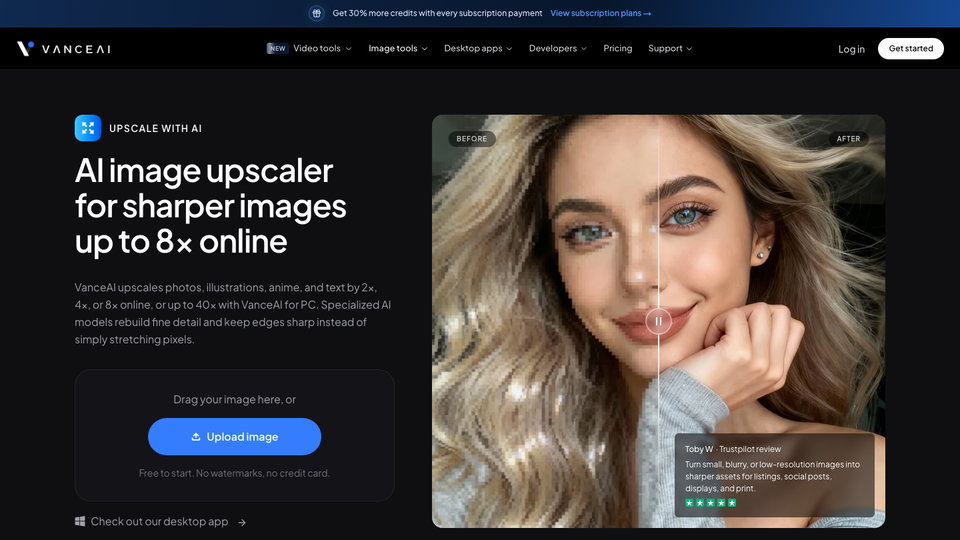
VanceAI is the budget pick. Web credits start at $15 a month for 260 credits and go up to $75 for 2,600, with 25% off yearly. More interesting is the VanceAI PC desktop app: $129.90 for a lifetime license (on sale from $199.90), with unlimited local processing on Windows.
The free tier is only 10 trial credits, and VanceAI's pricing page says paid plans have no watermark, which suggests free exports may. There is a 7-day money-back guarantee. Quality is good for the price, but a step behind Topaz on hard photos.
Who it suits: budget batch users who would rather pay once. For more pay-once tools, see our buy once software and lifetime deals worth buying guides.
- Replaces
- Monthly upscaler subscriptions
- Runs on
- Web, Windows
- Licence
- 10 free trial credits; paid outputs have no watermark and no commercial restriction
- Skip if
- You need Topaz-level quality
- Price
- Web from $15/month (260 credits); PC app $99.90/year or $129.90 lifetime
Also worth a look
- Fotor AI Photo Enhancer is an easy all-round editor that enhances up to 50 images in a batch with 2x or 4x upscaling. Its free credits are limited, and its own pages disagree on whether free exports are watermarked, so test one first.
- imgupscaler.com gives 50 free credits a month with ads and no account. Its pricing page says personal and commercial use is allowed on every plan. Premium is $9.90 a month.
Which AI photo enhancer should you use?
- Free and unlimited: Upscayl, if your computer has a decent graphics card.
- Free with no install: Krea (2K cap, commercial license) or Canva (if you already use it).
- Real photos for print: Topaz Gigapixel, or Let's Enhance if you need 100MP and up.
- Old family portraits: Remini on your phone, or Topaz for more faithful faces.
- AI art and concept images: Magnific or Krea's creative upscaler.
- Already in Creative Cloud: Photoshop or Lightroom Generative Upscale, ideally on the Photography plan for its 1,000 credits.
Start with Upscayl. It is free, private, has no watermark and no limits, and it is good enough for most screenshots, wallpapers and photos. If the result looks too smooth on faces or you need a guaranteed print-quality file, step up to Topaz Gigapixel. Use creative upscalers like Magnific only when you want new detail added on purpose.
More free AI tools: our AI video generators roundup and AI logo makers guide. If you need to find a font from an upscaled image, see how to find a font from an image.
FAQs
What is the best free AI photo enhancer?
Upscayl is the best free option if you can install software. It is open source, runs on Windows, Mac and Linux, and has no watermark, account or limit. For a free browser tool, Krea gives 100 units a day with a commercial license, but free upscales stop at 2K.
Do free AI image upscalers add a watermark?
Some do. Let's Enhance watermarks its 10 free credits and caps them at 8MP. Upscayl never adds a watermark. Remini limits free exports. Krea, Canva and Picsart do not state a watermark either way on their official pages, so test one export before you rely on it.
Can I use upscaled images commercially?
It depends on the tool and the plan. Upscayl and Krea (even free) allow it. Topaz standard plans allow it only for organizations under $1 million in yearly revenue. Let's Enhance and Remini do not say for free users. You also need the rights to the original photo: upscaling does not change who owns it.
What is the difference between enhancing and upscaling a photo?
Enhancing fixes light, color, noise or blur at the same size. Upscaling adds pixels to make the image bigger, usually 2x, 4x or more. Most AI tools do both at once, but a free "enhancer" like Adobe Express does not increase resolution.
Can AI really restore old or blurry photos?
It can rebuild a lot of detail, especially faces, but it is guessing. Tools like Remini and Magnific may change how a face looks. For family photos, compare the result with the original and keep the original file.
Is Topaz Gigapixel still a one-time purchase?
No. Topaz Labs now sells Gigapixel as a subscription: $149 a year upfront, $19 a month on a yearly plan, or $29 month-to-month. Older perpetual licenses are no longer listed on its pricing page.

Amit loves new tech and apps that make life easier, he writes about apps, games and useful websites on TheTechBasket.