On this page
- Find your problem
- Email not arriving
- Emails stopped
- Missing images
- Mail shown but not delivered
- Address not eligible
- Identity verification failed
- App not showing mail
- When to contact USPS
- FAQs
- Why did I not get an Informed Delivery email today?
- How long does Informed Delivery take to start working?
- Why are some of my letters missing from Informed Delivery?
- Why does Informed Delivery say my address is not eligible?
- Why did my Informed Delivery stop after I updated my account?
- How long does Informed Delivery keep mail images?
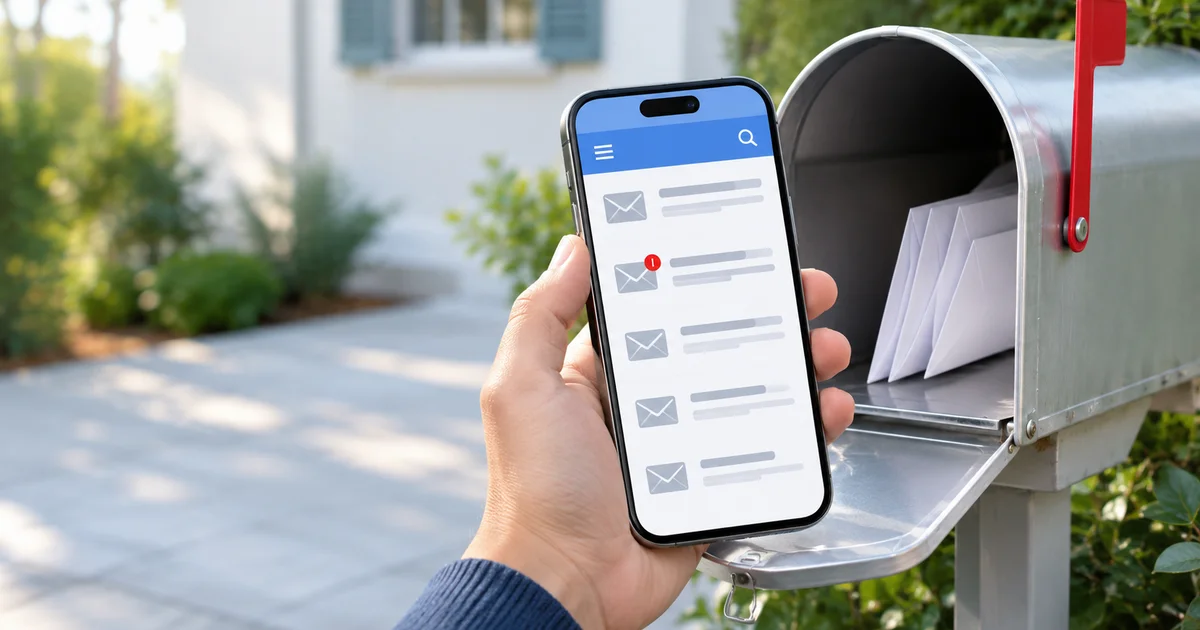
USPS Informed Delivery sends a daily email with scans of the letters arriving in your mailbox, plus status updates for your packages. When it stops working, the cause is almost always one of five things: the account is still activating, the email is filtered, the mailpiece was never scanned, the address cannot be enrolled, or the account was opted out after a profile change. This guide covers each one, in the order to check them.
Find your problem
| What you see | Most likely cause | Go to |
|---|---|---|
| No emails since you signed up | Account still activating, or email filtered | Email not arriving |
| Emails stopped after working for months | Profile change opted you out, or spam filter | Emails stopped |
| Email arrived but a letter has no picture | Mailpiece not machine-scanned | Missing images |
| Image shown, letter never arrived | Delivery delay or missing mail | Mail shown but not delivered |
| "Address not eligible" at sign-up | Address not uniquely coded | Address not eligible |
| Identity check failed | Online verification could not match you | Identity verification failed |
| App shows nothing, website works | App session or app data issue | App not showing mail |
Email not arriving
- Wait out activation. USPS says notifications should start within 3 business days of sign-up. In rare cases activation takes up to 7 days.
- Check spam, junk and deleted folders. The digest is image-heavy and often lands in spam. In Gmail, also check the Promotions and Updates tabs.
- Add the sender to your contacts:
[email protected]. This tells your mail provider the message is wanted. Our guide to blocking spam emails in Gmail shows where filters live if one is catching it. - Confirm the digest is switched on. Sign in to the Informed Delivery dashboard on usps.com, open Settings, and check that the daily digest email is enabled and the email address is correct.
- Know when it is sent. The digest goes out once a day, usually before 9:00 a.m. local time, Monday to Saturday. No email is sent on Sundays, federal holidays, or days when no scanned mail is coming to you. A missing email on those days is normal.
Emails stopped
If Informed Delivery worked and then went quiet, check your USPS.com profile first. USPS opts you out of Informed Delivery when you change the name, email or address on your USPS.com account profile. Sign in, open Informed Delivery, and enroll again if the dashboard asks you to sign up.
If you are still enrolled, go back through the spam checks above. A mail provider can start filtering a sender that it allowed before.
Missing images
An email that arrives with some letters but not others is usually working as designed.
- Only machine-scanned mail gets a picture. USPS images letter-size mail that runs through its automated sorting equipment. Catalogs and magazines are usually not imaged, and USPS does not provide images of large flat envelopes to consumers.
- Packages are not photographed. They appear as tracking status updates in the email and dashboard, not as images.
- Equipment gaps. If the sorting machine that handles your mail is moved or down for maintenance, that day's images can be missing.
- Old images expire. The dashboard keeps mail images for 7 days, and package details for 15 days after delivery. Anything older is gone.
Mail shown but not delivered
The image means the letter was scanned at a sorting plant, not that it is in your mailbox. Mail in the digest does not always arrive the same day.
- In the app or dashboard, open the Mail tab and scroll to the next days to see if the piece is listed again.
- Wait. USPS asks you to allow several days, up to one week, after the notification before reporting a mailpiece or package as missing.
- If it still has not arrived, report it from the Informed Delivery dashboard, or file a missing mail search on usps.com.
If you share a mailbox with others at your address, you see images of their mail too. There is no way to split one household mailbox into separate feeds.
Address not eligible
This message almost always means your address is not uniquely coded in USPS records. It is common in apartment buildings and condos, where the building has one address code instead of one per unit. Until USPS finishes coding your unit, Informed Delivery cannot be offered there.
What you can do:
- Check that you typed the unit number exactly as it appears on your mail (for example "Apt 4B", not "#4B").
- Ask your local Post Office whether your building's units are coded and when that might change.
- You can still create a USPS.com account and use other features like package tracking in the meantime.
Business addresses and PO Boxes need a USPS.com business account to enroll. Sign-up through a personal account will not accept them.
Identity verification failed
Informed Delivery has to confirm that you live at the address. If the online questions fail:
- Choose Request a Code by Mail. USPS mails a code to the address, and you enter it online to finish.
- Or choose Verify at a Post Office and bring a photo ID. This option is not offered if the nearest Post Office is more than 50 miles from the address.
- If you skip both options right after the failure, you have to wait 72 hours before trying online verification again.
App not showing mail
- In the Informed Delivery app, open the Mail tab and scroll down to check other days.
- Log out (More, then Logout) and sign back in.
- If that does not help, uninstall and reinstall the app.
- Check the same day on the usps.com dashboard. USPS notes that a package shown in the digest email or dashboard sometimes does not show in the mobile app.
If you signed up through a change of address or with help from a USPS employee, you may not be able to sign in to the dashboard yet. Use the one-time link from your original sign-up email to finish registration. If that link expired, create a new USPS.com account and enroll again.
When to contact USPS
If you have done every check above and still get nothing after 7 days, contact USPS through the Informed Delivery inquiry form on usps.com. Include your address, the date you signed up, and what you see (no email, missing images, or an error message).
FAQs
Why did I not get an Informed Delivery email today?
No digest is sent on Sundays, federal holidays, or days when no scanned mail is headed to you. On normal mail days, check spam and confirm the digest is enabled in Settings.
How long does Informed Delivery take to start working?
Usually up to 3 business days after sign-up. In rare cases it takes up to 7 days for activation to finish.
Why are some of my letters missing from Informed Delivery?
Only letter-size mail that runs through USPS automated sorting gets an image. Catalogs, magazines and most large envelopes are not imaged, and packages show as status updates instead of pictures.
Why does Informed Delivery say my address is not eligible?
Your unit is not uniquely coded in USPS records, which is common in apartments and condos. USPS cannot enroll the address until the coding is complete. Ask your local Post Office about it.
Why did my Informed Delivery stop after I updated my account?
Changing your name, email or address on your USPS.com profile opts you out of Informed Delivery. Sign in and enroll again.
How long does Informed Delivery keep mail images?
Mail images stay on the dashboard for 7 days. Package details stay for 15 days after delivery.

Amit loves new tech and apps that make life easier, he writes about apps, games and useful websites on TheTechBasket.