On this page
- All 6 AI PDF summarizers at a glance
- The best free AI PDF summarizers
- Gemini Notebook: Best Free AI PDF Summarizer Overall
- Gemini: Best Free AI for Quick PDF Summaries
- Claude: Best AI for Very Long PDFs
- ChatGPT: Best for People Who Already Use It Daily
- Adobe Acrobat AI Assistant: Best Paid AI Inside a PDF App
- ChatPDF: Best AI PDF Chat Without Signing Up
- How to get a useful summary from any of these tools
- Which one should you use?
The best free AI PDF summarizer for most people is Gemini Notebook (formerly NotebookLM): it is free, takes up to 50 sources per notebook, and every answer links to the exact passage in your PDF. If you already pay for an AI assistant, Claude handles the longest PDFs (up to 1,000 pages per file), and Adobe Acrobat Studio is the paid pick if your PDFs live in Acrobat anyway.
All six tools below can summarize a PDF and answer follow-up questions about it. They differ on how much the free plan allows, how long a PDF can be, and what the company does with the file you upload. That last point matters more than most people think: a contract, a medical report or a client file should not go into a tool that may use it to train AI.
All 6 AI PDF summarizers at a glance
Search by tool, limit or platform. Tap a name to jump to its full entry.
| Tool | Free plan | File and page limits | Paid price (US) | Used to train AI? | Platforms |
|---|---|---|---|---|---|
| Gemini Notebook | Yes, usage refreshes every 5 hours up to a weekly cap | 50 sources per notebook, 500,000 words or 200MB each | Higher limits with Google AI Plus ($4.99 a month) and up | Not for school and work accounts; feedback on personal accounts can be reviewed | Web, Android, iPhone |
| Gemini | Yes, rolling usage limits | 10 files per prompt, 100MB each | Google AI Plus $4.99, AI Pro $19.99 a month | Yes while Keep Activity is on | Web, Android, iPhone |
| Claude | Yes, session limit resets every 5 hours | 20 files per chat, up to 1,000 pages per PDF | Pro $20 a month, or $17 a month yearly | Only if you turn on Model Improvement | Web, Windows, Mac, Android, iPhone |
| ChatGPT | Yes, 3 uploads a day | 512MB per file | Go $8, Plus $20 a month | Yes unless you turn off "Improve the model for everyone" | Web, Windows, Mac, Android, iPhone |
| Adobe Acrobat AI Assistant | Reader users can sign in to try it | Not published on the pricing page | Included in Acrobat Studio, $24.99 a month (annual) | No, per Adobe | Windows, Mac, web, Android, iPhone |
| ChatPDF | 2 documents a day, no account needed | Not published on its site | Plus, price shown at sign-up | Not stated | Web, desktop app |
The best free AI PDF summarizers
1. Gemini Notebook: Best Free AI PDF Summarizer Overall
- Android
- iPhone and iPad
Formerly NotebookLM
Gemini Notebook is Google's research notebook, the tool previously called NotebookLM. You add PDFs, websites, YouTube videos or pasted text as sources, and it answers only from those sources, with numbered citations that jump to the exact passage.
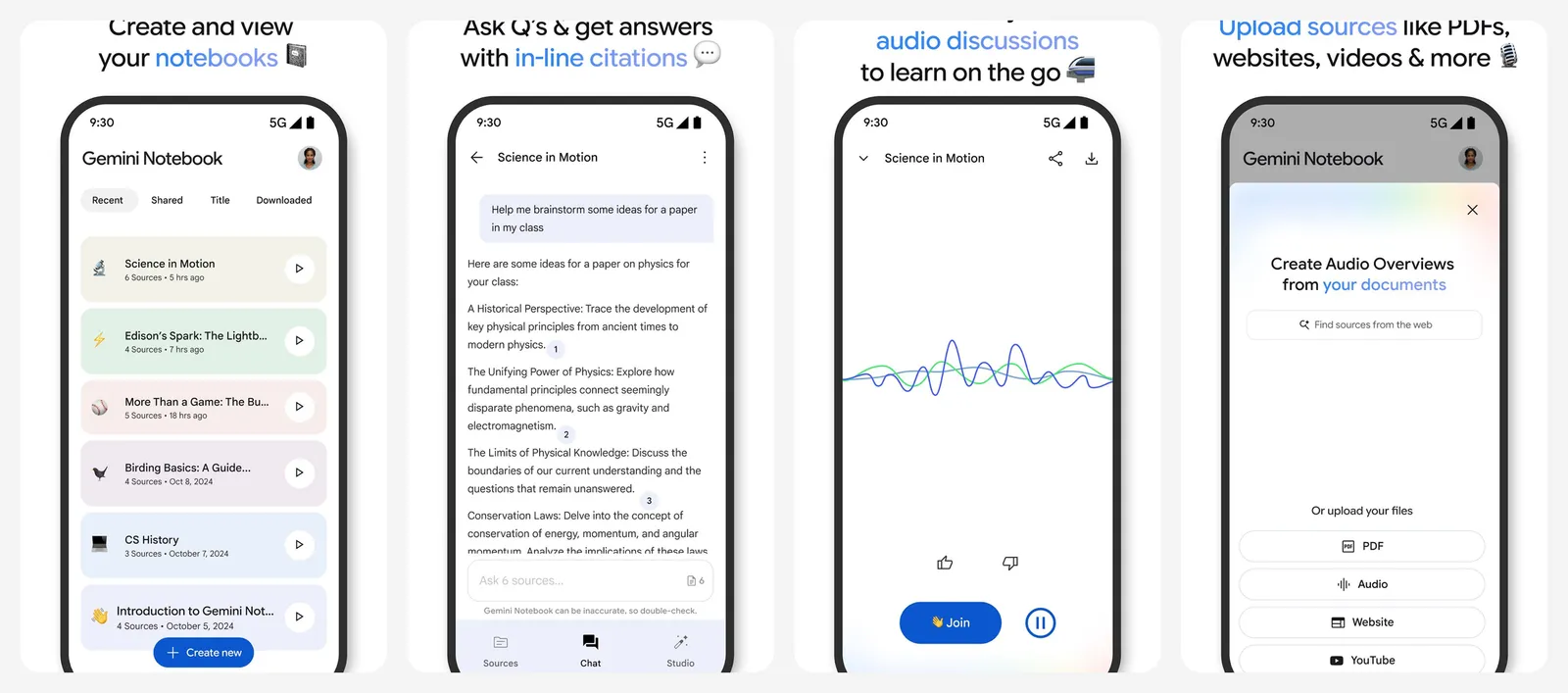
That makes it the best free tool for PDFs you need to trust: a summary is only useful if you can check where each point came from.
- Free limits: 100 notebooks, 50 sources per notebook, and up to 500,000 words or 200MB per uploaded source. Google says there is no page limit.
- Usage: since September 2026, chats and generated outputs use compute-based limits. Your allowance refreshes every 5 hours, up to a weekly limit you can see under Settings, then Usage.
- Paid: Google AI Plus doubles the standard limits and raises the cap to 100 sources per notebook; AI Pro gives four times the limits and 300 sources.
- Extras: it can turn a PDF into a podcast-style Audio Overview, a study guide, flashcards or a quiz.
- Privacy: Google says uploads, questions and answers from school and work accounts are never reviewed by people or used to train AI models. On a personal account, anything you send with thumbs up or thumbs down feedback can be read by trained reviewers, so skip the feedback buttons on private files.
- Replaces
- Reading a long report end to end
- Runs on
- Web, Android, iPhone
- Licence
- Free Standard plan with compute-based usage limits
- Skip if
- You want a quick answer without setting up a notebook
- Price
- Free, higher limits with Google AI plans
2. Gemini: Best Free AI for Quick PDF Summaries
- Android
- iPhone and iPad
10 files per prompt
Gemini is Google's general AI assistant. Attach a PDF, ask "summarize this in 10 bullet points", then keep asking questions in the same chat.
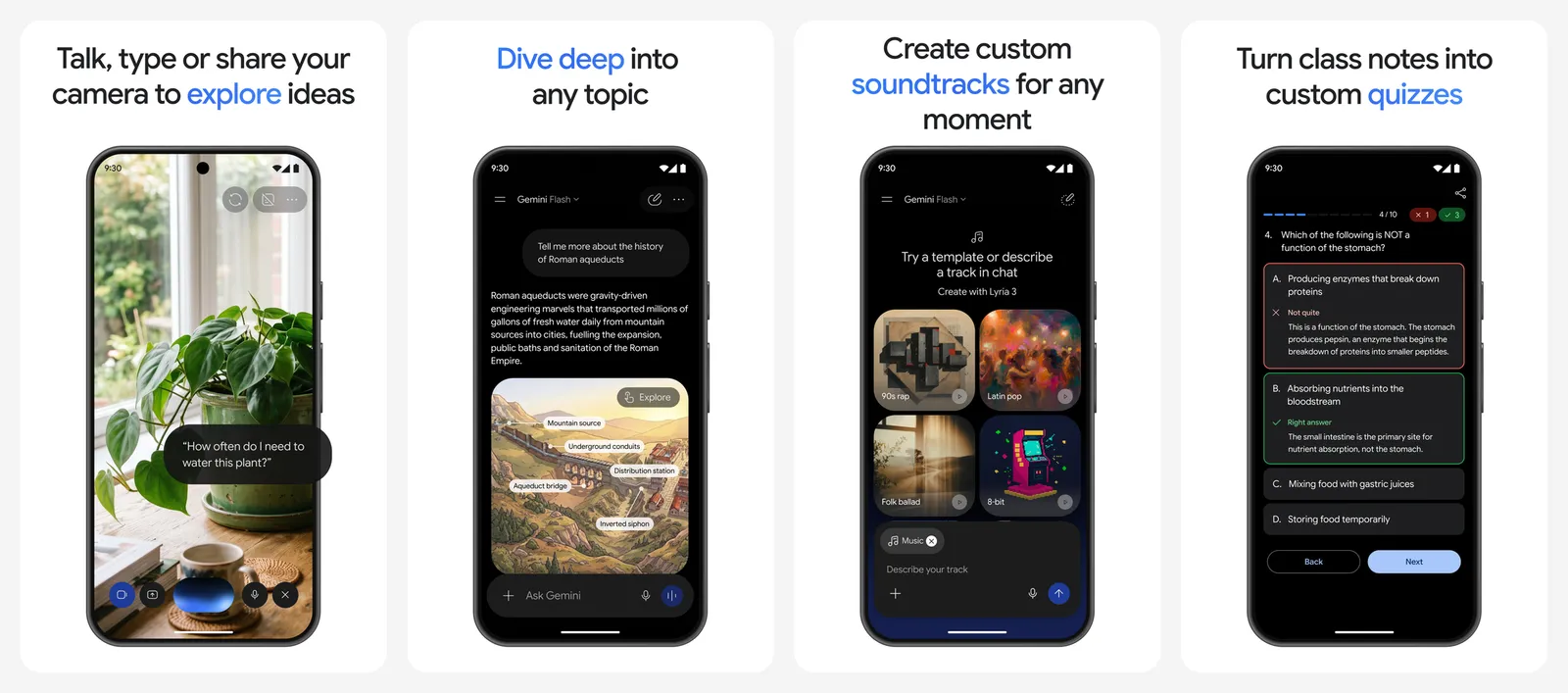
Use it when you want an answer in one step. Gemini Notebook is better when you will come back to the same documents.
- Free limits: up to 10 files per prompt and 100MB per file (video files can be up to 2GB). Upload limits are rolling and reset over time.
- Long PDFs: Google says AI Pro and Ultra get a 1 million token context window, which holds about 1,500 pages of text. The free plan's window is smaller, and Google does not state its size.
- Paid: AI Plus is $4.99 a month and AI Pro is $19.99 a month in the US.
- Privacy: while the Keep Activity setting is on, Google uses your chats, including uploaded files, to improve its AI, and some are read by human reviewers. Turn Keep Activity off or use a temporary chat before uploading anything personal.
- Replaces
- Skimming a PDF for the main points
- Runs on
- Web, Android, iPhone
- Licence
- Free plan with rolling usage limits
- Skip if
- You need every answer linked to a page
- Price
- Free, Google AI Plus $4.99 a month, AI Pro $19.99 a month
3. Claude: Best AI for Very Long PDFs
- Android
- iPhone and iPad
Up to 1,000 pages per PDF
Claude, from Anthropic, is strong at long documents and careful summaries. It is the tool to try when other chatbots say a PDF is too long.
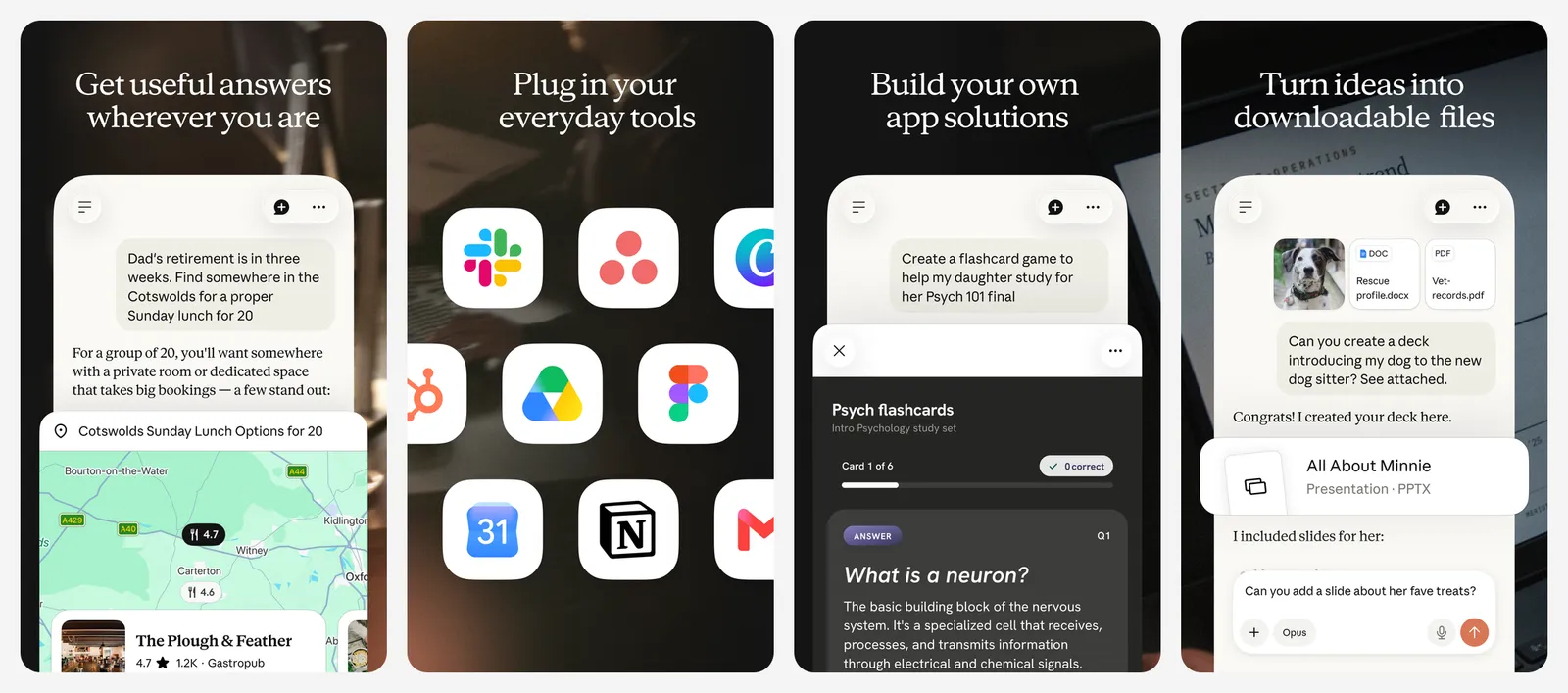
- File limits: up to 20 files per chat, and PDFs up to 1,000 pages. For PDFs of 100 pages or fewer, Claude reads charts, tables and images too; for 101 to 1,000 pages it reads the text only.
- Free plan: there is no fixed message count. Usage is measured in a session that resets every 5 hours, and big files use it up faster.
- Paid: Pro costs $20 a month, or $17 a month billed yearly ($200 up front).
- Privacy: Anthropic says chats are used to train its models only if you turn on the Model Improvement setting (or a chat is flagged for a safety review). Incognito chats are never used for training.
- Replaces
- Reading a 300-page report or a book-length PDF
- Runs on
- Web, Windows, Mac, Android, iPhone
- Licence
- Free plan with a session limit that resets every 5 hours
- Skip if
- You upload large files many times a day on the free plan
- Price
- Free, Pro $20 a month ($17 a month billed yearly)
4. ChatGPT: Best for People Who Already Use It Daily
- Android
- iPhone and iPad
3 free uploads a day
ChatGPT summarizes PDFs well and is the AI tool most people already have installed. The free plan is the tightest on this list for files, though.
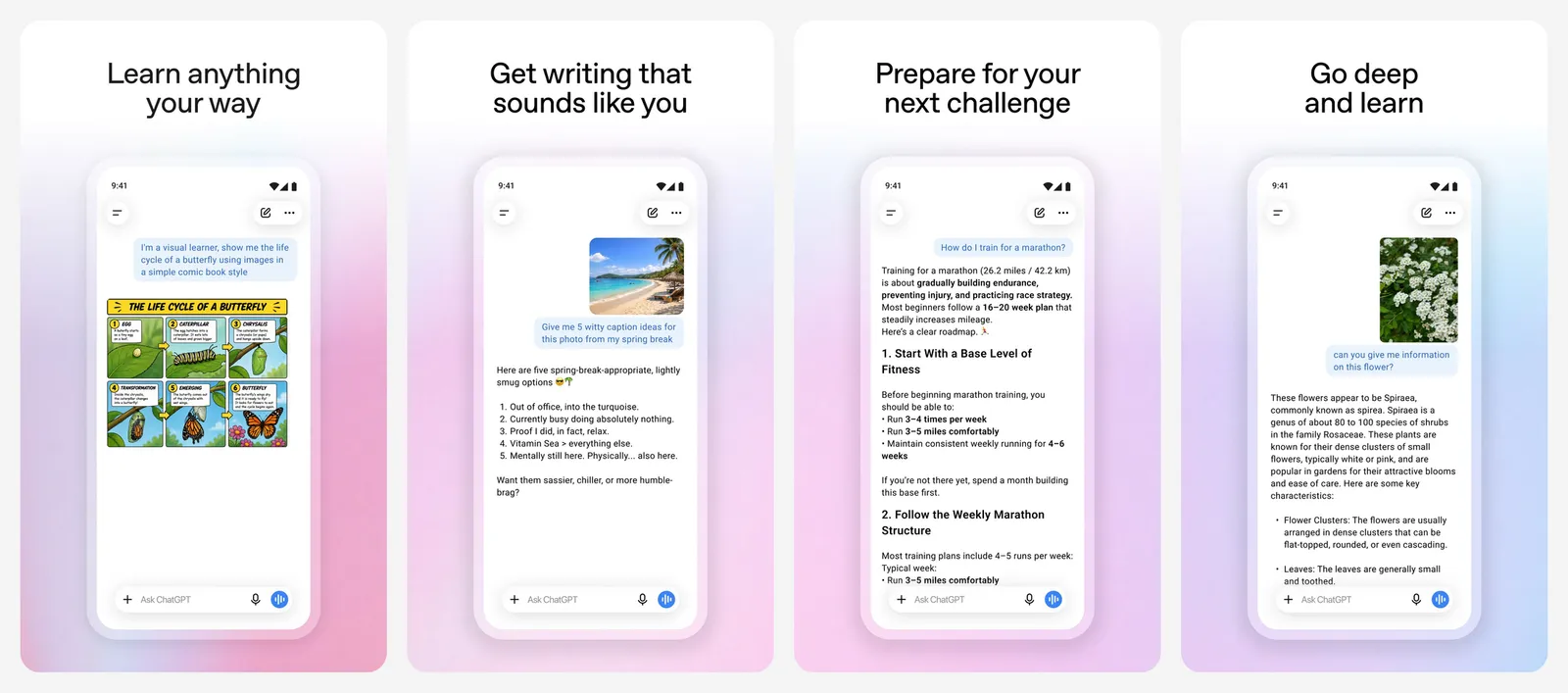
- Free limits: OpenAI's file uploads FAQ lists 3 uploads a day for free users, and says it may lower limits at busy times. Files can be up to 512MB, and text documents are capped at 2 million tokens per file.
- Paid: Go (launched at $8 a month in the US) raises the upload, image and voice limits. Plus is $20 a month.
- Ads: OpenAI is rolling out ads to Free and Go users in several countries, including the US and UK.
- Privacy: for personal accounts, OpenAI may use your chats to train its models unless you turn off "Improve the model for everyone" under Settings, then Data controls. Temporary Chats are not used for training.
For more chatbots that read files, see our list of free ChatGPT alternatives.
- Replaces
- Copying PDF text into a chat by hand
- Runs on
- Web, Windows, Mac, Android, iPhone
- Licence
- Free plan with ads in some countries
- Skip if
- You summarize more than a few PDFs a day for free
- Price
- Free, Go $8 a month, Plus $20 a month
5. Adobe Acrobat AI Assistant: Best Paid AI Inside a PDF App
- Android
- iPhone and iPad
Included in Acrobat Studio
AI Assistant is Adobe's AI chat built into Acrobat and the free Acrobat Reader app. It summarizes the open PDF, answers questions with links back to the text, and can work across several files.
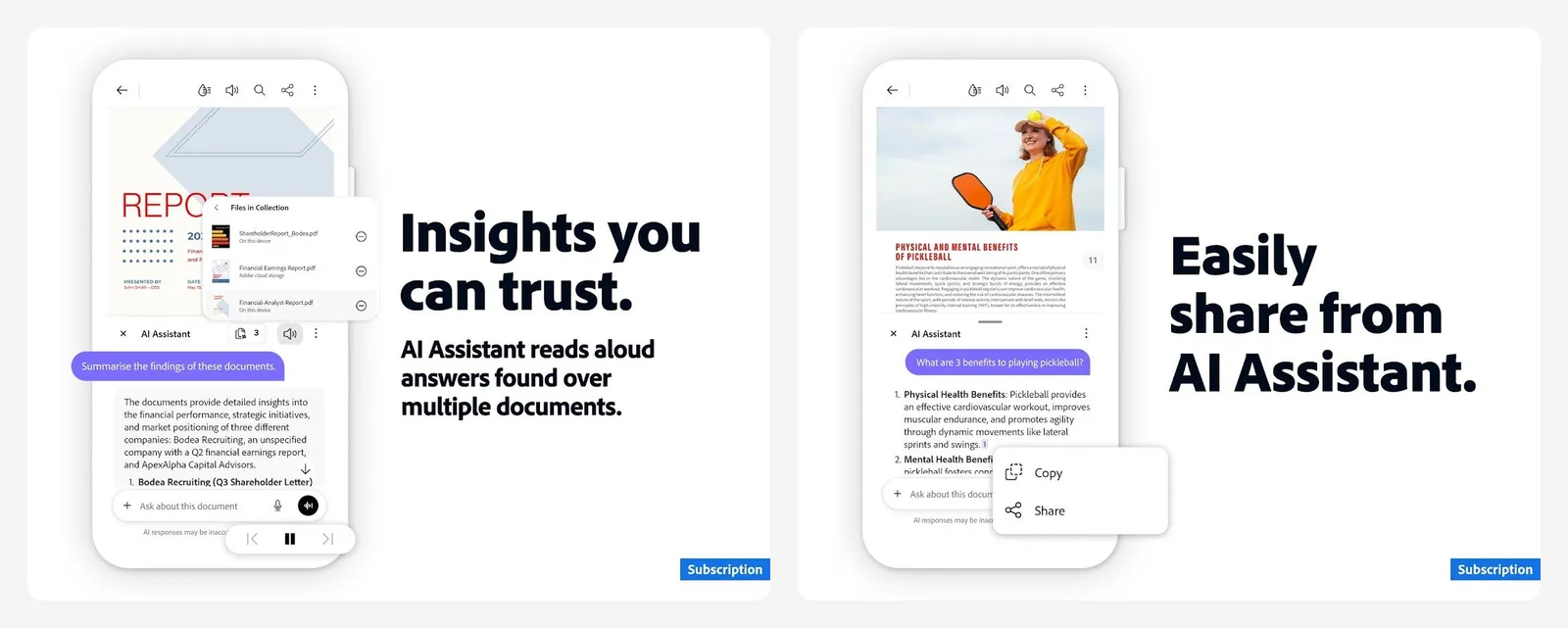
- Free: Acrobat Reader is free for reading, signing and commenting. Adobe says existing Reader users can sign in to try AI Assistant, but it does not publish a free allowance.
- Paid: on Adobe's US pricing page, AI Assistant is included only in Acrobat Studio: $24.99 a month on an annual plan billed monthly, $34.99 month to month, or $299.88 a year prepaid. Acrobat Standard and Pro do not include it. Students and teachers on Acrobat Pro can add it for $1.99 a month.
- Privacy: Adobe says your content is never used to train its AI models. This is the clearest promise of any tool here.
Only need to read, sign or edit PDFs, not summarize them? Our list of free Adobe Acrobat alternatives covers that.
- Replaces
- Switching between a PDF reader and a chatbot
- Runs on
- Windows, Mac, web, Android, iPhone
- Licence
- Paid; Reader users can sign in to try it
- Skip if
- You do not already work in Acrobat
- Price
- Acrobat Studio $24.99 a month (annual, billed monthly) or $34.99 month to month
6. ChatPDF: Best AI PDF Chat Without Signing Up
2 free documents a day
ChatPDF does one job: you drop in a PDF and chat with it. You can start without an account, which makes it handy on a shared or work computer.
- Free: analyze 2 documents a day. A free account adds saved chat history and chats across several documents.
- Paid: Plus offers unlimited document analysis. ChatPDF's site does not show the price before you sign up.
- Privacy: files are encrypted in transit and in storage, private by default, and you can delete them any time. ChatPDF's site does not say whether uploads are used to train AI models.
ChatPDF does not publish its page or file size limits on its own site, so test it with your largest PDF before you rely on it.
- Replaces
- Opening a full chatbot for one PDF
- Runs on
- Any browser, desktop app
- Licence
- Free plan, paid Plus for unlimited documents
- Skip if
- You need a clear statement on AI training
- Price
- Free, Plus price shown at sign-up
How to get a useful summary from any of these tools
A vague prompt gets a vague summary. These prompts work in every tool on this list:
- "Summarize this PDF in 8 bullet points, then list anything I need to act on, with page numbers." Page numbers make the summary easy to check.
- "What does this document say about [topic]? Quote the exact sentence." Quotes stop the AI from paraphrasing a clause into something it does not say.
- "Explain section 4 as if I am new to the subject." Good for research papers and technical manuals.
- "Compare these two PDFs and list every difference in a table." Works best in Gemini Notebook, Gemini and Claude, which take several files at once.
Scanned PDFs (photos of paper pages) work in Gemini, Claude and ChatGPT because they read images too, but very faint or handwritten scans can produce mistakes. Always check numbers, dates and names against the original.
Which one should you use?
- Studying or research from several PDFs: Gemini Notebook.
- One PDF, one quick question: Gemini or ChatPDF.
- A 500-page report or a whole book: Claude.
- You already pay for ChatGPT Plus: ChatGPT; there is no reason to add another tool.
- Your team already pays for Acrobat: Acrobat Studio's AI Assistant, for its no-training promise.
Using AI for school work as well? Our guide to free AI homework helpers covers tools that explain problems step by step.
What is the best free AI to summarize a PDF?
Can ChatGPT summarize a PDF for free?
Which AI can read the longest PDF?
Is NotebookLM still free?
Is Adobe Acrobat AI Assistant free?
Is it safe to upload PDFs to AI tools?

Sumit
ContributorHi, I'm Sumit, Being an introvert I have always been obsessed with technology-computers and reading dozens of posts to learn, find answers out of my curiosity. I love to write as I explore more.