On this page
- Why people leave CCleaner
- Skip registry cleaners
- All 8 CCleaner alternatives at a glance
- The 8 best free CCleaner alternatives
- Storage Sense: Best Built-in CCleaner Replacement
- Microsoft PC Manager: Best All-in-One Free App
- BleachBit: Best Open Source Cleaner
- Bulk Crap Uninstaller: Best Free Uninstaller
- Revo Uninstaller Free: Best for Leftover Scans
- Autoruns: Best Startup Manager
- WizTree: Best Disk Space Analyzer
- PrivaZer: Best Deep Privacy Cleaner
- Which CCleaner alternative should you pick?
- FAQs
The best free CCleaner alternative for most people is already on your PC: Storage Sense in Windows 11 Settings clears temporary files and the Recycle Bin on a schedule. Add Microsoft PC Manager for startup apps and one-click cleanup, or BleachBit if you want a free, open source cleaner that also wipes browser data.
CCleaner did four jobs in one app: junk file cleaning, uninstalling programs, startup control and finding what fills your drive. No single free tool does all four well, so the picks below are sorted by the job they replace. Every one is free for home use.
Why people leave CCleaner
CCleaner is still updated. The official download page lists version 7.13.1591 from November 2, 2026, for Windows 11, 10 and 8.1. People move away from it for three reasons.
- Trust. In August 2017, a compromised build, CCleaner 5.33.6162, shipped with a backdoor added during the build process. It went undetected for four weeks and reached about 2.27 million users, according to Avast, which had bought CCleaner maker Piriform on July 18, 2017. Avast took the attackers' server down on September 15, 2017 and released a fixed version, 5.33.6163. The current site lists Gen Digital Inc as the owner.
- A thinner free tier. CCleaner Free is licensed for home use on one PC. On the official plan table, automatic Smart Cleaning, the Software Updater, Driver Updater and Performance Optimizer are in the paid Professional plans only.
- Upsells. The download page itself promotes the company's CCleaner Browser next to the free download.
Skip registry cleaners
Some cleaners still offer to fix your registry. Do not use that feature, in any app. Microsoft's support policy on registry cleaning utilities says plainly that Microsoft does not support the use of registry cleaners, warns that some free ones contain spyware, adware or viruses, and says it is not responsible for problems they cause. None of the tools in this list are picked for registry cleaning.
All 8 CCleaner alternatives at a glance
| Tool | Junk cleaning | Uninstaller | Startup | Disk analysis | Price | Open source |
|---|---|---|---|---|---|---|
| Storage Sense | Yes | Via Settings | Via Settings | Basic | Included in Windows | No |
| Microsoft PC Manager | Yes | No | Yes | Large files only | Free | No |
| BleachBit | Yes | No | No | No | Free | Yes, GPL-3.0 |
| Bulk Crap Uninstaller | Leftovers only | Yes, in bulk | Yes | No | Free | Yes, Apache-2.0 |
| Revo Uninstaller Free | Yes | Yes | Yes | No | Free, Pro $24.95 | No |
| Autoruns | No | No | Yes, every location | No | Free | No |
| WizTree | No | No | No | Yes | Free for personal use | No |
| PrivaZer | Yes, deep | No | No | No | Free, PRO for donors | No |
The 8 best free CCleaner alternatives
1. Storage Sense: Best Built-in CCleaner Replacement
- microsoft
Already in Windows 10 and 11, nothing to install
Open Start > Settings > System > Storage and turn on Storage Sense. It deletes temporary files and old Recycle Bin items on a schedule, and it can also clear old files in Downloads and make unused OneDrive files online-only.
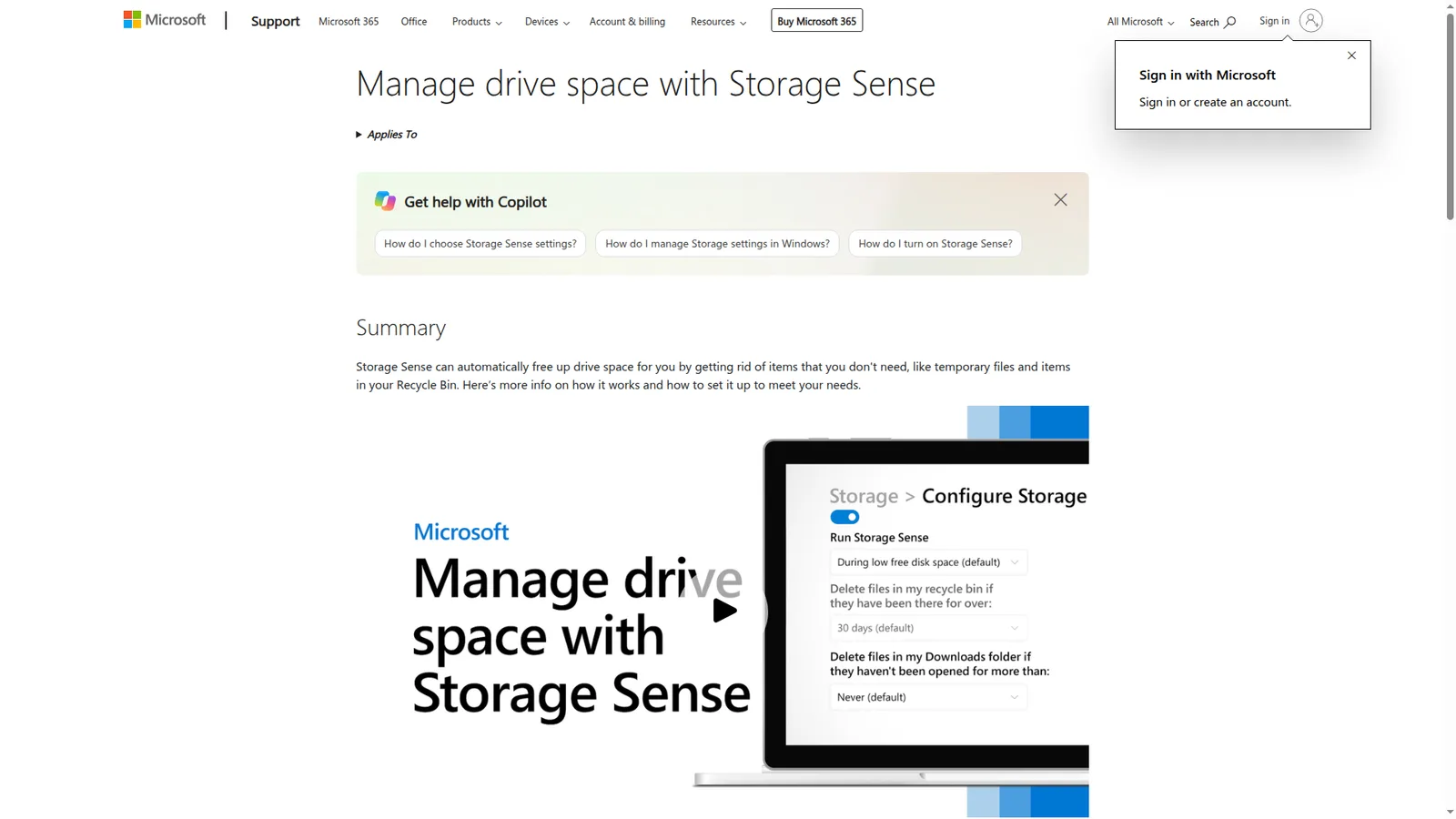
Storage Sense is off by default, though Windows may turn it on when the drive runs low. Per Microsoft, it works only on the system drive. On the same Storage page, Cleanup recommendations lists large files, unused apps and files synced to the cloud, and Temporary files removes a previous Windows installation (more in our guide to deleting the Windows.old folder). The classic Disk Cleanup tool is still there too: type Disk Cleanup in Start.
What you lose vs CCleaner: browser cache and cookie cleaning in one place, and cleaning of other drives.
- Replaces
- Scheduled junk file cleaning
- Runs on
- Windows 10 and 11
- Licence
- Part of Windows
- Skip if
- You want to clean browser data or other drives
- Price
- Included in Windows
2. Microsoft PC Manager: Best All-in-One Free App
- microsoft
Microsoft's own cleanup and startup app
PC Manager is the closest single-app swap. It has a Boost button that cleans up the system and frees space, a health checkup, storage tools for large files and Storage Sense settings, pop-up management, startup app control and a toolbox of Windows shortcuts. Microsoft's own PC performance tips recommend it for cleaning storage and managing startup apps.
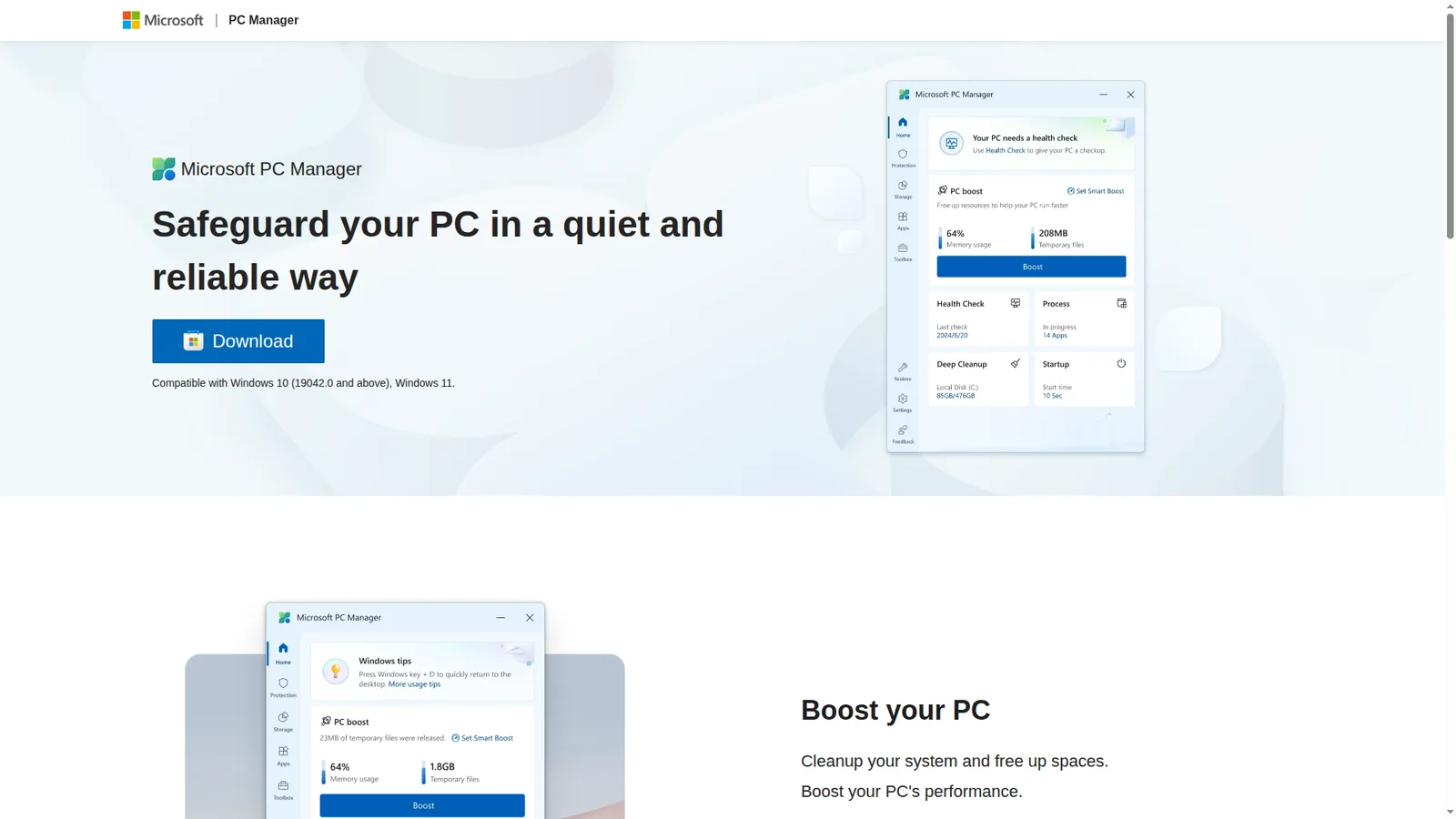
Install it from the Microsoft Store listing linked on the official site. It is free.
What you lose vs CCleaner: cleaning rules for third-party apps and a software updater.
- Replaces
- CCleaner's one-click cleanup, startup and health check
- Runs on
- Windows 10 (19042.0 and later) and Windows 11
- Licence
- Proprietary, free
- Skip if
- You want open source software or no extra app at all
- Price
- Free
3. BleachBit: Best Open Source Cleaner
- microsoft
- ubuntu
Free, GPL licensed, cleans browsers and apps
BleachBit clears cache, cookies, history, temporary files and logs for browsers and many other apps, and it can shred files and wipe free disk space. It runs on Windows and Linux.
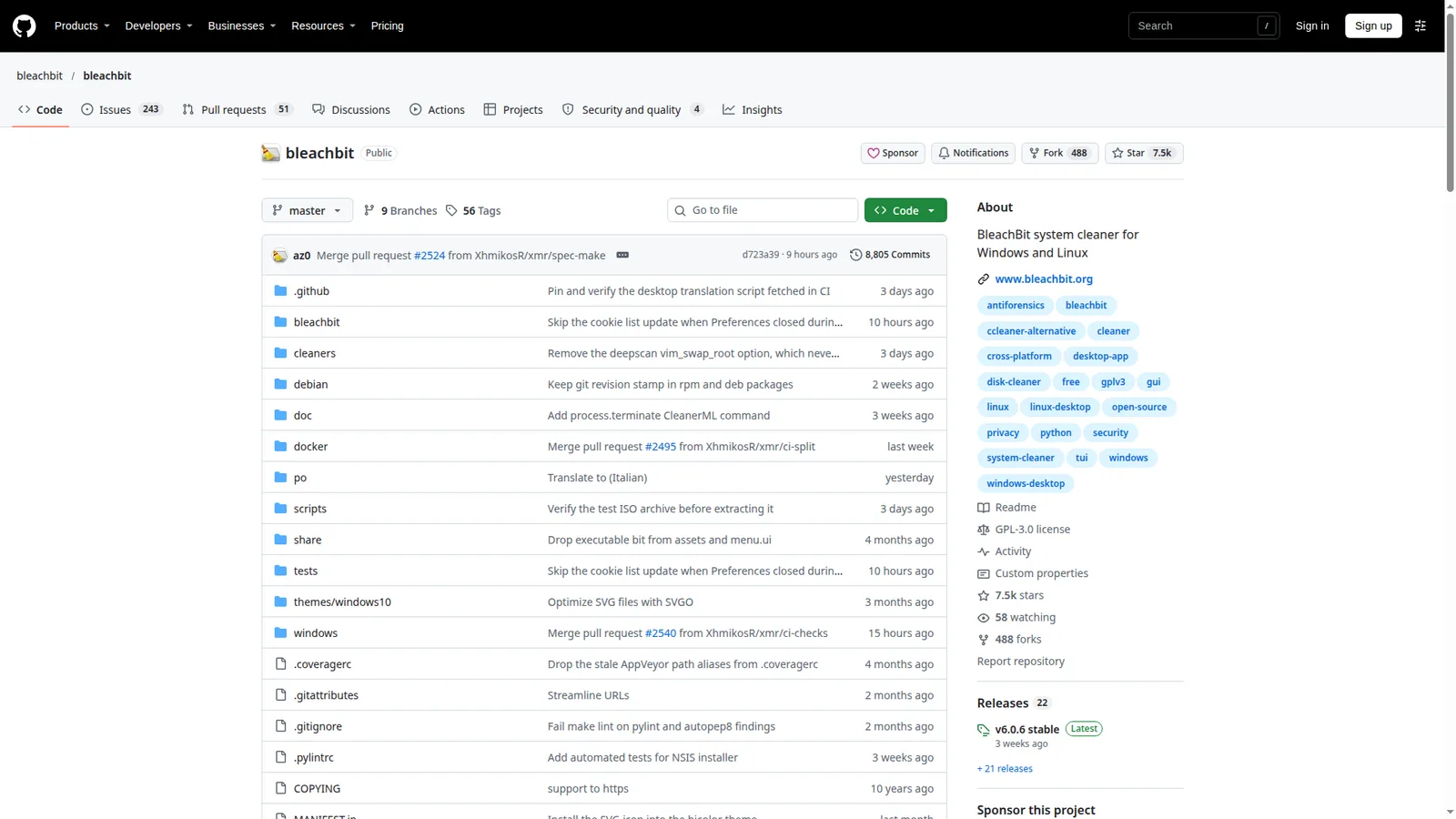
Version 6.0.6 is the current stable release for Windows 10 and 11, published in October 2026, with an installer and a portable zip. BleachBit 6 needs Windows 10 or 11; the project still offers 4.7.0 for Windows 7, 8 and XP. There are no ads, no paid tier and no account.
What you lose vs CCleaner: startup control, an uninstaller and a scheduled cleaner in the app itself.
- Replaces
- CCleaner's junk and privacy cleaning
- Runs on
- Windows 10 or 11 for version 6; older Windows gets 4.7.0
- Licence
- GPL-3.0
- Skip if
- You want an uninstaller or startup manager too
- Price
- Free
4. Bulk Crap Uninstaller: Best Free Uninstaller
- microsoft
Removes many apps and their leftovers at once
Bulk Crap Uninstaller (BCU) removes large numbers of programs with very little input from you. It finds apps that do not show up in Settings, including portable and unregistered ones and games, and it cleans their leftover files and registry entries after removal.
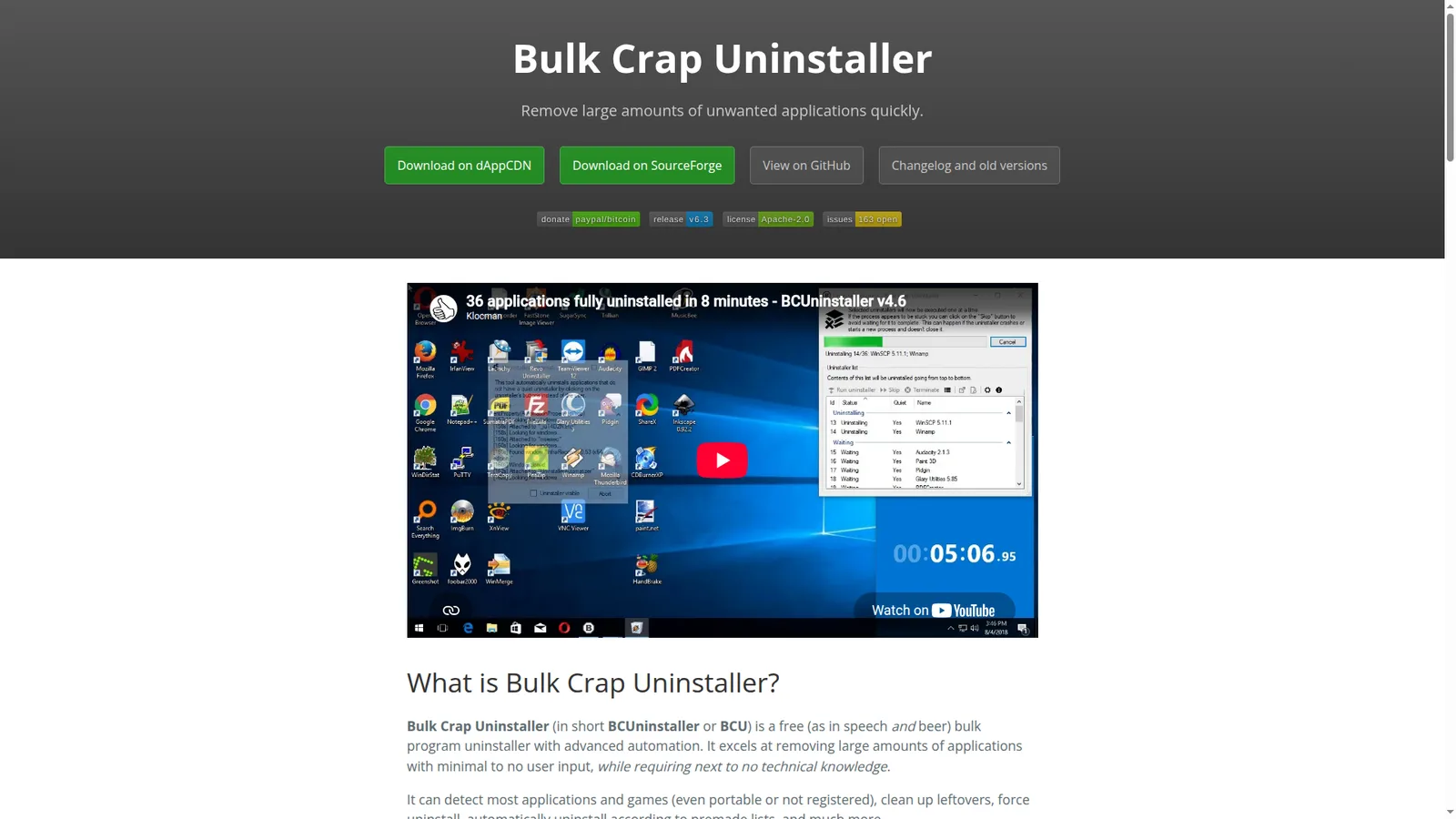
The project calls itself free as in speech and beer. Version 6.3 arrived on September 7, 2026 and added a portable build for Windows on Arm. BCU also has a startup manager, so it covers two of CCleaner's tools in one app.
What you lose vs CCleaner: browser and temporary file cleaning.
- Replaces
- CCleaner's Uninstall tool
- Runs on
- Windows 7 or newer
- Licence
- Apache-2.0
- Skip if
- You only remove one app a year
- Price
- Free
5. Revo Uninstaller Free: Best for Leftover Scans
- microsoft
Classic uninstaller with Hunter Mode and extra cleaners
Revo Uninstaller Free runs a program's own uninstaller first, then scans for leftover files, folders and registry entries. It also removes Windows Store apps, and its Hunter Mode lets you uninstall a program or stop it from starting with Windows by dragging a target over its window.
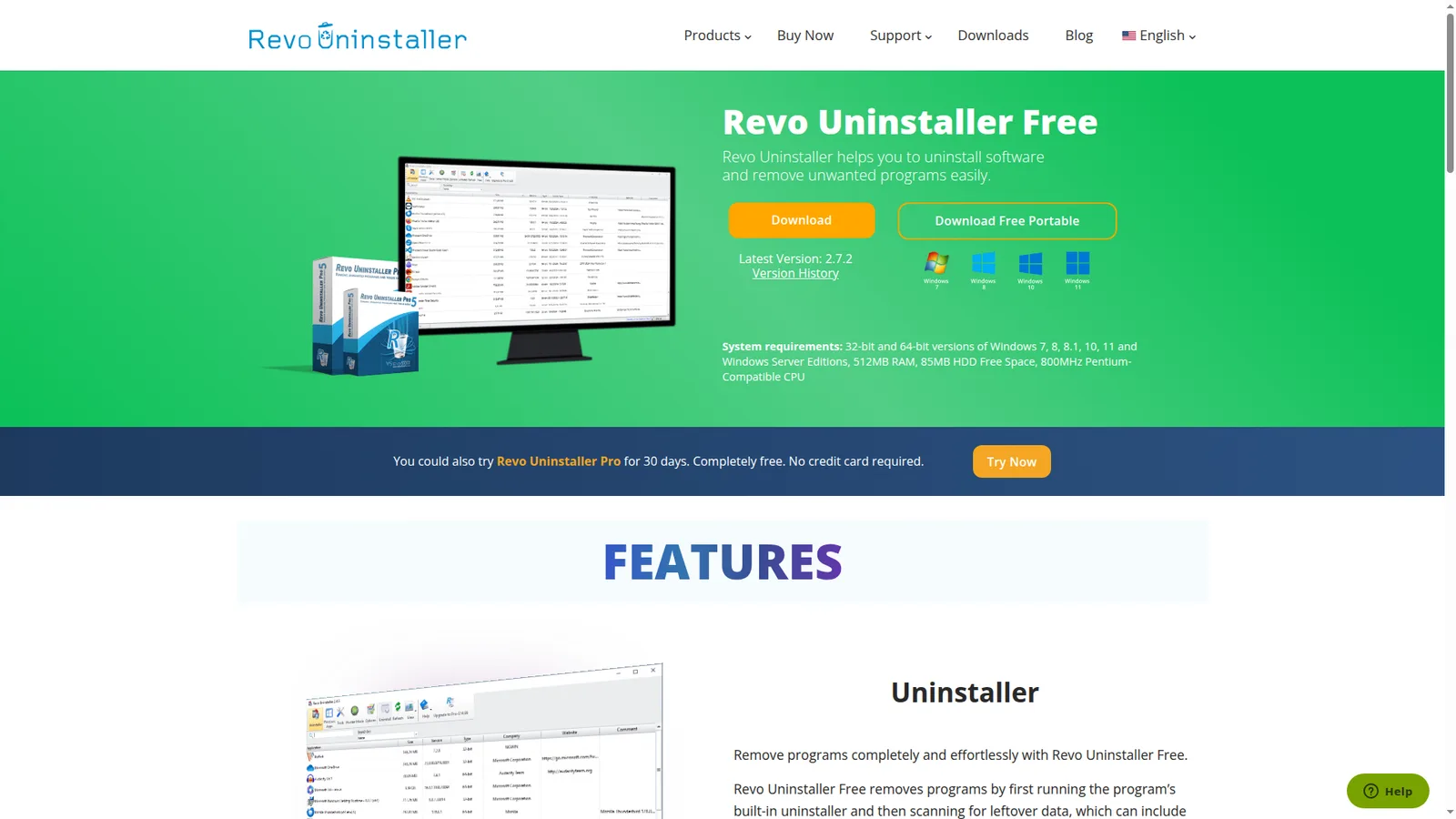
The free edition, version 2.7.2, includes 8 extra cleaning tools and a portable version. Revo Uninstaller Pro costs $24.95 and adds forced uninstall, removal of several apps at once, browser extension removal and real-time install monitoring.
What you lose vs CCleaner: cleaning of browser data at the depth of a dedicated cleaner.
- Replaces
- CCleaner's Uninstall and junk cleaning tools
- Runs on
- Windows 7, 8, 8.1, 10, 11 and Windows Server
- Licence
- Proprietary, free version
- Skip if
- You want open source, or bulk removal of many apps
- Price
- Free, Pro $24.95
6. Autoruns: Best Startup Manager
- microsoft
Microsoft Sysinternals tool that sees every startup location
Autoruns is the most complete startup manager on Windows. Microsoft says it has the most comprehensive knowledge of auto-starting locations of any startup monitor: logon items, services, scheduled tasks, drivers, Explorer add-ons and more. Uncheck an entry to turn it off without deleting it.
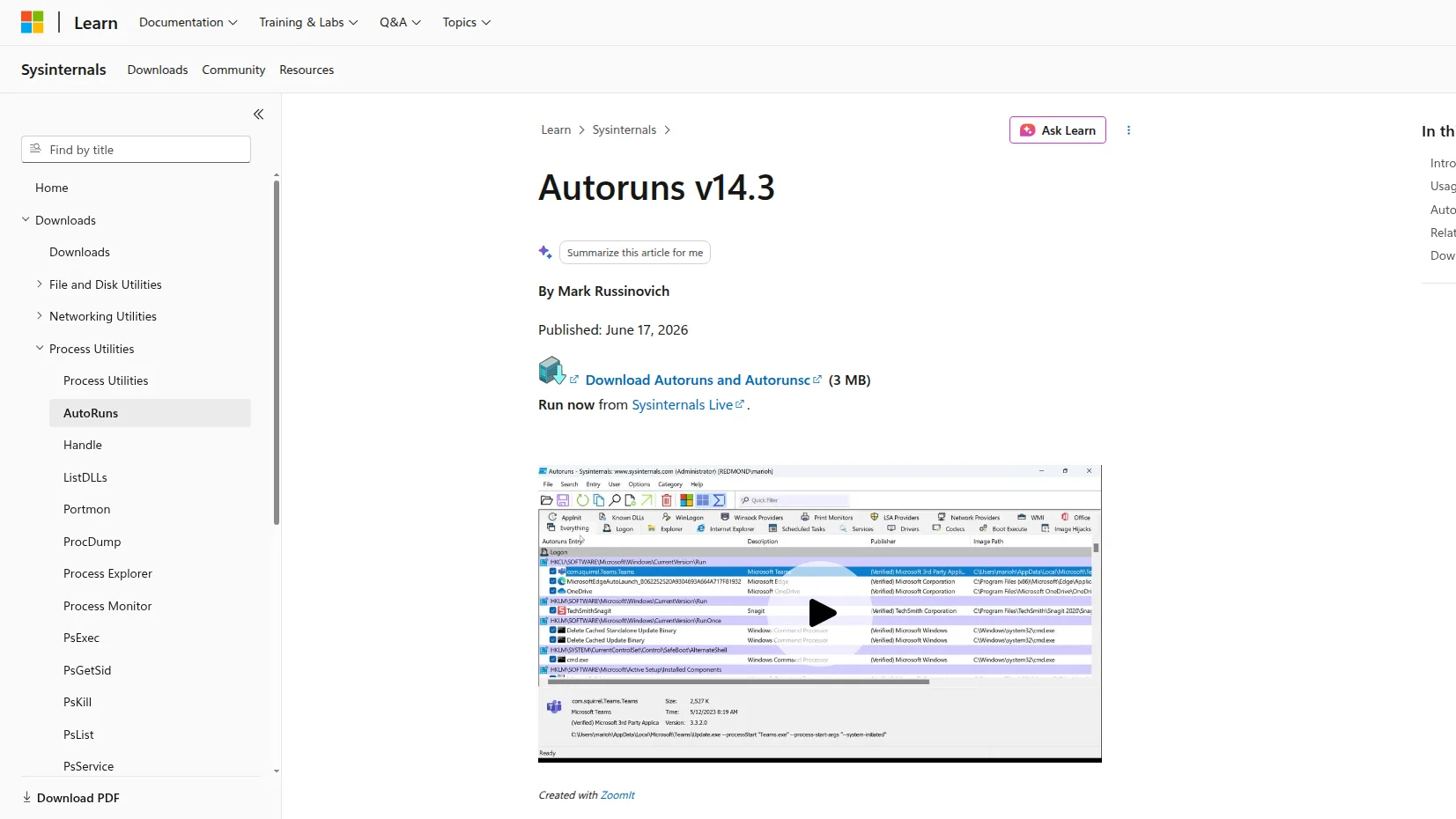
Version 14.3, by Mark Russinovich, was published on June 17, 2026, as a 3 MB download that also includes the autorunsc command-line version. It shows far more than most people need, so for simple cases start with Task Manager, as in our guide to disabling startup programs in Windows.
What you lose vs CCleaner: everything except startup control.
- Replaces
- CCleaner's Startup tool
- Runs on
- Windows
- Licence
- Proprietary, free (Sysinternals)
- Skip if
- You only need to turn off a few apps; Task Manager does that
- Price
- Free
7. WizTree: Best Disk Space Analyzer
- microsoft
- iPhone and iPad
Shows what fills your drive in seconds
WizTree reads the NTFS Master File Table directly, so it maps a full drive much faster than a normal folder scan. It shows the largest files and folders in a list and a treemap, and you can delete from inside the app.
Version 4.33 arrived on September 16, 2026. WizTree is free for personal use. Business use needs a Supporter Code, from $25 for one person or $100 for a micro business. We also list it among our must-have apps for Windows.
What you lose vs CCleaner: any automatic cleaning. WizTree finds the space; you decide what to delete.
- Replaces
- CCleaner's Disk Analyzer
- Runs on
- Windows, including Arm, plus a Mac version
- Licence
- Proprietary, free for personal use
- Skip if
- You use it at work and will not buy a Supporter Code
- Price
- Free for personal use, $25 Supporter Code for business
8. PrivaZer: Best Deep Privacy Cleaner
- microsoft
Deep scan for traces other cleaners skip
PrivaZer scans for traces of what you have done on your PC: browser data, recent file lists, temporary files and leftovers in free disk space.
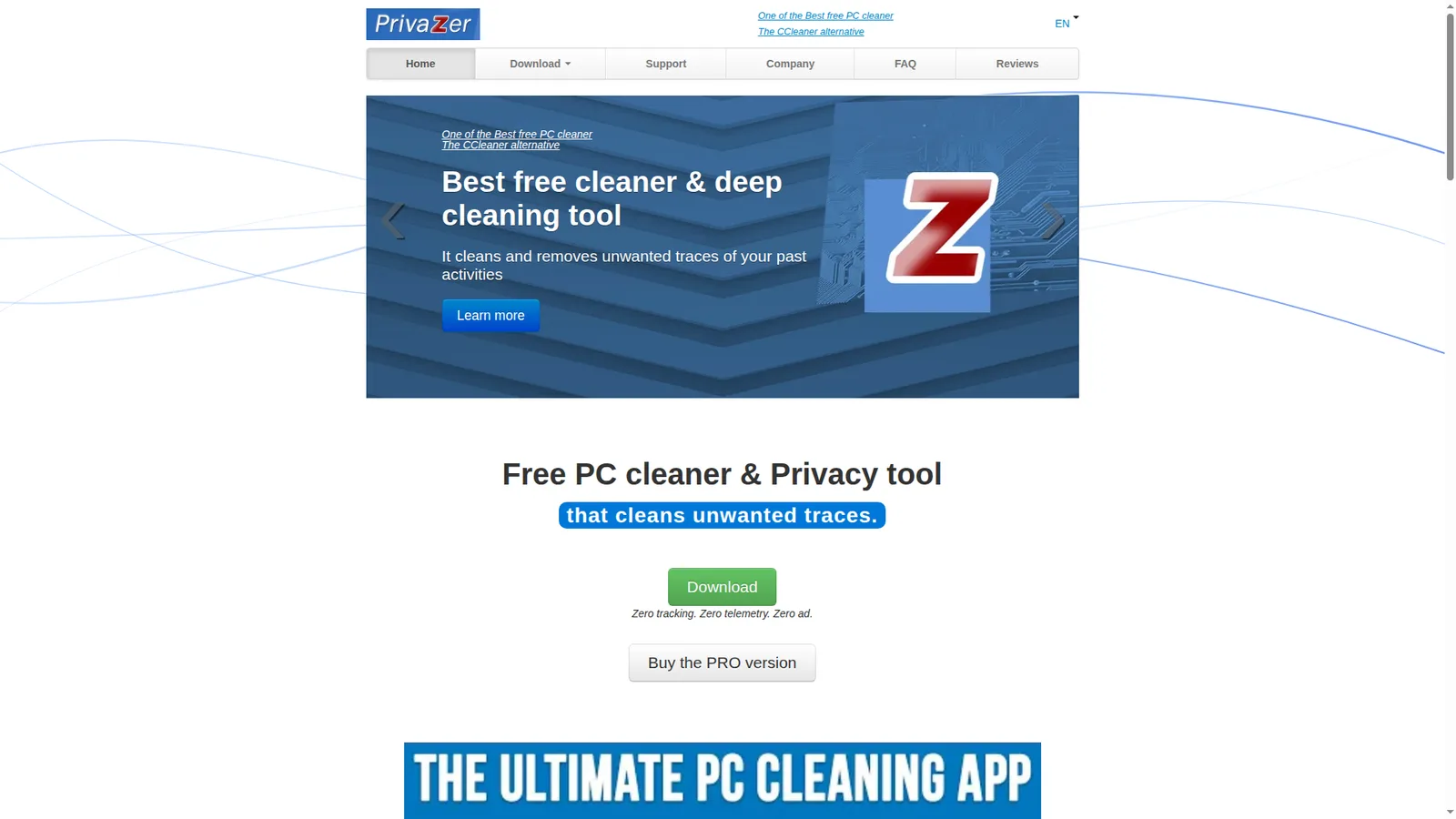
Version 4.0.127 came out on October 2, 2026. The site promises zero tracking, zero telemetry and zero ads. A PRO version is offered to people who contribute to the project.
What you lose vs CCleaner: an uninstaller and startup control.
- Replaces
- CCleaner's privacy cleaning
- Runs on
- Windows XP to 11, 32-bit, 64-bit and ARM64
- Licence
- Proprietary, free
- Skip if
- You want a quick one-click clean
- Price
- Free, PRO version for contributors
Which CCleaner alternative should you pick?
- You want nothing extra: turn on Storage Sense and check Cleanup recommendations once a month.
- You want one app like CCleaner: Microsoft PC Manager.
- You care about privacy and open source: BleachBit, or PrivaZer for a deeper scan.
- Your PC is full of old programs: Bulk Crap Uninstaller, or Revo Uninstaller Free for one app at a time.
- Your PC is slow to start: Task Manager first, Autoruns when you need to see everything.
- Your drive is full and you do not know why: WizTree.
More tools for a clean setup are in our best Windows utilities list.
FAQs
Is CCleaner still safe to use in 2026?
What is the best free alternative to CCleaner?
Does Windows 11 have a built-in cleaner?
Should I use a registry cleaner?
Is Microsoft PC Manager free?
Is BleachBit safe?

Amit loves new tech and apps that make life easier, he writes about apps, games and useful websites on TheTechBasket.