On this page
- What a home lab actually is in 2026
- How we picked these projects
- Start with five, not twenty
- Quick picker
- Layer 1: the base system
- Proxmox VE
- TrueNAS
- OPNsense
- Docker with Dockge
- Layer 2: network, names, and access
- Pi-hole
- Caddy or Nginx Proxy Manager
- Unbound with Technitium DNS
- Headscale or Cloudflare Tunnel
- Layer 3: the apps you use every day
- Home Assistant
- Jellyfin
- Immich
- Nextcloud or Syncthing
- Vaultwarden
- Frigate
- Layer 4: 2026 extras and keeping it alive
- n8n
- Ollama with Open WebUI
- Paperless-ngx or Forgejo
- Uptime Kuma with Beszel
- Navidrome, Audiobookshelf, and Kavita
- restic, BorgBackup, and Proxmox Backup Server
- A home lab you can copy
- Hardware that does not waste money
- FAQs
- What to do next
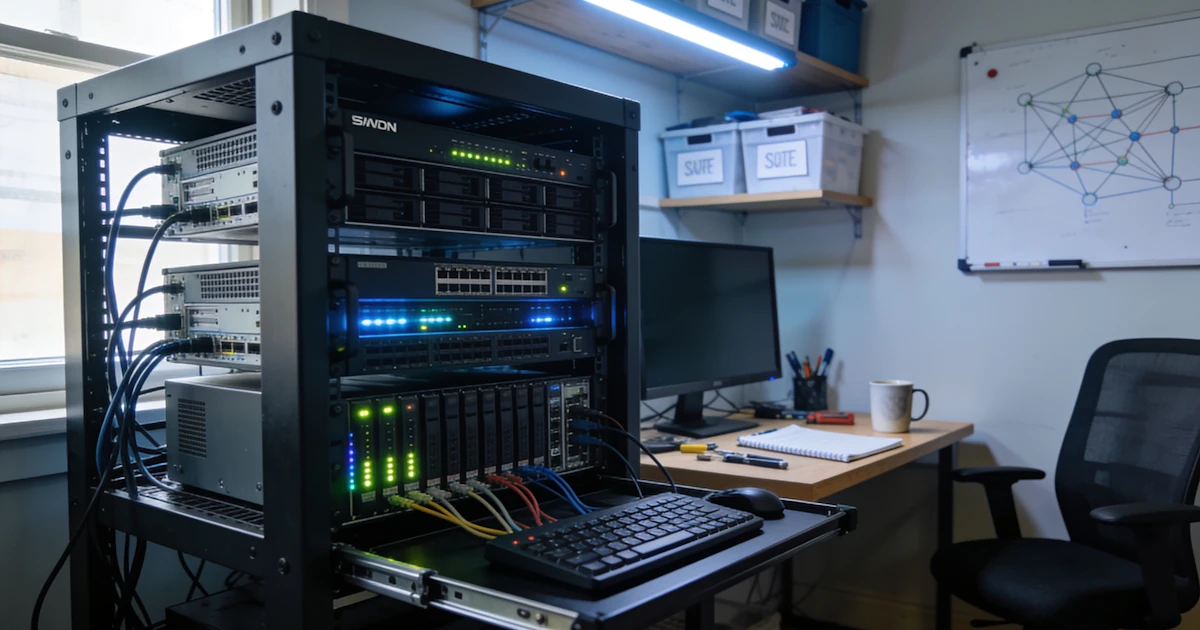
A home lab is a small computer that stays on at home and runs useful apps for you. It blocks ads on every device. It stores your photos. It streams your movies. It keeps your passwords safe. The point is not to build a data centre. The point is to stop paying rent on your own data.
You do not need a rack full of servers. You do not need fifty apps. Most people get the best result from one quiet box and five or six well-chosen programs. This guide gives you exactly that: a starter stack first, then twenty projects that are worth your time in 2026.
What a home lab actually is in 2026
A home lab is one machine that runs services for your household instead of renting them from a company. Your photo library lives on your shelf, not on Google's. Your movies stream from your own disk. Your ad blocker works at the network level, so it covers your phone, your TV, and your laptop at once.
It is also boring on purpose. Five apps that quietly work beat thirty that crash every week. The goal is a setup you forget about until you need it.
Most people run one of these boxes:
| Box | Best for | What to know |
|---|---|---|
| Used small office PC (Dell, HP, Lenovo) | Most people | Cheap, quiet, and strong. The best first pick. |
| Mini PC (NUC style) | Small flats | Uses less power. Costs a bit more. |
| Raspberry Pi 5 | Ads and home control | Great for small jobs. Weak for movies and photo libraries. |
| Old 1U rack server | Learning only | Loud and power-hungry. Skip it for a home. |
One rule before you buy anything: memory matters most. 16GB is the floor for a 2026 home lab, and 32GB is comfortable if you plan to run local AI or a photo library.
How we picked these projects
Every project on this list was scored on five things:
- Licence. The code is open and you can move your data out whenever you want.
- Maintenance. It shipped a real update in the last 90 days. Dead projects do not make the list.
- Value. It replaces something you would otherwise pay for every month.
- Honest hardware needs. We state the memory and disk floor instead of pretending everything runs on a Pi.
- Community. You can find an answer when something breaks.
A few popular tools are deliberately left out. Unraid is paid and closed. Plex has a closed core. Tailscale keeps its control server closed, so we point to Headscale instead. n8n is included because so many readers already use it, but its licence is fair-code rather than fully open, and we say so at its entry. Nothing here is sponsored, and there are no affiliate links.
Start with five, not twenty
Do not install all twenty projects at once. Install these five first, in this order. Each one makes the next one easier.
| Order | Install | Why it comes first |
|---|---|---|
| 1 | Pi-hole or AdGuard Home | Blocks ads on every device. Instant win you can feel. |
| 2 | Docker, then Dockge | Runs the other apps in tidy boxes you can remove cleanly. |
| 3 | Immich or Jellyfin | Pick photos or movies first, based on what you miss most. |
| 4 | Vaultwarden | Stores your passwords on your own hardware. |
| 5 | Caddy or Nginx Proxy Manager | Gives each app a name and a padlock with almost no work. |
Add Home Assistant next if you own smart bulbs, plugs, or sensors. Add Proxmox only when a single machine stops being enough. That day is further away than most guides admit.
Quick picker
Type in the search box to filter the rows.
| If you want | Install | Skip for now | Memory floor |
|---|---|---|---|
| No ads on phone and TV | Pi-hole | AdGuard Home (same job) | 1GB |
| Google Photos without Google | Immich | PhotoPrism | 6GB, 2 cores |
| Netflix for your own files | Jellyfin | Plex, Emby | 4GB |
| Safe passwords | Vaultwarden | The heavy Bitwarden server | 1GB |
| Files like Google Drive | Syncthing first | Nextcloud until you need calendars | 2GB sync, 4GB Nextcloud |
| Smart home without the cloud | Home Assistant | openHAB | 4GB |
| A router you fully control | OPNsense | pfSense for new builds | 4GB |
| Cameras with smart alerts | Frigate | ZoneMinder | 8GB plus a Coral or GPU |
| A chatbot that runs offline | Ollama plus Open WebUI | LocalAI | 16GB, more is better |
| Bills and papers you can search | Paperless-ngx | Manual folders | 4GB |
| A quieter private way to reach home | Headscale or Cloudflare Tunnel | Opening raw ports | 1GB |
| Knowing when something dies | Uptime Kuma plus Beszel | Not watching at all | 1GB |
There is one slot rule that saves more pain than any other tip here: one app per job. Two photo apps create confusion and duplicate files. Two ad blockers break your network.
Layer 1: the base system
The base is the floor everything else stands on. Get it right once and you can ignore it for years.
1. Proxmox VE
Hypervisor · PLATFORM
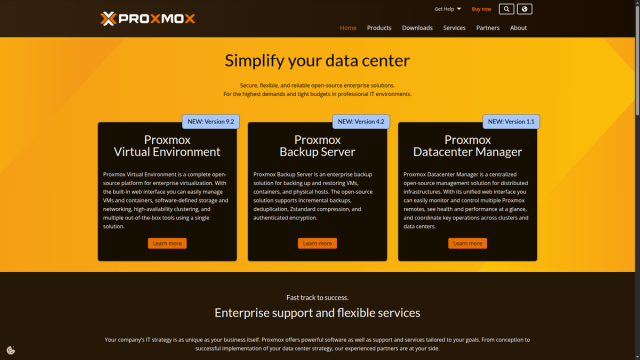
What it is: a free platform that splits one computer into several small, isolated computers. Each one is called a virtual machine (VM) or a container.
Proxmox is the default home lab hypervisor in 2026 for a good reason. You can test something risky, break it, and delete it without touching your real setup. It also pairs with Proxmox Backup Server, which makes restoring a machine a click instead of a weekend project. The current line is Proxmox VE 9.2, built on Debian 13, and an ARM64 installer arrived in August 2026.
Use it when you want separate machines for media, photos, and experiments. Skip it if you have one PC and five apps. In that case plain Debian with Docker is simpler and just as capable. Good alternatives are XCP-ng and Incus.
- Replaces
- VMware ESXi, Hyper-V
- Runs on
- 2GB RAM minimum, a spare disk
- Difficulty
- Medium
- Licence
- AGPL-3.0 (open)
- Skip if
- One PC running five apps
2. TrueNAS
NAS system · STORAGE
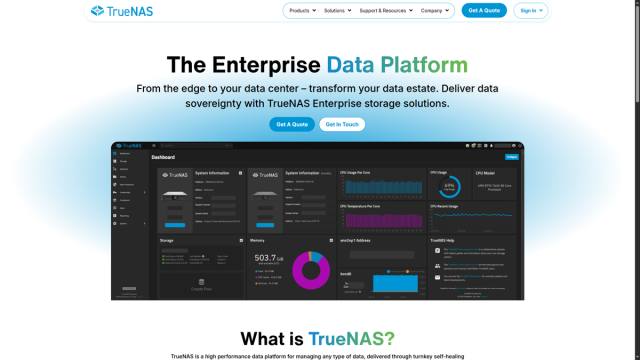
What it is: a storage system that protects your files across several drives. It checks data for silent corruption and repairs it automatically using a file system called ZFS.
The 2026 story is finally simple. TrueNAS has moved its apps to Docker, and the old CORE branch is retired. That means the apps you already know how to write will run here. The current release is the 25.10 line, with a 26 version in testing. Because the storage rules are strict, check the current documentation before you move a large photo library across.
Use it when photos and movies actually matter to you and you own two or more large drives. Skip it with a single drive, where plain folders plus a real backup are better. Simpler alternative: OpenMediaVault. Expert alternative: Debian with ZFS by hand. Unraid is paid and closed, so it is not our pick.
- Replaces
- A paid NAS box, a Drobo
- Runs on
- Two or more drives, 8GB RAM
- Difficulty
- Medium to hard
- Licence
- Open source core (OpenZFS)
- Skip if
- You only have one drive
3. OPNsense
Firewall and router · ROUTER
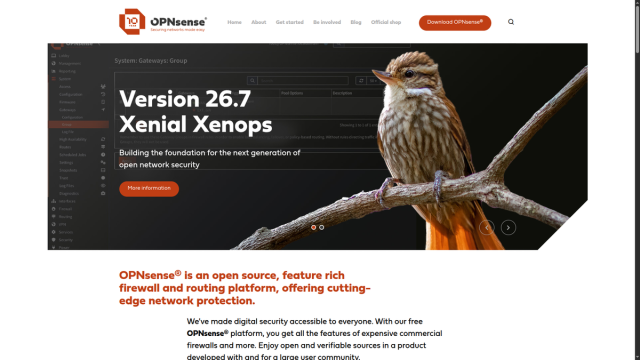
What it is: an open router and firewall that gives you clean rules, guest networks, and network-level ad blocking.
OPNsense gets a release every January and July, and the 26.7 line is current. It is the calm open source choice for people who want control without paying for a firewall licence.
Use it when you want real traffic rules and a separate network for guests and smart devices. Skip it if your home network is one router and a few phones, where a cheap OpenWrt access point plus Pi-hole covers you. Keep your ISP box as the first router while you learn, change one rule at a time, and keep an Ethernet cable handy as an escape hatch.
- Replaces
- A locked ISP router, a paid firewall
- Runs on
- 4GB RAM, two network ports
- Difficulty
- Medium
- Licence
- BSD-2-Clause (open)
- Skip if
- Your home network is simple
4. Docker with Dockge
Containers · APP MANAGER
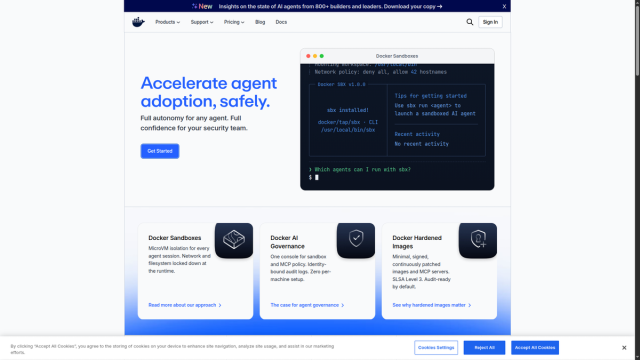
What it is: Docker packs each app into its own tidy box. Dockge is a simple web page that starts and stops those boxes without a wall of terminal commands.
This is the pair that makes everything else on this list painless. Each app gets one small text file, called a compose file, that describes how it runs. You can read it, back it up, and delete it cleanly. Portainer is a capable alternative, and Komodo is a strong pick once you have more than one machine, but Dockge is the easiest place to start.
Install Docker on Debian, add Dockge, open it in your browser, and start one test app. Then immediately stop and remove that test app. That last step teaches you that nothing here is permanent. Save a copy of your compose files to a USB drive once a month.
- Replaces
- Manual installs you cannot undo
- Runs on
- 1GB RAM, 2GB disk
- Difficulty
- Easy
- Licence
- Apache-2.0 (open)
- Skip if
- You only run one app
Layer 2: network, names, and access
This layer makes your network clean, quick, and reachable from the right places only.
5. Pi-hole
DNS ad blocker · ADS
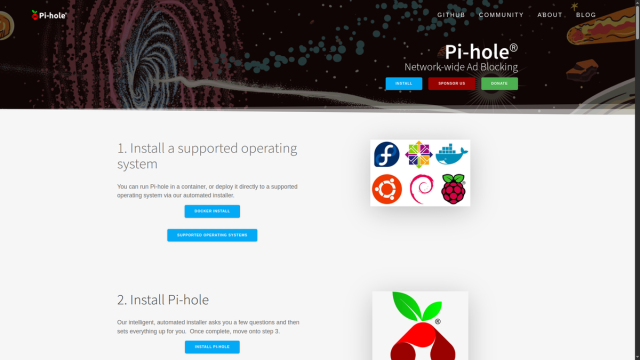
What it is: a filter for DNS, which is the phone book of the internet. When a device asks where an ad server lives, Pi-hole answers with nothing.
Pi-hole 6 rewrote its core engine and now includes its own web server, so installation is lighter than it used to be. The result is fewer ads in browsers and apps across every device on your network. It does not do much inside the YouTube app, which is normal for DNS filtering, not a fault.
Install it, give the box a fixed address, then point your router's DNS setting at it. Test with one phone before you change everything. If a website breaks, allow that site in the Pi-hole dashboard and reload the page. Phones that use private DNS or a VPN will skip Pi-hole, so turn private DNS off at home if you want full coverage. AdGuard Home is an equally good alternative with a friendlier dashboard. Pick one, never both.
- Replaces
- Per-device ad blockers
- Runs on
- 1GB RAM
- Difficulty
- Easy
- Licence
- EUPL-1.2 (open)
- Skip if
- You use a VPN on every device
6. Caddy or Nginx Proxy Manager
Reverse proxy · NAMES
What it is: a front desk for your apps. Instead of remembering 192.168.1.40:8096, you type movies.home and get a padlock in the address bar.
Caddy is our pick because it fetches and renews HTTPS certificates by itself from a short, readable config file. Nginx Proxy Manager is the better choice if you would rather click buttons than edit text. Traefik is powerful if you already know it. Pangolin is a newer option worth a look for remote access.
Keep this layer on your home network first. Do not open ports 80 and 443 to the wider internet unless you truly need to. For remote use, a tunnel is safer than a raw open port, and we cover that in project 18 below.
- Replaces
- Remembering port numbers
- Runs on
- 512MB RAM
- Difficulty
- Easy to medium
- Licence
- Apache-2.0 / MIT (open)
- Skip if
- You only ever use one app
7. Unbound with Technitium DNS
DNS privacy · DNS PRIVACY
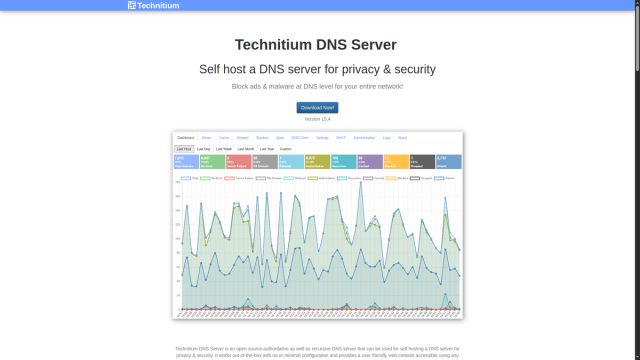
What it is: two ways to make DNS private and fast. Unbound looks up addresses itself instead of forwarding them to Google or your internet provider. Technitium is a full DNS server with encrypted lookups and per-network rules.
Pair either one with Pi-hole later. Pi-hole becomes the ad filter, and Unbound or Technitium handles the lookups underneath it. This is an optional layer, not a starting point. Set it up only after your basic Pi-hole works.
- Replaces
- Your ISP's DNS servers
- Runs on
- 512MB RAM
- Difficulty
- Medium
- Licence
- BSD-3-Clause / GPL-3.0 (open)
- Skip if
- Pi-hole already covers you
8. Headscale or Cloudflare Tunnel
Private remote access · REMOTE ACCESS
What they are: two safe ways to reach your home apps from outside. Headscale is an open control server for the Tailscale client, so your phone, laptop, and server join a private network only they can see. Cloudflare Tunnel makes a single app reachable through Cloudflare without opening a port on your router.
Use a tunnel when you want to share one service or reach it from a browser. Use Headscale when you want your own devices on one private network. Do not do both on day one, and never expose a raw port just to check on your server. If you only want a quick private link for two machines, our guide to making your own VPN is a gentler start.
- Replaces
- Opening router ports to the internet
- Runs on
- 1GB RAM, a domain for the tunnel
- Difficulty
- Medium
- Licence
- BSD-3-Clause / Apache-2.0 (open)
- Skip if
- You never leave home with a laptop
Layer 3: the apps you use every day
These are the ones that replace a paid subscription and earn their place in the first week.
9. Home Assistant
Smart home · HOME
What it is: local control for your lights, plugs, sensors, and remotes, with no cloud in the path.
Home Assistant ships a new release every month, and the 2026.9 line is current. It works with thousands of devices from dozens of brands and keeps working when the internet is down. The easiest install is Home Assistant OS on its own box or virtual machine, with a Zigbee stick added for bulbs and sensors.
Install it, add one room, add one light or plug, and build a single automation. Then take a backup before you add anything else. If you are starting from scratch, our smart home upgrade guide walks through the gear side.
- Replaces
- Cloud-only smart home apps
- Runs on
- HAOS needs 2GB RAM and 2 vCPU
- Difficulty
- Medium
- Licence
- Apache-2.0 (open)
- Skip if
- You own no smart devices
10. Jellyfin
Media server · MOVIES
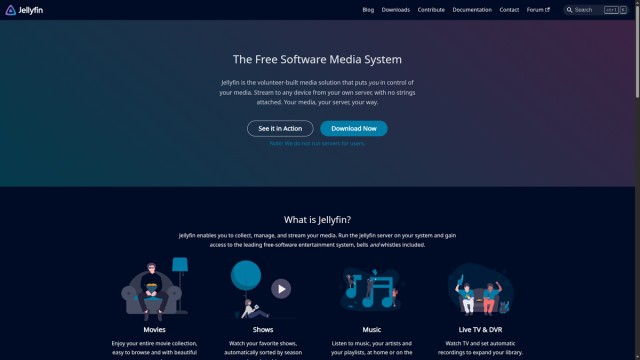
What it is: your own movie, show, and music server. It is like Plex, except the core is fully open and free of paid tiers. The current major version is Jellyfin 12.
An Intel processor with Quick Sync is a real advantage here, because it converts 4K video for your phone without loading the main CPU. Keep your media on the big hard drive, never on the small system SSD. If you also care about music, books, or comics, Jellyfin can share the shelf with the tools in project 17.
Make folders for Movies, Shows, and Music, install Jellyfin in Docker, and add one folder first. Check playback on your TV and your phone before you scan the whole library. If you are choosing a first box for this, our Raspberry Pi project ideas covers what runs well on cheap hardware.
- Replaces
- Netflix-style fees for your own files
- Runs on
- 4GB RAM, an Intel chip helps
- Difficulty
- Easy
- Licence
- GPL-2.0 (open)
- Skip if
- You mainly stream from paid services
11. Immich
Photo library · PHOTOS
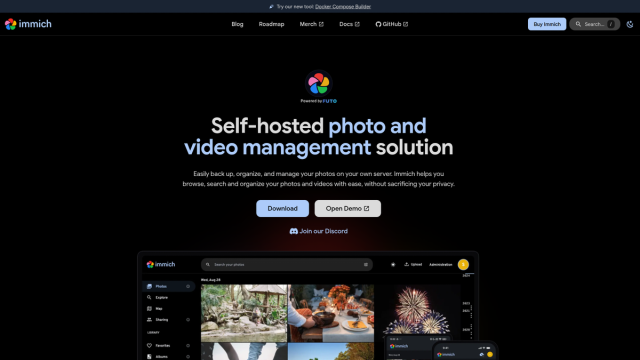
What it is: your own Google Photos. It backs up your phone's camera roll, finds faces, and builds memories, all on your hardware.
Immich is the single most important addition to any 2026 list, and older guides still miss it. The project moves fast, with the 3.2 line current as of September 2026. Version 3 needs a processor that supports the x86-64-v2 instruction set, which the machine-learning (ML) features rely on. Intel users can speed up those features with OpenVINO, and the docs cover the image tags for it.
Set the upload folder on your big disk and the database folder on a fast disk, then install the official compose stack. If you are moving away from Google, our Google Photos wallpaper trick is a fun way to reuse what you already have. Two honest warnings: back up the database and the photo library together, and never switch hosts without exporting first.
- Replaces
- Google Photos, iCloud Photos
- Runs on
- 6GB RAM, 2 CPU cores, x86-64-v2 CPU
- Difficulty
- Easy to medium
- Licence
- AGPL-3.0 (open)
- Skip if
- You have under 100GB of photos
12. Nextcloud or Syncthing
Files and sync · FILES
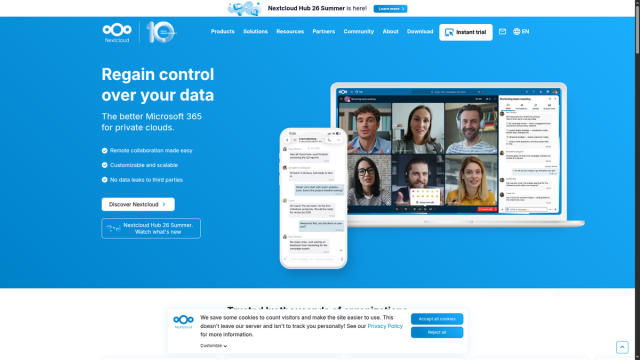
What they are: Nextcloud is Drive, Docs, Calendar, and Contacts in one package. Syncthing only syncs folders, and it does that one job extremely well. Syncthing is on its version 2 line, and Nextcloud is on version 35.
The rule is simple. If you want files on two PCs, use Syncthing. If you also want shared calendars and contacts, use Nextcloud, and accept that it is the heaviest app on this list. Most homes are happier starting with Syncthing plus a simple file browser. Add Nextcloud later only if the calendar need is real.
- Replaces
- Google Drive, Dropbox
- Runs on
- 2GB sync, 4GB+ Nextcloud
- Difficulty
- Easy (Syncthing), medium to hard (Nextcloud)
- Licence
- AGPL-3.0 / MPL-2.0 (open)
- Skip if
- You never move files between devices
13. Vaultwarden
Password vault · PASSWORDS
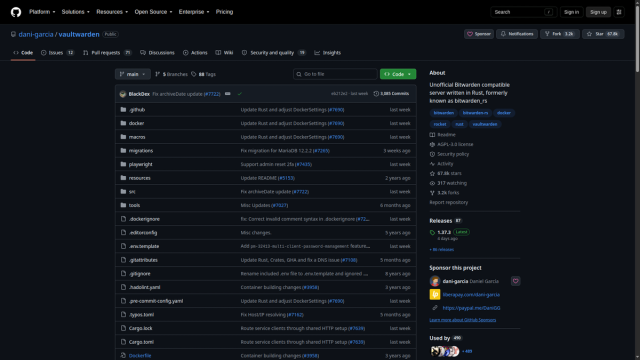
What it is: a lightweight password server that works with the official Bitwarden apps on every device you own.
One honest note before you install it: Vaultwarden is an independent, unofficial server that speaks the Bitwarden protocol. It is widely used and trusted by the community, but it is not made by Bitwarden. Treat it accordingly.
Run it in Docker, keep it on your home network at first, turn on two-factor authentication, and export a backup to a USB drive. Write your one master password on paper and store it somewhere physical. That paper copy is the difference between a forgotten password and a locked vault.
- Replaces
- A paid password manager
- Runs on
- 1GB RAM
- Difficulty
- Easy
- Licence
- GPL-3.0 (unofficial Bitwarden-compatible)
- Skip if
- You already trust a hosted vault
14. Frigate
Camera NVR · CAMERAS
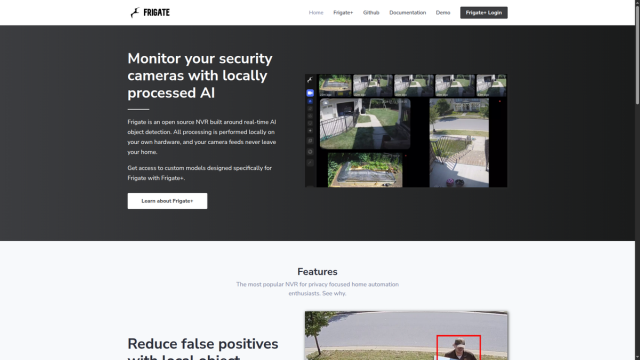
What it is: a local camera recorder that understands what it sees. It can tell a person from a car or a pet, and it sends alerts without a monthly fee. The current release is Frigate 0.18.
The cost here is hardware, not software. Video eats disk space quickly, and smart detection runs far better with a Coral accelerator or a capable graphics chip. Before you buy cameras, count them and note the resolution, then size a disk for seven days of footage. Add one camera, let it run for a day, and only then add the rest. ZoneMinder is the older alternative, and Scrypted is strong if you care about Apple HomeKit, but Frigate is the clean pick for a new build.
- Replaces
- A monthly camera cloud plan
- Runs on
- 8GB RAM plus a Coral or GPU, lots of disk
- Difficulty
- Medium to hard
- Licence
- MIT (open)
- Skip if
- You have no cameras or one only
Layer 4: 2026 extras and keeping it alive
Pick two of these for your first year. Each one needs real time to set up well.
15. n8n
Automation · AUTOMATION
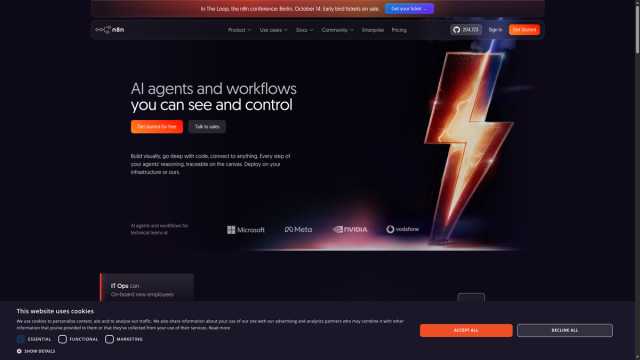
What it is: automation that runs on your box. When Immich adds a new photo, send a message. When a disk fills up, send an alert. When a form is submitted, add a row to a sheet. The current line is n8n 2.x.
One licence note, because this list is strict about it: n8n is fair-code, not fully open source. Its Sustainable Use License is fine for personal use and most small businesses, but it is not an OSI-approved open licence. We include it because many readers already run it and we cover it in depth. If that matters to you, Node-RED and Activepieces are open alternatives.
Install it in Docker, build one flow with two steps, and run it by hand. Only switch it to automatic after it succeeds three times in a row. We already publish what n8n is, how to self-host n8n, and the best n8n workflows.
- Replaces
- Zapier, Make
- Runs on
- 1GB RAM
- Difficulty
- Easy to medium
- Licence
- Fair-code (Sustainable Use License, not OSI)
- Skip if
- You have no repeated task to automate
16. Ollama with Open WebUI
Local AI · LOCAL AI
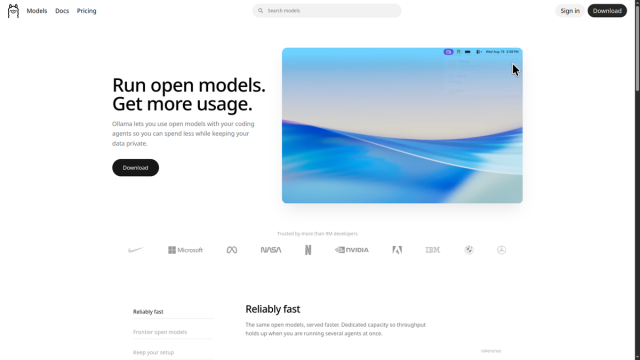
What it is: a ChatGPT-style chat that runs entirely on your own machine, with nothing sent to a company.
Ollama is genuinely open under the MIT licence. Open WebUI, the friendly chat interface on top, recently added a branding clause, so it is now source-available rather than fully open. For personal use this changes nothing, but the list is honest about it.
Memory is the whole story here. 8GB is enough to start with a small model, and 16GB to 32GB is smooth in 2026. It also draws real power, so leave it off a Raspberry Pi. Install Ollama, pull one small model, open the web interface, and ask three test questions while watching memory use. For a deeper look, see our guide to running Gemma 4 on your own hardware and setting up OpenClaw.
- Replaces
- A paid chatbot subscription
- Runs on
- 16GB RAM, more is better; not for a Pi
- Difficulty
- Medium
- Licence
- MIT (Ollama); source-available (Open WebUI)
- Skip if
- Your box has under 16GB of memory
17. Paperless-ngx or Forgejo
Pick one · DOCUMENTS
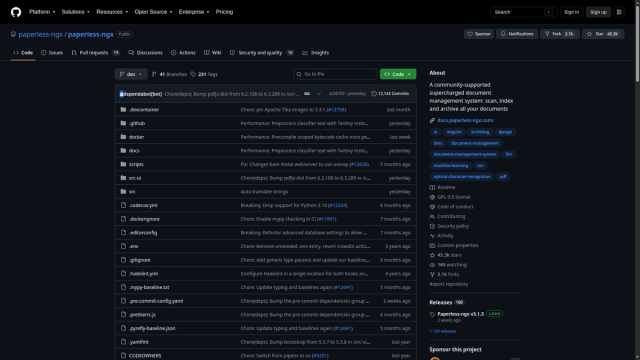
Two projects share this slot, so choose based on the pain you feel now.
Paperless-ngx scans bills, letters, and receipts into a searchable archive. It is on its version 3 line, and it is a quiet life-changer for any household that drowns in paper. If you mostly deal with PDFs, Stirling PDF is a handy open companion.
Forgejo is GitHub at home for your own code and notes, created after the Gitea community split, and now on version 16. Its home is Codeberg rather than GitHub. Gitea and GitLab CE are the alternatives, though GitLab is heavy for a home box. Do not install both projects at once. Pick the one you will actually use.
- Replaces
- A filing cabinet, or a paid git host
- Runs on
- 4GB RAM
- Difficulty
- Medium
- Licence
- GPL-3.0 (both)
- Skip if
- You have no paper and no code
18. Uptime Kuma with Beszel
Monitoring · MONITORING
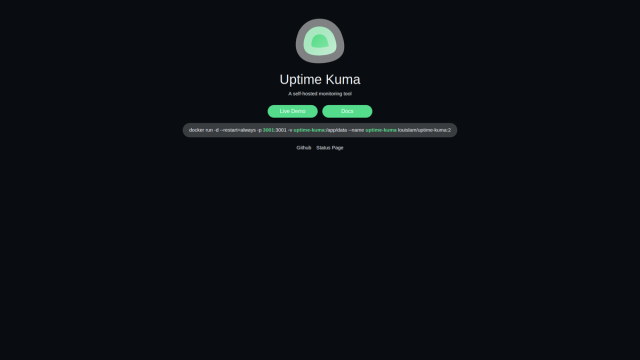
What they are: Uptime Kuma watches whether your services are up and pings you when one goes down. Beszel watches each machine's memory, CPU, and disk, and warns you before a disk fills.
This is the least glamorous entry and one of the most valuable. A home lab that fails silently is worse than no home lab, because you trust it. Start with Uptime Kuma pointed at three services, then add Beszel once your lab has more than one machine.
- Replaces
- Finding out things broke too late
- Runs on
- 1GB RAM
- Difficulty
- Easy
- Licence
- MIT (both)
- Skip if
- Your lab is a single app
19. Navidrome, Audiobookshelf, and Kavita
Media companions · MUSIC AND BOOKS
What they are: three focused servers that each do one media type better than a general tool. Navidrome streams your music collection. Audiobookshelf handles audiobooks and podcasts with proper progress tracking. Kavita is built for comics and manga.
Use them alongside Jellyfin or instead of it, depending on what you own. Each one is light and installs in minutes. Do not run two of them if Jellyfin already reads those files well.
- Replaces
- Spotify, Audible, a comic app
- Runs on
- 1GB RAM each
- Difficulty
- Easy
- Licence
- GPL-3.0 (all three)
- Skip if
- Jellyfin already covers your library
20. restic, BorgBackup, and Proxmox Backup Server
Backups · BACKUPS
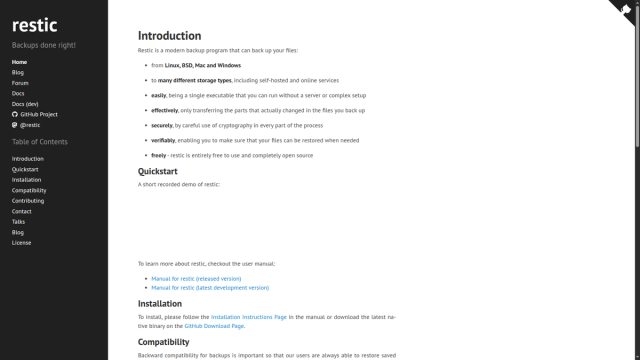
What they are: the tools that turn a backup into something you can actually restore. restic and BorgBackup create encrypted, deduplicated backups you can send to a USB disk or the cloud. Proxmox Backup Server does the same job for whole virtual machines if you run Proxmox.
This is the most important entry on the page, and the least fun. restic is the easiest place to start. Borg is a strong alternative with a longer history. Set one up, schedule it, and then test a restore before you trust it. An untested backup is a rumour.
- Replaces
- Hoping nothing goes wrong
- Runs on
- Enough disk for a second copy
- Difficulty
- Medium
- Licence
- BSD-2-Clause / BSD-3-Clause / AGPL-3.0 (open)
- Skip if
- You already test restores
A home lab you can copy
Here is a simple layout that works for most homes:
Internet -> ISP box -> Pi-hole -> Main server
Main server: Debian + Docker + Dockge
  - Immich or Jellyfin
  - Vaultwarden
  - Home Assistant (if you own smart devices)
  - Caddy for friendly names
  - Uptime Kuma watching the rest
Backup: USB disk at home + an encrypted copy off-site
You do not need Kubernetes at home. You do not need a cluster. Say no to both until five apps feel genuinely small, which for most people is years away.
Hardware that does not waste money
- Best value: a used Dell, HP, or Lenovo small form factor PC with 32GB of memory, a small SSD for the system, and a big hard drive for media.
- Raspberry Pi 5: great for DNS, ad blocking, and home control. Not for photo libraries or 4K video.
- Intel integrated graphics: saves real power for Jellyfin and helps Frigate and Immich.
- Skip 10GbE networking. A normal 1GbE home network is plenty for streaming and backups.
- Count the running cost. Old rack servers sound like jets and bill like heaters.
FAQs
What is a home lab in simple words?
How much does a home lab cost to start?
Should I use Unraid or Plex?
How much electricity does a home lab use?
Is it safe to open my apps to the internet?
Can I build a home lab on Windows?
I am 13. Where do I start?
What to do next
This week, install Pi-hole, then Docker and Dockge, then one of Immich or Jellyfin. Give each app a name with Caddy, and set up a USB backup you actually test.
This article is the hub for our open source home lab series. The next guides in this silo will cover media servers in depth, Immich versus PhotoPrism, a beginner's Proxmox guide, TrueNAS versus OpenMediaVault, Pi-hole versus AdGuard Home, reverse proxy picks, a Vaultwarden setup and backup guide, camera storage math for Frigate, and running a local AI model at home. If you are still choosing the machine itself, start with our Raspberry Pi project ideas, and if you want a smarter house, see our smart home upgrade guide.
We run open tools to power this site too, including our CMS and automation, and more of those builds are coming to our projects page.

Amit loves new tech and apps that make life easier, he writes about apps, games and useful websites on TheTechBasket.