On this page
- Free background removers at a glance
- Built-in background removers (no app needed)
- Apple Lift Subject and Preview: Best on iPhone, iPad and Mac
- Samsung Gallery: Best on Galaxy Phones
- Windows Paint: Best Free Background Remover on PC
- Free background remover apps and websites
- remove.bg: Best Known Web Background Remover
- Photoroom: Best Free Background Remover for Product Photos
- Adobe Express: Best for Cutouts in Designs
- Pixelcut: Best Cheap Upgrade for Sellers
- Clipdrop: Best Free Web Remover for Large Images
- Which free background remover should you use?
- Who should still pay
The best free AI background remover is often the one already on your device. On an iPhone you just touch and hold the subject of a photo, on a Samsung Galaxy you press and hold in the Gallery app, and on Windows 11 Paint has a one-click remove background button. For full-resolution cutouts on the web, Photoroom's free plan gives 250 exports a month with no watermark.
Background removal is one of the most useful AI tricks, whether you sell on eBay, make YouTube thumbnails or just want a sticker of your dog. The catch with most "free" removers is the download: you see a perfect cutout, then find the free version is tiny or watermarked. This list covers 8 free options for phone, PC and web, and for each one it lists the free resolution, watermark, batch support and account rules. Details come from official help pages, pricing pages and store listings. We have not run our own edge-quality tests.
Free background removers at a glance
Tap any name to jump to its full entry. Search the table by tool, platform or limit.
| Tool | Free output | Watermark | Batch | Account | Platforms |
|---|---|---|---|---|---|
| Apple Lift Subject and Preview | Full resolution | No | No | None | iPhone, iPad, Mac |
| Samsung Gallery | Full resolution | No | No | None | Galaxy phones and tablets |
| Windows Paint | Full resolution | No | No | None | Windows 11 |
| remove.bg | Preview up to 0.25 MP (about 625 x 400) | No | Paid (credits) | Optional for previews | Web, Android, Windows, Mac, Linux |
| Photoroom | 250 exports a month | No | Paid plans | Yes | Web, Android, iPhone |
| Adobe Express | Transparent PNG | No | No | Not needed to start | Web, Android, iPhone |
| Pixelcut | Limited removals | No | Paid plans | Yes | Web, Android, iPhone |
| Clipdrop | Images up to 5000 x 5000 px | Not stated | Multiple uploads | Not stated | Web |
Built-in background removers (no app needed)
1. Apple Lift Subject and Preview: Best on iPhone, iPad and Mac
Built into iOS and macOS
Apple's Lift Subject separates the subject of a photo, or a paused video frame, from its background. It works in Photos, Safari, Quick Look and other apps, and it does not need an internet connection or an account.
How to use it on iPhone:
- Open a photo in full screen, or pause a video on a frame.
- Touch and hold the subject until an outline appears.
- Tap Copy, Share or Add Sticker, or keep holding and drag the subject into another app.
On a Mac, open the image in Preview and use the remove background option. Preview may ask to convert the file to PNG so the background can be transparent. You can choose Edit > Undo to bring it back.
There is no app screenshot because this is part of the operating system. It is the fastest way to make stickers, paste a person into a message or prepare an image for a design on Apple devices.
- Runs on
- iPhone and iPad on iOS 16 or later, Mac
- Skip if
- You need a cutout on a coloured background
- Price
- Free
2. Samsung Gallery: Best on Galaxy Phones
Press and hold to cut out
Samsung added a cutout tool (first called Image Clipper) to the Gallery app with the Galaxy S23 series and One UI 5.1, and later brought it to more devices. Open a photo in Gallery, press and hold the subject, and the cutout appears. You can then copy it, share it, save it as a new image or save it as a sticker.
It also works on a paused video frame. If the long press does nothing on your phone, Samsung users report that the Lasso selection in the photo editor is a manual fallback.
Gallery's other AI tools, such as Object Eraser and the generative edit in Galaxy AI, remove objects rather than the whole background. Our best AI photo editors guide covers those.
- Runs on
- Galaxy phones and tablets with recent One UI
- Skip if
- Your Galaxy is too old for the feature
- Price
- Free
3. Windows Paint: Best Free Background Remover on PC
One click in Paint
Paint on Windows 11 has a Remove background button in the toolbar. Paste or open an image, click it, and Paint detects the subject across the whole image, or only inside an area you selected first.
- Output: The background becomes transparent. Microsoft notes it may look white when viewed or saved outside Paint, so save as PNG to keep the transparency.
- Shortcut: On supported PCs, Click to Do has a "Remove background with Paint" action.
- Limits: Hair, glass, shadows and subjects that match the background colour may need touching up by hand.
It is free, works offline and has no size limit beyond what your PC can handle, which makes it the obvious first try on a Windows PC.
- Runs on
- Windows 11
- Skip if
- You use Windows 10
- Price
- Free
Free background remover apps and websites
4. remove.bg: Best Known Web Background Remover
- Android
Free previews
remove.bg, now owned by Canva, made one-click background removal popular. You drop in an image and get a cutout in a few seconds.
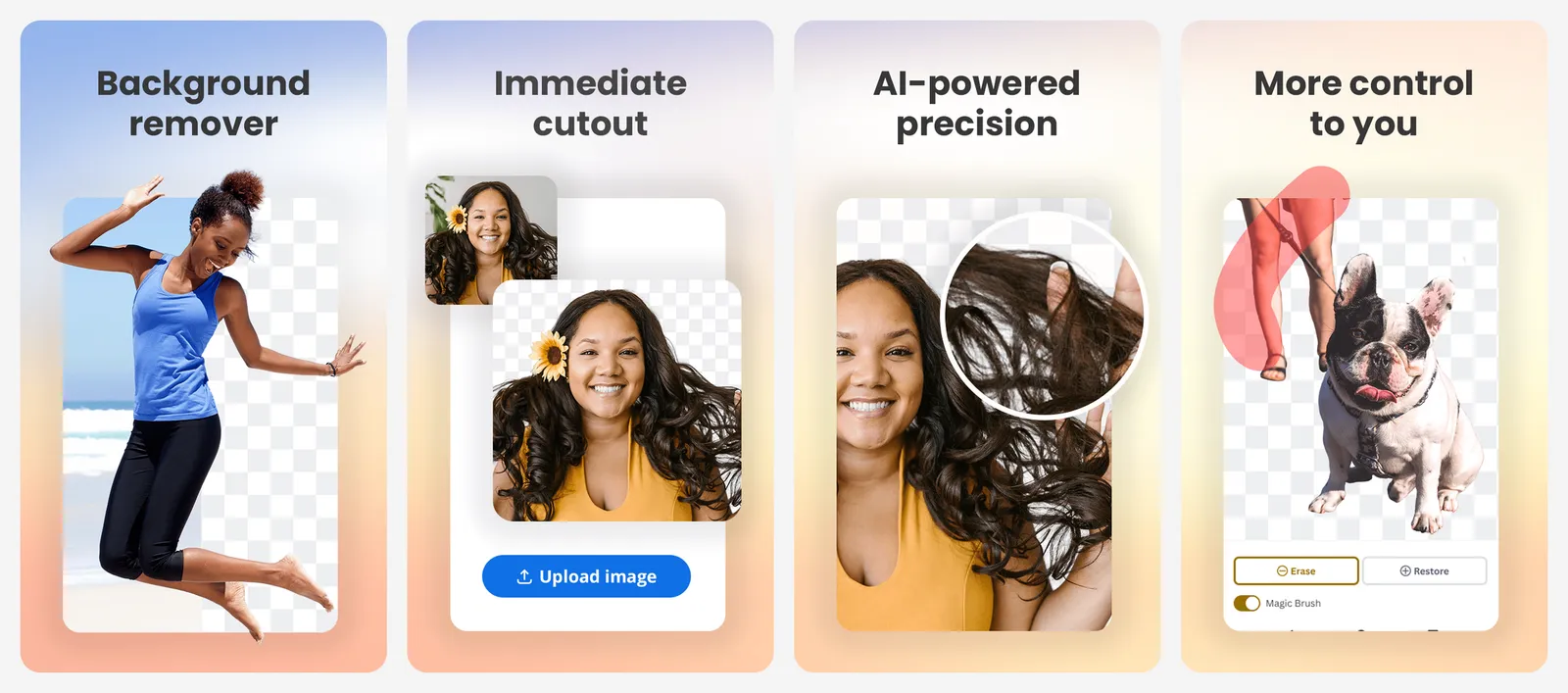
- Free output: Previews are free on the website, up to 0.25 megapixels (for example 625 x 400 pixels). That is fine for a profile picture or a chat sticker, but too small for printing or a product listing.
- Full resolution: Up to 50 megapixels, but each download costs a credit. New accounts get one free credit.
- Apps: Android, plus free desktop apps for Windows, Mac and Linux. Previews in the apps and API cost a quarter credit.
- Training: remove.bg asks before using an image you rate badly to improve its AI, and you can say no.
Use it when a small image is enough. For full-size downloads at no cost, Photoroom's free plan is the better deal.
- Runs on
- Web, Android, Windows, Mac, Linux
- Skip if
- You need full-resolution files for free
- Price
- Free previews, full resolution costs credits
5. Photoroom: Best Free Background Remover for Product Photos
- Android
- iPhone and iPad
250 free exports a month
Photoroom is built for sellers. It cuts out a product, puts it on a clean or AI-made background and adds shadows, so a phone photo looks like a catalogue shot.
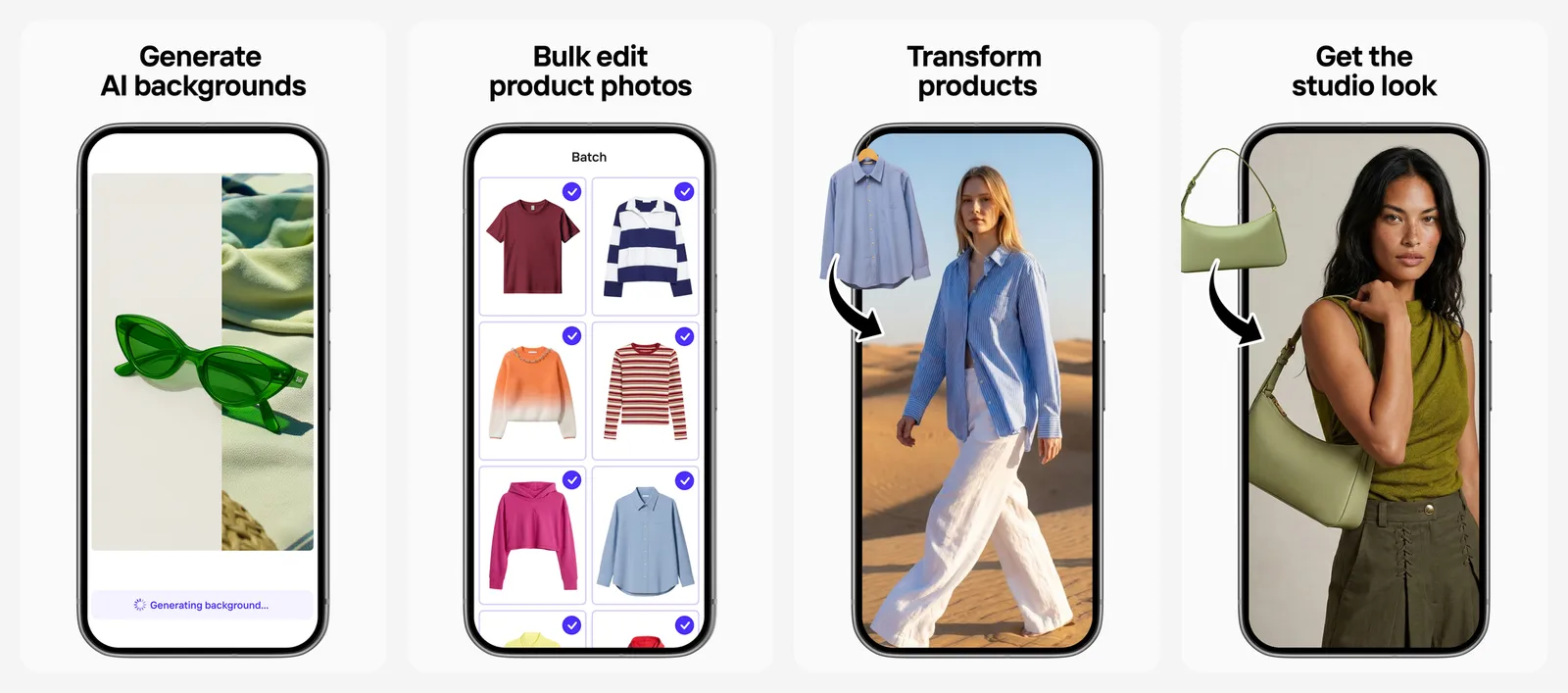
- Free plan: Background removal and core tools, with 250 exports a month and no watermark, according to Photoroom.
- Batch: Paid plans process images in bulk. Pro includes 1,000 exports a month.
- Paid plans: Pro is $7.50 a month billed yearly, with 8,000 AI credits. Max ($20.99 a month billed yearly) adds 4K images and video.
The free plan is enough for most small shops. If you sell a lot, the yearly Pro plan is cheap for what it saves you.
- Runs on
- Web, Android, iPhone
- Skip if
- You edit people more than products
- Price
- Free, Pro from $7.50/mo billed yearly
6. Adobe Express: Best for Cutouts in Designs
- Android
- iPhone and iPad
Free image background removal
Adobe Express removes image backgrounds for free and gives you a transparent PNG. Inside the editor, the same Remove Background option sits in the Image panel, so you can drop the cutout straight into a poster, thumbnail or social post.
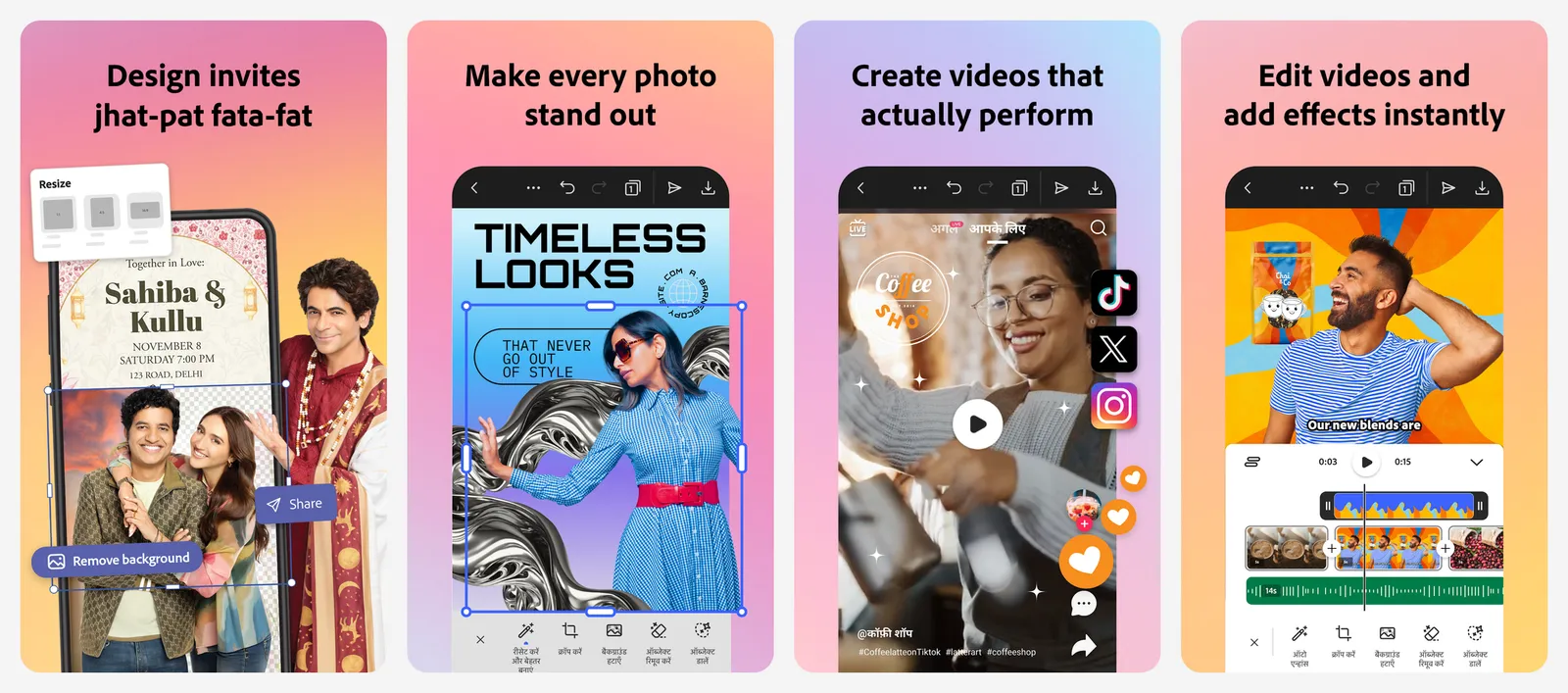
- Free: Image background removal. Adobe's page says you do not need an account to get started.
- Paid: Removing the background from a video needs Adobe Express Premium.
- Watch for: Adobe notes the tool can drop fine details or low-contrast edges, so check the cutout before you download.
It is the free alternative to Canva's background remover, which needs Canva Pro. For more free design tools like this, see our Canva alternatives.
- Runs on
- Web, Android, iPhone
- Skip if
- You need to remove video backgrounds for free
- Price
- Free, Premium for video background removal
7. Pixelcut: Best Cheap Upgrade for Sellers
- Android
- iPhone and iPad
No watermark on free exports
Pixelcut is a lighter, cheaper rival to Photoroom, with a background remover, magic eraser and upscaler in one app.
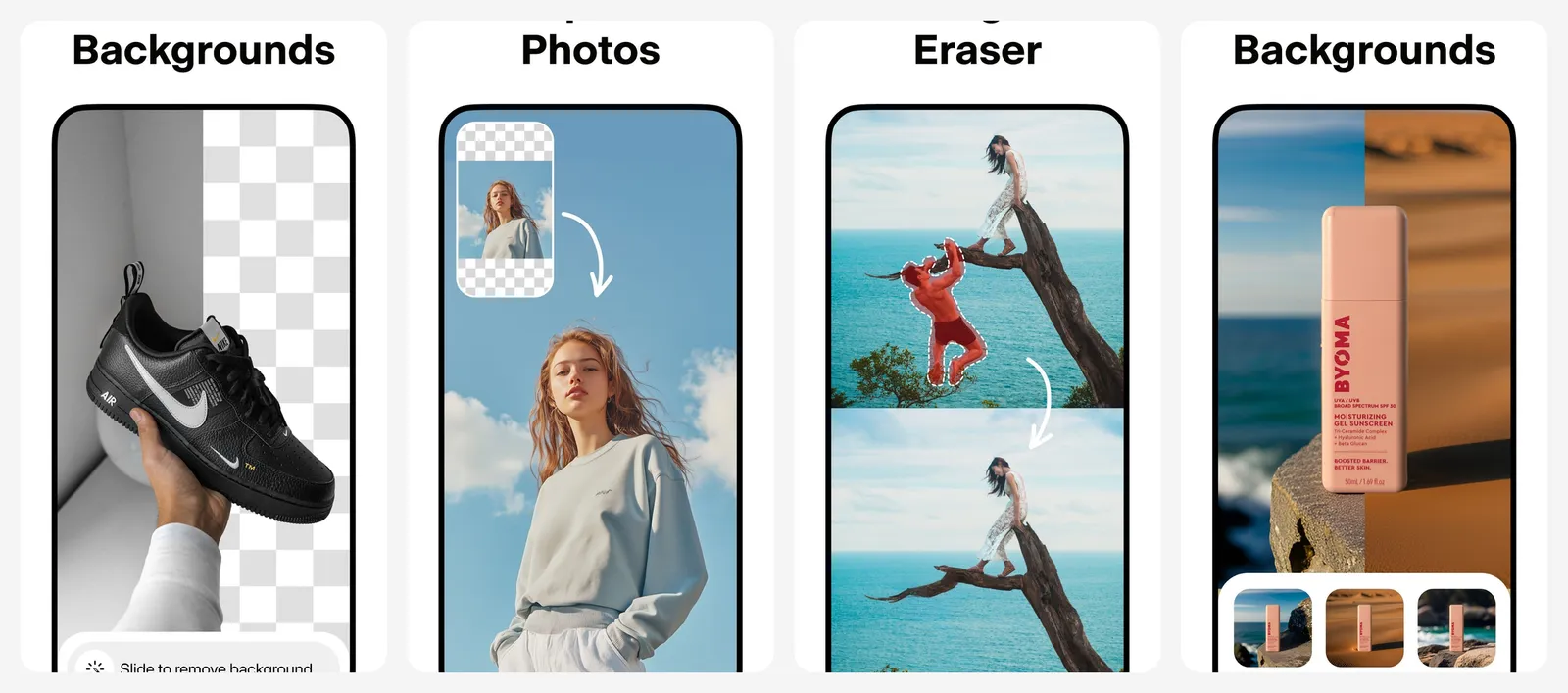
- Free plan: Limited background removal and upscaling, and free exports have no watermark. Pixelcut does not publish the exact free number.
- Pro: $10 a month, or $8 a month billed yearly, for unlimited background removal, 600 AI credits, 1,000 batch exports a month and a commercial licence.
Use the free tier for the odd listing photo. Pro makes sense if you remove backgrounds every week and want batch exports.
- Runs on
- Web, Android, iPhone
- Skip if
- You need many free removals
- Price
- Free, Pro $10/mo or $8/mo billed yearly
8. Clipdrop: Best Free Web Remover for Large Images
Up to 5000 x 5000 px
Clipdrop is a set of AI image tools on the web, and its background remover handles large images, up to 5000 x 5000 pixels according to its help section. You can upload one or several images at a time.
The same site has related tools, such as Replace Background, Relight and an image upscaler, which helps when a cutout needs a new scene or more pixels.
There is no app screenshot because Clipdrop is a web tool. Its free terms are less clearly published than Photoroom's, so check the download screen for any limit before you start a large batch.
- Runs on
- Web browser
- Skip if
- You want a phone app
- Price
- Free web tool
Which free background remover should you use?
- Quick sticker or cutout on your phone: iPhone Lift Subject or Samsung Gallery.
- On a Windows PC: Paint.
- Product photos for a shop: Photoroom, or Pixelcut if you want a cheap paid plan.
- Cutout for a poster or thumbnail: Adobe Express.
- A small image fast, no account: remove.bg preview.
After cutting out a subject, you might want to sharpen it with an AI photo enhancer, or create a brand new background with one of the best free AI image generators.
Who should still pay
What is the best free AI background remover?
Is remove.bg free?
How do I remove the background from a photo on iPhone?
Can I remove a background on Windows without an app?
Is Canva's background remover free?
Which background remover has no watermark for free?

Sumit
ContributorHi, I'm Sumit, Being an introvert I have always been obsessed with technology-computers and reading dozens of posts to learn, find answers out of my curiosity. I love to write as I explore more.