Looking for the best online resume builder? We review the top AI, ATS-compliant, and design-focused tools to help you land your next job.
Why Your Resume Builder Needs an Upgrade in 2026
The job market moves fast, and the tools used to evaluate candidates move even faster. In the past, creating a resume meant fighting with text boxes in standard word processors. Today, job seekers have access to platforms that not only format their experience but actually help write the content and optimize it for Applicant Tracking Systems (ATS).
If you are still relying on outdated formatting or image-heavy PDFs, your application might never reach a human reader. Modern recruiters rely on software to parse text; if your resume builder exports a flattened image instead of readable text, you are at an immediate disadvantage. Furthermore, with the rise of generative AI tools that we frequently cover on The Tech Basket, the best platforms now offer built-in assistance to tailor your bullet points directly to the job description you want.
Below, we break down the most effective resume builders available today. We have categorized them by their strengths: AI integration, ATS reliability, design flexibility, and dynamic alternatives for technical professionals.
AI-Powered Platforms: The New Standard
The most significant shift in career tools is the integration of artificial intelligence. These platforms do more than make your document look good; they actively improve your writing.
Teal
Teal has evolved from a simple job tracker into a comprehensive career growth platform. Its resume builder is highly focused on keyword optimization and tailoring.
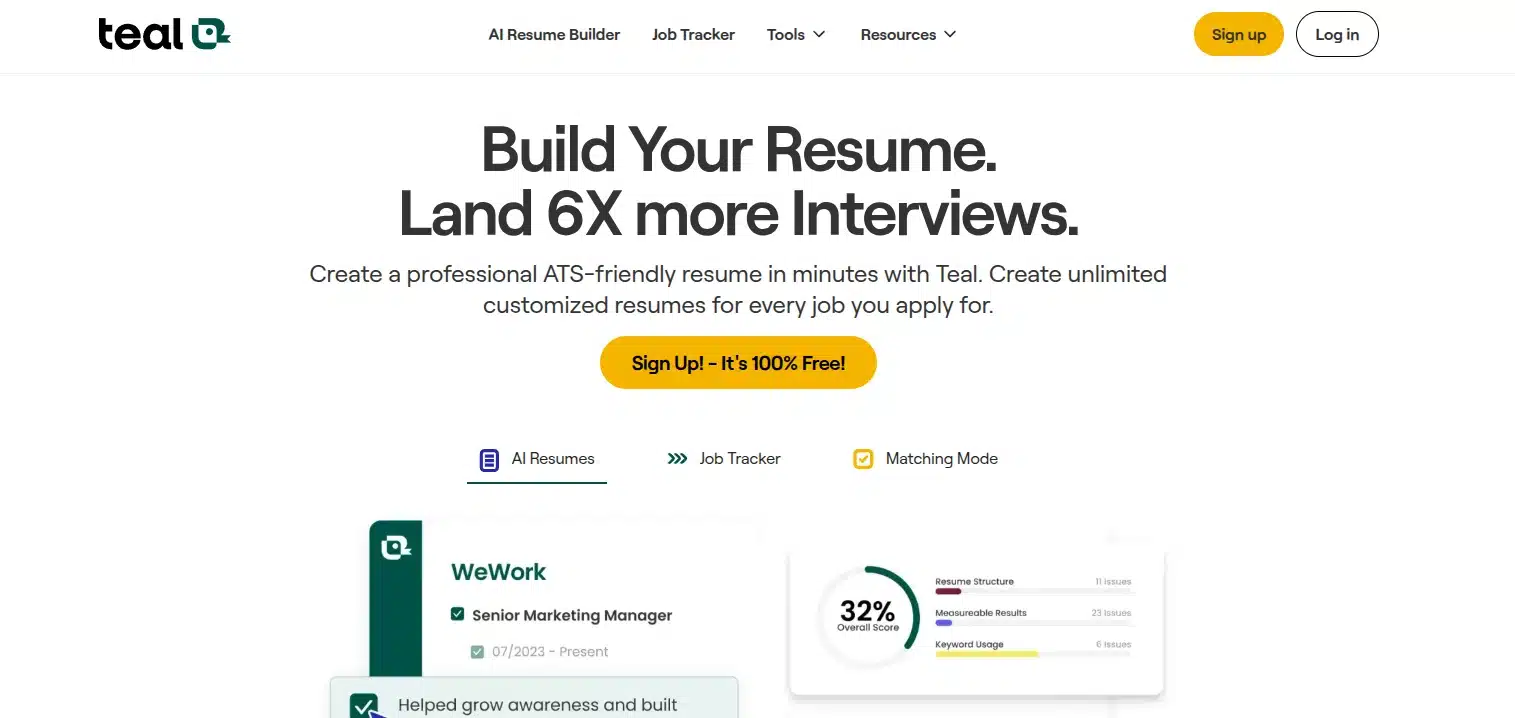
- Best Feature: The built-in AI assistant compares your current resume against a specific job description and suggests missing keywords.
- Pros: Excellent for keeping a master resume and quickly generating tailored versions for different applications.
- Cons: The interface can feel overwhelming for users who just want a quick, one-off document.
Kickresume
Kickresume leverages AI to help you overcome writer’s block. It offers a vast library of approved templates and AI-generated bullet points based on your job title.
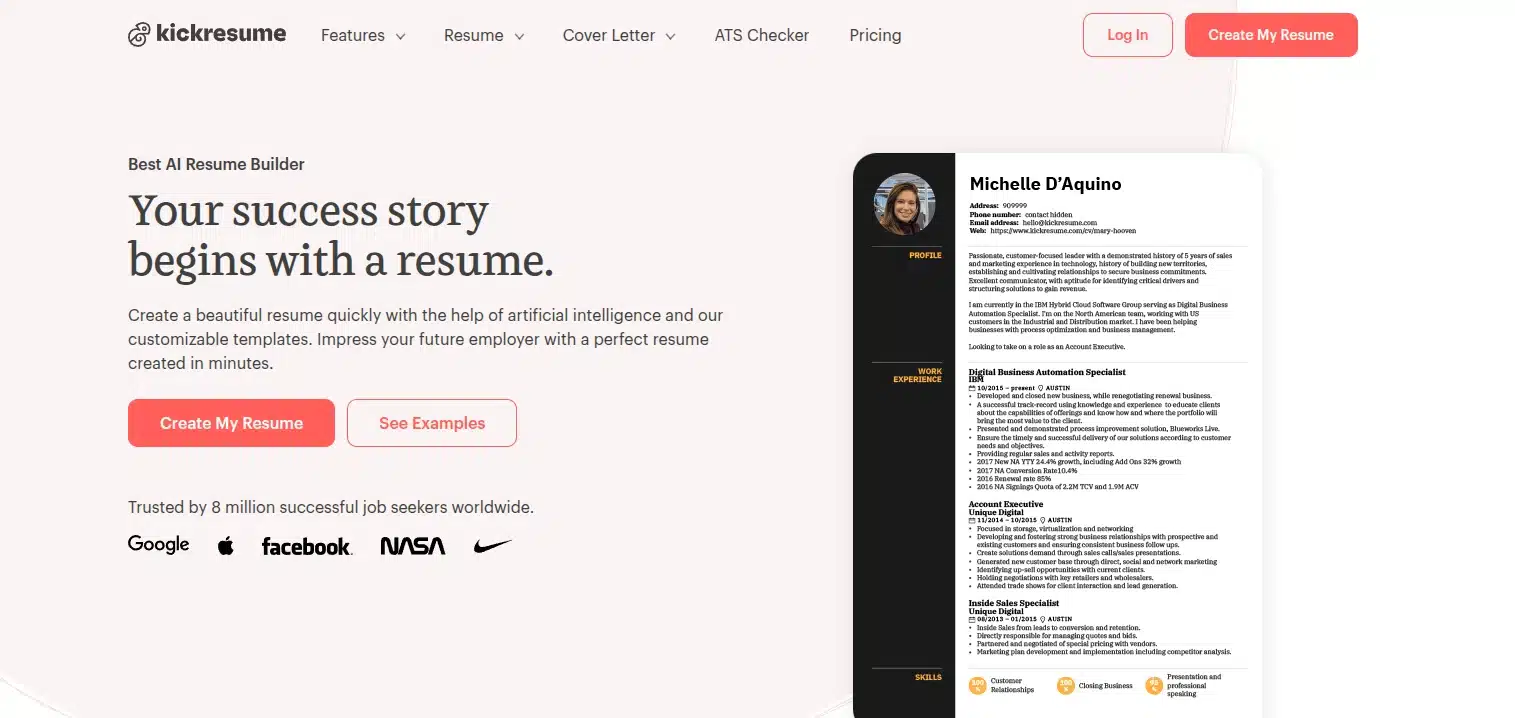
- Best Feature: The AI writer can instantly generate professional summaries and achievement-oriented bullet points.
- Pros: Integrates seamlessly with LinkedIn to pull in your work history.
- Cons: Many of the most attractive templates and advanced AI features are locked behind a premium subscription.
The ATS-Optimized Champions
For corporate roles, formatting takes a back seat to readability. These builders focus on clean code and text-based PDF exports that sail through ATS scanners without errors.
FlowCV
FlowCV remains one of the most robust, user-friendly options on the market. It strikes the perfect balance between modern aesthetics and strict ATS compliance.
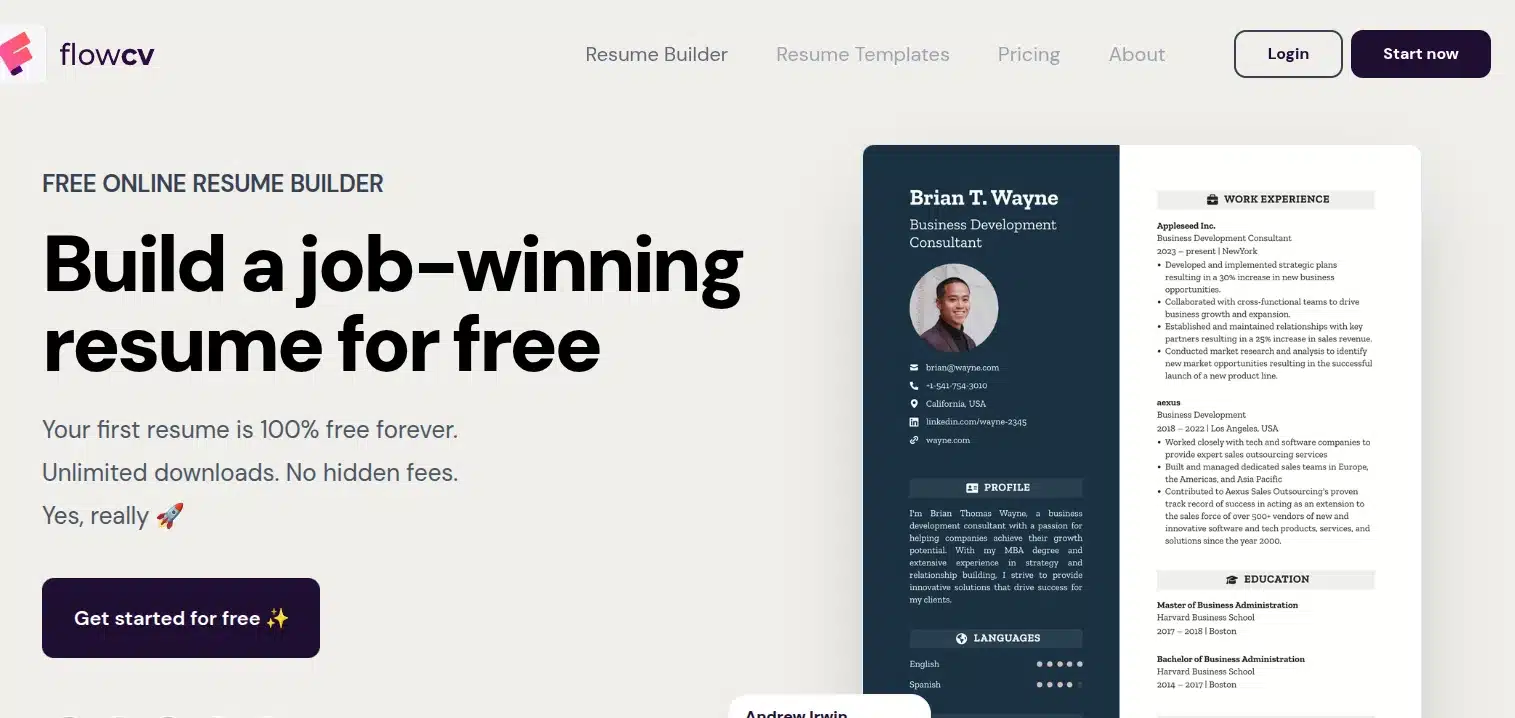
- Best Feature: A highly intuitive, block-based editor that automatically adjusts margins and spacing, preventing your content from spilling awkwardly onto a second page.
- Pros: The free tier is incredibly generous, offering access to almost all features for your first resume.
- Cons: Limited AI writing assistance compared to Teal or Kickresume.
Resume.com
Acquired by Indeed, Resume.com is the definition of a straightforward, reliable tool. It is entirely free and focuses purely on getting your data organized.
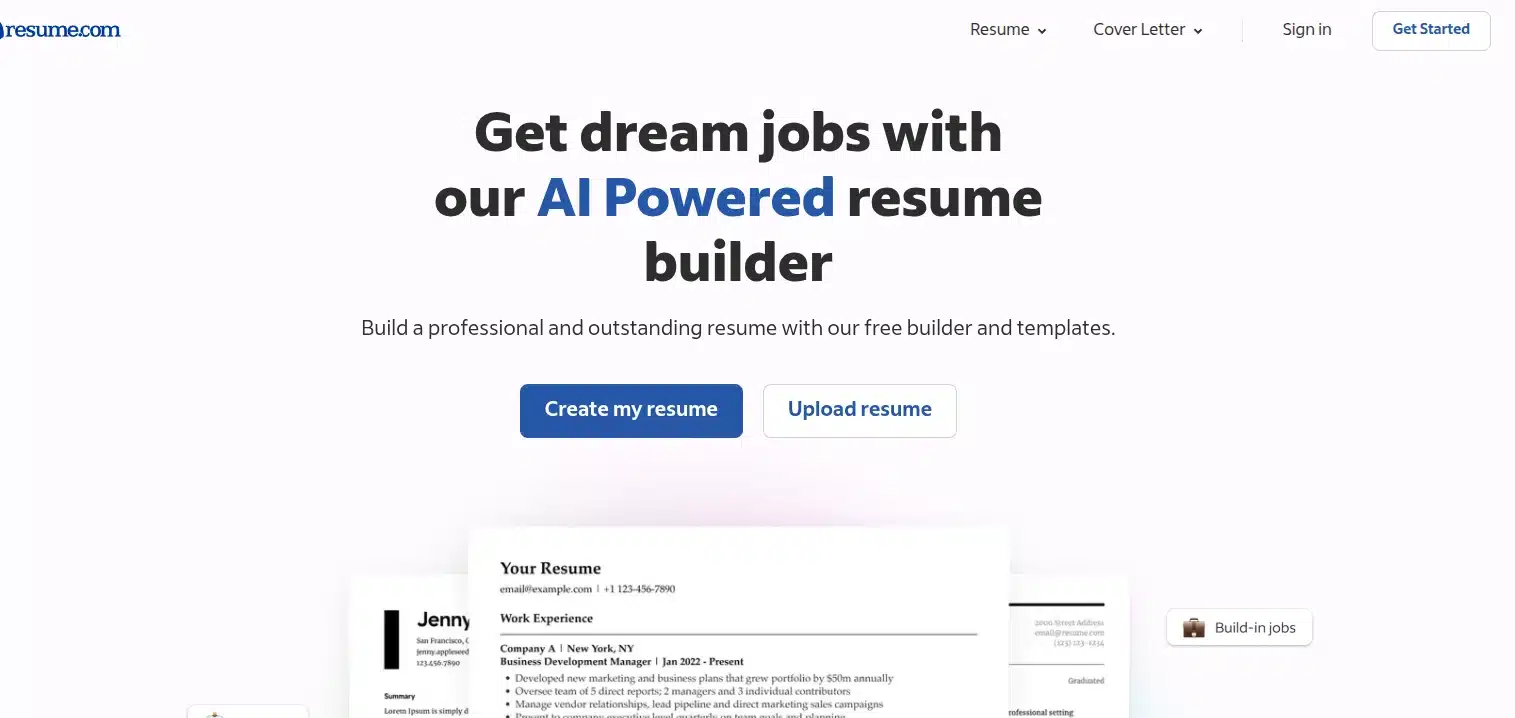
- Best Feature: Direct integration with Indeed, making it incredibly easy to apply for jobs directly from the platform.
- Pros: Completely free to use, and exports are guaranteed to be ATS-friendly.
- Cons: The templates are very traditional and lack visual flair.
Design-First Builders for Creatives
If you are applying for roles in graphic design, marketing, or media, visual impact matters. These tools prioritize aesthetics.
Canva
Canva is a design powerhouse, offering thousands of visually striking resume templates ranging from minimalist to highly illustrative.
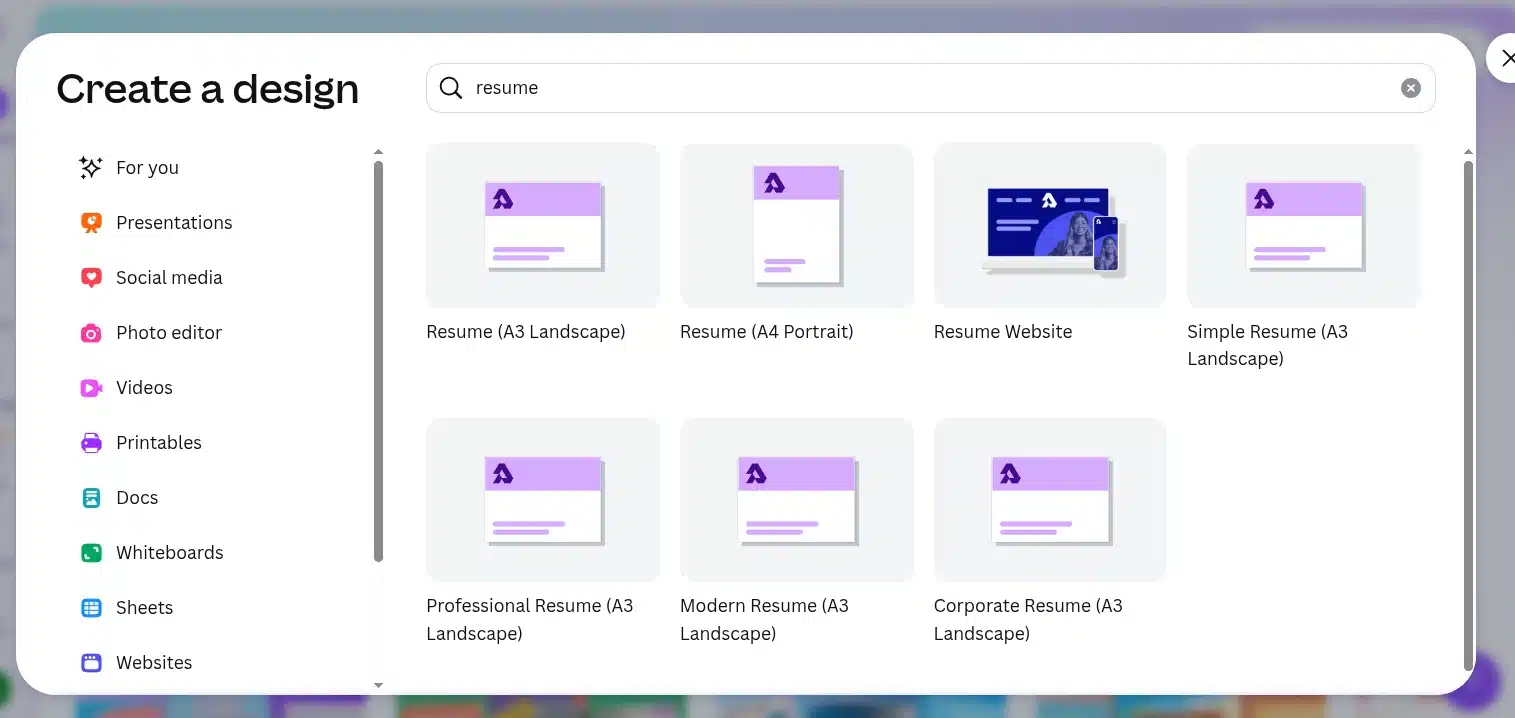
- Best Feature: Absolute creative freedom. You can adjust every color, font, and graphic element.
- Pros: Perfect for creating presentation-style resumes or digital portfolios.
- Cons: Canva exports are notoriously poor for ATS parsing. Only use Canva if you are emailing your resume directly to a hiring manager.
Resume.io and Resumemaker.online
These two platforms offer a solid middle ground. They provide sleek, modern designs that look better than standard corporate templates while requiring zero design skills.
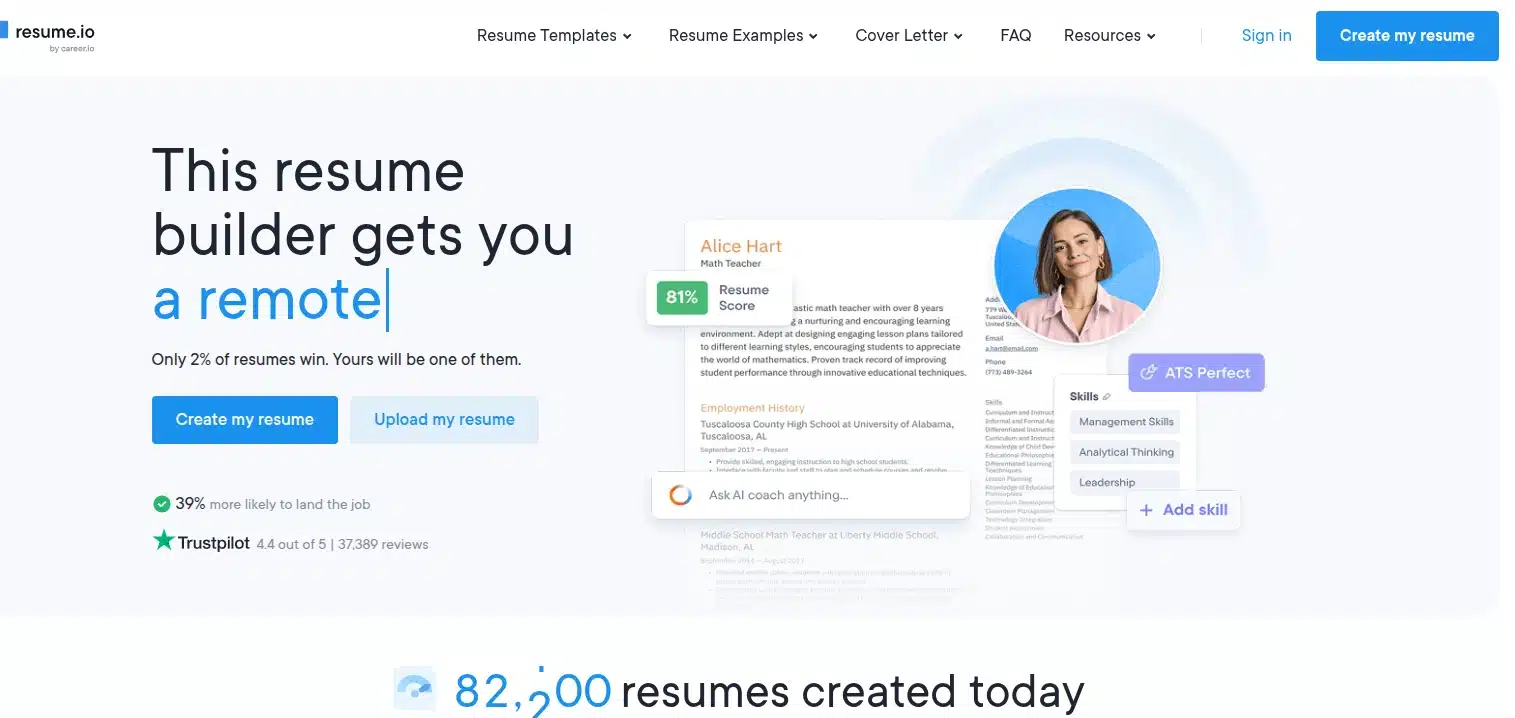
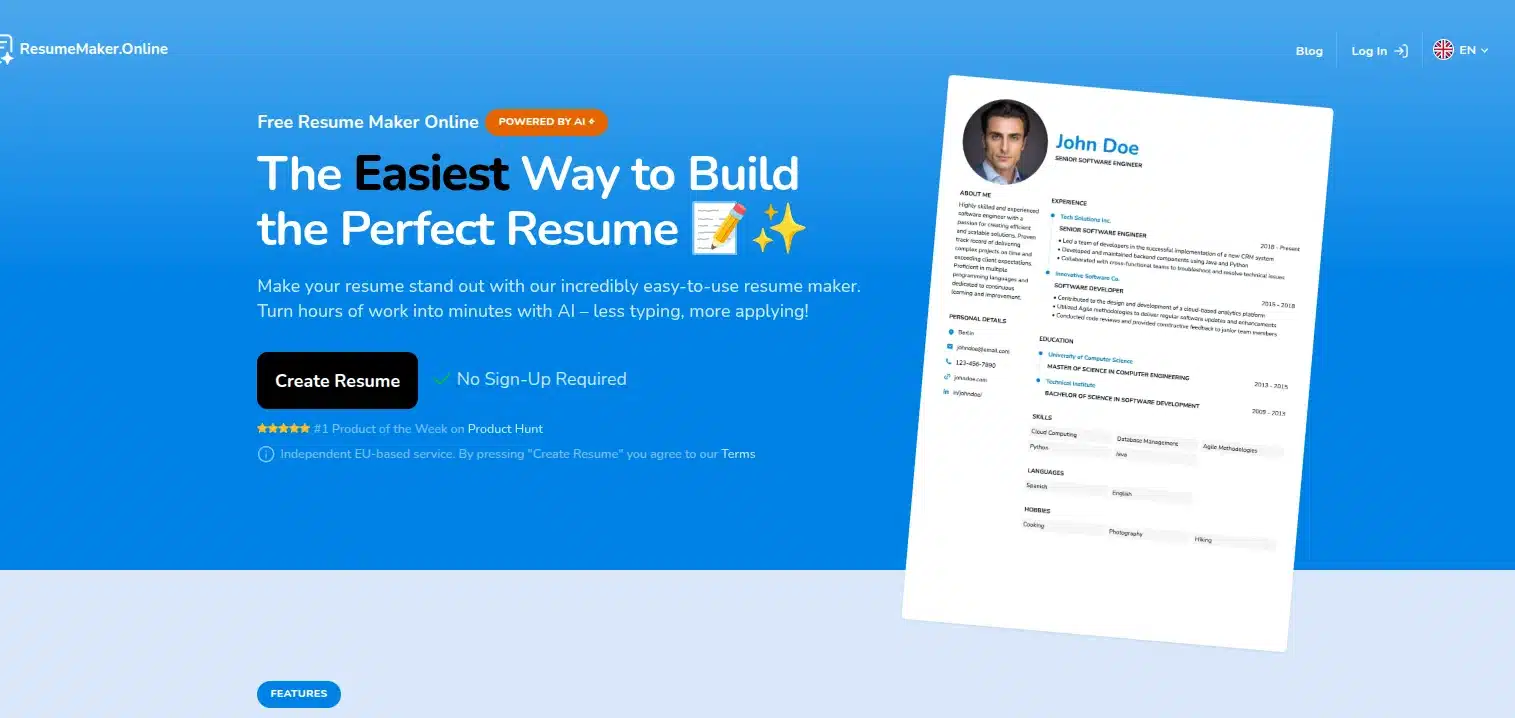
- Best Feature: Rapid generation. Resumemaker.online is particularly notable for its incredibly fast, no-signup-required initial drafting process, while Resume.io offers highly polished premium templates.
- Pros: Clean UI and beautiful, colorful templates.
- Cons: Resume.io heavily restricts downloads on its free tier.
The Tech-Centric Alternative: Dynamic Portfolios
For software developers, engineers, and data scientists, a static PDF is often secondary to a live demonstration of your skills. Traditional resume builders can only list your technical proficiencies; a dynamic portfolio proves them.
Instead of relying solely on a PDF, technical professionals should leverage their existing version control platforms as a primary resume. A highly customized GitHub profile README serves as a powerful, constantly updated representation of your work.
By integrating automated GitHub Actions, you can transform a static profile into a live dashboard. For example, you can implement an automated snake animation that consumes your contribution graph, visually demonstrating your coding consistency over time. Furthermore, setting up an automated workflow to display live open-source contribution statistics and badges provides recruiters with immediate, verifiable proof of your technical stack and community involvement. This dynamic approach offers a level of insight that no standard resume builder can match.
Summary Comparison
Choosing the right tool depends entirely on your industry and application strategy. Use this quick reference guide to make your decision:
| Platform | Best Use Case | ATS Compatibility | Pricing Model |
|---|---|---|---|
| Teal | Tailoring to specific job descriptions | Excellent | Freemium |
| FlowCV | Clean, reliable, and professional layouts | Excellent | Freemium |
| Resume.com | Quick, no-frills generation | Excellent | Free |
| Canva | Creative roles and direct email applications | Poor | Freemium |
| GitHub README | Software development and engineering | N/A (Live Web) | Free |

Amit loves new tech and apps that make life easier, he writes about apps, games and useful websites on TheTechBasket.