On this page
- What open source does and does not promise
- Start with these five
- Private messaging
- Signal
- SimpleX Chat
- Passwords and two-factor codes
- Bitwarden
- KeePassXC
- Ente Auth
- Private browsing
- Mullvad Browser
- Tor Browser
- uBlock Origin
- SimpleLogin
- Proton Mail
- Files and sharing
- Cryptomator
- VeraCrypt
- OnionShare
- Network privacy
- Mullvad VPN
- RethinkDNS
- Phone and everyday apps
- CoMaps
- Ente Photos
- GrapheneOS
- All 18 tools compared
- Mistakes that undo your privacy
- Installing everything at once
- Saving 2FA codes in the same place as passwords
- Treating a VPN as an invisibility cloak
- Forgetting the recovery key
- FAQs
- What to do next
Most privacy advice fails for one reason: it asks you to trust a company's promise. Open source tools ask for less trust. Anyone can read the code, security researchers do, and when a project cuts a corner, someone usually notices in public.
This list covers 18 open source tools that protect the everyday stuff: your chats, passwords, browsing, email, files, network traffic, and phone. Every project was checked in September 2026 for a recent release, a clear licence, and a working download. You do not need to install all 18. Most people get most of the benefit from the first five.
- Start with five: Signal for chats, Bitwarden or KeePassXC for passwords, uBlock Origin in your browser, an authenticator app, and email aliases.
- Open source means the code can be checked. It does not mean the service is anonymous or that the company behind it cannot see anything.
- Several tools here have open apps but closed servers (Proton, Mullvad). We say so at each entry.
- Everything on this list has a free tier or is fully free, except Mullvad VPN (5 euros a month) and Cryptomator on mobile.
- Change one habit at a time. Moving your passwords and your chats covers the biggest risks.
What open source does and does not promise
Open source means the program's source code is public under a licence that lets anyone read, change, and share it. For privacy, that matters in three ways:
- Claims can be checked. When an app says "we can't read your messages", researchers can confirm how the encryption actually works.
- Your data can move. Open formats and exportable data mean you are never locked in.
- Projects outlive companies. If a company goes bad, the community can fork the code and carry on. That is exactly what happened with Organic Maps and CoMaps in 2025 (more on that below).
It does not mean everything is safe. An open app can still talk to a closed server, a project can be abandoned, and a free tool can be a bad fit for how you work. We point out those limits at each entry.
- Licence: the app you install is under a real open source licence (GPL, AGPL, Apache, MIT, MPL). Where the server side is closed, we say so.
- Maintained: each project shipped a release or a code change in 2026. We checked GitHub and official download pages on September 26, 2026.
- Usable: a normal person can install it without a terminal, except GrapheneOS, which we flag.
- Honest cost: we list the free tier and the real paid price.
- Nothing here is sponsored and there are no affiliate links.
Start with these five
If you only do one thing this week, do this table in order. Each step closes a common leak.
| Order | Install | What it fixes |
|---|---|---|
| 1 | Bitwarden or KeePassXC | Reused passwords, the most common way accounts get taken over |
| 2 | Ente Auth (or Aegis on Android) | SMS codes that can be stolen with a SIM swap |
| 3 | uBlock Origin | Ads and trackers following you across websites |
| 4 | Signal | Chats that the app company or a data breach can read |
| 5 | SimpleLogin | Your real email address being sold, leaked, or spammed |
Private messaging
Signal
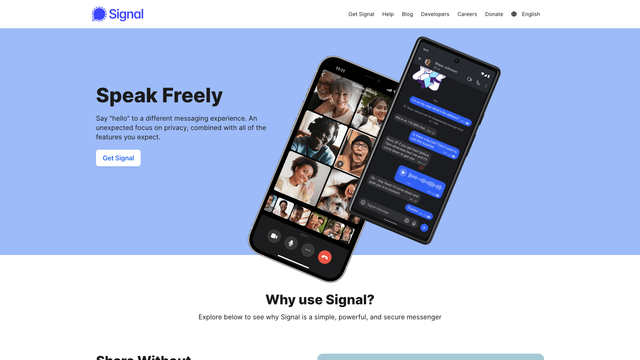
Signal is the default recommendation for a reason. Messages, calls, and group chats are end-to-end encrypted by default (only the people in the chat can read them). The Signal Protocol it uses is the same encryption WhatsApp adopted. The difference is that Signal also protects the metadata: it does not keep your contact list, who you talk to, or when.
You still need a phone number to sign up. Since 2024 you can set a username and hide your number from everyone you chat with. The Android app shipped version 8.26.4 on September 9, 2026. It is run by a non-profit foundation and has no ads.
- Replaces
- WhatsApp, Messenger, SMS
- Runs on
- Android, iPhone, Windows, Mac, Linux
- Difficulty
- Easy
- Licence
- AGPL-3.0 (open)
- Skip if
- You cannot share a phone number at all
SimpleX Chat
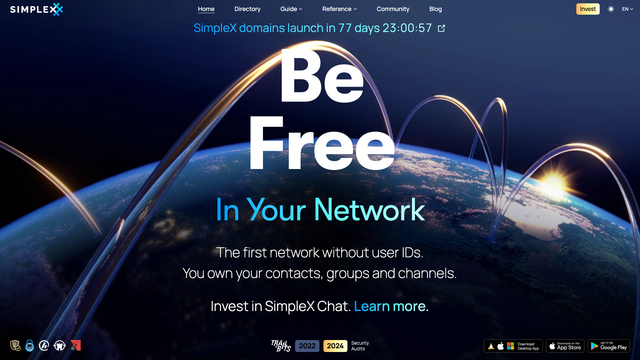
SimpleX goes one step further than Signal: there is no user ID at all. No phone number, no email, no username. You connect by sharing a one-time link or QR code, and your contacts and messages live only on your device.
The trade-off is convenience. You cannot "find" friends by number, and moving to a new phone means exporting your profile yourself. It is the right pick for journalists, activists, or anyone who does not want a single identifier tying their conversations together. Version 7.0.2 shipped on September 2, 2026.
- Replaces
- Signal, when a phone number is too much
- Runs on
- Android, iPhone, Windows, Mac, Linux
- Difficulty
- Medium
- Licence
- AGPL-3.0 (open)
- Skip if
- Your friends will not install a new app
Passwords and two-factor codes
Bitwarden
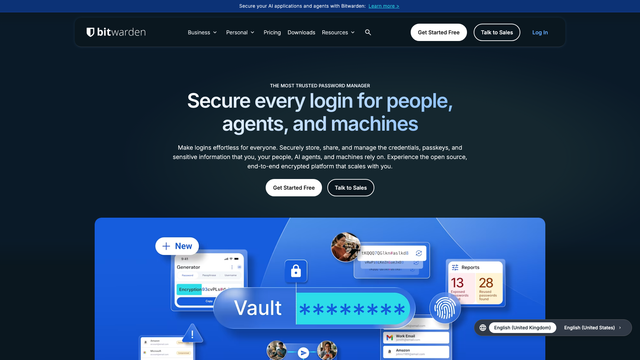
Bitwarden is the password manager we suggest to most people. The free plan covers unlimited passwords on unlimited devices, which most paid rivals do not offer. Your vault is encrypted on your device before it is synced, so Bitwarden only stores scrambled data.
Premium costs $19.80 a year and adds a built-in authenticator, file attachments, and emergency access. If you run a home server, you can host your own vault with Vaultwarden, covered in our home lab projects guide. The client apps are GPL-3.0; a few server features for businesses use Bitwarden's own licence.
- Replaces
- LastPass, 1Password, browser password saving
- Runs on
- Every browser, Android, iPhone, desktop
- Difficulty
- Easy
- Licence
- GPL-3.0 apps (open)
- Skip if
- You want your vault to never touch a server
KeePassXC
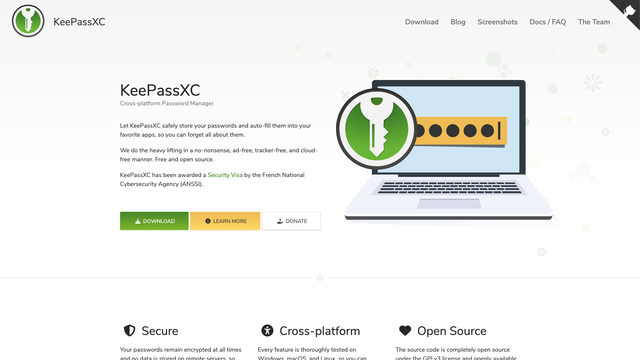
KeePassXC keeps your passwords in a single encrypted file on your computer. No account, no company server, no subscription. You decide where that file lives and how it syncs, for example with Syncthing or a cloud drive you already use.
It is a desktop app, so on your phone you pair it with a compatible app such as KeePassDX (Android) or Strongbox (iPhone) that opens the same file. The stable release is 2.7.12, and a 2.8.0 beta landed on September 23, 2026. Pick this over Bitwarden if you never want your vault on someone else's server.
- Replaces
- Any cloud password manager
- Runs on
- Windows, Mac, Linux
- Difficulty
- Medium
- Licence
- GPL-2.0 / GPL-3.0 (open)
- Skip if
- You need easy sharing with family
Ente Auth
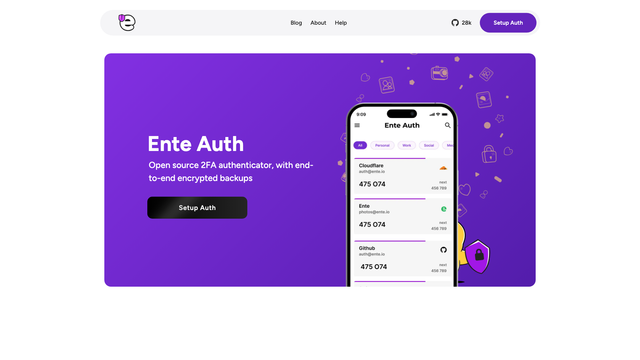
Two-factor codes (the six-digit numbers you type after your password) stop most account takeovers. Ente Auth stores those codes with end-to-end encrypted backup, so a lost phone does not lock you out of everything. It is free, works on every platform, and imports from Google Authenticator and most other apps.
On Android only, Aegis is an excellent offline alternative (GPL-3.0, version 3.4.3 on September 6, 2026). It keeps codes in an encrypted vault on the phone and leaves backups up to you. Pick Aegis if you do not want any sync at all.
- Replaces
- Google Authenticator, Authy, SMS codes
- Runs on
- Android, iPhone, desktop, web
- Difficulty
- Easy
- Licence
- AGPL-3.0 (open)
- Skip if
- You already use Bitwarden Premium's authenticator
Private browsing
For a full comparison of browsers, including ones that are not open source, see our guide to the best secure and private browsers. These three are the open picks we would install first.
Mullvad Browser
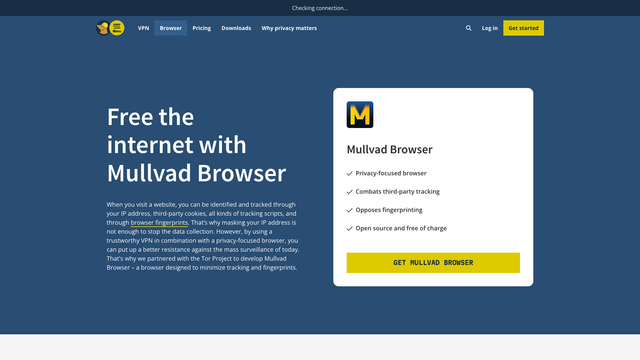
Mullvad Browser is Tor Browser without the Tor network. It was built by the Tor Project together with Mullvad, and it makes every user look the same to websites, which defeats fingerprinting (identifying you from your screen size, fonts, and settings). uBlock Origin comes pre-installed.
It starts in private mode every time, so you lose history and logins when you close it. That is the point, but it takes getting used to. You do not need Mullvad VPN to use it. Version 15.0.23 shipped on September 21, 2026.
- Replaces
- Chrome, Edge
- Runs on
- Windows, Mac, Linux
- Difficulty
- Easy
- Licence
- MPL-2.0 (open, Firefox based)
- Skip if
- You want your history and logins saved between sessions
Tor Browser
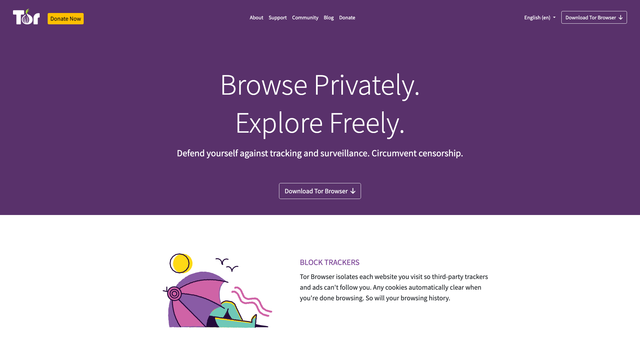
Tor Browser sends your traffic through three volunteer-run servers around the world, so no single one knows both who you are and what you are visiting. It is the strongest anonymity tool most people can install in two minutes, and it also opens .onion sites.
It is slower than a normal browser, and some sites show extra captchas. Use it for sensitive searches and research, not for Netflix. The current release is 15.0.23. On iPhone, the Tor Project recommends Onion Browser instead.
- Replaces
- A VPN, when you need real anonymity
- Runs on
- Windows, Mac, Linux, Android
- Difficulty
- Easy
- Licence
- MPL-2.0 / BSD (open)
- Skip if
- You need fast video streaming
uBlock Origin
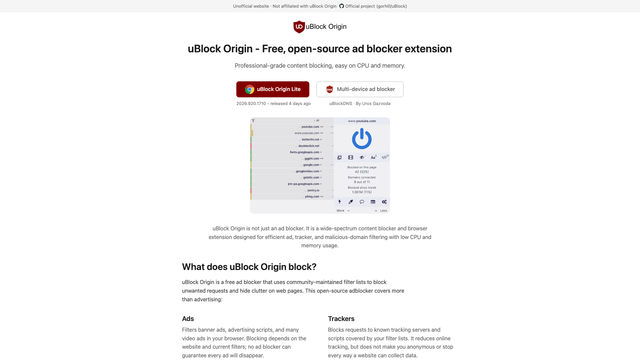
uBlock Origin blocks ads, trackers, and known malware domains while using less memory than most blockers. It has no "acceptable ads" deal and takes no money from advertisers. Version 1.75.0 shipped on September 16, 2026.
One catch: Chrome's newer extension rules (Manifest V3) no longer allow the full version, so Chrome users get uBlock Origin Lite, which blocks less. Firefox and Firefox-based browsers still run the full extension. If you use Chrome, our Chrome extension audit guide shows how to find extensions that quietly read your pages.
- Replaces
- AdBlock Plus, paid ad blockers
- Runs on
- Firefox, Edge, Chrome (Lite)
- Difficulty
- Easy
- Licence
- GPL-3.0 (open)
- Skip if
- Your browser already bundles it (Mullvad, LibreWolf)
SimpleLogin
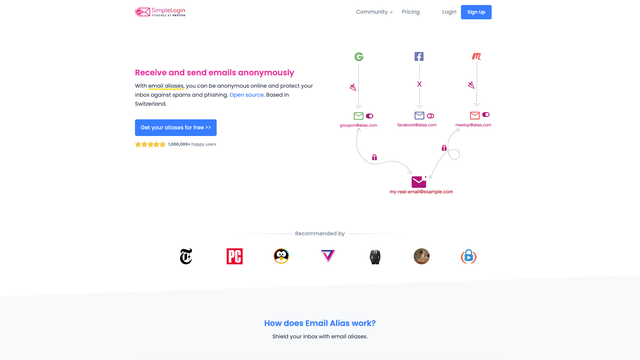
SimpleLogin gives every website its own email address that forwards to your real inbox. When a shop leaks or sells your address, you turn that one alias off and the spam stops. You can also reply from the alias, so your real address never shows.
The free plan gives you 10 aliases. Premium is $36 a year for unlimited aliases and your own domain. Unusually, the server code is open too, so you can host it yourself. SimpleLogin is owned by Proton, and Premium now includes Proton Pass features.
- Replaces
- Giving your real email to every shop and newsletter
- Runs on
- Web, browser extension, Android, iPhone
- Difficulty
- Easy
- Licence
- AGPL-3.0 (open, server too)
- Skip if
- You already pay for Proton Unlimited (it includes aliases)
Proton Mail
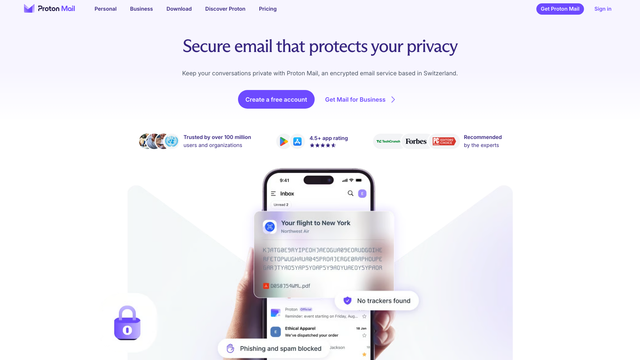
Proton Mail encrypts your mailbox so Proton cannot read stored emails, and messages between Proton users are end-to-end encrypted. The web, mobile, and desktop apps are open source and independently audited. The server is not open, which is why it sits below the fully open tools on this list.
The free plan includes one address and 1GB of storage (1.5GB after setup tasks). Mail Plus adds 15GB, 10 addresses, and a custom domain. Emails you send to Gmail users are not end-to-end encrypted unless you use a password-protected message, so treat it as "private from ad companies", not "invisible".
- Replaces
- Gmail, Outlook
- Runs on
- Web, Android, iPhone, desktop
- Difficulty
- Easy
- Licence
- GPL-3.0 apps (server closed)
- Skip if
- You need more than 1GB free
Files and sharing
Cryptomator
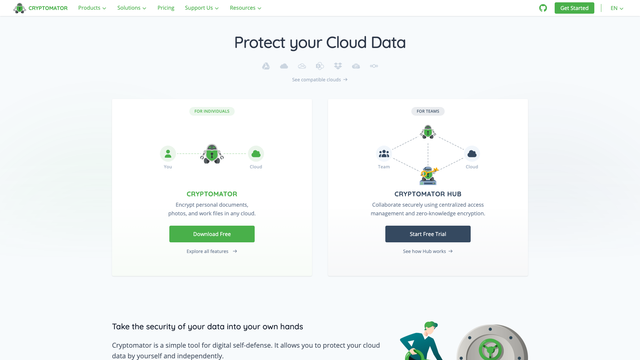
Cryptomator encrypts files before they reach Google Drive, Dropbox, OneDrive, or iCloud. You get a vault that looks like a normal folder on your computer; the cloud only ever sees scrambled file names and contents.
The desktop apps are completely free. The Android and iPhone apps are free to read files, and writing files costs a one-time 29.99 euros per platform. Version 1.19.3 is the current desktop release.
- Replaces
- Trusting Google Drive or Dropbox with raw files
- Runs on
- Windows, Mac, Linux, Android, iPhone
- Difficulty
- Easy
- Licence
- GPL-3.0 (open)
- Skip if
- Your cloud is already end-to-end encrypted
VeraCrypt
VeraCrypt encrypts whole drives, USB sticks, or a single container file that acts like a locked drive. It is the successor to TrueCrypt and has been audited. Windows Home users get the most out of it, since BitLocker is only fully available on Windows Pro.
The interface is dated and a forgotten password means the data is gone for good, so write it down somewhere safe. Version 1.26.29 is the current release.
- Replaces
- BitLocker on Windows Home, unencrypted USB drives
- Runs on
- Windows, Mac, Linux
- Difficulty
- Medium
- Licence
- Apache-2.0 / TrueCrypt 3.0 (open)
- Skip if
- Your laptop already has BitLocker or FileVault on
OnionShare
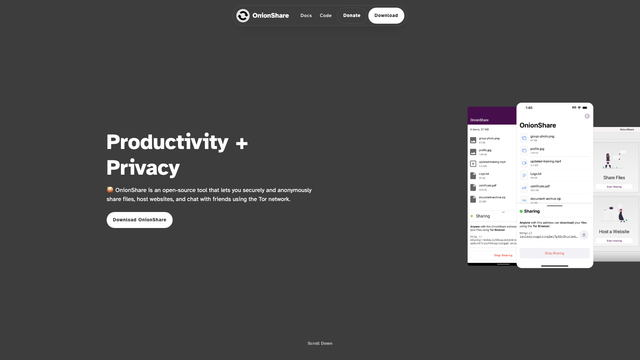
OnionShare shares files straight from your computer over the Tor network. There is no upload to a company server: you get a private .onion address, the other person opens it in Tor Browser, and the link dies when you close the app.
It can also host a quick anonymous chat room or a simple website. The catch is that your computer must stay on until the download finishes. Version 2.6.5 shipped in July 2026.
- Replaces
- WeTransfer, Google Drive share links
- Runs on
- Windows, Mac, Linux, Android
- Difficulty
- Easy
- Licence
- GPL-3.0 (open)
- Skip if
- The person receiving it cannot install Tor Browser
Network privacy
Mullvad VPN
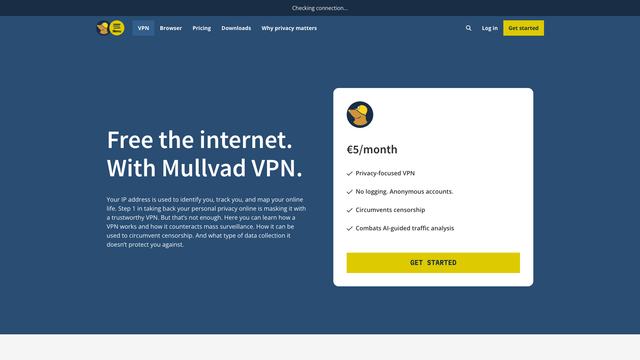
Mullvad is the VPN privacy people trust most because it asks for almost nothing: no email, no name, just a random account number. You can even pay in cash by post. The price is a flat 5 euros a month for up to five devices, with no "first year" discount tricks.
The apps are open source; the server network is run by Mullvad, so you are trusting its no-logs policy, which has held up in a police raid. A VPN hides your traffic from your internet provider and public Wi-Fi, not from the sites you log in to. For a free route, see our guide to free VPNs for Android or host your own VPN server.
- Replaces
- Free VPN apps that sell your data
- Runs on
- Windows, Mac, Linux, Android, iPhone
- Difficulty
- Easy
- Licence
- GPL-3.0 apps (servers closed)
- Skip if
- You only need a VPN on public Wi-Fi once a year
RethinkDNS
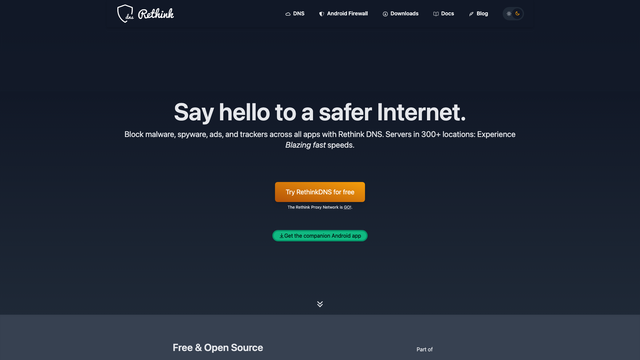
RethinkDNS is a firewall and encrypted DNS app for Android. It shows which apps are phoning home, lets you block any app from the internet, and filters trackers and malware domains for every app on your phone, not just the browser. No root needed.
It works by running a local VPN on the phone, so you cannot use it together with another VPN app unless you route through its WireGuard support. Version 0.5.7 shipped on September 21, 2026. For whole-home blocking, compare Pi-hole and AdGuard Home.
- Replaces
- Paid ad-blocking apps, NetGuard
- Runs on
- Android
- Difficulty
- Medium
- Licence
- Apache-2.0 (open)
- Skip if
- You already run Pi-hole or AdGuard Home at home
Phone and everyday apps
CoMaps
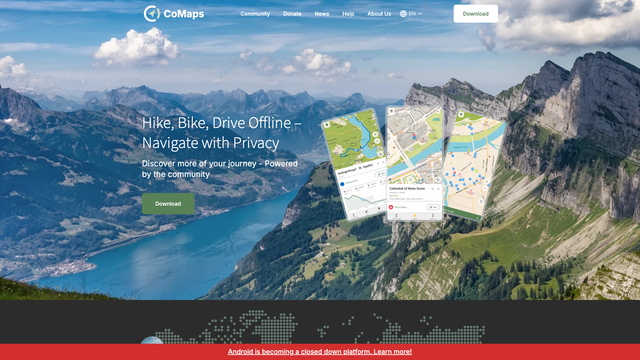
CoMaps is an offline map and navigation app built on OpenStreetMap data. Download a country once and you get turn-by-turn directions for driving, walking, and cycling with no data connection and no location tracking.
It is a 2025 community fork of Organic Maps, created after contributors raised concerns about how Organic Maps was governed. Both apps look nearly identical; we list CoMaps because it is run by its community as a non-profit, and CalyxOS switched to it as its default map app in May 2026. The latest stable release is 2026.08.07.
- Replaces
- Google Maps for hiking, travel, offline use
- Runs on
- Android, iPhone
- Difficulty
- Easy
- Licence
- Apache-2.0 (open)
- Skip if
- You rely on live traffic and business reviews
Ente Photos
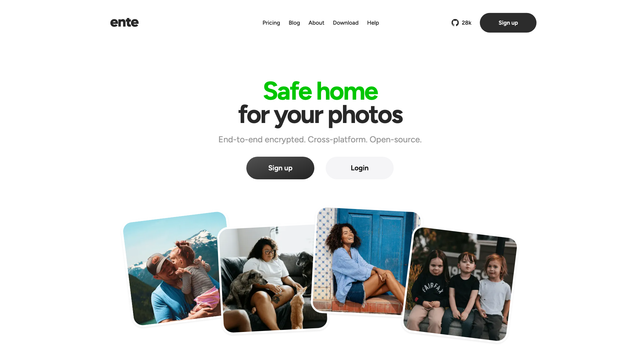
Ente Photos backs up your camera roll with end-to-end encryption, so Ente cannot see your pictures. Face search and object search still work, because the AI runs on your device instead of Ente's servers.
The free plan is 10GB forever, and 50GB costs $2.49 a month. The server code is open, so you can self-host it later. If you already run a home server, our Immich vs PhotoPrism comparison covers the self-hosted route.
- Replaces
- Google Photos, iCloud Photos
- Runs on
- Android, iPhone, desktop, web
- Difficulty
- Easy
- Licence
- AGPL-3.0 (open, server too)
- Skip if
- You want to host photos on your own server
GrapheneOS
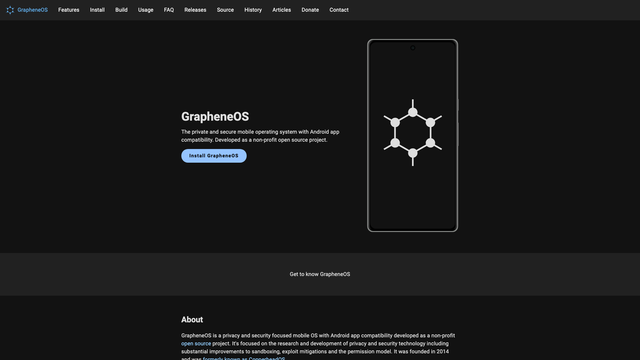
GrapheneOS replaces the Android on your phone with a hardened version that has no Google services built in. You can still install Google Play in a sandbox, where it runs as a normal app with no special access. Per-app network and sensor permissions let you cut off any app from the internet or your location.
It only supports Google Pixel phones, currently Pixel 6 through the Pixel 10 series. The web installer makes setup easier than it used to be, but it still wipes your phone, and a few banking and payment apps refuse to run on it. The latest stable build is dated September 19, 2026.
- Replaces
- Stock Android with Google services built in
- Runs on
- Google Pixel 6 to Pixel 10 series
- Difficulty
- Hard
- Licence
- MIT (open, Android base)
- Skip if
- You do not own a supported Pixel, or rely on banking apps that block it
All 18 tools compared
| Tool | Job | Platforms | Free tier | Paid | Server open? |
|---|---|---|---|---|---|
| Signal | Chats and calls | Mobile, desktop | Fully free | None | Yes |
| SimpleX Chat | Chats with no ID | Mobile, desktop | Fully free | None | Yes |
| Bitwarden | Passwords | Everywhere | Unlimited passwords | $19.80/yr | Mostly |
| KeePassXC | Offline passwords | Desktop | Fully free | None | No server |
| Ente Auth | 2FA codes | Everywhere | Fully free | None | Yes |
| Mullvad Browser | Anti-fingerprint browsing | Desktop | Fully free | None | No server |
| Tor Browser | Anonymous browsing | Desktop, Android | Fully free | None | Yes (Tor network) |
| uBlock Origin | Ad and tracker blocking | Browsers | Fully free | None | No server |
| SimpleLogin | Email aliases | Everywhere | 10 aliases | $36/yr | Yes |
| Proton Mail | Encrypted email | Everywhere | 1GB, 1 address | Mail Plus | No |
| Cryptomator | Cloud file encryption | Everywhere | Desktop free | 29.99 euros per mobile platform | No server |
| VeraCrypt | Disk encryption | Desktop | Fully free | None | No server |
| OnionShare | File sharing | Desktop, Android | Fully free | None | No server |
| Mullvad VPN | VPN | Everywhere | None | 5 euros/month | No |
| RethinkDNS | Firewall and DNS | Android | Fully free | None | Yes |
| CoMaps | Offline maps | Mobile | Fully free | None | No server |
| Ente Photos | Photo backup | Everywhere | 10GB | From $2.49/month | Yes |
| GrapheneOS | Phone OS | Pixel only | Fully free | None | Yes |
"No server" means the tool runs entirely on your device, so there is nothing to trust on the other end.
Mistakes that undo your privacy
Installing everything at once
Ten new apps in one weekend usually ends with half of them uninstalled a week later. Move your passwords first, then chats, then everything else, one tool per week.
Saving 2FA codes in the same place as passwords
Keeping two-factor codes inside your password manager is convenient, but one stolen master password then unlocks both. If you are a likely target, keep codes in a separate app like Ente Auth or Aegis.
Treating a VPN as an invisibility cloak
A VPN hides your traffic from your internet provider. It does nothing about Google, Facebook, or any site you are logged in to. Blocking trackers and using aliases usually protect more than a VPN does.
Forgetting the recovery key
End-to-end encrypted services cannot reset your password for you, because they never had it. Write down the recovery code for Bitwarden, Ente, Proton, and VeraCrypt, and keep it offline.
FAQs
Are open source privacy tools actually safer?
What is the best open source privacy tool to start with?
Is Signal fully open source?
Is Proton open source?
Do I need a VPN if I use these tools?
Are these tools free?
Can I use these tools on an iPhone?
What to do next
Pick one tool from the "start with five" table and set it up today. For passwords, export from your browser and import into Bitwarden or KeePassXC, then turn off your browser's password saving so you are not storing them twice.
This guide is part of our open source series. If you want to go further and run privacy tools for the whole house, start with our best open source projects for home labs, then compare Pi-hole and AdGuard Home for network-wide ad blocking.

Sumit
ContributorHi, I'm Sumit, Being an introvert I have always been obsessed with technology-computers and reading dozens of posts to learn, find answers out of my curiosity. I love to write as I explore more.