On this page
- All picks at a glance
- Productivity: notes and tasks
- Obsidian
- Todoist
- Google Keep
- Privacy and security
- Bitwarden
- Proton VPN
- Signal
- Aegis Authenticator
- Firefox
- Music, podcasts, video and reading
- Spotify
- Pocket Casts
- VLC
- Libby
- Photos and video editing
- Snapseed
- VN Video Editor
- Files and phone utilities
- Files by Google
- LocalSend
- Solid Explorer
- SD Maid 2/SE
- Home screen and customization
- Niagara Launcher
- Lawnchair
- KWGT
- Health and learning
- Cronometer
- Duolingo
- AnkiDroid
- Maps and travel
- Google Maps
- Organic Maps
- AI assistants
- Gemini
- Claude
- ChatGPT
- Messaging
- Telegram
- Games
- Worth paying for
- FAQs
- What apps should I install first on a new Android phone?
- Are free Android apps safe?
- Do I need a VPN on Android?
- What is the best free launcher for Android now?
- How do I remove apps I do not need?
A new Android phone comes with Google's apps already on it. They are good, but they do not do everything. You still need a password manager, a better file tool, a way to read offline, and maybe a launcher that feels like yours.
This page is our short list. For each job we pick one or two apps that we would put on our own phone, say what they cost, and say when to skip them. Each section also links to our full guide on that topic, so you can go deeper when you need more choice.
We checked every pick against the same five things:
- Still updated: the Google Play listing shows a recent update.
- Honest free tier: you can do the main job without paying.
- Ads: whether the app shows ads, and how bad they are.
- Privacy: no data grabs that the job does not need.
- A way out: you can export your data if you leave.
All picks at a glance
| App | Job | Price |
|---|---|---|
| Obsidian | Notes | Free (Sync is paid) |
| Todoist | Tasks | Free, Pro $60 a year |
| Google Keep | Quick notes and lists | Free |
| Bitwarden | Password manager | Free, Premium $19.80 a year |
| Proton VPN | VPN | Free, Plus $3.99 a month on a 1-year plan |
| Signal | Private messaging | Free |
| Aegis Authenticator | 2FA codes | Free |
| Firefox | Browser with real ad blocking | Free |
| Spotify | Music | Free with ads, Premium $12.99 a month |
| Pocket Casts | Podcasts | Free, Plus $3.99 a month or $39.99 a year |
| VLC | Video player | Free |
| Libby | Library ebooks and audiobooks | Free with a library card |
| Snapseed | Photo editing | Free |
| VN Video Editor | Video editing | Free with ads |
| Files by Google | Storage cleanup | Free |
| LocalSend | File sharing | Free |
| Solid Explorer | Power file manager | Free trial, then one-time unlock |
| SD Maid 2/SE | Deep cleanup | Free, Pro upgrade |
| Niagara Launcher | Simple home screen | Free, Pro is paid |
| Lawnchair | Pixel-style home screen | Free |
| KWGT | Custom widgets | Free with ads, Pro is paid |
| Cronometer | Food and nutrition | Free with ads, Gold $59.99 a year |
| Duolingo | Languages | Free with ads |
| AnkiDroid | Flashcards | Free |
| Google Maps | Navigation | Free |
| Organic Maps | Offline maps | Free |
| Gemini | AI assistant | Free, AI Pro $19.99 a month |
| Claude | AI assistant for writing | Free, Pro $20 a month |
| ChatGPT | AI assistant | Free with ads, Plus $20 a month |
| Telegram | Group chats and channels | Free |
Productivity: notes and tasks
Most people need two things here: a place for notes and a list that reminds them what to do. Keep them in separate apps. A notes app that also tries to be a task manager usually does both jobs badly on a small screen.
1. Obsidian
- Android
- iPhone and iPad
Notes you own · NOTES
Obsidian saves every note as a plain Markdown text file in a folder on your phone. No account is needed, and the app is free with no limits, even for work use. You can link notes to each other, add tags and install community plugins.
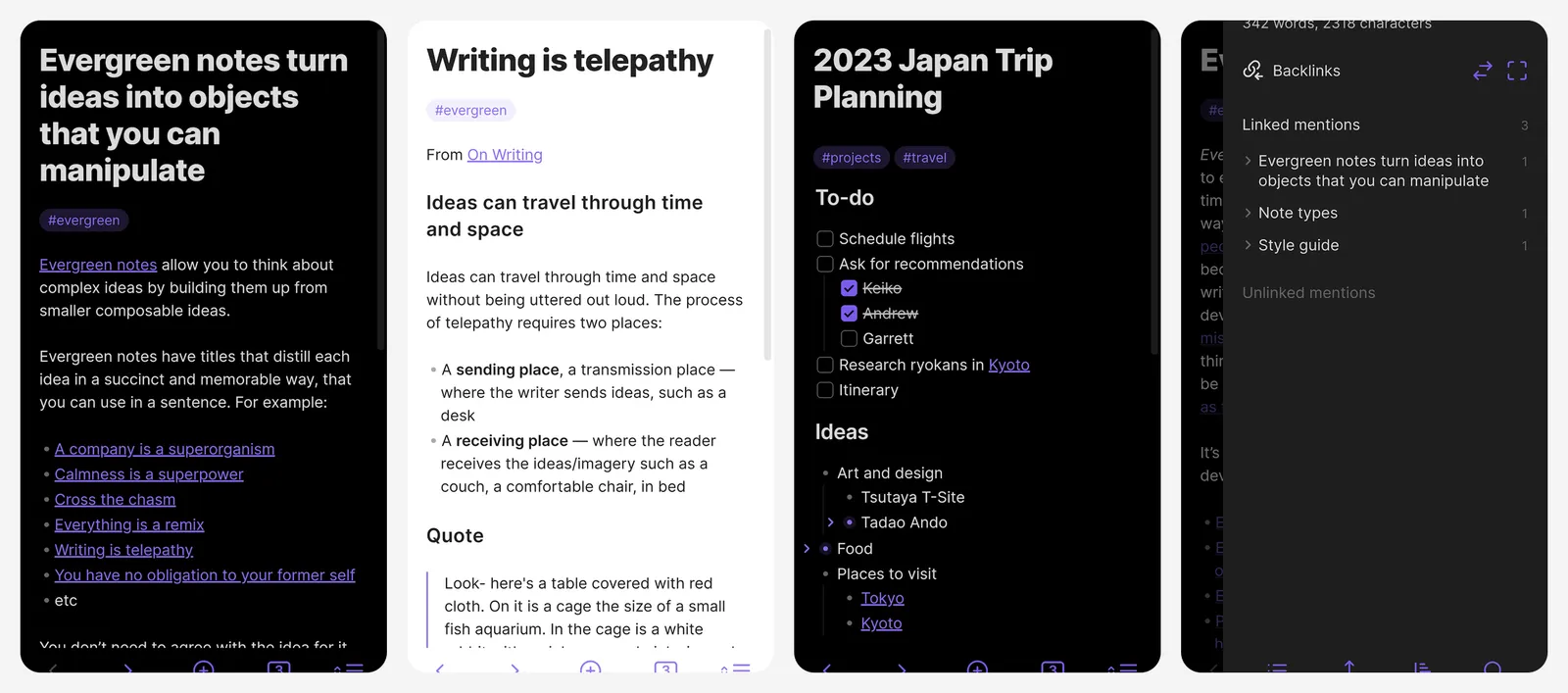
The catch is sync. To get the same notes on your computer, you either pay for Obsidian Sync or point the folder at a sync tool you already use. Setup takes ten minutes, but after that your notes never depend on one company.
- Replaces
- Google Keep for long notes
- Runs on
- Android, iPhone, Windows, Mac, Linux
- Skip if
- You want to share and edit notes with a team
- Price
- Free (Sync $4 a month billed yearly, or $5 monthly)
2. Todoist
- Android
- iPhone and iPad
- Web browser
Best task manager · TASKS
Todoist is the fastest way to get a task out of your head. You type "pay rent every month on the 1st" and it sets the date and repeat for you. It has good home screen widgets and works on every platform.
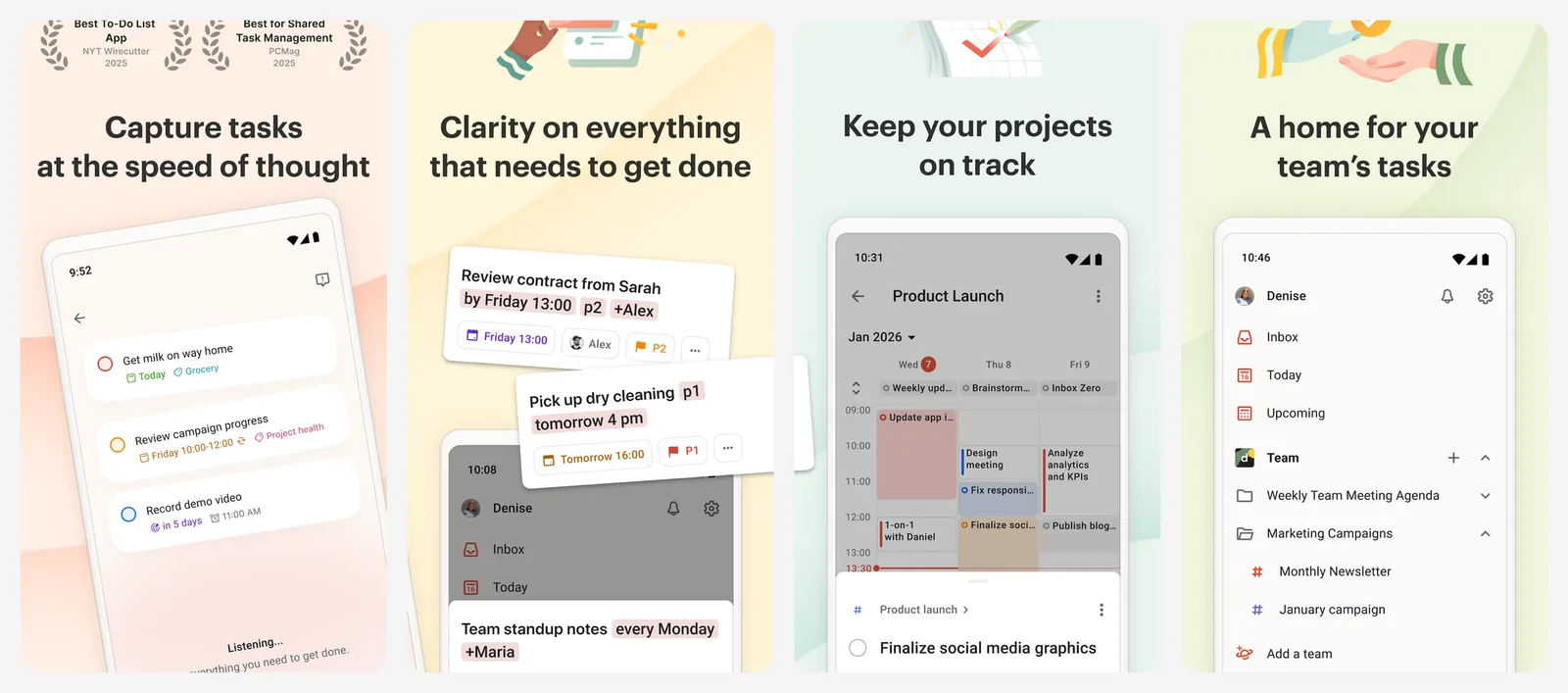
The free plan allows 5 personal projects and 3 filters, which is enough for most people. Pro raises the limit to 300 projects and adds more filters and a longer activity history.
- Replaces
- Google Tasks
- Runs on
- Android, iPhone, Windows, Mac, web
- Skip if
- You need more than 5 projects and will not pay
- Price
- Free (Pro $7 a month or $60 a year)
3. Google Keep
- Android
- iPhone and iPad
- Web browser
Fast lists and reminders · QUICK
Keep is the app for shopping lists, a parking spot or a Wi-Fi password. Notes open in a second, you can pin them, colour them and share a list with family. It is often already on your phone.
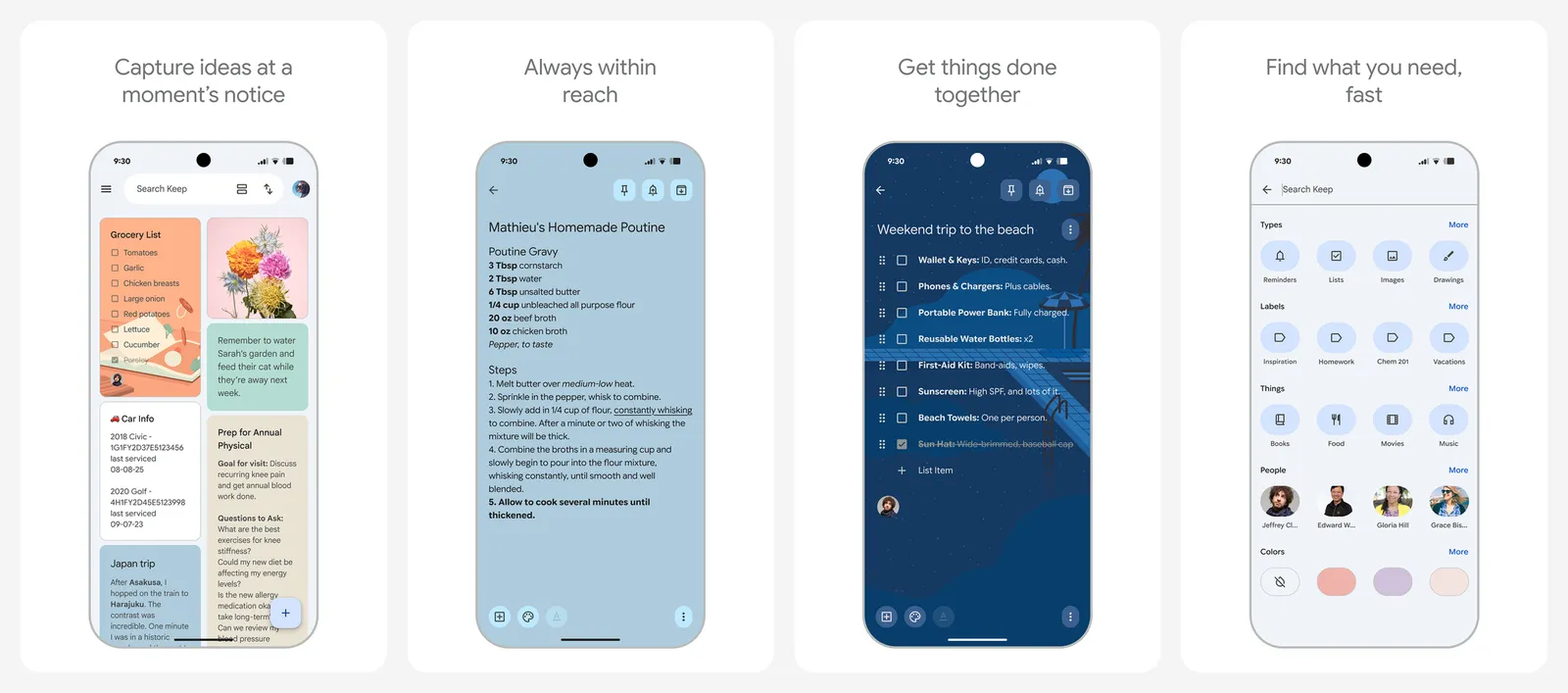
Keep uses the free 15 GB of storage in your Google account. It has no folders, only labels, so it gets messy once you have hundreds of notes. That is the point to move long notes into Obsidian.
- Replaces
- Paper sticky notes
- Runs on
- Android, iPhone, web
- Skip if
- You write long notes or want offline-only storage
- Price
- Free
Go deeper: our guide to to-do list apps, the best Todoist alternatives and the best Notion alternatives if you want a full workspace.
Privacy and security
These four apps protect most people from the most common problems: reused passwords, open Wi-Fi, chat apps that read your data and stolen SMS codes. Install them first.
4. Bitwarden
- Android
- iPhone and iPad
- Web browser
Best free password manager · PASSWORDS
Bitwarden is the password manager we recommend first. The free plan has no limit on passwords or devices, which most rivals charge for. It fills logins inside apps on Android, makes strong passwords, and works in every browser on your computer too.
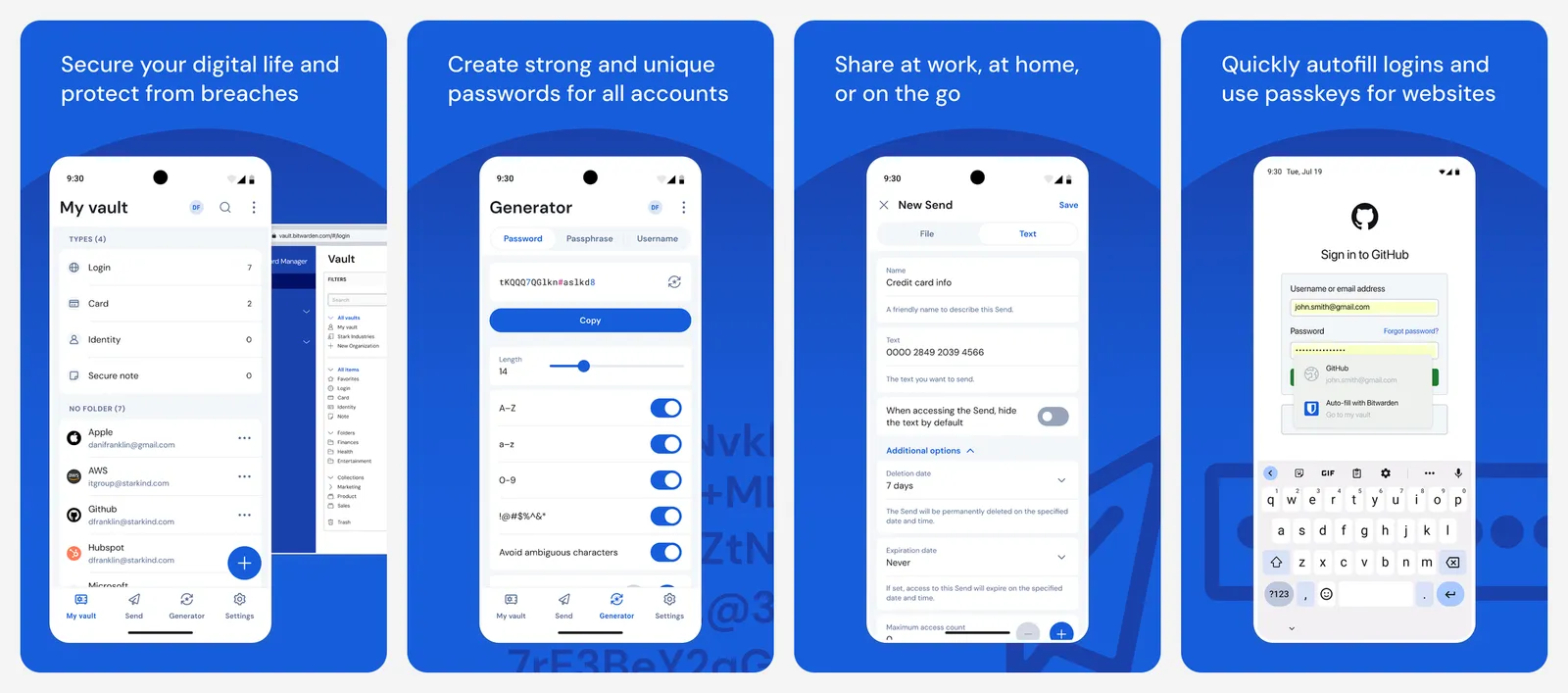
Premium costs $19.80 a year and adds file attachments, a built-in 2FA code generator and security reports. The free plan is enough for most people.
- Replaces
- Saving passwords in Chrome
- Runs on
- Android, iPhone, every browser and desktop
- Licence
- Open source
- Skip if
- You already use Google Password Manager on every device and are happy
- Price
- Free (Premium $19.80 a year)
5. Proton VPN
- Android
- iPhone and iPad
Best free VPN · VPN
Proton VPN has the only free plan we trust: no data cap, no ads and a no-logs policy from a Swiss company. It is the one to use on hotel, airport and café Wi-Fi.
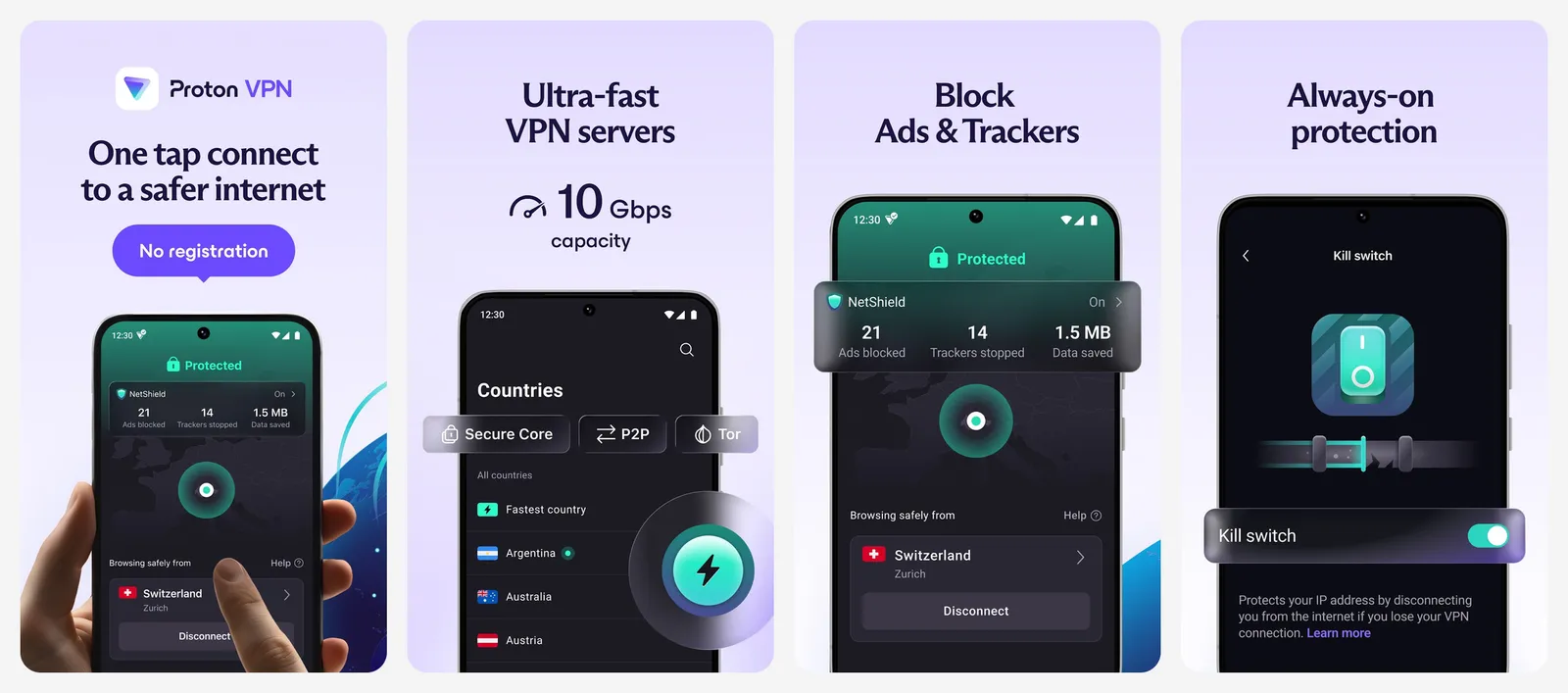
The free plan covers one device and picks the server for you from a small set of countries. Plus unlocks every country, more devices, faster servers and streaming support.
- Replaces
- Ad-filled free VPN apps
- Runs on
- Android, iPhone, Windows, Mac, Linux
- Licence
- Open source apps
- Skip if
- You need to pick a country for streaming on the free plan
- Price
- Free (Plus $9.99 monthly or $3.99 a month on a 1-year plan)
6. Signal
- Android
- iPhone and iPad
Private messaging · CHAT
Signal encrypts every message and call by default, and it keeps almost no data about you. It is run by a non-profit, so there are no ads and no plan to sell your data.
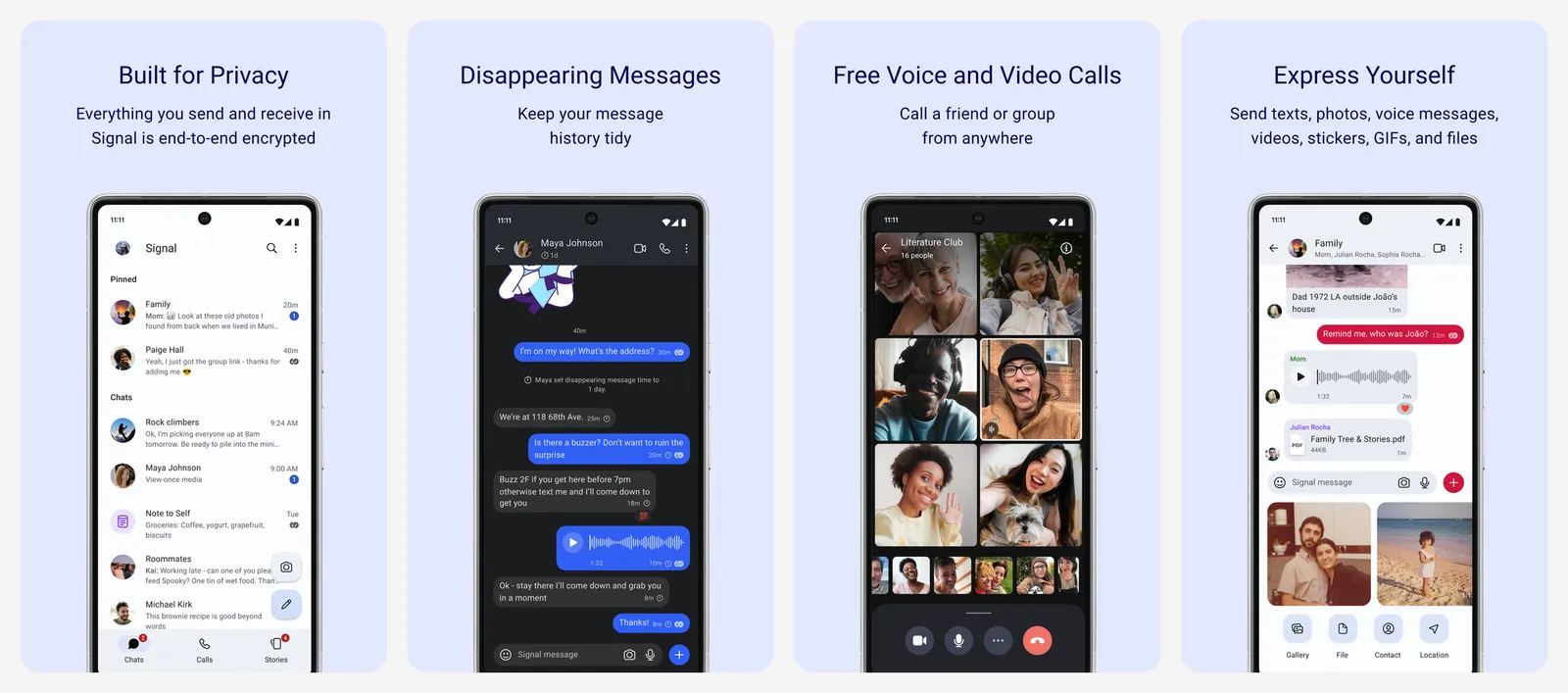
A free backup now saves your recent messages and media to Signal's servers, and a paid plan stores much more. The only real problem is getting friends to join, so start with the people you talk to most.
- Replaces
- SMS and WhatsApp for private chats
- Runs on
- Android, iPhone, Windows, Mac, Linux
- Licence
- Open source
- Skip if
- None of your contacts will install it
- Price
- Free (optional paid backups $1.99 a month)
7. Aegis Authenticator
- Android
Open source 2FA codes · 2FA
Two-factor codes stop someone who has your password from getting into your account. Aegis stores those codes in an encrypted vault on your phone, works offline and has no ads, no tracking and no account.
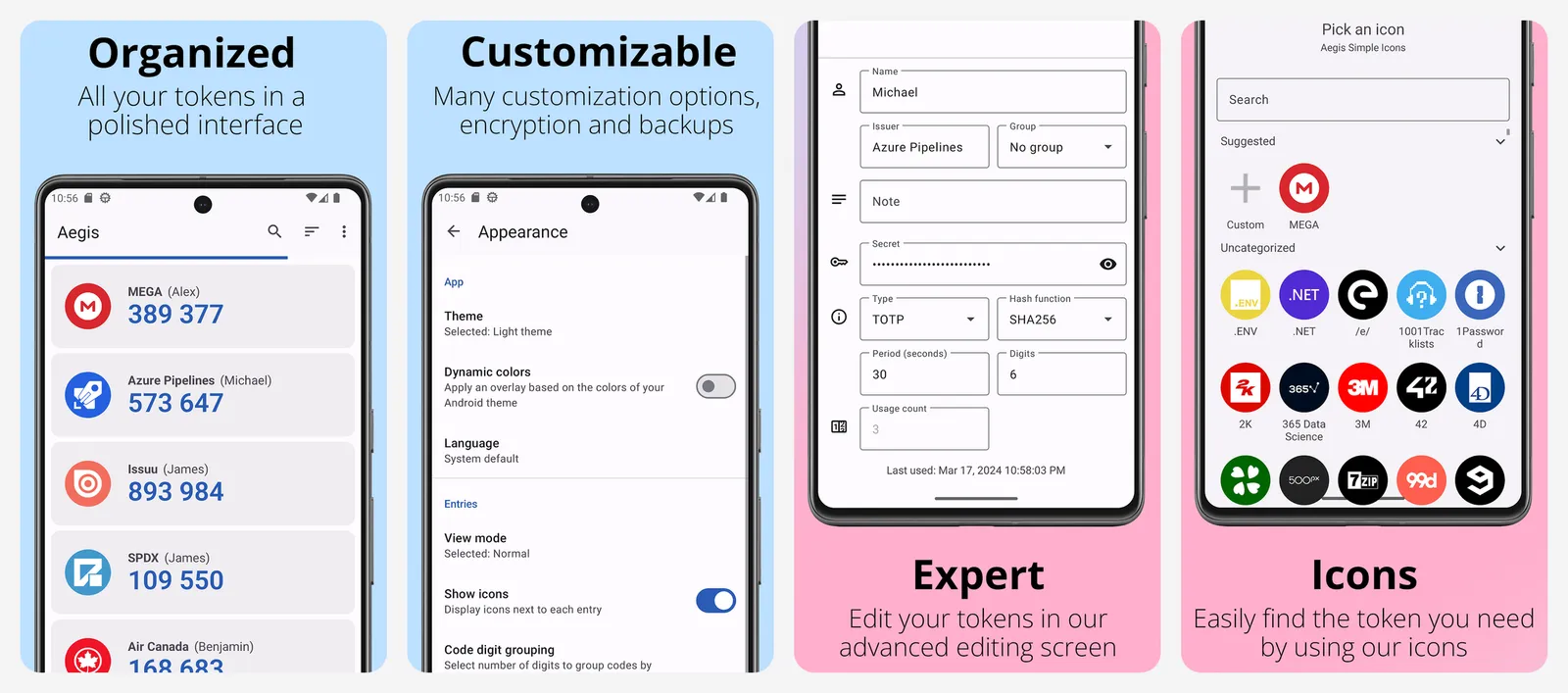
Turn on its automatic backups and copy the backup file somewhere safe. If you lose your phone with no backup, you lose your codes too.
- Replaces
- Google Authenticator and SMS codes
- Runs on
- Android only
- Licence
- GPL-3.0 (open source)
- Skip if
- You also need codes on an iPhone
- Price
- Free
8. Firefox
- Android
- iPhone and iPad
Real ad blocking on Android · BROWSER
Firefox is the main Android browser that runs full desktop add-ons, including uBlock Origin, the ad blocker most privacy fans use. That one add-on makes the web faster and cleaner on a phone.
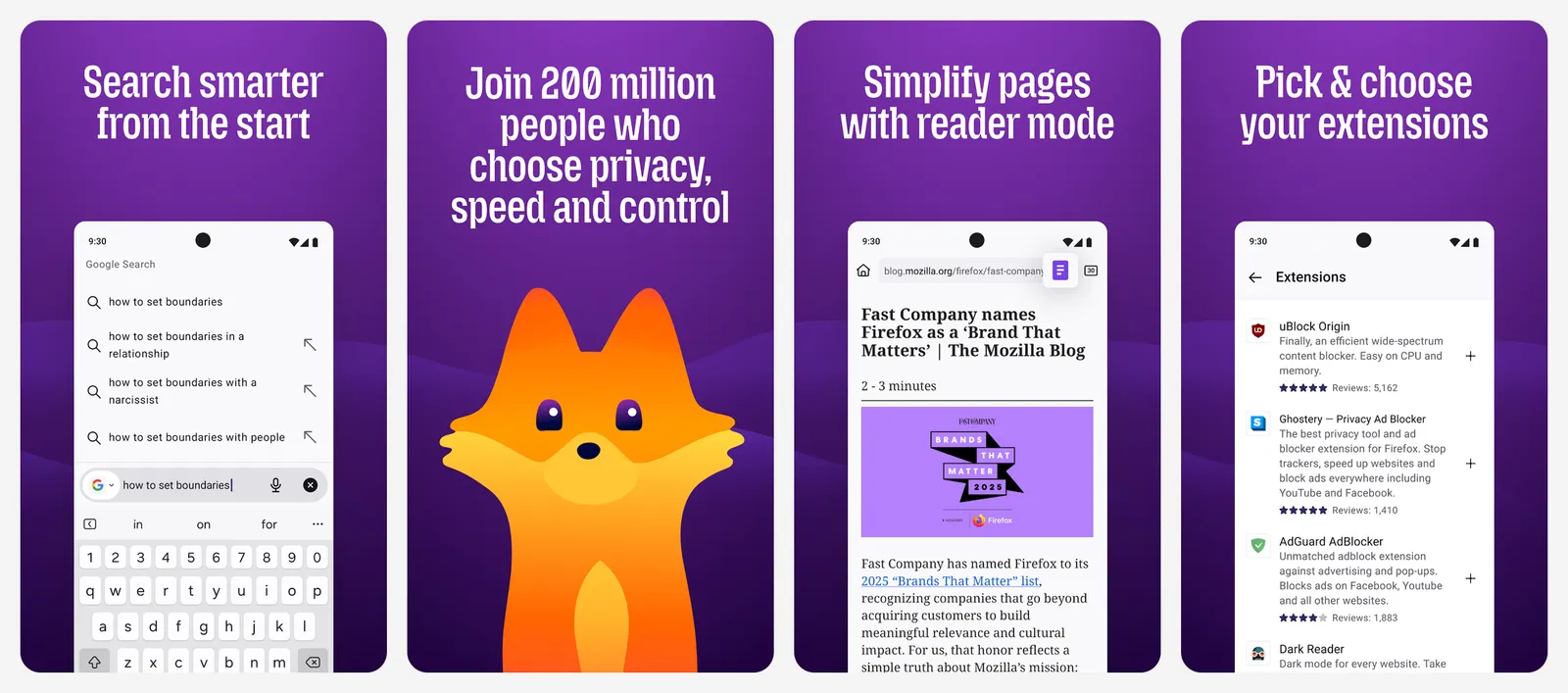
Chrome on Android does not support extensions at all. If you want a different privacy browser, see our list below.
- Replaces
- Chrome
- Runs on
- Android, iPhone, Windows, Mac, Linux
- Licence
- MPL-2.0 (open source)
- Skip if
- You depend on Chrome tab and password sync
- Price
- Free
Go deeper: the best private browsers, open source privacy tools, free VPNs for Android and the best Truecaller alternatives for spam calls.
Music, podcasts, video and reading
9. Spotify
- Android
- iPhone and iPad
- Web browser
Best music app · MUSIC
Spotify has the best playlists and recommendations, and it works on almost every speaker, car and TV. The free plan now lets you search and play the songs you choose, with ads and some daily limits on mobile.
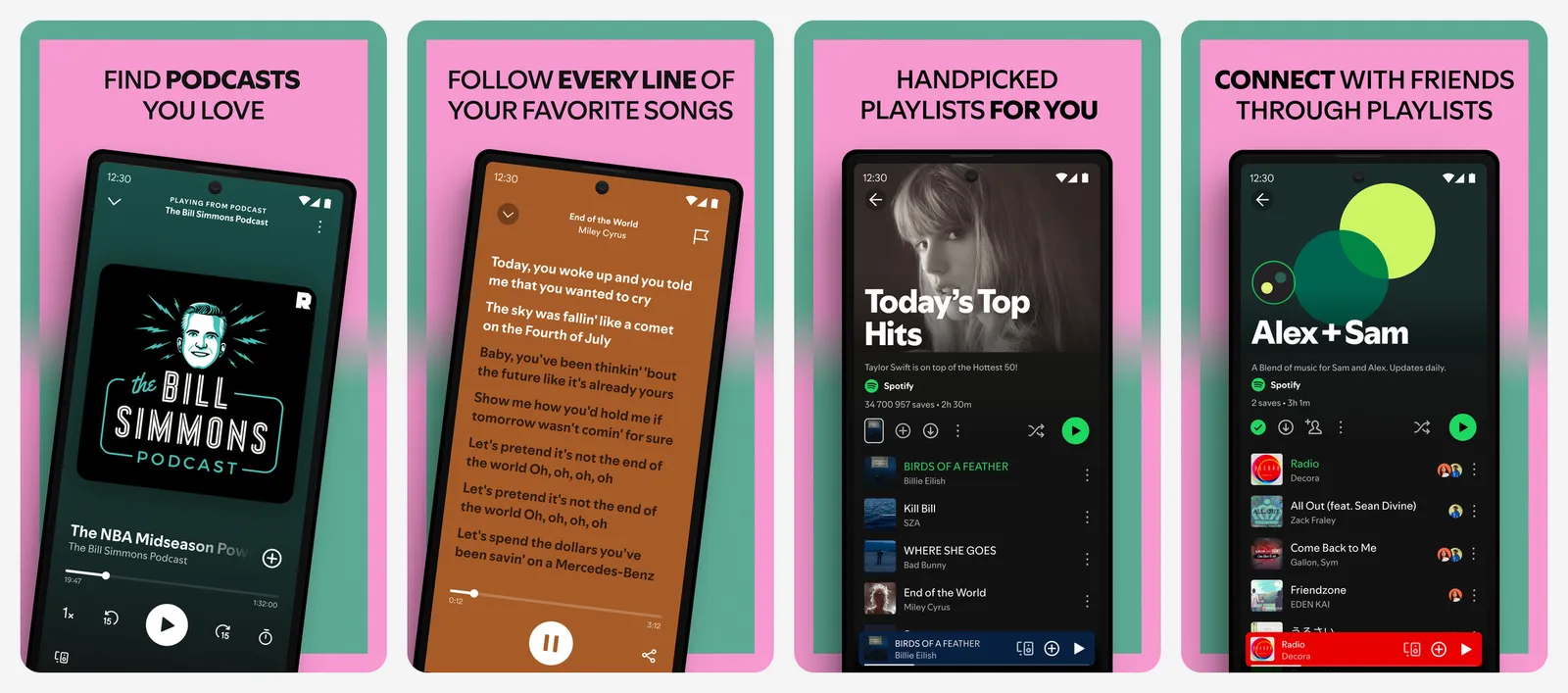
Premium removes ads and adds offline downloads and unlimited skips. Duo and Family plans are cheaper per person if you share.
- Replaces
- YouTube for music
- Runs on
- Android, iPhone, desktop, web, TVs, cars
- Skip if
- You already pay for YouTube Premium, which includes YouTube Music
- Price
- Free with ads (Premium $12.99 a month, Student $6.99)
10. Pocket Casts
- Android
- iPhone and iPad
- Web browser
Best podcast app · PODCASTS
Pocket Casts is a full podcast player with smart speed (it trims silence), volume boost, sleep timer and good filters. The free version has all of that. You do not need an account to start.
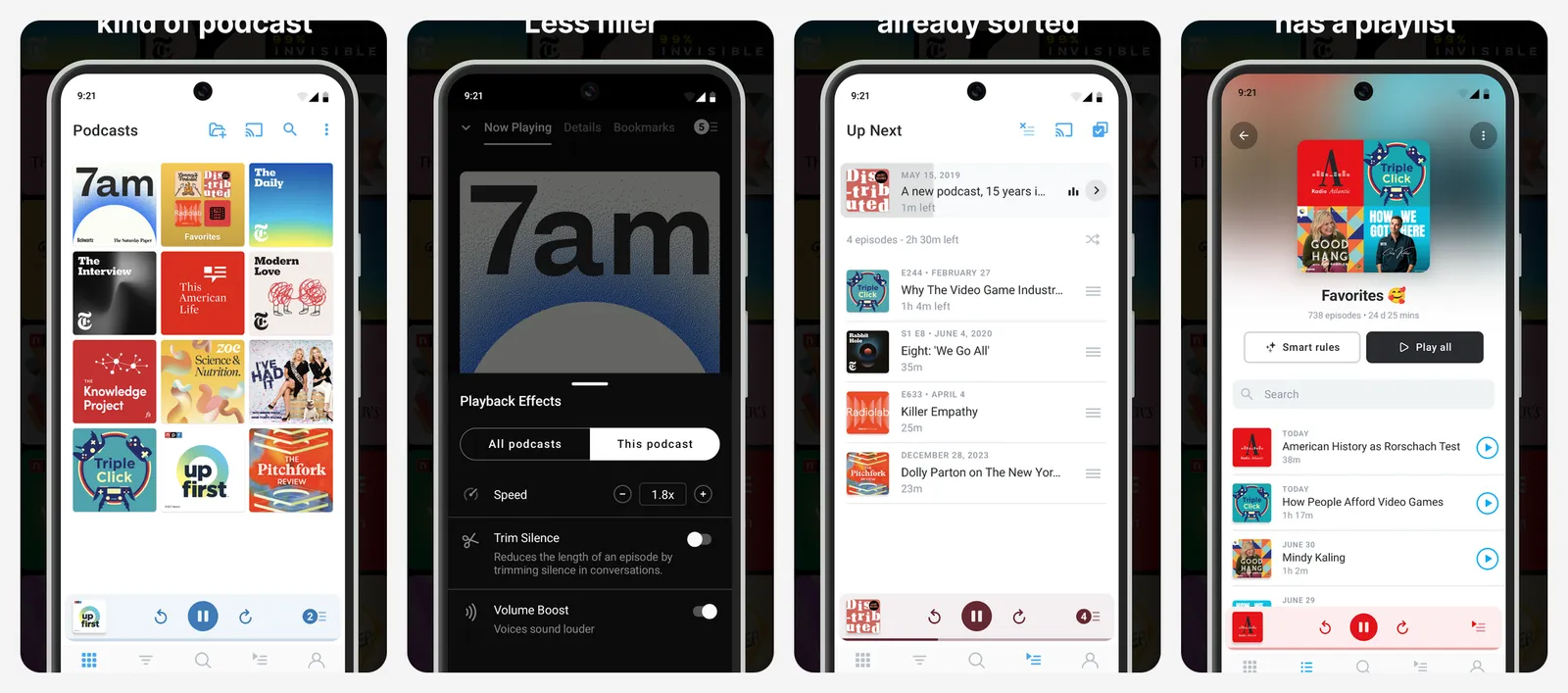
Plus adds folders, bookmarks, watch apps, extra themes and cloud storage for your own audio files. Most listeners never need it.
- Replaces
- Google Podcasts, which shut down
- Runs on
- Android, iPhone, web, desktop
- Skip if
- You only listen to a few shows and already use Spotify
- Price
- Free (Plus $3.99 a month or $39.99 a year)
11. VLC
- Android
- iPhone and iPad
Plays any file · VIDEO
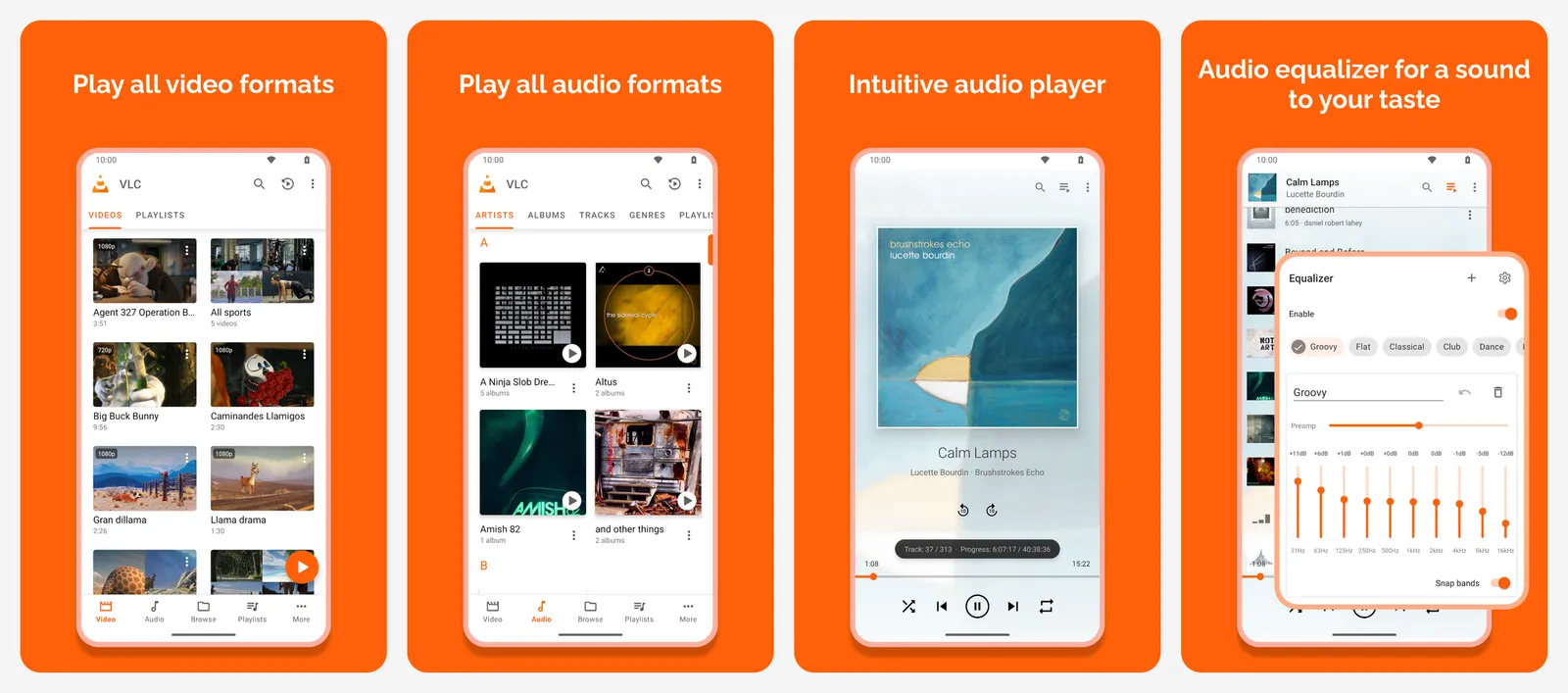
VLC plays almost every video and audio format, with subtitles, playback speed control and network streams. It has no ads and no in-app purchases. If a downloaded video will not open, VLC is the fix.
- Replaces
- Your phone's gallery video player
- Runs on
- Android, iPhone, every desktop
- Licence
- GPL (open source)
- Skip if
- You only watch streaming apps
- Price
- Free
12. Libby
- Android
- iPhone and iPad
- Web browser
Free library books · BOOKS
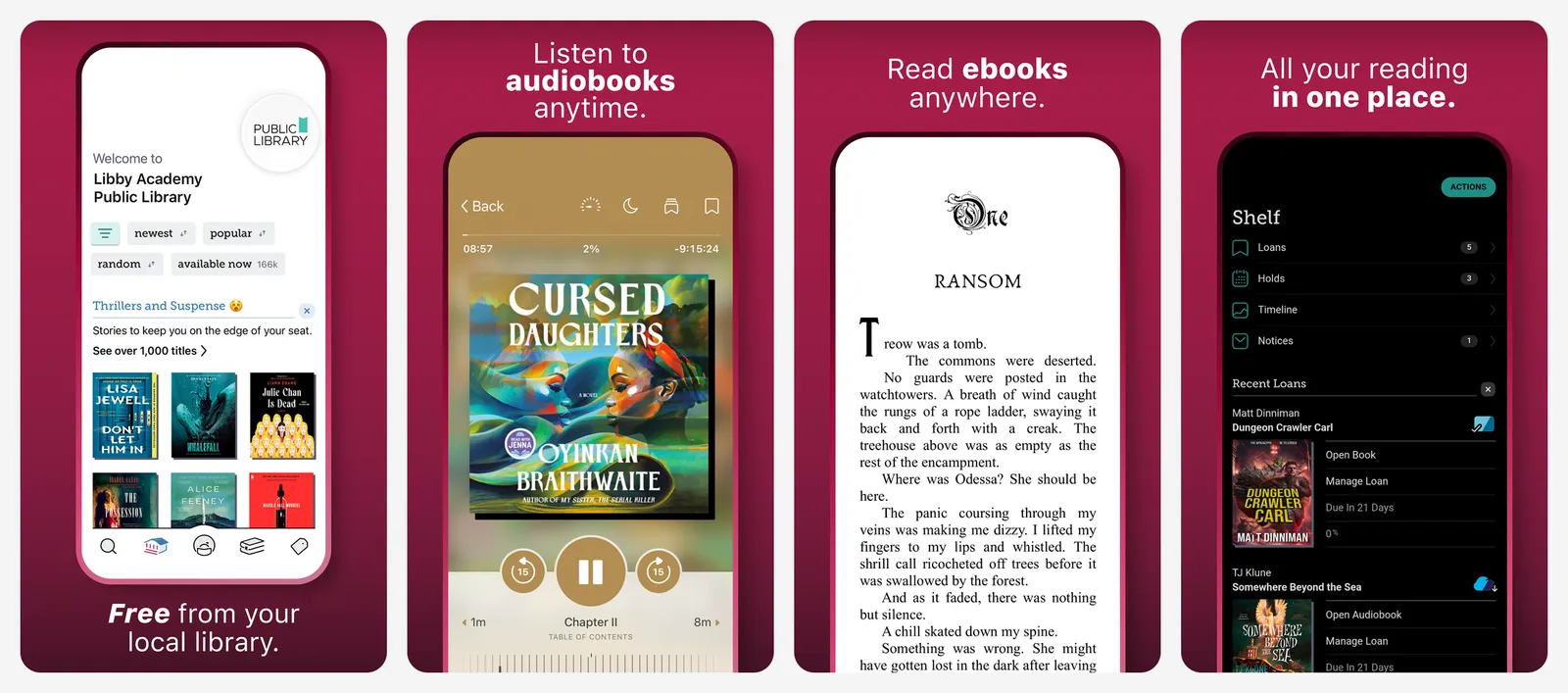
Libby lets you borrow ebooks, audiobooks and magazines from your public library for free. Add your library card, search, borrow and read or listen in the app. Popular titles have a waitlist, just like the shelf at the library.
- Replaces
- Paying for every ebook and audiobook
- Runs on
- Android, iPhone, web
- Skip if
- Your library is not part of the OverDrive network
- Price
- Free with a library card
Go deeper: YouTube Music vs Spotify, the best podcast apps, Audible alternatives, the best manga apps and what to cast from your phone.
Photos and video editing
Google Photos is already on your phone and backs up your pictures. It gives you 15 GB free, shared with Gmail and Drive. When that fills up, see our Google Photos alternatives. For editing, add these two.
13. Snapseed
- Android
- iPhone and iPad
Best free photo editor · PHOTO
Snapseed is Google's free photo editor, with no ads, no watermark and no subscription. It does curves, selective edits, healing, perspective fixes and RAW files. A 2026 redesign added a cleaner layout and batch editing.
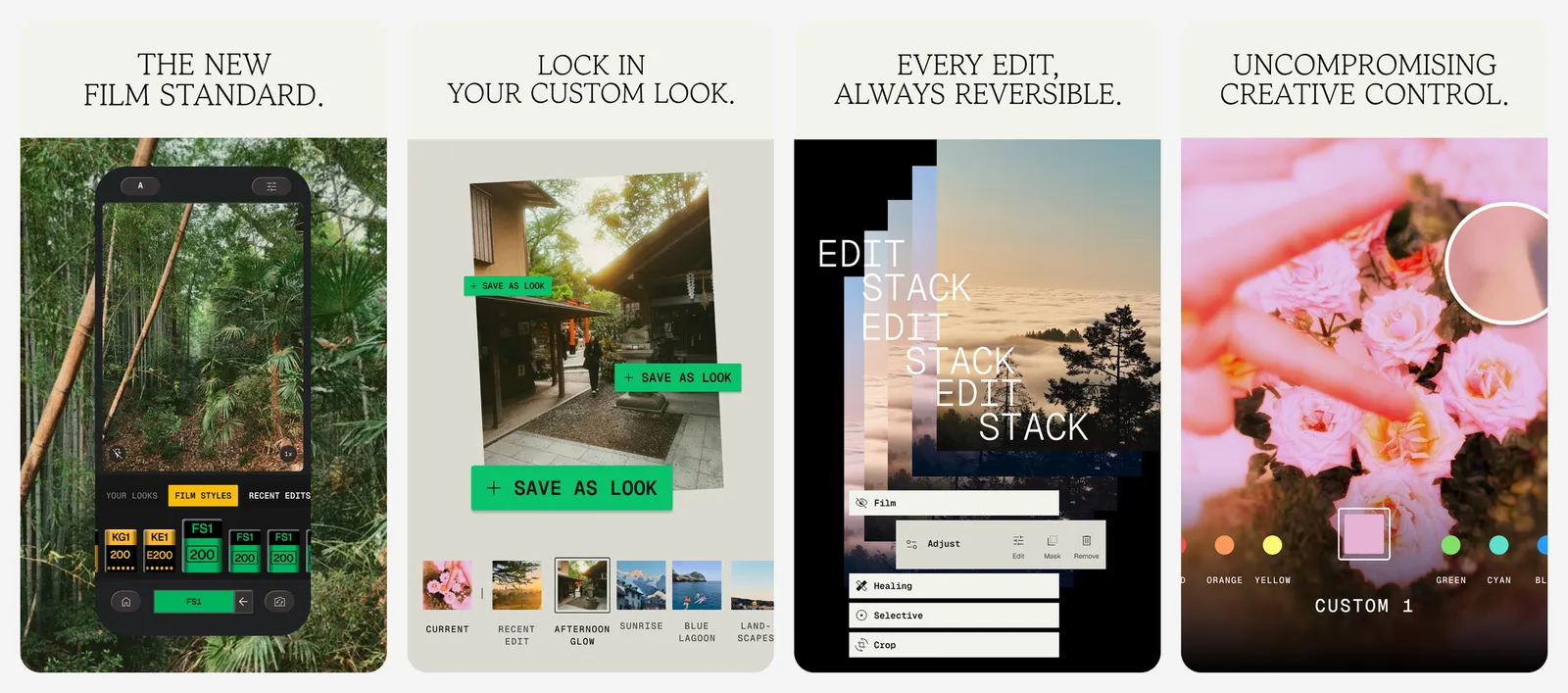
If you want AI tools such as object removal or sky swap, see our list of AI photo editors below.
- Replaces
- Lightroom mobile
- Runs on
- Android, iPhone
- Skip if
- You need RAW batch editing for paid work
- Price
- Free
14. VN Video Editor
- Android
- iPhone and iPad
Free editor, no watermark · VIDEO EDIT
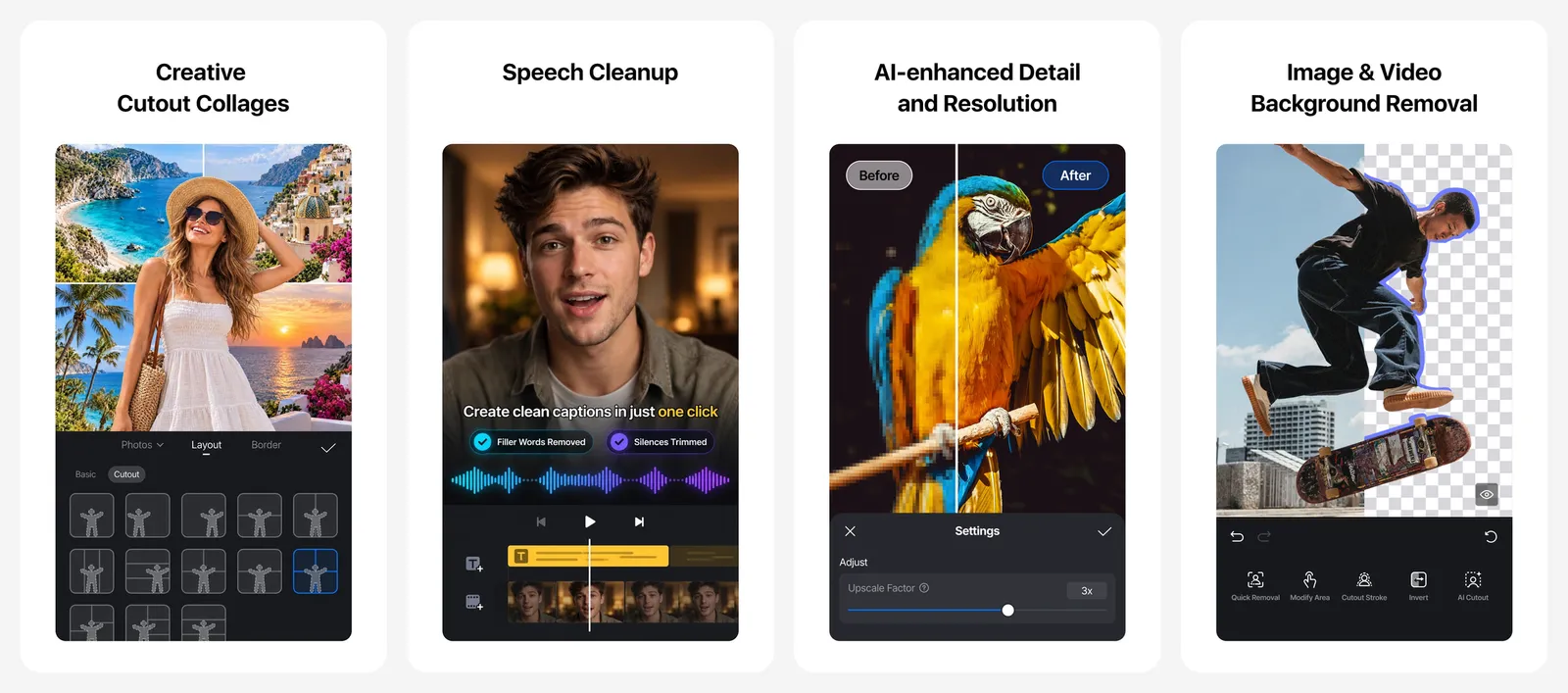
VN has a real multi-track timeline, keyframes, text, music and speed curves, and exports have no watermark. It is the best free choice for Reels, Shorts and travel clips. The free version shows ads, and some effects and templates cost extra.
- Replaces
- CapCut
- Runs on
- Android, iPhone, Windows, Mac
- Skip if
- You dislike ads in a creative app
- Price
- Free with ads (paid upgrades)
Go deeper: the best photo editing apps, AI photo editors, Lightroom alternatives, CapCut alternatives and Canva alternatives.
Files and phone utilities
15. Files by Google
- Android
Free up space · CLEANUP
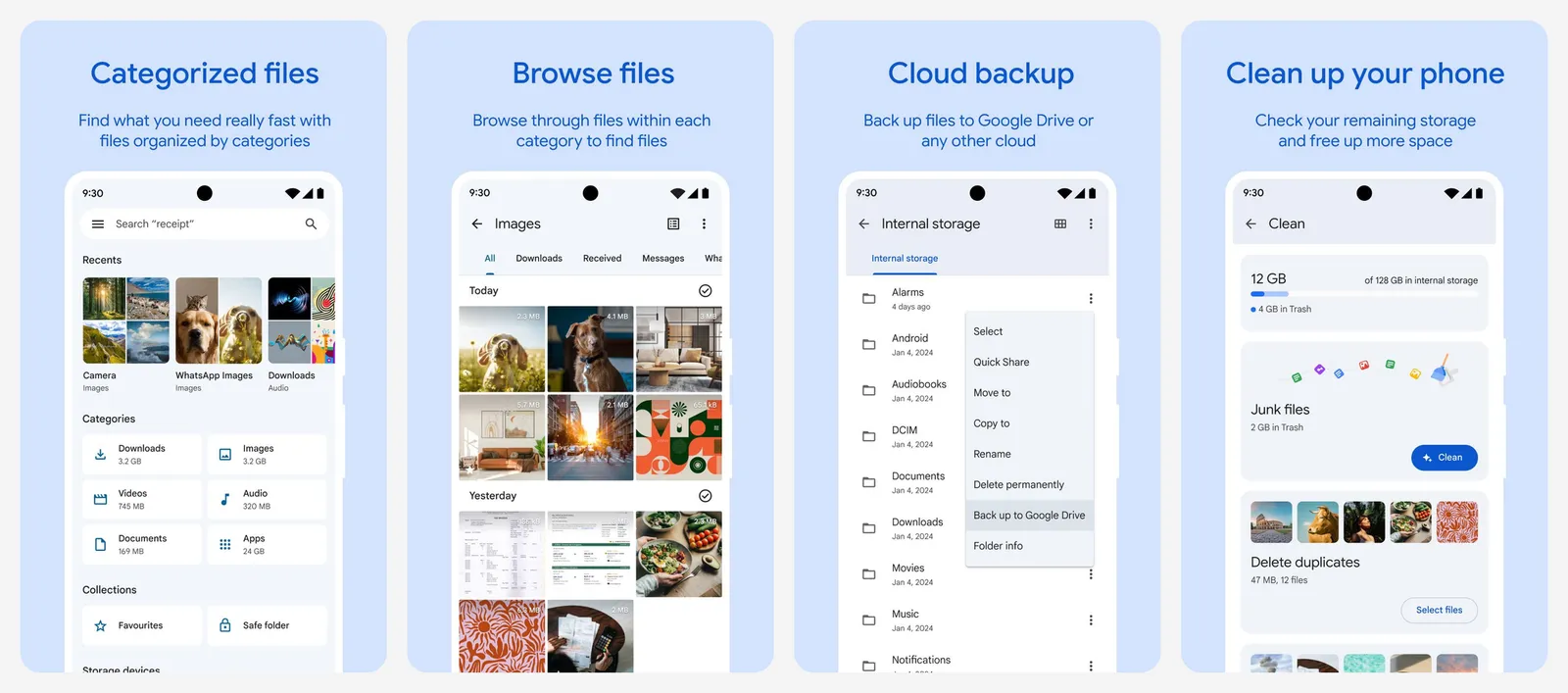
Files by Google finds junk files, duplicate photos, big videos and old downloads, and lets you delete them in a few taps. It has no ads. It also has a Safe Folder with a PIN for private files.
Never install a "phone cleaner" or "RAM booster" app. Most only show ads, and Android manages memory by itself.
- Replaces
- Cleaner apps full of ads
- Runs on
- Android only
- Skip if
- Your phone maker's file app already does the job
- Price
- Free
16. LocalSend
- Android
- iPhone and iPad
AirDrop for everything · SHARING
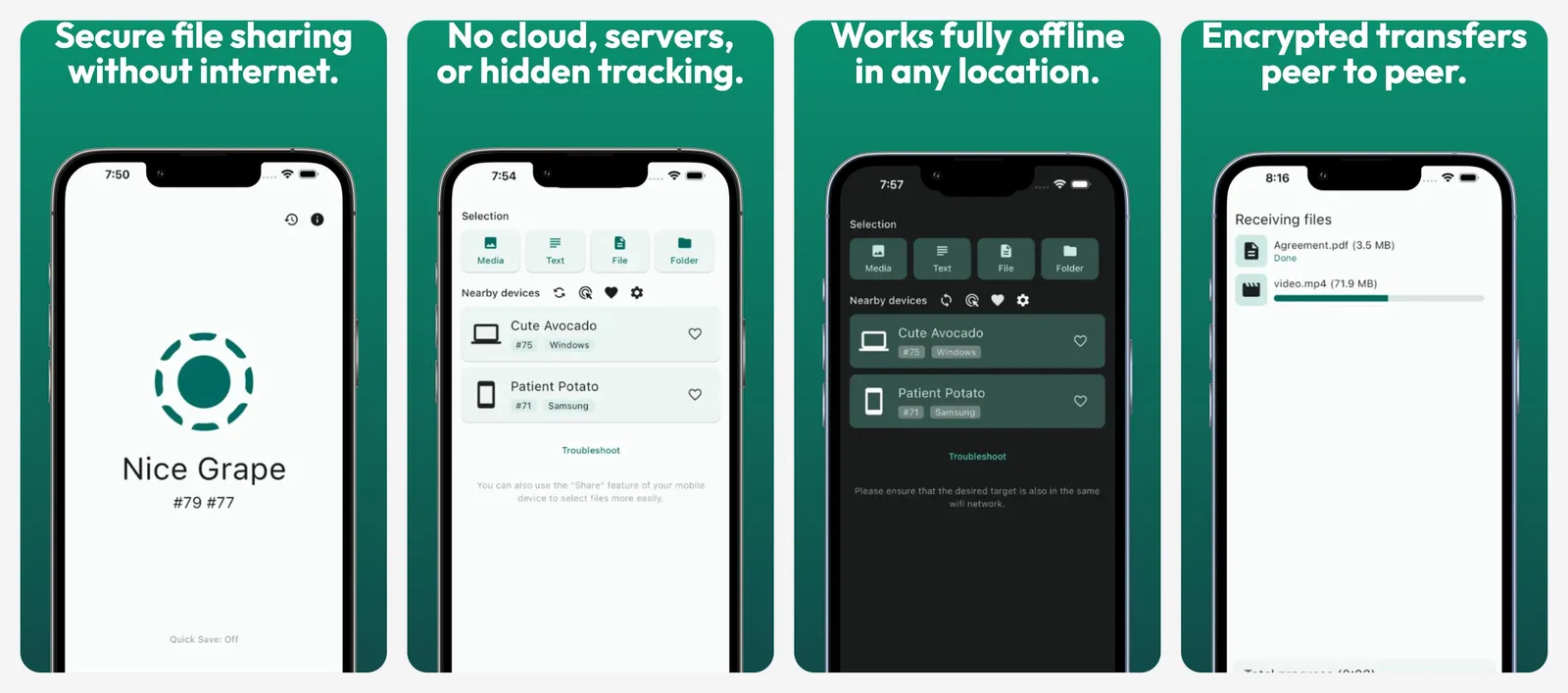
LocalSend sends files between any phone and any computer on the same Wi-Fi. It needs no account and no internet, and files never go through a server. It is the easiest way to move photos from an Android phone to a Mac or an iPhone.
- Replaces
- Emailing files to yourself
- Runs on
- Android, iPhone, Windows, Mac, Linux
- Licence
- Apache-2.0 (open source)
- Skip if
- You only share between two Android phones (Quick Share works)
- Price
- Free
17. Solid Explorer
- Android
Power file manager · FILES
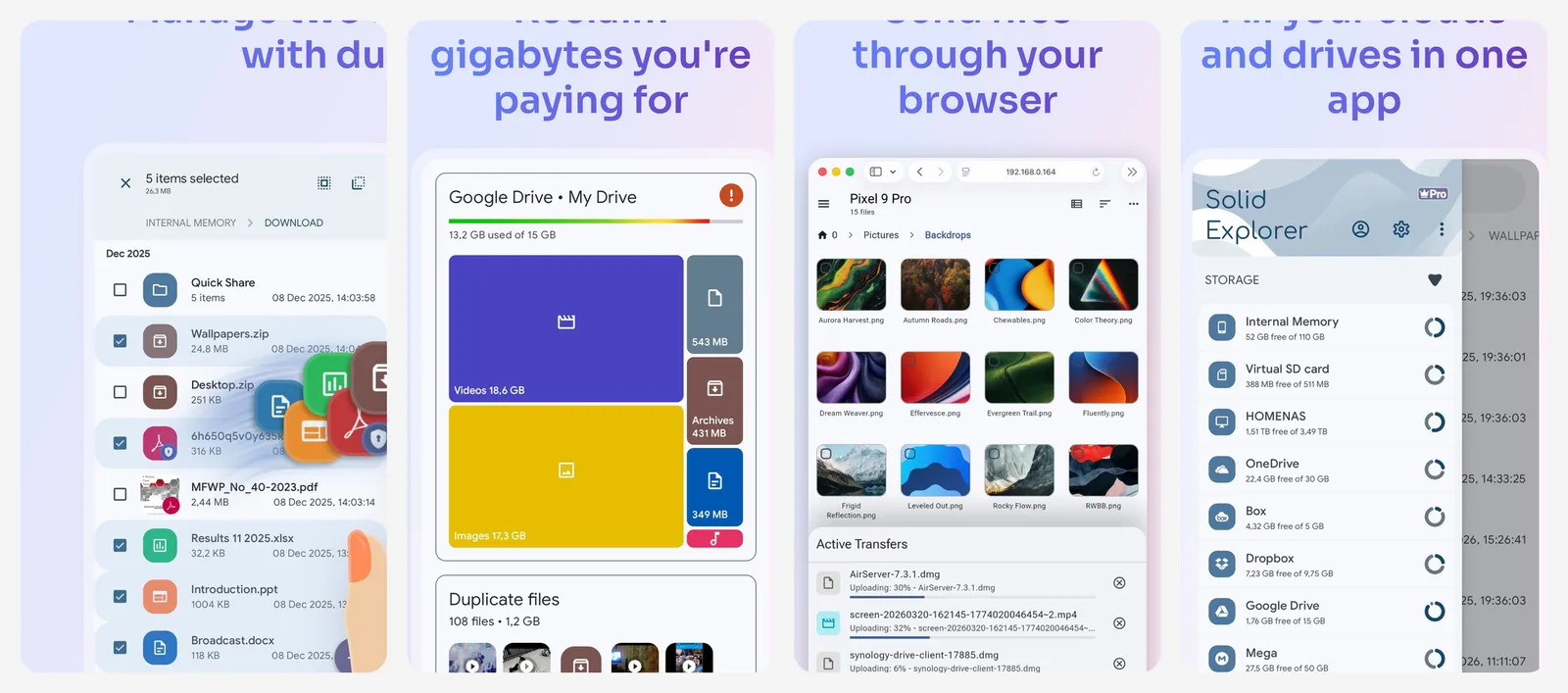
Solid Explorer shows two folders side by side, opens ZIP and RAR files, and connects to cloud drives, FTP and network shares on your home server. It is the pick if you move a lot of files.
Its Play listing now says it contains ads, so check the current version before you pay for the unlock.
- Replaces
- The basic file app on your phone
- Runs on
- Android only
- Skip if
- You only browse Downloads now and then
- Price
- 14-day free trial, then a one-time unlock
18. SD Maid 2/SE
- Android
Clean what others miss · DEEP CLEAN
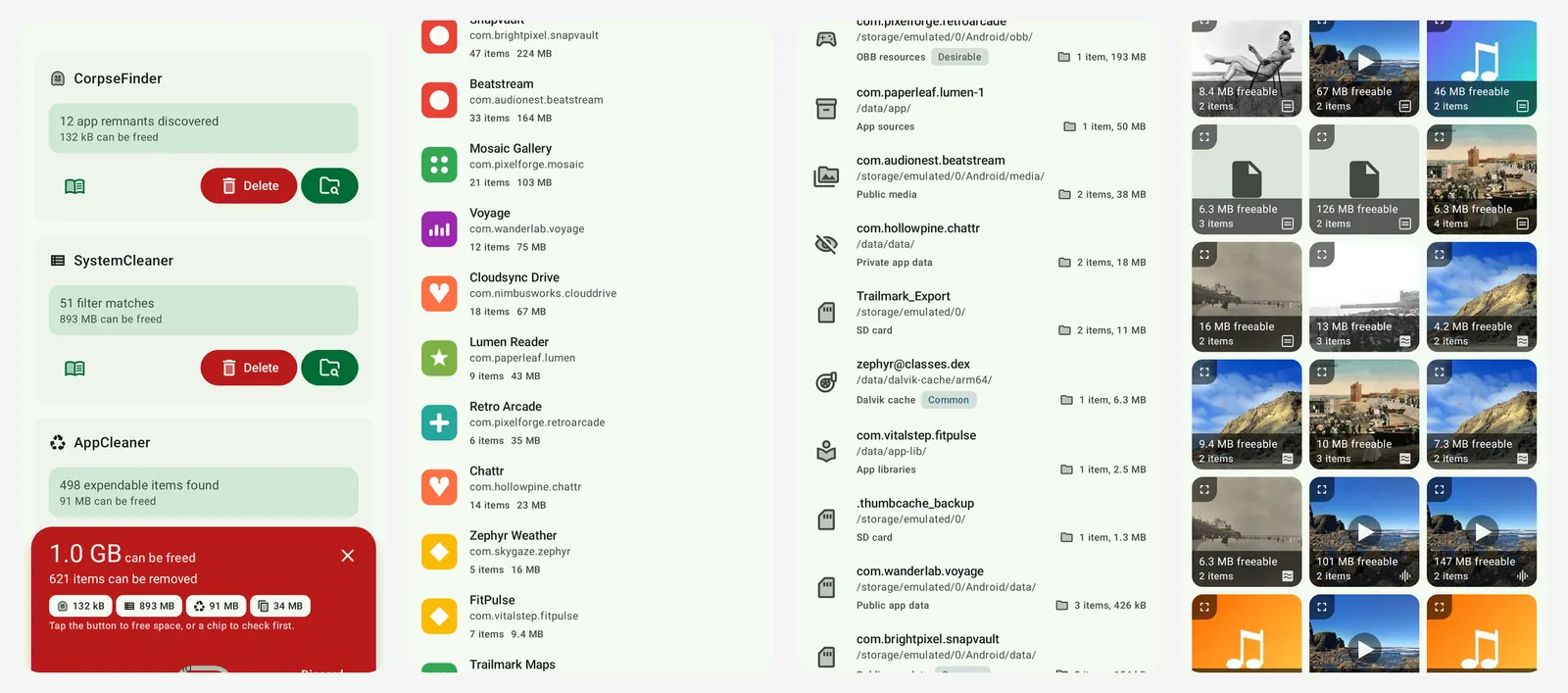
SD Maid 2/SE finds leftover folders from apps you uninstalled, duplicate files and stale app data. It is open source and has no ads. Some tools, like the app cleaner, need the paid upgrade.
- Replaces
- SD Maid 1, which no longer works well
- Runs on
- Android only
- Licence
- GPL-3.0 (open source)
- Skip if
- Files by Google already frees enough space
- Price
- Free (Pro upgrade in the app)
Go deeper: the best Android file managers, how to free up space on Android, sharing files between Android and Windows and Android lite apps for older phones.
Home screen and customization
19. Niagara Launcher
- Android
Clean, one-hand home screen · LAUNCHER
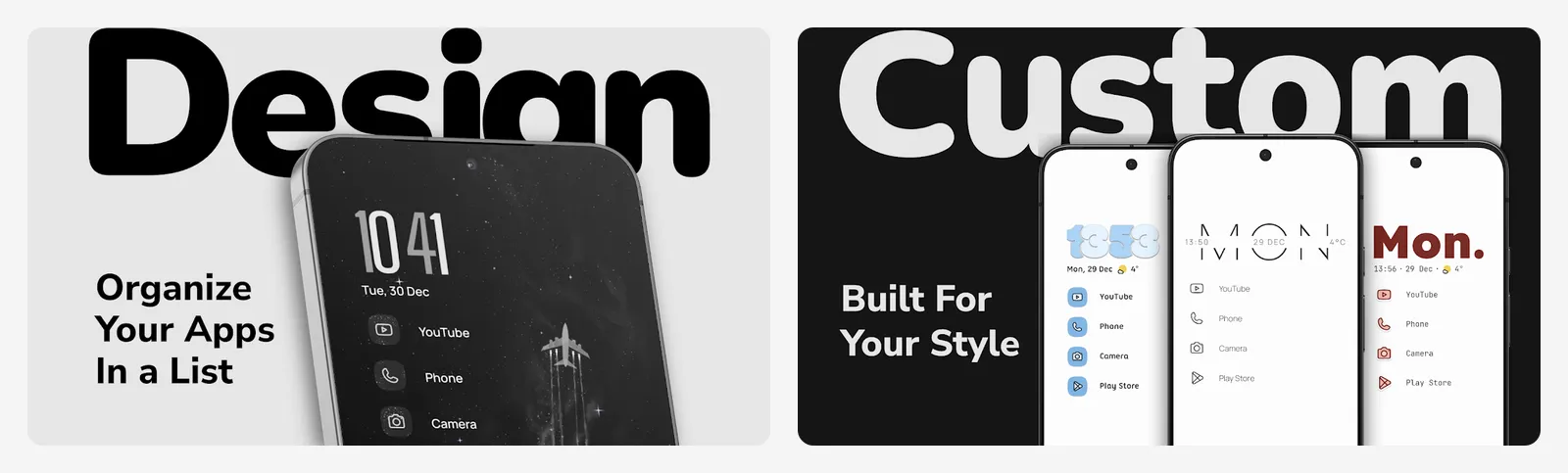
Niagara replaces the icon grid with one simple list of your favourite apps that you can reach with your thumb. Notifications show inline next to each app. It is fast, has no ads and helps you open fewer apps out of habit.
- Replaces
- Your phone's stock launcher
- Runs on
- Android only
- Skip if
- You want a grid of icons and widgets everywhere
- Price
- Free (Pro is paid)
20. Lawnchair
- Android
Pixel look, more options · LAUNCHER
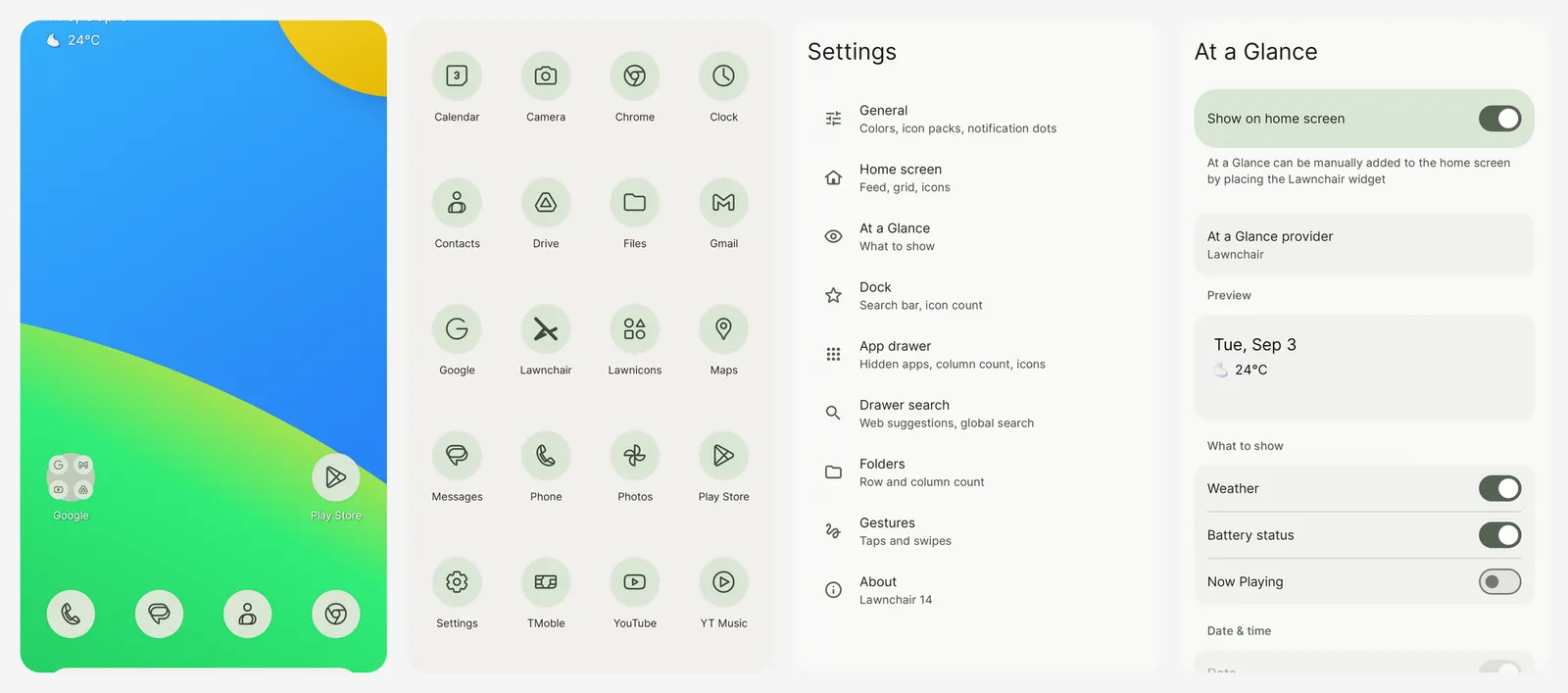
Lawnchair looks like the Pixel launcher but lets you change the icon size, grid, fonts and app drawer. It is free and open source. Lawnchair 15, the latest version, is still in beta, so expect a few rough edges.
- Replaces
- Nova Launcher
- Runs on
- Android only
- Licence
- GPL-3.0 (open source)
- Skip if
- You do not want beta software
- Price
- Free
21. KWGT
- Android
Build your own widgets · WIDGETS
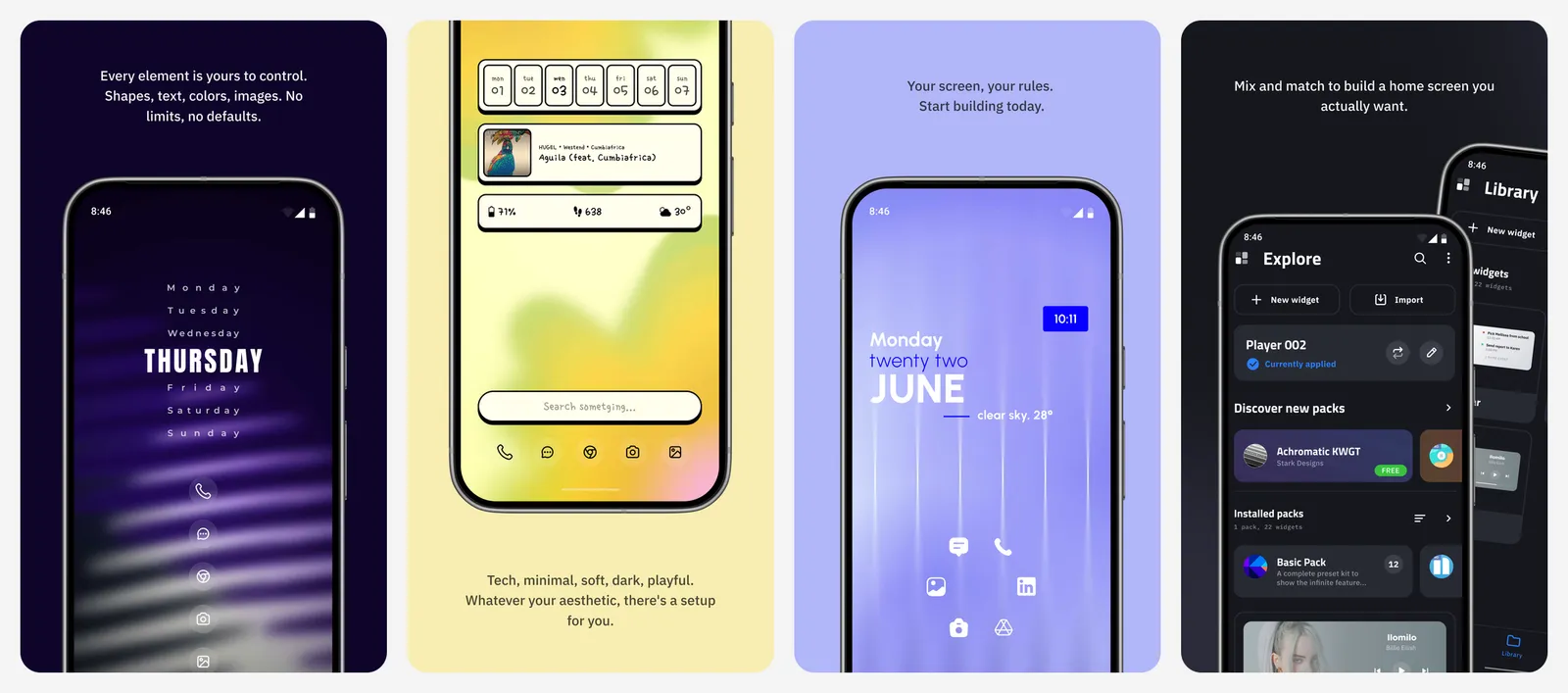
KWGT lets you design any widget you can imagine: clocks, weather, music controls and battery bars. Most people buy a widget pack from Play and apply it. Pro is needed to load most of those packs.
- Replaces
- Fixed stock widgets
- Runs on
- Android only
- Skip if
- You want a nice setup without any editing
- Price
- Free with ads (Pro unlock in the app)
Go deeper: Android customization apps, icon packs, wallpaper apps and real homescreen setups you can copy.
Health and learning
22. Cronometer
- Android
- iPhone and iPad
- Web browser
Food and nutrient tracker · NUTRITION
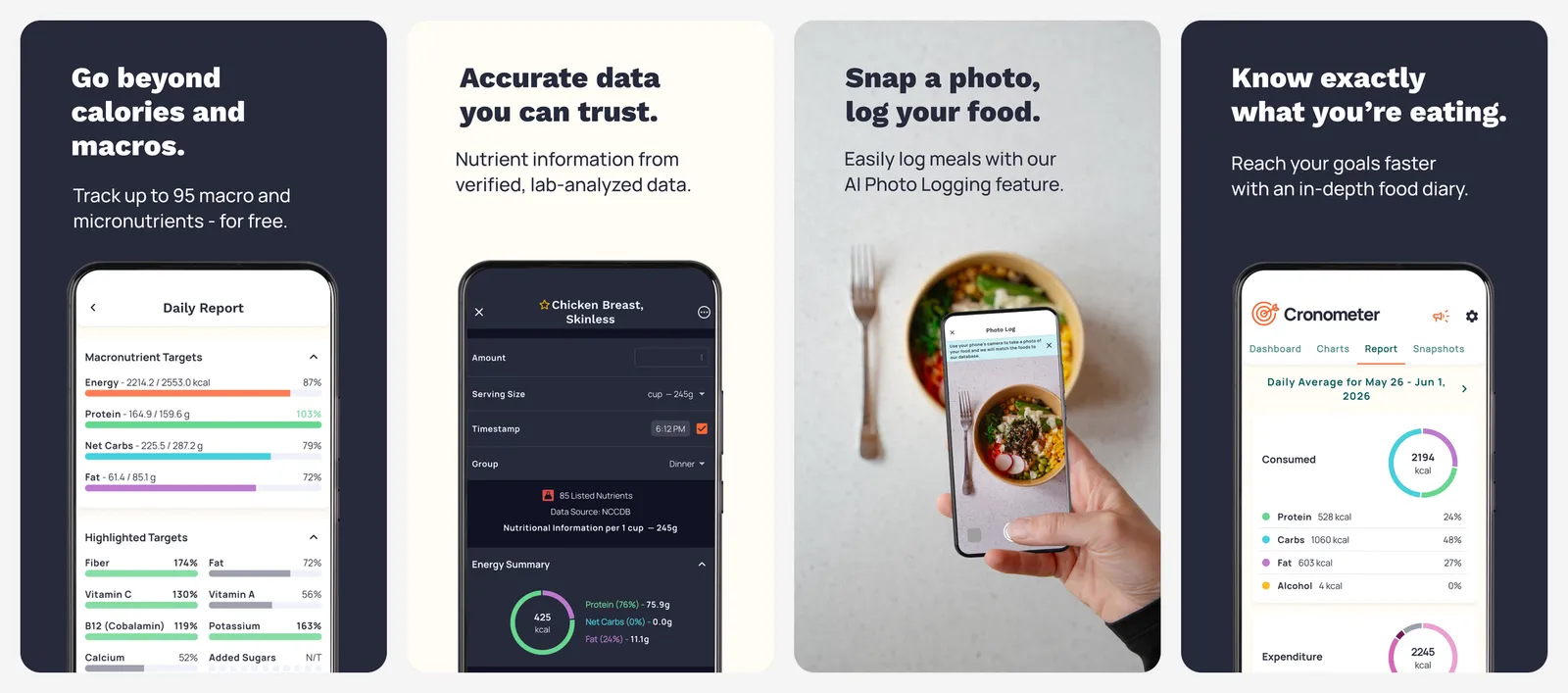
Cronometer tracks calories, macros and more than 80 vitamins and minerals from a checked food database. The barcode scanner is free. The free plan limits charts and reports to the last 7 days. Gold removes ads and adds longer reports and fasting tools.
- Replaces
- MyFitnessPal
- Runs on
- Android, iPhone, web
- Skip if
- You only want to count steps
- Price
- Free with ads (Gold $10.99 a month or $59.99 a year)
23. Duolingo
- Android
- iPhone and iPad
- Web browser
Daily language habit · LANGUAGE
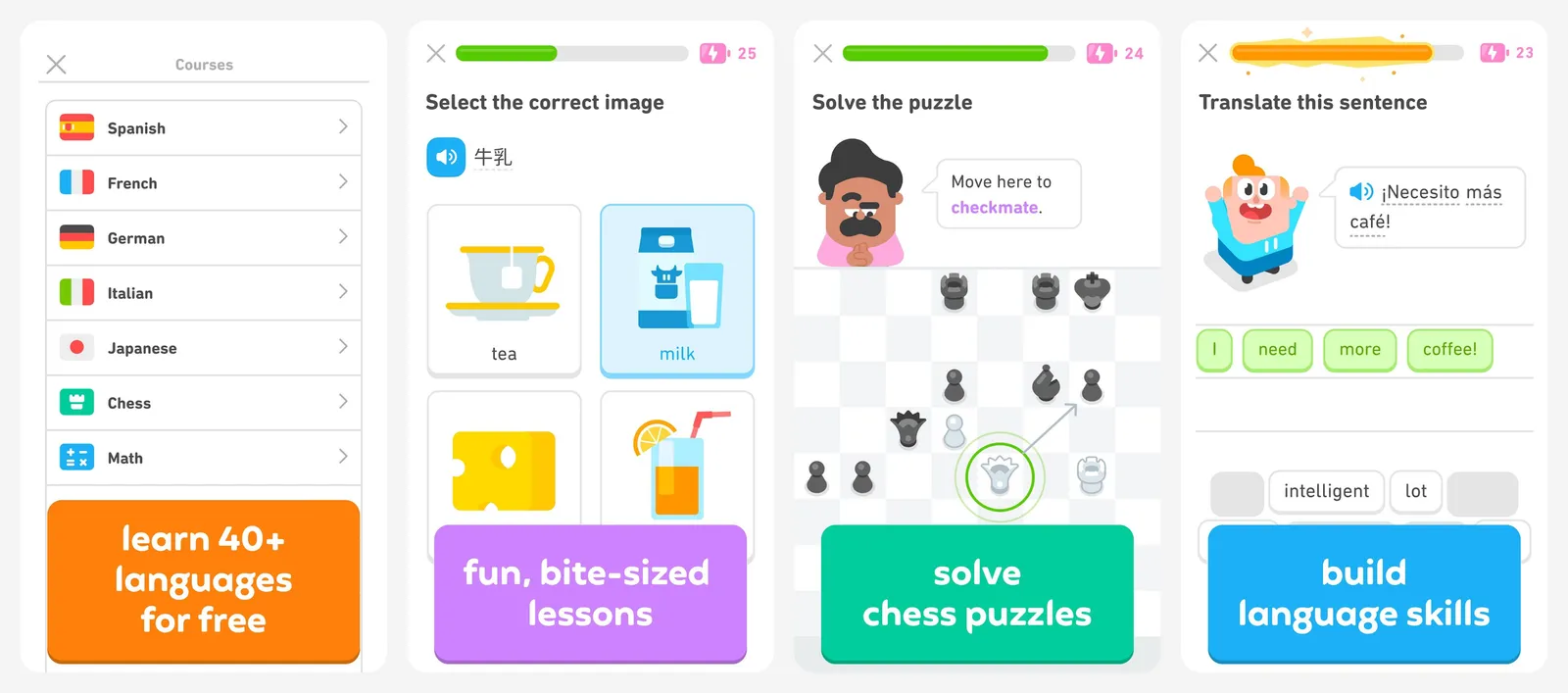
Duolingo turns language practice into a short daily game, with streaks that keep you coming back. The free plan uses an energy system that limits how many lessons you can do in a row. It is best as a habit next to a real course.
- Replaces
- Language textbooks for beginners
- Runs on
- Android, iPhone, web
- Skip if
- You want long lessons without limits on the free plan
- Price
- Free with ads (Super and Max are paid)
24. AnkiDroid
- Android
Remember anything · FLASHCARDS
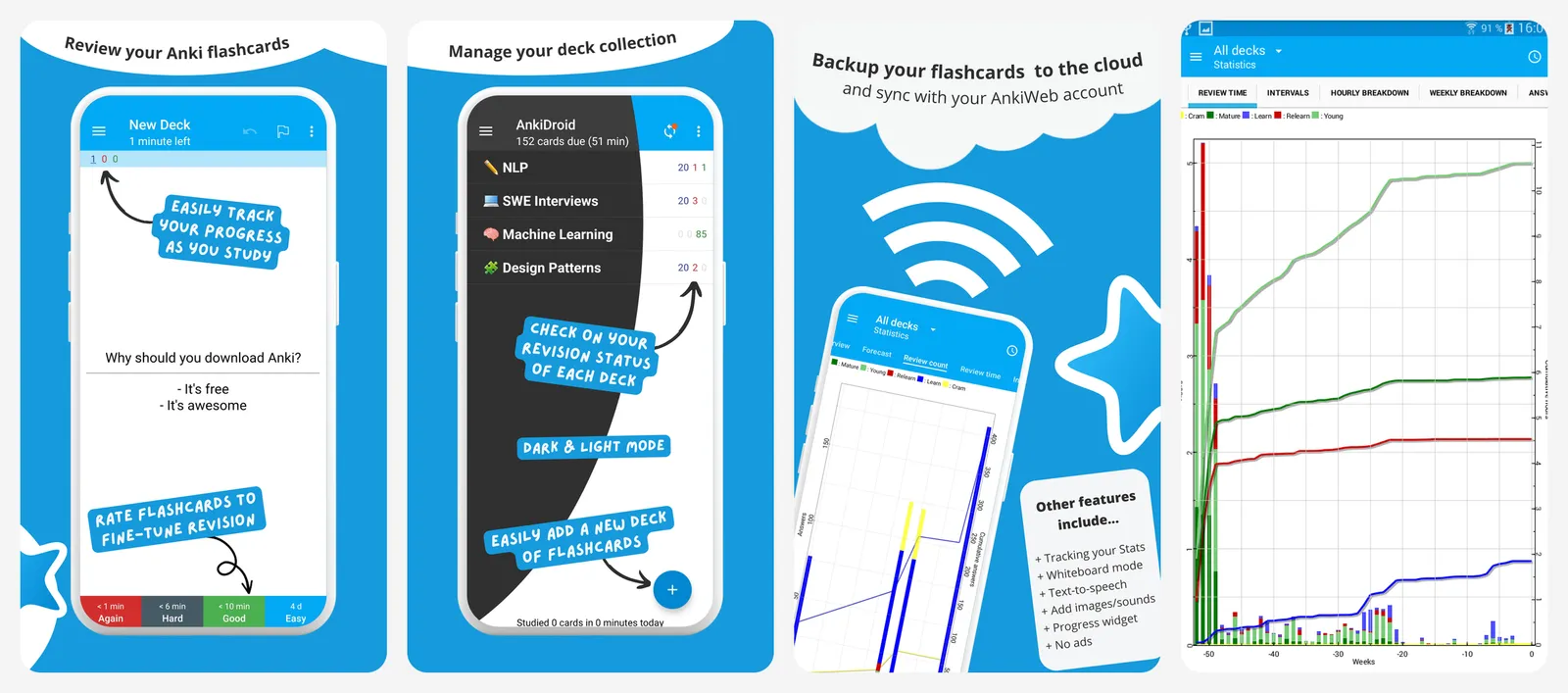
AnkiDroid is the free Android version of Anki, the flashcard app medical students and language learners use. It shows each card just before you would forget it. It has no ads and syncs free with AnkiWeb.
- Replaces
- Paid flashcard apps
- Runs on
- Android (syncs with Anki on desktop)
- Licence
- AGPL-3.0 (open source)
- Skip if
- You want ready-made, game-like lessons
- Price
- Free
Go deeper: MyFitnessPal alternatives, Strava alternatives, medicine tracking apps, Duolingo alternatives and Anki alternatives.
Maps and travel
25. Google Maps
- Android
- iPhone and iPad
- Web browser
Best all-round navigation · MAPS
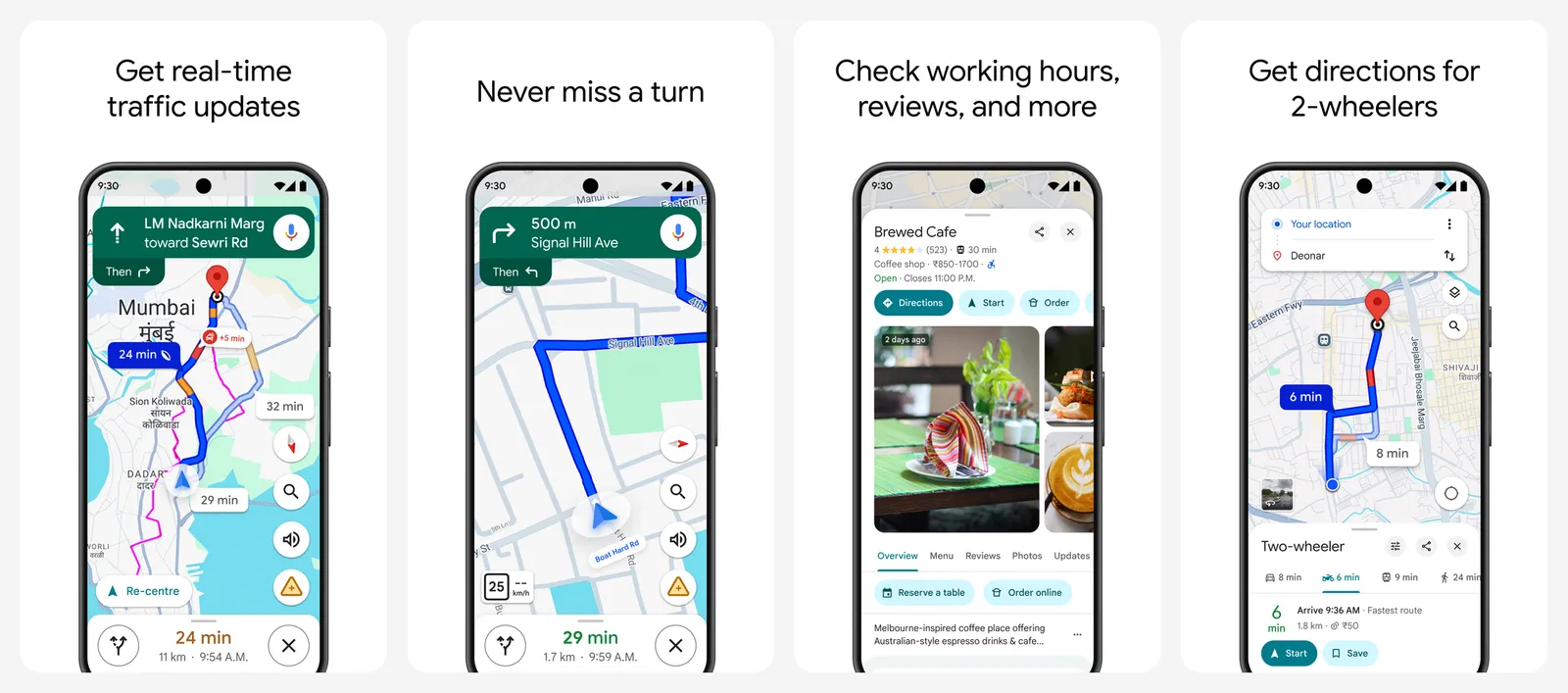
Google Maps does driving, walking, cycling and public transport in one app, with live traffic, lane guidance and multi-stop routes. Download offline areas before a trip to keep navigating with no signal.
- Replaces
- Paper maps and separate transit apps
- Runs on
- Android, iPhone, web, Android Auto
- Skip if
- You want no Google tracking at all
- Price
- Free
26. Organic Maps
- Android
- iPhone and iPad
Offline maps, no tracking · OFFLINE
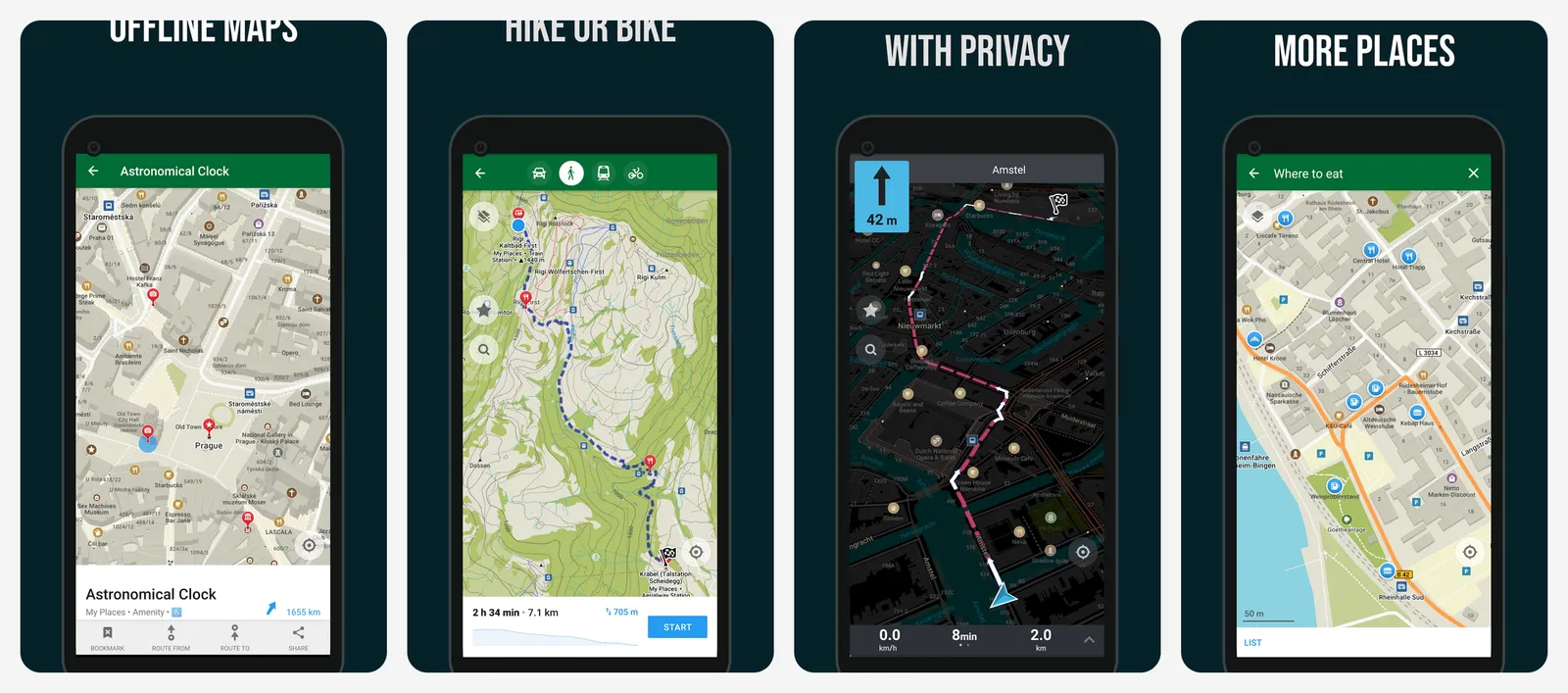
Organic Maps downloads whole countries for full offline use, with hiking trails, cycling routes and turn-by-turn directions. It has no ads and no tracking. Some former contributors started a fork called CoMaps in 2025, which works the same way if you prefer it.
- Replaces
- Google Maps for hiking and travel abroad
- Runs on
- Android, iPhone
- Licence
- Apache-2.0 (open source)
- Skip if
- You need live traffic
- Price
- Free
Drive every day? Waze gives you police, hazard and speed camera alerts from other drivers.
Go deeper: Waze vs Google Maps, the best Android Auto apps, Life360 alternatives for family location sharing and Indian Railways apps.
AI assistants
All three of these are free to start. Try them with the same question and keep the one whose answers you like. Do not pay for more than one.
27. Gemini
- Android
- iPhone and iPad
- Web browser
Best built into Android · AI
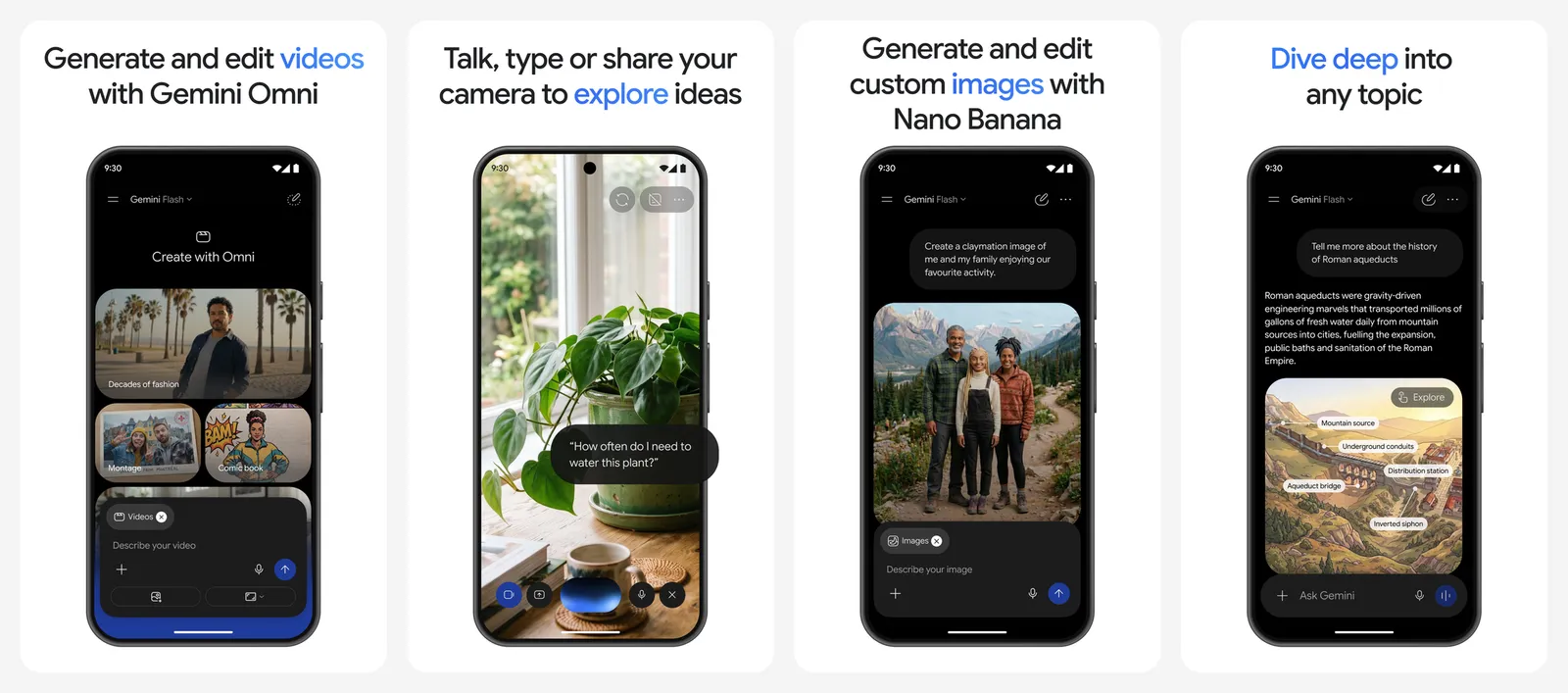
Gemini is replacing Google Assistant on most Android phones. Hold the power button to ask about what is on your screen, or talk to it live with Gemini Live. It can read your Gmail, Calendar and Drive if you allow it. Paid Google AI plans add newer models and extra cloud storage.
- Replaces
- Google Assistant
- Runs on
- Android, iPhone, web
- Skip if
- You do not use Gmail, Docs or other Google apps
- Price
- Free (Google AI Pro $19.99 a month)
28. Claude
- Android
- iPhone and iPad
- Web browser
Best for writing and long files · AI
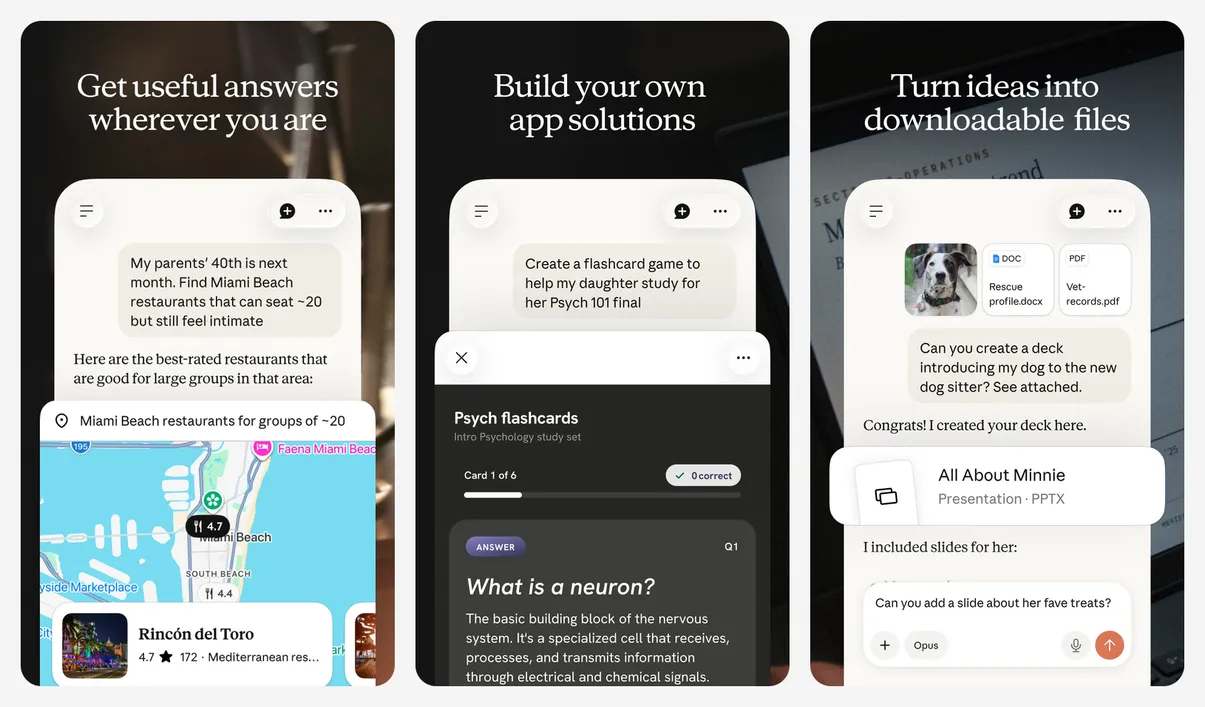
Claude, from Anthropic, is strong at writing, summarising long documents and explaining things in plain words. You can share a PDF or a photo of a page and ask about it. The free plan has daily message limits; Pro raises them.
- Replaces
- Copy-pasting into a web chat
- Runs on
- Android, iPhone, web, desktop
- Skip if
- You want image generation
- Price
- Free (Pro $20 a month, or $17 a month billed yearly)
29. ChatGPT
- Android
- iPhone and iPad
- Web browser
Most features · AI
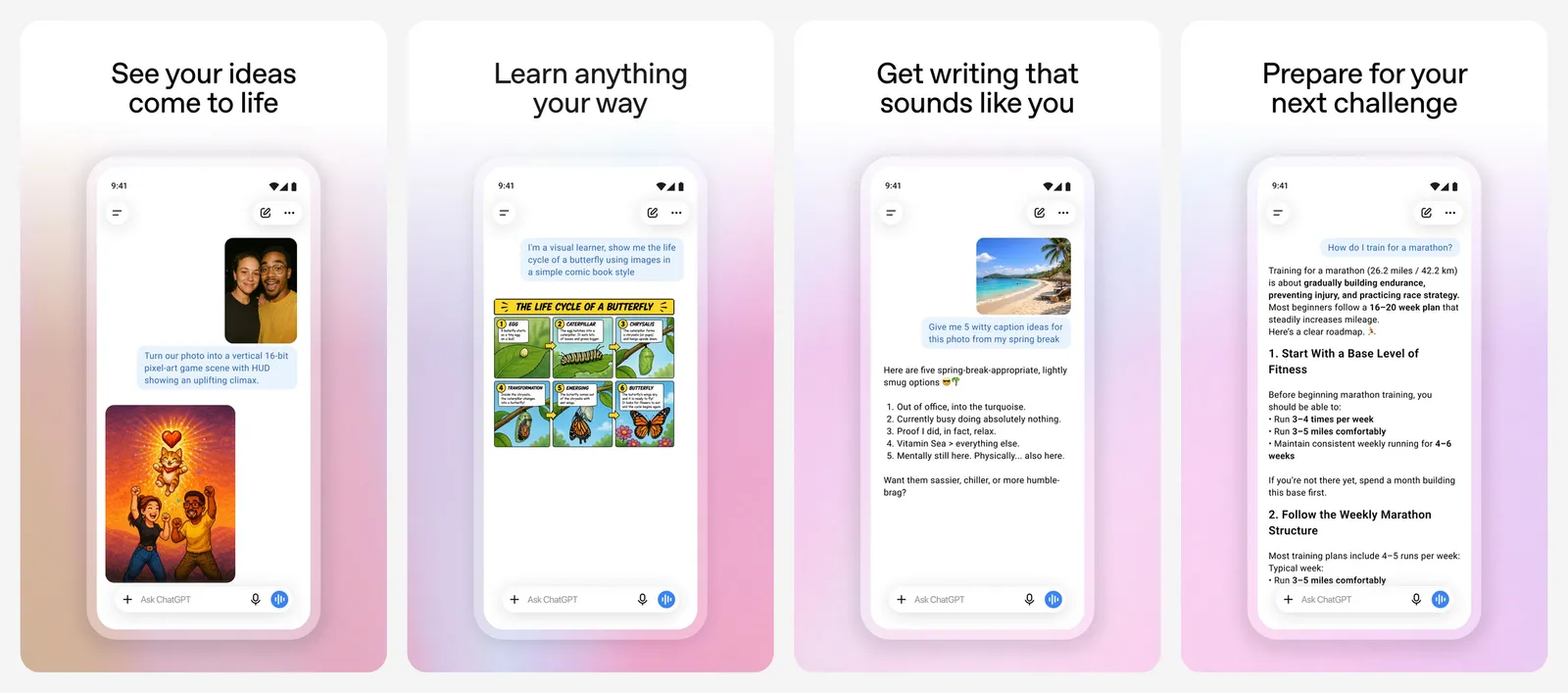
ChatGPT has the widest set of tools: voice chat, image making, web search and file analysis. The free plan now shows ads. Plus and higher plans remove the ads and raise the limits; the cheaper Go plan may still show ads.
- Replaces
- Search for quick how-to answers
- Runs on
- Android, iPhone, web, desktop
- Skip if
- You do not want ads in your chats
- Price
- Free with ads (Plus $20 a month)
Go deeper: how to run a local AI model on Android with no internet, and Perplexity Pro vs ChatGPT Plus.
Messaging
WhatsApp is probably already on your phone, and Signal is above. Add one more if your friends or groups use it.
30. Telegram
- Android
- iPhone and iPad
- Web browser
Big groups and channels · GROUPS
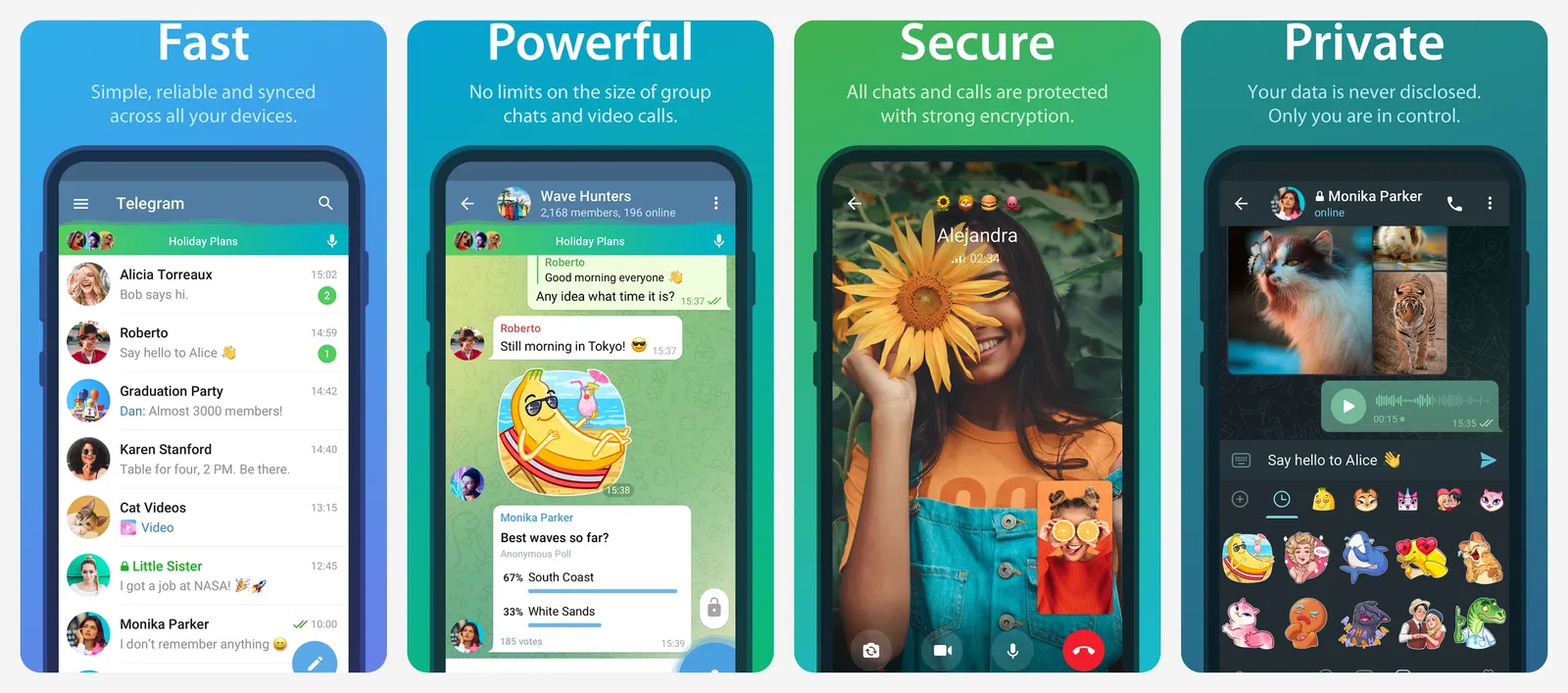
Telegram is great for large groups, channels, bots and sending big files, and it syncs across all your devices. Normal chats are stored on Telegram's servers and are not end-to-end encrypted. Use Secret Chats, or Signal, for private talks.
- Replaces
- WhatsApp for large groups and file sharing
- Runs on
- Android, iPhone, every desktop, web
- Skip if
- You need end-to-end encryption by default
- Price
- Free (Premium is a paid subscription)
Go deeper: Telegram client apps for Android and how to read deleted WhatsApp messages.
Games
Games need their own lists. Start with the best free Android games, then go by type: action, multiplayer, puzzle and strategy.
Worth paying for
Most apps on this page are free. If you want to spend a little, these are the upgrades that save the most time:
- Bitwarden Premium ($19.80 a year) for built-in 2FA codes and security reports.
- Proton VPN Plus if you travel and need servers in a specific country.
- Spotify Premium if you listen every day and want offline downloads.
For more apps that earn their price, see our list of paid Android apps worth buying, or save money with free alternatives to paid apps.
FAQs
What apps should I install first on a new Android phone?
Start with a password manager (Bitwarden), a 2FA app (Aegis) and Files by Google. Then add the apps for what you do most: Spotify for music, Google Maps for travel and Obsidian or Google Keep for notes.
Are free Android apps safe?
Apps from Google Play are scanned by Google Play Protect, but that does not catch everything. Check the developer name, the number of downloads, the last update date and the permissions an app asks for. Skip "cleaner", "booster" and "battery saver" apps.
Do I need a VPN on Android?
Not all the time. A VPN helps on public Wi-Fi, when you travel or when your network blocks a site. Proton VPN's free plan is a safe choice because it has no data cap and no ads.
What is the best free launcher for Android now?
Niagara Launcher for a simple list layout, or Lawnchair for a Pixel-style grid with more options. We no longer recommend Nova Launcher because new versions show ads and include trackers.
How do I remove apps I do not need?
Long-press the app icon and tap Uninstall. Apps that came with your phone may only allow Disable, which hides them and stops them running. See our guide to stopping apps running in the background for more.

Sumit
ContributorHi, I'm Sumit, Being an introvert I have always been obsessed with technology-computers and reading dozens of posts to learn, find answers out of my curiosity. I love to write as I explore more.