On this page
- How we picked these 18
- The quick swap table
- Code editors
- Zed
- VSCodium
- Neovim
- AI coding agents
- opencode
- Cline
- Gemini CLI
- APIs and testing
- Bruno
- Playwright
- Containers and local environment
- Podman Desktop
- mise
- Ghostty
- Atuin
- Databases and backend
- DBeaver Community
- Supabase
- Shipping and operations
- Coolify
- Forgejo
- Infisical
- Excalidraw
- All 18 compared
- Mistakes to avoid when switching
- Switching everything in one sprint
- Assuming open source means self-host
- Forgetting what the AI agent can reach
- Ignoring the licence of the hosted version
- FAQs
- What to do next
A modern developer setup quietly adds up to a lot of subscriptions: an editor with an AI add-on, an API client that wants you signed in, a container app that needs a company licence, a hosting bill, a secrets manager. Most of those jobs now have an open source tool that is as good or better, and a few are the best option at any price.
This list covers 18 open source developer tools across the whole workflow: writing code, AI help, testing APIs, running containers, working with databases, and shipping to production. Every project was checked on September 26, 2026 for a recent release, a real open source licence, and current pricing where a paid tier exists.
- Editor: Zed if you want speed and built-in AI, VSCodium if you want VS Code without Microsoft's telemetry, Neovim if you live in the terminal.
- AI coding: opencode and Cline work with any model, including free and local ones. Gemini CLI has the most generous free tier.
- Swap Postman for Bruno and Docker Desktop for Podman Desktop. Both keep working with no account.
- Ship with Coolify on a cheap server instead of paying per seat for a hosting platform.
- Open source here means you can read, change and self-host the code. Some tools also sell a hosted plan, and we list the real price.
How we picked these 18
- Real licence: MIT, Apache-2.0, GPL or AGPL. Source-available licences that restrict use (such as Sentry's FSL or n8n's fair-code licence) are left out.
- Maintained: each project shipped a release in 2026. Aider, a popular AI pair programmer, was dropped because its last release was August 2025.
- Replaces something: every pick replaces a paid or closed tool most developers already use.
- Honest cost: we list what is free and what the hosted or paid tier costs, checked on official pricing pages.
- Nothing here is sponsored and there are no affiliate links.
Looking for terminal apps specifically? We covered lazygit, btop, yazi and more in our best TUI apps for Linux developers. This list sits one level up: the main tools your workflow is built on.
The quick swap table
| You use | Try instead | Why |
|---|---|---|
| VS Code | Zed or VSCodium | Faster (Zed) or the same editor without telemetry (VSCodium) |
| Cursor or Copilot | opencode or Cline | Pick any model, pay the provider directly or use a free one |
| Postman | Bruno | Offline, no account, collections live in your Git repo |
| Docker Desktop | Podman Desktop | No licence fee for larger companies, rootless by default |
| nvm, pyenv, asdf | mise | One tool for every language version |
| Vercel, Heroku | Coolify | Same push-to-deploy flow on your own server |
| GitHub (private repos) | Forgejo | Self-hosted Git with built-in CI |
| Doppler, .env files | Infisical | Shared, audited secrets with a free self-hosted option |
Code editors
Zed
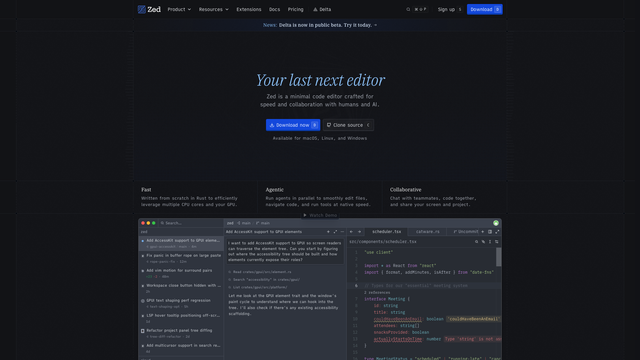
Zed is a code editor written in Rust that opens large projects instantly and stays smooth where VS Code starts to lag. It has built-in AI chat and edits, real-time collaboration, and a debugger, with no extension setup needed for the basics.
The editor is free forever. You can bring your own API keys (Anthropic, OpenAI, Google, OpenRouter) or run local models through Ollama or LM Studio at no cost, or turn AI off completely. Zed Pro is $10 a month for hosted AI with $5 of token credit. The extension library is smaller than VS Code's, so check your must-haves first. Version 1.21.0 shipped on September 23, 2026.
- Replaces
- VS Code, Cursor
- Runs on
- Mac, Linux, Windows
- Difficulty
- Easy
- Licence
- GPL-3.0 (open)
- Skip if
- You depend on a niche VS Code extension
VSCodium
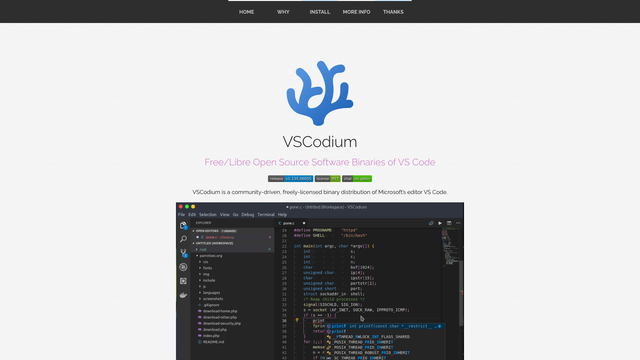
VS Code's source code is open under MIT, but the download from Microsoft is not: it adds telemetry, branding, and a proprietary licence. VSCodium builds the same open source code without those additions, so you get the editor you know with nothing reporting home.
The catch is extensions. VSCodium uses the Open VSX registry instead of Microsoft's marketplace, and a few Microsoft extensions (Remote SSH, Pylance, Live Share, the C# kit) are licensed for Microsoft's build only. Most popular extensions are on Open VSX. If you are coming from VS Code, our VS Code extensions list is a good checklist. Version 1.135 shipped on September 9, 2026.
- Replaces
- Microsoft's VS Code build
- Runs on
- Mac, Linux, Windows
- Difficulty
- Easy
- Licence
- MIT (open)
- Skip if
- You need Microsoft-only extensions like Remote SSH or Pylance
Neovim
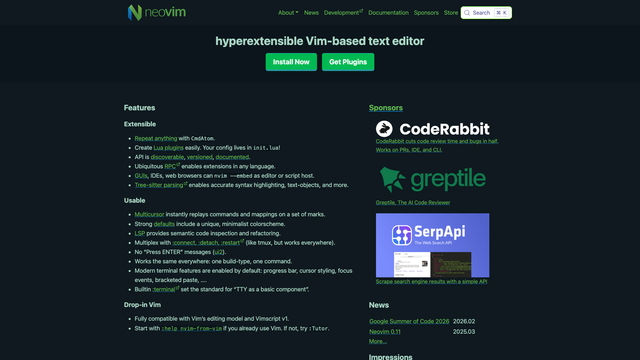
Neovim is a modern Vim with built-in LSP support (the same language intelligence VS Code uses), Tree-sitter syntax highlighting, and Lua for configuration. It runs anywhere, including over SSH on a server, and starts in milliseconds.
The learning curve is real. Start with a ready-made setup such as LazyVim or kickstart.nvim instead of writing a config from zero. Version 0.12.5 shipped on August 23, 2026.
- Replaces
- Heavy IDEs, remote editing plugins
- Runs on
- Mac, Linux, Windows, any SSH box
- Difficulty
- Hard
- Licence
- Apache-2.0 (open)
- Skip if
- You do not want to learn modal editing
AI coding agents
These three let you pick the model. That matters: you can use a paid model for hard work, a free one for routine edits, or a local model when code must not leave your machine. For a free route, see how to run Claude Code with free OpenRouter models.
opencode
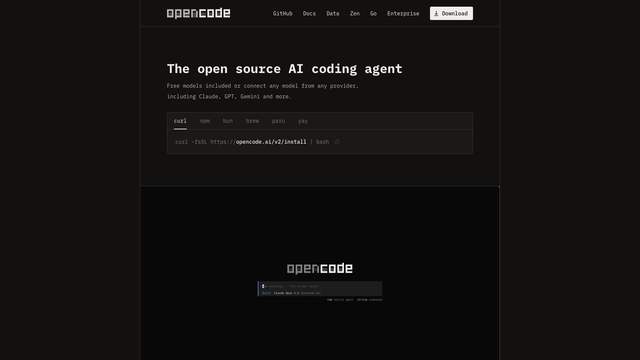
opencode is a terminal AI coding agent: it reads your project, plans a change, edits files, and runs commands, with you approving each step. It works with almost any provider, from Anthropic and OpenAI to OpenRouter and local models, and you can switch models mid-session.
With over 200,000 GitHub stars it is now the most popular open source coding agent. The tool itself is free; you pay only your model provider. Version 1.18.32 shipped on September 21, 2026.
- Replaces
- Claude Code, Cursor agent mode
- Runs on
- Mac, Linux, Windows (terminal)
- Difficulty
- Easy
- Licence
- MIT (open)
- Skip if
- You prefer an agent inside your editor
Cline
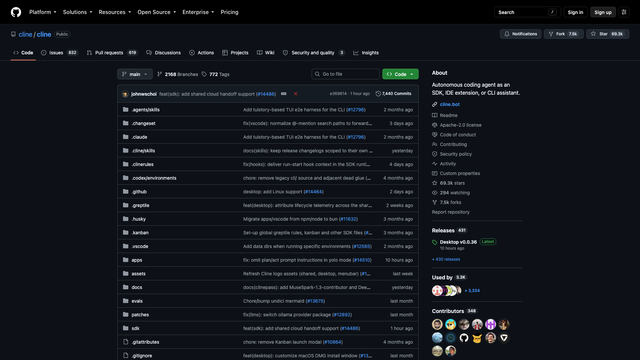
Cline is an AI coding agent that lives inside VS Code (and VSCodium). It proposes a plan, shows every file diff and terminal command before running it, and can use a browser to test what it built. There is also a CLI and a desktop app for people who work outside VS Code.
You bring your own API key or point it at a local model. There is no subscription, but long agent sessions on premium models can cost more than a flat-rate plan, so watch the token counter.
- Replaces
- GitHub Copilot agent, Cursor
- Runs on
- VS Code, VSCodium, CLI, desktop app
- Difficulty
- Easy
- Licence
- Apache-2.0 (open)
- Skip if
- You want fixed monthly pricing
Gemini CLI
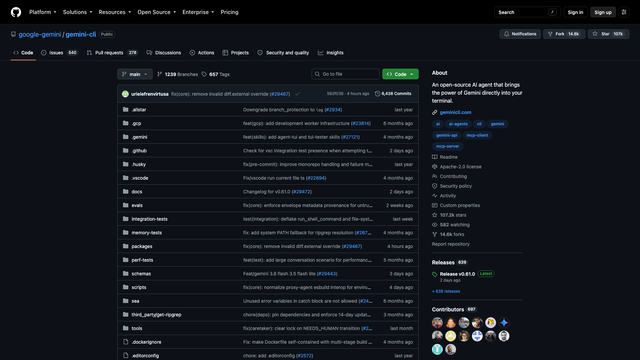
Gemini CLI is Google's open source terminal agent. Its selling point is the free tier: sign in with a personal Google account and you get 60 requests a minute and 1,000 requests a day with Gemini 3 models and a 1 million token context window. That is enough for most side projects without paying anything.
The client is Apache-2.0 and works with MCP servers, but the model runs on Google's servers, so check your employer's rules before using it on work code. Version 0.61.0 shipped on September 23, 2026.
- Replaces
- Paid AI coding plans for side projects
- Runs on
- Mac, Linux, Windows (Node.js)
- Difficulty
- Easy
- Licence
- Apache-2.0 (open)
- Skip if
- Your code cannot be sent to Google
APIs and testing
Bruno
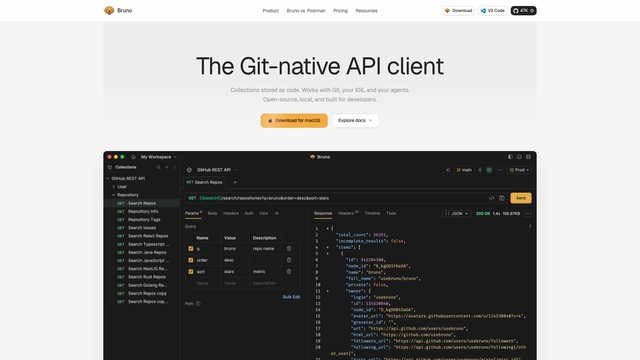
Bruno is an API client that saves your requests as plain text files in a folder you choose, usually inside your project's Git repo. That means API collections get reviewed in pull requests and versioned with the code, instead of living in someone's cloud workspace. There is no account and no forced sync.
It imports Postman and Insomnia collections, supports REST, GraphQL and gRPC, and has scripting and environments. The open source edition is free; Pro ($6 a user a month, billed yearly) adds extra Git and automation features. Version 4.2.0 shipped on September 23, 2026.
- Replaces
- Postman, Insomnia
- Runs on
- Mac, Linux, Windows
- Difficulty
- Easy
- Licence
- MIT (open)
- Skip if
- Your team relies on Postman's hosted monitors
Playwright
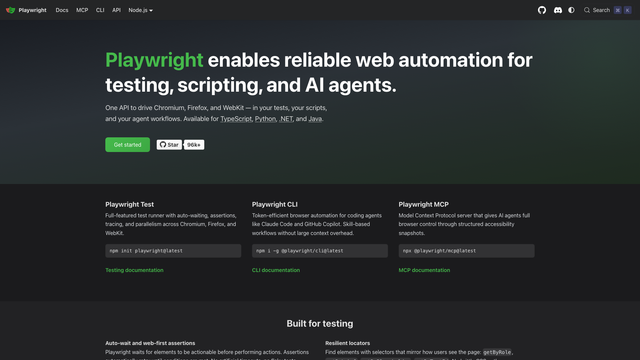
Playwright runs end-to-end tests in Chromium, Firefox, and WebKit (Safari's engine) with one API. It waits for elements automatically, which removes most flaky-test sleeps, and its trace viewer shows a timeline of every step when a test fails. Parallel runs and retries are built in, with no paid dashboard required.
It has also become the standard way to give AI agents a browser: Playwright MCP lets agents like Cline or opencode click through your app. Version 1.63.0 shipped on September 4, 2026.
- Replaces
- Selenium, paid Cypress Cloud features
- Runs on
- Node.js, Python, Java, .NET
- Difficulty
- Medium
- Licence
- Apache-2.0 (open)
- Skip if
- You only need unit tests
Containers and local environment
Podman Desktop
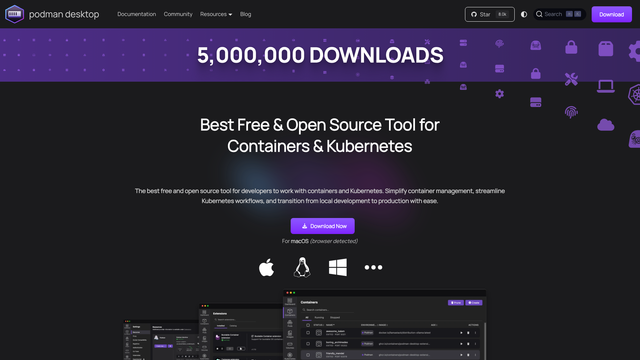
Docker Desktop is free only for personal use and small businesses. Once your company has 250 or more employees or $10 million or more in revenue, every developer using it needs a paid plan. Podman Desktop gives you the same kind of app, a GUI for containers, images, volumes and local Kubernetes, with no licence fee at any company size.
Under it, Podman runs containers without a background daemon and without root by default, which is safer. Most docker commands and Compose files work unchanged. Podman 6.1.2 and Podman Desktop 1.29.3 are the current releases.
- Replaces
- Docker Desktop
- Runs on
- Mac, Linux, Windows
- Difficulty
- Easy
- Licence
- Apache-2.0 (open)
- Skip if
- A tool you need only supports Docker's daemon socket
mise
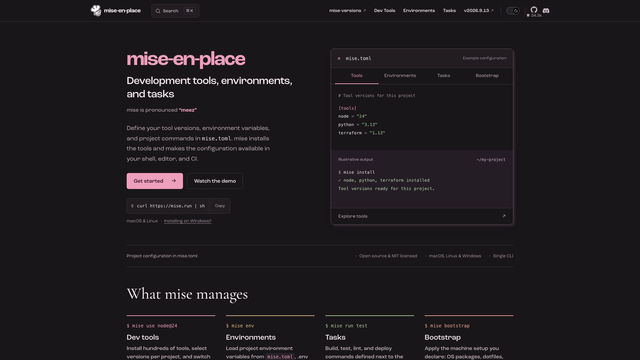
mise installs and switches language versions per project: Node, Python, Go, Ruby, Java, and hundreds more, all from one small config file in the repo. cd into a project and the right versions are active. It also loads per-project environment variables and runs tasks, so it can replace a Makefile for simple scripts.
It is much faster than asdf and reads existing .nvmrc, .python-version and .tool-versions files, so switching is painless. It ships almost daily; version 2026.9.13 landed on September 24, 2026.
- Replaces
- nvm, pyenv, rbenv, asdf, direnv
- Runs on
- Mac, Linux, Windows
- Difficulty
- Easy
- Licence
- MIT (open)
- Skip if
- You use Nix or dev containers for everything
Ghostty
Ghostty is a GPU-accelerated terminal that is fast and still feels native: real macOS tabs and splits on Mac, GTK on Linux. It works well with zero configuration, and it has no account or AI features you did not ask for. Version 1.3.1 is the current release. There is no Windows version yet.
- Replaces
- iTerm2, Warp, GNOME Terminal
- Runs on
- Mac, Linux
- Difficulty
- Easy
- Licence
- MIT (open)
- Skip if
- You are on Windows
Atuin
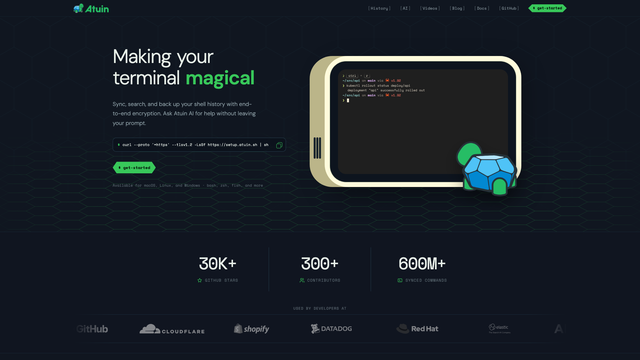
Atuin replaces your shell history with a searchable database that records the directory, exit code and duration of every command. Press Ctrl+R and you get a full-screen fuzzy search, filterable by host or folder. Optional end-to-end encrypted sync puts the same history on every machine, and you can self-host the sync server. Version 18.23.0 shipped on September 22, 2026.
- Replaces
- Plain shell history, Ctrl+R
- Runs on
- bash, zsh, fish, nushell
- Difficulty
- Easy
- Licence
- MIT (open)
- Skip if
- You rarely reuse old commands
Databases and backend
DBeaver Community
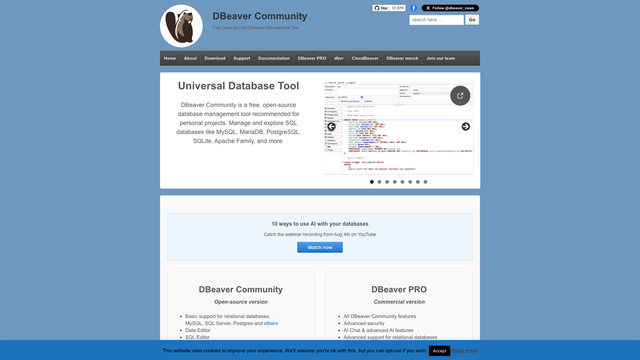
DBeaver Community is one database client for almost everything: PostgreSQL, MySQL, SQLite, SQL Server, Oracle, ClickHouse, and dozens more through JDBC drivers. It has a SQL editor with autocomplete, an ER diagram view, data export, and a table editor that feels like a spreadsheet.
It is built on Java and Eclipse, so it is not the lightest app, but it is free with no row or connection limits. The paid DBeaver PRO adds NoSQL and cloud features. Version 26.2.1 shipped on September 21, 2026.
- Replaces
- DataGrip, TablePlus, database-specific GUIs
- Runs on
- Mac, Linux, Windows
- Difficulty
- Easy
- Licence
- Apache-2.0 (open)
- Skip if
- You only touch one database and like its own tool
Supabase
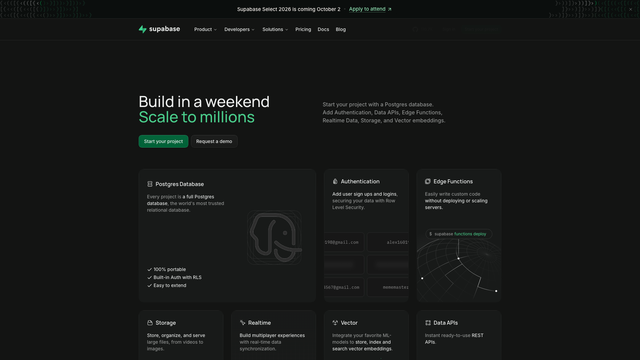
Supabase gives you a Postgres database with authentication, file storage, realtime updates, edge functions and auto-generated APIs on top. Unlike Firebase, it is real SQL, and you can take the whole stack and self-host it with Docker if you ever want to leave the hosted service.
The hosted free plan includes two projects, 500MB of database space and 50,000 monthly active users, but free projects pause after a week with no activity. Pro is $25 a month per organisation.
- Replaces
- Firebase
- Runs on
- Hosted, or self-host with Docker
- Difficulty
- Medium
- Licence
- Apache-2.0 (open)
- Skip if
- You want a NoSQL document store
Shipping and operations
Coolify
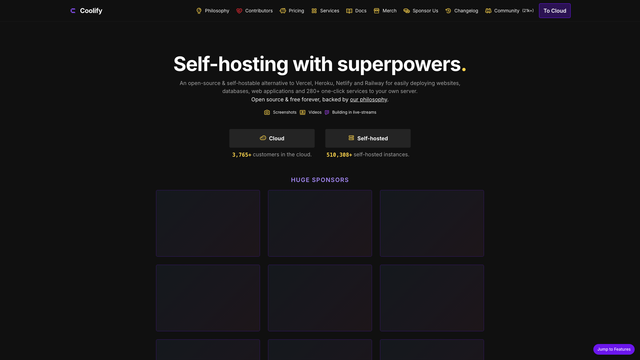
Coolify turns any Linux server into your own Heroku: connect a Git repo, push, and it builds and deploys with automatic HTTPS, preview deployments, and one-click databases. A single cheap VPS can host many small apps and sites that would each need a paid plan elsewhere.
Self-hosted Coolify is completely free with every feature. Coolify Cloud manages the control panel for you from $5 a month (two servers, then $3 per extra server), but you still bring your own servers. Version 4.3.23 shipped on September 18, 2026. If you run a home server, the same box from our Proxmox guide works.
- Replaces
- Vercel, Netlify, Heroku, Render
- Runs on
- Any Linux server with 2GB RAM
- Difficulty
- Medium
- Licence
- Apache-2.0 (open)
- Skip if
- You need edge rendering in many regions
Forgejo
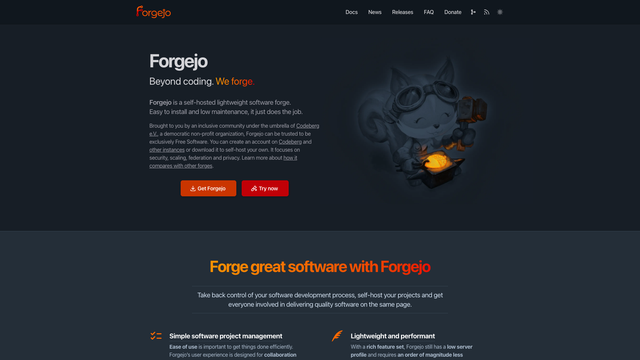
Forgejo is a lightweight self-hosted Git service with issues, pull requests, packages, and Forgejo Actions (CI that understands most GitHub Actions workflows). It is a community fork of Gitea and powers Codeberg, the non-profit Git host.
It runs happily on a Raspberry Pi or a tiny VPS. Use it to keep private code off third-party servers, or as a mirror so a GitHub outage never stops your builds. Version 16.0.5 shipped on September 17, 2026.
- Replaces
- GitHub, GitLab (self-hosted)
- Runs on
- 1GB RAM, Linux or Docker
- Difficulty
- Medium
- Licence
- GPL-3.0 (open)
- Skip if
- Your team lives on GitHub's social features
Infisical
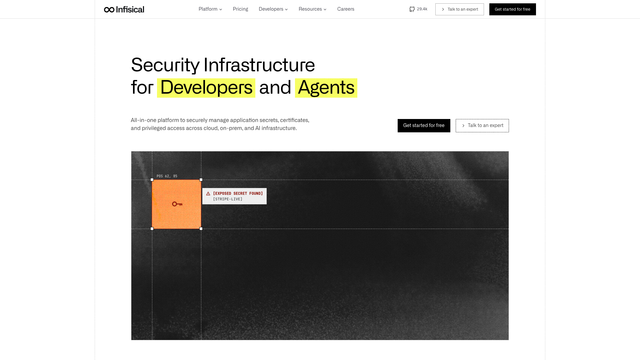
Infisical stores API keys and passwords for your apps in one encrypted place, per environment (development, staging, production), and injects them at runtime or syncs them to GitHub Actions, Vercel and cloud providers. No more .env files pasted into chat.
The core is MIT and free to self-host; a few enterprise features sit in a separately licensed folder. The hosted free plan covers five identities (people or machines) and three environments. Pro is $20 per identity a month. Version 0.165.16 shipped on September 23, 2026.
- Replaces
- Doppler, HashiCorp Vault, .env files in Slack
- Runs on
- Hosted, or self-host with Docker
- Difficulty
- Medium
- Licence
- MIT core (open)
- Skip if
- You are a solo developer with one app
Excalidraw
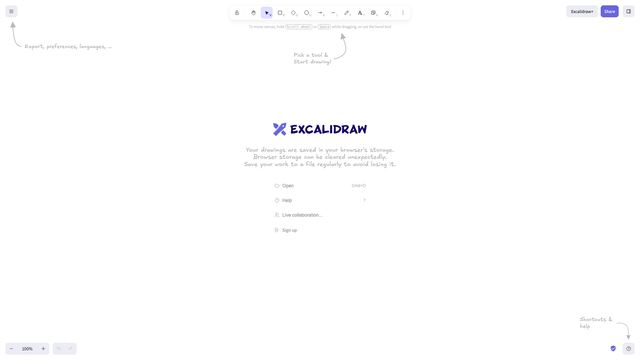
Excalidraw is a hand-drawn style whiteboard for architecture sketches, flow diagrams and quick explanations. It opens in the browser with no sign-up, supports live collaboration with end-to-end encrypted links, and exports to PNG or SVG. You can also embed it in your own apps as a React component, and there is a VS Code extension for keeping .excalidraw files in the repo.
- Replaces
- Miro, Lucidchart for quick diagrams
- Runs on
- Any browser
- Difficulty
- Easy
- Licence
- MIT (open)
- Skip if
- You need formal UML or strict diagram standards
All 18 compared
| Tool | Job | Licence | Free | Paid or hosted | Self-host |
|---|---|---|---|---|---|
| Zed | Editor | GPL-3.0 | Full editor, BYO AI keys | Pro $10/month | Not needed |
| VSCodium | Editor | MIT | Fully free | None | Not needed |
| Neovim | Editor | Apache-2.0 | Fully free | None | Not needed |
| opencode | AI agent | MIT | Tool free, pay your model | None | Not needed |
| Cline | AI agent | Apache-2.0 | Tool free, pay your model | None | Not needed |
| Gemini CLI | AI agent | Apache-2.0 | 1,000 requests/day | Paid Google plans | Not needed |
| Bruno | API client | MIT | Open source edition | Pro $6/user/month | Not needed |
| Playwright | Browser testing | Apache-2.0 | Fully free | None | Not needed |
| Podman Desktop | Containers | Apache-2.0 | Fully free | None | Not needed |
| mise | Runtimes | MIT | Fully free | None | Not needed |
| Ghostty | Terminal | MIT | Fully free | None | Not needed |
| Atuin | Shell history | MIT | Fully free | Hosted sync free | Yes (sync server) |
| DBeaver Community | Database client | Apache-2.0 | Fully free | DBeaver PRO | Not needed |
| Supabase | Backend | Apache-2.0 | 2 projects, 500MB | Pro $25/month | Yes |
| Coolify | Deploys | Apache-2.0 | Self-host free | Cloud from $5/month | Yes |
| Forgejo | Git hosting | GPL-3.0 | Fully free | None | Yes |
| Infisical | Secrets | MIT core | 5 identities | Pro $20/identity/month | Yes |
| Excalidraw | Diagrams | MIT | Fully free | Excalidraw+ for teams | Yes |
Mistakes to avoid when switching
Switching everything in one sprint
Change one tool at a time and give it a week. An editor switch and a container switch in the same week make it impossible to tell which one broke your build.
Assuming open source means self-host
You do not have to run servers to use this list. Zed, VSCodium, Bruno, Podman Desktop and mise are just apps. Self-hosting is optional and only worth it where you actually gain control or save money.
Forgetting what the AI agent can reach
Coding agents can read files and run commands. Keep secrets out of the repo (that is what Infisical is for), review commands before approving them, and check whether your employer allows code to go to the model provider you picked.
Ignoring the licence of the hosted version
The open source project and the company's hosted service can have different terms. Read the pricing page before building on a free tier, especially limits like Supabase pausing idle projects.
FAQs
What is the best open source code editor in 2026?
Is VS Code open source?
What is the best open source alternative to Postman?
Is there a free open source AI coding agent?
Do I need to pay for Docker Desktop?
What is the best open source alternative to Vercel or Heroku?
Are these tools safe to use at work?
What to do next
Start with the swap that saves you the most friction today: Bruno if you are tired of signing in to Postman, Podman Desktop if your company is asking about Docker licences, or Zed if your editor feels slow. Then add the rest one at a time.
If you want to self-host the server-side tools here (Forgejo, Coolify, Infisical, Supabase), our best open source projects for home labs covers the hardware and base setup, and our self-hosted n8n guide walks through a real Docker deployment. Waiting for a sale on the paid tools you still need? Our Black Friday deals for developers tracks them.
We build open tools too: this site runs on Boring CMS, an MIT-licensed headless CMS we released, and the rest are on our projects page.

Sumit
ContributorHi, I'm Sumit, Being an introvert I have always been obsessed with technology-computers and reading dozens of posts to learn, find answers out of my curiosity. I love to write as I explore more.