YouTube is the second largest search engine after Google, but its default results mix videos, channels, and clips you did not ask for. These tricks narrow results faster than clicking Filters after every search.
- Add comma keywords after your query: channel, live, playlist, week, long, short, 4K, 360.
- Stack several commas in one search, for example cooking, week, playlist.
- Use quotes, plus, and minus for exact include and exclude terms.
- The Filter panel is the official fallback when comma syntax misses.
For downloads and streaming setup, see how to download YouTube videos and 24/7 YouTube live streaming. On mobile, lite Android apps keep YouTube lean.
Built-in filters (the official way)
On any search results page, tap or click Filters (or More filters in the app). You can sort by upload date, type (video, channel, playlist, movie), duration (short vs long), and features such as 4K, HD, live, subtitles, and 360°.
The comma tricks below are an unofficial shortcut many people still use. They are handy for stacking multiple constraints in one query, but YouTube can treat them as plain keywords on some searches. If results look wrong, use the Filter panel instead.
Comma filter cheatsheet
| Add after a comma | What it tends to return |
|---|---|
channel | Channels matching the topic |
playlist | Playlists on the topic |
live | Live or live-related results |
hour, today, week, month, year | Uploads in that window |
short | Videos about 4 minutes or less |
long | Videos about 20 minutes or more |
movie | Full movies (often with long) |
4K, HD, 360, 3D, CC | Feature-tagged videos |
Example pattern: your topic, week, playlist for recent playlists on that topic.
Search tricks that still work
Find channels only
Query: vevo music, channel
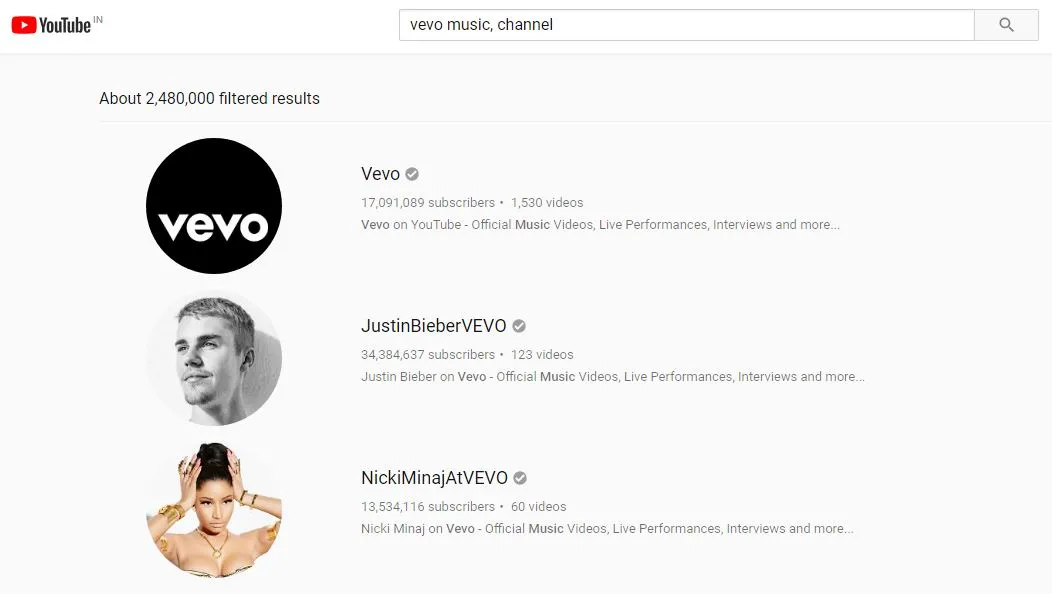
Appends channel so results lean toward channel pages instead of random videos. Useful when you want official or curated accounts, not single uploads.
Try it: vevo music, channel
Find live streams
Query: zoo, live
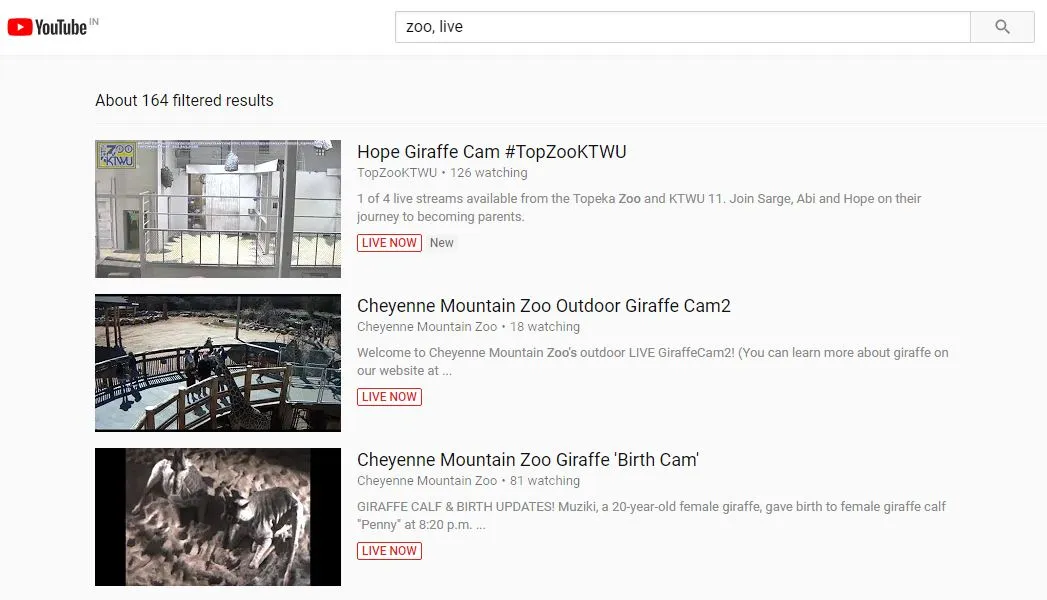
Adds live to surface broadcasts and live-tagged content. Pair with a topic (news, live or football, live) for event coverage.
Try it: zoo, live
Filter by upload date
Query: Donald Trump, week
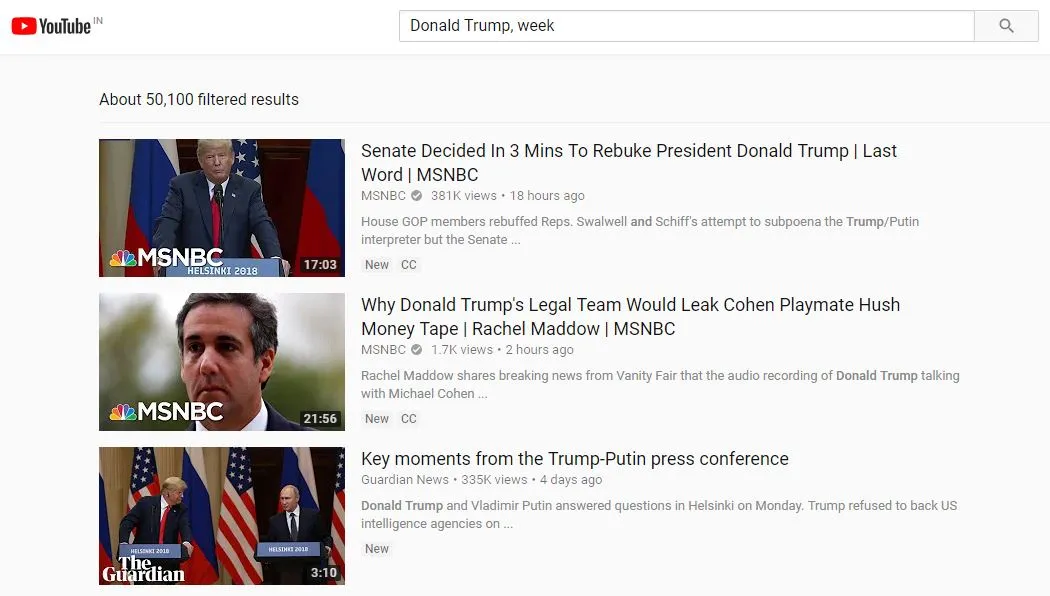
Use hour, today, week, month, or year after the topic. Handy for news, sports highlights, or product launches where freshness matters.
Try it: Donald Trump, week
Find full movies
Query: Will Smith, movie, long
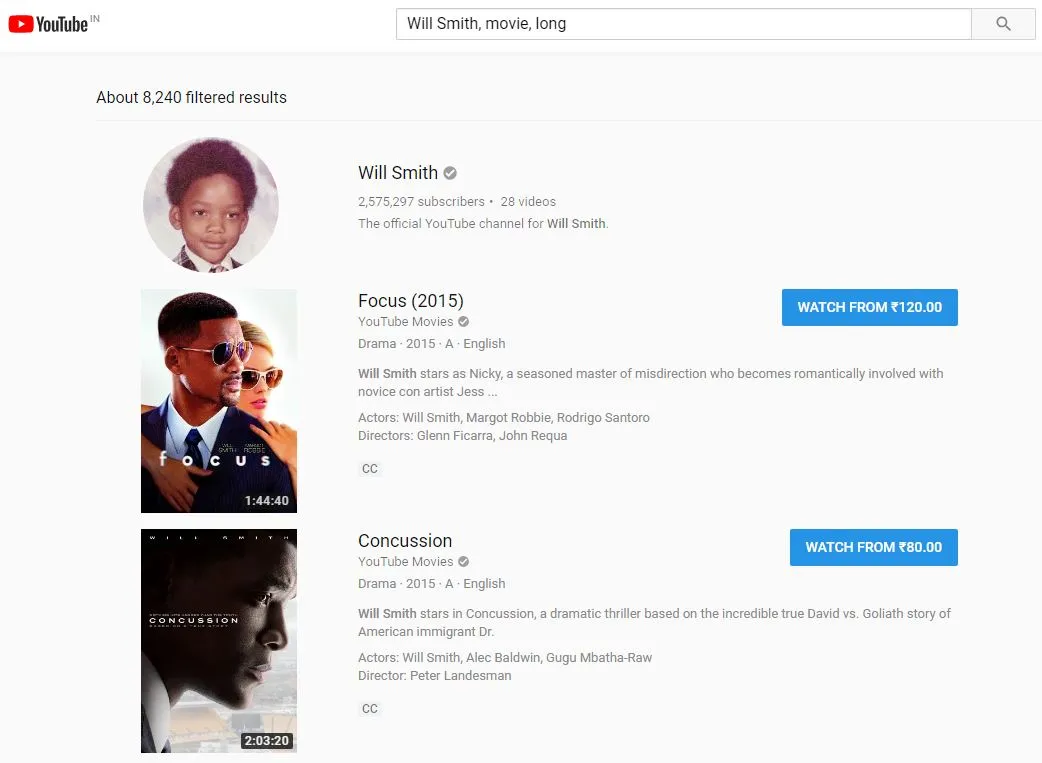
movie targets film listings; long pushes results toward 20+ minute uploads. Not every result is a licensed full film, so check the uploader.
Try it: Will Smith, movie, long
Long vs short videos
Queries: Popeye, long | Draw Popeye, short
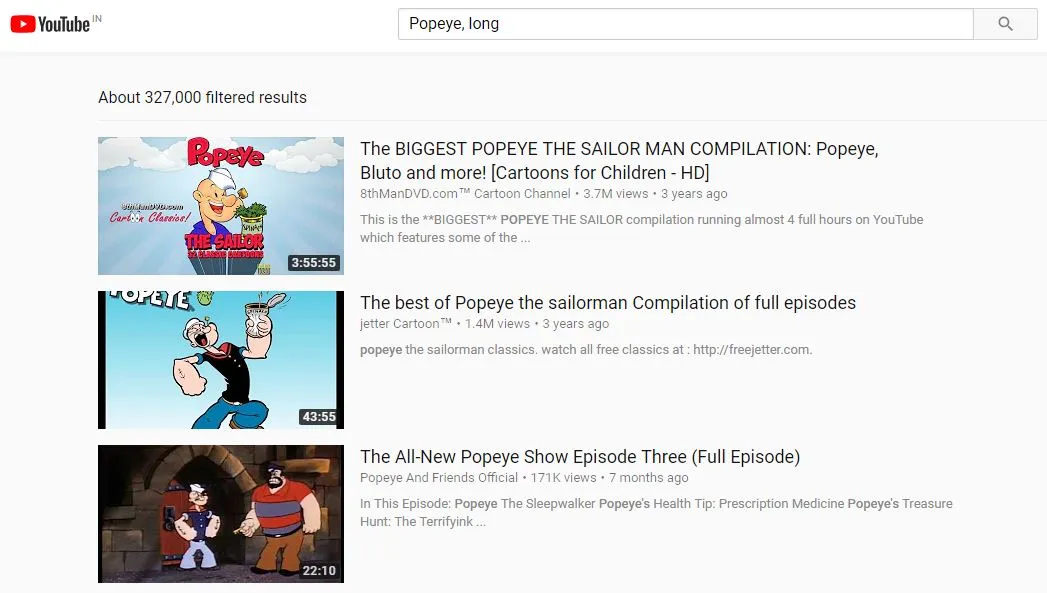
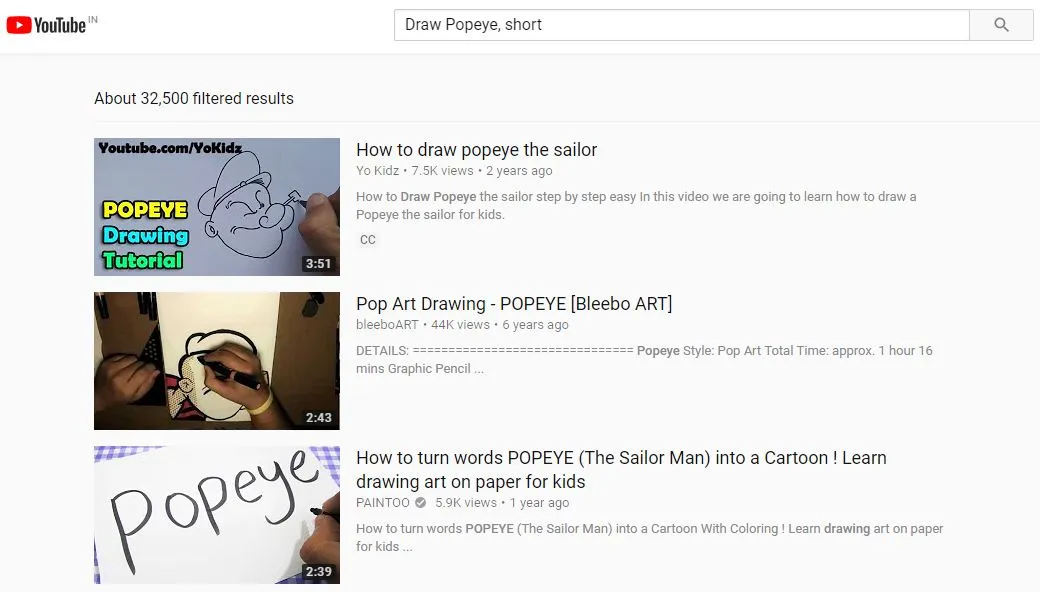
long skews toward 20+ minutes. short skews toward roughly 4 minutes or less. Good for tutorials vs quick clips.
Try it: Popeye, long | Draw Popeye, short
4K, HD, and 360° video
Queries: Travel India, 4K | 7 Wonders, 360
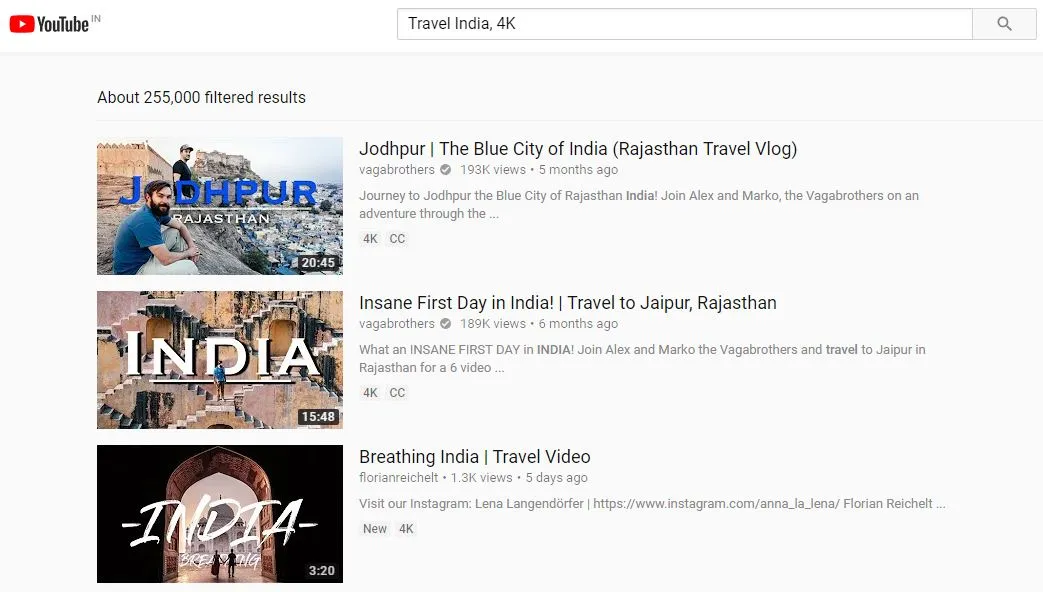
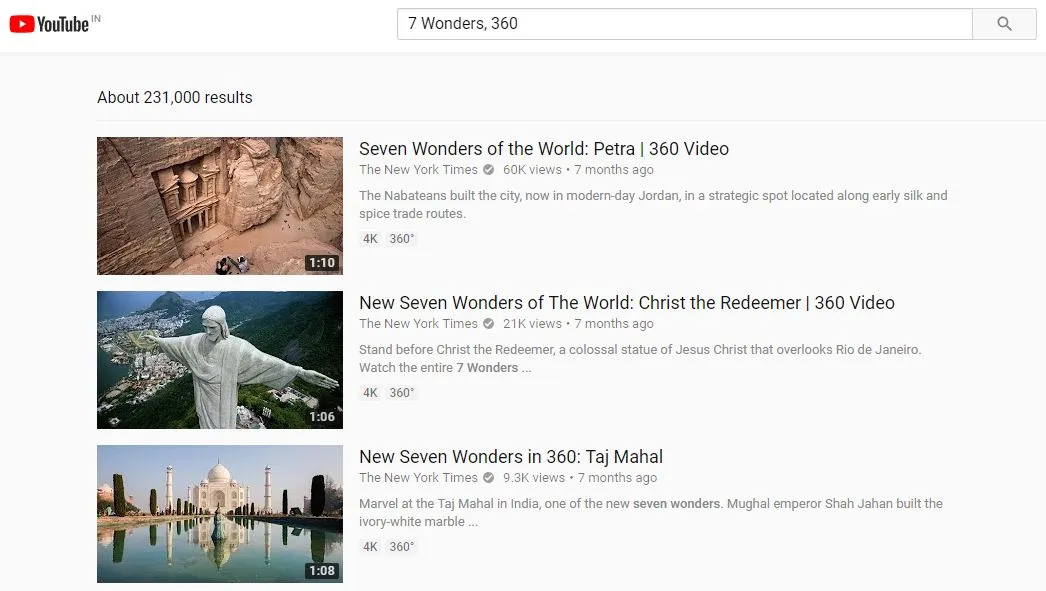
Append 4K, HD, or 360 for higher-quality or immersive uploads. Your device and player still need to support the format.
Try it: Travel India, 4K | 7 Wonders, 360
Curated playlists
Query: Learn dance, playlist
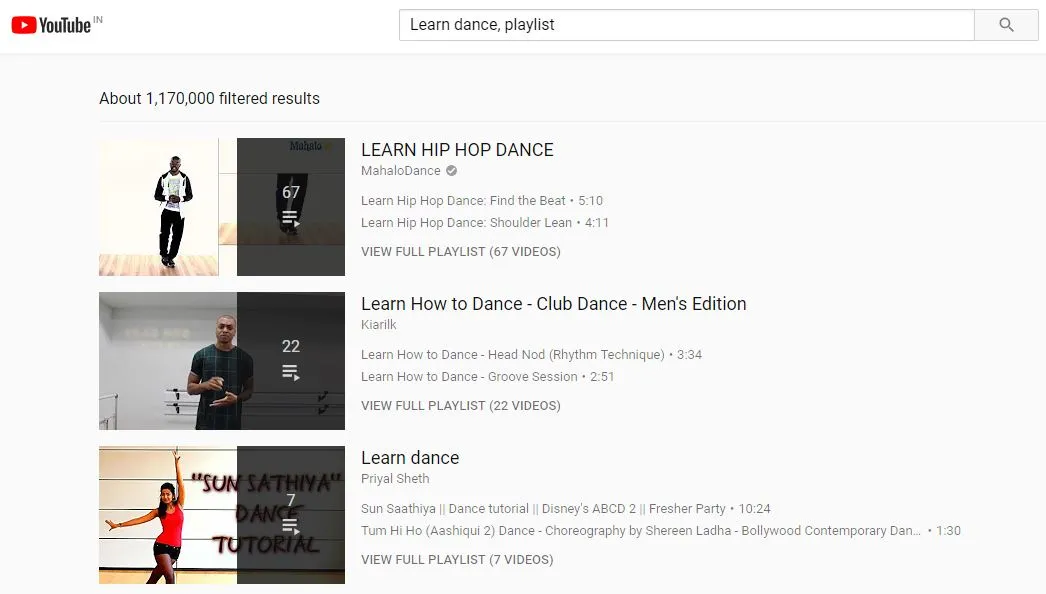
playlist surfaces user-made collections. Often faster than watching one-off videos when you want a full course or series.
Try it: Learn dance, playlist
Google-style operators on YouTube
You can mix these with comma filters:
| Operator | Effect |
|---|---|
+word | Force a term to appear |
-word | Exclude a term |
"exact phrase" | Match that phrase |
* | Wildcard in a phrase |
allintitle:word | Title must contain the word |
Rules: no space between the operator and the word (-cover, not - cover). Combine operators when you need tight control, for example "original mix" -cover.
For broader web search syntax, see most useful websites for research tools beyond YouTube.
Do YouTube comma filters still work?
How do I search only YouTube channels?
How do I find live streams on YouTube?
What is the difference between long and short on YouTube search?
Can I stack multiple comma filters?
What does allintitle do on YouTube?

Amit loves new tech and apps that make life easier, he writes about apps, games and useful websites on TheTechBasket.