On this page
- What Roblox image IDs and decal IDs are
- How to find and copy a decal ID
- How to get the image ID from a decal ID
- How to use image IDs
- In Roblox Studio
- With spray paint
- In games that accept IDs
- How to upload your own image or decal
- Moderation rules: what gets an image removed
- Aesthetic decal IDs
- Anime decal IDs
- Cat decal IDs
- Cool decal IDs
- Cursed decal IDs
- Cute decal IDs
- Funny decal IDs
- Meme decal IDs
- Scary decal IDs
- Popular character decal IDs
- FAQs
- What is the difference between a Roblox image ID and a decal ID?
- Why does my Roblox image ID show a blank square?
- How do I get an image ID on mobile?
- Is uploading decals on Roblox free?
- Can I use any image ID in any game?
- How often are these IDs checked?
Every picture on Roblox, from a poster on a wall to a face on a spray-painted brick, comes from an uploaded image with its own number. That number is what people mean by a Roblox image ID, photo ID or decal ID. Paste the right one into Studio or a game that accepts IDs, and the picture appears.
This page explains how those IDs work, where to find them, how to use and upload them, and what gets an image removed. Below that you will find a short list of working IDs for each popular theme, with a link to our full list for that theme. Every ID on this page was checked against Roblox's own asset and thumbnail APIs on October 2, 2026, and all of them were still live and not moderated.
- A decal ID is the number in a decal's URL on the Creator Store, for example create.roblox.com/store/asset/7711763290/cat-cat.
- Decal ID and image ID are not always the same number. Studio converts a decal ID to its image ID for you, but scripts and some games need the image ID itself.
- To use one in Studio, paste the number into a Decal or Texture field. Studio fills in rbxassetid:// for you.
- Uploading your own image is free in the Creator Hub, but every upload goes through moderation first.
- If a picture shows up blank or grey, it was moderated, deleted or is still pending review.
What Roblox image IDs and decal IDs are
Roblox stores pictures as two related assets:
- Image: the raw picture file. Its ID is what the engine actually loads.
- Decal: a wrapper around an image, made to stick on the face of a part. This is the item you see on the Creator Store, and its ID is the number most lists share.
When you upload a picture as a decal, Roblox creates both, and the image ID is usually a slightly lower number than the decal ID. For most players the difference does not matter, because Studio and most games convert a decal ID to its image ID for you. It only matters when a script or a game only accepts the raw image ID. Then a decal ID shows a blank square, and you need to find the image ID (shown below).
"Image ID", "photo ID", "picture ID" and "decal ID" all mean the same thing in everyday use: a number that points to a picture on Roblox.
How to find and copy a decal ID
- Open the Creator Store in a browser and pick the Decals category.
- Search for what you want, such as "cat" or "aesthetic".
- Open a decal. The ID is the long number in the address bar, for example
create.roblox.com/store/asset/7711763290/cat-cat. - Copy only the number.
You can also find decals inside Studio. Open View > Toolbox, pick Decals from the drop-down, search, then right-click a result and choose Copy Asset ID.
How to get the image ID from a decal ID
- In Studio, insert a part and drag the decal from the Toolbox onto it, or add a Decal object and paste the decal ID into its Texture field.
- Select the Decal in the Explorer and look at its Texture property in the Properties window.
- Studio has already swapped your number for
rbxassetid://plus the image ID. Copy that number.
Use this image ID in scripts, ImageLabels in custom UIs, and any game that says it needs an image ID.
How to use image IDs
In Roblox Studio
- On a part: select the part, click + in the Explorer, add a Decal, and paste the ID into its Texture property. Use the Face property to choose which side it shows on.
- Repeating pattern: add a Texture object instead of a Decal, then set StudsPerTileU and StudsPerTileV to control how often it repeats.
- In a GUI: add an ImageLabel or ImageButton and paste the ID into its Image property.
- In a script: set the property to a string such as
"rbxassetid://IMAGE_ID", using the image ID, not the decal ID.
With spray paint
The Spray Paint gear asks you for an ID, then lets you spray that picture on walls, floors and other players' avatars in games that allow gear. Type the decal ID into its box and spray. If nothing shows up, the decal is probably moderated, or the game blocks custom IDs.
Boomboxes work the same way, but they take audio IDs, not image IDs. For those, see our Roblox song ID list.
In games that accept IDs
Many roleplay and building games let you put your own picture on a poster, a sign, a picture frame or a T-shirt. Look for an option called "Image ID", "Decal ID", "Picture" or "Custom image" in the build or customise menu, paste the number and confirm. Each game decides which IDs it accepts, so if one ID fails, try the image ID instead of the decal ID.
A grey or empty square almost always means one of three things: the ID was mistyped, the game wants the image ID instead of the decal ID, or the picture was moderated. Open the decal page in a browser first. If it shows a placeholder there too, the picture is gone.
How to upload your own image or decal
- Go to the Creator Hub and sign in.
- Open Development Items > Decals and click Upload Asset. In Studio, you can also use Asset Manager > Bulk Import or Import in the Toolbox.
- Choose a PNG, JPG, TGA or BMP file, give it a clear name and upload it.
- Wait for moderation. Small, simple images usually clear in minutes, but some take longer.
- Once approved, open the decal and copy its ID from the address bar.
Uploading images is free. Very large images are scaled down, so a square picture of 1024 x 1024 pixels or smaller looks best. Roblox also limits how many items new and unverified accounts can upload in a set period, so verify your email if uploads get blocked.
Moderation rules: what gets an image removed
Every upload is checked against the Roblox Community Standards before anyone else can see it. Pictures get rejected or removed later for:
- sexual content, nudity or suggestive images
- gore, real violence or self-harm
- hate symbols, slurs or harassment of real people
- real personal information, such as phone numbers, addresses or photos of private people
- links, QR codes or text that points players off Roblox
- copyrighted art used without permission (rights holders can file takedowns, which is why many anime and brand decals disappear)
Uploading content that breaks the rules can earn a warning, a ban or account deletion, not just a rejected image. Already-approved images can still be taken down if someone reports them, which is why old ID lists fill up with dead entries. We check the IDs below regularly and refresh these lists over time.
Aesthetic decal IDs
Soft colours, plants, hearts and pastel scenes for bedrooms, cafes and profile builds. See all of them in our Roblox aesthetic decal IDs list.
| Preview | Decal name | Decal ID |
|---|---|---|
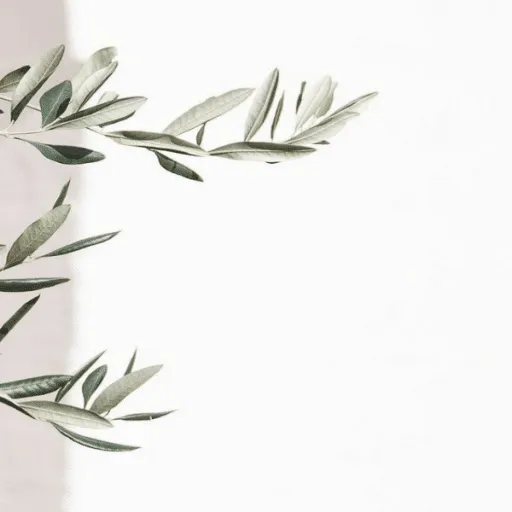 | soft | 5164285951 |
 | soft aesthetic | 5180300644 |
 | aesthetic anime girl, soft child | 3674739835 |
 | aesthetic anime girl 5 | 5181568648 |
 | purple aesthetic | 1288584766 |
Anime decal IDs
Anime faces, kawaii characters and fan art. More in our Roblox anime decal IDs list.
| Preview | Decal name | Decal ID |
|---|---|---|
 | Anime boy | 579271238 |
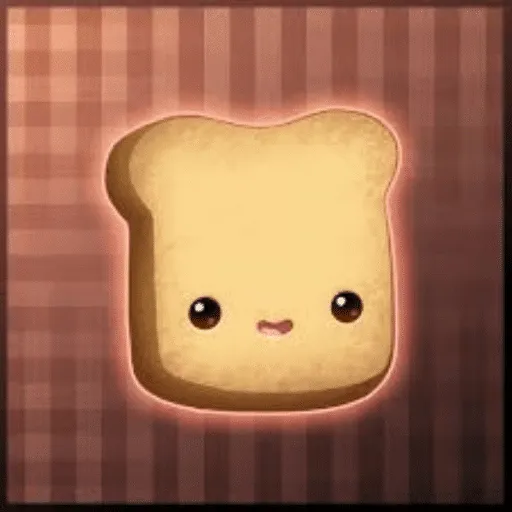 | Kawaii Toast | 316605349 |
 | Male Anime Face, Spirit | 4798335616 |
 | Kawaii shy face | 2499469079 |
 | Anime girl | 1228978229 |
Cat decal IDs
Floppa, Banana Cat and other cat memes. The full set lives in our Roblox cat decal IDs list.
| Preview | Decal name | Decal ID |
|---|---|---|
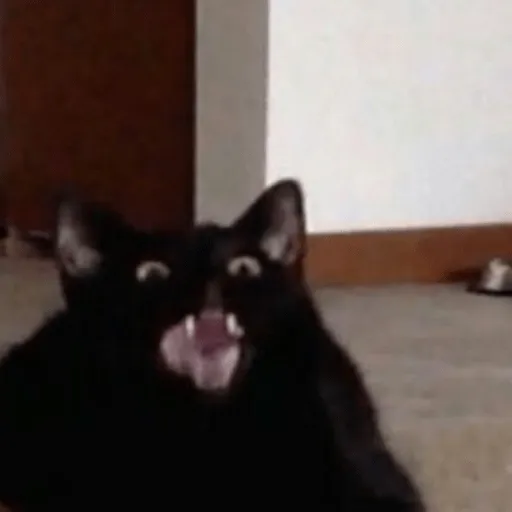 | cat cat | 7711763290 |
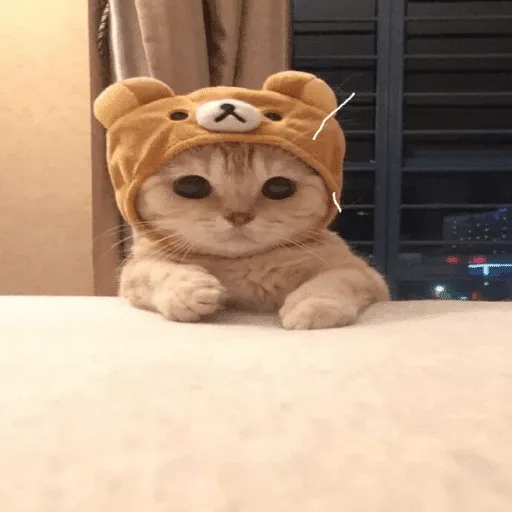 | Cute Cat Cat Cat! | 6050149849 |
 | cat_gun | 5205790826 |
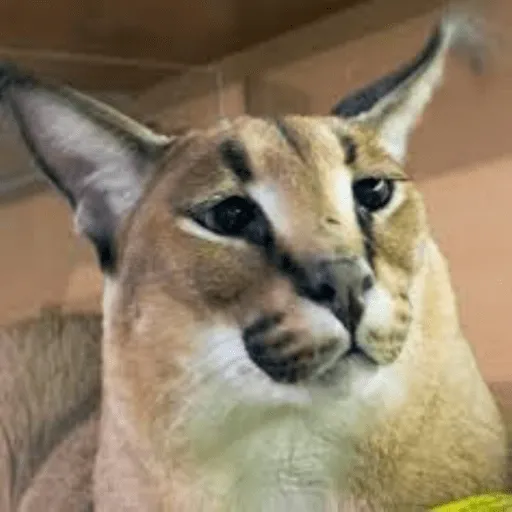 | Floppa Cat | 9913176040 |
 | Banana cat | 5009915812 |
Cool decal IDs
Superheroes, sunglasses faces and classic Roblox jokes. See more in our Roblox cool decal IDs list.
| Preview | Decal name | Decal ID |
|---|---|---|
 | cool bacon | 9421679592 |
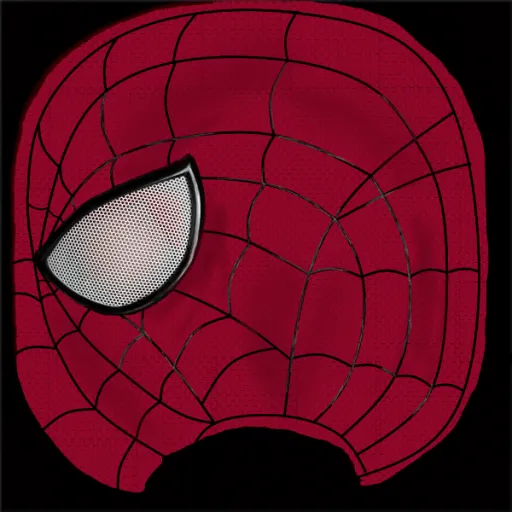 | The Amazing Spider-Man Mask | 8026469426 |
 | cool face | 121033497 |
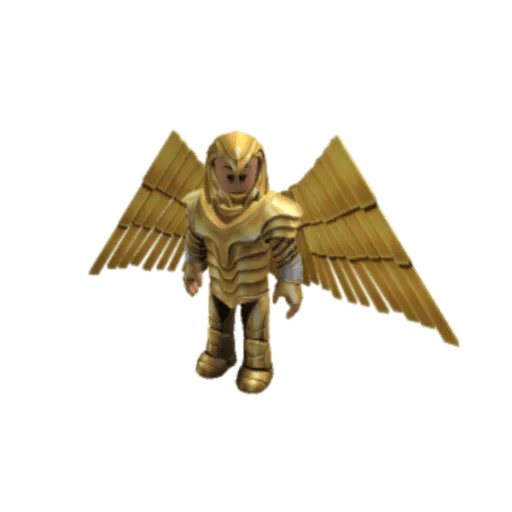 | Wonder Woman | 13773731091 |
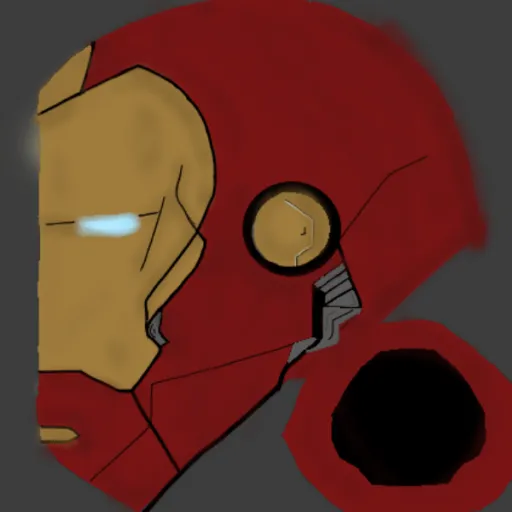 | Iron Man Helmet Retexture | 5969443623 |
Cursed decal IDs
Strange, unsettling and just plain wrong pictures. More in our Roblox cursed decal IDs list.
| Preview | Decal name | Decal ID |
|---|---|---|
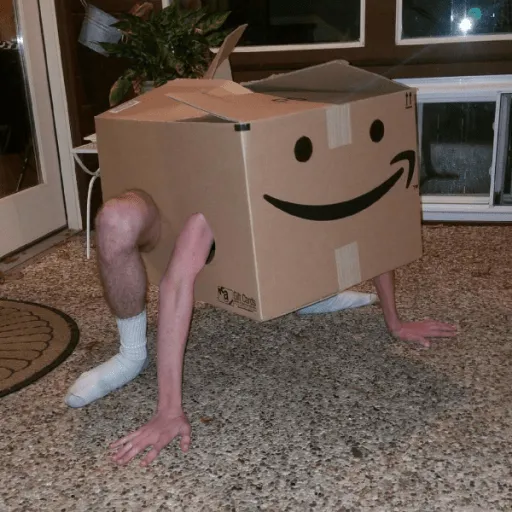 | cursed image | 1847902752 |
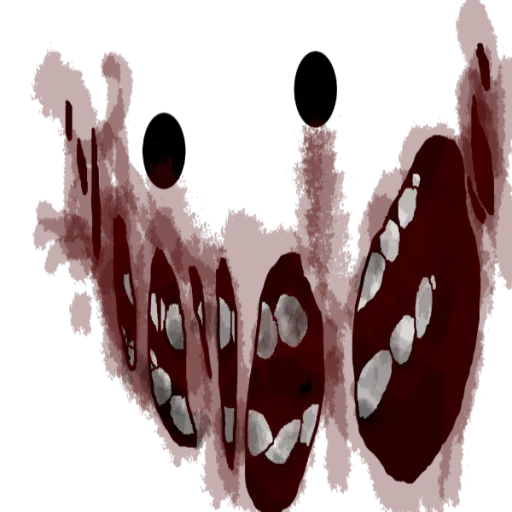 | Scary face | 1972219027 |
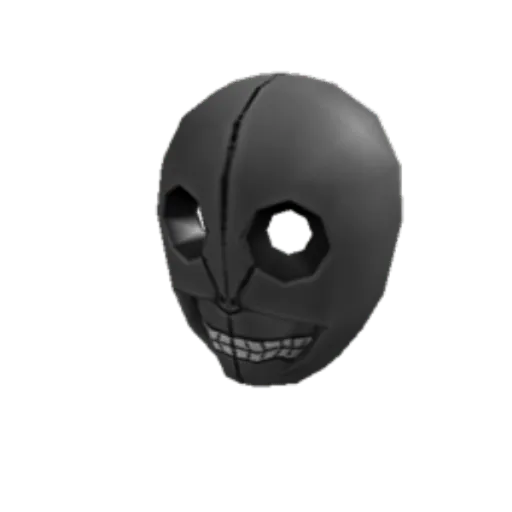 | SCARY MASK!!! | 26851366 |
 | cursed | 2822977994 |
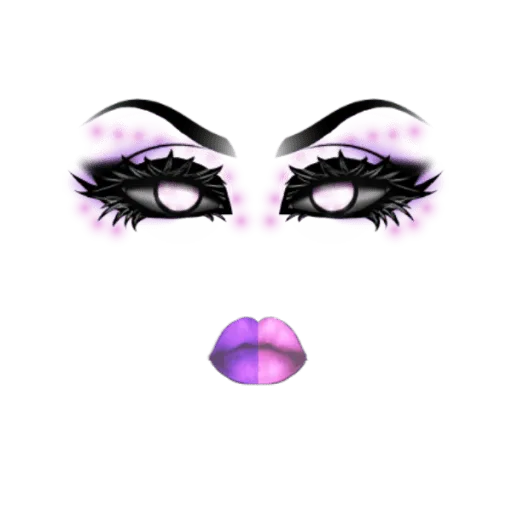 | Eerie Makeup, EDAs 02 | 398650619 |
Cute decal IDs
Blushing faces, pastel skies and sweet characters. See all of them in our Roblox cute decal IDs list.
| Preview | Decal name | Decal ID |
|---|---|---|
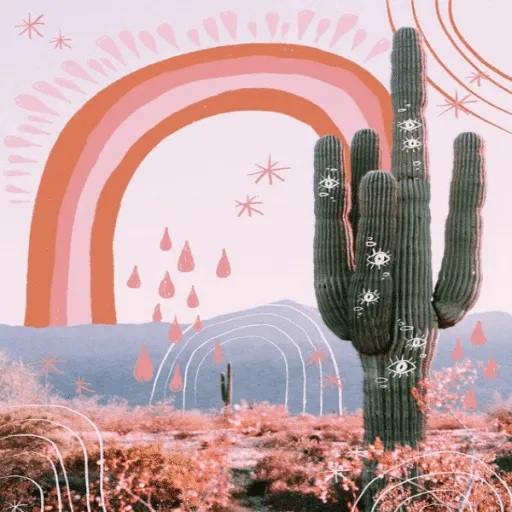 | sweet skies | 4880579497 |
 | Well Mary Toodles, You're Sweet Face | 143966585 |
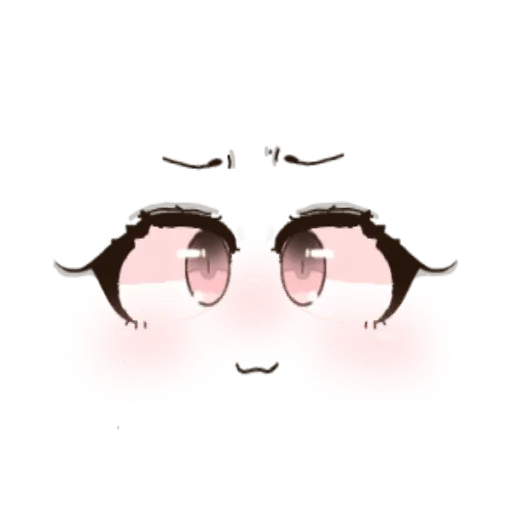 | Anime Face, cutesy | 4656723596 |
 | Cute face | 876703481 |
| Cute Cat Cat Cat! | 6050149849 |
Funny decal IDs
Silly faces and reaction pictures for pranks and builds. More in our Roblox funny decal IDs list.
| Preview | Decal name | Decal ID |
|---|---|---|
 | joyful | 3169272356 |
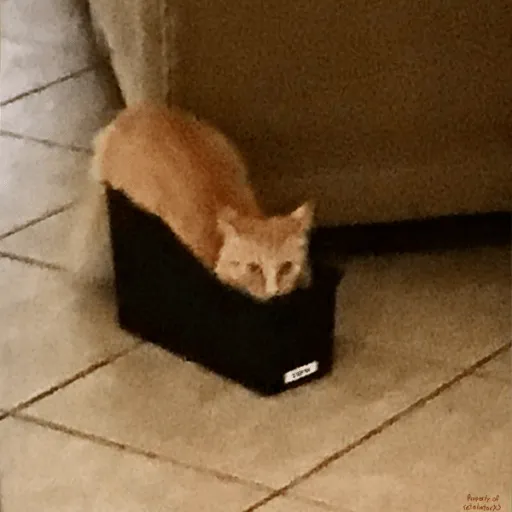 | silly cat | 7111868109 |
 | nervous laughter | 3229056811 |
 | laughing face | 6042404241 |
 | funny face | 1304527170 |
Meme decal IDs
Classic internet memes as decals. The full set is in our Roblox meme decal IDs list.
| Preview | Decal name | Decal ID |
|---|---|---|
 | funny cat moment | 7205866972 |
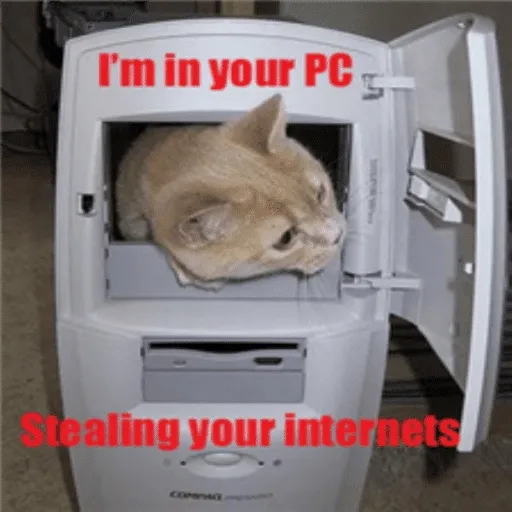 | Internet Fail Cat (Original) | 2398054 |
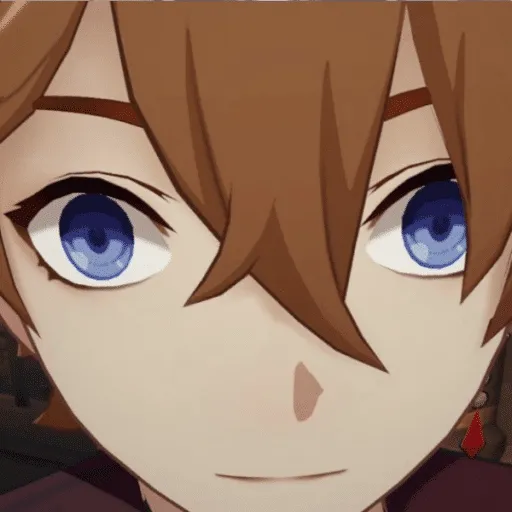 | Genshin Impact Childe staring meme | 6675554353 |
 | Shocked Guy meme | 11818627075 |
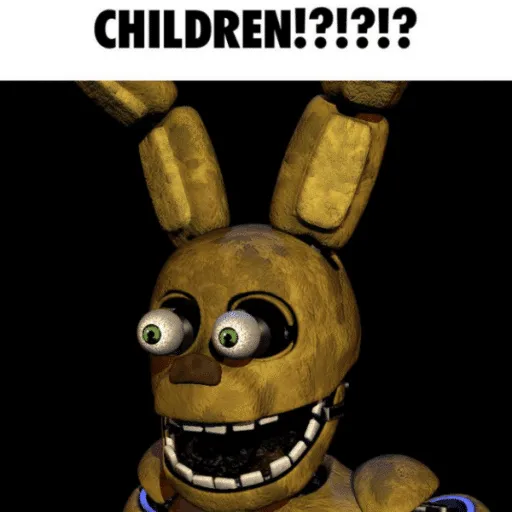 | springtrap fnaf meme | 8419910887 |
Scary decal IDs
Horror faces and creepy eyes for obbies and horror maps. More in our Roblox scary decal IDs list.
| Preview | Decal name | Decal ID |
|---|---|---|
 | Shocked Face | 147322185 |
 | Chilling Eyes Face | 3673523334 |
| Scary face | 1972219027 |
 | Shocked face | 338312151 |
 | horrified | 3229058322 |
Popular character decal IDs
Anime and game characters players ask for most. Our older best Roblox decal IDs list has many more characters.
| Preview | Decal name | Decal ID |
|---|---|---|
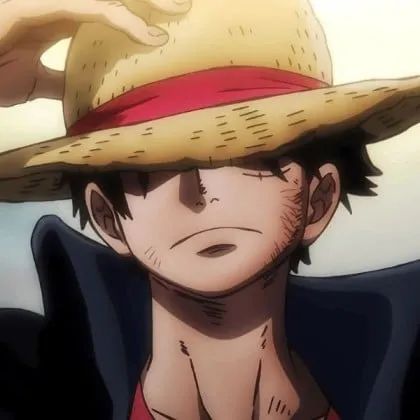 | Luffy (One Piece) | 10511856020 |
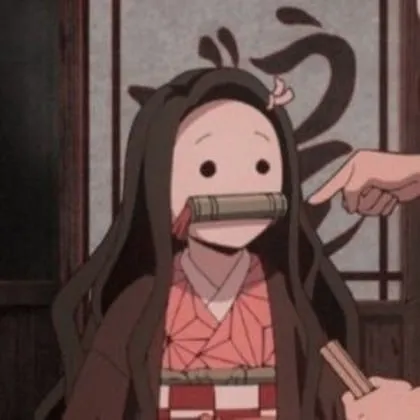 | Nezuko (Demon Slayer) | 5444301611 |
 | Anya (Spy x Family) | 9657394390 |
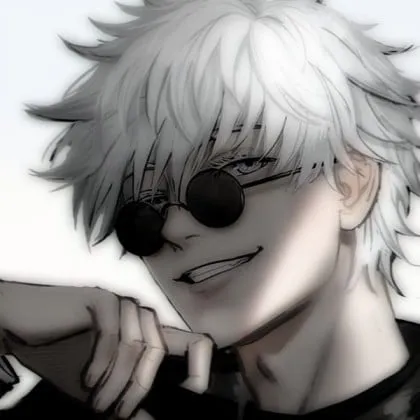 | Satoru Gojo (JJK) | 11486398809 |
 | L (Death Note) | 5833222294 |
 | Eren (Attack on Titan) | 6479589870 |
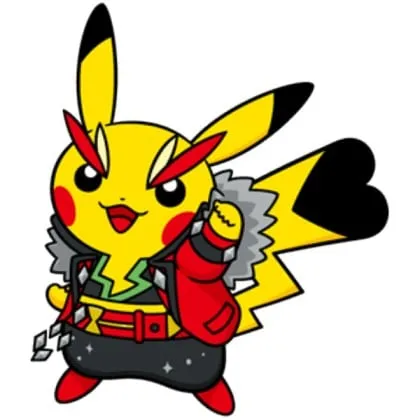 | Pikachu Rockstar | 732601106 |
Want codes for free items instead of pictures? Our Roblox game codes list covers every game we track.
FAQs
What is the difference between a Roblox image ID and a decal ID?
A decal ID points to the decal item you see on the Creator Store. The image ID points to the raw picture inside it. Studio and most games convert a decal ID for you, but scripts and some games need the image ID itself.
Why does my Roblox image ID show a blank square?
The ID was mistyped, the game wants the image ID instead of the decal ID, or the picture was moderated or deleted. Open the decal page in a browser to check whether it still shows.
How do I get an image ID on mobile?
Open the decal on the Creator Store in your phone's browser, then copy the number from the address bar. You can also tap Share on the decal page and copy the link, which contains the ID.
Is uploading decals on Roblox free?
Yes. Uploading images and decals costs no Robux. New accounts have upload limits, and every upload must pass moderation before others can see it.
Can I use any image ID in any game?
No. Each game decides whether it accepts custom IDs and which kind. Games that do usually label the field Image ID, Decal ID or Picture.
How often are these IDs checked?
Every ID on this page was checked on October 2, 2026, using Roblox's asset and thumbnail data. We refresh the lists regularly and drop IDs that get moderated.

Amit loves new tech and apps that make life easier, he writes about apps, games and useful websites on TheTechBasket.